

 100% Security Verified | No Subscription Required | No Malware


 ChatGPT
 Perplexity
 Gemini
 Claude
 Grok
Grok
Even the most stunning content can turn frustrating when the audio and video fall out of sync. It distracts viewers and ruins immersion. Luckily, with Wondershare Filmora, you can sync them instantly using AI or manual tools—fast, precise, and beginner-friendly.
The Challenges of Syncing the Audio and Video
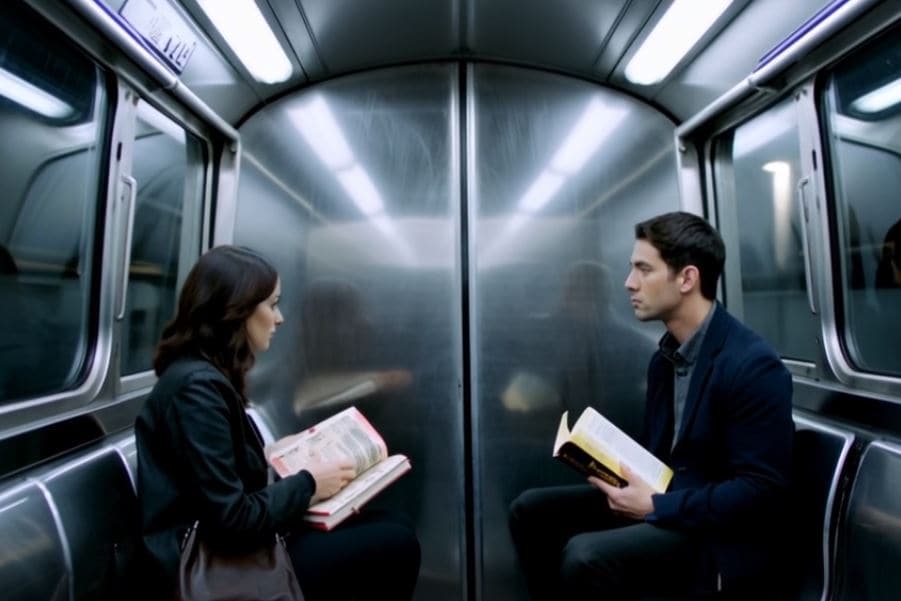
- Hard to pinpoint delays accurately when syncing by hand.
- Trial-and-error makes syncing tedious and time-consuming.
- Small mistakes ripple into bigger project-wide errors.
- Constant previewing slows down your workflow.
- Too much technical focus leaves less room for creativity.
- Inconsistencies appear, especially in long-form projects.
- Results may differ across devices after export.
Kling AI is strong in video generation but can also produce sync issues. Filmora offers tools to fix them easily.
Why Wondershare Filmora is the Best Tool
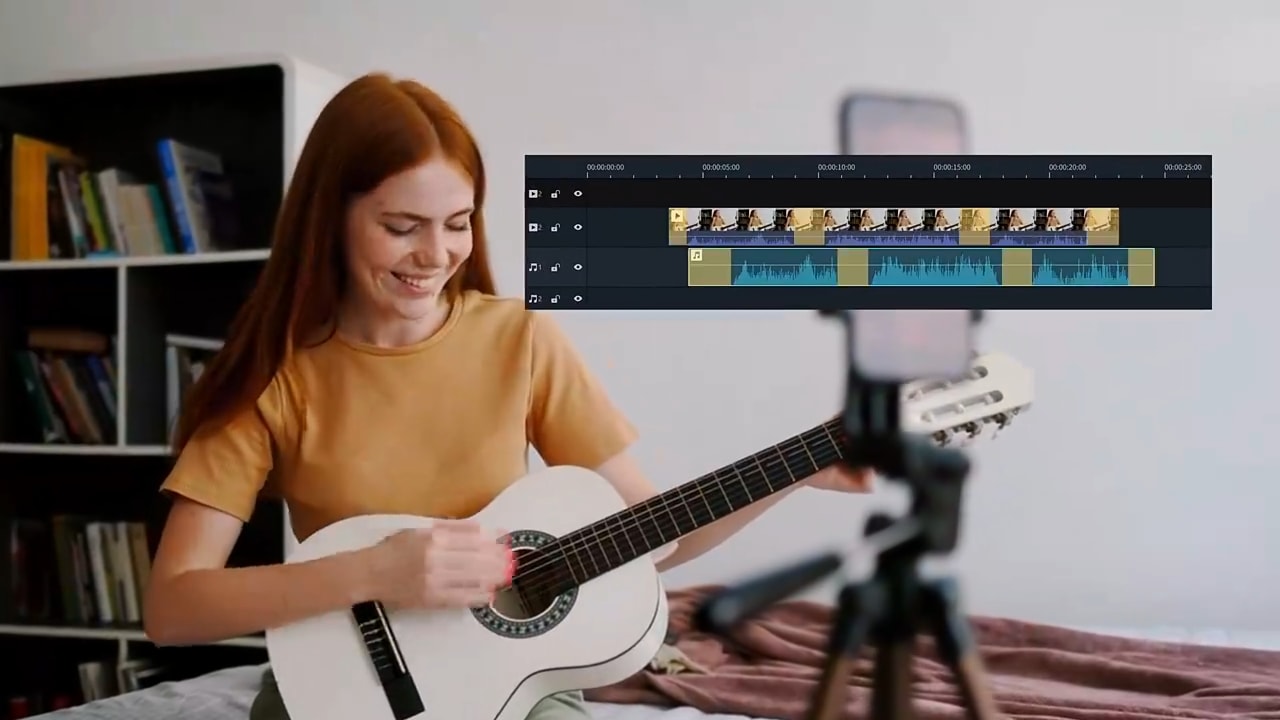
- All-in-one editor: Includes AI + traditional tools.
- Smart syncing: Match audio to video automatically or manually.
- AI options: Choose between Kling AI, Veo 3, and more.
- Creative resources: Effects, transitions, overlays, and media assets.
- Kling AI integration: Generate + edit in one workspace.
How to Sync Audio and Video in Filmora
You can sync audio and video with Filmora in two ways: AI Auto-Sync or manual waveform alignment.
 secure download

Method 1: AI Auto-Sync
Open the Editor Timeline and select the audio + video files.
Go to Tools > Auto Synchronization.
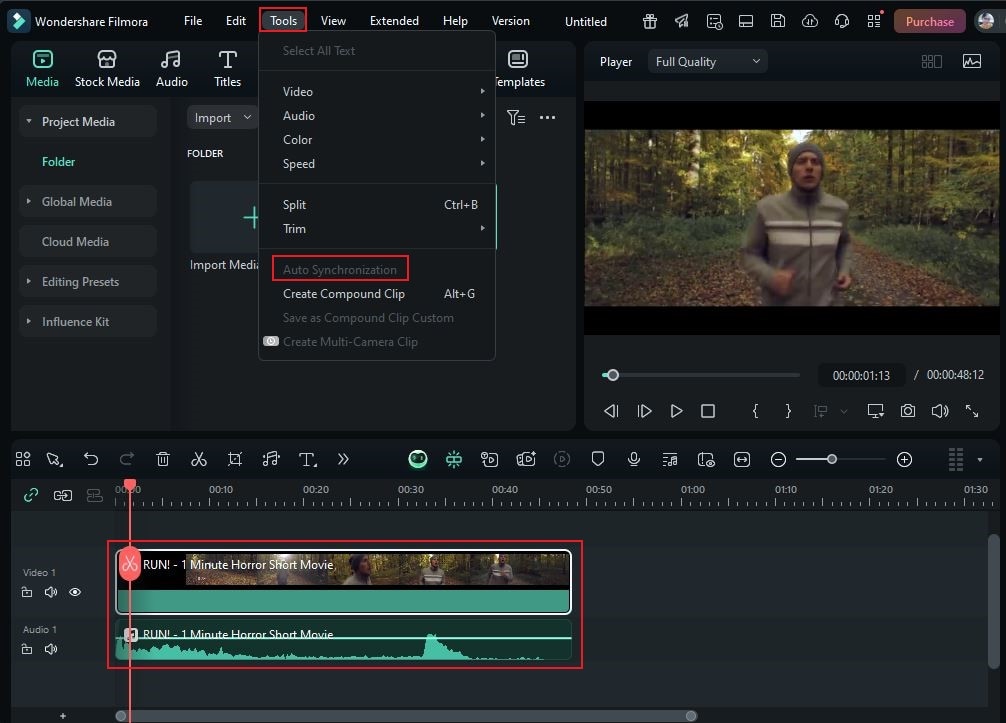
Filmora syncs automatically—fast, accurate, and seamless.
Method 2: Manual Sync with Waveforms
Check audio peaks, drag files to match perfectly.
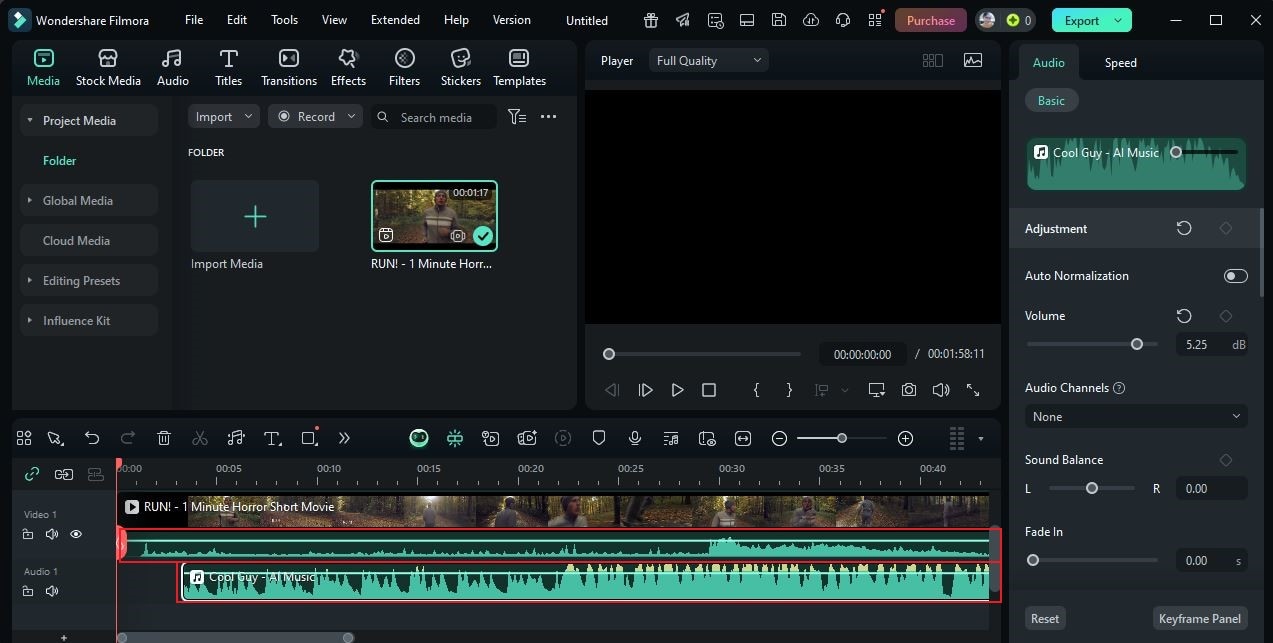
Split + delete dead air or mismatched sections.
Preview carefully and repeat until sync is perfect.
Beyond Sync: Other Filmora Tools
- AI Voiceover: Turn text into natural voiceovers.
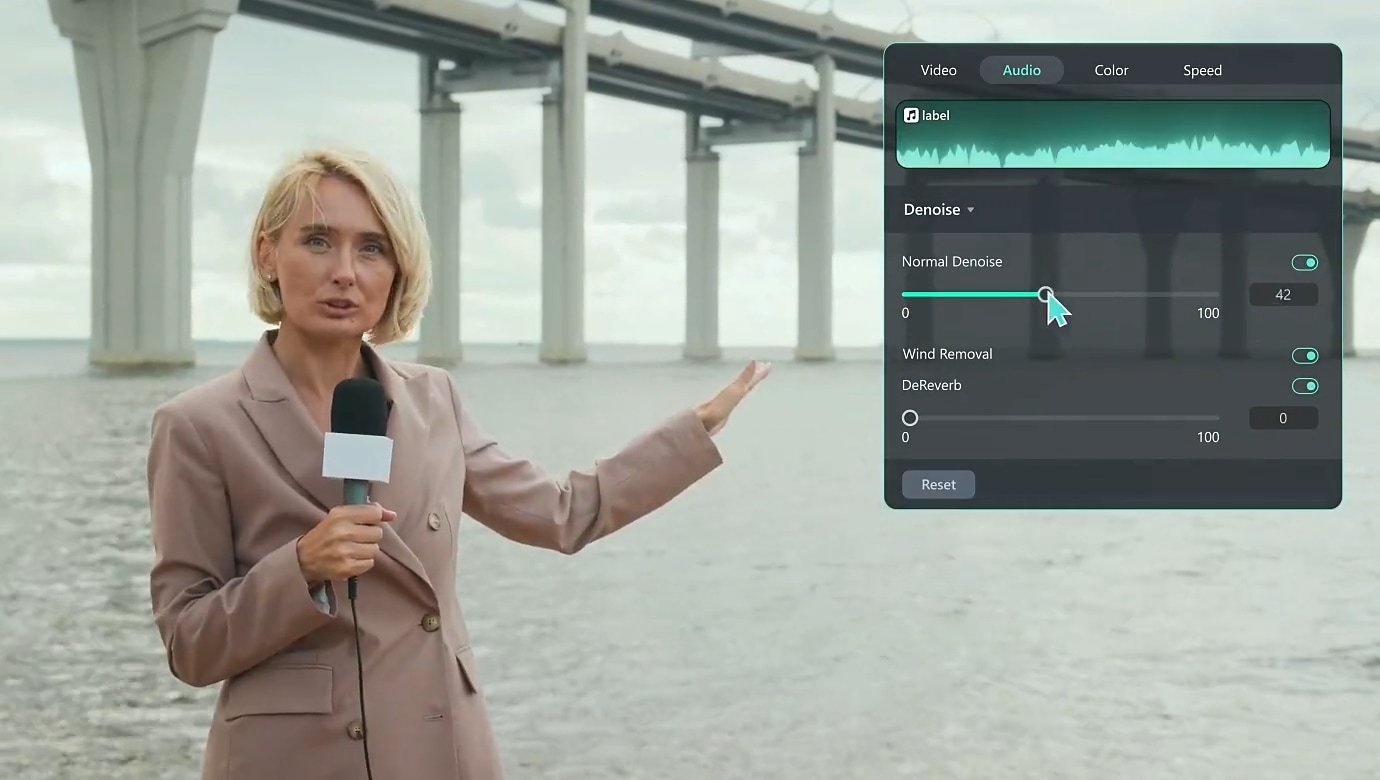
- AI Audio Denoise: Clean up background noise instantly.
- Drag-and-Drop Editing: Beginner-friendly, pro results.
- Export Presets: Optimize for YouTube, TikTok, Instagram, and more.
Filmora vs Kling AI
| Feature | Kling AI | Filmora |
|---|---|---|
| AI Video Generation | ✔ | ✔ |
| Editing Tools | ✘ | ✔ |
| Precise Sync | ✘ | ✔ |
| Resource Library | ✔ | ✔ |
| Multiple AI Models | ✔ | ✔ |
| Optimized Export | ✔ | ✔ |
| Auto Synchronization | ✘ | ✔ |
| Other AI Tools | ✔ | ✔ |
Testimonials
- “Filmora’s auto-sync lets me focus on creativity, not syncing.” – Vlogger
- “AI automation + manual control = perfect combo.” – Marketer
- “Filmora is more than sync. It’s a complete editing package.” – Educator
Conclusion
Wondershare Filmora is the fastest and most reliable way to sync audio and video. With just a click, AI syncs seamlessly. Or, use manual waveform control for precision. Combine this with its Kling AI integration, creative tools, and export presets, and you’ve got a complete editing solution.
Try Wondershare Filmora today—sync audio and video like a pro!
secure download 