

 TL;DR:
You can rapidly automate horror content creation by utilizing QuillBot to generate the foundational story text and Wondershare Filmora to render matching visual assets.
● Filmora generates visuals through specific integrated models, requiring Nano Banana Pro for cover art images and Sora 2 for text-to-video or image-to-video creation located under the AI Media tab.
● To bypass initial AI video length constraints, users must apply the AI Extend feature or manually upload the final frame of a generated clip into the Image-to-Video tool to guide scene continuation.
● Unlike standalone generators, generating Sora 2 videos directly inside Filmora allows creators to immediately refine raw outputs by adjusting timeline pacing, applying cold tone LUTs, and layering glitch or VHS distortions to heighten tension.
Ask AI for a summary
 ChatGPT
 Perplexity
 Gemini
 Claude
 Grok
Grok
AI horror story generators are reshaping one of the most addictive genres in entertainment: horror.
If you remember how Creepypasta stories once dominated online horror forums in the early 2010s, you already know how powerful simple horror storytelling can be.
The difference now is that AI lets you do much more than just write scary stories. With modern AI horror story generators, you can instantly turn those stories into eerie images and even full horror videos, bringing your ideas to life through automated visuals.
If you're curious, we'll guide you through what an AI horror story generator is and show you how to use it to create chilling horror content effortlessly.

Generate Your Horror Story Using an AI Horror Story Generator
Horror is one of the easiest types of content to pull people in because that rush of fear makes them pause and stick around just to see what happens next. However, coming up with a scary idea, building tension, and writing something that actually feels creepy is another matter.
If this is something you struggle with, an AI horror story generator can help you write the story. A free scary story generator example you can try is QuillBot.
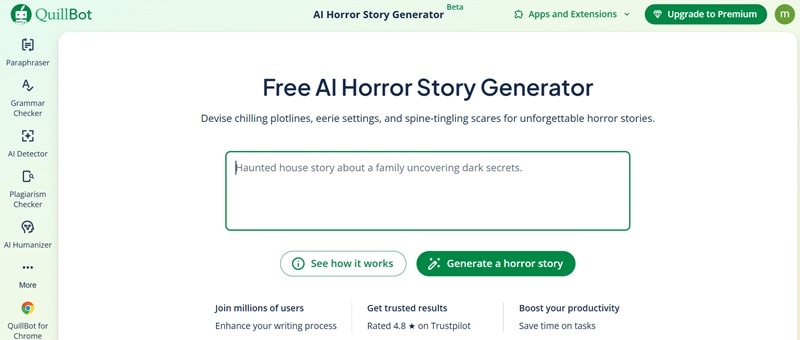
You don't have to work with a blank page and write scene by scene by yourself. You only need to come up with the idea, and the AI will fill in the details, structure the story, and build the atmosphere for you.
This tool can also work as an AI Creepypasta generator if you want to create short horror stories that immediately send a chill down your spine.
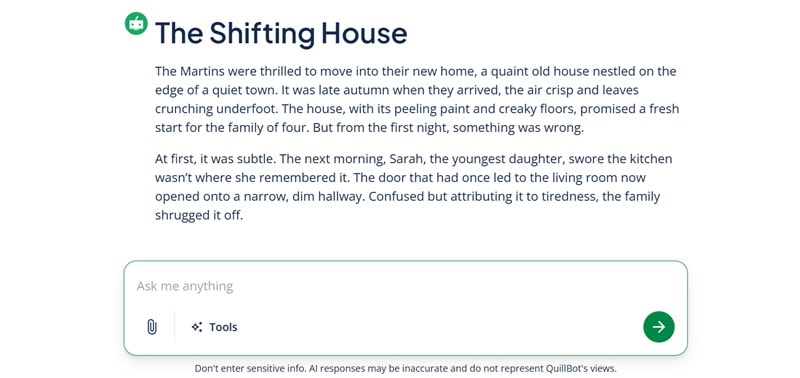
For busy creators or even beginners, this method can significantly cut down the time it takes to produce horror content. It's also helpful when you're dealing with writer's block or unsure where to start with your story.
To visualize your horror stories, we are going to use Wondershare Filmora, which already includes a horror image generator as well as a video generator in one platform.
Make a Cover Art Image for Your Horror Stories
With your story ready, you can move on to create a cover horror art image using the AI Image Generator in Filmora.
A horror story always hits harder and feels far creepier when it's paired with a matching visual. And since Filmora's horror AI image generator is powered by Nano Banana Pro, it can produce high-quality images in almost any style and format to match your story.
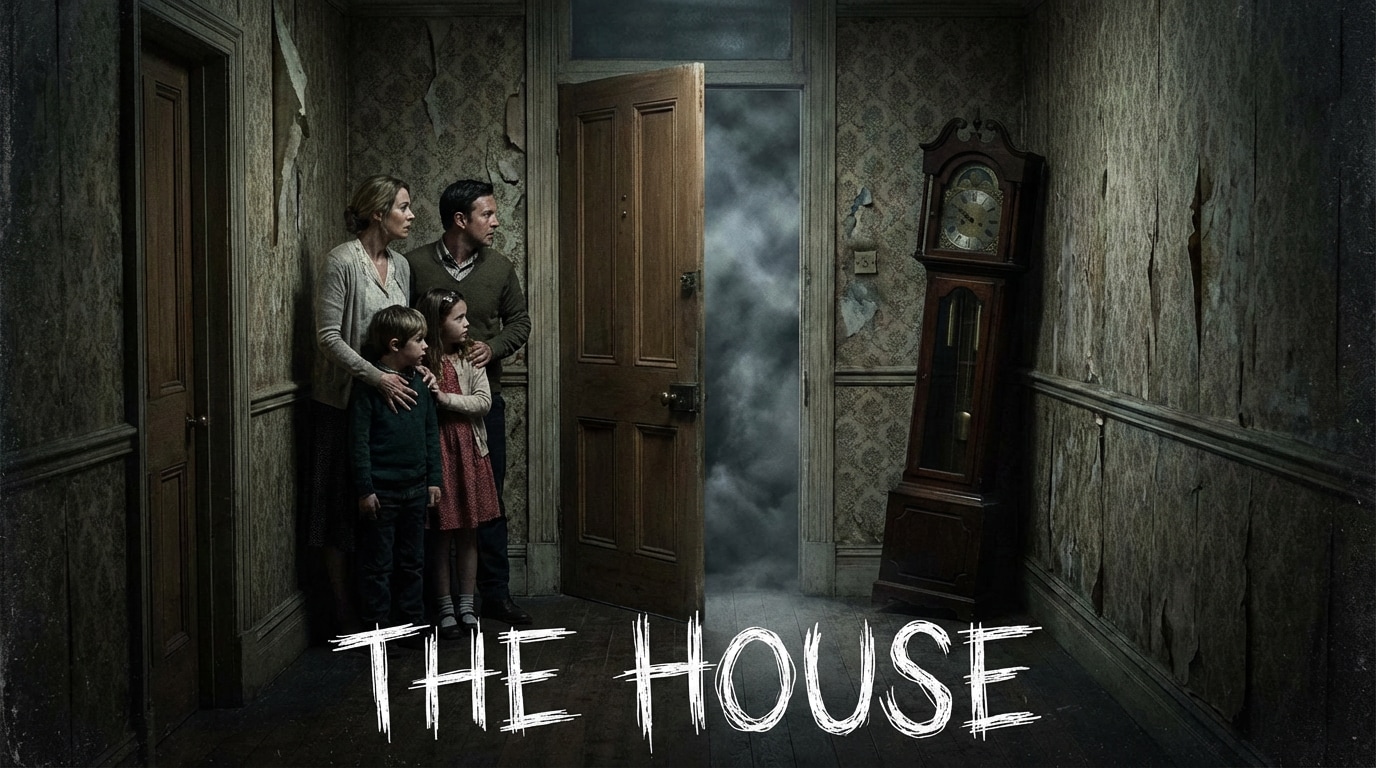
The steps to create a horror art image with AI are also simple.
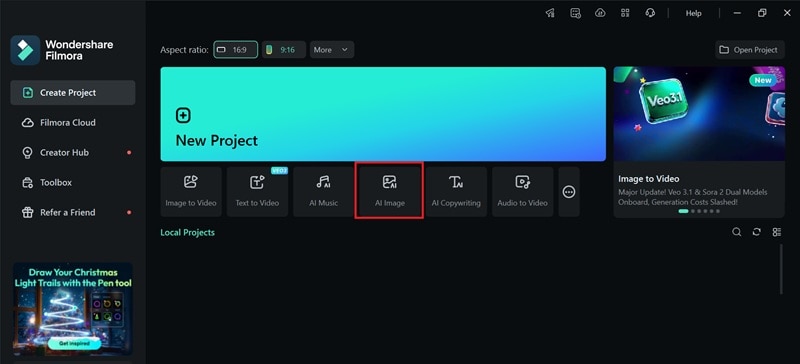

After that, your AI-generated horror image will appear. You can add it to the timeline to edit further, or export and save it immediately.

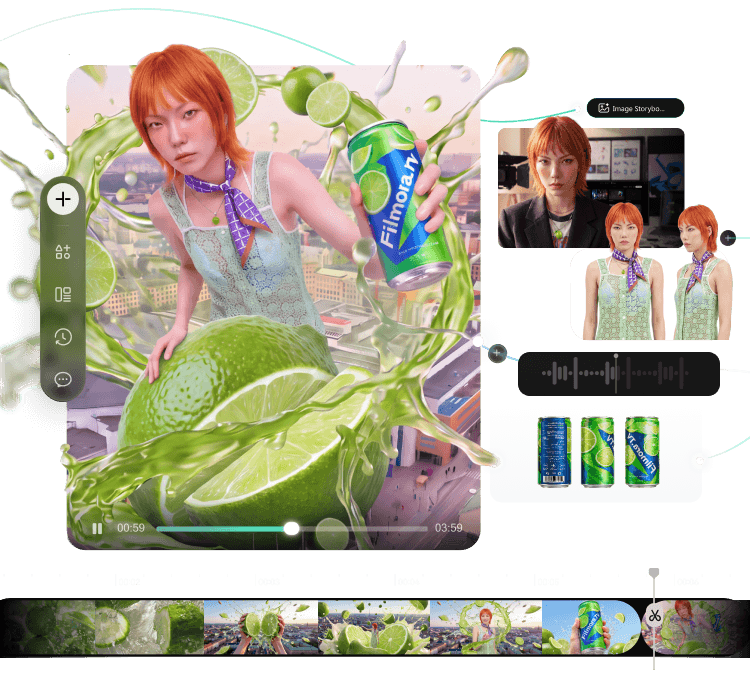
From Idea to Video.
Your AI Creative Studio.
- Turn briefs into scripts, storyboards, and references
- Generate and compare across AI models in one project
- Move your best takes to the timeline for rough cuts
- Keep projects, assets, and feedback connected
Turn Your Horror Stories into a Video for More Engagement
If you want to take your horror stories further and get more people to stop, watch, and share, turning them into a video is the next thing you can do.
Don't worry about having to film everything yourself or jumping between different tools. Filmora also includes an AI video generator, which is powered by one of the best AI models you could get today, like Sora 2.
 Secure Download
What You Can Do with Filmora - AI Horror Video Generator
- Make a horror video from scratch using a simple prompt
- Visualize your story scene by scene and fine-tune everything on a timeline
- Reimagine ordinary clips by turning them into eerie horror scenes
- Build mini horror movies with rising tension and unexpected twist endings
One of the biggest advantages of using Sora 2 inside Filmora is that you're not limited to just generating a video and accepting the result. You have the freedom to refine every scene, adjust pacing, replace the clips, extend moments of suspense, and shape the final video exactly the way you want.
How to Make AI Horror Videos Using Filmora
There are two ways to get started with Filmora's AI horror movie generator:
- Create a video directly from a text prompt using Text-to-Video
- Create a video using images and text together with Image-to-Video
See it for yourself! Explore Filmora's dynamic Image-to-Video templates and bring your pictures to life. Fair warning for the timid: these results are seriously bold. 😉
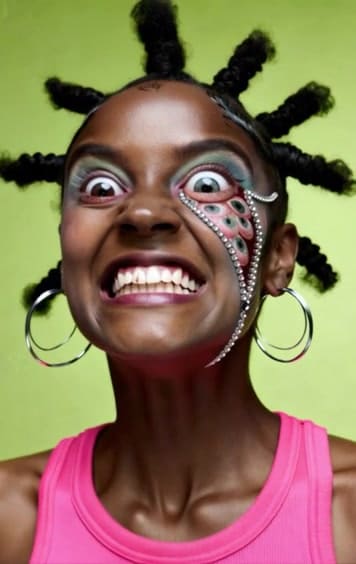

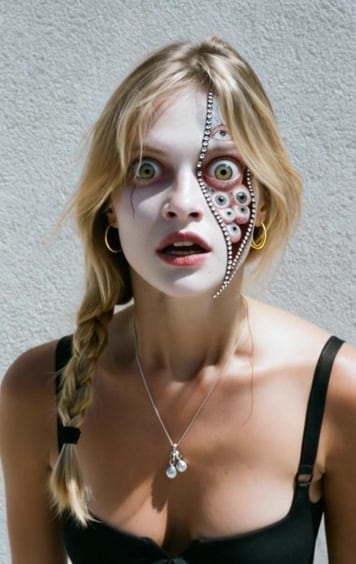
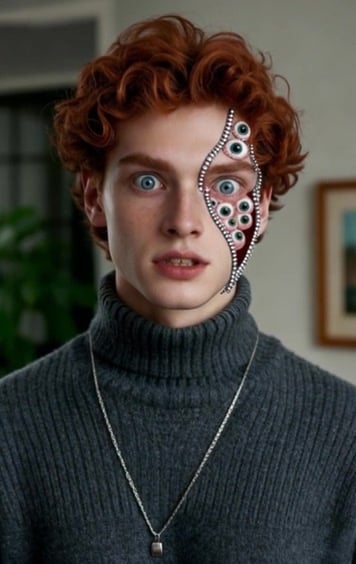
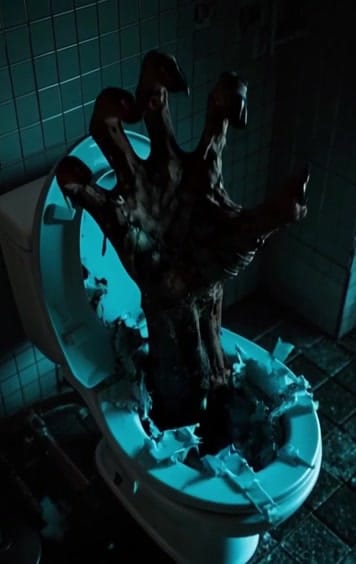
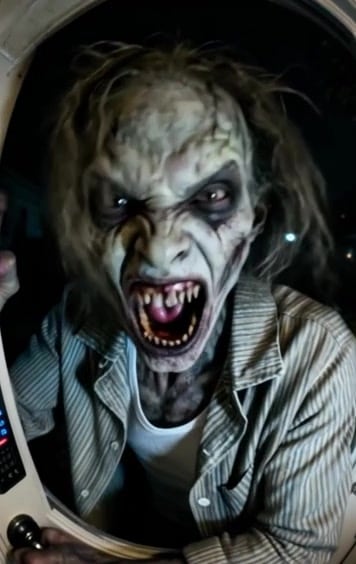
To access them, both Text to Video and Image to Video in Filmora can be found inside Stock Media > AI Media.

Next, you can select the AI model (e.g., Sora 2), enter a prompt describing how you want the scene to look, and adjust the settings. If you're using Image to Video, you can also upload an image to guide the visuals.
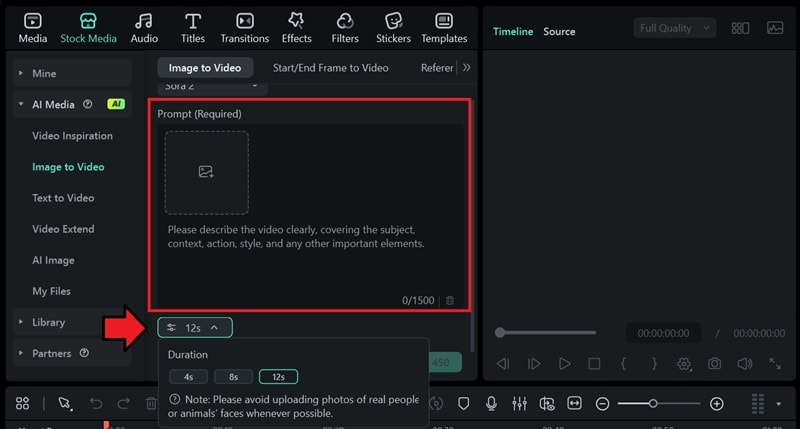
Tip: To create longer clips, you can use AI Extend or upload the last frame of your clip into Image to Video and guide the AI to continue the scene.
Secure DownloadEditing Tips to Enhance the Horror of Your Scenes
Since Filmora is a full video editing software, there are more things you can do to improve the tension of your AI horror videos. Editing is where you control timing, mood, and tension, turning a creepy idea into something that truly unsettles the viewer.
With a few simple adjustments, you can make quiet moments feel heavier and small details feel disturbing.
1. Build Atmosphere with Color and Lighting
Color and lighting set the emotional tone of your scene before anything scary even happens. If you look at horror movies, they usually use darker shadows, muted colors, and colder tones as they can instantly make a scene feel tense and uneasy.
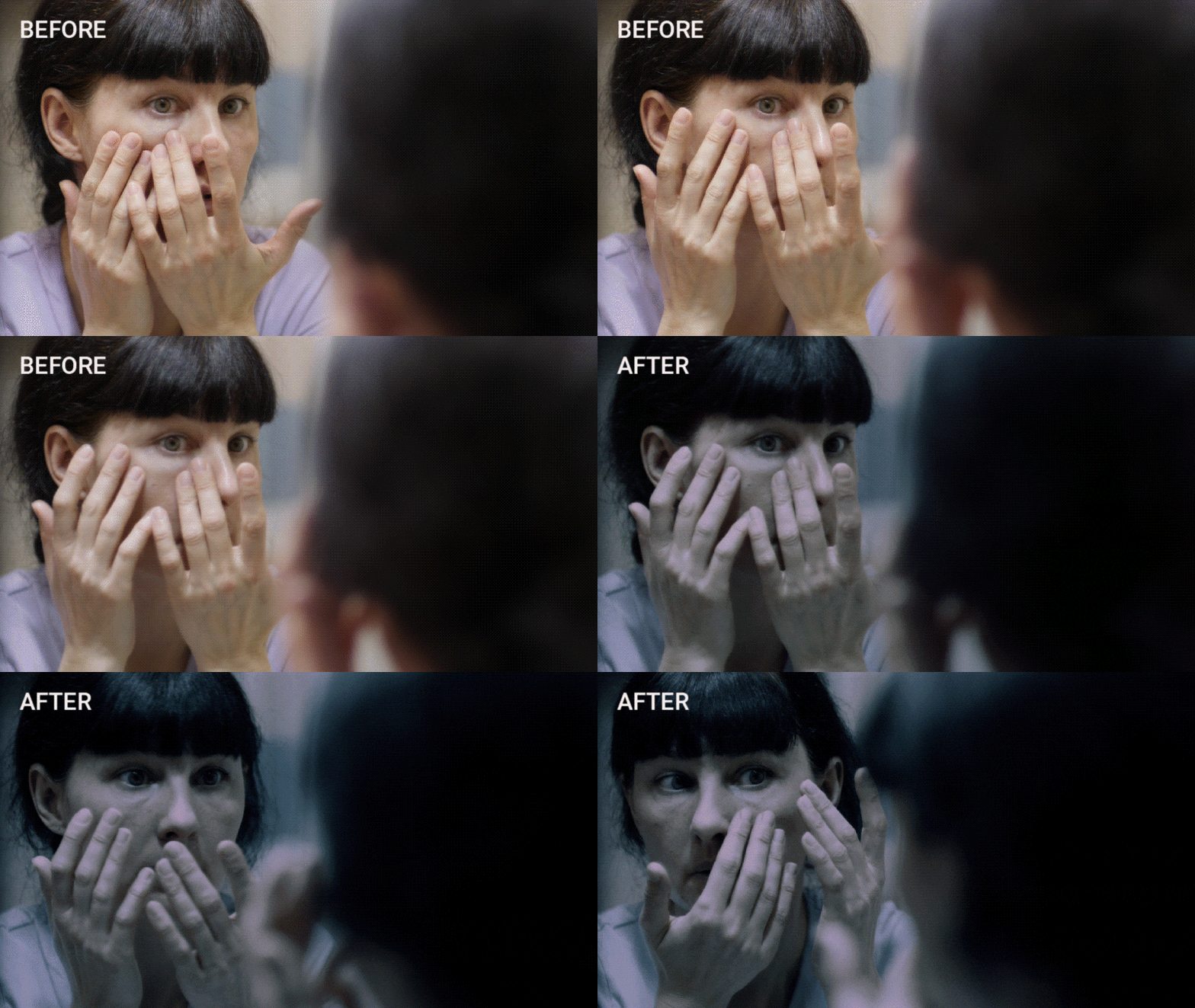
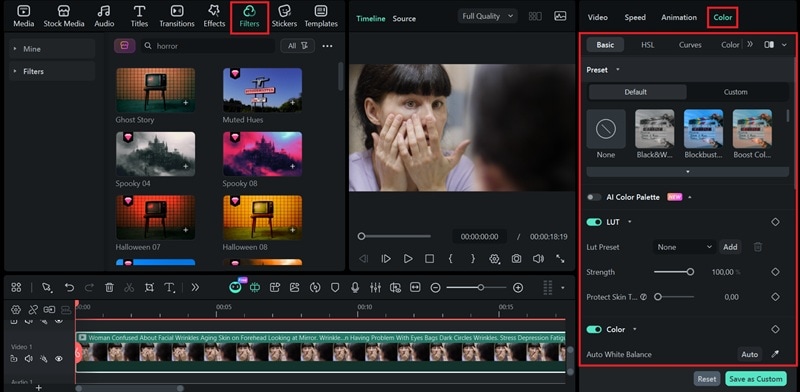
In Filmora, you can use filters or color correction tools, such as LUTs, and lighting adjustments to lower brightness, reduce saturation, or add a subtle green or blue tint for a more eerie look.
2. Use Sound as the Main Fear Trigger
Sound is often what scares people the most, sometimes even more than visuals. Most horror videos use low hums, distant footsteps, sudden silence, or sharp sound hits to trigger anxiety. You can find these effects in the Audio tab by searching for horror, ambience, or suspense sound effects.
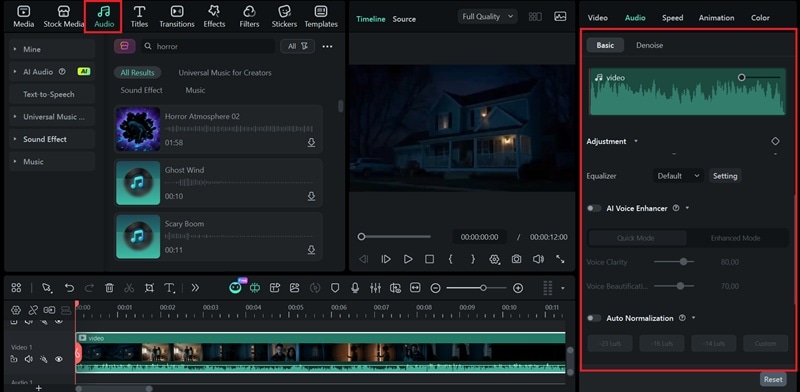
After that, layer the sounds and adjust volume fades, timing, and spacing so the tension builds slowly or hits the viewer with a sudden shock at just the right moment.
3. Make Use of Visual Distortion
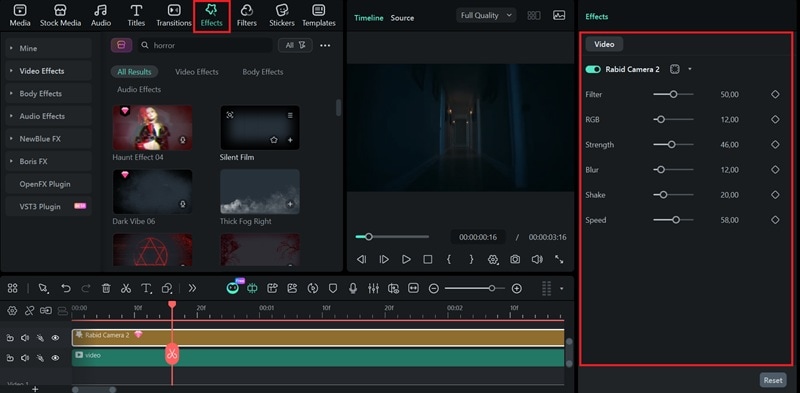
Visual distortion helps break reality and make scenes feel unstable or unnatural. You can apply subtle glitches, blur effects, film grain, or slight camera shake can suggest that something is wrong without showing it directly.
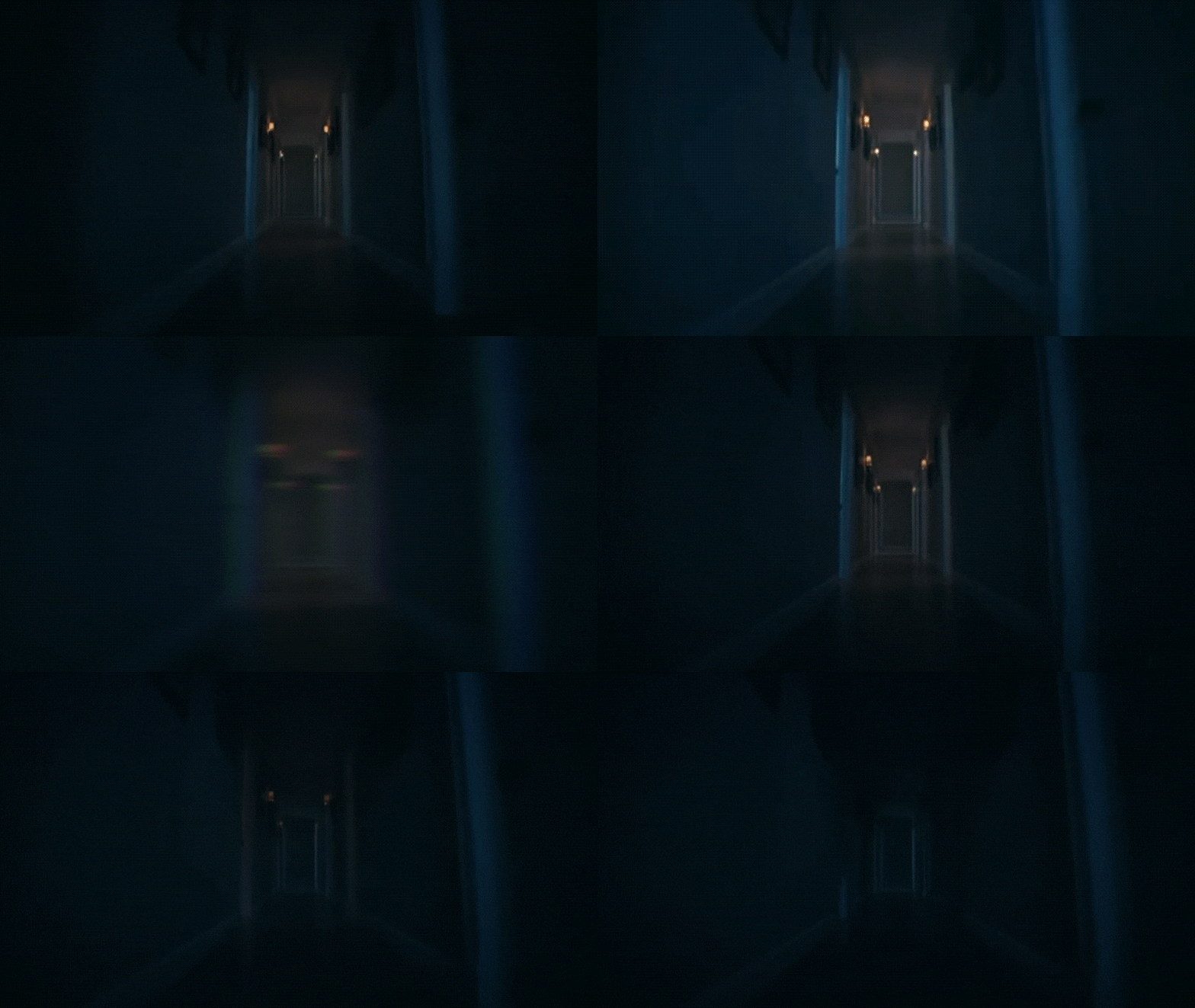
To use the distortion effects, glitch filters, or motion effects on specific clips, you can head to the Effects tab in Filmora and search for terms like glitch, distortion, blur, or VHS.
Conclusion
With an AI horror story generator, you no longer need to stare blankly into the wall just to come up with a scary idea or force yourself through writer's block. After that, you can combine your workflow with Filmora to create eerie images and unsettling videos based on the story.
Filmora includes an AI image generator and an AI video generator that work from text prompts, letting you use it as a horror AI art generator for both images and videos. With Filmora, it's easy to visualize your story and amplify its impact on the platform you plan to publish on.

