

 100% Security Verified | No Subscription Required | No Malware


 ChatGPT
 Perplexity
 Gemini
 Claude
 Grok
Grok
Want to post a merry Christmas cat and dog video, but don't have a pet to film? Christmas is almost here, and creators already share festive clips of pets in cute outfits or snowy scenes. These Christmas pet videos help make timelines feel festive and cozy.
The problem is simple. Not everyone owns a pet, and even those who do might not have time to record a cute Christmas cat and dog video. Setting up a scene, finding props, and getting a pet to sit still can take more time than expected.
Filmora helps solve these problems with its advanced AI tools. You can turn a single photo or prompt into a Christmas pet video in seconds. Let's start creating one!
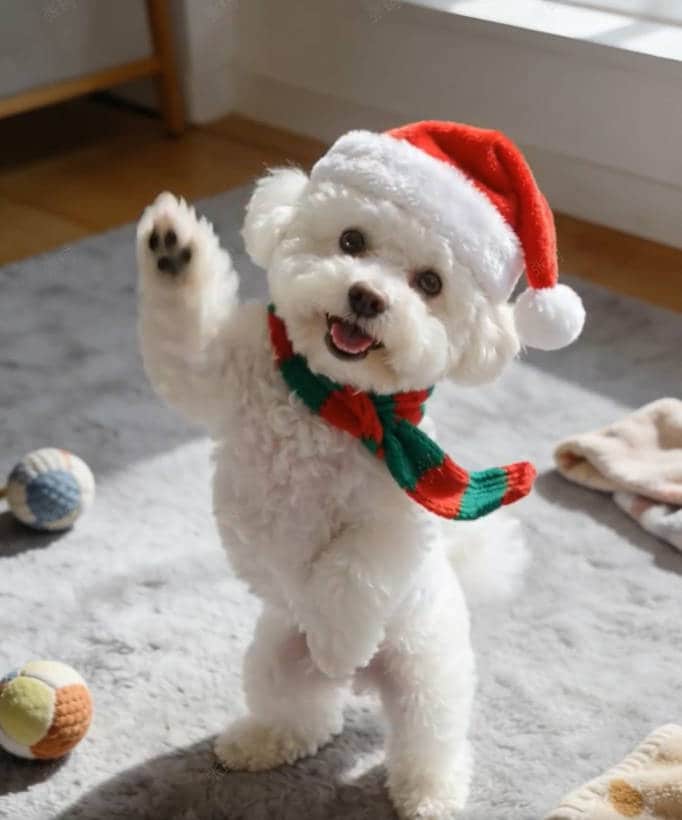
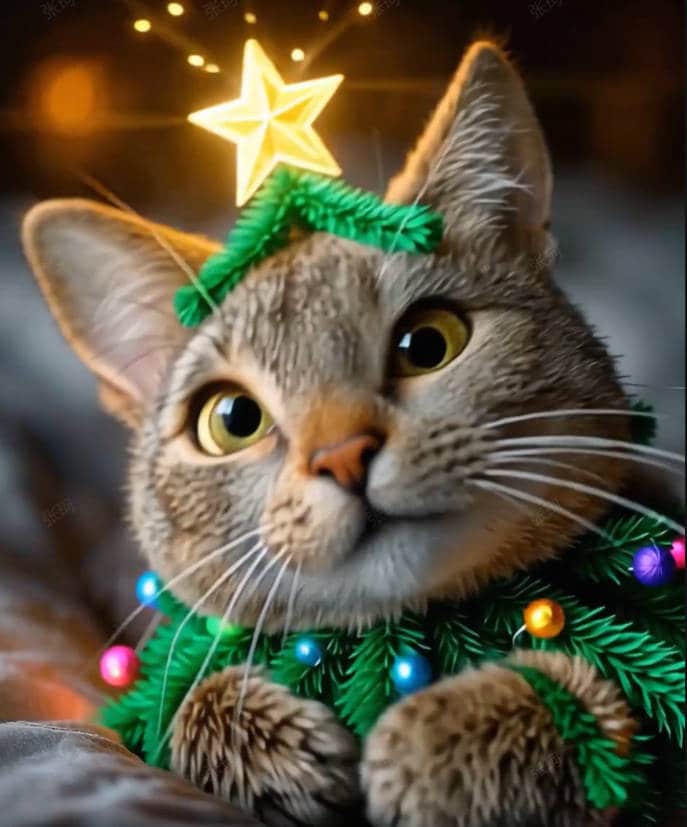
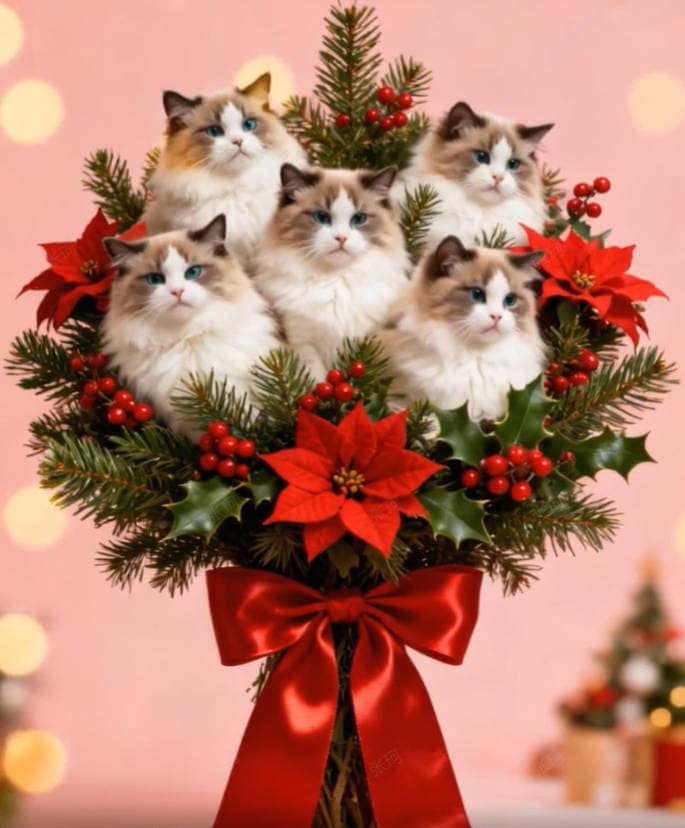
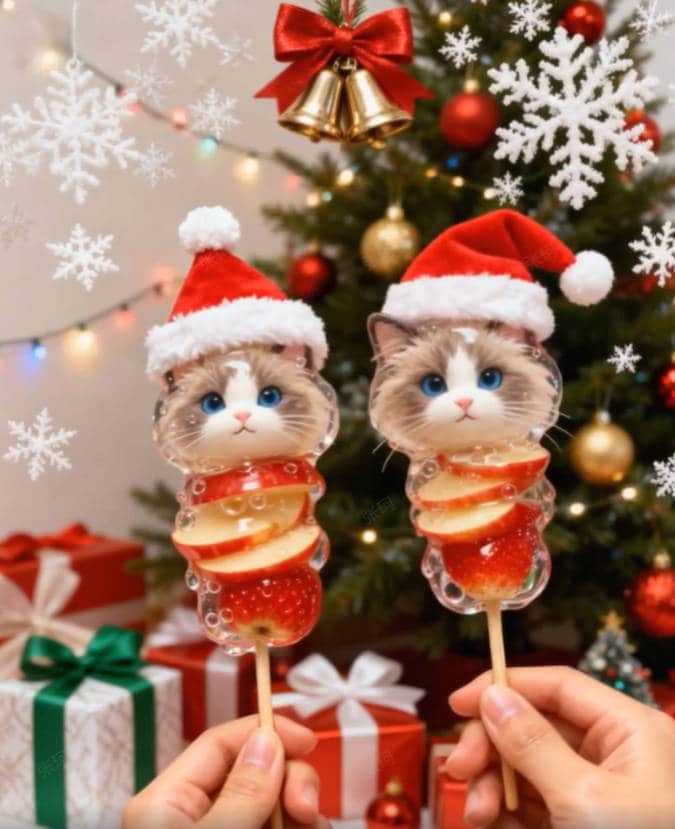
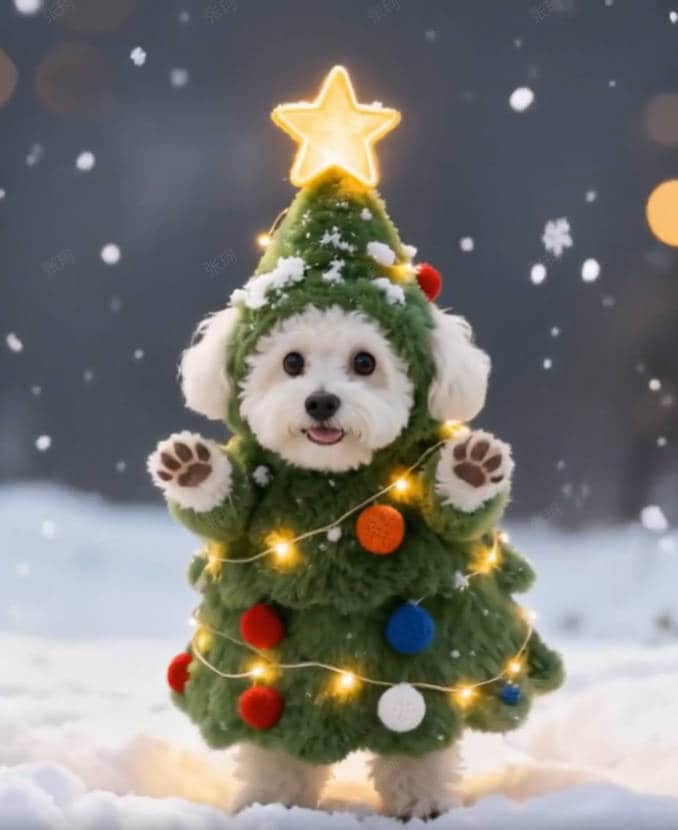

Explore more AI Pet Christmas Templates in Filmora
In this article
Part 1. Why Use Filmora for Pet Christmas Videos?
Pet videos dominate social media throughout the year, and during the holiday season, they gain even more love. A cute Christmas cat video of a cat wearing a Santa hat or a playful dog under a Christmas tree can easily go viral.

Studies show that pet influencers sit among the most followed creator groups online. Merry Christmas cat and dog clips can pull in high engagement because viewers enjoy their expressions and behavior.
But many creators face one issue: not everyone owns a pet, and recording real animals takes time and effort. That's why Wondershare Filmora works well for creators who want pet content without the need to shoot real footage.
 secure download

Key Advantages of Using Filmora for Christmas Pet Video
- AI Image-to-Video feature: Turn a photo or prompt into a lifelike Christmas pet clip in seconds.
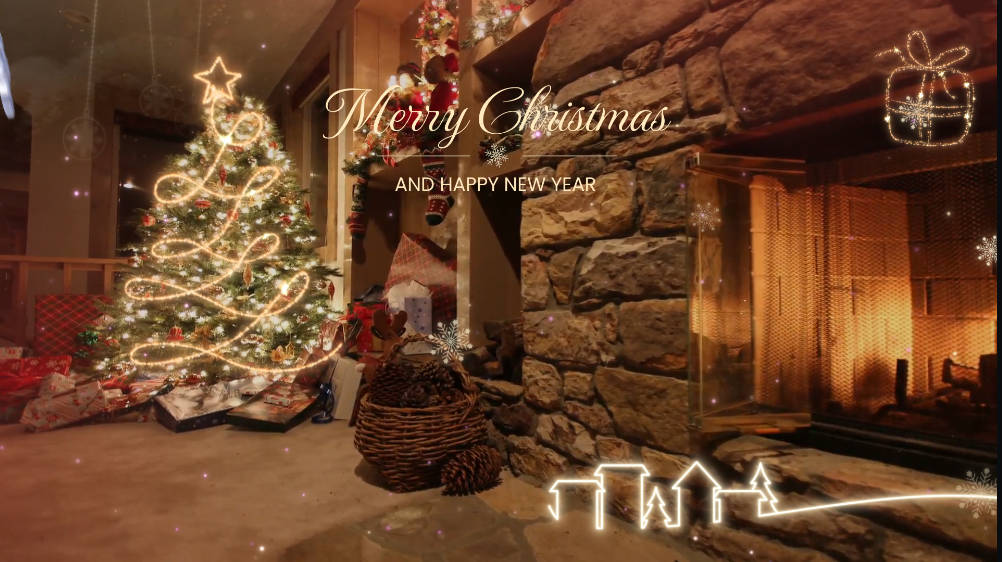
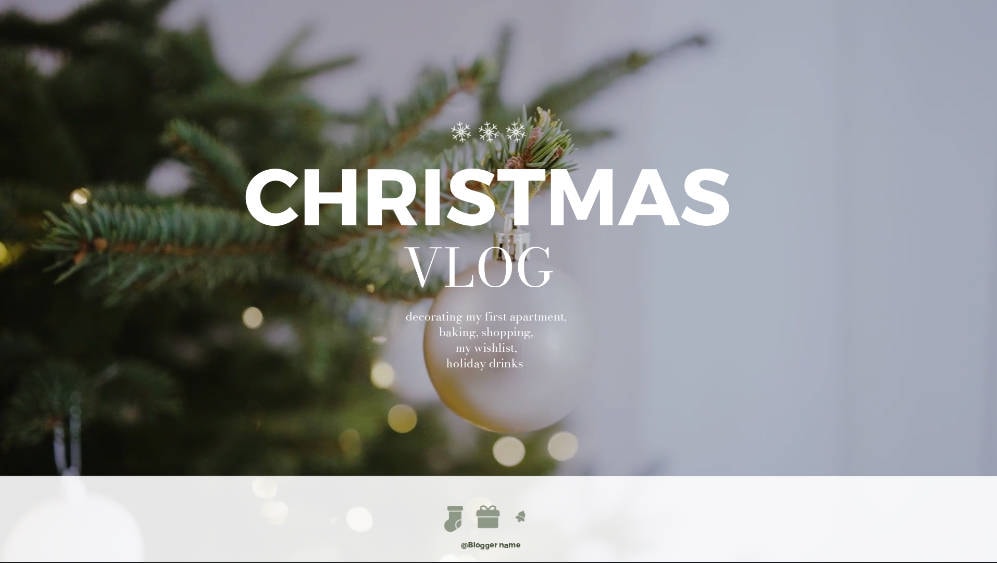
- Pre-made Christmas themes: Choose from cozy living room scenes, snowy outdoor shots, or Christmas-tree settings.
- Easy editing tools: Add text, stickers, and effects directly on the timeline to personalize your video.
- Quick export options: Adjust resolution and aspect ratio for YouTube Shorts, TikTok, or Instagram Reels.
- Built-in stock library: Access background music, overlays, and festive sounds that match the season's spirit.

Part 2. Filmora Pet Christmas AI Templates Overview
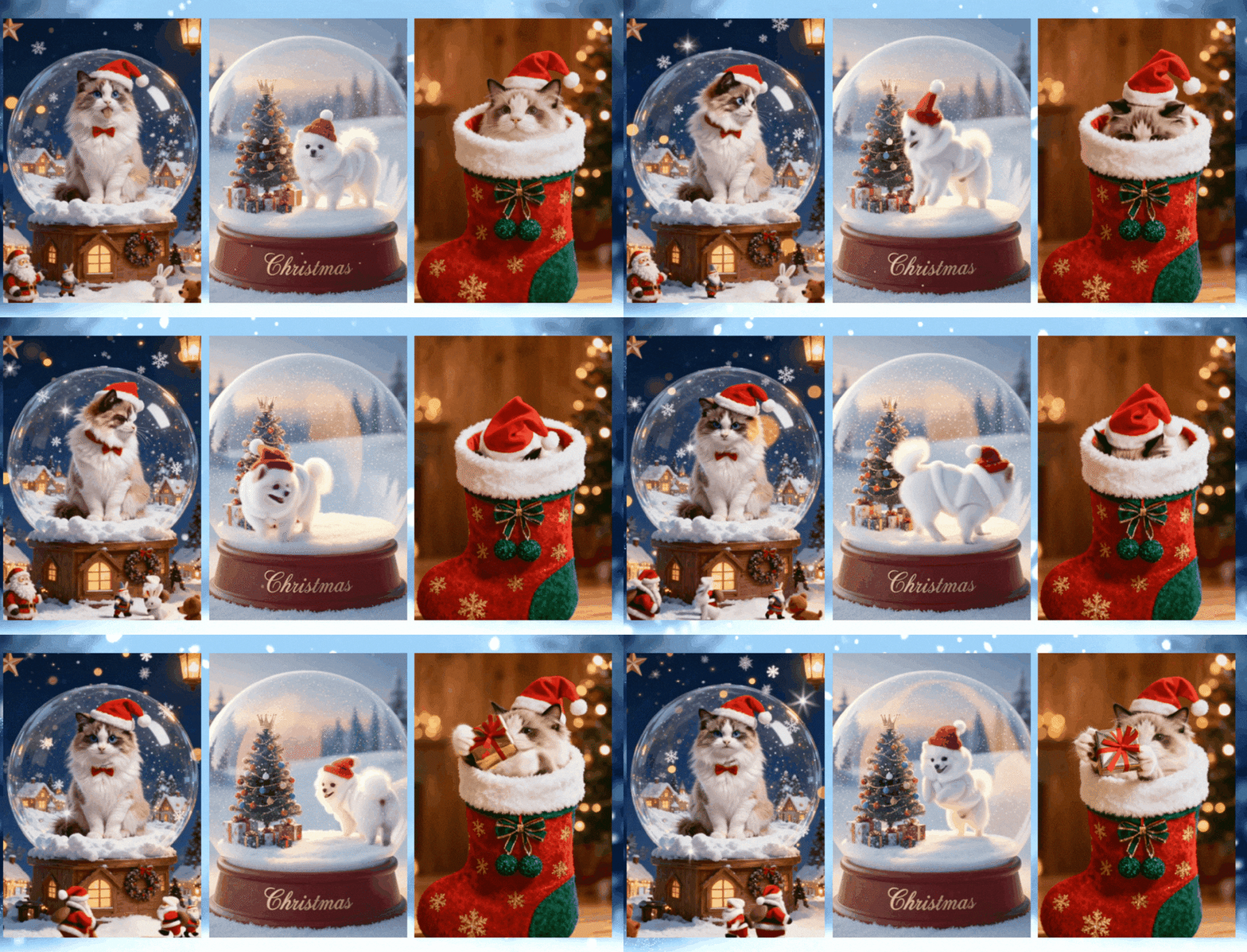
Filmora's AI Image to Video templates give you the fastest way to create cute Christmas dog and cat videos without recording anything. You can choose a template, upload a photo, and let the AI build a full scene that fits the holiday theme.

These templates work well for cats and dogs for Christmas videos for TikTok, Reels, or Shorts. Each option already includes backgrounds, lights, props, and camera motion, so the creation process is beginner-friendly.
You can find Filmora's AI Image to Video templates in both the desktop and mobile (Android and iOS) versions.
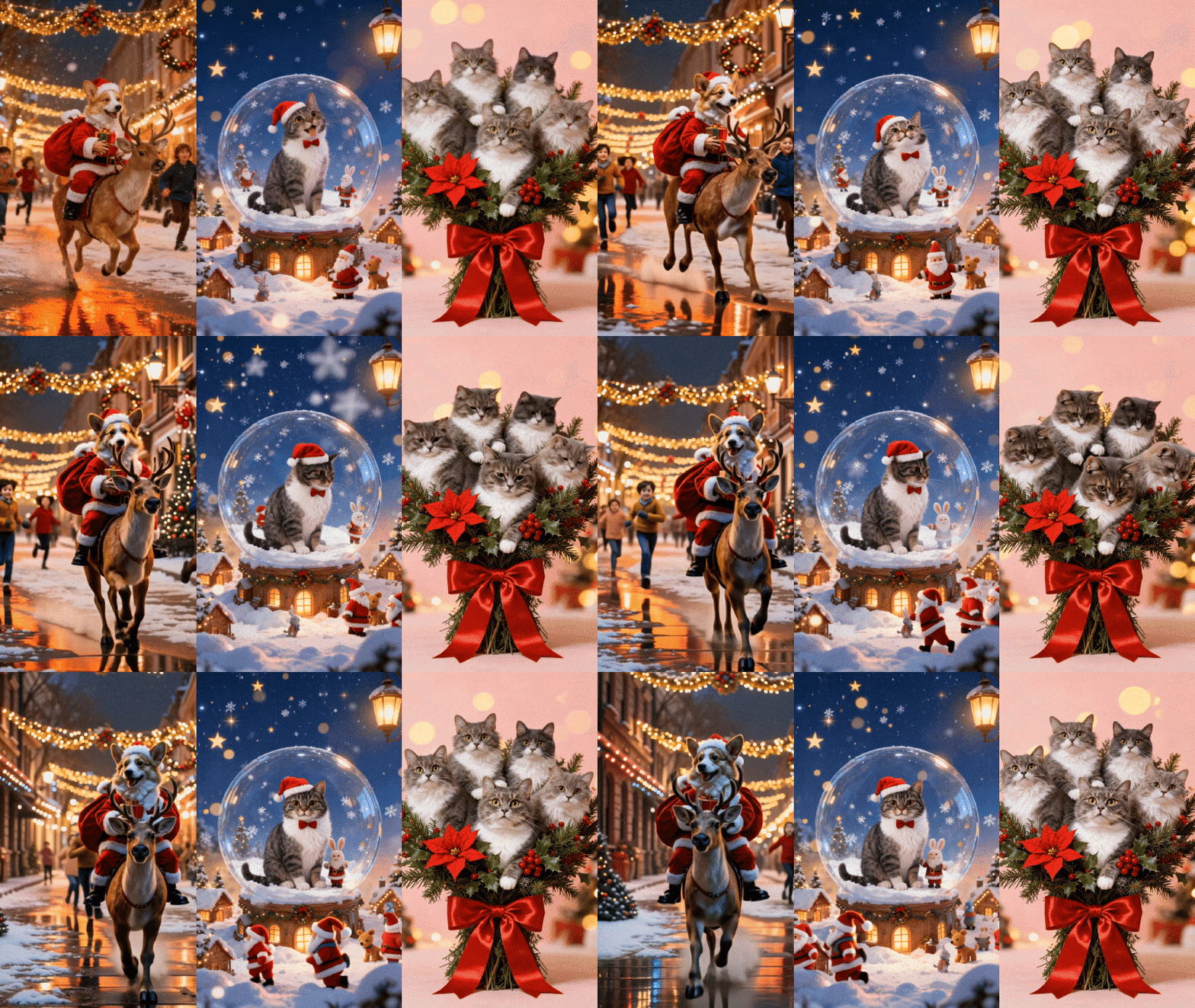
Below are some of the Christmas cat videos and Christmas cute puppies AI templates in Filmora:
- Christmas Pet Running: Your pet shows up in a Santa outfit while riding a reindeer through a lively Christmas city scene. The template adds motion, lights, and a festive rush that works well for playful Christmas posts.
- Christmas Pet Snow Globe: Your pet appears inside a glowing snow globe filled with swirling snow and warm colors. It feels like a tiny Christmas world built around your cat or puppy.
- Pet Christmas Bouquet Show: This AI template turns your pet into the center of a Christmas bouquet. Your cat or dog appears among flowers and Christmas ornaments.
This AI template turns your pet into the center of a Christmas bouquet. Your cat or dog appears among flowers and Christmas ornaments.
Part 3. Two Classic Tutorials: How to Create Pet Christmas Videos with AI
There are two ways to create a Christmas pet video in Filmora. You can use its ready-made AI templates or use your own pet photo. Both methods work well for a cute Christmas dog video or playful Christmas cat content.
How to Make Cute Christmas Pet Videos Using AI Templates
Follow the steps below to create Merry Christmas cat and dog videos:
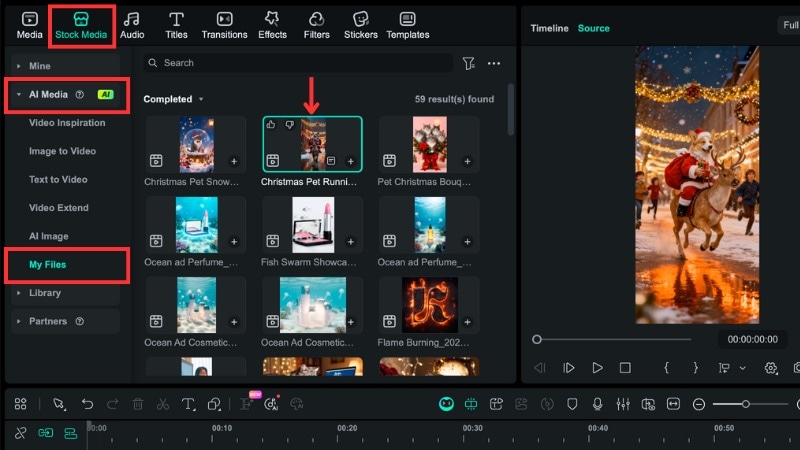
Step 1. Open Filmora and go to AI Media
Launch Filmora and go to Stock Media > AI Media > Video Inspiration.
Look for the Christmas cute puppy or kitten templates. Hover over each option to preview the motion and click the one you want to use.
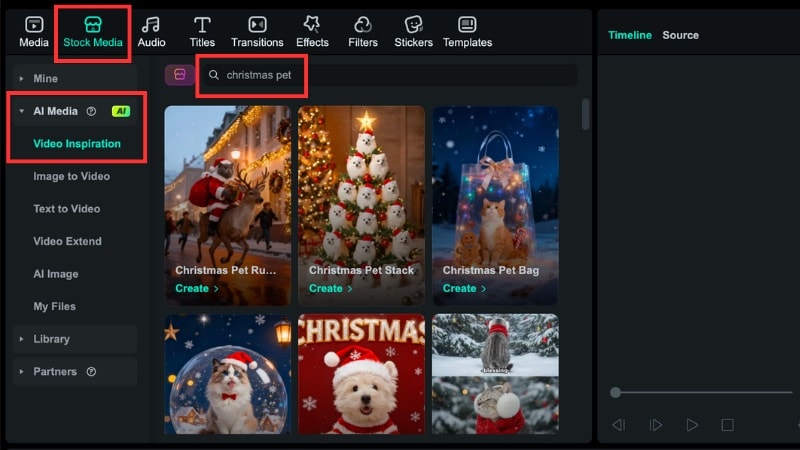
Step 2. Upload Your Pet Photo
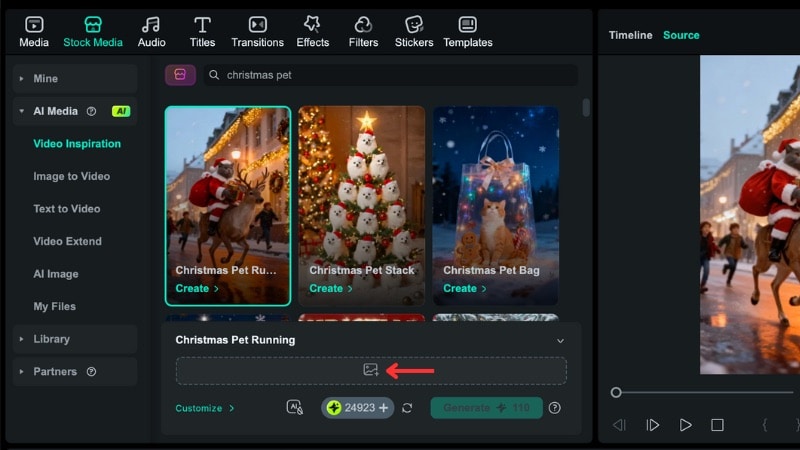
Press the Image icon and pick your pet photo for Christmas content that you want to use.
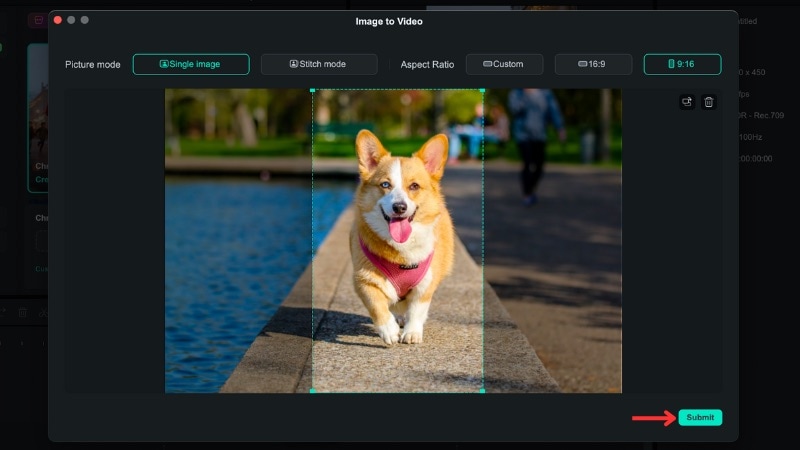
A small window will appear with cropping and adjustment tools. Set the framing you want, then select Submit.
Step 3. Generate the Christmas Pet Video
Click Generate and let Filmora build the animation. The app will tell you when the clip is ready.
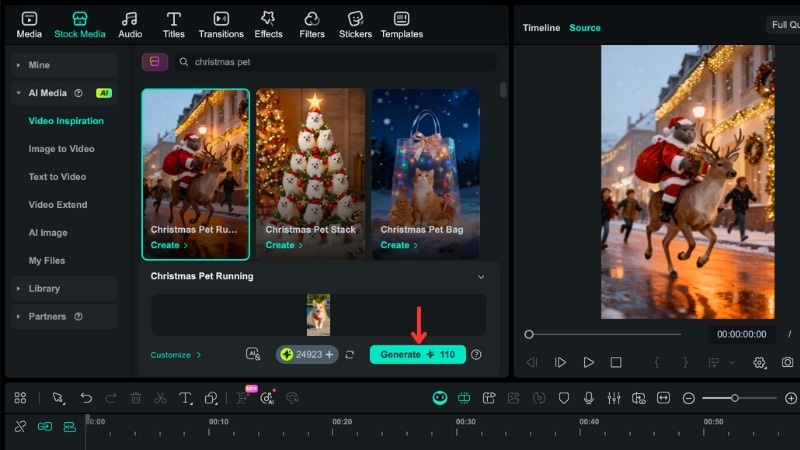
You can find the finished clip under Stock Media > AI Media > My Files.
How to Create Christmas Pet AI Videos Using Your Own Pet
If you want a more personal result, you can build content from your Christmas pet photo and text prompt. You can follow these steps:
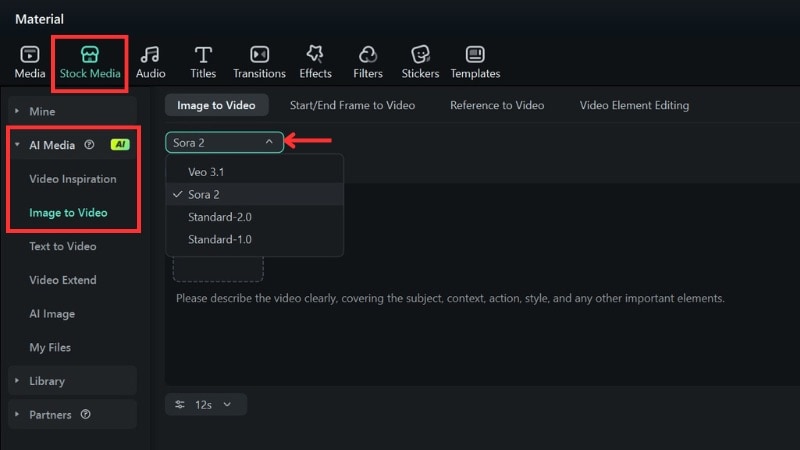
Step 1. Open Filmora's Image to Video
Open Filmora, go to Stock Media > AI Media > Image to Video. Choose the AI model you want to use for your Christmas pet scene.
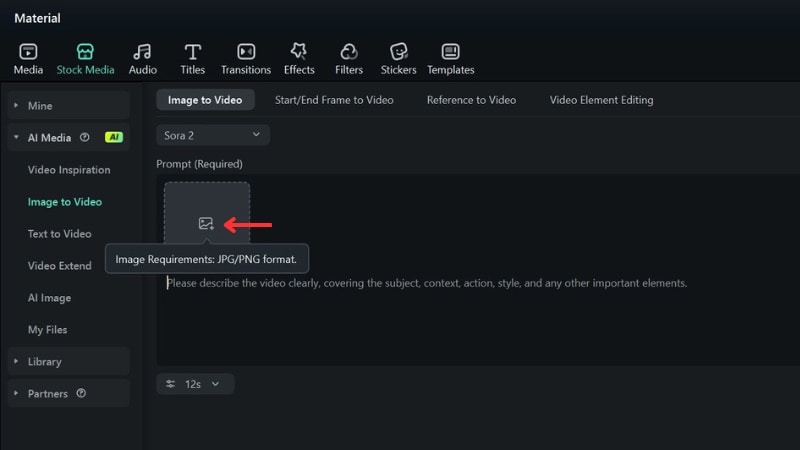
Step 2. Upload Your Christmas Pet Photo and Add a Prompt
Click the Image icon and import the Christmas pet photo you want to animate.
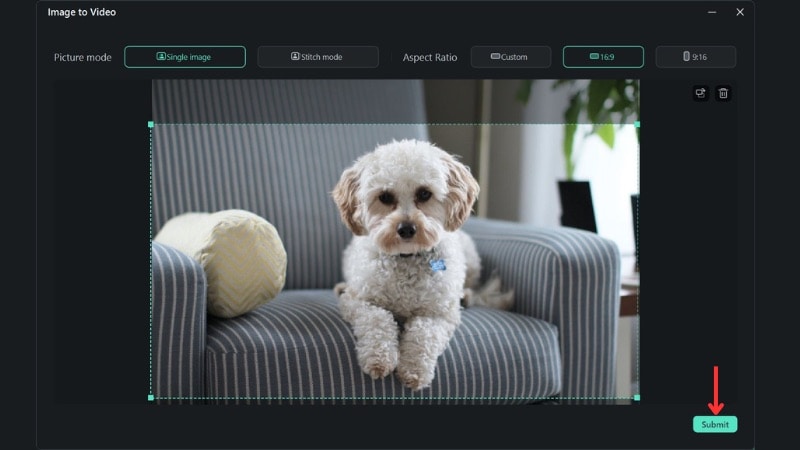
A pop-up window will appear where you can adjust the framing and aspect ratio. Set the crop you prefer, then click Submit.
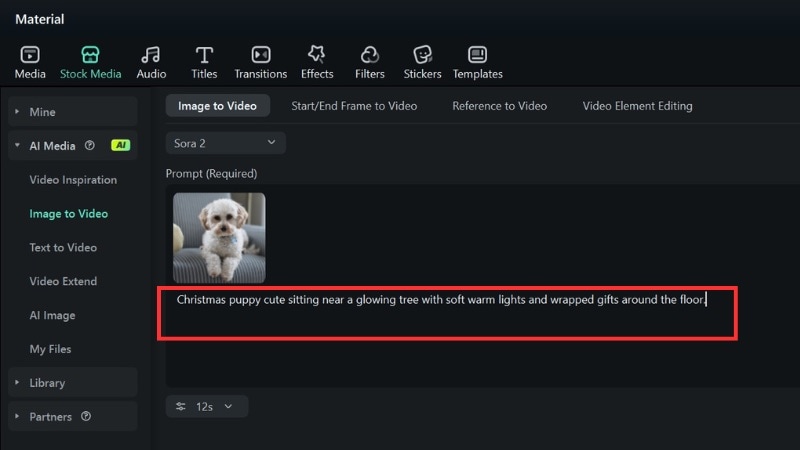
In the Prompt box, describe the holiday scene you want Filmora to create.
Examples: "Christmas puppy cute sitting near a glowing tree with soft warm lights and wrapped gifts around the floor."
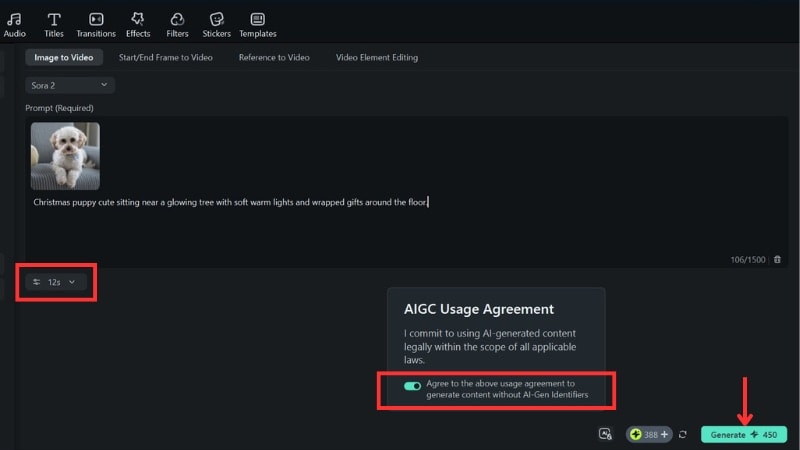
Open Settings to adjust the resolution, duration, or output ratio before generating.
Agree to the AIGC usage terms and click Generate. Filmora will process your clip and notify you once it's ready.
Step 3. Preview and Add Your Video to the Timeline
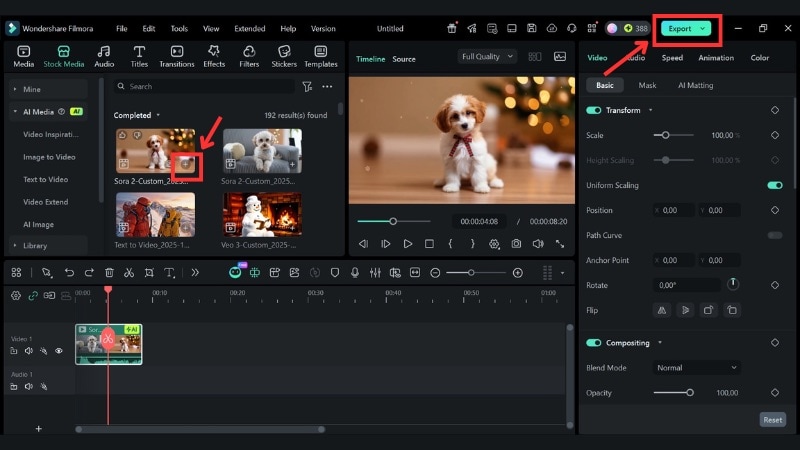
To preview the result, go to Stock Media > AI Media > My Files to see the result.
Click the video to preview the motion and details. If the result looks good, press the Plus icon or drag it to the timeline.
Finish by editing or exporting your new Christmas pet video.
Part 4. Bring Your More Christmas Pet Ideas to Life
You can go beyond pet photos and create even more merry Christmas cat and dog videos in Filmora. If you don't have a picture ready or want fresh ideas, Filmora's Text to Video tool can build new Christmas pet scenes from a simple prompt.

Here are a few prompt ideas you can try:
"Christmas cute cat playing with ornaments near a small tree."
"Christmas puppy cute moment beside a fireplace with stockings and soft lights."
"Dogs for Christmas sitting on a sofa with red scarves and falling snow outside the window."
If you want to know how to use Filmora's Text to Video, check the tutorial below:
Conclusion
Making a merry Christmas cat and dog video no longer depends on owning a pet or filming one. With Filmora's AI tools, you can turn texts or photos into festive clips that match the Christmas mood.
Filmora lets you create cute Christmas cat and dog animations from a photo, a prompt, or a ready template. Try it today and start creating holiday videos your friends and followers will enjoy.

