
20+ Trending Spring Video Templates:
Instant Seasonal Makeovers
Refresh your videos with Filmora's Spring video templates. Curated from the season's most popular Spring aesthetics, these templates feature soft floral intros, bright Easter promos, and pastel-themed overlays. Simply select a Spring filter template and apply it to your clips for instant lighting, color, and mood adjustments. Perfect for Instagram Reels, TikTok lifestyle vlogs, or family memories that need a vibrant seasonal touch.
Loading more templates...
 Category:
 Duration:
 Aspect Ratio:
Master the Art of Seasonal Storytelling
with Professional Spring Filters
A truly captivating spring video isn't just about brightness—it's about mood. With Filmora's creative suite, you can go beyond simple filters. Combine cinematic color grading, realistic nature overlays, and AI-generated elements to craft a cohesive seasonal aesthetic. Whether you are capturing a garden tour or a picnic vlog, our Spring Filters ensure every pixel blooms with life.
Revitalize Your Footage with Cinematic Spring Color Grading
Revitalize Your Footage with Cinematic Spring Color Grading
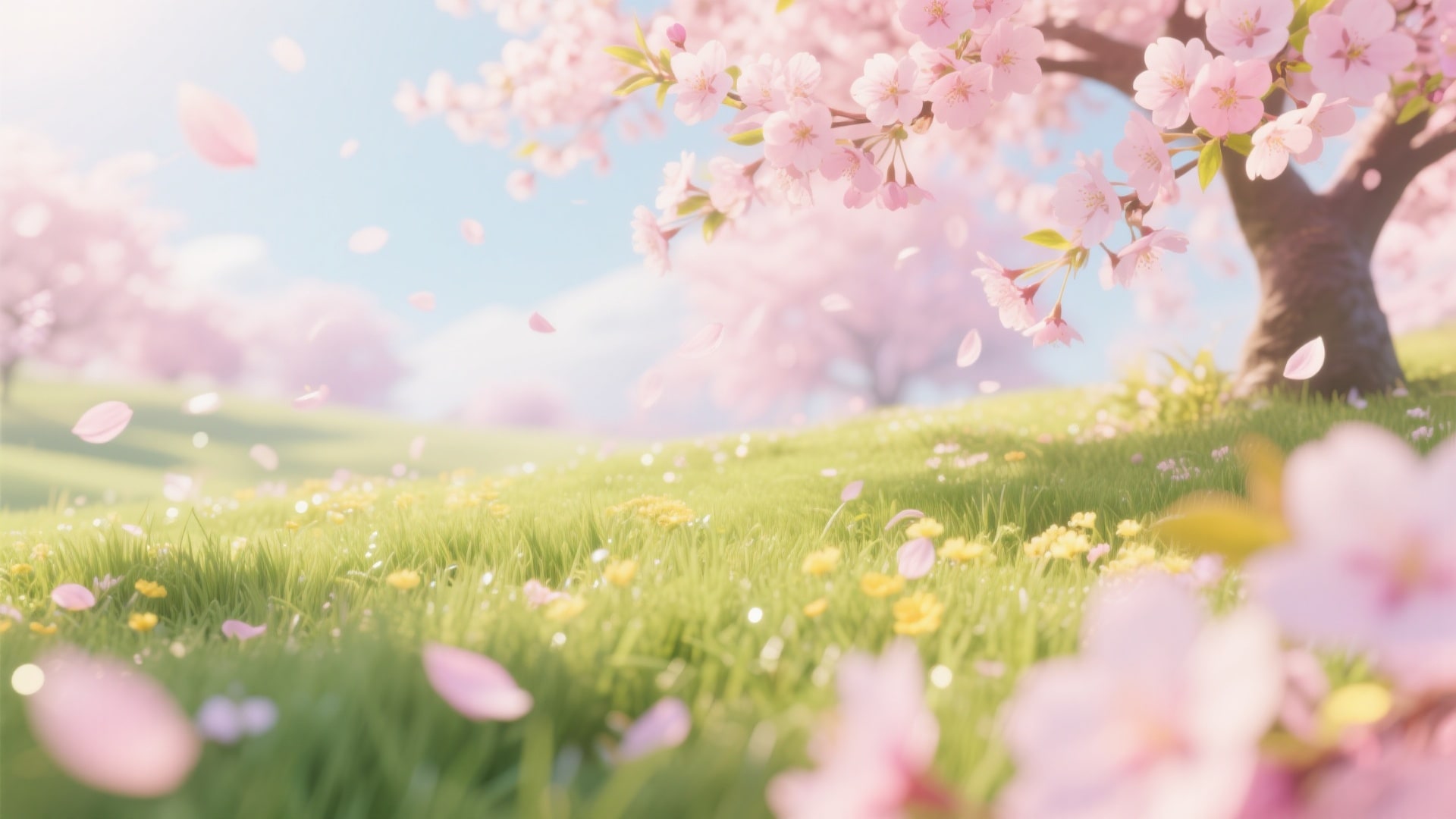
Say goodbye to dull, gray winter footage. Instantly apply professional Spring LUTs that enhance fresh greens, boost warm highlights, and soften skin tones for that perfect "golden hour" look. Filmora's color tools allow you to fine-tune saturation and temperature, ensuring your Spring video effects look natural and cinematic, not oversaturated.
- One-Click Spring LUTs - Instantly transform flat footage into vibrant, pastel-rich visuals.
- Smart Color Correction - Automatically balance exposure and white balance for outdoor shoots.
- Pastel Tone Enhancements - Specifically designed to highlight pink blossoms and fresh grass.
Immerse Viewers in Nature with Realistic Floral Overlays
Immerse Viewers in Nature with Realistic Floral Overlays
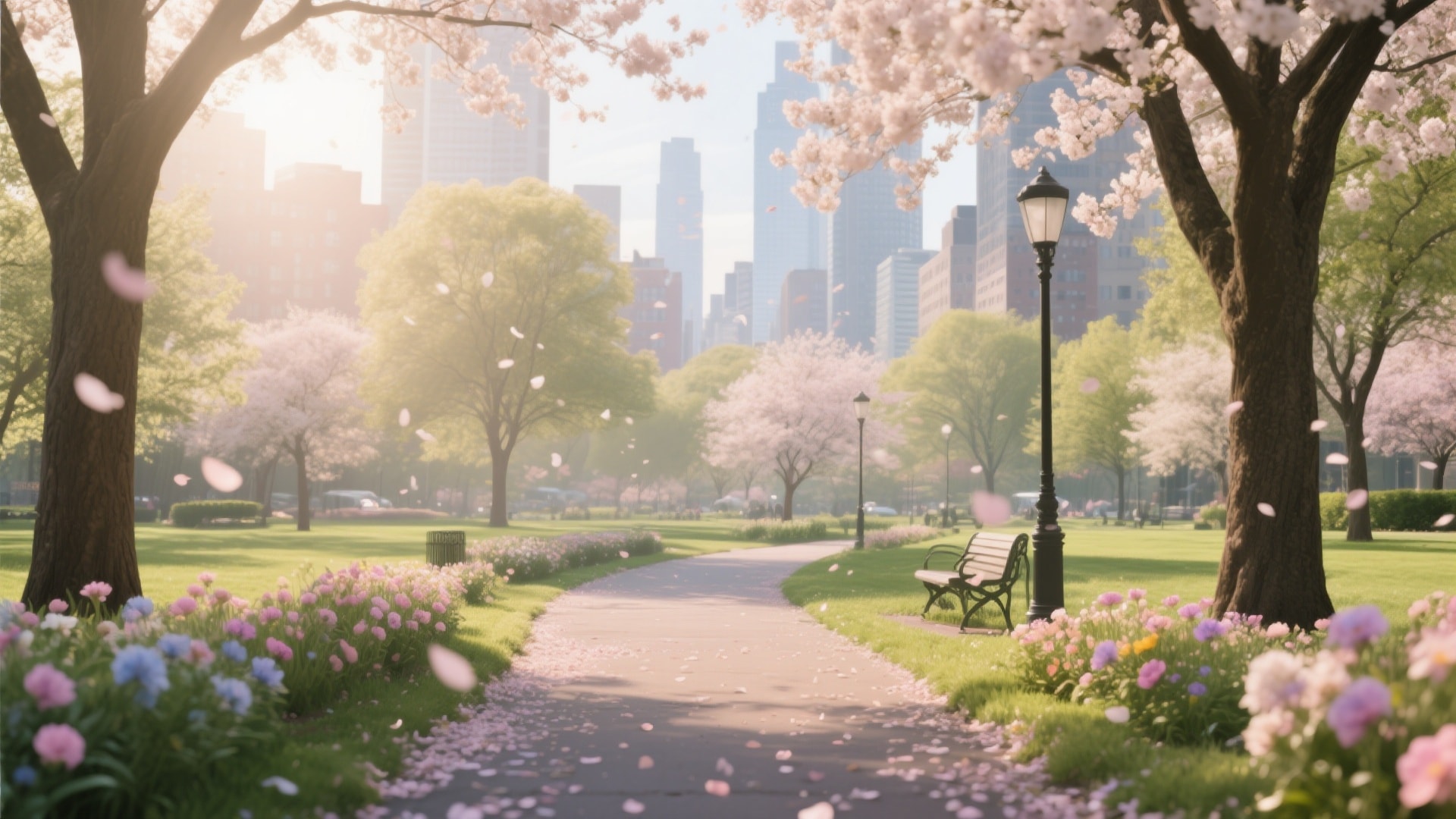
Add depth and romance to your videos without an expensive set design. Drag and drop realistic falling petals, soft sun leaks, or floating dandelion seeds directly onto your timeline. These Spring video overlays blend seamlessly with your footage, creating a dreamy atmosphere perfect for wedding videos, travel reels, and emotional storytelling.
- Realistic Falling Blossoms - Choose from Sakura (cherry blossom), rose petals, or green leaves.
- Dreamy Light Leaks - Add soft, warm sun flares to mimic the gentle spring sunlight.
- Customizable Motion - Control the speed, direction, and density of the falling elements.
- Drag-and-Drop Simplicity - No complex keyframing required; just layer it over your video.
- Blend Mode Options - Use "Screen" or "Overlay" modes for professional transparency integration.
Infuse Playful Energy with Dynamic Spring Stickers & Effects
Infuse Playful Energy with Dynamic Spring Stickers & Effects
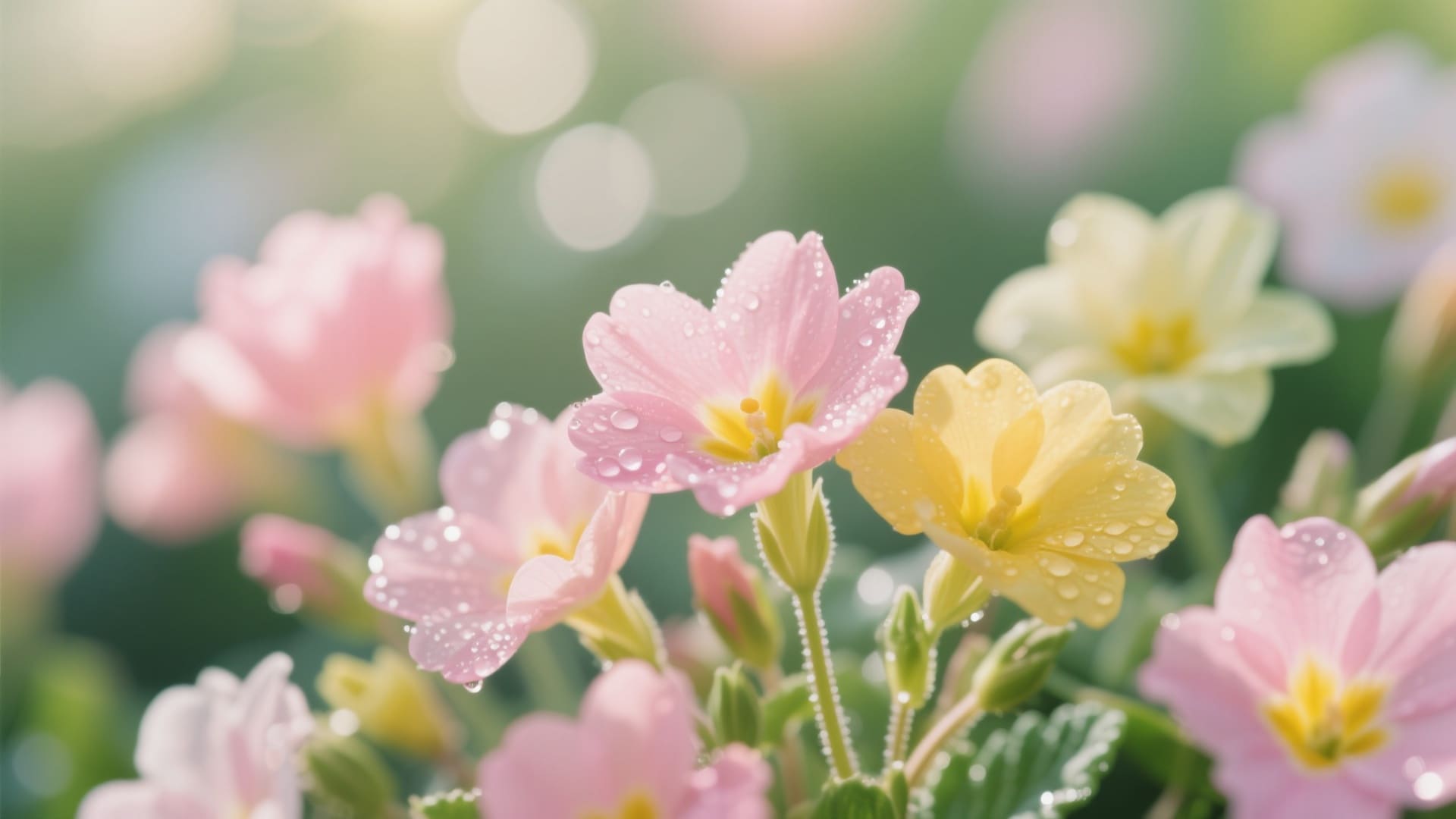
Make your social media content pop with animated stickers and AI effects. From cute Easter bunnies to blooming flower text animations, Filmora offers a massive library of Spring stickers. Use AI Smart Cutout to place text behind subjects or have vines grow around your products for a truly immersive 3D effect.
- 🐰 Animated Spring Stickers - Bunnies, painted eggs, blooming flowers, and butterflies ready for TikTok.
- 🔤 Floral Typography - Elegant titles entwined with vines and petals, perfect for vlog intros.
- 🎨 AI Style Transfer - Turn ordinary footage into a watercolor painting or anime-style spring scene instantly.
FAQs About Spring Filters & Video Effects
How to Apply Spring Filters & Effects in Filmora
Transforming your footage from winter gloom to spring bloom is easier than you think. Follow these simple steps to apply cinematic Spring filters, add floral overlays, and export high-quality video content for any platform.
Step 1 Import Footage & Select Effects
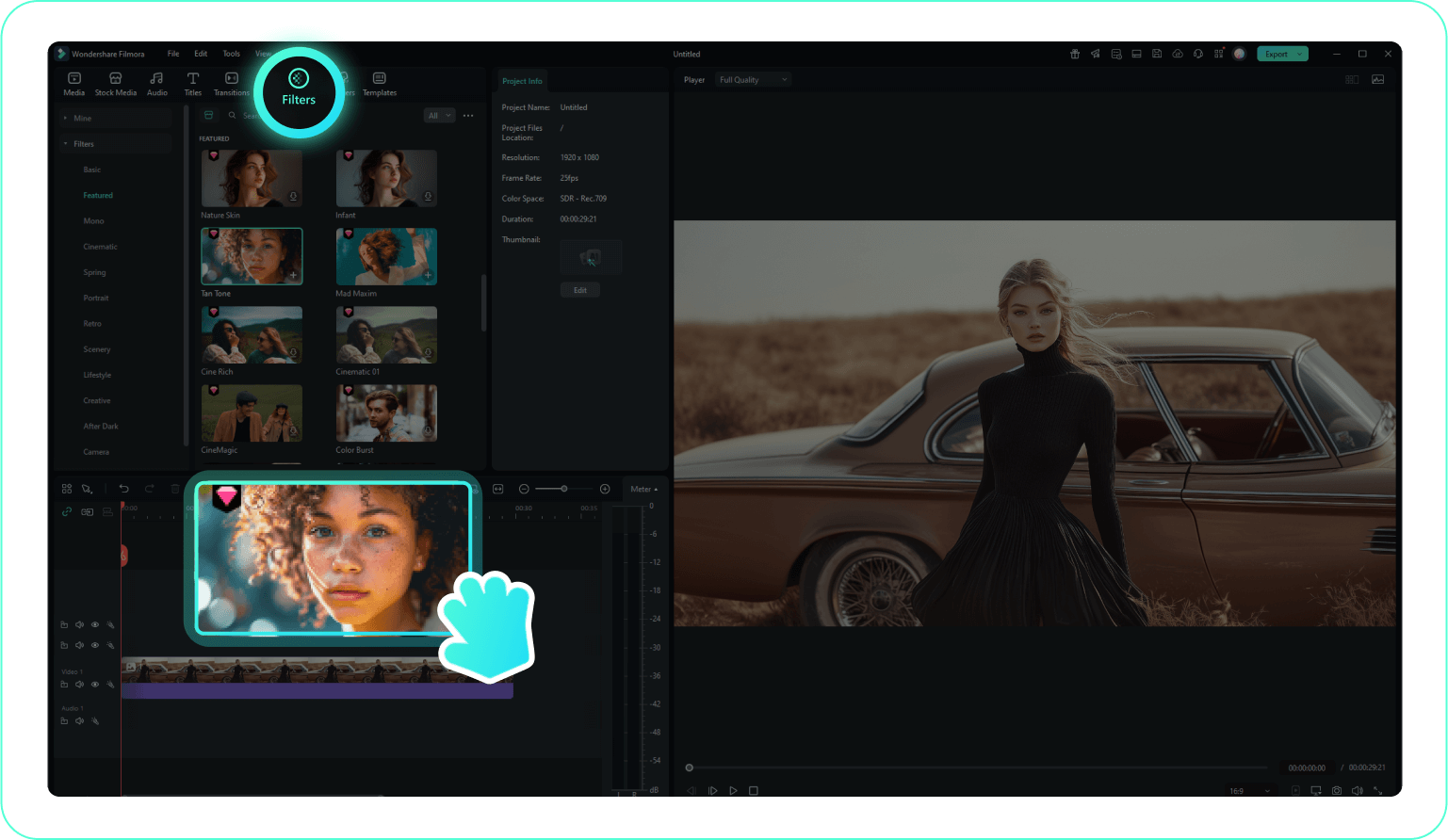
Step 2 Apply Spring Filters & Overlays
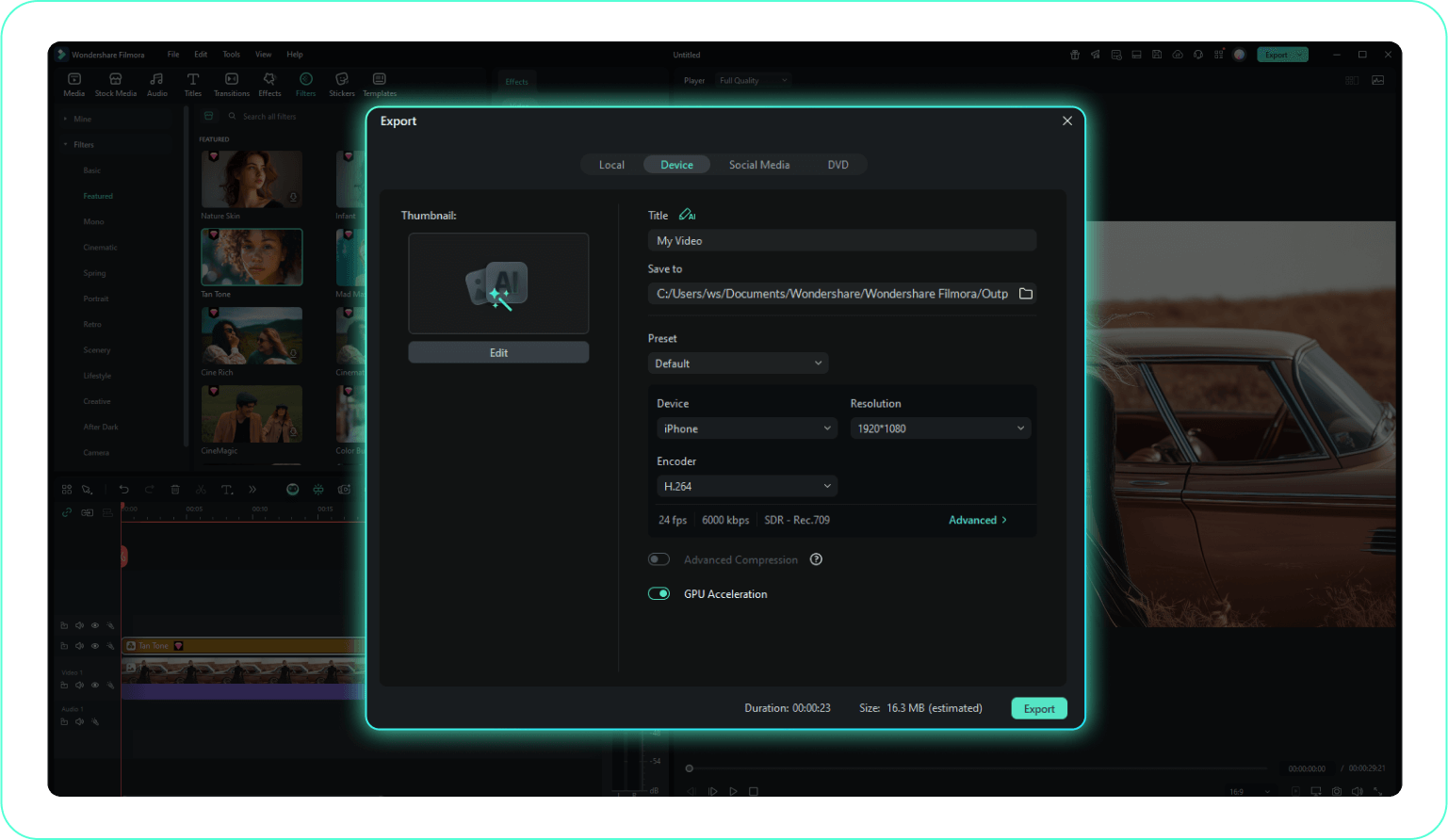
Step 3 Export & Share Your Creation
-
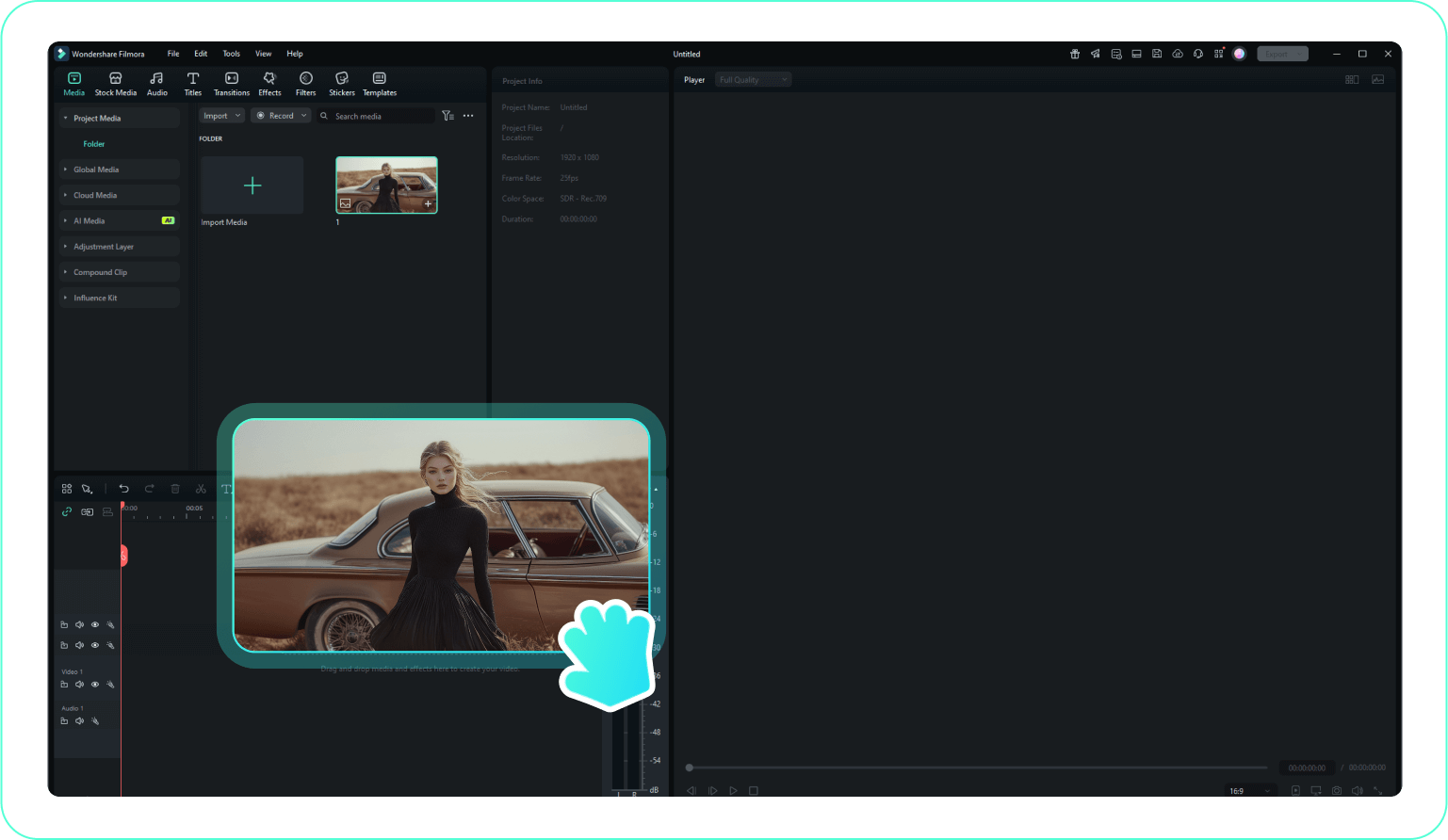
1:Import Footage & Select Effects
Launch Filmora, create a new project, and import your media. Go to the "Effects" tab and search for "Spring" to find curated filters and LUTs. -
2:Apply Spring Filters & Overlays
Drag a Spring filter onto your clip to enhance colors instantly. Layer on "Sakura" or "Sunlight" overlays to create a rich, atmospheric depth. -
3:Export & Share Your Creation
Fine-tune the opacity and color grading, then click "Export" to render your vibrant spring video for social media or your personal archive.
More Than Just Spring Filters
Filmora is your all-in-one creative studio. Beyond seasonal Spring filters, discover powerful tools to generate baby photos, celebrate birthdays, or create cinematic travel memories with AI-powered precision.








