

 100% Security Verified | No Subscription Required | No Malware


 ChatGPT
 Perplexity
 Gemini
 Claude
 Grok
Grok
This Barista Making Coffee LUT filter collection is designed for content creators who want their cafe vlogs and barista reels to feel warm, cozy, and cinematic with just one click.
From close-up espresso shots to wide cafe interiors, these Filmora-ready filters balance rich browns, creamy highlights, and soft contrast so every pour, steam, and latte art moment looks intentional and story-driven.
In this article
Behind the Bar: Warm Espresso Moments
Golden Crema Glow
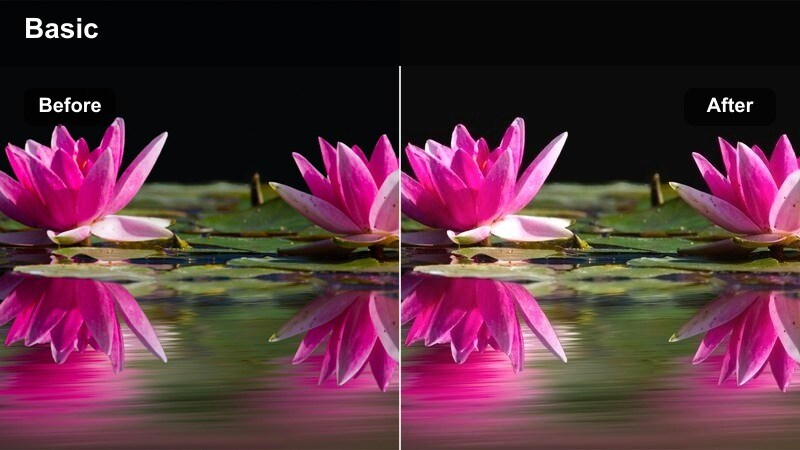
- Effect look: Soft golden warmth that deepens browns and adds a creamy highlight roll-off to espresso shots.
- Best for: Close-ups of espresso extractions, crema details, and rich coffee textures at the bar.
- Editing tip: Lower contrast slightly and raise clarity to keep crema details sharp without crushing shadow tones.
Use Golden Crema Glow in Filmora when you want your espresso shots to feel rich, inviting, and cinematic without heavy color grading work. The LUT-style filter gently warms midtones and highlights, making browns deeper and crema smoother so your coffee looks as good on screen as it does in person.
After applying the filter, fine-tune exposure and clarity to draw attention to the crema and subtle reflections on the cup. Combine it with slow-motion or macro footage of extractions to emphasize texture, and keep the intensity around 60 to 80 percent if your source footage is already quite warm from tungsten cafe lighting.
Match Your Coffee Footage with AI-Powered Color
Filmora's AI tools help this Barista Making Coffee LUT filter pack stay consistent across clips shot on different cameras or in changing cafe light. AI color matching evens out white balance and exposure so your espresso shots, latte pours, and interior scenes all share the same cozy palette.
Once your clips are aligned, you can apply Golden Crema Glow or any other coffee-focused filter and know that skin tones, crema, and wooden counters will sit in the same visual world.
 secure download

Preview Coffee Filters in Real Time
With Filmora, you can preview each barista-inspired LUT and filter directly in the timeline just by hovering. This lets you instantly see how different looks react to steam, crema, reflections, and bar lighting before you commit.
Try Golden Crema Glow beside cooler or more dramatic looks, compare how they feel on the same clip, and lock in the aesthetic that best matches your cafe vlog storyline.
secure downloadBuild a Signature Café Look with LUTs and Filters
Filmora supports both LUTs and built-in filters, so you can layer this Barista Making Coffee LUT pack with other creative tools to create a signature cafe look. Once you get your color and contrast exactly how you like it, you can save everything as a preset for future vlogs.
This makes it easy to keep your barista reels, cafe walkthroughs, and talking segments visually consistent across an entire series or channel.
secure downloadSteam and Steel
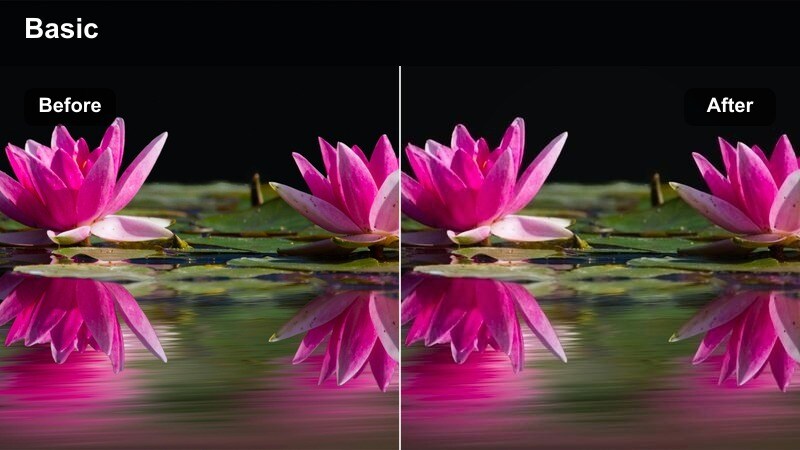
- Effect look: Neutral-warm filter with slightly cool metallic highlights for machines and tools.
- Best for: Shots of espresso machines, steam wands, and bar tools in action on the bar.
- Editing tip: Increase sharpness a touch to emphasize steam details and metallic reflections without adding noise.
Steam and Steel is ideal in Filmora for giving your espresso machine and stainless tools a crisp, modern presence while keeping the surrounding cafe environment warm. The filter preserves cool tones in metal while maintaining pleasant warmth in wood, cups, and skin tones so everything feels balanced.
Apply this look to medium and wide shots that feature active steam wands, portafilters, or grinder close-ups. After applying, nudge sharpness and texture slightly upward and lift shadows so steam stands out against darker backgrounds without losing the mood created by your natural cafe lighting.
Moody Bar Counter
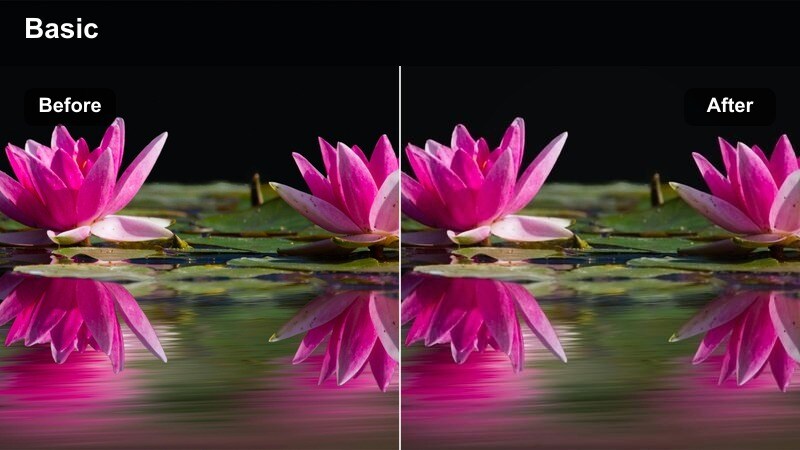
- Effect look: Low-key, contrasty filter with deep browns and subtle vignette for an intimate bar feel.
- Best for: Late-night barista scenes at the counter, tamping shots, and slow ritual coffee moments.
- Editing tip: Use gentle vignetting and keep saturation moderate so skin tones do not look overly orange under warm lights.
Moody Bar Counter is perfect for giving your bar scenes a cinematic, after-hours atmosphere in Filmora. It deepens browns in the bar top and equipment while adding a light vignette, guiding the viewer's eye toward the barista's hands and the coffee ritual.
Use this filter on low-light clips where you want to emphasize texture in wood, cups, and shadows. After applying, carefully adjust blacks and exposure so you retain enough detail in the darker areas, and consider adding a subtle mask over faces or key subjects to lift their brightness without flattening the entire frame.
Latte Art Close-Ups and Pour Shots
Creamy Latte Soft
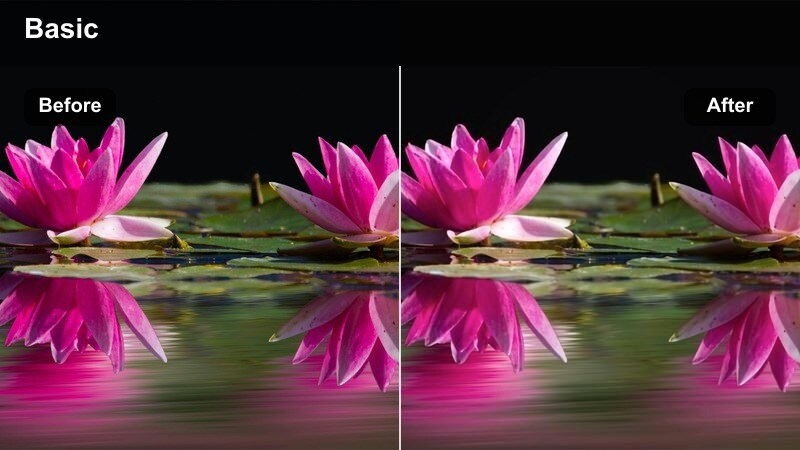
- Effect look: Soft, low-contrast filter with warm highlights that make milk foam look silky and smooth.
- Best for: Latte art pours, cappuccino tops, and any tight shots of cups and saucers on the bar.
- Editing tip: Dial down clarity slightly to keep foam edges soft, then add a small exposure bump for a glowing finish.
Creamy Latte Soft in Filmora adds a gentle, dreamy glow to your latte art close-ups, perfect for overhead pours and cup details. It slightly lowers contrast and wraps warm highlights around the foam so it appears smooth and inviting on screen.
Apply this look to your best latte art clips, then fine-tune clarity and exposure to keep the foam soft without losing definition in the design. Pair it with a subtle vignette or radial blur around the edges of the frame to keep the viewer's eye focused on the center of the cup and the movement of the pour.
Microfoam Detail Boost
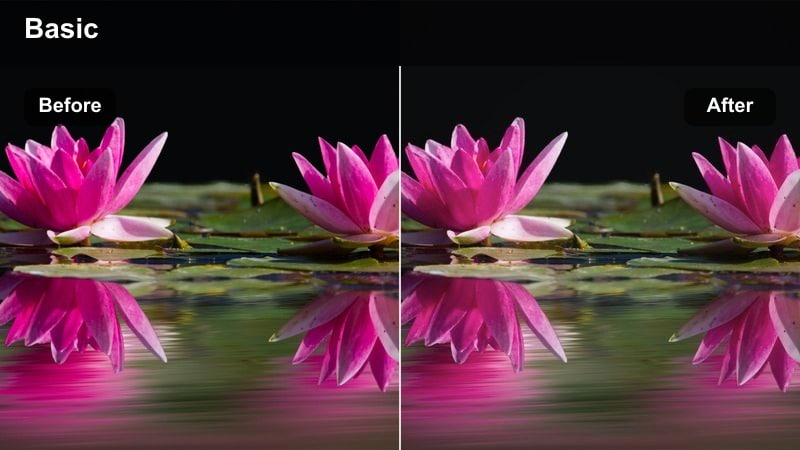
- Effect look: Crisp, bright filter that enhances white foam and cup edges while keeping browns rich and clean.
- Best for: Macro shots of microfoam texture, fine latte lines, and close-up cup rims on the bar.
- Editing tip: Add a small amount of local sharpening only to the cup area so background grain stays minimal.
Microfoam Detail Boost is designed for ultra-close latte art and texture shots filmed in Filmora, where you want every tiny bubble and line to stand out. The filter brightens whites and edges, while keeping the espresso base rich so the pattern has strong visual contrast.
After applying the filter, use Filmora's masking or keyframing tools to add localized sharpening just to the cup and foam. This keeps your background soft and clean while the coffee surface remains razor detailed, ideal for reels or shorts that highlight latte art skills.
Slow Pour Cinema
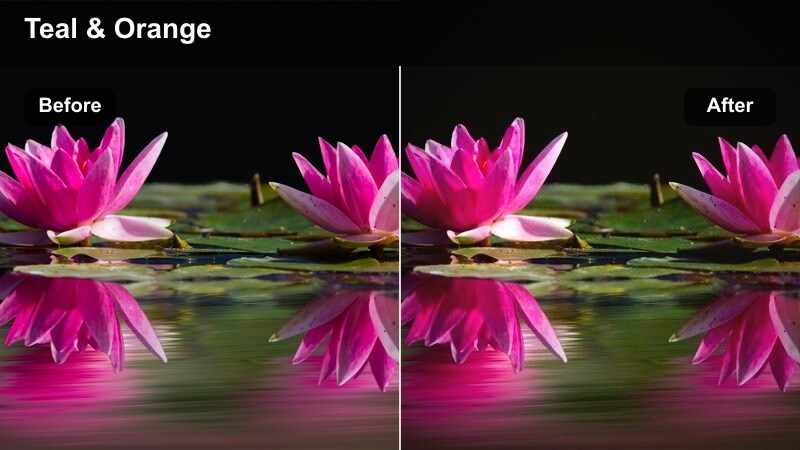
- Effect look: Cinematic filter with gentle teal in shadows and warm highlights to emphasize movement in the pour.
- Best for: Slow-motion pours of milk into espresso and dramatic tilt shots of coffee flowing into cups.
- Editing tip: Combine this filter with a slight speed ramp and subtle motion blur to emphasize the flow of the pour.
Slow Pour Cinema gives your milk and espresso pour shots a modern, cinematic color grade directly inside Filmora. With slight teal shadows and warm highlights, it creates a stylized contrast that draws attention to the liquid movement and swirling patterns.
Use this filter on slow-motion footage or clips where the pour is the star of the frame. Add speed ramps, motion blur, and gentle curves adjustments rather than heavy contrast changes, so the motion feels fluid and you keep detail in bright highlights and darker espresso areas.
Café Interior Atmosphere and Ambient Shots
Cozy Morning Café
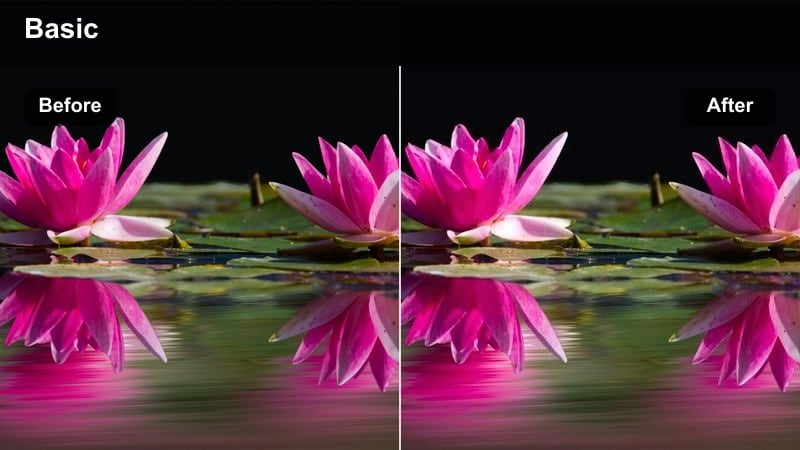
- Effect look: Soft warm filter with lifted shadows and gentle haze for an early-morning cafe vibe.
- Best for: Wide shots of the cafe interior, morning light through windows, and baristas prepping the bar.
- Editing tip: Lower Dehaze slightly to keep the air feeling soft and open, especially if you shot against bright windows.
Cozy Morning Cafe works best on airy, sunlit interior shots where you want to emphasize warmth and calm. In Filmora, it lifts shadows slightly and adds a subtle haze so your cafe feels like a welcoming space at the start of the day.
Apply this filter to wides and establishing shots that set the scene for your barista vlog. Tweak highlights down a bit to preserve window detail, and use a slight contrast curve if your footage feels too flat while keeping saturation modest for a natural, filmic look.
Evening Café Amber
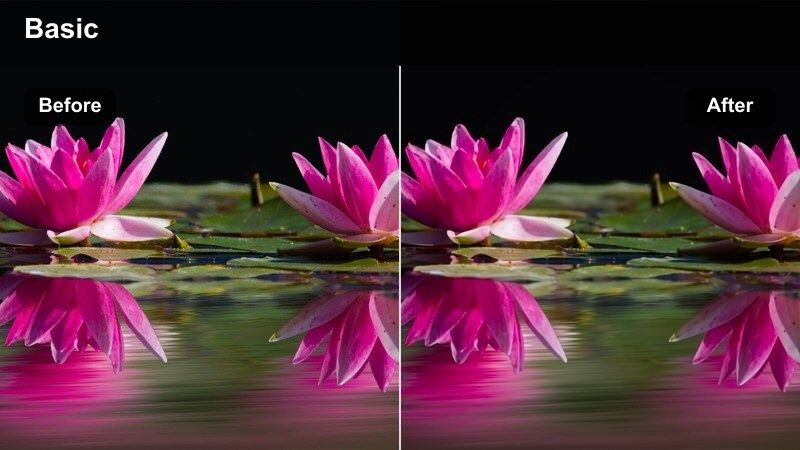
- Effect look: Rich amber tones and deeper shadows that emphasize table lamps, hanging bulbs, and evening mood.
- Best for: Evening cafe scenes, hanging lights, and baristas closing shop or serving late customers.
- Editing tip: Increase midtone contrast but guard against overly orange skin tones by slightly lowering orange saturation.
Evening Cafe Amber in Filmora is tailored for low-light, lamp-lit interiors where you want to stress coziness and depth. It enriches amber hues around pendant lights and table lamps, while deepening shadows to carve out shape and dimension in the scene.
Use it on golden-hour or night shots of the bar and seating area, then adjust orange and yellow saturation to keep faces and walls looking natural. A touch of midtone contrast adds punch without losing the soft, glowing character of your practical lighting.
Window Seat Softback
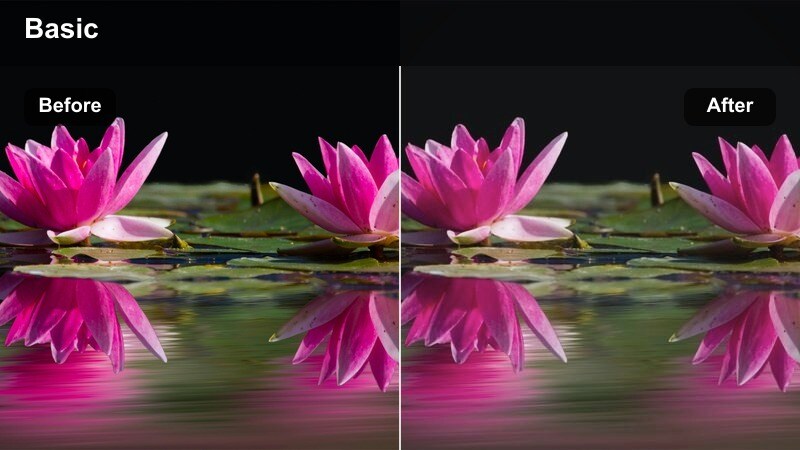
- Effect look: Backlit-friendly filter that softens highlights and adds subtle bloom for window-side cafe shots.
- Best for: Shots of baristas near windows, customers at window seats, and bar setups beside natural light.
- Editing tip: Reduce exposure a touch, then lift shadows to keep both the barista and outside view readable.
Window Seat Softback helps you tame harsh window light in Filmora, perfect for backlit cafe scenes. It softens bright highlights and introduces a slight bloom, giving the window area a cinematic halo while preserving detail on your subject.
Apply it to clips where strong daylight streams through windows behind your barista. Drop exposure slightly and lift shadows so both the interior and exterior remain legible, and consider adding a gradient mask from the window inward to further balance sky brightness with the cafe interior.
BTS Vlog Storytelling with the Barista
Barista Lifestyle Vlog
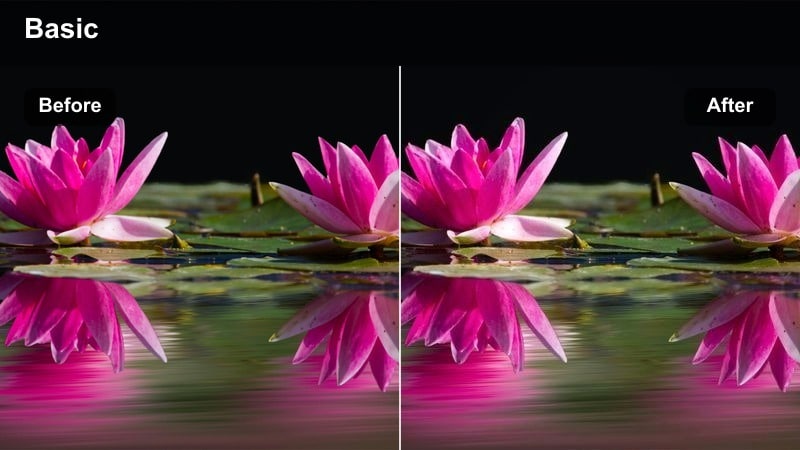
- Effect look: Clean vlog-style filter with balanced warmth, natural skin tones, and slightly boosted contrast.
- Best for: Talking-to-camera clips, barista introductions, and behind-the-scenes cafe routines.
- Editing tip: Keep saturation moderate and adjust white balance to match the real cafe mood before applying the filter.
Barista Lifestyle Vlog is your go-to look in Filmora for A-roll and talking segments filmed inside the cafe. It keeps skin tones natural while adding a touch of warmth and contrast, so your storytelling feels polished but still true to the environment.
Apply this filter to all your interviews, intros, and explanations, then color-match B-roll using complementary coffee filters for consistency. Start by correcting white balance on your clips, then add this filter and fine-tune saturation so both you and the bar area appear balanced and inviting on every upload.
Rush Hour Motion
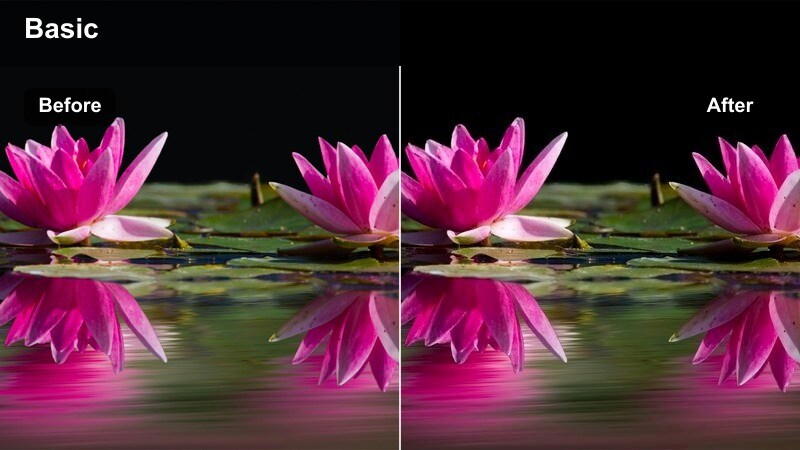
- Effect look: Energetic, contrasty filter with a slight cool push in shadows for dynamic rush-hour cafe scenes.
- Best for: Fast-paced clips of baristas moving, orders piling up, and quick pans across the bar.
- Editing tip: Combine with faster cuts and maybe a slight shutter blur effect to emphasize movement and energy.
Rush Hour Motion is designed for busy workflow sequences where multiple baristas move quickly and the cafe feels alive. In Filmora, it boosts contrast and adds a touch of cool to the shadows, giving your fast cuts a punchy, energetic vibe.
Use it on sequences built from quick pans, handheld shots, and overlapping actions. Keep exposure slightly on the lower side to avoid distracting blown highlights, and pair the filter with quicker edits, minor motion blur, and dynamic sound design to fully sell the chaotic rush-hour atmosphere.
Quiet Close Shift
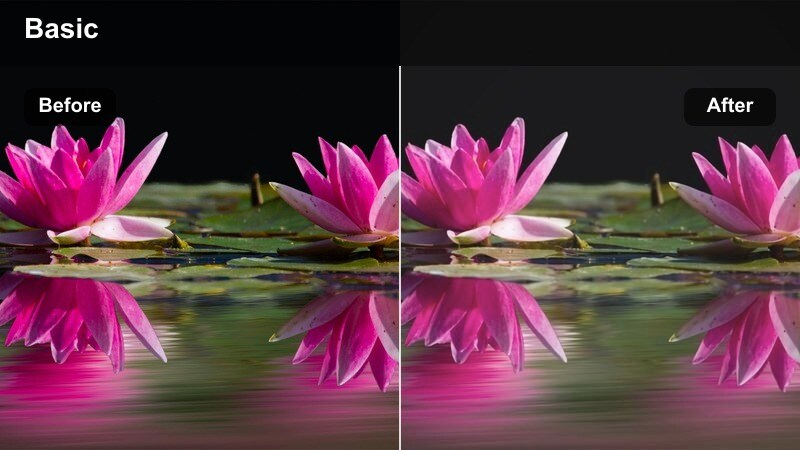
- Effect look: Muted, soft filter with slightly desaturated colors and gentle fade in blacks for calm closing scenes.
- Best for: End-of-day cleanup, stacking cups, wiping counters, and reflective barista moments.
- Editing tip: Reduce saturation just a bit more and add slower cuts to reinforce the quiet closing mood.
Quiet Close Shift brings a reflective, end-of-day tone to your closing sequences in Filmora. Colors are slightly desaturated and blacks are gently lifted, creating a faded, calm atmosphere that contrasts nicely with your earlier rush-hour clips.
Apply it to shots of cleaning, stacking cups, turning off lights, or looking out at an empty cafe. Combine the filter with slower cuts, longer shots, and softer background audio so your vlog ends on a peaceful, thoughtful note that feels emotionally complete.
Tips for Using Barista Making Coffee Lut Filters in Filmora
- Shoot with consistent white balance in the cafe so your barista making coffee filters respond predictably across clips.
- Frame a mix of tight coffee details and wide cafe context shots so your filters can build a complete visual story.
- Reduce in-camera sharpening if possible and let Filmora and the filters handle final texture and clarity.
- For steam-heavy shots, backlight your subject slightly so the filters have contrast to work with in the mist.
- When mixing talking footage with coffee B-roll, use one base filter and adjust intensity rather than switching styles completely.
- Save your favorite LUT and filter combinations as Filmora presets to keep your cafe vlogs visually consistent.
- Use Filmora's AI color matching to align footage from different cameras before applying coffee-themed filters.
- Test each filter on both bright and dim cafe shots to decide which ones become your go-to looks for the channel.
The Barista Making Coffee LUT style filters in Filmora give content creators an easy way to turn everyday cafe routines into warm, cinematic stories.
Experiment with different presets across espresso shots, latte art, and cafe interiors until you find a signature coffee look that fits your channel's vibe.
secure download