

 100% Security Verified | No Subscription Required | No Malware


 ChatGPT
 Perplexity
 Gemini
 Claude
 Grok
Grok
Cinematic baby video filters help filmmakers and storytelling creators turn everyday nursery moments into tender, filmic scenes that feel like they belong in a feature film. With the right combination of soft contrast, gentle color tones, and subtle grain, you can give your newborn films and first-year highlight videos a cohesive, emotional look without complex color grading.
This guide breaks down 12 cinematic baby video filters you can craft inside Filmora, each designed for different moods and lighting situations. From dreamy crib close-ups to lively first-year milestones, you will find filters that deliver soft film newborn looks and emotional nursery tones that keep your storytelling consistent from clip to clip.
In this article
Soft Film Newborn Looks
Cotton Soft Fade
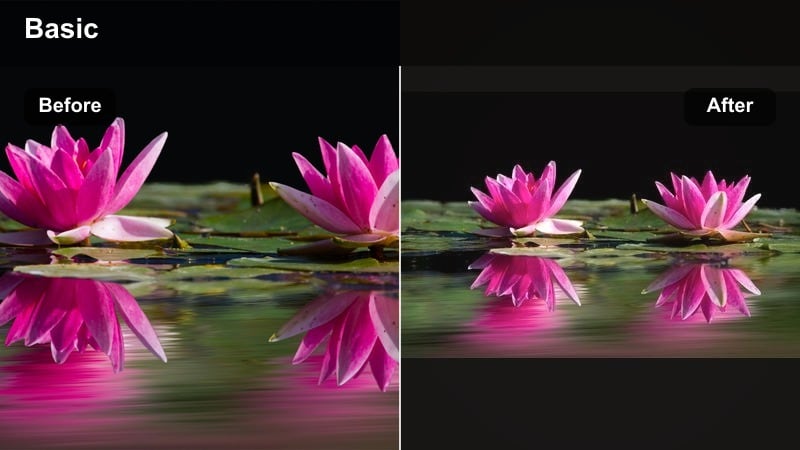
- Effect look: Low-contrast, creamy highlights with a gentle pastel wash that softens tiny skin details while keeping eyes and lashes clear.
- Best for: Close-up crib shots, sleepy newborn portraits, and slow breathing moments on white or neutral bedding.
- Editing tip: Lower overall contrast slightly, then boost midtone brightness; keep saturation modest and add a touch of film grain under 10 percent for a subtle cinematic layer.
Cotton Soft Fade is ideal when you want your newborn footage to feel milky and weightless, as if everything is wrapped in a blanket of light. In Filmora, you can build this look by first reducing overall contrast, gently lifting the shadows, and easing down saturation so pastel bedding and walls do not overpower the baby s face.
Once the base is in place, subtly increase brightness in the midtones to give cheeks and tiny fingers a tender glow, then drop in a light layer of film grain to avoid a plastic, overly smooth result. Finish by selectively sharpening the eyes and lashes so they remain the emotional focus while the rest of the frame stays buttery soft.
Shape a Consistent Baby Palette with Filmora s AI Tools
Instead of grading every newborn clip from scratch, use Filmora s AI-driven color matching to carry your favorite cinematic baby filter across your entire project. Start with one hero shot where the skin tone and nursery colors feel perfect, then let AI palette tools push that look to the rest of your timeline.
After the automatic match, refine exposure and white balance per clip to protect delicate baby skin and subtle nursery pastels. This workflow keeps your soft film newborn look consistent, even when footage comes from different days, cameras, or lighting setups.
 secure download

Preview Cinematic Baby Filters on Real Nursery Footage
To judge how a cinematic baby filter truly behaves, always preview it on real-world nursery and milestone clips instead of generic test footage. Filmora makes it easy to duplicate a sequence, stack a few filter variations, and compare tone, softness, and emotional impact side by side.
Watch how skin tones, blankets, and wall colors respond as you toggle filters on and off. You will quickly see which options preserve gentle detail, avoid harsh contrast, and best complement your storytelling style for newborn films and first-year highlight videos.
secure downloadTurn Your Favorite Baby Looks into Reusable LUT-Style Presets
Once you dial in a cinematic baby video filter you love, save the color and tone adjustments as a custom preset inside Filmora. Treat this preset like a LUT dedicated to your baby films, giving every new project the same emotional nursery tone from the first drag-and-drop.
Over time, refine this preset as your style evolves, or create variations for daytime windows, bedtime lamps, and milestone parties. This keeps your brand consistent if you work with multiple families and ensures parents recognize your signature cinematic approach.
secure downloadLinen Daylight Glow
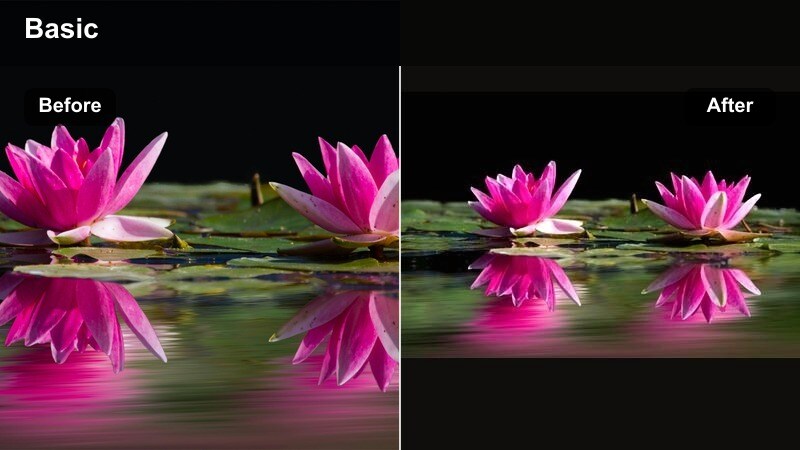
- Effect look: Airy whites with warm, linen-like highlights and a faint golden glow in the brighter parts of the frame.
- Best for: Daytime nursery windows, bassinet near sheer curtains, and lifestyle newborn sessions in soft natural light.
- Editing tip: Lift exposure slightly but protect highlight detail with a highlight roll-off curve; add a soft vignette to keep the baby s face framed by the glow.
Linen Daylight Glow is made for window-lit nurseries where you want the scene to feel bright but still gentle on the eyes. In Filmora, lightly increase exposure and warmth, then soften the curve in the highlight region so white curtains and bedding retain texture instead of clipping to solid white.
To keep the baby at the center of attention, add a subtle vignette and refine white balance until skin tones sit naturally within the warm glow. This combination turns simple bassinet shots into elegant, editorial-style frames that still feel cozy and authentic.
Velvet Shadow Soft
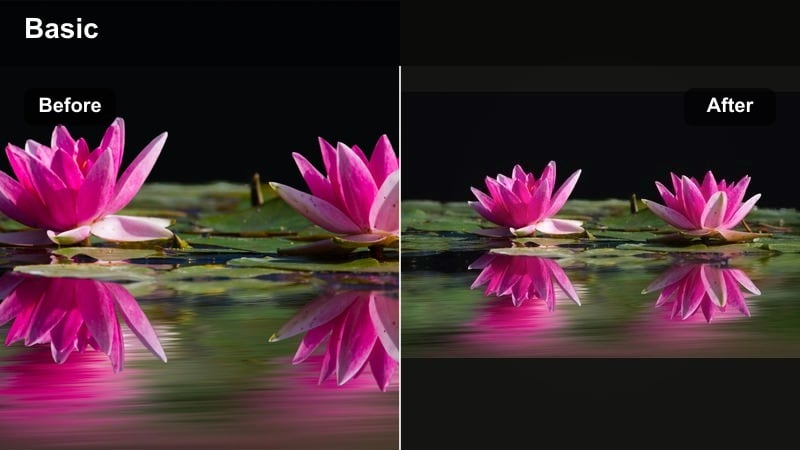
- Effect look: Muted contrast with velvety shadows and a subtle cool lift in dark areas to avoid harsh blacks on newborn skin.
- Best for: Low-light nursery corners, evening crib moments, and moody swaddle shots with a single lamp or night-light.
- Editing tip: Raise black levels slightly, then add a touch of warm tint to midtones to balance any blue shadows; avoid heavy sharpening to keep the frame velvety.
Velvet Shadow Soft keeps dim nursery footage from feeling noisy or harsh while preserving the intimacy of low light. Start in Filmora by lifting blacks and shadows, which opens up detail in swaddles and hair without destroying the dusk-like ambiance.
Next, use a small warm midtone tint to counteract any blue cast from ambient light, and keep sharpening low so textures remain smooth. A delicate grain layer can help unify any visible noise, giving night-time scenes a cohesive, cinematic softness.
Emotional Nursery Tone Filters
Nursery Pastel Hush
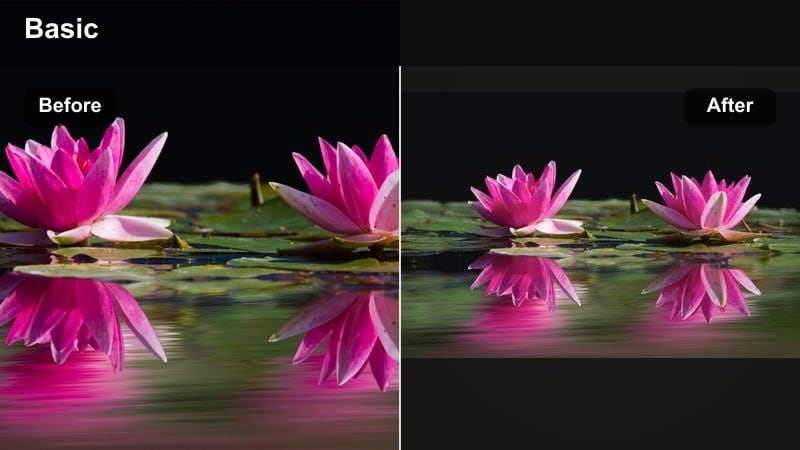
- Effect look: Soft pastel color shift with gently desaturated primaries and slightly lifted midtones for a quiet, hushed palette.
- Best for: Decor-focused nursery shots, crib mobiles, and gentle panning clips around pastel walls, toys, and textiles.
- Editing tip: Dial back saturation in bold reds and blues while preserving skin tone saturation; use HSL tools to keep cheeks and lips natural.
Nursery Pastel Hush is designed to calm overly bright nursery colors so they support, rather than compete with, the baby s expressions. In Filmora, use HSL controls to selectively reduce saturation in strong reds, blues, and greens while leaving the orange range, where most skin tones sit, more intact.
A slight lift in midtones will give the entire room a storybook softness, especially when combined with subtle matte blacks. This makes wall art, mobiles, and blankets feel cohesive and gentle, ideal for slow pans and decor cutaways that set the mood around your newborn.
Warm Nursery Amber
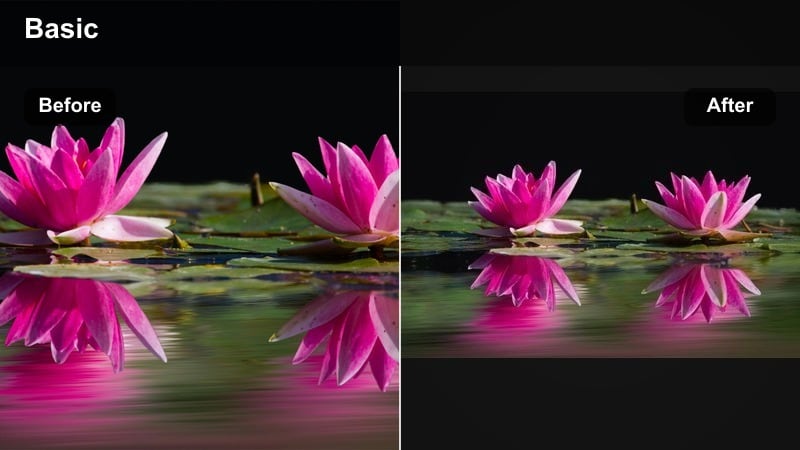
- Effect look: Golden amber warmth across highlights and midtones, with slightly deeper shadows for an intimate, end-of-day feel.
- Best for: Bedtime routines, storytime recordings, and bottle-feeding scenes lit by lamps or warm string lights.
- Editing tip: Push temperature and tint slightly warm, then lower overall saturation so the amber tone feels cinematic, not overly orange.
Warm Nursery Amber takes the natural glow of lamp light and refines it into a cinematic bedtime tone. Start by nudging temperature and tint toward the warm side in Filmora, then gently reduce global saturation so skin does not turn overly orange or cartoonish.
Deepen shadows a little to add contrast around crib edges and furniture, making the illuminated faces and hands feel extra inviting. This filter is perfect for sequences where a parent reads, rocks, or feeds the baby, transforming ordinary nighttime rituals into emotional vignette moments.
Storybook Fade
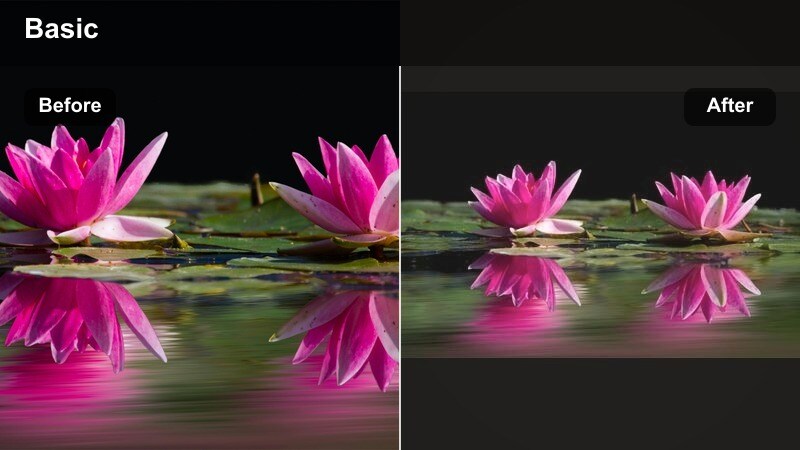
- Effect look: Soft matte finish with a gentle fade in blacks and a subtle cool-neutral highlight tone, reminiscent of printed children s books.
- Best for: Montages of nursery details, turning pages, and cutaways that bridge scenes in first-year highlight videos.
- Editing tip: Add a mild S-curve, then raise black levels; keep saturation medium and introduce a hint of teal in shadows for a timeless storybook feel.
Storybook Fade gives your baby films a printed-page charm that works beautifully for interludes and chapter breaks. In Filmora, craft this by applying a gentle S-curve, lifting the black point, and adding a subtle cool or teal tone into the shadows while keeping midtones neutral.
The result is a matte, slightly nostalgic texture that works well on hands turning pages, toys resting on shelves, or hallway shots leading into the nursery. When used consistently, this filter can visually signal transitions between stages or scenes without relying on text overlays.
Milestone and First-Year Highlight Filters
Milestone Clarity Soft
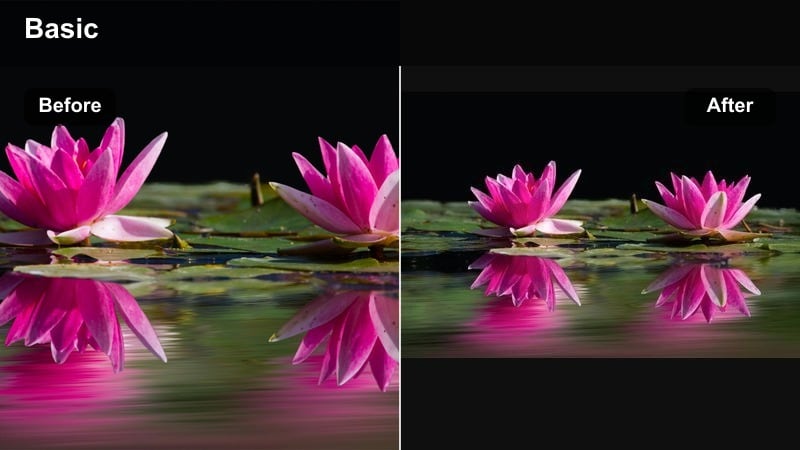
- Effect look: Clean, modern contrast with a hint of softness on edges and slightly boosted midtone clarity on faces and hands.
- Best for: Rolling, crawling, and first-step milestones where movement and tiny expressions should remain crisp yet gentle.
- Editing tip: Apply a light sharpening and clarity boost on midtones, then soften highlights to prevent a harsh digital look on baby skin.
Milestone Clarity Soft balances the need for detail in action shots with a protective softness for delicate skin. In Filmora, start with neutral contrast, add a small clarity boost focused on midtones, and apply a restrained sharpening so eyes, hair, and clothing edges look defined without feeling crunchy.
To maintain a child-friendly vibe, slightly soften highlights using curves or highlight controls, which prevents bright areas on the forehead or cheeks from appearing too shiny. This makes crawling, rolling, and first-step footage feel polished enough for highlight reels while remaining gentle and flattering.
Birthday Confetti Cinema
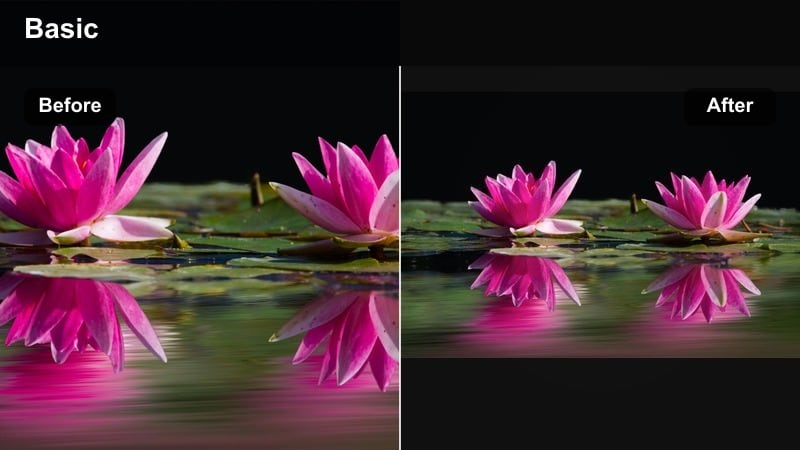
- Effect look: Vibrant yet controlled color with rich primaries, deep but soft shadows, and a subtle highlight roll-off to handle candles and balloons.
- Best for: First birthday parties, cake smash sessions, and brightly decorated living rooms or party venues.
- Editing tip: Increase saturation in balloons and decor while keeping skin tones slightly protected with targeted HSL adjustments.
Birthday Confetti Cinema is built for color-heavy party environments where you want everything to feel festive but not chaotic. In Filmora, selectively boost the saturation and luminance of primary decor colors like red, blue, and yellow while using HSL tools to keep skin tones natural and balanced.
Soften highlights with a gentle roll-off so candles, windows, and cake icing glow rather than blow out, and keep shadows rich but not crushed. This approach lets you celebrate bright balloons, banners, and confetti while ensuring the birthday child s face stays the undeniable star of the frame.
First-Year Memory Reel
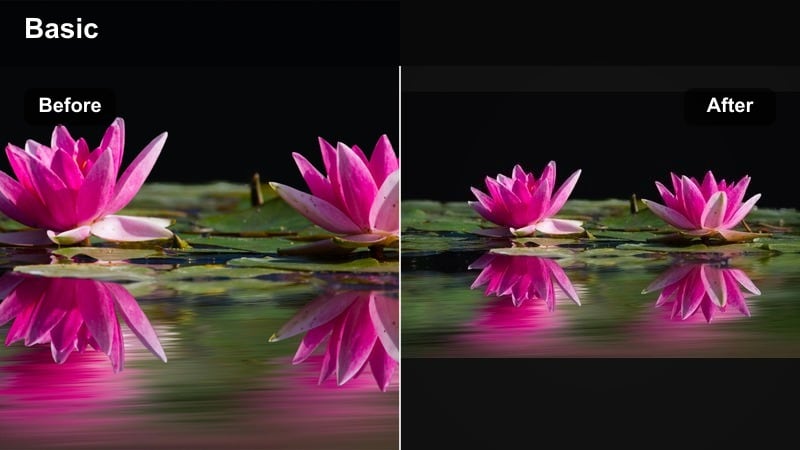
- Effect look: Slightly desaturated, unified color palette with consistent contrast and a faint warm midtone lift across clips from different days.
- Best for: Long-form first-year highlight videos made from mixed camera sources and changing lighting conditions.
- Editing tip: Apply the filter to an adjustment layer over entire sequences, then fine-tune exposure per clip so the tone feels unified across the reel.
First-Year Memory Reel is less about individual shots and more about creating a cohesive look across dozens of different clips. In Filmora, place your color adjustments on an adjustment layer spanning multiple scenes, slightly reduce saturation, and add a soft warm lift to midtones for a gentle, nostalgic impression.
From there, tweak exposure and white balance for each underlying clip so nothing feels wildly brighter or cooler than the rest. The goal is not perfect color in every frame, but a consistent filmic tone that makes the entire first-year story feel like one intentional, continuous movie.
Aesthetic Detail and Storytelling Filters
Crib Detail Cinema
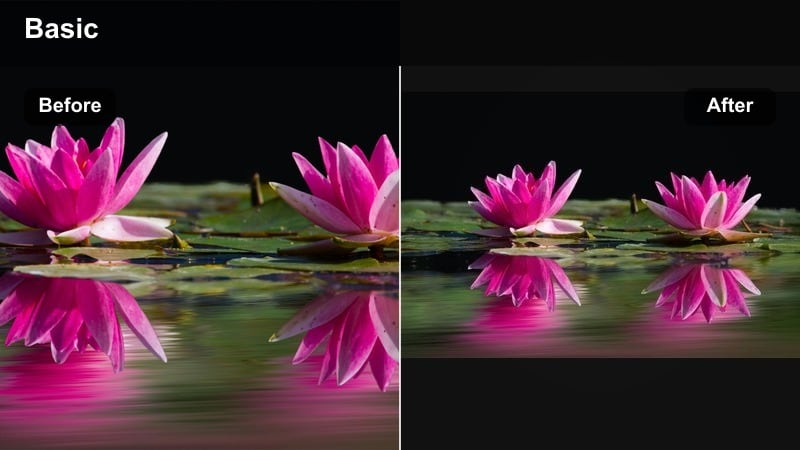
- Effect look: Tight, textured look with gentle micro-contrast on fabrics, wood grain, and fingers, paired with soft, lifted highlights.
- Best for: Close-ups of hands gripping crib rails, tiny feet in blankets, and macro shots of nursery textures.
- Editing tip: Increase local contrast slightly on textures and reduce global contrast to keep the overall frame feeling soft and cinematic.
Crib Detail Cinema turns small textures and gestures into powerful storytelling moments between bigger scenes. In Filmora, enhance local contrast using clarity or sharpening on specific areas like wood grain or knit blankets, while dialing back overall contrast so the image does not become too aggressive.
Lift highlights just enough to keep skin and fabrics luminous, and consider a slightly stronger filter intensity on these inserts to give them a stylized, almost macro-photography quality. Used between emotional beats, these shots help pace your edit and deepen the sense of place in the nursery.
Morning Window Poem
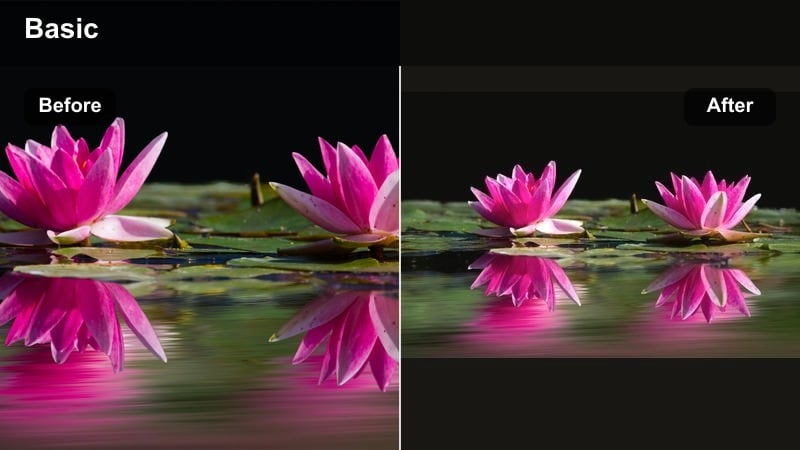
- Effect look: Soft backlit glow, slightly hazy whites, and a gentle warm-cool split between highlights and shadows for poetic window shots.
- Best for: Silhouette moments at the window, parent-and-baby cuddles against bright glass, and sleepy morning routines.
- Editing tip: Reduce clarity and add a bit of bloom to highlights; use a gradient mask from the window to control exposure and preserve detail in faces.
Morning Window Poem highlights the dreamy contrast between bright outdoor light and cozy indoor shadows. In Filmora, start by reducing clarity to introduce a subtle softness, then use glow or bloom-style effects in the highlights so the window light gently feathers across the frame.
Control exposure with gradient masks from the window inward, allowing the outside to go a little bright while keeping faces readable and detailed. A slight warm tint in the highlights and a cooler bias in the shadows creates a poetic split-tone look that complements cuddle moments and early-morning rituals.
Black and White Lullaby
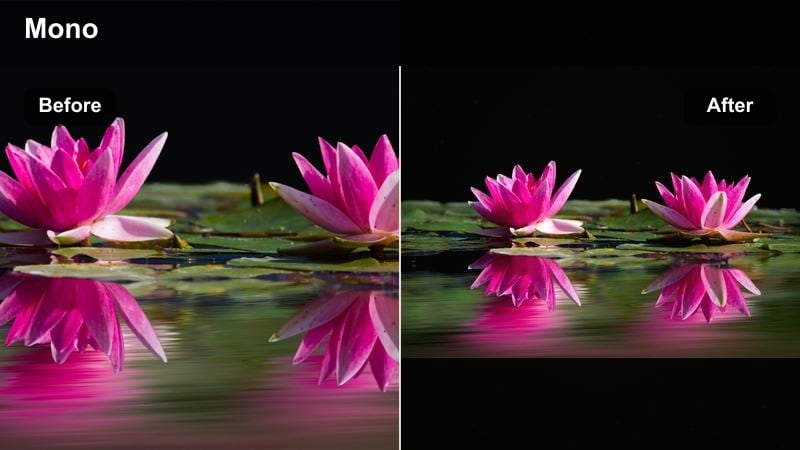
- Effect look: Grain-kissed black and white with lifted blacks, soft midtones, and subtle emphasis on eyes and hands.
- Best for: Emotion-heavy moments like first hospital clips, intimate feeding scenes, and quiet lullabies in dim rooms.
- Editing tip: Convert to monochrome, then gently boost contrast around the face and hands; keep grain light and evenly spread for a filmic lullaby feel.
Black and White Lullaby strips away color to focus purely on touch, expression, and connection. In Filmora, convert your footage to monochrome, lift the blacks so shadows feel soft rather than stark, and shape a gentle contrast curve that highlights faces and hands without losing their tenderness.
Add a fine grain layer to avoid a flat digital look, keeping it subtle so it feels like classic film texture rather than noise. Because this filter is so emotionally strong, reserve it for key moments like first meetings, late-night rocking, or quiet hospital scenes where the shift to black and white can underscore the importance of the memory.
Tips for Using Baby Cinematic Tone Filters in Filmora
- Lock in white balance on set when possible so your cinematic baby filters have a stable base to work from.
- Underexpose slightly rather than overexpose bright blankets and onesies, then lift shadows in Filmora to keep texture.
- Build a simple three-look system for newborns, daytime nursery, and parties so your edits feel cohesive but flexible.
- Use adjustment layers to apply your soft film newborn look across groups of clips instead of grading each shot individually.
- Always check how a new filter affects baby skin tones before committing, especially around cheeks, nose, and hands.
- Combine subtle film grain with soft contrast to unify mixed camera footage in first-year highlight reels.
- Keep sharpening low on baby footage and rely on midtone contrast and selective clarity to define eyes and lashes.
- Export short test sequences and review them on a phone and TV to ensure your emotional nursery tones hold up on different screens.
With a thoughtful set of cinematic baby video filters, you can turn simple nursery clips and everyday milestones into emotionally rich films that feel intentional and cohesive. By balancing soft contrast, gentle color palettes, and controlled highlights, every close-up and cutaway can support the story you are telling about a child s earliest days.
Use these 12 filter ideas as a starting toolkit inside Filmora, then refine them into your own repeatable presets for newborn films and first-year highlight videos. Over time, your cinematic baby filters will become a recognizable visual signature that families associate with their most treasured memories.
secure download