

 100% Security Verified | No Subscription Required | No Malware


 ChatGPT
 Perplexity
 Gemini
 Claude
 Grok
Grok
This cinematic color grading preset collection in Filmora is designed for content creators who want a movie-style finish without building a look from scratch.
Explore scene-based filters that quickly shape contrast, color tone, and mood so your footage feels like a polished short film, music video, or cinematic vlog.
In this article
Dusk Street Scenes and City Drama
Neo Noir City
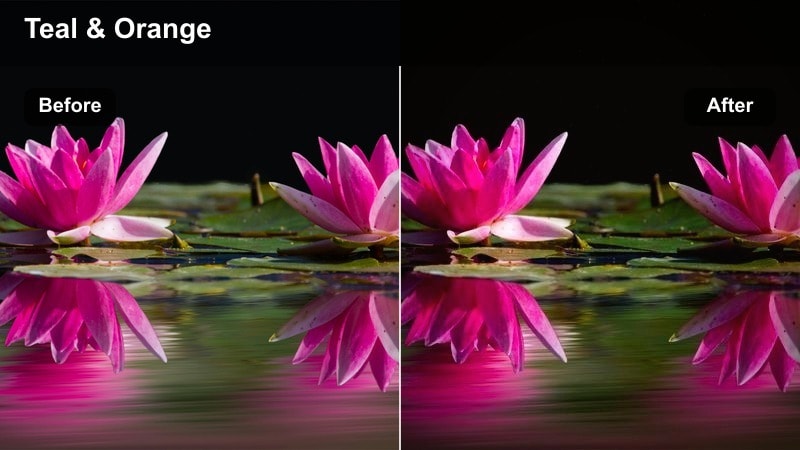
- Effect look: High-contrast, cool-toned grade with deep shadows and subtle teal highlights
- Best for: Night city walks, detective-style shorts, street documentaries
- Editing tip: Slightly lower exposure and add a soft vignette to keep attention in the center of the frame.
Neo Noir City gives your night footage a stylized cinematic punch, pushing shadows deeper while adding cool teal accents to highlights and practical lights. In Filmora, you can use this cinematic color grading preset to instantly turn regular street footage into a moody, story-driven environment that feels inspired by classic noir and modern thrillers.
Apply this preset to shots with strong light sources like neon signs, passing cars, and street lamps so the contrast has something to work with. After dropping it on your clip, fine-tune exposure and vignette in Filmora to keep faces visible while letting backgrounds fall into rich shadows that enhance tension and atmosphere.
Speed Up Cinematic Grading with AI-Powered Color Tools
Filmora's AI-powered color tools help you reach a cinematic baseline instantly, so these presets become fine-tuning rather than a starting guess. With one click, AI can correct exposure and color balance across multiple clips, making your overall grade more consistent before you even pick a specific look.
Use AI to auto-balance exposure and white balance, then apply your chosen cinematic color grading preset to lock in a consistent movie-style tone across your project. This workflow keeps your footage clean and natural while still allowing bold creative choices with Filmora filters and effects.
 secure download

Preview Cinematic Filters on Your Own Footage
Instead of guessing how a preset will behave, drop these filters onto a short test sequence that includes skin tones, sky, and shadows. This makes it easier to see whether a specific cinematic color grading preset holds up across different lighting situations in your project.
Scrub through your timeline to check how each cinematic filter reacts to different scenes, then lock in the look that best matches your story and lighting conditions. Filmora's real-time preview lets you iterate quickly until the grade feels cohesive from opening shot to final frame.
secure download1000+ Video Filters and 3D LUTs
Filmora includes a large library of video filters and 3D LUTs, giving you instant access to film looks, stylized color schemes, and subtle corrections. You can stack cinematic presets with LUTs and other effects to build your own signature visual identity without complex manual grading.
Combine creative filters with HSL tuning, curves, and additional adjustment layers to tailor each preset to your brand or short film. This flexible toolkit makes it easy to adapt one base look to different scenes while keeping your overall color story unified.
secure downloadGolden Avenue
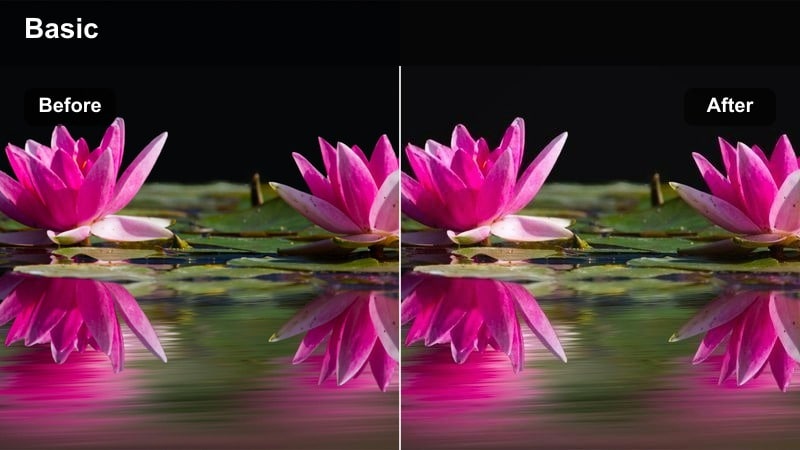
- Effect look: Warm, golden hour tint with lifted shadows and soft contrast
- Best for: Late-afternoon city walks, lifestyle B-roll, handheld travel sequences
- Editing tip: Lower saturation slightly and increase clarity for crisp building details while keeping skin tones natural.
Golden Avenue wraps your city footage in a warm, sunset-inspired glow that instantly adds nostalgia and softness. In Filmora, this cinematic color grading preset brightens shadows and smooths contrast so faces and architecture feel inviting instead of harsh.
Use Golden Avenue on clips captured during true golden hour or slightly overcast afternoons to enhance natural warmth rather than fake it. Once applied, refine saturation and clarity in Filmora to keep skin tones believable while allowing highlights on windows, clouds, and street details to shimmer gently.
Gritty Subway
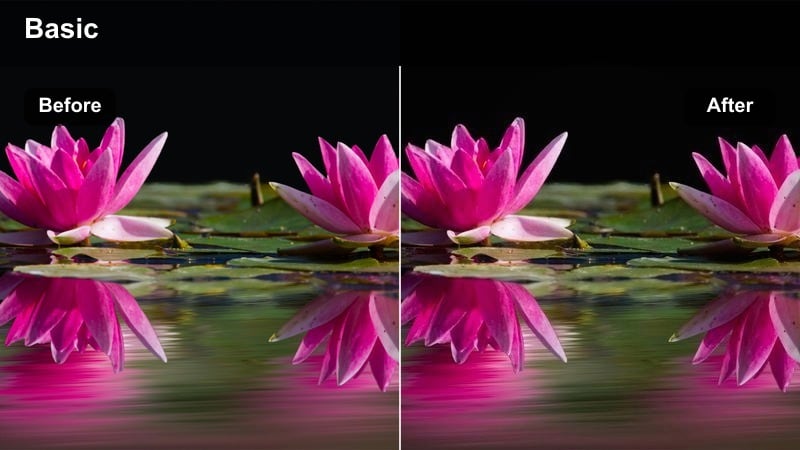
- Effect look: Desaturated, cool-green tint with boosted texture and contrast in midtones
- Best for: Underground metro scenes, chase sequences, tense dialogue in tight urban spaces
- Editing tip: Push shadows a bit deeper and add slight film grain to emphasize the rough, documentary feel.
Gritty Subway leans into desaturated, cool-green tones to underscore the harshness of underground locations and concrete-heavy environments. The preset lifts midtone texture, making tiles, rails, and walls look more tactile and lived-in when edited in Filmora.
Drop this cinematic filter on handheld or documentary-style footage to emphasize tension and realism in your story. After applying it, deepen the shadows slightly and add Filmora's grain or noise textures to reinforce the raw, grounded visual style that suits thrillers, chases, and character-driven city scenes.
Intimate Interiors and Character Moments
Soft Room Cinema
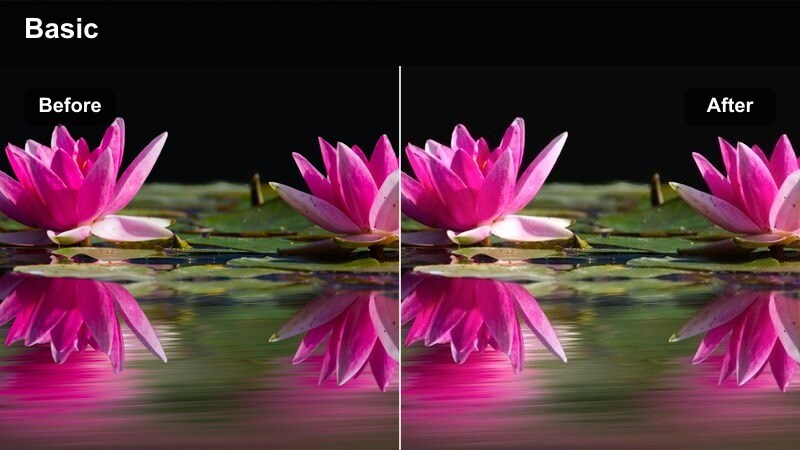
- Effect look: Low-contrast, warm shadows with gentle roll-off in highlights and creamy skin tones
- Best for: Dialogue scenes, bedroom or living room vlogs, emotional monologues
- Editing tip: Drop contrast slightly and add a tiny bit of blur on the background to emphasize the subject's face.
Soft Room Cinema is designed to make small interior spaces feel cozy and cinematic, with warm shadows and smooth highlight roll-off that flatter most skin tones. In Filmora, the reduced contrast helps tame harsh household lighting and makes emotional beats easier to read on your subject's face.
Apply this cinematic color grading preset to dialogue scenes, vlogs, or confessionals where performance and expression matter more than dramatic contrast. After applying it, slightly soften the background using Filmora's blur or depth-of-field tools so viewers stay focused on the speaker while the room fades gently into a warm, unobtrusive backdrop.
Moody Cafe
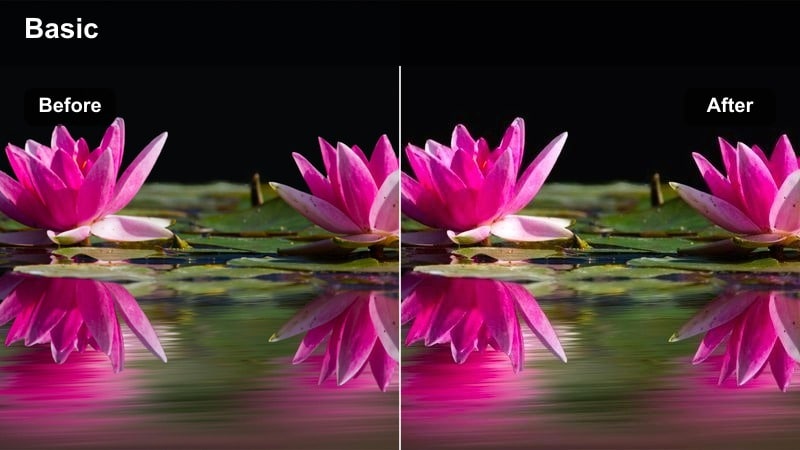
- Effect look: Rich, amber highlights with deep coffee-brown shadows and muted saturation
- Best for: Cafe conversations, laptop productivity shots, reflective character beats
- Editing tip: Tilt the white balance slightly warmer and darken corners to frame your subject within the cafe's practical lights.
Moody Cafe leans into amber highlights and deep, coffee-colored shadows to create an instantly cinematic atmosphere inside cafes, bars, and restaurants. The muted saturation keeps distractions low while practical lights such as lamps and window streaks take on a warm, inviting glow in Filmora.
Use this preset on scenes that focus on quiet conversations, journaling, or solo work sessions by a window. After adding the grade, fine-tune white balance a notch warmer and apply subtle vignetting in Filmora, so your subject sits naturally in the patch of light while the rest of the room falls away into rich, moody darkness.
Indie Apartment
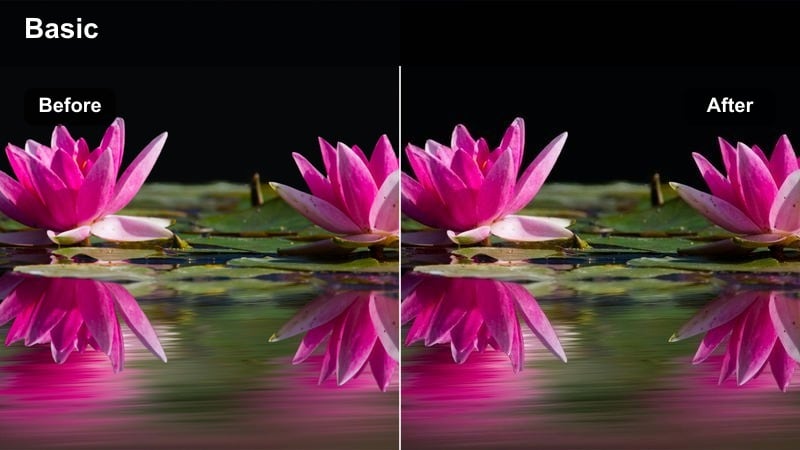
- Effect look: Muted colors with slightly lifted blacks and a subtle green-magenta balance shift
- Best for: Low-budget indie short films, roommates hanging out, lo-fi creator setups
- Editing tip: Reduce sharpness and add a minor film grain overlay to complete the independent film look.
Indie Apartment gives your footage the slightly faded, lifted-black aesthetic common in festival-ready indie films. Colors are softened and gently shifted, while blacks are raised just enough to keep shadows from feeling too polished, which works especially well for everyday apartment interiors in Filmora.
Apply this cinematic color grading preset to scenes of friends talking, making music, or working at home to create a cohesive lo-fi mood. After applying it, dial back overall sharpness and use Filmora's film grain overlays to introduce subtle texture that sells the hand-made, independent filmmaking vibe.
Action Beats and Nighttime Sequences
Teal Orange Blockbuster
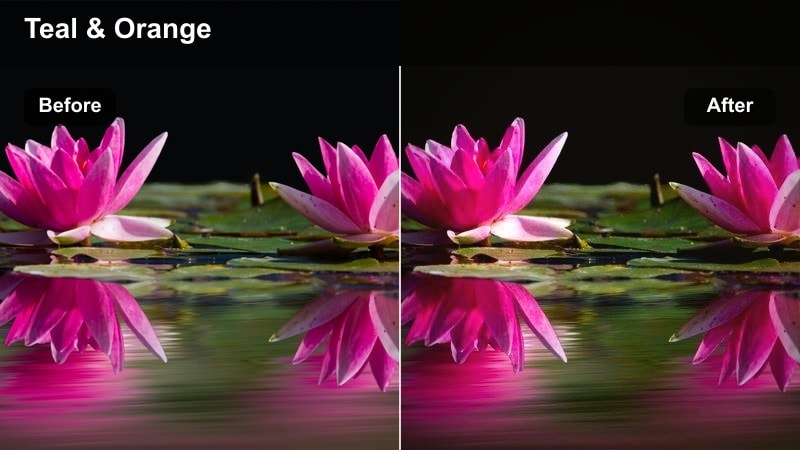
- Effect look: Strong teal shadows with warm orange skin tones and punchy contrast
- Best for: Short action films, car chases, energetic city B-roll and trailers
- Editing tip: Boost saturation slightly and stabilize your footage to keep the high-contrast grade from feeling chaotic.
Teal Orange Blockbuster delivers the classic Hollywood-style color split where shadows skew teal and skin tones pop with warm oranges. In Filmora, this preset adds crisp contrast and vibrant color that makes action scenes, trailers, and kinetic montages feel instantly bigger and more dramatic.
Use it on well-exposed footage with clear separation between subject and background to get the cleanest results. After applying the preset, tweak saturation and use Filmora's stabilization and motion blur tools so your fast cuts remain readable and exciting instead of visually overwhelming.
Midnight Pursuit
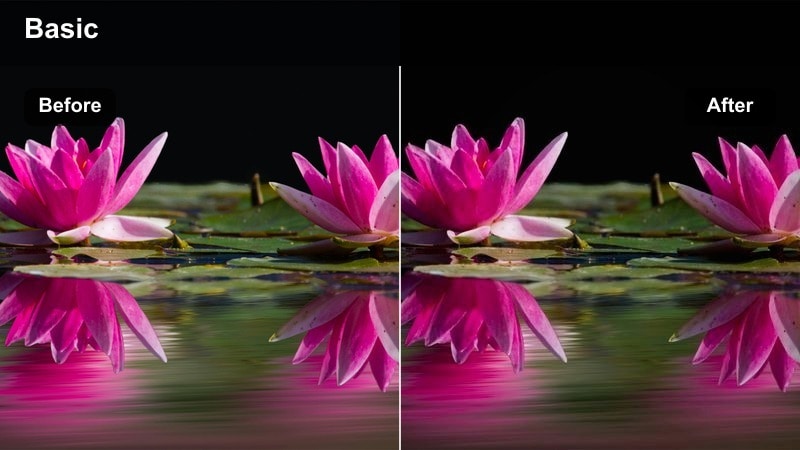
- Effect look: Cool blue highlights with crushed blacks and boosted clarity for night details
- Best for: Night chases, rooftop runs, parking lot sequences and thriller scenes
- Editing tip: Raise shadows just enough to keep detail, then add a vignette to keep edges dark and tense.
Midnight Pursuit shifts your night footage toward cool blue highlights while pushing blacks deeper, creating a tense, thriller-ready aesthetic. The preset enhances clarity so textures like rooftops, asphalt, and brickwork remain visible even in low light when edited in Filmora.
Apply this cinematic color grading preset to chase scenes, rooftop confrontations, or dark alley suspense sequences. After dropping it on your clips, gently lift shadows to preserve essential detail, then add a controlled vignette in Filmora to keep the edges of the frame heavy and focused on the action at the center.
Urban Neo Future
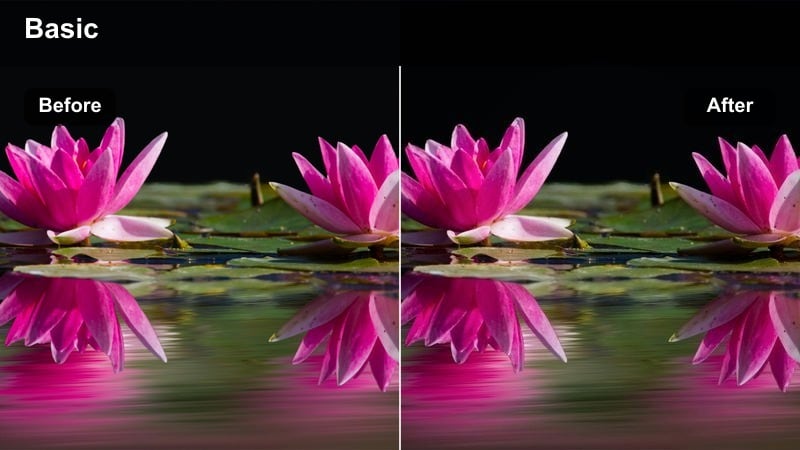
- Effect look: Saturated neon colors, deep blacks, and high micro-contrast for signs and reflections
- Best for: Cyberpunk shorts, neon-drenched alleyways, futuristic city montages
- Editing tip: Slow your footage down slightly and add subtle glow on the brightest neon areas for a dreamy sci-fi feel.
Urban Neo Future is built for neon-drenched environments, pushing saturation and micro-contrast so signs, reflections, and holographic-style lights explode with color. In Filmora, this preset deepens blacks and locks in a futuristic, cyberpunk grade that turns modern streets into sci-fi backdrops.
Use it on rainy nights, narrow alleys, or city centers full of LED displays and reflective surfaces. After applying the preset, experiment with slow-motion playback and add a touch of glow or bloom around bright neon using Filmora effects, enhancing the dreamlike, high-tech atmosphere of your sequence.
Daylight Travel and Vlog Storytelling
Travel Cine Soft
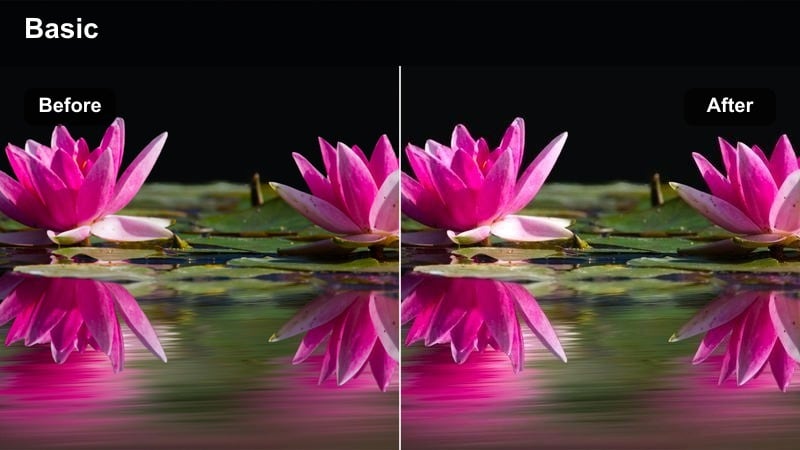
- Effect look: Soft contrast, slightly warm midtones, and gentle saturation boost
- Best for: Daytime city travel vlogs, handheld street tours, cinematic B-roll transitions
- Editing tip: Use smoother transitions and slower camera moves to let the soft look breathe between cuts.
Travel Cine Soft adds a light warmth and modest saturation lift to your daylight footage, smoothing contrast so bright skies and reflective buildings remain pleasant to look at. In Filmora, this cinematic color grading preset is ideal for vloggers who want a polished, filmic feel without sacrificing natural color.
Apply it across wide shots, walking shots, and B-roll of signs or food to keep your travel story visually cohesive. After applying the preset, favor slower camera moves and gentle transitions in Filmora so viewers have time to appreciate the soft, cinematic treatment on each new location.
Urban Documentary
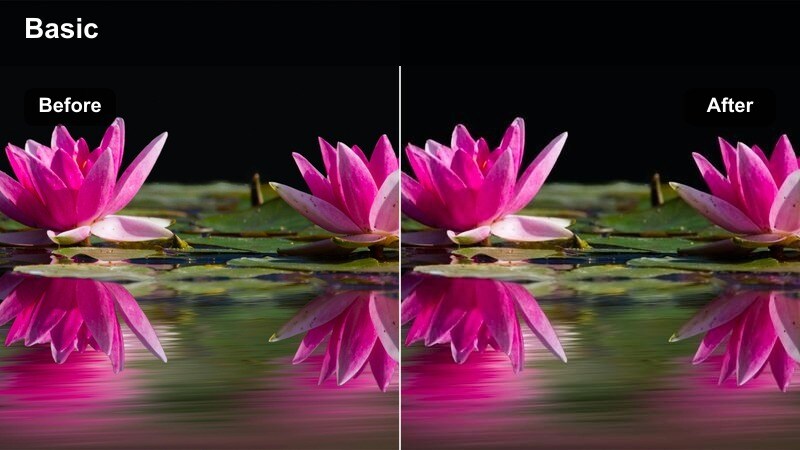
- Effect look: Neutral, slightly desaturated colors with strong midtone detail and subtle contrast
- Best for: City documentaries, street interviews, observational daily-life footage
- Editing tip: Keep camera color profiles flat when recording so this preset can add contrast without clipping highlights.
Urban Documentary keeps color nearly neutral and pulls back saturation so the emphasis lands on faces, textures, and movement rather than stylized hues. In Filmora, this preset adds just enough contrast and midtone detail to make city life feel grounded and professional without pushing toward an extreme look.
Use it for interviews, street observations, or slice-of-life footage where authenticity matters. Record in a flat or log profile when possible, then apply this cinematic color grading preset in Filmora to gently shape the image and maintain flexibility for fine-tuning exposure and skin tones afterward.
City Poetry
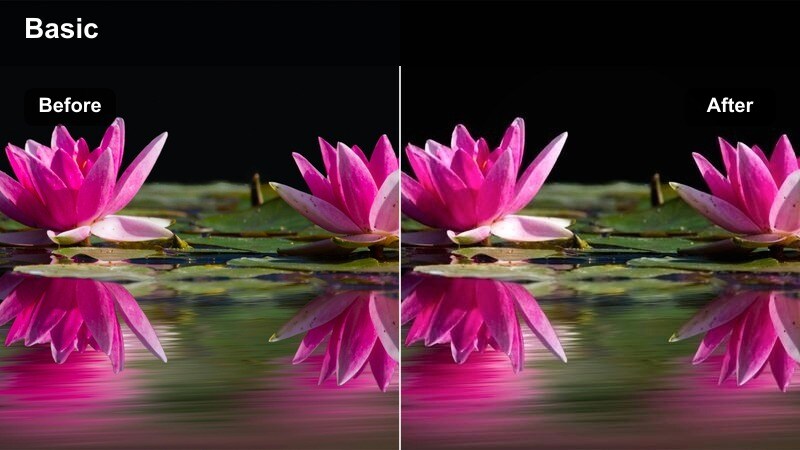
- Effect look: Pastel-leaning highlights with soft contrast and slightly cool shadows
- Best for: Montage sequences, reflective voiceover vlogs, quiet walking shots through town
- Editing tip: Slow down your cuts and let shots linger a bit longer to match the reflective, dreamy tone.
City Poetry shifts your highlights gently toward pastel tones while keeping shadows slightly cool, creating an airy, reflective mood. In Filmora, this preset softens overall contrast, making bridges, streets, and skyline shots feel like visual diary entries rather than straightforward documentation.
Apply it to slow walks, thoughtful B-roll, or sequences paired with voiceover to emphasize emotion over action. After adding the preset, extend shot durations and time your edits to music or narration beats in Filmora so the dreamy, poetic feeling has room to resonate with your audience.
Tips for Using Cinematic Color Grading Preset Filters in Filmora
- Pick one main cinematic color grading preset for your project and stick with it to avoid jarring shifts between scenes.
- Shoot slightly flatter in-camera so the presets have room to add contrast and color without clipping highlights.
- Test every preset on a mix of close-ups and wide shots to be sure it works across your whole short film.
- Use subtle vignettes and selective sharpening with presets to guide viewer attention toward faces and important details.
- Always check skin tones after applying a cinematic filter and adjust temperature or tint if they start to look unnatural.
- Combine Filmora presets with basic exposure and white balance corrections to keep your creative look grounded in clean source footage.
- Save custom versions of your favorite presets in Filmora so you can quickly reuse a consistent look across multiple videos.
Cinematic color grading presets in Filmora give content creators a fast, reliable way to turn everyday footage into cohesive movie-style scenes.
Once you have a look that matches your story, focus on lighting, framing, and performance the preset will keep your visual tone consistent from first shot to final cut.
secure downloadNext: Short Film Video Lut
