

 100% Security Verified | No Subscription Required | No Malware


 ChatGPT
 Perplexity
 Gemini
 Claude
 Grok
Grok
This cinematic shadow lighting video LUT filter collection is designed for content creators who want rich contrast, deep shadows, and precise light shaping without a complex grading workflow.
Use these filters to control mood, carve faces out of darkness, and guide your audience's attention to the most important parts of your frame.
In this article
Alley Noir Nights and Gritty Street Shadows
Shadow Noir Fade
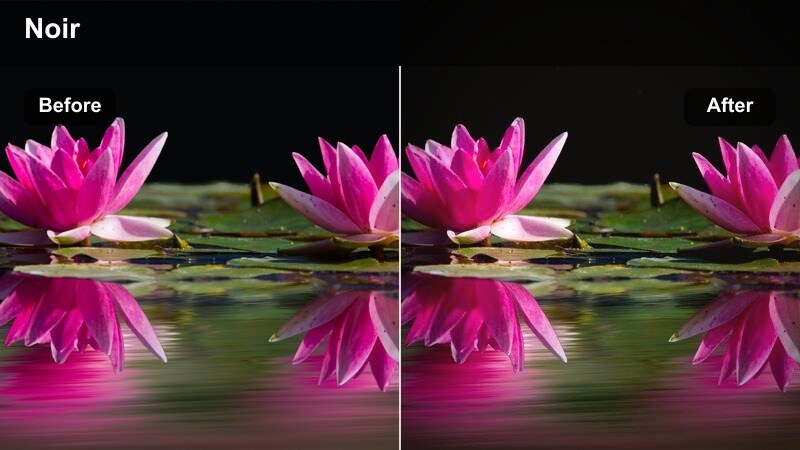
- Effect look: Softened blacks with lifted midtones that keep detail in the shadows while holding a moody, noir-inspired palette.
- Best for: Night street scenes, moody vlogs, alleyway chases, and handheld city walking shots with mixed light sources.
- Editing tip: Lower overall exposure slightly, then add a subtle vignette to push focus toward the subject inside the softened shadows.
Shadow Noir Fade gives your night footage a classic street-noir feeling by taming harsh blacks while preserving critical texture in dark areas. Instead of crushing everything into pure black, it gently lifts the midtones so brick walls, wet pavement, and clothing still hold detail inside the gloom.
In Filmora, apply this cinematic shadow lighting video LUT to clips shot under streetlamps, shop signs, or mixed city lighting. Combine it with a slight vignette and careful exposure control to isolate your subject inside pools of shadow, ideal for introspective walks, mystery setups, or narrative alleyway moments.
Match Cinematic Shadow Moods with AI Color Tools
Filmora's AI-powered color tools help you quickly balance exposure and contrast so these cinematic shadow filters sit perfectly in your timeline. Let AI handle base correction while you focus on shaping shadows and highlights for story-driven mood.
Analyze your footage, auto-balance problem clips, then apply a shadow LUT to dial in deeper blacks, controlled midtones, and consistent drama across your entire sequence.
 secure download

Preview Cinematic Shadow Filters in Real Time
With Filmora's real-time preview, you can quickly audition multiple cinematic shadow lighting video LUT filters on the same clip. Hover over each style to see how different levels of contrast, shadow depth, and color tone affect your story.
Compare looks side by side, then lock in the one that best supports your scene's pacing, genre, and emotional tone without interrupting your edit flow.
secure downloadBlend Filters with LUTs for Layered Cinematic Depth
Filmora lets you combine cinematic shadow filters with 3D LUTs to build layered grades that feel closer to big-screen cinema. Start by shaping your exposure and shadow placement, then stack a LUT to lock in your final color identity.
By lowering LUT intensity and adjusting HSL or curves afterward, you can create a cohesive, filmic look that travels smoothly across different locations and lighting setups.
secure downloadGrit Block Contrast
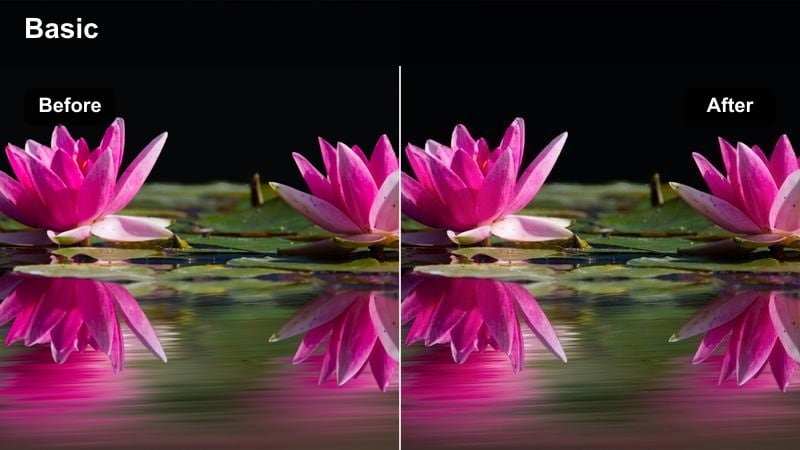
- Effect look: Punchy contrast with hard, graphic shadows and cooler midtones for a gritty downtown atmosphere.
- Best for: Urban exteriors, parking garages, industrial streets, and concrete-heavy establishing shots.
- Editing tip: Reduce sharpness slightly to avoid haloing around high-contrast edges, especially on building lines and silhouettes.
Grit Block Contrast turns city blocks into bold, graphic shapes by emphasizing hard shadows and cooler tones in the midrange. It is ideal for footage where tall buildings carve strong lines of light and dark across streets, sidewalks, and architecture.
Inside Filmora, apply this LUT-style filter to daytime or late-afternoon street shots to enhance structure and tension. Combine it with a slight reduction in sharpness and gentle stabilization so edges remain strong without distracting halos, creating a stylized but grounded urban look.
Neon Shadow Split
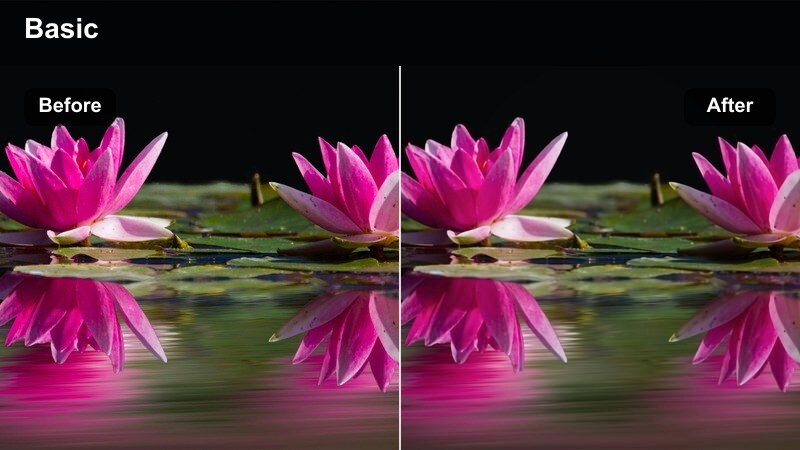
- Effect look: Deep, inky shadows contrasted with neon-tinted highlights for moody, cyberpunk-style night streets.
- Best for: Neon-lit storefronts, rainy sidewalks, late-night city b-roll, and music videos with street scenes.
- Editing tip: Add a subtle blur to background lights and keep your subject sharp to emphasize glowing contrast in the highlights.
Neon Shadow Split pushes your night city visuals toward a cyberpunk aesthetic by letting shadows fall almost to black while preserving saturated neon highlights. Reflections on wet pavement, glass, and metal pop against the darkness, creating a layered, futuristic mood.
In Filmora, apply this cinematic shadow lighting video LUT to b-roll and performance shots lit by signs or LED strips. Use keyframed blur on background layers, combined with sharp focus on your subject, so glowing color streaks separate cleanly from silhouettes and motion in the foreground.
Window Silhouettes and Interior Shadow Stories
Room Silhouette Soft
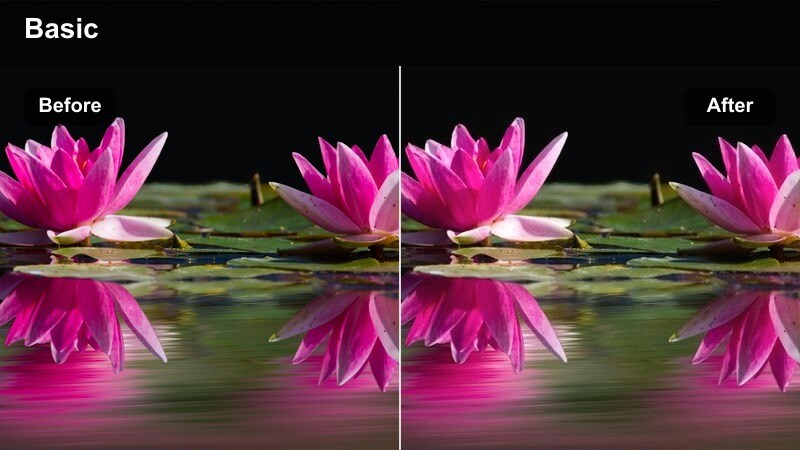
- Effect look: Gentle contrast with soft, roll-off shadows that turn backlit subjects into clean, subtle silhouettes.
- Best for: Backlit interiors, desk work scenes, introspective talking heads, and emotional storytelling in small rooms.
- Editing tip: Lower clarity slightly to keep textures in walls and furniture from pulling attention away from the silhouetted subject.
Room Silhouette Soft is built for quiet interior storytelling where the window is your brightest element. It softens transitions from light to dark so subjects read as silhouettes without harsh clipping, making outlines feel poetic rather than harsh.
In Filmora, use this filter on backlit interviews, journaling scenes, or reflective moments near windows. Combine it with slight clarity reduction and a touch of Filmora blur on background elements to keep the audience focused on the character's shape and posture instead of room details.
Curtain Shadow Weave
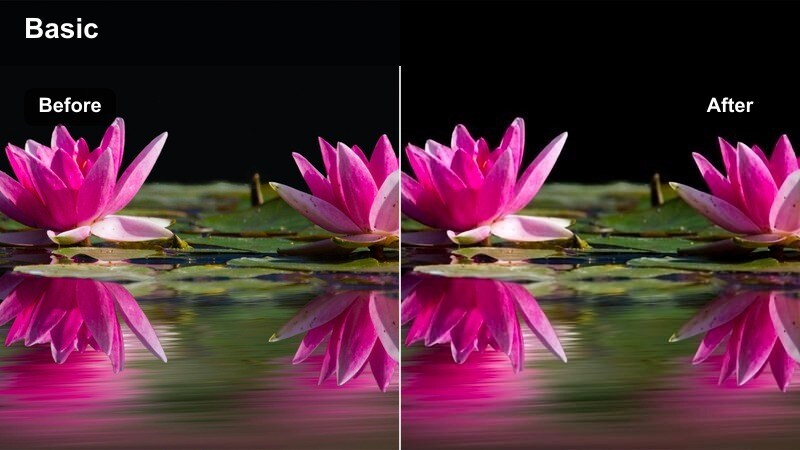
- Effect look: Textured shadows with a warm highlight tint that emphasizes patterns from blinds or curtains on faces and walls.
- Best for: Story-driven interiors, character closeups, and narrative sequences where window patterns add visual interest.
- Editing tip: Raise local contrast around the eyes so they remain visible even as curtain shadows fall across the face.
Curtain Shadow Weave enhances the natural patterns cast by blinds and drapes, giving your interiors a cinematic, story-first look. Warm highlights kiss skin and surfaces while the patterned shadows gain extra depth and clarity across faces, walls, and furniture.
Apply this LUT-style filter in Filmora to closeups or mid-shots where window patterns already exist in your raw footage. Use masks and local adjustments around the eyes and mouth so emotion stays readable, even as diagonal or striped shadows sculpt your character's features.
Desk Lamp Low Key
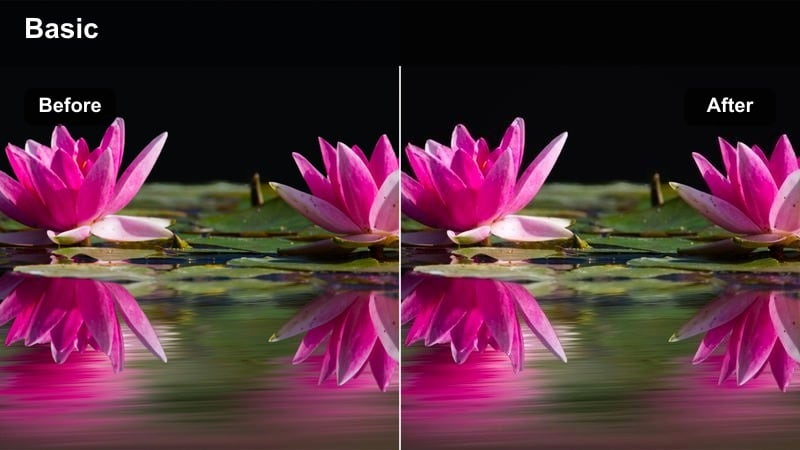
- Effect look: Low-key interior lighting with a small, warm pool of light fading quickly into rich darkness around the subject.
- Best for: Nighttime work scenes, writing montages, gaming setups, and intimate interior monologues.
- Editing tip: Pull down saturation in the background so the warm desk light feels like the primary visual anchor in frame.
Desk Lamp Low Key is designed for intimate night interiors built around a single practical light. It deepens surrounding shadows while emphasizing the warm glow on hands, faces, keyboards, and notebooks inside that limited pool of light.
In Filmora, pair this cinematic shadow lighting video LUT with a vignette and slight color desaturation in dark areas, guiding the audience directly to the warm subject zone. This approach works especially well for productivity montages, late-night confessions, or concentrated creative sessions at a desk.
Sunset Street Drama and Long Shadow Walks
Golden Shadow Stretch
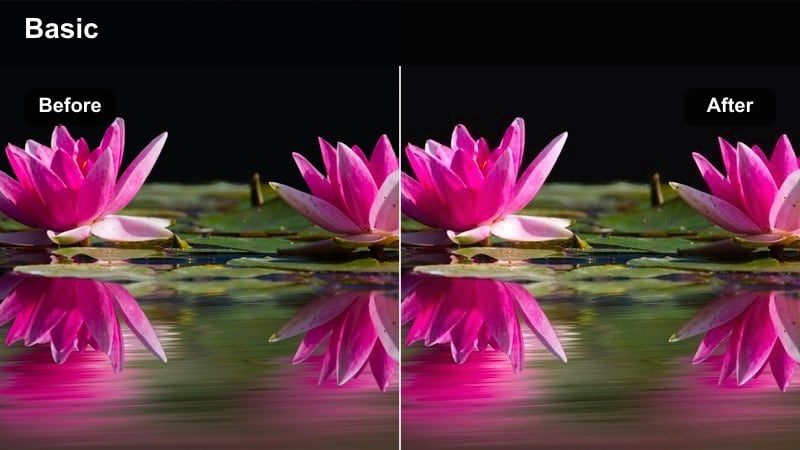
- Effect look: Warm golden-hour highlights with elongated, soft-edged shadows that emphasize depth and distance.
- Best for: Sunset city walks, boardwalk scenes, travel b-roll, and romantic or reflective pacing shots.
- Editing tip: Lower contrast slightly to keep skin tones soft and pleasing while preserving the length of the shadows.
Golden Shadow Stretch takes advantage of low-angle sun to make your subjects and objects cast visually striking long shadows. It boosts warm tones while keeping edges soft, so the scene feels nostalgic and cinematic rather than harsh.
When editing in Filmora, apply this filter to golden-hour street walks, travel transitions, or reflective character moments. Slightly reduce global contrast and add gentle motion, such as slow pans or pushes, so the stretched shadows guide the viewer's eye through the frame.
Crosswalk Cinema Amber
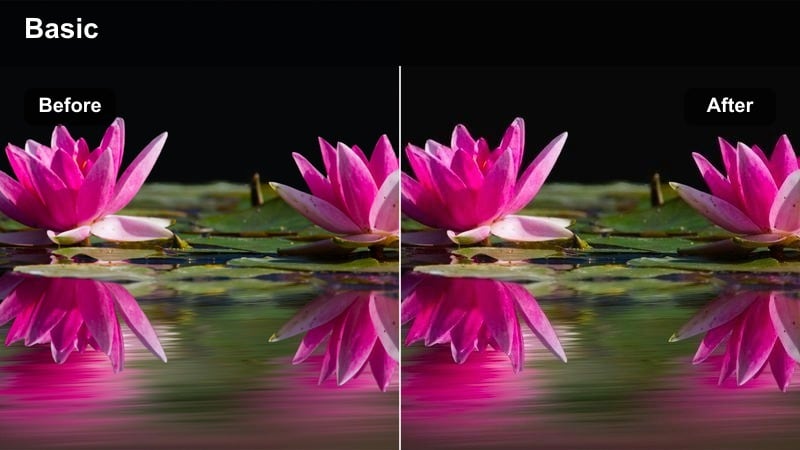
- Effect look: Soft amber highlights with cooler, muted shadows to create a cinematic color contrast across urban crosswalks.
- Best for: Crosswalks, street corners, city montages, and walk-and-talk dialogue during late afternoon or early evening.
- Editing tip: Introduce a slight motion blur or slower shutter to accentuate movement through patterns on the street.
Crosswalk Cinema Amber enhances rhythmic movement through city patterns by contrasting warm light on subjects with cooler tones in the streets. It adds a filmic, story-driven feel to everyday crossings and corner interactions without over-stylizing.
Inside Filmora, apply this LUT-like filter to walk-and-talks, city montages, or time-lapse sequences at dusk. Combine it with motion blur effects or frame blending to emphasize flowing movement across stripes, crosswalk paint, and road markings, creating dynamic transitions between scenes.
Overpass Shadow Road
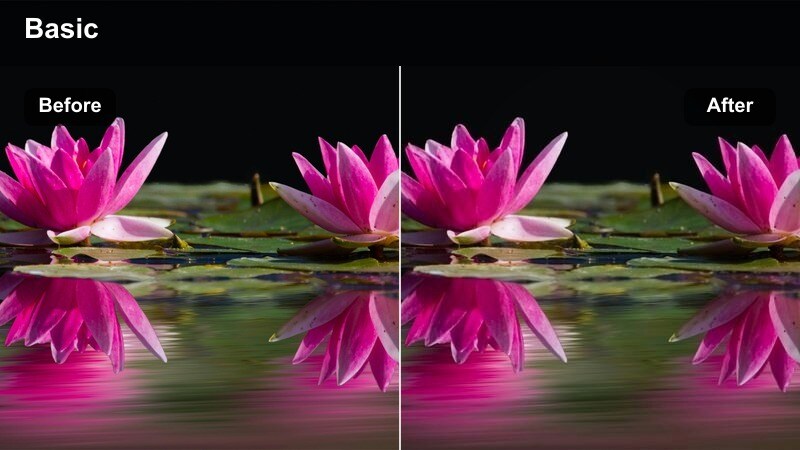
- Effect look: Cooler highlights with strong, layered overhead shadows from bridges and overpasses cutting across the frame.
- Best for: Highway walks, skate videos, car b-roll, and moody travel sequences beneath city infrastructure.
- Editing tip: Use slower, deliberate camera moves so the shifting overhead shadows feel like graphic transitions in your shot.
Overpass Shadow Road transforms bridges and elevated highways into powerful graphic elements that slice your image into bands of light and dark. Cooler highlights lend a subdued, modern tone that works well for moody, introspective, or action-driven travel sequences.
In Filmora, apply this cinematic shadow lighting video LUT to shots where your subject walks, skates, or drives beneath layered structures. Pair it with slow gimbal moves or drone passes so the shadows glide across the frame, acting as natural transitions between beats of your story.
Parking Lot Thrillers and Low-Key Urban Corners
Lot Lamp Suspense
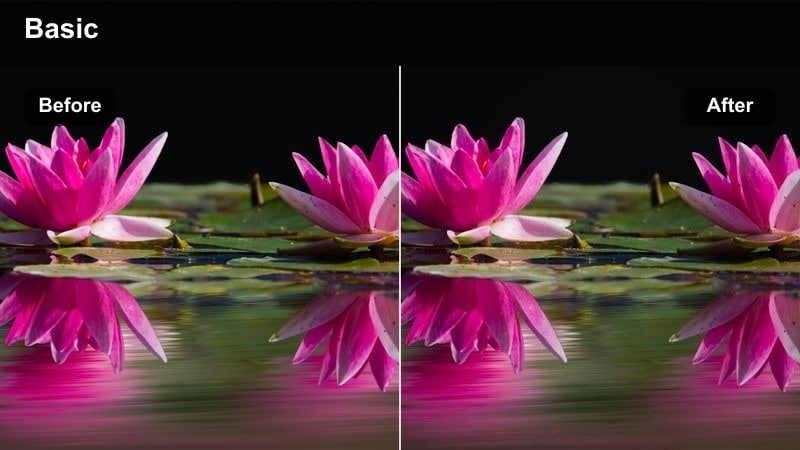
- Effect look: High-contrast low-key look with a single cool overhead lamp carving sharp pools of light amid vast darkness.
- Best for: Late-night parking lots, thriller sequences, tense confrontations, and minimalist chase setups.
- Editing tip: Keep noise reduction gentle so the natural grain in the darkest areas adds to the gritty tension.
Lot Lamp Suspense is tailored for thriller-style visuals where most of the frame falls into darkness. The filter digs blacks deeper while letting the cool pool of light under a lamp stay crisp and controlled, perfect for uneasy meetups or standoffs.
Use this LUT filter in Filmora on rooftop or parking-lot clips where your subject steps in and out of a single bright zone. Apply minimal noise reduction so a touch of grain remains in the shadows, reinforcing the gritty, high-stakes mood of your scene.
Corner Shadow Surveil
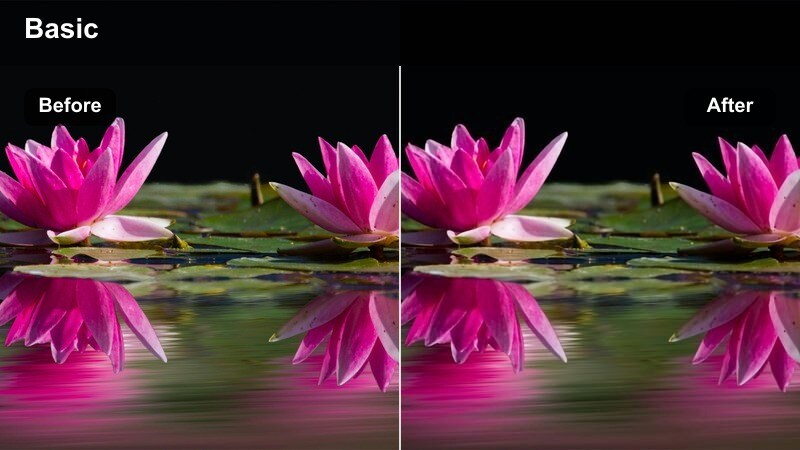
- Effect look: Muted color palette with strong corner vignettes and heavy shadows for a voyeuristic, surveillance-inspired mood.
- Best for: CCTV-style shots, stairwell corners, back entrances, and tense dialogue scenes in hidden urban spaces.
- Editing tip: Tilt your frames slightly or punch in with digital zoom to mimic unsettling security camera perspectives.
Corner Shadow Surveil desaturates colors and darkens edges of the frame to evoke the feel of cinematic surveillance footage. Strong vignettes and heavy corner shadows suggest distance, secrecy, and the sense that the viewer is watching unseen.
In Filmora, pair this LUT with slight digital zooms, off-level framing, and maybe a subtle overlay of grain or timecode for extra realism. It works well for establishing hidden observers, suspicious corners, or any narrative beat that needs a paranoid, watched-from-afar tone.
Rooftop Shadow Chase
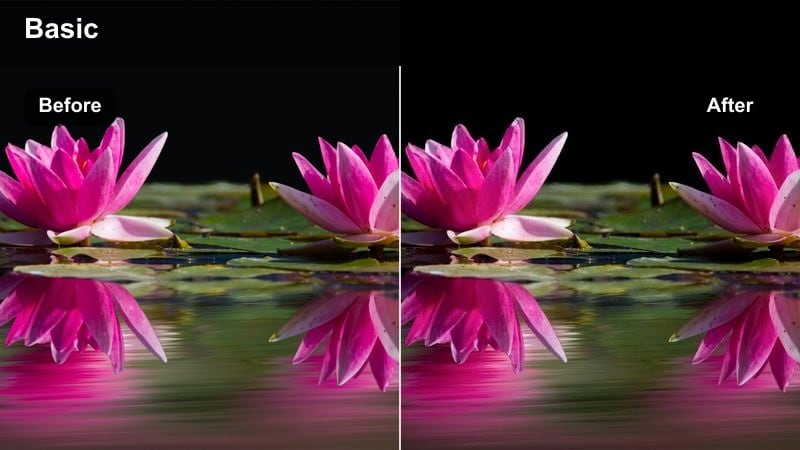
- Effect look: Cool-toned midtones with crisp shadows that emphasize height, edges, and fast movement across city rooftops.
- Best for: Rooftop chases, parkour sequences, drone flyovers, and dynamic establishing shots over city skylines.
- Editing tip: Slightly increase shutter speed or apply light stabilization so rapid movements feel sharp and intentional.
Rooftop Shadow Chase accentuates edges, angles, and vertical drops, creating a sense of height and speed across city skylines. Cool midtones and crisp shadows help running figures, railings, and parapets stand out with clear directional motion.
Apply this cinematic shadow lighting video LUT in Filmora to chase scenes, parkour runs, or drone sweeps above rooftops. Combine it with cut patterns that alternate between wide and medium shots where shadows remain visible, reinforcing direction, urgency, and geography for your audience.
Tips for Using Cinematic Shadow Lighting Video Lut Filters in Filmora
- Expose for the brightest highlights first so your shadow-focused filters have room to deepen blacks without clipping detail.
- Plan your blocking so key actions happen where light transitions into shadow, giving your scenes more depth without extra gear.
- Keep your white balance consistent across a sequence before applying filters, avoiding color jumps between edits.
- Use vignettes and subtle masks to guide the eye inside darker frames when your subject competes with busy backgrounds.
- Stack filters and LUTs at lower intensities rather than relying on a single effect at 100 percent for a more natural cinematic feel.
- Preview different cinematic shadow lighting video LUT styles on the same clip in Filmora to quickly compare contrast and mood options.
- Combine motion effects like slow push-ins or handheld shake with shadow filters to add energy and texture to static scenes.
- Save your favorite filter, LUT, and adjustment combinations as custom presets in Filmora for faster grading on future projects.
Cinematic shadow lighting video LUT-style filters give content creators an efficient way to tell darker, more dramatic stories without complex grading skills.
Experiment with a few of these Filmora filters on your next project, refining exposure and contrast so every shadow feels intentional and story-driven.
secure download