

 100% Security Verified | No Subscription Required | No Malware


 ChatGPT
 Perplexity
 Gemini
 Claude
 Grok
Grok
The Cooking Process Cinematic Filter preset pack is designed for content creators who want every step of their recipe to feel like a scene from a film, from chopping and sauteing to plating the final dish.
These Filmora filters enhance color, texture, and steam, while guiding viewers eyes through the key stages of the cooking process so your audience experiences the story behind each meal, not just the final plate.
In this article
Warm Kitchen Prep Moments
Golden Chopping Board Glow
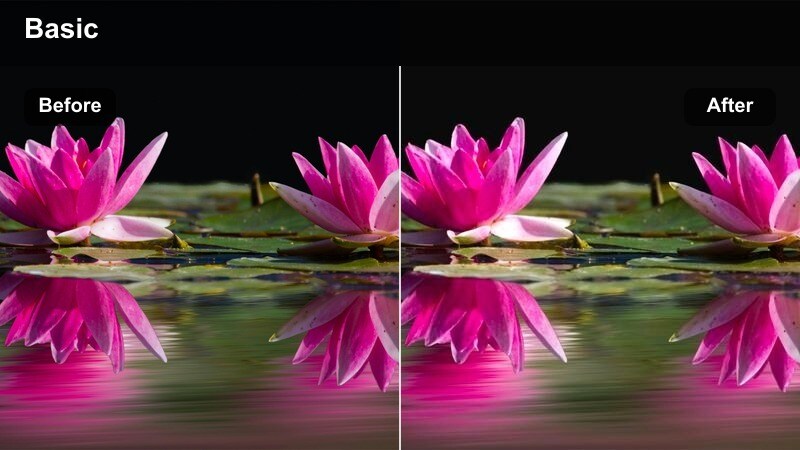
- Effect look: Soft golden warmth that wraps chopping boards and hands in a cozy cinematic glow.
- Best for: Close-up shots of chopping vegetables, mincing garlic, and prepping ingredients on wooden surfaces.
- Editing tip: Slow down the clip slightly and add subtle sound design of knife hits to emphasize the rhythmic prep work.
Golden Chopping Board Glow gives your kitchen prep shots a warm, storybook feel that immediately draws viewers into the recipe. In Filmora, this preset enhances the natural tones of wood, hands, and fresh produce so every slice and dice feels rich and cinematic instead of flat and clinical.
Use it on close-up shots of chopping and mincing, then slightly slow the footage on the timeline for a more deliberate, satisfying rhythm. Layer in tight audio of knife taps and board sounds, and consider stacking a gentle vignette effect in Filmora to further focus attention on the center of the frame.
Match Your Cooking Filters with AI-Driven Color Control
Filmora AI color tools help keep skin tones, countertops, and cookware looking consistent as you move between prep, stove-top, and plating shots. When you apply the Cooking Process Cinematic Filter presets, AI can smooth out exposure and temperature shifts so your golden chopping board clips still match the rest of your timeline.
Instead of spending extra time correcting every shot, let Filmora suggest a unified palette, then fine-tune only the key hero clips. This keeps your focus on creative decisions like framing, pacing, and which filter best fits each step of the recipe.
 secure download

See Cooking Process Filters in Action on the Timeline
In Filmora, you can drag presets like Golden Chopping Board Glow or Sizzle and Steam Dramatic straight onto your clips to see instant transformations. Scrub the timeline and toggle effects on and off to compare how each look changes your prep, stove-top, mixing, and plating shots.
This makes it easy to build a visual rhythm: warm, inviting prep, energetic cooking, and polished plating. Once you like the flow, you can fine-tune intensity or duplicate filter settings across similar shots for a cohesive sequence.
secure download1000+ Video Filters and 3D LUTs
Beyond the Cooking Process Cinematic Filter pack, Filmora includes a large library of filters and 3D LUTs you can use to shape the overall style of your food channel. You can combine process-focused presets with cinematic color LUTs to create a signature look that works across recipe tutorials, cafe vlogs, and lifestyle content.
For even more control, explore Filmora color wheels, curves, and HSL controls so you can refine specific hues like greens in herbs or reds in sauces while keeping everything else neutral and appetizing.
secure downloadSoft Morning Kitchen Light
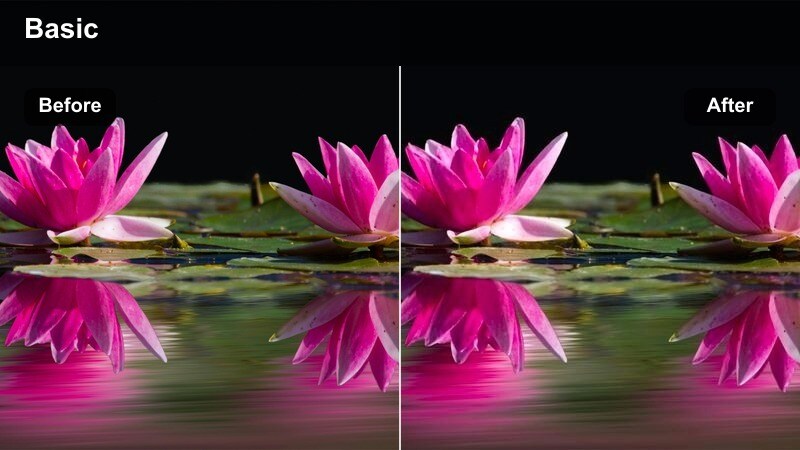
- Effect look: Gentle, low-contrast filter with cool shadows and a subtle haze that mimics early morning kitchen light.
- Best for: Morning breakfast prep, coffee brewing, and simple recipe intros with lots of natural window light.
- Editing tip: Lower saturation on strong colors and keep motion slow for a calm, relaxed breakfast routine feel.
Soft Morning Kitchen Light is ideal when your scene is built around natural window light and quiet routines. In Filmora, this preset softens contrast and adds a touch of haze so your breakfast and coffee clips feel calm, airy, and cinematic without harsh shadows.
Apply it to wide shots of your kitchen, pour-over coffee sequences, or simple toast and egg preparations. Reduce saturation slightly inside the Color panel, and pair the look with slow pans or locked-off tripod shots to keep the mood peaceful and intentional.
Crisp Ingredient Detail Focus
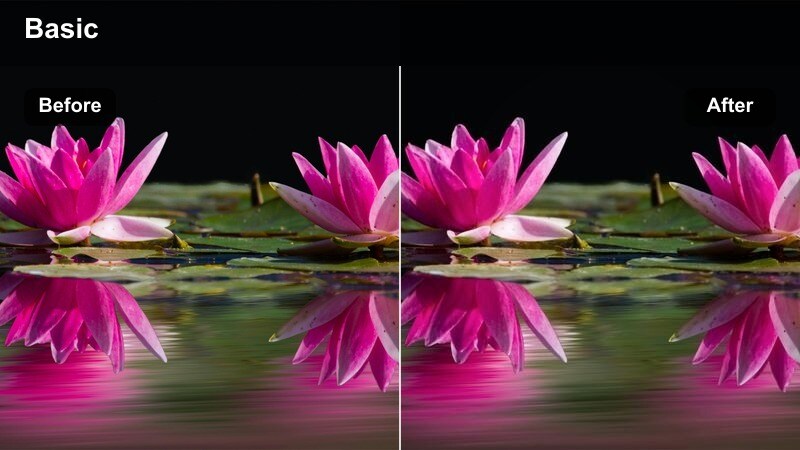
- Effect look: Clean, high-clarity filter that sharpens textures and slightly deepens shadows to highlight ingredient detail.
- Best for: Macro shots of herbs, spices, and raw ingredients laid out before cooking begins.
- Editing tip: Use a slow push-in zoom and cut on the beat of your music to emphasize details like salt crystals and herb leaves.
Crisp Ingredient Detail Focus turns your ingredient close-ups into tactile, high-definition hero shots. The filter adds clarity and subtle contrast in Filmora so textures like salt flakes, peppercorns, and herb leaves appear sharp and inviting on screen.
Use it on macro shots at the start of your video to introduce key ingredients as characters in your story. Combine the preset with Filmora keyframed zooms for gentle push-ins, and cut these shots rhythmically to your background track to build anticipation before the cooking starts.
Stove-Top Cooking Action
Sizzle and Steam Dramatic
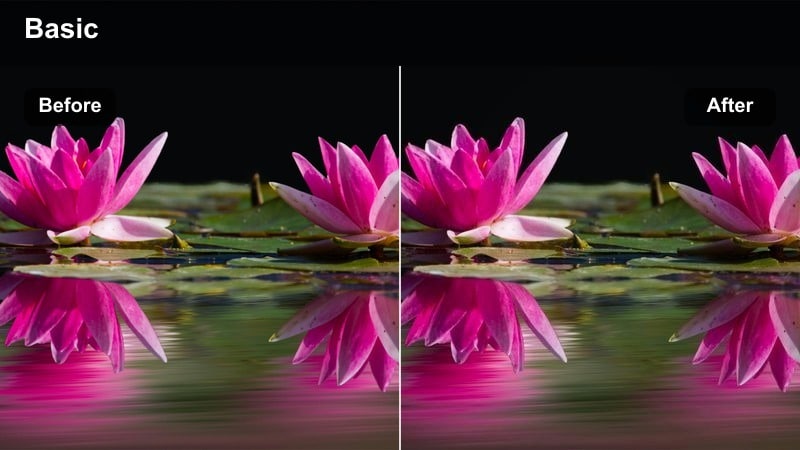
- Effect look: High-contrast, slightly desaturated filter that accentuates steam, sizzle, and pan reflections for drama.
- Best for: Shots of food hitting hot oil, steam rising from pots, and intense stove-top frying sequences.
- Editing tip: Use shorter cuts, speed ramps, and sound effects to match the energy and drama this filter adds to stove-top shots.
Sizzle and Steam Dramatic is built to amplify the intense moments when food hits a hot pan. In Filmora, it deepens shadows and emphasizes steam and reflections so every burst of oil or rising cloud of vapor feels cinematic and powerful.
Apply this filter to your most energetic stove-top clips, then experiment with speed ramping in the timeline to punctuate key impacts. Layer in amplified sizzle sound effects and quick cuts, and keep color slightly desaturated so the steam and specular highlights become the stars of the frame.
Creamy Sauce Smooth Cinema
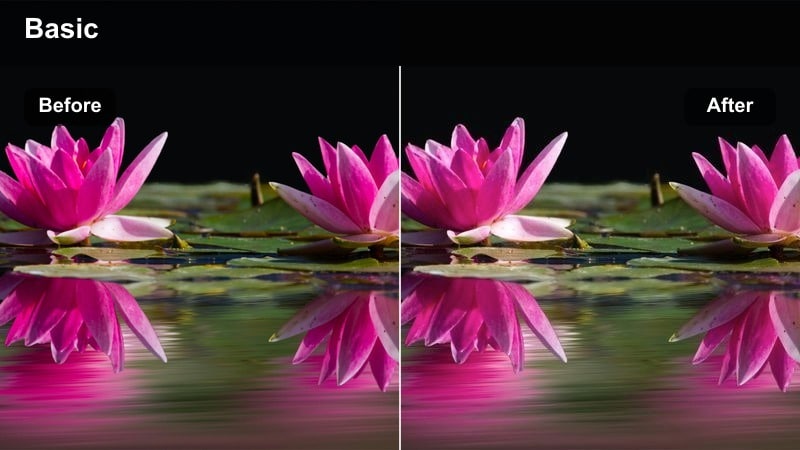
- Effect look: Smooth, low-grain filter with gentle highlights and creamy midtones for rich, polished cooking visuals.
- Best for: Stirring sauces, slow simmering, and close-ups of thick, glossy textures forming in pots and pans.
- Editing tip: Slow your footage to 80–90 percent speed and use gentle, curved keyframes for camera moves or zooms.
Creamy Sauce Smooth Cinema focuses on silky midtones and soft highlights to make sauces, stews, and gravies look luxurious. When you apply this preset in Filmora, thick, glossy textures become smoother and more appetizing without harsh grains or noise.
Use it on close-ups of stirring and simmering, and slow your clips slightly on the timeline to make each movement more hypnotic. Add subtle zooms or pans with eased keyframes so the camera motion matches the smooth, flowing look of the filter.
Flame-Kissed Pan Cinema

- Effect look: Rich, contrasty filter with saturated warm tones and deep shadows that make stove flames and pan edges pop.
- Best for: Flambe shots, stir-fries with visible flames, and high-heat searing on gas stoves.
- Editing tip: Capture at a slightly higher frame rate and emphasize the moment of flare with a subtle zoom-in and audio impact.
Flame-Kissed Pan Cinema is crafted to showcase dramatic bursts of fire and high-heat cooking. In Filmora, this preset boosts warm tones and deepens shadows so burners, flares, and glowing pan edges stand out against a darker, moody background.
Reserve it for short, high-impact moments like flambe sequences or wok tossing over open flame. Shoot at a higher frame rate so you can slow the peak of the flame in editing, then add a quick zoom-in and a punchy sound effect to make that instant the visual transition between major recipe steps.
Mixing Bowls and Texture Shots
Whisk and Fold Soft Focus
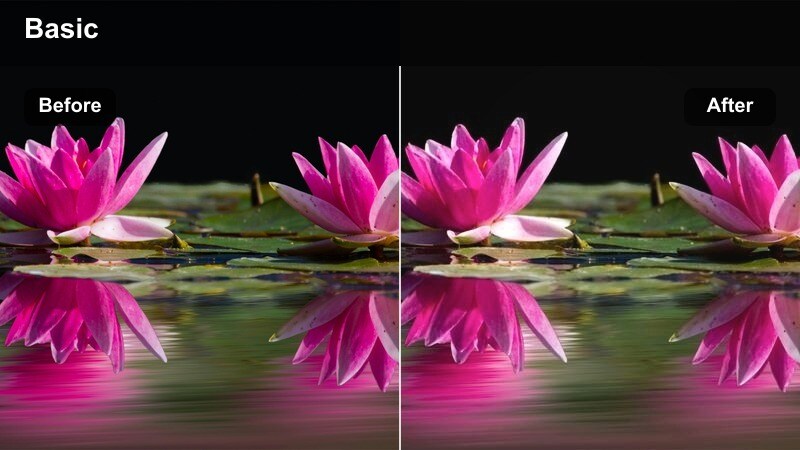
- Effect look: Softened edges with gentle bloom on highlights and slightly lifted shadows for dreamy mixing shots.
- Best for: Whisking batters, folding dough, and gentle hand movements in mixing bowls.
- Editing tip: Use slow, lingering shots and cross-dissolves to let viewers savor the motion and texture changes in the bowl.
Whisk and Fold Soft Focus adds a dreamy, tactile quality to every motion in your mixing bowl. In Filmora, it softens edges and blooms highlights just enough to create a cozy, comforting feel without losing important detail in the batter or dough.
Apply this filter to medium or close-up shots of hands whisking, folding, or scraping. Use longer clip durations, and transition between angles with gentle cross-dissolves so viewers can linger on the evolving textures, perfect for ASMR-style or relaxing baking videos.
Grainy Dough Handcrafted
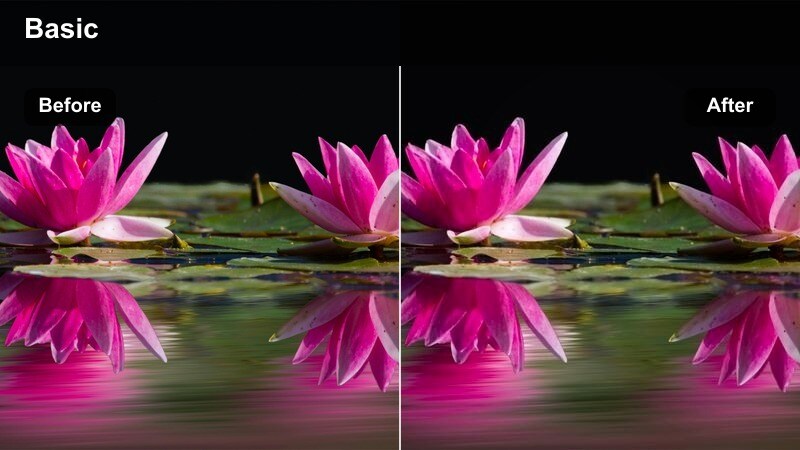
- Effect look: Slight film grain, warm tones, and boosted local contrast that convey handmade, rustic cooking energy.
- Best for: Kneading dough, shaping pastries, and any tactile, hands-in-the-mix recipe steps.
- Editing tip: Punch in tighter on hands and use foley of scraping, patting, and kneading to match the handcrafted aesthetic.
Grainy Dough Handcrafted brings a rustic, artisanal feel to any recipe that relies on hands-on work. The subtle film grain and warm tones in Filmora make flour dust, rough dough surfaces, and imperfect shapes feel intentional and authentic.
Use this preset on tight shots of kneading, rolling, and shaping, especially for bread and pastry content. Combine it with close-mic foley of scraping and stretching dough, and alternate between wide and tight angles to give viewers a sense of the full workspace and the detailed textures you are creating.
Ingredient Rain Slow Fall
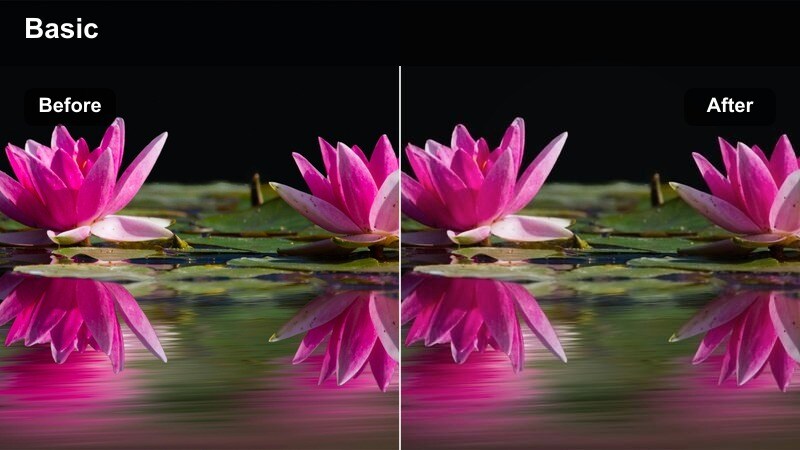
- Effect look: Cinematic contrast with subtle motion blur emphasis that makes falling ingredients look smooth and stylized.
- Best for: Pouring sugar, flour, or seasonings into bowls, or letting chopped ingredients drop in slow motion.
- Editing tip: Shoot at higher frame rates and slow down in post, then apply this filter to make ingredient falls feel weighty and elegant.
Ingredient Rain Slow Fall is designed for those visually satisfying pours and drops that separate each recipe stage. In Filmora, this preset pairs well with slow-motion footage, enhancing contrast and emphasizing motion so every falling grain or cube looks cinematic.
Record at a high frame rate, then slow the clip on the timeline before applying the filter for the smoothest results. Use these shots as visual punctuation between steps, cutting right as the ingredients hit the bowl to match changes in music, on-screen text, or narration beats.
Plating and Final Reveal
Plate Reveal Spotlight
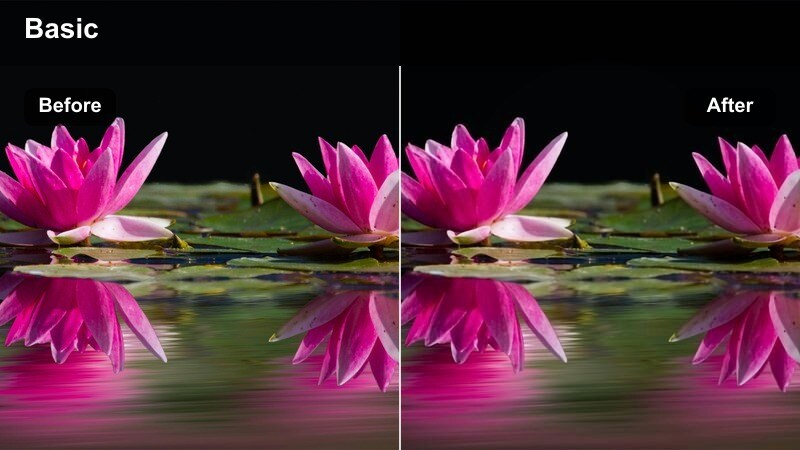
- Effect look: Directional vignette with bright, clean highlights that spotlight the finished plate and darken the background.
- Best for: Final plating shots, placing garnishes, and slow spins of the completed dish on the counter or table.
- Editing tip: Use a rotating platform or slow manual turn and cut to this filter only for your final plates to signal completion.
Plate Reveal Spotlight is your hero-look filter for the final dish. In Filmora, it adds a controlled vignette and brightens key highlights so the plate stands out sharply against a more subdued environment, signaling to viewers that they are seeing the payoff moment.
Apply this preset only to the last few shots where the dish is fully assembled or being garnished. Use slow rotations, spin plates on a turntable, or gently slide the dish into frame, and time the switch to this filter with a beat change or outro sting in your soundtrack.
Cozy Dining Table Cinema
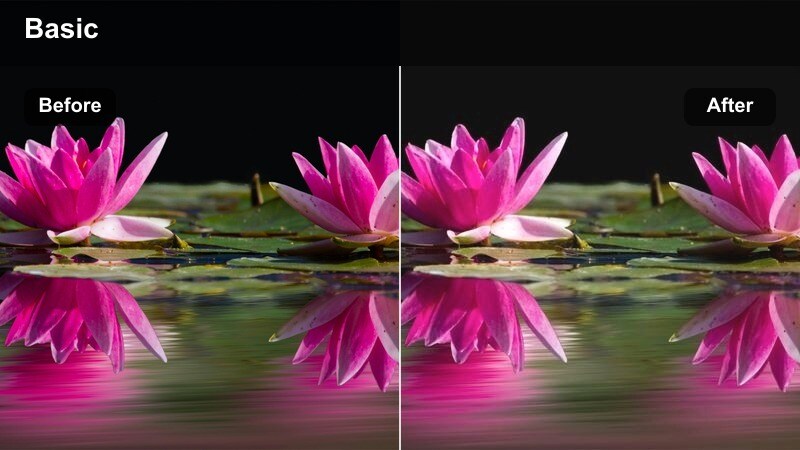
- Effect look: Warm, low-contrast filter with gentle filmic fade that makes dining table scenes feel intimate and cinematic.
- Best for: Serving food at the table, sharing plates, and capturing people reaching for the first bite.
- Editing tip: Favor wider shots here, keeping hands and dish interactions in the frame to emphasize togetherness.
Cozy Dining Table Cinema shifts the focus from pure food visuals to shared experience. The warm tones and light fade in Filmora soften the scene so family members, friends, and shared plates all feel part of an inviting, cinematic moment.
Use this preset on wider table shots as people serve themselves or go in for the first bite. Keep hands, cutlery, and multiple plates in frame, and let ambient audio like chatter and clinking dishes play through to support the intimate mood created by the filter.
Clean Recipe Card Outro
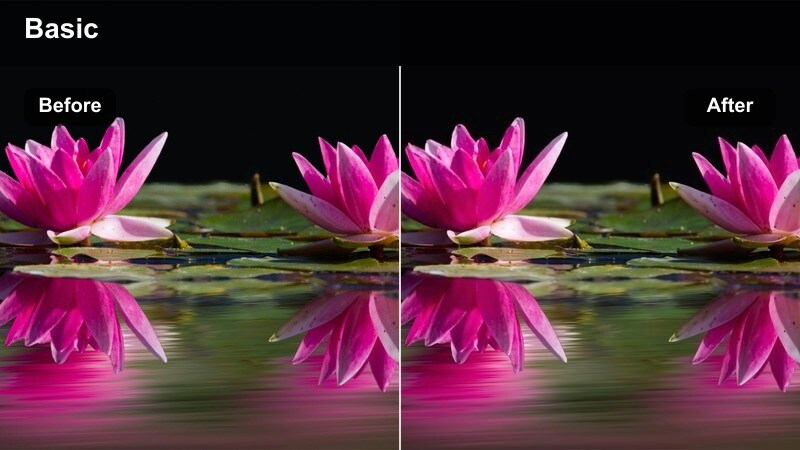
- Effect look: Neutral, slightly brightened filter with softened contrast ideal for overlays, text, and end-screen graphics.
- Best for: Closing shots of the dish next to text overlays, ingredient lists, or final recipe callouts.
- Editing tip: Keep this look minimal and pair with simple, legible text graphics that summarize key steps or measurements.
Clean Recipe Card Outro is optimized for clear, legible end screens and on-screen text. In Filmora, it evens out contrast and brightens the frame slightly so your titles, ingredient lists, or social handles stand out without clashing against heavy grading.
Frame your final shot with the dish on one side and empty space on the other, then apply this preset before adding text or graphic elements. Use Filmora title templates and keep fonts simple and consistent so the overall layout feels like a clean, repeatable recipe card viewers can screenshot or save.
Tips for Using Cooking Process Cinematic Filter Filters in Filmora
- Plan your shoot around the preset groups by capturing dedicated prep, stove-top, mixing, and plating angles so each cooking process cinematic filter can shine.
- Keep white balance locked or consistent in-camera so Filmora filters enhance color rather than fighting shifts between shots from different light sources.
- Record key actions like chopping, ingredient drops, and flame bursts at higher frame rates to give yourself flexibility for slow motion and speed ramps in editing.
- Use high-energy presets such as Sizzle and Steam Dramatic or Flame-Kissed Pan Cinema sparingly for short bursts so your video does not feel visually overwhelming.
- Balance bold stove-top looks with softer filters like Whisk and Fold Soft Focus or Cozy Dining Table Cinema to create a natural emotional arc.
- Test combinations of filters and LUTs on a short timeline segment first, then copy successful looks across the rest of your sequence to save time.
- Leverage Filmora AI color tools to maintain natural skin tones and appetizing food colors even when applying multiple cinematic filters.
- Save your favorite filter settings as custom presets per series or show format so every new episode quickly matches your established channel style.
With the Cooking Process Cinematic Filter presets in Filmora, every stage of your recipe can feel like a carefully crafted scene, from the first chop to the final plate.
Experiment with different combinations of prep, stove-top, mixing, and plating filters, then refine your favorites into a repeatable visual style that defines your cooking channel.
secure download