

 100% Security Verified | No Subscription Required | No Malware


 ChatGPT
 Perplexity
 Gemini
 Claude
 Grok
Grok
Cooking tutorials live or die by how appetizing your food looks on screen, and the right cooking tutorial video filter can instantly elevate your kitchen footage from flat to mouthwatering.
These Filmora-ready filter ideas are tailored for content creators who film recipe walkthroughs, quick cooking tips, and overhead kitchen demos, helping you keep colors natural, textures sharp, and the overall vibe warm and inviting.
In this article
Warm Kitchen Prep and Countertop Scenes
Golden Prep Glow
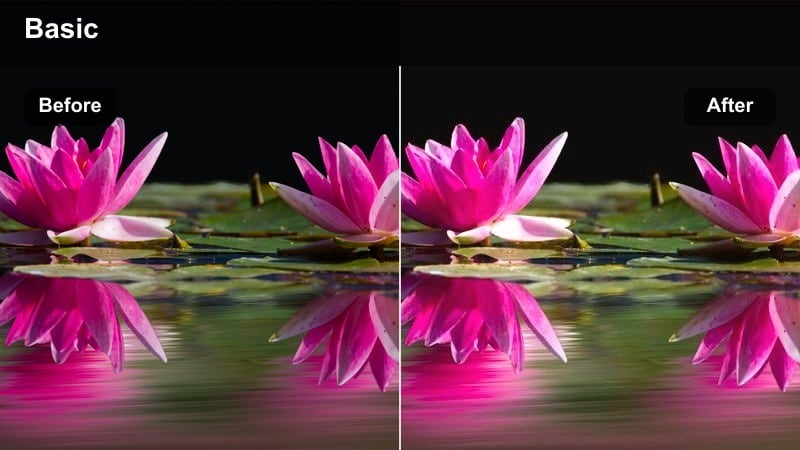
- Effect look: Soft golden warmth that brightens countertops and evens skin tones while keeping food colors realistic.
- Best for: Intro shots in a home kitchen, chopping sequences, and host-facing segments near a window.
- Editing tip: Lower the intensity slightly if your footage is already shot at golden hour to avoid overly orange skin tones.
Golden Prep Glow adds a cozy layer of warmth that flatters both your kitchen space and your on-camera presence. In Filmora, you can use it as a base look for your entire prep sequence, then fine-tune exposure so your countertops and cutting boards feel bright and inviting without pushing colors too far.
To keep food realistic, monitor neutral ingredients and reduce overall filter strength if whites drift toward orange. Inside Filmora, you can pair Golden Prep Glow with a slight decrease in temperature or orange saturation so that your face and hands stay soft and warm while rice, cream sauces, and pasta remain a clean, appetizing white.
Match Filters to Your Kitchen Lighting with AI
Different kitchens have wildly different lighting, from cool LED strips to warm tungsten bulbs, and using one fixed cooking tutorial video filter can make your footage look inconsistent. Filmora s AI-powered color tools help you quickly analyze each clip and nudge your chosen filter toward a balanced look, so your recipe feels cohesive even if you filmed on multiple days.
Open your cooking project in Filmora and experiment with AI color matching to blend Golden Prep Glow and other filters smoothly across all your scenes, keeping your entire tutorial visually unified.
 secure download

Preview Cooking Filters in Real Time
Instead of guessing which cooking tutorial video filter will flatter your food, use Filmora s real-time preview to compare several looks on a single clip. You can quickly stack a warm prep filter like Golden Prep Glow, a punchy stove effect, and a softer plating style to see how they work together across your timeline.
Drop a short kitchen clip into Filmora and cycle through your favorite presets to quickly build a three-stage filter workflow for prep, cook, and serve sections, then save the combination as a reusable preset for future videos.
secure download1000+ Video Filters and 3D LUTs
For an even more polished result, layer these cooking tutorial video filters with cinematic LUTs designed for food and tabletop scenes. Filmora offers hundreds of creative looks, so you can start with a gentle base filter to control exposure and contrast, then add a LUT to lock in a distinct color identity that makes your recipes stand out in the feed.
Browse Filmora s LUT and filter library to find combinations that suit your kitchen lighting and cuisine style, from rustic comfort dishes to modern minimalist plates.
secure downloadClean Counter Neutral
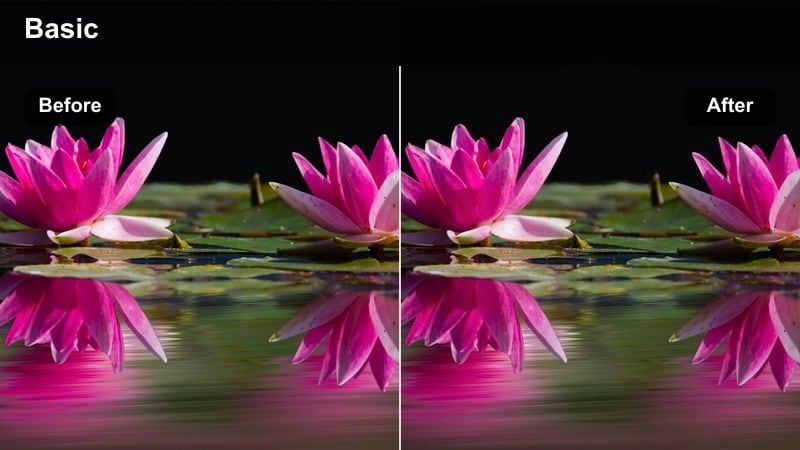
- Effect look: Bright, low-contrast neutral tone that keeps whites clean and textures crisp with minimal color shift.
- Best for: Top-down cutting board shots, stainless steel counters, and minimalist kitchen setups.
- Editing tip: Combine this filter with a slight clarity boost to make knife work and diced ingredients appear extra sharp.
Clean Counter Neutral is ideal when you want your kitchen to look fresh and modern without adding noticeable color styling. In Filmora, apply it to overhead prep shots so that white countertops, bowls, and aprons stay truly white while small ingredient details remain clearly visible.
To emphasize knife skills and precision cuts, add a subtle clarity or sharpness boost on top of this filter. You can then save the combination as a custom preset so every new video on your minimalist or branded channel keeps the same clean, consistent base look.
Cozy Morning Brunch
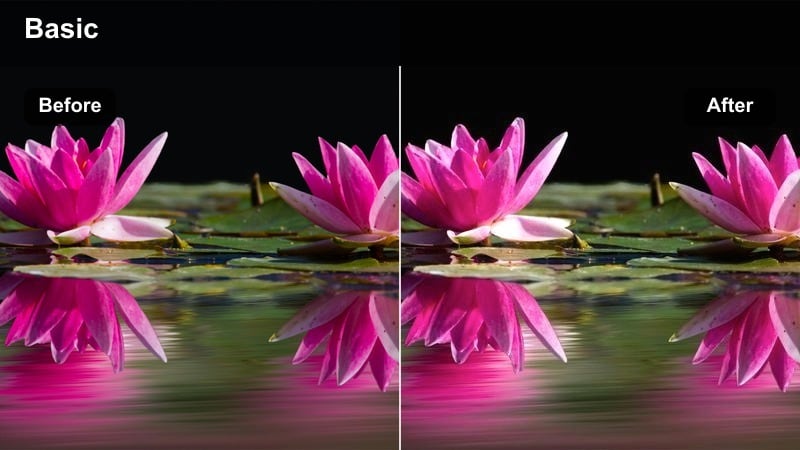
- Effect look: Soft, low-contrast pastel warmth that feels like slow weekend mornings with diffused light.
- Best for: Breakfast recipes, pastry prep, coffee-making segments, and relaxed brunch scenes.
- Editing tip: Reduce contrast slightly to keep highlights gentle, then add a subtle vignette for an intimate tabletop feel.
Cozy Morning Brunch gives your breakfast and pastry videos a gentle, dreamy quality that pairs well with slower pacing and soft background music. In Filmora, this filter works beautifully on shots with natural window light or lightly overcast conditions, keeping everything feeling airy rather than flat.
For a cohesive sequence, apply the filter across your entire brunch recipe segment, then fine-tune contrast and add a small vignette to center viewers attention on your coffee cups, pastries, or pancake stacks. This makes your morning content feel like a calm, intentional ritual instead of a rushed weekday cook.
Stovetop, Sauté, and Pan Action Shots
Sizzle Boost Contrast
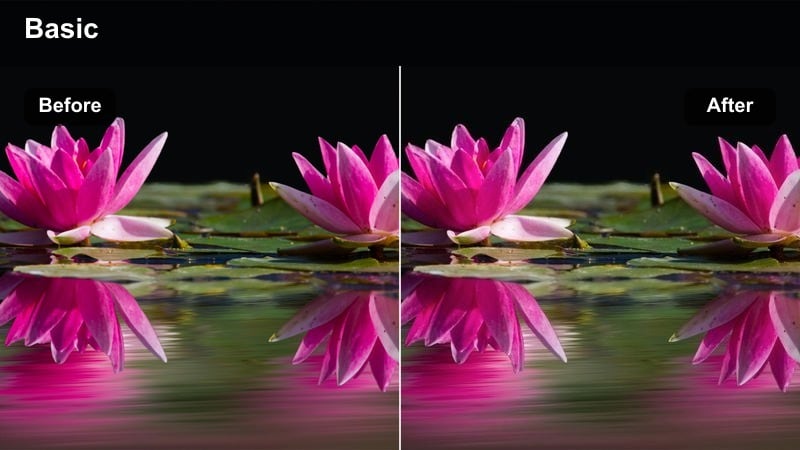
- Effect look: Punchy contrast and subtle saturation lift that makes searing, browning, and char marks stand out.
- Best for: Close-up shots of food sizzling in pans, wok tossing, and any high-action stove scene.
- Editing tip: Use this filter only on B-roll or hero shots, then fade back to a softer look for talking segments to avoid viewer fatigue.
Sizzle Boost Contrast is designed to make your pan shots look bold and energetic, with crisp edges and deeply defined browning. In Filmora, drop this filter onto your B-roll clips of searing steaks, stir-fries, or caramelizing onions to instantly add drama and visual intensity.
To keep your overall tutorial comfortable to watch, use keyframing or simple cuts to transition back to a softer filter for face-cam or step-by-step instruction shots. This contrast between calm and intense visuals helps maintain rhythm in your edit and prevents the whole video from feeling overly harsh.
Steam and Simmer Soft
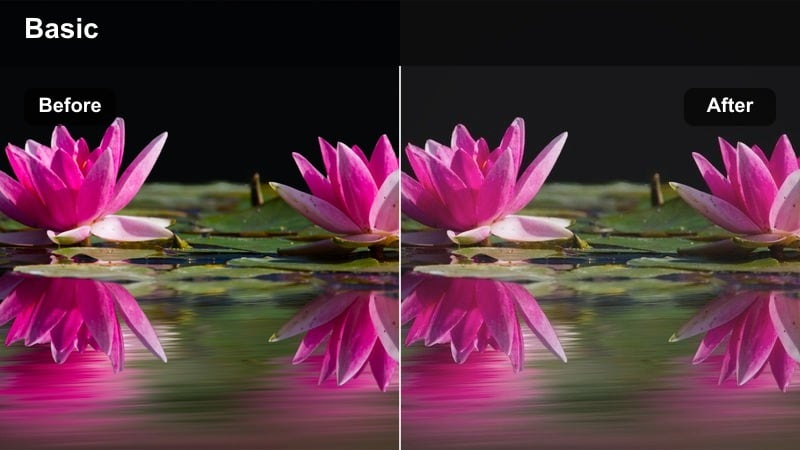
- Effect look: Gentle contrast with a slight matte finish that makes steam, bubbles, and slow cooking look cozy.
- Best for: Soup simmering, stews, braises, and long stovetop processes where texture and bubbles matter.
- Editing tip: Lift the shadows a little more if your pot interiors look too dark so viewers can clearly see the ingredients.
Steam and Simmer Soft gives your long-cook recipes a relaxed, cinematic tone, softening harsh highlights while preserving the movement of bubbles and steam. In Filmora, it works well on medium close-ups of pots and pans, especially when you want to tell a slow, comforting story around soups, stews, or braises.
If your cookware is dark or your stovetop lighting is limited, gently lift shadows and midtones after applying the filter so viewers never lose sight of the ingredients. Use Filmora s scopes to check that you are not crushing detail in the darkest parts of the pot while still keeping that matte, cozy finish.
Wok Flame Drama
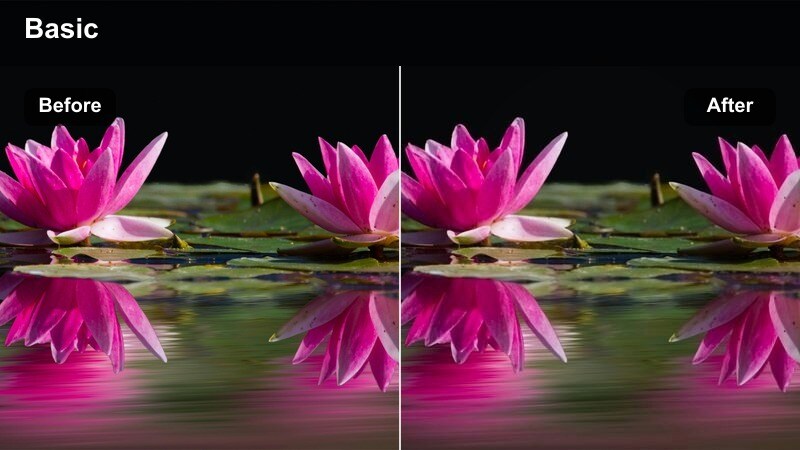
- Effect look: High-contrast, slightly cool shadows with vivid highlights that emphasize flames and quick motion.
- Best for: High-heat stir-fries, flambe shots, and dramatic gas stove flames.
- Editing tip: Dial back saturation on reds and oranges if flame colors start to clip or look unrealistic.
Wok Flame Drama is all about showcasing intense heat and fast motion, making your stir-fries and flambes feel like show-stopping moments. In Filmora, apply this filter to your most energetic stove clips and consider pairing them with speed ramps or tight cuts synced to your soundtrack.
Because flames and glowing burners can easily blow out on camera, reduce saturation in the red and orange channels if the color starts to look artificial. This keeps the fire vivid but believable, while the slightly cooler shadows help separate your ingredients and cookware from the background.
Ingredient Close-Ups and Color-Perfect Shots
Fresh Veg Pop
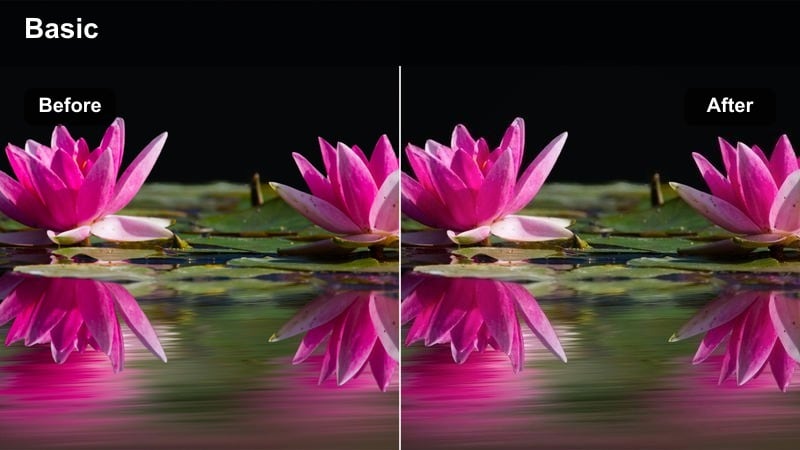
- Effect look: Targeted saturation and clarity boost for greens and reds while keeping skin tones and background neutral.
- Best for: Macro shots of chopped vegetables, herbs, and colorful bowls of prepared ingredients.
- Editing tip: Avoid using this filter on faces; cut to separate clips so the extra saturation only affects your ingredient B-roll.
Fresh Veg Pop is perfect for making salads, herbs, and produce really stand out, amplifying vibrant greens and reds without turning the entire frame cartoonish. In Filmora, use it on close-ups of bowls, cutting boards, and garnish shots where the food itself should grab all the attention.
To keep your host looking natural, avoid applying this filter to talking-head footage and instead reserve it for separate B-roll layers. You can create a branded feel by consistently using Fresh Veg Pop for every ingredients layout, then pairing those shots with a repeatable sound effect or quick whoosh transition.
Texture Focus Macro
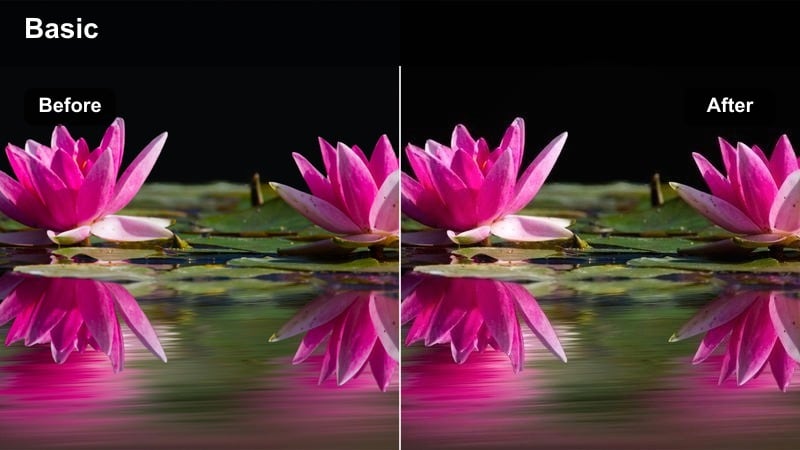
- Effect look: Increased micro-contrast and clarity that highlights fine textures like crumbs, grill marks, and sauce details.
- Best for: Extreme close-ups of crusts, seared surfaces, and finished dish textures.
- Editing tip: Apply selectively and reduce sharpness if crumbs or grains start to look harsh or overly edgy.
Texture Focus Macro helps viewers almost feel the crunch, flake, or creaminess of your dishes by emphasizing the tiniest surface details. In Filmora, use it on macro shots of crispy skin, crumb toppings, layered pastries, or glossy sauces to give your audience a tactile sense of the final result.
Because extra clarity can quickly become too harsh, especially on bread crumbs or grains, keep an eye on edges and dial back sharpness if you notice ringing or noise. This filter is also excellent for thumbnail frames, so try exporting stills from macro clips with Texture Focus Macro applied for mouthwatering video covers.
Balanced Color True-to-Life
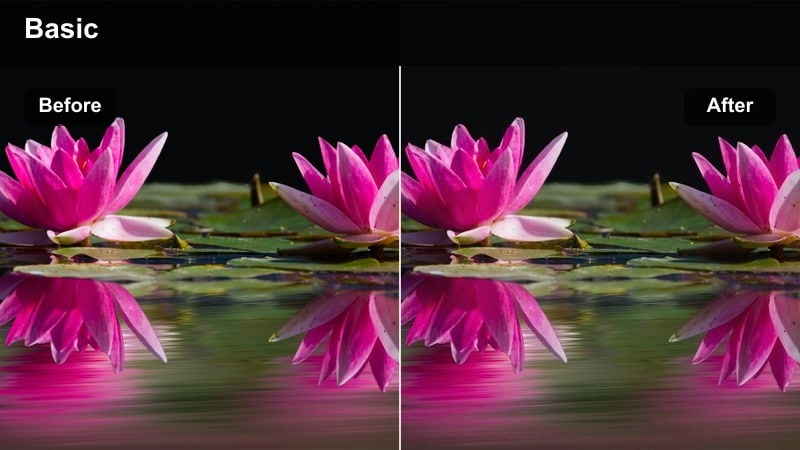
- Effect look: Accurate, camera-friendly color correction that keeps whites neutral and prevents oversaturation on bold ingredients.
- Best for: Recipe steps where you need viewers to judge doneness or exact color, like caramelization or sauce reduction.
- Editing tip: Use scopes to confirm your whites stay centered, and avoid stacking additional intense filters on top.
Balanced Color True-to-Life is made for educational moments where accuracy matters more than style, such as showing the exact shade of caramel or the proper browning on meat. In Filmora, apply it to instructional clips so students can clearly see what color they should aim for at each stage.
To keep tones honest, monitor your parade or waveform scopes and avoid layering highly stylized filters on top of this correction. Use more creative looks only for your intro, outro, and B-roll, while keeping key teaching segments under this neutral, reliable filter so viewers can follow along with confidence.
Plating, Serving, and Final Reveal Shots
Plating Cinematic Soft
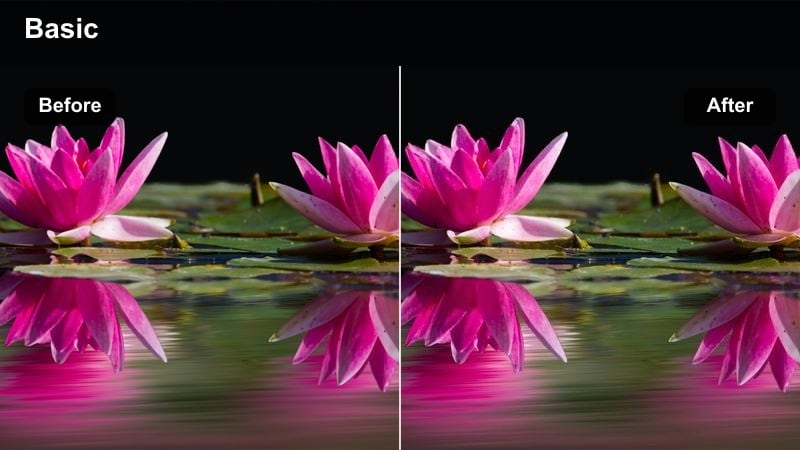
- Effect look: Soft cinematic contrast with gentle highlights and a subtle vignette that draws focus to the center of the plate.
- Best for: Final plating sequences, slow reveals, and overhead shots of completed dishes on the table.
- Editing tip: Use a slightly slower shutter or gentle slow motion in-camera to pair with this dreamy, cinematic filter.
Plating Cinematic Soft gives your finished dishes a polished, restaurant-style presentation by guiding the viewer s eye directly to the center of the plate. In Filmora, apply it to your final reveals and slow, sweeping shots across the table to signal that the recipe journey has reached its payoff.
You can enhance the cinematic mood by editing these clips at a slightly slower speed or using gentle slow motion captured in-camera. Combine the filter with a soft vignette and subtle background blur to create a signature outro look that viewers will instantly associate with the end of your cooking tutorials.
Family Table Warmth
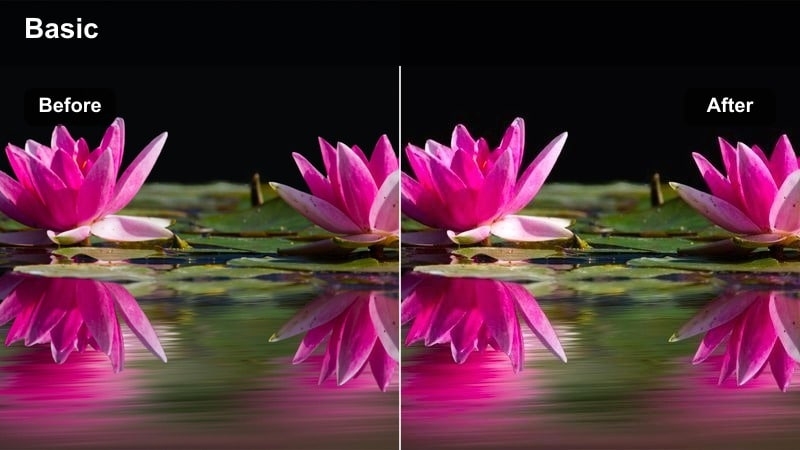
- Effect look: Cozy, amber-leaning warmth with softened shadows that mimics an inviting family dinner table.
- Best for: Family-style serving shots, passing plates around, and overhead views of shared dishes.
- Editing tip: Keep exposure slightly lower than usual to avoid blowing out candles or warm practical lights in the background.
Family Table Warmth is ideal for scenes that highlight connection and shared meals, wrapping your table in a gentle amber glow. In Filmora, use it for wide or overhead shots of multiple dishes being placed on the table, hands reaching in, and plates being passed around.
Because warm bulbs and candles can easily clip in the highlights, lower exposure slightly after applying the filter so all those cozy light sources retain detail. This creates a rich, flattering atmosphere that shifts your video from purely instructional to emotionally satisfying as you showcase people enjoying the food you just cooked.
Modern Minimal Serve
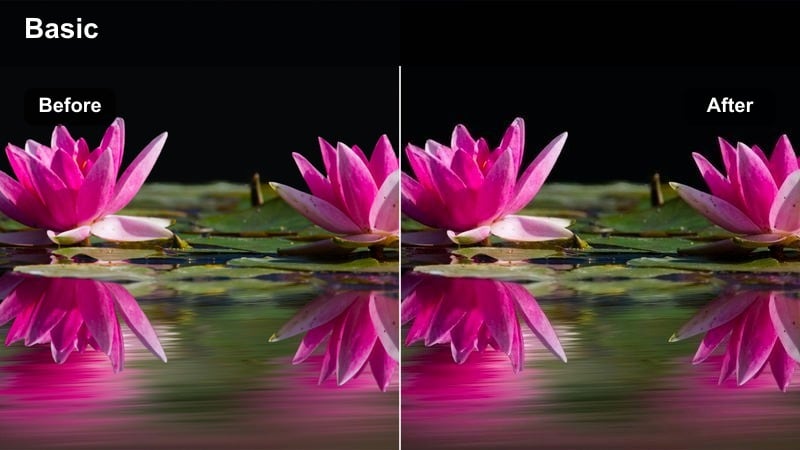
- Effect look: Clean, bright whites with subtle cool balance that fits modern, design-forward plating and tabletops.
- Best for: Single-plate presentations, minimalist tableware, and social-media-ready overhead serving shots.
- Editing tip: Straighten and center your plates in the frame so the clean look feels intentional and on-brand.
Modern Minimal Serve gives your final plates a crisp, editorial feel that is perfect for design-focused cooking channels and social media content. In Filmora, apply it to top-down or slightly angled shots of single dishes on white or neutral surfaces to create a gallery-like presentation.
Because this look is so clean, careful framing is essential: straighten horizons, center plates, and leave intentional negative space around the dish. This filter is especially effective for vertical reels and shorts, where a bright, uncluttered frame helps your recipe stand out on crowded mobile feeds.
Tips for Using Cooking Tutorial Video Filter Filters in Filmora
- Shoot with consistent white balance in-camera so your cooking tutorial video filter does not have to fix major color shifts between clips.
- Create separate presets in Filmora for prep, stove, and plating stages so you can apply the right look with one click while editing.
- Avoid over-saturating reds and oranges, since sauces and meats can quickly start looking unrealistic on smaller phone screens.
- Use gentle filters on your face-cam segments and stronger, more stylized filters only on B-roll and hero food shots.
- Always check your footage on a phone as well as a computer to ensure your chosen filter keeps text overlays and ingredients easy to read.
- Save your favorite filter combinations as custom presets named by scene type, like Prep_Warm or Plating_Cinematic, for fast reuse.
- Match your filter intensity to the pacing of your video: softer looks for slow, educational content and bolder looks for fast, upbeat edits.
- Use Filmora s keyframing to subtly fade filters in and out between phases of the recipe, creating smooth visual transitions.
With the right cooking tutorial video filter strategy, you can guide viewers smoothly from prep to plating while keeping every frame appetizing and on-brand.
Save your favorite combinations as Filmora presets, then explore a dedicated food serving cinematic LUT next to push your final dish shots into full cinematic territory.
secure download