

 100% Security Verified | No Subscription Required | No Malware

Family moments move fast on Instagram, and the right filter can turn a quick clip into a warm, cinematic story that fits your lifestyle feed. These Filmora presets are designed for family creators who want an effortless, polished look without spending hours on color grading.
Below you will find 12 family video filters for Instagram that work beautifully for family stories and lifestyle reels, from cozy at-home mornings to bright outdoor adventures. Each style includes a quick editing tip so you can dial in the glow, contrast, and story memory effect in just a few taps.
In this article
Soft Natural Glow for Everyday Family Moments
Morning Window Glow
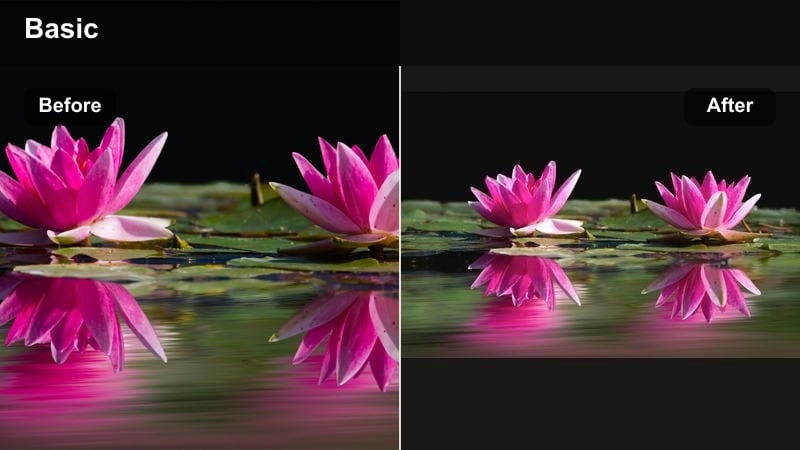
- Effect look: Soft brightening with gentle contrast and a warm highlight roll-off that makes window light feel dreamy but still natural.
- Best for: Slow morning routines, kids reading by the window, cozy coffee shots, and lifestyle family edits in soft daylight.
- Editing tip: Lower the intensity slightly if skin tones start to look too bright, and add a touch of film grain for a subtle story memory effect.
Morning Window Glow is ideal when you want your everyday family clips to feel like a polished lifestyle shoot without heavy editing. It lifts natural light, smooths transitions between highlights and shadows, and keeps skin tones flattering for reels and stories.
In Filmora, drop this filter onto your timeline and adjust intensity to match the brightness coming through your windows. Pair it with a slight film grain effect and gentle transitions so your morning routines, quiet reading moments, or breakfast scenes look cohesive across multiple Instagram posts.
Pro tip: Keep window light flattering, not blown out
Expose for faces before applying Morning Window Glow so the filter can lift highlights without losing detail in the background.
If the background turns too white, slightly lower exposure in Filmora and use the filter at 70–80% for a more natural lifestyle look.
Let Filmora’s AI Keep Your Family Feed Consistent
When you mix sunrise park clips with low-light living-room scenes, it is easy for your Instagram grid to start feeling visually disconnected. Filmora’s AI color tools help you match tones across different family videos so every reel feels like part of the same story.
Apply your favorite family video filters for Instagram, then use AI-assisted color matching to bring new clips in line with your existing lifestyle look. This keeps your feed cohesive, whether you are posting quick stories or polished reels.
 secure download

Preview Filters on Your Family Clips in Seconds
Instead of guessing how a filter will look on your footage, use Filmora’s real-time preview to test multiple family presets instantly. You can swipe through options like Morning Window Glow, Park Day Fresh, and Memory Fade Pastel right on your timeline.
Because Filmora’s filters are optimized for social formats, you will see immediately how they behave in vertical video, reels, and stories. This makes it easy to pick the exact storytelling mood you want for every family scenario.
secure downloadSave Your Favorite Looks as Reusable Presets
Once you dial in the perfect lifestyle family edit, you do not have to rebuild it from scratch every time. In Filmora you can save your filter adjustments, color tweaks, and grain settings as a custom preset.
Use that preset across new clips for birthdays, vacations, and everyday stories so your family video filters for Instagram stay consistent week after week. It is the fastest way to build a recognizable visual brand around your family content.
secure downloadSofa Snuggle Soft
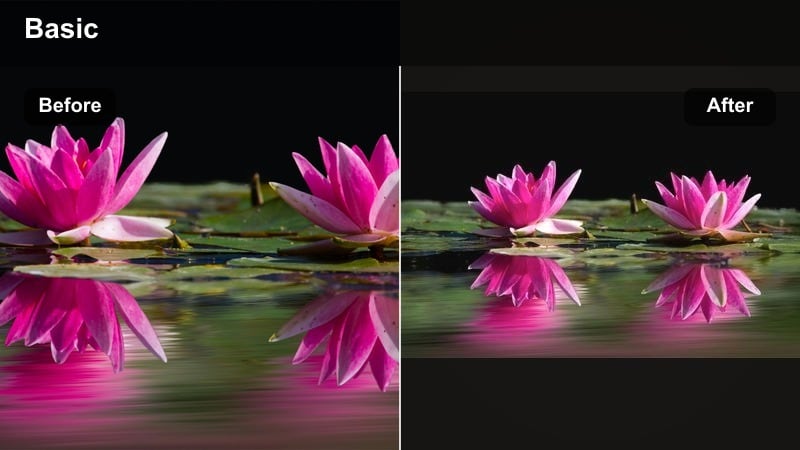
- Effect look: Muted contrast with a creamy highlight, slightly lifted blacks, and subtle warmth that adds a relaxed, dreamy tone.
- Best for: Indoor family cuddles, movie nights, bedtime stories, and any Instagram family filter moment in dim living-room light.
- Editing tip: Increase saturation for blankets and toys only, so faces stay soft but the scene still feels colorful and alive.
Sofa Snuggle Soft gently flattens harsh shadows and softens contrast so living-room shots feel intentional instead of noisy or underexposed. It is perfect for low-key, intimate family clips where you want the mood to feel calm and cinematic.
In Filmora, combine this filter with slight saturation boosts on specific colors using color correction tools. Keep transitions slow and add a subtle vignette if you want to draw more attention toward faces during storytime or movie-night reels.
Pro tip: Use soft focus to enhance the cozy mood
Slightly reduce sharpness after applying Sofa Snuggle Soft to avoid emphasizing clutter or background distractions.
Pair this filter with gentle background music and slower cuts to reinforce the relaxed, story memory effect.
Nursery Daylight Clean
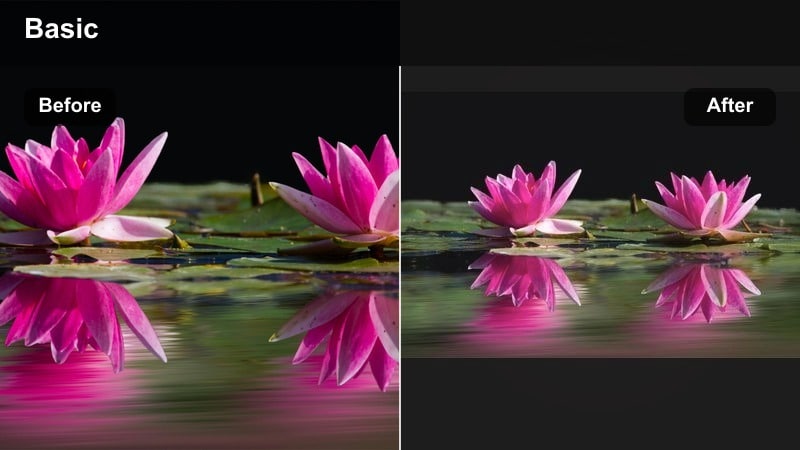
- Effect look: Clean whites, soft pastel boost, and neutral skin tones that keep baby footage bright without looking filtered.
- Best for: Baby clips in the nursery, crib shots, changing-table moments, and lifestyle reels focused on light interiors.
- Editing tip: Use the color controls to pull down any color cast in the walls, then apply the filter at full strength for a crisp lifestyle family edit.
Nursery Daylight Clean is tailored for bright, minimal interiors where you want whites to stay clean and baby skin tones to look natural. It lifts exposure gently and gives a subtle pastel pop that works beautifully for Instagram reels and stories.
In Filmora, correct any yellow or green color cast first, then apply this filter to unify your nursery content. Add simple text overlays or stickers in soft tones to keep the aesthetic calm and on-brand for family or parenting accounts.
Pro tip: Protect whites when shooting in mixed light
Turn off strong yellow lamps when you can so the filter can keep whites looking clean instead of cream or green.
If mixed light is unavoidable, slightly cool the temperature in Filmora before adding Nursery Daylight Clean to balance the scene.
Warm Golden Filters for Golden-Hour Family Stories
Backyard Golden Hour
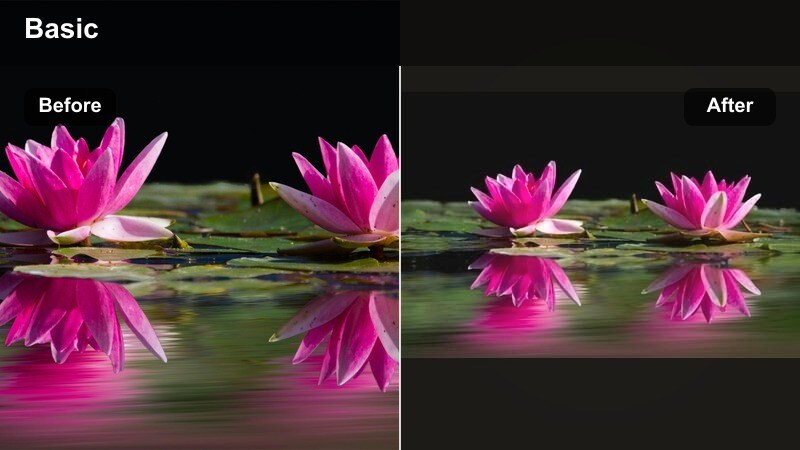
- Effect look: Rich golden warmth with gentle fade in the shadows and glowing highlights that wrap around silhouettes.
- Best for: Backyard playtime, kids running through sprinklers, evening barbecues, and sunset walks in lifestyle reels.
- Editing tip: Use slower motion clips and let the sun sit behind your subjects, then increase vibrance slightly to highlight sky colors.
Backyard Golden Hour emphasizes the natural warmth of sunset by deepening golds and softening shadows. It turns spontaneous backyard chaos into romantic, memory-filled sequences that look made for Instagram.
In Filmora, apply this filter to clips where the sun is low in the sky, and consider adding slow motion or speed ramping for playful runs and spins. Subtle lens flares or light leaks can complement the filter and enhance the cinematic glow.
Pro tip: Shoot toward the sun for a halo effect
Position the sun just out of frame or behind your family’s heads so the filter can enhance the natural halo glow.
If faces get too dark, raise shadows slightly in Filmora before applying Backyard Golden Hour for a balanced lifestyle look.
Sunset Beach Hug
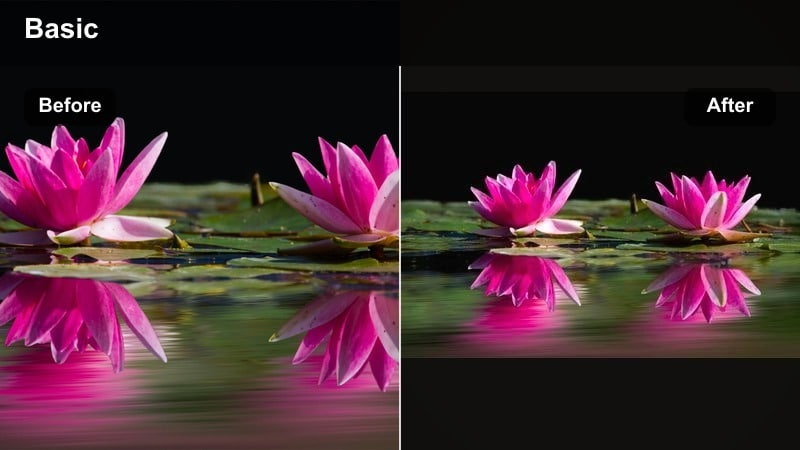
- Effect look: Warm peach tones with softened blues and a subtle vignette that centers focus on your family silhouettes.
- Best for: Family walks on the beach, shoreline play, silhouette hugs, and travel-style family Instagram reels.
- Editing tip: Reduce saturation of blues slightly for a more cinematic beach look, and crop vertically to emphasize the horizon line.
Sunset Beach Hug wraps your shoreline clips in soft peach warmth and pulls attention toward your family by gently darkening the edges. It tones down intense blues so the overall mood feels cinematic instead of overly saturated.
Use this filter in Filmora on wide and medium shots of your family near the water. Combine it with slow push-in camera moves using pan-and-zoom, and keep cuts longer so viewers can soak in the emotional atmosphere of sunset hugs and walks.
Pro tip: Balance sky drama and skin tones
If the sky looks great but faces are too orange, pull back the filter intensity to around 70% and add a tiny bit of cool temperature.
Use gentle zoom-in keyframes to add movement and make the sunset feel more immersive on Instagram reels.
Campfire Family Warmth
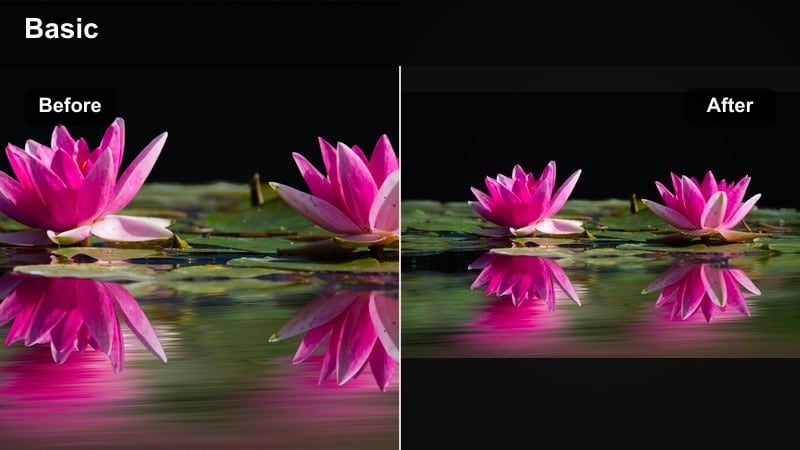
- Effect look: Deep contrast with glowing orange highlights and slightly desaturated backgrounds that keep attention on the fire and faces.
- Best for: Campfire nights, backyard fire pits, marshmallow roasting, and moody outdoor storytelling.
- Editing tip: Lower overall exposure slightly so flames keep detail, then let the filter lift warm highlights for a cinematic feel.
Campfire Family Warmth leans into rich oranges and strong contrast, giving night shots a moody, movie-like quality. Background elements fade gently so the viewer’s eye stays on faces, flames, and the glow between them.
In Filmora, stack this filter with selective noise reduction on darker areas to keep your video clean. Use tighter framing and slower cuts, and consider layering soft acoustic music to complete the storytelling vibe around your fire-side reels.
Pro tip: Use contrast to shape the story
After applying Campfire Family Warmth, adjust contrast to control how much of the background disappears into shadow.
For Instagram stories, keep vertical framing tight around faces and the fire so the warmth becomes the clear focal point.
Cool Clean Filters for Outdoor Family Adventures
Park Day Fresh
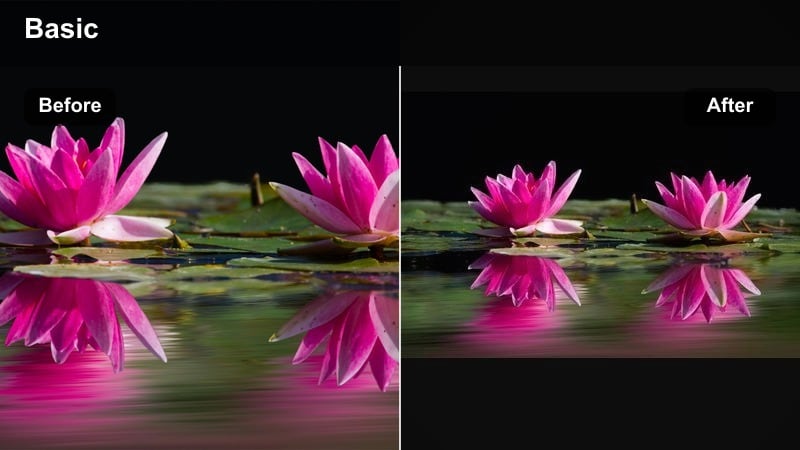
- Effect look: Cool, crisp greens with clear skies, boosted clarity, and neutral skin tones for an active, fresh vibe.
- Best for: Playground reels, park picnics, family bike rides, and lifestyle family edits with lots of greenery.
- Editing tip: Tone down saturation of greens slightly to avoid neon grass, and add a bit of blur to busy backgrounds.
Park Day Fresh clears up muddy outdoor footage by cooling greens and sharpening overall detail. It gives family activities in parks and fields a lively, energetic feel that fits fast-paced reels.
Inside Filmora, apply this filter, then use background blur or depth-of-field effects to reduce distraction in cluttered playgrounds. Add dynamic transitions like whip pans or speed ramps to match the active mood of playtime sequences.
Pro tip: Control green saturation for a premium look
If your footage was shot at midday, reduce green saturation before applying Park Day Fresh to keep the scene from looking too electric.
Combine this filter with dynamic transitions in Filmora to match the energetic pace of playground and park clips.
City Walk Clean
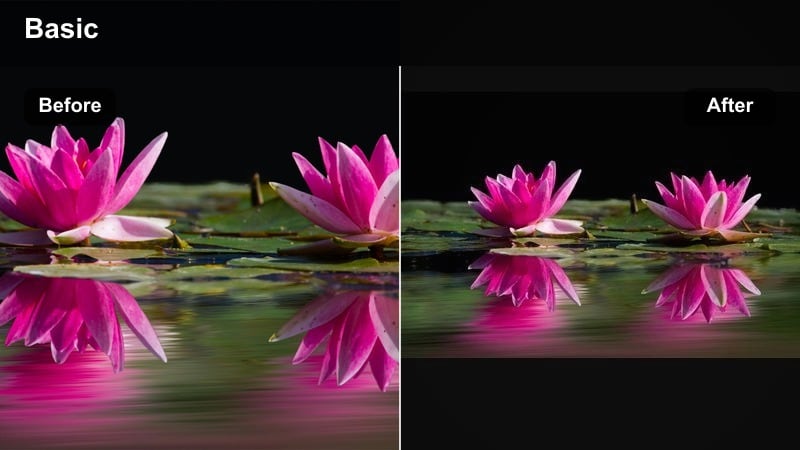
- Effect look: Cooler whites, slightly lifted shadows, and subtle teal in the backgrounds that give your family reels a modern city vibe.
- Best for: Urban strolls, stroller walks, coffee-runs-with-kids, and lifestyle family content in city streets.
- Editing tip: Straighten horizons and crop out visual clutter, then let the filter unify mixed light and signage colors.
City Walk Clean introduces a polished, editorial tone to everyday urban clips. It cools down whites and injects a hint of teal into buildings and streets, which keeps skin tones neutral while making the environment feel stylish.
In Filmora, pair this filter with simple text labels or chapter markers for neighborhoods or cafes. Use stabilization if your footage is handheld and add light motion blur to keep the modern, in-motion feeling consistent across your reel.
Pro tip: Use leading lines to guide the eye
When possible, frame your family along sidewalks or building lines that lead into the distance before applying City Walk Clean.
Add gentle camera motion or Filmora’s pan-and-zoom to complement the modern, in-motion feeling of this filter.
Rainy Day Reflection
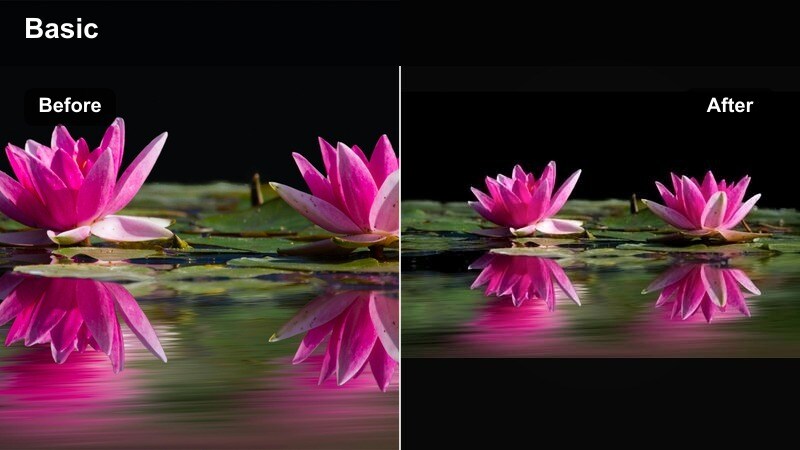
- Effect look: Cool, moody tones with subtle contrast, lifted blacks, and reflective highlights that bring out puddles and windows.
- Best for: Rain-walks with umbrellas, window-gazing clips, and slower, reflective family story moments.
- Editing tip: Slow down your footage slightly and reduce overall saturation to about 80% so the mood feels cinematic, not gloomy.
Rainy Day Reflection takes gray weather and turns it into a storytelling advantage by emphasizing reflections and soft, cool light. It reduces harsh contrast so small details like raindrops and window streaks stand out.
Use this filter in Filmora on slow, contemplative shots of your kids watching the rain or walking with umbrellas. Combine it with subtle text overlays or journaling-style captions to create reflective reels that still feel visually cohesive with the rest of your feed.
Pro tip: Lean into reflections for storytelling
Frame reflections in puddles, windows, or car doors, then let Rainy Day Reflection emphasize the layered look.
Pair this filter with simple on-screen text in Filmora to add a journaling, story memory effect to your rainy-day reels.
Nostalgic Story Memory Effect Filters
Vintage Family Super 8
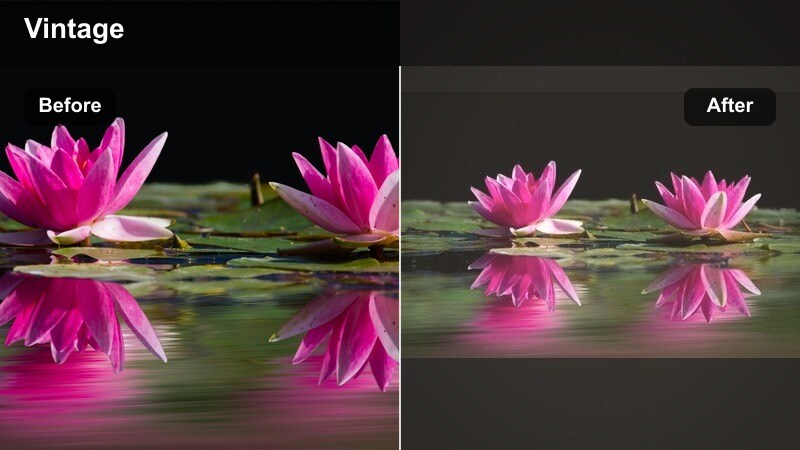
- Effect look: Faded contrast, warm midtones, subtle grain, and gentle flicker that mimic old home-movie film.
- Best for: Generational family clips, grandparent moments, childhood throwbacks, and story memory effect reels.
- Editing tip: Shorten clips slightly and add simple crossfades so the vintage look feels like stitched home videos, not modern cuts.
Vintage Family Super 8 gives new footage the warmth and imperfection of old film, ideal for throwback-style reels or multi-generational stories. The faded contrast and grain instantly add nostalgia without heavy manual grading.
In Filmora, apply this filter to a series of short clips and connect them with crossfades or dip-to-white transitions. Add a soft film-burn overlay or a simple date stamp to lean even further into the archival, home-movie aesthetic.
Pro tip: Match the pace to the vintage feel
Use slightly slower playback speed and avoid fast zooms so the Super 8 look stays believable and nostalgic.
Overlay date stamps or handwritten-style titles in Filmora to complete the time-capsule aesthetic on Instagram.
Memory Fade Pastel
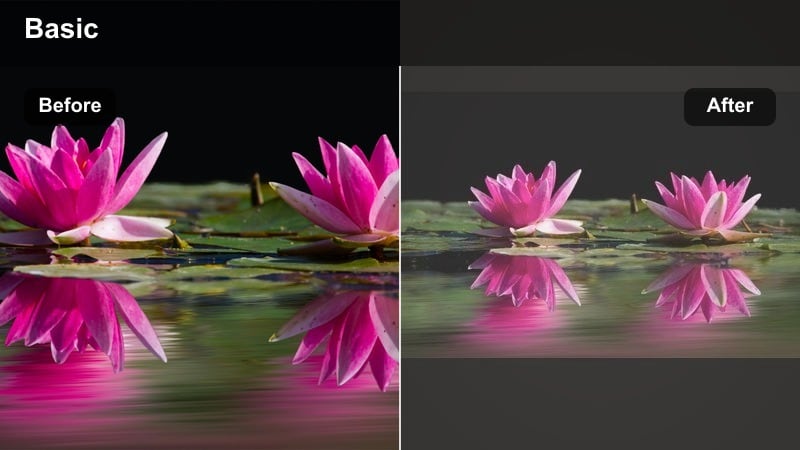
- Effect look: Soft, low-contrast image with pastel colors and a hazy bloom around highlights, like a dreamy flashback.
- Best for: Birthday highlights, slow-motion hugs, first steps, and emotional storytelling reels.
- Editing tip: Use this filter on close-ups and slow, steady shots rather than fast action so the hazy look feels intentional.
Memory Fade Pastel wraps your clips in a gentle haze, making emotional beats feel like cinematic flashbacks. Low contrast and pastel colors work together to de-emphasize background clutter and center attention on expressions.
Inside Filmora, reserve this filter for key emotional moments within a longer reel, such as a cutaway to a hug or milestone. Add soft-focus or lens-blur effects and align them with delicate music to maximize the sentimental impact.
Pro tip: Add music that supports the mood
After applying Memory Fade Pastel, choose gentle, emotional music in Filmora’s library to match the dreamy visuals.
Use light lens-blur and minimal text so the viewer’s focus stays on expression and connection, not on UI elements.
Scrapbook Story Matte
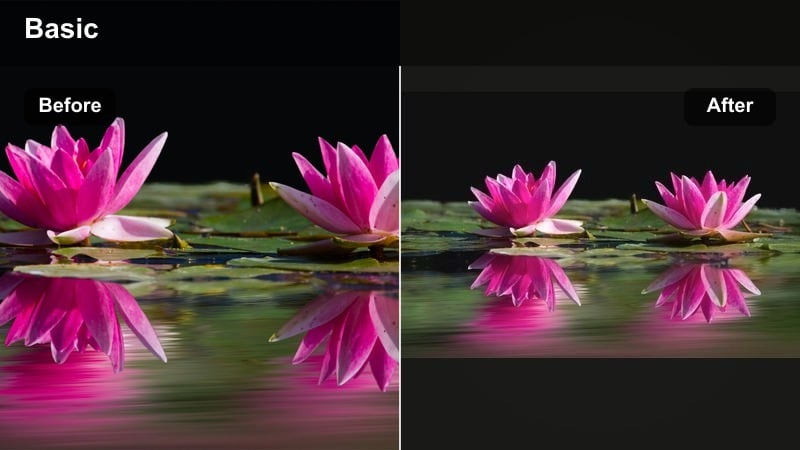
- Effect look: Matte shadows, warm neutrals, and softly desaturated colors that look like printed photos tucked into a scrapbook.
- Best for: Photo-dump style reels, year-in-review videos, and lifestyle family edits with lots of quick memory flashes.
- Editing tip: Combine multiple short clips, add simple text labels for dates or places, and keep transitions subtle to mimic turning pages.
Scrapbook Story Matte creates a soft, printed-photo vibe that is perfect for recap reels and memory dumps. Shadows are lifted and colors are slightly muted, giving each clip a cohesive, timeless tone.
In Filmora, place many short moments back-to-back and overlay small text labels for months, locations, or events. Use simple cuts or gentle slide transitions to mimic flipping through pages in a physical scrapbook.
Pro tip: Use text to anchor the timeline
After applying Scrapbook Story Matte, add brief on-screen labels like months or locations to guide viewers through your reel.
Group related clips by color or setting so the matte palette feels cohesive across your entire Instagram family filter edit.
Tips for Using Family Instagram Social Filters in Filmora
- Shoot with stable, well-lit footage first, then use filters to enhance mood rather than rescue underexposed clips.
- Keep filter intensity below 80% when working with skin tones so your family still looks natural on Instagram.
- Match filters to scenarios, using soft glows for mornings, warm tones for golden hour, and cool looks for city or rainy days.
- Combine filters with light text and music in Filmora to create a stronger story memory effect for key family moments.
- Batch-edit several clips with the same filter preset to keep your entire lifestyle family reel visually cohesive.
- Test filters in vertical aspect ratios inside Filmora so your family reels and stories look polished on mobile screens.
- Balance saturation and contrast after adding a filter to avoid over-editing, especially in scenes with mixed lighting.
- Save your favorite filter and color combinations as presets in Filmora so future family posts match your established style.
With the right family video filters for Instagram, everyday routines can look like thoughtfully crafted lifestyle stories instead of random clips. Filmora’s presets make it easy to polish your footage, protect skin tones, and create a consistent visual mood across reels and stories.
Experiment with a few of these styles on your next family stories and lifestyle reels, then save your favorite combinations as presets in Filmora so every new memory fits seamlessly into your evolving family feed.
secure downloadNext: Family Video Filters for Reels: Dynamic Looks for Vertical Stories
