

 100% Security Verified | No Subscription Required | No Malware


 ChatGPT
 Perplexity
 Gemini
 Claude
 Grok
Grok
This collection of filters is inspired by a Kitchen Natural Light Cooking LUT, designed to help content creators turn simple kitchen footage into bright, appetizing stories that feel as cozy as a home-cooked meal.
Each filter is tuned for real-world kitchen conditions, from soft window light to harsh midday sun, so you can keep your food looking delicious and your cooking videos consistent across every recipe.
In this article
Soft Morning Kitchen Light
Gentle Sunrise Prep
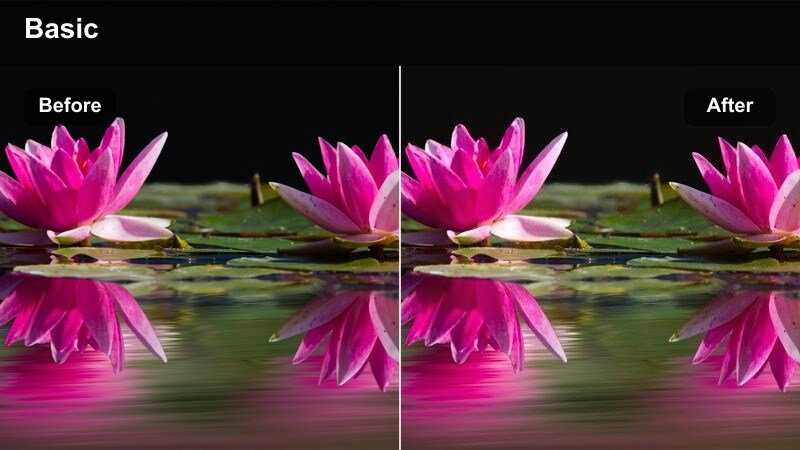
- Effect look: Soft, warm highlights with lifted shadows that keep whites clean and food tones natural.
- Best for: Early-morning cooking, coffee routines, and light breakfast recipes shot near a window.
- Editing tip: Lower contrast slightly if your kitchen has bright white tiles to avoid losing texture in the background.
Gentle Sunrise Prep is ideal when your kitchen is filled with that calm, low-angle morning light that can easily look flat or chilly on camera. In Filmora, this filter softens contrast, adds a touch of warmth, and gently lifts shadows so toast, yogurt bowls, and fresh fruit all stay detailed without your whites turning yellow or gray.
Apply it to clips of prep work by the window, latte art close-ups, and quiet A-roll intros where you talk through your breakfast routine. If your scene is strongly backlit by a window, slightly lower base exposure first, then add the filter and fine-tune white balance so plates, mugs, and cabinets stay neutral while food keeps that subtle sunrise glow.
Let AI Find Your Best Kitchen Light
Filmora AI color tools can quickly bring your kitchen footage to a neutral, balanced starting point before you layer on any Kitchen Natural Light Cooking filters. With one click, AI can smooth out exposure spikes from bright windows and tame color shifts from mixed daylight and indoor bulbs.
Once AI has corrected the base image, you can audition different filters like Gentle Sunrise Prep or Window Brunch Glow and focus on styling your food and story instead of wrestling with inconsistent lighting from clip to clip.
 secure download

Preview Filters On Your Cooking Clips
Filmora lets you hover through filters in real time, so you can instantly see how each Kitchen Natural Light Cooking style treats your countertops, skin tones, and ingredients. Instead of guessing, you can compare morning, midday, and evening looks on the same test clip and pick one base aesthetic for your whole series.
This preview workflow is perfect for food creators building a consistent channel identity. Try applying a softer filter during prep, a crisper look during chopping and sizzling, and a warmer filter for plating and thumbnails, all while staying within the same visual family.
secure download1000+ Video Filters and 3D LUTs
Beyond these kitchen-focused looks, Filmora includes a large library of creative filters and 3D LUTs you can stack to craft a signature recipe style. You can combine a neutral Kitchen Natural Light Cooking LUT with subtle filmic fades, vintage warmth, or punchy modern looks to match each dish and platform.
Use LUTs as your base for global color and contrast, then let filters handle scene-specific tweaks like glow, softness, and vibrance. Saving these combinations as custom presets in Filmora lets you edit new cooking episodes in just a few clicks while keeping your channel visually consistent.
secure downloadWindow Brunch Glow
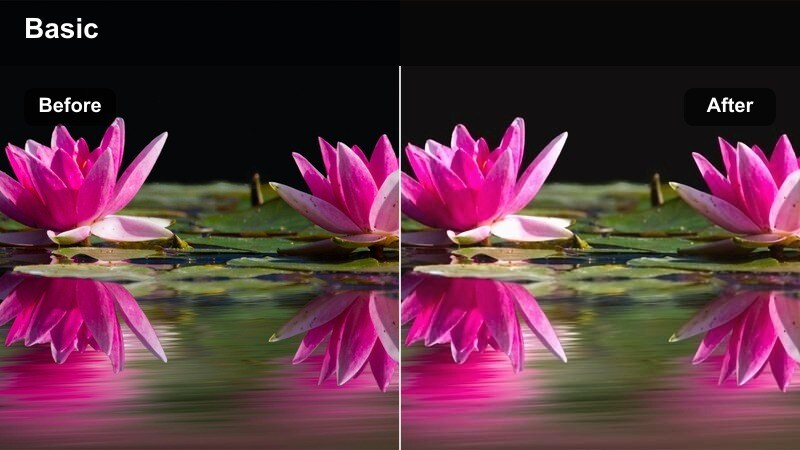
- Effect look: Bright, airy highlights with subtle warmth and a gentle bloom on specular light.
- Best for: Brunch recipe videos filmed beside large kitchen windows with soft indirect daylight.
- Editing tip: Increase saturation on yellows just a touch to make eggs, pancakes, and sauces look richer without overdoing skin tones.
Window Brunch Glow is made for those late-morning and midday brunch shoots when your kitchen is flooded with soft daylight. It brightens highlights, adds a hint of warmth, and introduces a delicate bloom around bright reflections so plates, glasses, and cutlery all feel inviting without looking overexposed.
Use it on overhead table spreads, close-ups of syrup pours, and wide shots of friends or family enjoying brunch near a big window. In Filmora, you can pair this filter with a slight boost in yellow saturation and vibrance so egg yolks, hollandaise, and pastries stand out while skin tones stay natural and flattering.
Quiet Coffee Counter
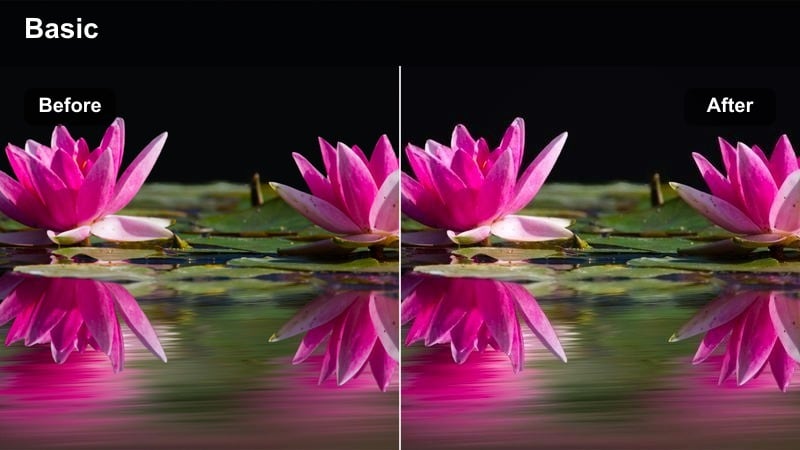
- Effect look: Muted contrast with warm midtones and subtle vignette to focus attention on the workspace.
- Best for: Slow, minimal coffee rituals and calm morning kitchen b-roll.
- Editing tip: Trim saturation in the blues to keep reflections in metal tools and appliances from pulling focus.
Quiet Coffee Counter gives your brewing rituals a minimalist, cinematic tone by softening contrast and gently warming midtones. The built-in vignette helps guide the viewer s eye toward the kettle, dripper, and mug, making it especially effective for overhead and medium shots of your main workspace.
In Filmora, try this filter on pour-over sequences, slow-motion steam shots, or macro details like coffee grounds blooming. Reduce blue saturation slightly to keep stainless steel, chrome, and appliance reflections subdued so that the rich browns of coffee and the texture of your cups stand center stage.
Bright Midday Recipe Demos
Noon Recipe Clarity
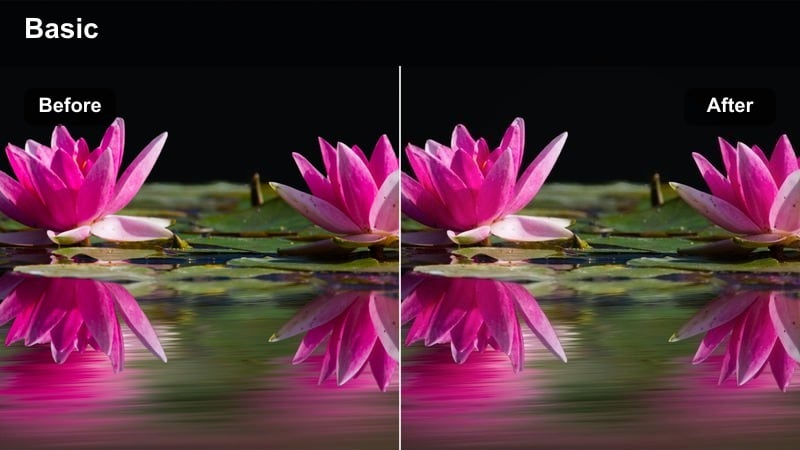
- Effect look: Clean, neutral color with medium contrast and crisp detail to cut through strong midday light.
- Best for: Recipe walk-throughs filmed in bright kitchens with lots of white surfaces and stainless steel.
- Editing tip: Dial down highlights if your countertops are glossy so the filter s contrast does not produce distracting glare.
Noon Recipe Clarity is tuned for those bright, high-contrast kitchen sessions when the sun is strongest and every surface is reflecting light. The look keeps colors neutral and adds just enough contrast and sharpness to define edges, making your chopping, whisking, and sautéing feel crisp without looking harsh.
Apply it to A-roll recipe explanations, wide shots at the island, and step-by-step sequences where clarity and legibility matter most. In Filmora, you can tame glossy counters or tiles by nudging highlights down before or after the filter, ensuring ingredients remain readable and your viewers can follow each step easily.
Countertop Showcase
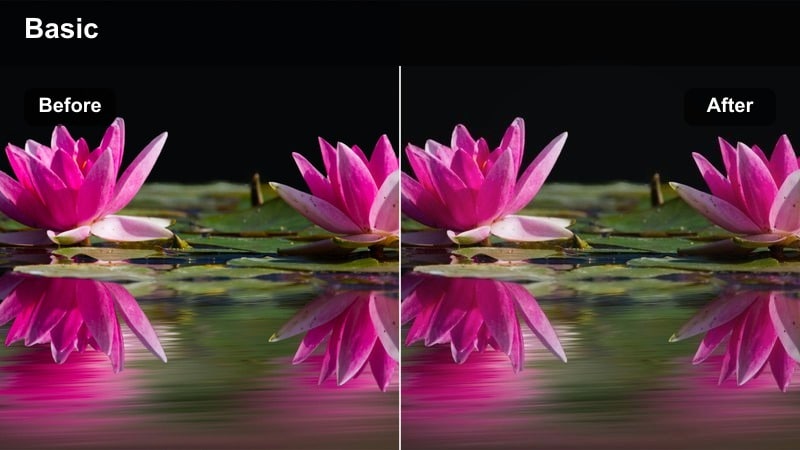
- Effect look: Punchy midtones and extra clarity that make chopping, stirring, and plating pop.
- Best for: Top-down recipe shots, ingredient close-ups, and fast-cut cooking sequences.
- Editing tip: Use keyframes to subtly increase saturation only during the final plating shots so the dish feels like the hero.
Countertop Showcase is built for energetic, detail-rich cooking content shot from above or very close to the action. Its boosted midtones and added clarity bring out knife marks in cutting boards, bubbles in simmering sauces, and texture in chopped vegetables, so every movement feels dynamic and tactile.
Use it in Filmora on your main recipe steps, especially when creating fast-paced montages or shorts. Consider keyframing saturation so prep shots stay balanced while final plating and hero angles gain a little extra color, helping the finished dish stand out as the visual climax of your video.
Stainless Spotlight
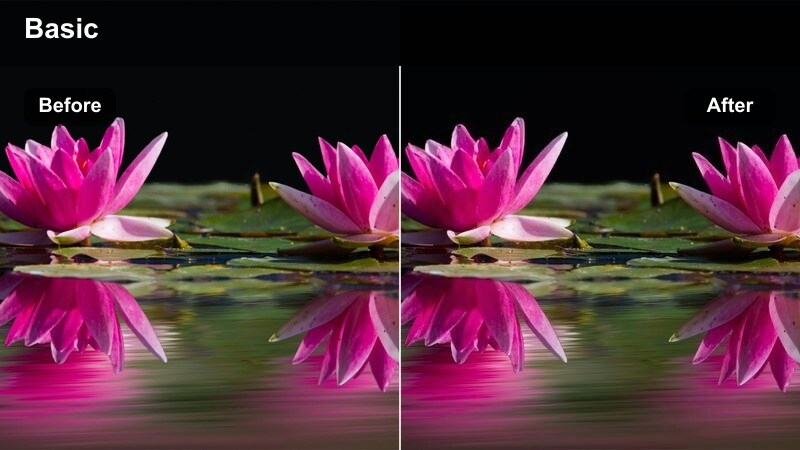
- Effect look: Cooler highlights and controlled reflections that keep metal appliances looking modern and clean.
- Best for: Kitchens with lots of stainless steel, glass, and bright tiles under daylight.
- Editing tip: Slightly lower sharpness on reflective surfaces if they start to show too much noise after the filter is applied.
Stainless Spotlight is ideal for sleek, modern kitchens where stainless steel and glass can overwhelm your frame. It cools highlights slightly and smooths out reflections so fridges, ovens, and range hoods look polished without competing against your ingredients and cookware.
In Filmora, pair this filter with shallow depth-of-field shots of you stirring, searing, or baking while the background appliances stay soft and understated. If reflections start to look noisy, selectively reduce sharpness or use Filmora s masking tools to apply less sharpening to metallic areas while keeping your hands and food ultra clear.
Golden Hour Kitchen Sessions
Sunset Simmer
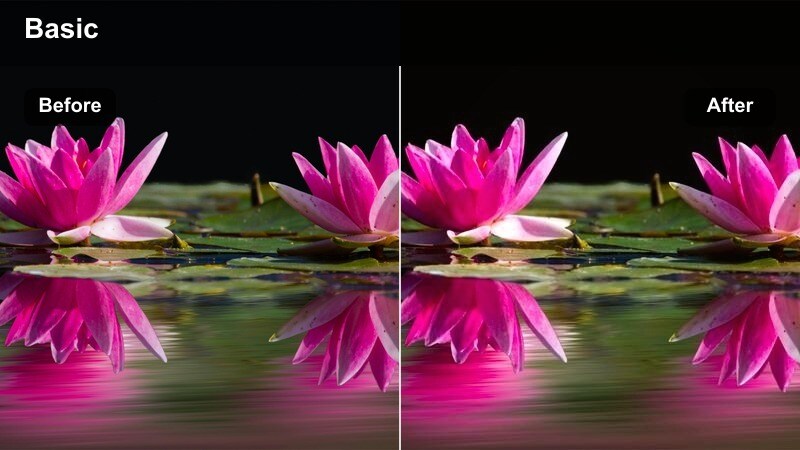
- Effect look: Rich, golden warmth with soft contrast that mimics late-afternoon sunlight spilling into the kitchen.
- Best for: Slow-cooked dishes, cozy family recipes, and storytelling intros filmed near sunset.
- Editing tip: If skin tones get too orange, slightly desaturate the orange channel while leaving yellows and reds alone.
Sunset Simmer captures the cozy, nostalgic feeling of late-afternoon light drifting across your stove and counters. It leans into golden tones and soft contrast, making simmering pots, baking trays, and slow-prep dishes look rich and comforting without losing important detail in the shadows.
Use it on story-driven segments where you explain family recipes, long cooking processes, or behind-the-scenes kitchen moments. In Filmora, adjust individual color channels so skin tones stay natural while your sauces, stews, and baked dishes keep that deep, amber warmth associated with golden hour cooking.
Golden Plating Finish
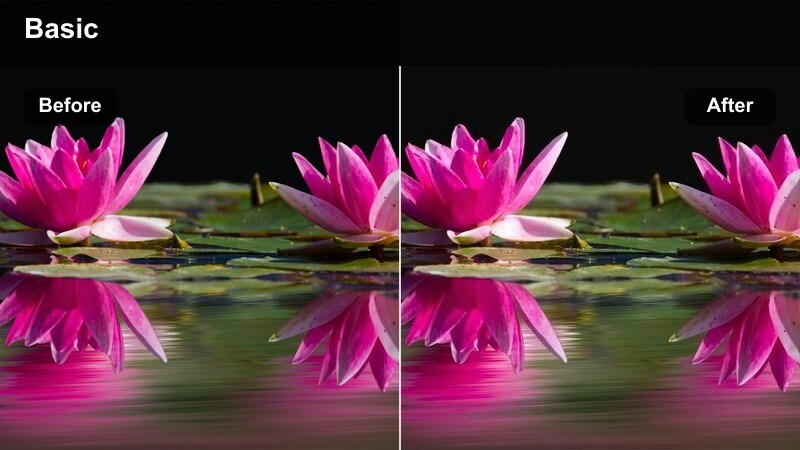
- Effect look: Warm highlights with enhanced saturation on reds and browns to make finished dishes look extra appetizing.
- Best for: Final reveal shots, close-ups of plated meals, and thumbnail frames in warm evening light.
- Editing tip: Apply a touch of blur or reduce clarity in the background so the plate stands out against cabinets and decor.
Golden Plating Finish is your go-to filter for hero shots and thumbnails. By boosting warm highlights and emphasizing reds and browns, it makes steaks, roasted vegetables, pasta sauces, and baked desserts look irresistibly rich and ready to eat, especially when filmed near a sunset-lit window.
In Filmora, reserve this look for your final reveals, close-ups of garnishing, and still frames for thumbnails. Reduce background clarity or add a subtle blur so the plate remains the sharpest, brightest element in frame, helping viewers instantly lock onto the finished dish in feeds and search results.
Evening Family Table
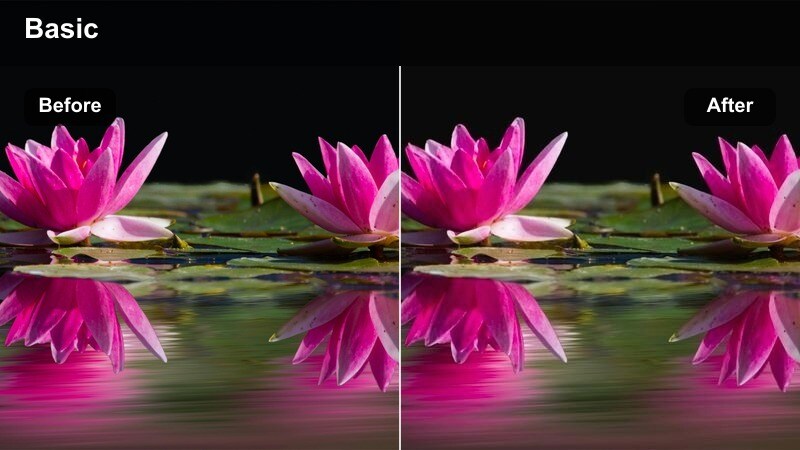
- Effect look: Soft, warm cast with gently lowered contrast and subtle noise reduction for a homely, documentary feel.
- Best for: Family-style dinners, shared plates, and candid conversations around a kitchen table at dusk.
- Editing tip: Use gentle crossfades between clips instead of hard cuts to match the relaxed mood of this filter.
Evening Family Table softens contrast and adds a cozy warmth that suits documentary-style coverage of shared meals. It is designed to flatter real-world, slightly messy lighting, smoothing out noise and rough edges so your footage feels intimate rather than technically perfect.
Apply it in Filmora to multi-person dinner scenes, passing dishes, and candid conversations. Combine the filter with slower transitions like crossfades and longer cuts, letting the visuals breathe and giving viewers time to connect with the people and stories unfolding around your kitchen table.
Evening and Low-Light Cooking
Warm Stovetop Glow
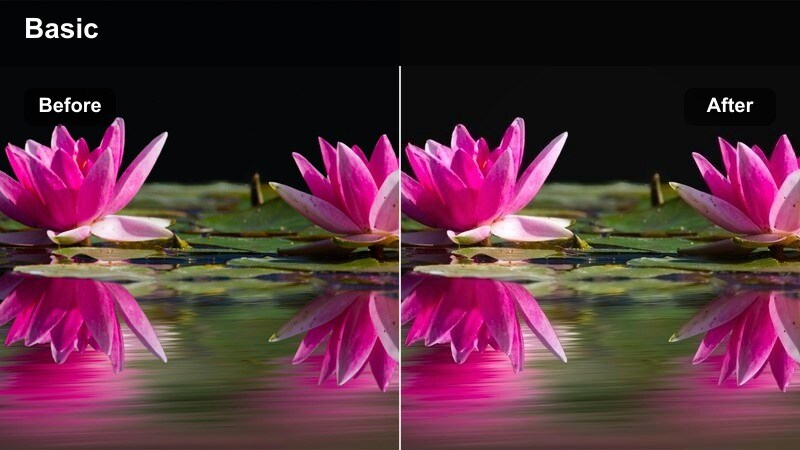
- Effect look: Focused warmth around practical lights with protected shadows to keep noise under control.
- Best for: Dinner cooking under range hood lights or small lamps when daylight is almost gone.
- Editing tip: Reduce overall saturation a bit to avoid neon orange highlights from tungsten bulbs and gas flame.
Warm Stovetop Glow embraces practical kitchen lighting like range hoods and small lamps, giving your nighttime cooking footage a cinematic, cozy ambiance. It wraps warmth around these light sources while deliberately protecting shadows, helping to hide noise that often creeps in when you shoot at higher ISOs.
In Filmora, use this filter on close-ups of stirring, flipping, and searing after sunset. Turn off mixed color lights in your kitchen when filming, then slightly reduce saturation and contrast if bulb tones appear too intense, so your dishes look warmly lit instead of oversaturated or neon.
Late Night Snack Reel
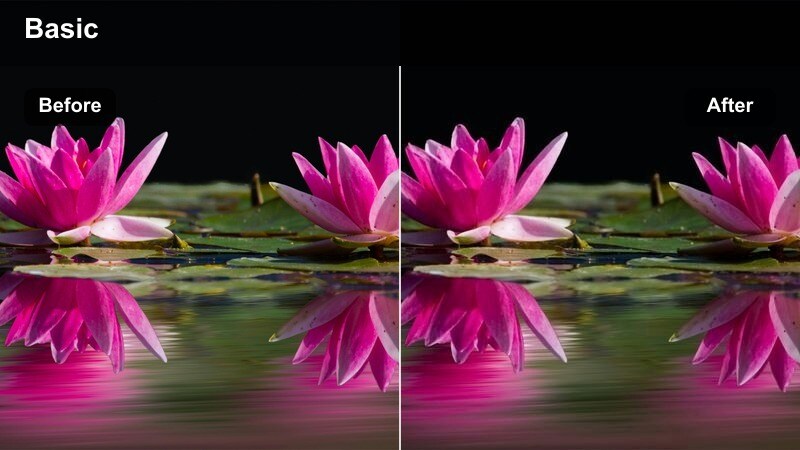
- Effect look: Contrasty, slightly desaturated tones with a subtle teal in shadows for a stylized late-night vibe.
- Best for: Short vertical videos and reels about quick snacks or drinks made under mixed indoor lighting.
- Editing tip: Use faster cuts and tighter framing so the higher contrast feels exciting instead of harsh.
Late Night Snack Reel adds a stylized, high-contrast twist to your nocturnal kitchen content, with gently desaturated colors and a cool tint in the shadows. This combination gives your quick snack and drink videos a cinematic, social-media-ready edge that stands out in vertical feeds.
In Filmora, pair this filter with quick cuts, jumpy pacing, and tight framing on hands and snack details. Let strong light from a fridge door or single lamp shape your scene, then fine-tune blacks so cabinets and corners retain just enough detail to feel real without distracting from the subject.
Cozy Lamp-Lit Corner
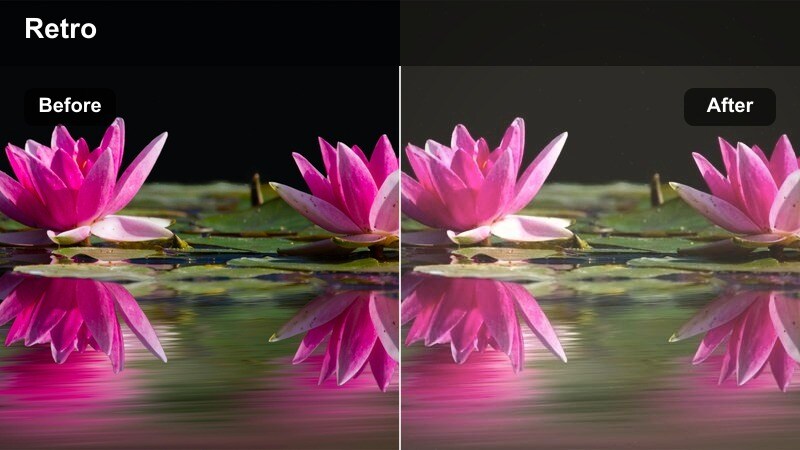
- Effect look: Soft, warm luminance with reduced clarity and a gentle fade in the blacks for a dreamy, analog feel.
- Best for: Quiet narration shots, tasting notes, or sit-down talks filmed at a small kitchen table with a lamp.
- Editing tip: Lower sharpness on skin slightly to match the softer, more forgiving character of this filter.
Cozy Lamp-Lit Corner transforms low-light tasting notes and sit-down segments into gentle, dreamlike scenes. By softening clarity, warming luminance, and fading blacks, it mimics an analog, slightly nostalgic aesthetic that flatters skin and keeps attention on your expressions and storytelling.
Use this filter in Filmora on talk-to-camera reviews, bite reactions, and reflective monologues recorded beside a table lamp. Consider lowering sharpness on skin and avoiding overly fast cuts so the soft visual style, subtle ambient sound, and your voice all blend into a relaxed, intimate viewing experience.
Tips for Using Kitchen Natural Light Cooking Lut Filters in Filmora
- Shoot test clips in your kitchen at different times of day, then try several filters in Filmora to see which styles match each light direction best.
- Disable auto white balance in-camera so your Kitchen Natural Light Cooking LUT and filters behave consistently across takes.
- Watch out for reflective items like foil, glossy plates, and wet pans, which can create distracting hotspots once you add contrast-heavy filters.
- Create a custom preset in Filmora that combines your favorite filter, mild sharpening, and a subtle vignette so you can grade entire recipes faster.
- When shooting vertical content, position yourself closer to windows for softer natural light and let the filters add final warmth and polish.
- Use reference photos or past videos you admire as color guides while adjusting filter intensity and exposure on new kitchen footage.
These twelve filters give content creators a flexible toolkit for shaping kitchen natural light into bright, appetizing, and on-brand cooking videos, whether you shoot at sunrise, midday, or after dark.
Experiment with different filters across prep, cooking, and plating shots, then save your favorite combinations as presets so every new recipe looks consistently delicious with minimal grading work.
secure download