

 100% Security Verified | No Subscription Required | No Malware


 ChatGPT
 Perplexity
 Gemini
 Claude
 Grok
Grok
These moody fashion video filters are designed for creators who want dark, dramatic style tones that highlight texture, attitude, and silhouettes in every frame.
Whether you are shooting editorial dark fashion, cinematic lookbooks, or dramatic fashion films, these Filmora filters help you build a cohesive moody color grade without complex manual grading.
In this article
Urban Night Editorials and Street Fashion
Noir Alley Matte
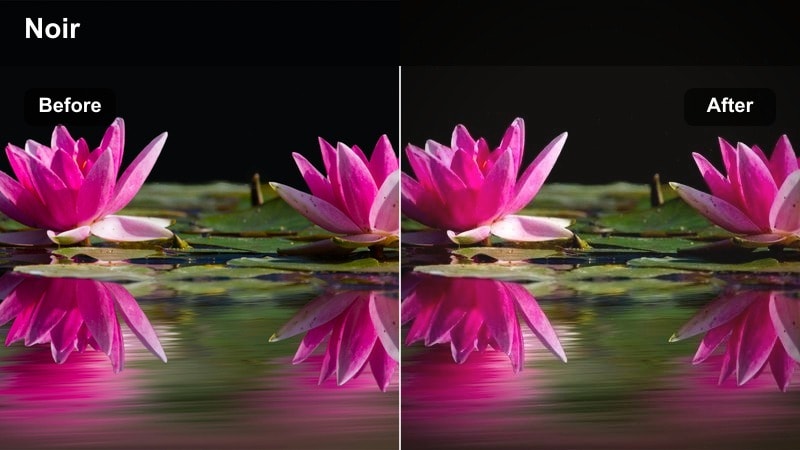
- Effect look: Soft matte blacks with deep contrast and subtle bluish shadows for a cinematic alleyway feel.
- Best for: Night street fashion editorials under mixed neon and streetlamp lighting.
- Editing tip: Lower overall exposure slightly, then lift shadows to keep texture in dark fabrics and coats.
Noir Alley Matte gives your fashion footage a classic noir tone, softening pure blacks into matte shadows while keeping contrast strong enough to define coats, boots, and layered styling. The cool blue bias in the shadows makes wet pavement, brick walls, and dim alley backgrounds feel cinematic without overwhelming skin tones.
In Filmora, apply this filter early in your grade, then gently fine tune exposure and shadow levels so details in black fabrics do not disappear. Combine it with selective sharpening on garments and accessories to keep belts, zippers, and stitching crisp against the moody, desaturated environment.
AI-Assisted Moody Color Palettes in Filmora
Filmora's AI color tools can quickly suggest palettes that complement these moody fashion video filters, helping you keep consistent tones from shot to shot. This is especially useful when you are cutting between alleys, side streets, and rooftop inserts in a single editorial sequence.
Use AI-driven color matching to align B-roll, close-ups, and cutaway details so your dark street fashion visuals feel like one cohesive visual story instead of a collection of mismatched clips.
 secure download

See Moody Fashion Filters in Action
Preview your moody street fashion filters on test clips directly inside Filmora to compare how each style handles black coats, glossy boots, and neon spill on skin. A quick side by side comparison makes it easier to lock in a hero look before grading an entire campaign.
Create short A or B demo sequences for clients or collaborators, swapping only the filter while keeping framing and motion identical so the emotional impact of each dark, dramatic grade is easy to evaluate.
secure download1000+ Video Filters and 3D LUTs
Filmora includes a large library of built in filters and 3D LUTs you can stack with your moody fashion looks to refine color separation, deepen blacks, or add subtle film emulation. Once you find a combination that matches your brand, you can save it as a preset for future shoots.
Experiment with pairing a moody base filter with a gentle cinematic LUT, then adjust intensity so details in dark fabrics and accessories remain visible while the overall frame leans into a dark editorial mood.
secure downloadNeon Shadow Glow
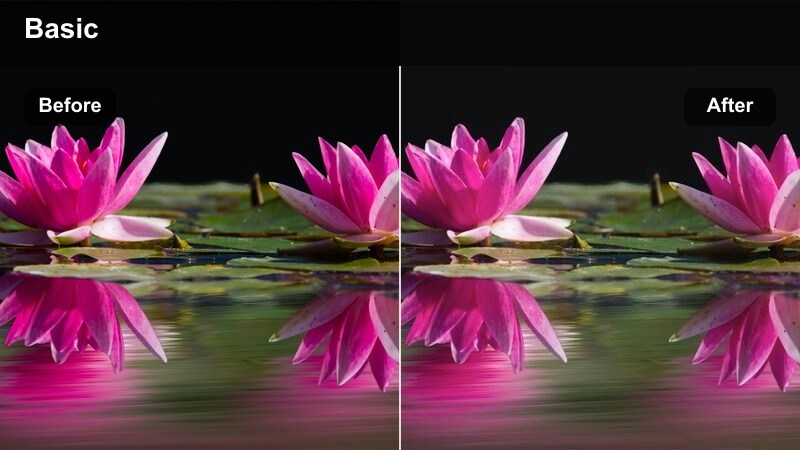
- Effect look: High-contrast shadows with soft neon color bleed in highlights and edges.
- Best for: Streetwear campaigns shot near neon signs, LED billboards, and shop fronts.
- Editing tip: Add a slight vignette to reinforce the glow around your subject and keep focus on the clothing details.
Neon Shadow Glow accentuates bright signage and LED accents, allowing colored light to bloom gently around silhouettes while preserving deep, dramatic shadows. This creates a bold frame where streetwear logos, reflective fabrics, and metallic accessories pop against the dark city backdrop.
Inside Filmora, apply the filter, then introduce a subtle vignette to draw the viewer s eye back onto the model and key garments. If brand colors start to shift, lightly reduce filter intensity and recover those hues through HSL adjustments so the look stays faithful to the collection while remaining intensely moody.
Asphalt Cinematic Fade
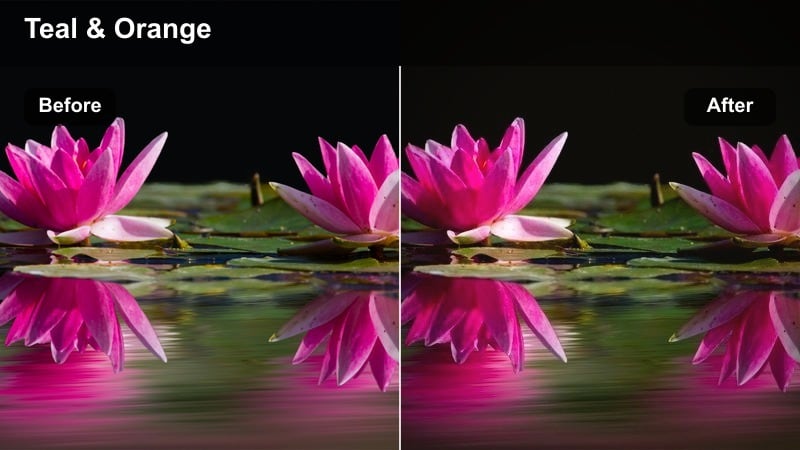
- Effect look: Desaturated urban tones with lifted blacks and a subtle teal cast in the midtones.
- Best for: Nighttime runway walks on city streets and moody street fashion lookbooks.
- Editing tip: Dial down saturation in greens and yellows to simplify the color palette and keep focus on silhouettes.
Asphalt Cinematic Fade turns city intersections and backstreets into a filmic runway by lifting deep blacks into soft, faded shadows and washing the midtones with a gentle teal hue. This reduces visual noise from street clutter while keeping headlights, streetlamps, and reflective puddles cinematic.
When editing in Filmora, use this filter on tracking shots and slow crosswalk moments, then trim away busy colors by lowering green and yellow saturation. The result is a streamlined palette where silhouettes, hemlines, and motion remain the dominant design elements, ideal for moody lookbooks and night campaigns.
High-Contrast Studio and Shadow Play
Shadow Sculpt
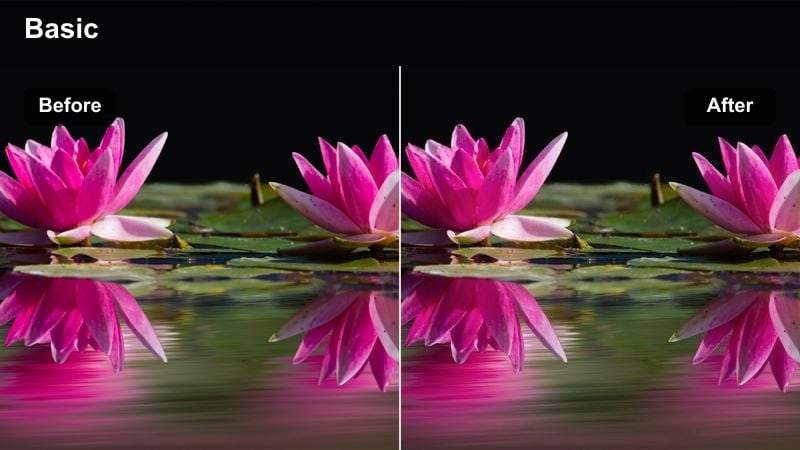
- Effect look: Hard, inky shadows with neutral highlights that carve out strong facial and garment structure.
- Best for: Studio editorial dark shoots with controlled key lights and strong shadows.
- Editing tip: Increase local contrast slightly to accentuate fabric texture in leather, wool, and structured tailoring.
Shadow Sculpt intensifies the interplay between light and dark, turning directional studio lighting into bold graphic shapes across faces and garments. Highlights stay relatively neutral so that sharp lapels, pleats, and seams are etched clearly against almost black negative space.
In Filmora, pair this filter with clips shot under a strong side key or top light, then bump local contrast or clarity just enough to emphasize the surfaces of leather, wool, and structured pieces. Keep an eye on skin by adding a touch of softness or reducing clarity on close ups so the look remains editorial rather than harsh.
Studio Charcoal Matte
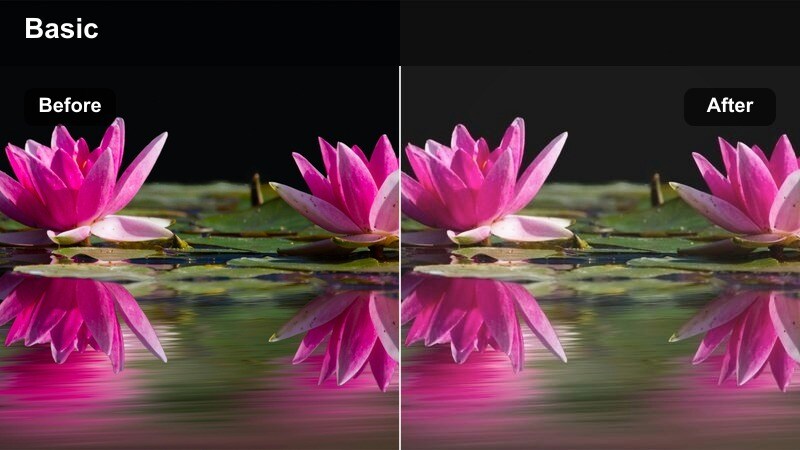
- Effect look: Muted blacks and smoky grays with a soft matte roll-off in highlights.
- Best for: Monochrome-inspired studio looks and moody beauty close-ups for fashion campaigns.
- Editing tip: Reduce sharpness slightly for a more editorial, print-like softness while keeping eye and lip details crisp.
Studio Charcoal Matte delivers a soft, smoky finish that feels like a high end fashion magazine spread translated to motion. Blacks shift into textured charcoal tones, highlights roll off gently, and the overall frame takes on a subdued near monochrome mood that flatters skin and dark styling.
Within Filmora, use this filter on beauty close ups and tight portraits, then ease off overall sharpness to mimic a print like softness. You can selectively sharpen around eyes, lips, and key jewelry details so they stand out subtly against the smoothed charcoal background, keeping the aesthetic refined and cinematic.
Spotlight Abyss
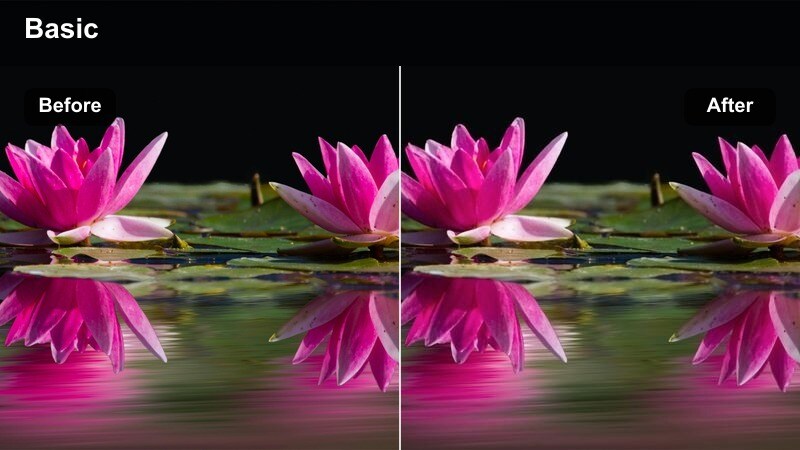
- Effect look: Extreme falloff into black around a bright central subject, like a theatrical spotlight.
- Best for: Conceptual studio fashion pieces with a single subject and minimal set design.
- Editing tip: Stack a Filmora vignette and reduce background exposure to intensify the void around the model.
Spotlight Abyss pushes backgrounds into near total darkness while preserving a tight pool of light around your subject, mimicking a stage spotlight. This isolates silhouettes and fabric movement, making even simple outfits feel like dramatic, conceptual centerpieces.
Apply this filter in Filmora to clips with a clean backdrop and controlled lighting, then add an extra vignette and reduce exposure or shadows in the background region. Slow, deliberate camera moves or static frames work best, allowing the void like surroundings to frame the outfit, pose, and accessories with maximum intensity.
Moody Lookbooks and Lifestyle Fashion
Overcast Vogue
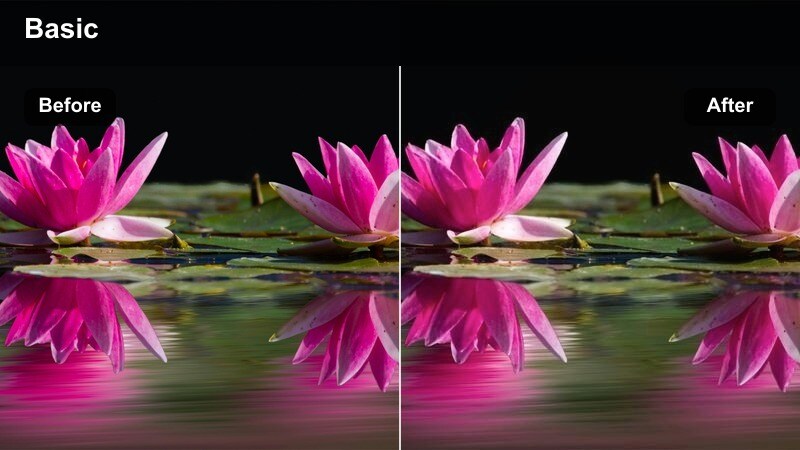
- Effect look: Cool, low-contrast highlights with soft, grainy shadows that mimic a gray overcast day.
- Best for: Moody lookbooks shot outdoors in soft daylight or by large windows.
- Editing tip: Pull down saturation on greens and blues slightly so skin tones and garments stay the visual anchor.
Overcast Vogue transforms natural daylight scenes into softly muted frames that feel like a cloudy city afternoon. Contrast is reduced, highlights are tamed, and shadows gain a gentle grainy texture that suits trench coats, knits, and layered street style.
In Filmora, apply this filter to exterior walks, staircases, and window side interiors, then nudge down green and blue saturation to avoid foliage or glass reflections stealing attention. The result is a calm, moody palette where faces and wardrobe remain central, perfect for narrative lookbooks and lifestyle campaigns.
Apartment Gloom
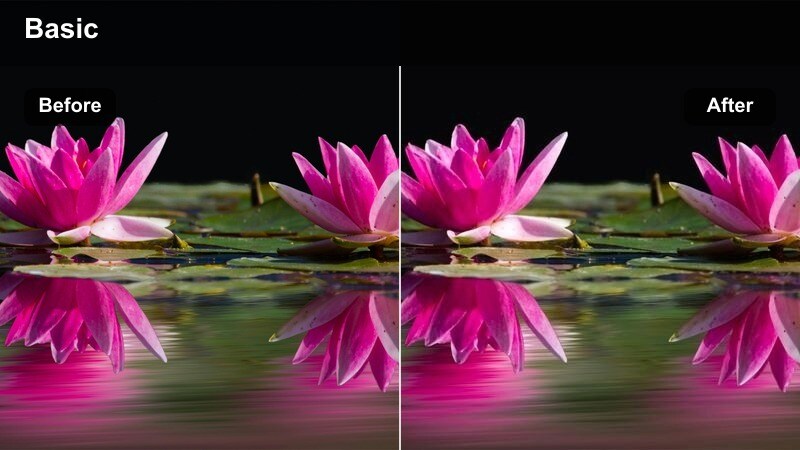
- Effect look: Warm, dim interior tones with soft roll-off in shadows and a slight brownish cast.
- Best for: Lifestyle fashion videos shot in apartments, lofts, and boutique hotel rooms.
- Editing tip: Lower the white balance slightly if practical lamps feel too orange, keeping the mood without over-warming skin.
Apartment Gloom wraps interior fashion stories in cozy yet somber warmth, enhancing lamp light and window glow while letting corners fall into soft darkness. The subtle brownish cast works well with neutral loungewear, vintage pieces, and textured fabrics like wool or linen.
Inside Filmora, use this filter across shots that feature practical lights, window frames, and soft furnishings, adjusting white balance down a touch if skin becomes too orange. You can then gently boost warm saturation only, keeping the room inviting while preserving the moody, intimate atmosphere around your subject.
Subway Reverie
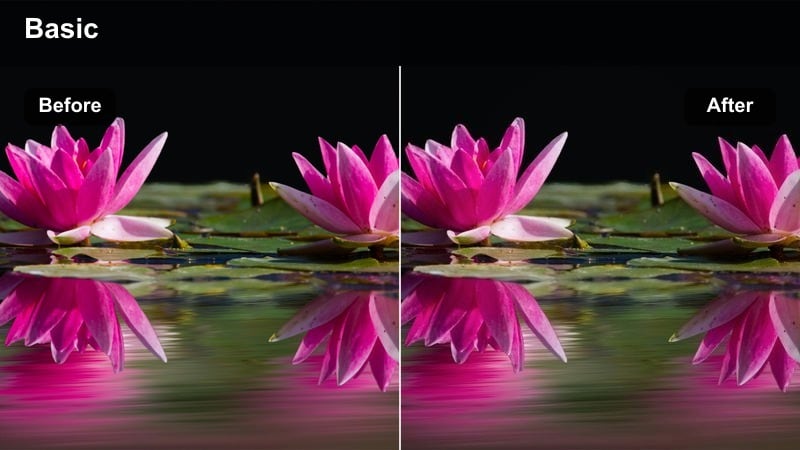
- Effect look: Muted transit colors with greenish midtones and crushed blacks for underground grit.
- Best for: Moody lookbooks and fashion transitions shot in subways, stations, and trains.
- Editing tip: Stabilize your footage slightly so the gritty grade feels intentional, not messy.
Subway Reverie introduces a gritty underground feel by pushing blacks deeper, desaturating signage, and tinting midtones with a subtle green cast. This turns platforms, tunnels, and train interiors into cinematic corridors that complement edgy or minimalist styling.
In Filmora, apply the filter to handheld or tracking shots of models boarding trains, leaning on pillars, or walking between cars, then add light stabilization so the movement feels dreamy rather than chaotic. A touch of motion blur on transitions can enhance the drifting, reverie like sensation while the dark grade keeps attention on the outfit and body language.
Cinematic Fashion Films and Runway Moments
Catwalk Obsidian
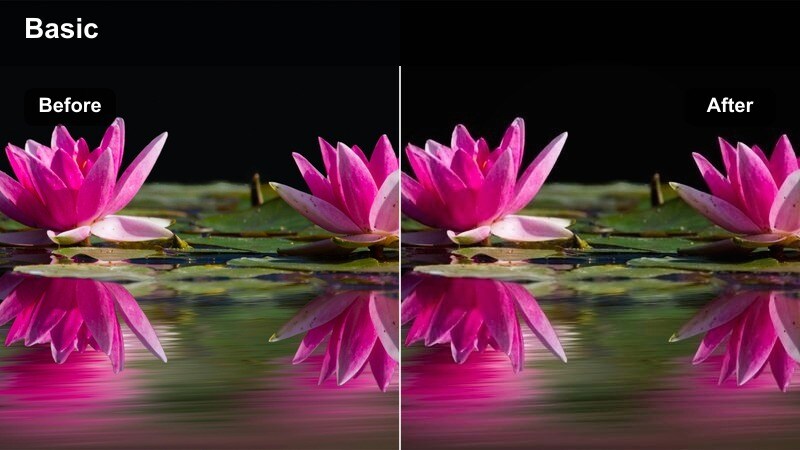
- Effect look: Glossy, inky blacks with heightened contrast and subtle cool highlights.
- Best for: Runway shows and backstage fashion films with dramatic spot lighting.
- Editing tip: Shoot slightly brighter than usual and pull exposure back in Filmora to keep details in dark garments.
Catwalk Obsidian is tuned for fashion shows and backstage coverage, pushing stages and backdrops into deep, glossy blacks while keeping cool highlights sharp on faces, hair, and fabrics. It makes spot lit models stand out with a luxurious sheen that suits high end eveningwear and dark collections.
When editing in Filmora, apply the filter across wide runway passes, front row angles, and backstage candid shots, then carefully pull down exposure to avoid losing detail in black garments. Minor highlight recovery on faces and accessories keeps the look polished and premium while maintaining the strong, dramatic contrast.
Cinema Smoke Amber
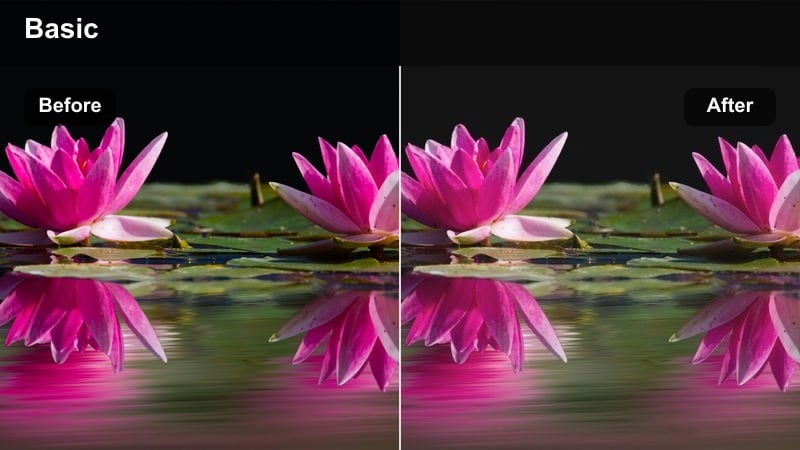
- Effect look: Soft amber highlights with hazy shadows and a gentle film-like bloom.
- Best for: Dramatic fashion films featuring backlight, haze, or stage smoke.
- Editing tip: Lower clarity slightly to exaggerate the hazy feel, then sharpen only around eyes and key accessories.
Cinema Smoke Amber bathes your scenes in warm, glowing highlights that react beautifully with haze, fog, or stage smoke, adding a filmic bloom around edges. Shadows stay soft and hazy, which flatters flowing fabrics, veils, and layered motion in narrative fashion shorts or campaign films.
In Filmora, use this filter on backlit sequences where light streams through smoke or dust, then decrease clarity to push the dreamy, ethereal look further. Selective sharpening on eyes, jewelry, or logo details will keep your focal points defined amid the ambient glow, balancing mood with brand clarity.
Velvet Midnight Grade
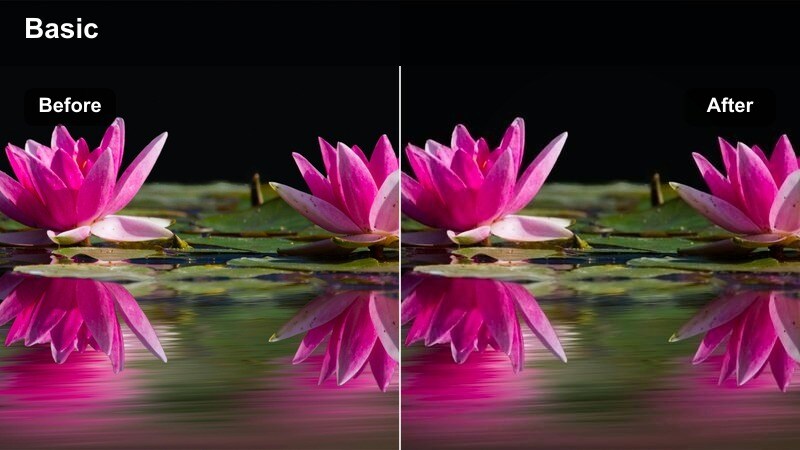
- Effect look: Rich navy shadows with slightly warm skin tones and velvety midtones.
- Best for: Narrative fashion shorts and brand films with evening or interior scenes.
- Editing tip: Push the filter intensity higher for wide shots, then ease it back on close-ups to protect skin detail.
Velvet Midnight Grade mixes deep navy shadows with gently warmed skin tones to create a lush, cinematic evening aesthetic. The midtones feel smooth and velvety, giving dresses, suits, and tailored looks a premium presence in bars, lounges, or upscale interiors.
Apply this filter in Filmora to storytelling sequences that move from wide establishing shots into intimate close ups, increasing intensity on wides for mood and dialing it back on faces. If skin starts to drift too cool, subtly warm the midtones with color wheels so models remain flattering while the environment stays enveloped in rich midnight blues.
Tips for Using Fashion Video Moody Filters in Filmora
- Expose your footage slightly brighter during the shoot and let Filmora s moody filters deepen the image, preserving crucial detail in dark fabrics and accessories.
- Lock in a consistent white balance on set so your dark fashion grades do not shift unpredictably as you cut between locations and camera angles.
- Combine moody filters with slow, controlled camera moves and, when appropriate, slightly slower shutter speeds to complement the dark, cinematic feel.
- Plan a tight color palette for wardrobe, props, and locations so the filter enhances an already cohesive scene instead of trying to fix clashing colors.
- After applying dark fashion filters, always check skin tones in midtones and make small HSL or color wheel adjustments to keep faces natural and flattering.
- Use Filmora s curves and HSL tools after your base filter to fine tune shadow depth and color separation without breaking the overall mood.
- Save your favorite filter combinations as custom presets so future editorial shoots, lookbooks, and brand films can share the same signature dark style.
Moody fashion video filters in Filmora give fashion photographers, editorial creators, and dark aesthetic fans a fast way to build cinematic, cohesive looks without advanced grading skills. With just a few clicks, you can turn alleys, studios, apartments, and runways into richly textured, atmospheric sets.
Start by choosing one or two signature filters for your next editorial dark shoot or lookbook, then refine their intensity and color balance until they feel like part of your brand s visual language. Once you have a look you love, save it as a preset so every new project can instantly tap into the same dramatic style.
secure download