

 100% Security Verified | No Subscription Required | No Malware


 ChatGPT
 Perplexity
 Gemini
 Claude
 Grok
Grok
Night video filters help you turn noisy, flat low light clips into rich, cinematic scenes with deep shadows, glowing highlights, and clean color separation. Whether you shoot neon streets, intimate events, or moody portraits under city lights, the right dark and moody color grade can make your footage look intentional instead of underexposed.
This guide explores a curated set of Filmora night video filters designed for night photographers, urban filmmakers, and event videographers. Use these presets as starting points for city lights, low light scenes, and night photography inspired footage, then fine tune exposure, contrast, and color to match your personal style.
In this article
Cinematic Night Filters for City Lights
Neon Noir Glow
A cyberpunk-inspired night video filter that turns city lights into glowing neon while holding onto shadow detail for a noir feel. City crosswalk scene with wet pavement reflecting neon signs under a Neon Noir Glow grade.
- Effect look: High contrast neon grade with soft bloom on highlights and deep blue-tinted shadows
- Best for: Urban night b-roll, cyberpunk alleys, rainy sidewalks with reflections and colorful signs
- Editing tip: Lower saturation in yellows and greens while boosting magentas to keep skin tones controlled under harsh neon lights.
Neon Noir Glow is built for stylized city nights, adding punchy contrast and a subtle bloom that turns street signs, billboards, and reflections into graphic, glowing shapes. In Filmora, this filter can quickly convert flat S-Log or standard profiles into a bold cyberpunk palette without losing important detail in the blacks.
Apply Neon Noir Glow to clips of rainy streets, storefronts, or handheld walk-and-talks through busy districts, then fine tune with HSL controls to keep faces natural while the background goes full neon. The combination of blue-tinted shadows and saturated magentas helps you create a consistent night look across an entire urban sequence.
Pro tip: Balance neon glow with clean skin tones
After applying Neon Noir Glow, use selective color or HSL in Filmora to pull back reds and oranges on faces so the glow does not make skin look overcooked. If your highlights clip, reduce overall exposure slightly, then raise midtones to keep detail while preserving the moody dark atmosphere.
Use AI to Build a Night Color Palette in Seconds
Filmora’s AI-driven color tools can analyze your night clips and suggest balanced adjustments for contrast, saturation, and temperature. This gives you a clean baseline before you apply any creative night video filters or dark moody color grades.
Once the AI has evened out exposure and white balance across your timeline, you can drop in your favorite night LUT or preset and know that skin tones, city lights, and low light scenes will respond predictably.
 secure download

Fine Tune Night Colors with HSL and Color Tools
After establishing a base night look, Filmora’s HSL and color correction tools let you selectively adjust troublesome hues like oversaturated reds, neon greens, or muddy blues. This is especially useful for cleaning up mixed lighting from signs, storefronts, and car headlights.
By targeting specific color ranges, you can keep skin tones natural while still pushing stylized tones in the background, creating separation between your subject and the city around them.
secure downloadPreview Night Video Filters on Real Low Light Footage
Instead of guessing how a preset will look, use Filmora’s real-time preview to cycle through multiple night video filters on the same clip. This makes it easy to compare dark moody color grades, low light video filters, and subtle corrective looks side by side.
Watch how each filter treats skin tones, streetlights, and shadows in your own footage, then lock in the style that matches your story, whether it is urban grit or soft event ambience.
secure downloadCity Gold Night
A warm city lights filter that wraps skyscrapers and traffic trails in golden tones without crushing detail in darker areas. Aerial view of city towers at night with a warm golden grade emphasizing building lights.
- Effect look: Warm amber highlights with gently lifted shadows and a soft cinematic contrast curve
- Best for: Downtown skylines, rooftop shots, and timelapses of car trails or busy intersections
- Editing tip: Nudge the white balance slightly cooler before applying the filter if your footage was shot under very warm sodium vapor streetlights.
City Gold Night leans into the warm glow of office towers, window reflections, and car trails to create a polished, luxurious cityscape. In Filmora, it is ideal for drone footage, rooftop b-roll, or establishing shots that need a cohesive golden tone without blowing out windows or streetlights.
Use this filter on timelapses and skyline moves where you want to preserve structure in the buildings while making the light sources feel inviting rather than harsh. Cooling your base white balance slightly first will prevent the grade from becoming too orange, especially if your city already has warm sodium lighting.
Pro tip: Combine gold highlights with cooler shadows
Add a subtle teal or blue to the shadow tones to create a modern teal and amber look that separates buildings from the sky. Reduce clarity or sharpness slightly to avoid making distant windows appear too crunchy at higher ISOs.
Rainy Street Mood
A cool-toned night filter that emphasizes texture in wet streets and mist, ideal for melancholic or reflective city sequences. Low angle shot of a city sidewalk after rain, reflecting colorful lights under a cool cinematic grade.
- Effect look: Cool, desaturated color with high micro-contrast and gentle glow on reflections
- Best for: Wet pavements, puddle reflections, moody walk-and-talk scenes shot under street lamps
- Editing tip: Increase local contrast or clarity slightly on midtones to make reflections pop without adding noise in the darkest areas.
Rainy Street Mood is tailored to drizzle, puddles, and damp sidewalks, pulling blues and cyans into the palette while softening saturation in other hues. In Filmora, it helps you highlight reflections and surface texture so every step on a wet pavement feels cinematic and atmospheric.
Apply this filter to low angle shots, gimbal moves along sidewalks, or character walks surrounded by reflections. Boost midtone clarity sparingly to deepen patterns in the water and pavement, then hold back on overall contrast so noise in the deepest shadows does not dominate the frame.
Pro tip: Use reflections as leading lines
Frame your subject so streetlight reflections form lines toward them, then apply Rainy Street Mood to enhance depth and separation. If noise appears in the blue channel, add a touch of denoise to shadows before pushing contrast too far.
Low-Light Portrait and Event Filters
Midnight Soft Skin
A flattering night filter that keeps faces clean and softly lit while maintaining a natural, documentary feel. Smiling subject at an evening event, softly lit by string lights and graded with a clean night portrait look.
- Effect look: Subtle skin smoothing, lifted shadows around faces, and neutral color with a gentle vignette
- Best for: Event videography, wedding receptions, and night portraits lit by practical lamps or candles
- Editing tip: Keep contrast moderate and protect midtones to avoid emphasizing wrinkles or low light skin imperfections.
Midnight Soft Skin is designed to make people look their best in imperfect event lighting, subtly lifting facial shadows and softening minor blemishes. In Filmora, this filter works well on close-ups and medium shots where you want a clean, natural look without the aggressive glam smoothing often used in beauty edits.
Use it on wedding receptions, cocktail parties, and intimate night interviews where practical lights or candles are your main sources. Combine the filter with a light vignette and moderate contrast so guests remain flattering and visible without sacrificing the night-time ambiance around them.
Pro tip: Match skin tones to ambient light
Use the color tools to warm up only the midtones if faces look too cold while keeping the background at a more neutral balance. Add a subtle vignette to guide attention toward the subject if the background lights are competing for focus.
Amber String Lights
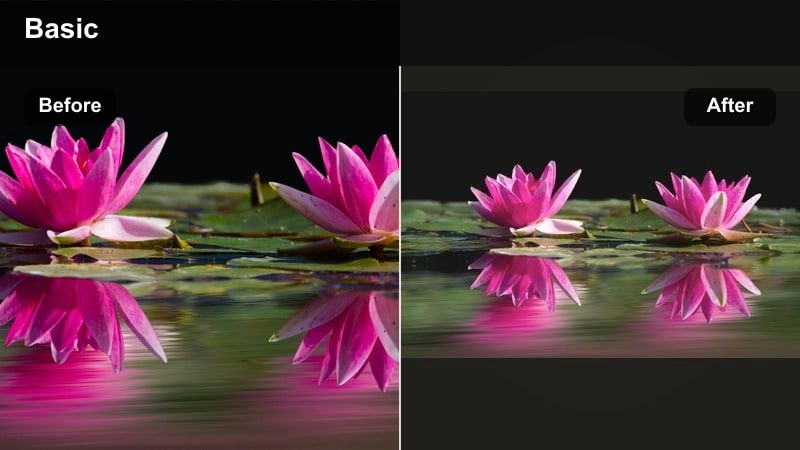
A romantic low light video filter that wraps string lights in a warm halo and keeps the overall scene inviting and soft. Friends gathered at a long table under hanging lights, graded with a warm amber party look.
- Effect look: Warm glow on highlights, soft contrast, and slightly faded blacks for a dreamy ambience
- Best for: Outdoor dinners, backyard parties, rooftop gatherings with hanging bulbs or fairy lights
- Editing tip: Drop highlights a bit to keep bulbs from clipping, then raise midtones to maintain the cozy feel on people and tables.
Amber String Lights leans into a golden, nostalgic party look, adding a gentle halo around practical bulbs while slightly lifting the blacks. In Filmora, this filter is ideal for dinner tables, backyards, and rooftops where fairy lights are your main source of illumination and you want them to feel magical instead of harsh.
Apply it across entire event sequences to unify shots from different angles and cameras, then fine tune the exposure curve to keep detail in faces and food while bulbs stay soft and romantic. Faded blacks help reduce the harshness of contrast-heavy sensors, giving your footage a more filmic charm.
Pro tip: Protect detail in practical bulbs
If light bulbs appear pure white, slightly underexpose the clip and then raise the shadows to recover mood without losing texture. Use Filmora’s highlight recovery and curves to keep the glow natural instead of harsh and blown out.
Club Deep Violet
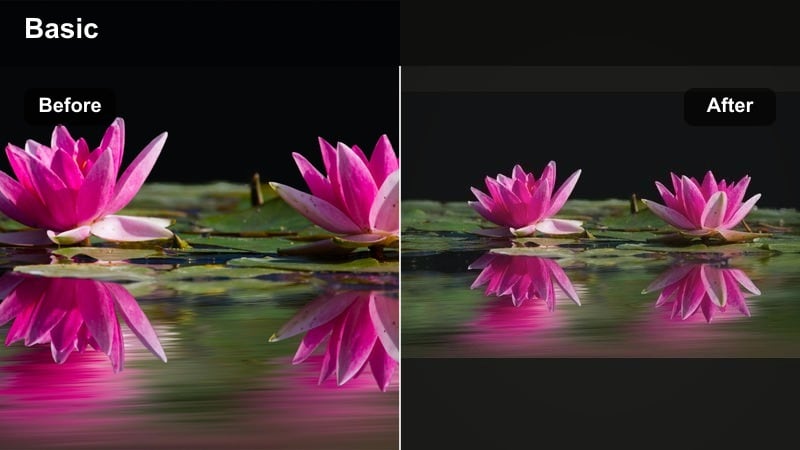
A bold, music-driven low light filter that enhances colored lights while preserving enough detail in shadows and the crowd. Wide shot of a live music stage washed in violet lights with hands raised in the crowd.
- Effect look: Punchy violets and blues, strong contrast, and moderate saturation with controlled red clipping
- Best for: Concerts, nightclubs, DJ sets, and live events with stage lighting and LED panels
- Editing tip: Dial back overall saturation after applying the filter so the stage lights do not overwhelm skin tones and audience details.
Club Deep Violet is tuned for high-energy music environments where saturated stage lighting dominates the frame. In Filmora, it boosts purples and blues while carefully managing reds so LEDs and lasers look intense without turning skin tones into blown-out patches of color.
Use this filter on wide crowd shots, DJ close-ups, and cutaway details like hands, drinks, and instruments under strobes. After applying, slightly reduce saturation and tweak luminance of individual color ranges to keep the scene vivid but legible, even in fast cuts and handheld motion.
Pro tip: Tame harsh LED lighting
If your red channels clip from LED panels, selectively lower red saturation and luminance while boosting magenta to maintain a rich mood. Add a touch of motion blur or reduce sharpness to smooth out digital noise created by fast flashing lights.
Dark Moody Color Grades for Storytelling
Noir Shadow Crush
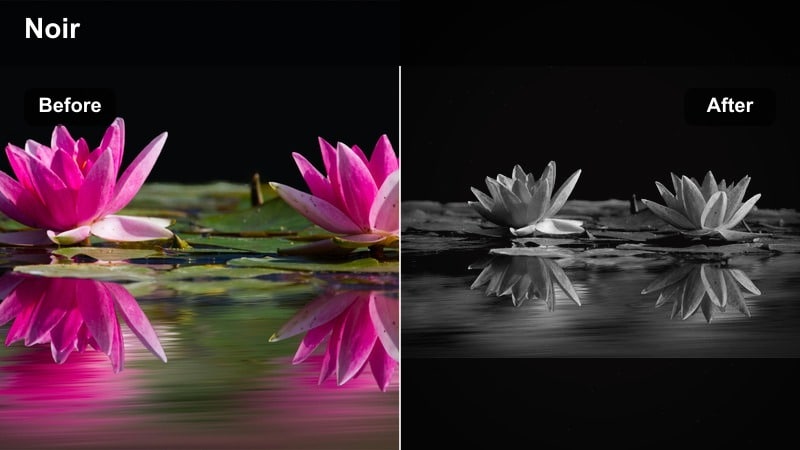
A hard-edged noir filter that prioritizes strong silhouettes and mystery over visible background detail. Backlit character in a narrow alley with strong black shadows and a single overhead lamp.
- Effect look: Heavy shadow contrast, muted color leaning toward monochrome, with strong focus on shapes and silhouettes
- Best for: Detective scenes, alleyway chases, or character intros walking through dim streets
- Editing tip: Expose for the highlights and accept deep blacks, letting less important background details disappear into darkness.
Noir Shadow Crush is all about bold shapes and negative space, turning night scenes into graphic compositions where light is scarce and meaningful. In Filmora, this filter works best on shots with strong single-source lighting like alleys, doorways, and lampposts, where you can confidently bury most of the frame in deep black.
Use it on dramatic character reveals, introspective walks, or chase scenes in tight urban spaces. Aim to protect key highlights like faces or backlights while allowing the rest of the image to fall into shadow, reinforcing tension and mystery in your story.
Pro tip: Use darkness as part of the composition
Frame shots so bright elements form clear shapes against deep blacks, then lean into the crushed shadows for drama. If important details vanish, selectively lift shadows only around your subject rather than brightening the whole frame.
Teal Night Chase
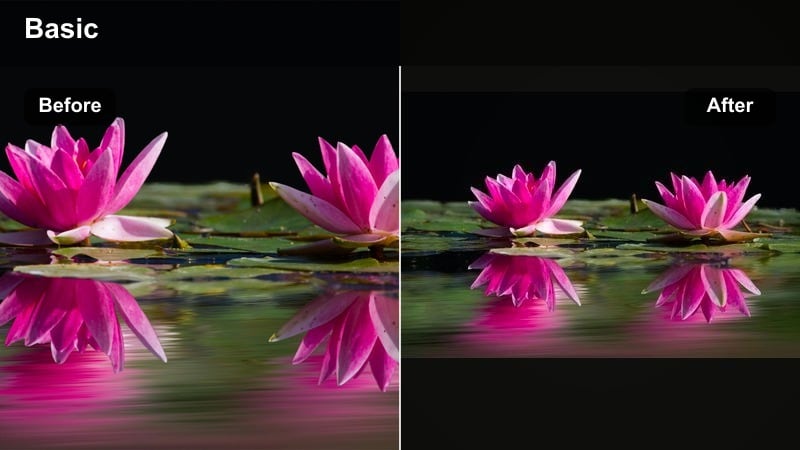
A cinematic teal and amber inspired grade optimized for fast-paced night sequences and kinetic camera work. Tracking shot of a car in motion with teal tinted streets and warm street lights overhead.
- Effect look: Cool teal shadows, slightly warm highlights, and a dynamic contrast curve built for movement
- Best for: Action sequences, car chases, running shots under streetlamps, and parking garage scenes
- Editing tip: Stabilize your footage first, then add the filter and adjust midtone contrast to avoid making motion blur look too crunchy.
Teal Night Chase brings a classic blockbuster palette to your low light action scenes, cooling down asphalt and shadows while letting headlights and skin tones run warm. In Filmora, it is especially effective on tracking shots, gimbal moves, and handheld chases where you want instant cinematic separation between subject and environment.
Apply it to sequences that cut rapidly between angles so the same teal and amber balance ties everything together. After stabilizing and trimming your edit, finesse midtone contrast so motion blur remains smooth but the image still feels dynamic and high energy.
Pro tip: Guide the viewer’s eye in fast cuts
Add subtle vignettes or gradients to keep attention on the subject as scenes cut quickly between angles. Match color temperature across clips before applying the filter so your teal and warm tones stay consistent from shot to shot.
Lonely Sodium Vapor
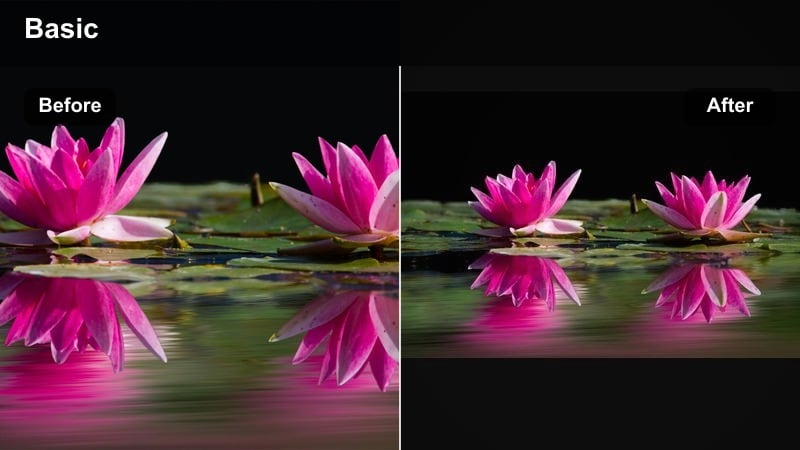
A nostalgic, lonely mood filter that embraces the orange cast of older streetlights and quiet night neighborhoods. Wide shot of an empty street with one street lamp illuminating a solitary figure.
- Effect look: Muted colors with strong orange streetlight cast, lifted blacks, and a slightly grainy filmic feel
- Best for: Isolated characters walking alone under streetlights, empty parking lots, or suburban nights
- Editing tip: Reduce clarity on backgrounds to keep focus on the subject and add subtle film grain to unify digital noise.
Lonely Sodium Vapor is built to embrace, not fix, the orange glow of older street lamps, turning that color cast into a storytelling device. In Filmora, it softens saturation overall, gently lifts the blacks, and introduces a filmic mood that works beautifully for introspective or melancholic scenes.
Use it in wide shots of empty streets, parking lots, or quiet neighborhoods where a single light source defines the space. Add a touch of film grain to smooth digital noise and reinforce the nostalgic, slightly worn feel of the environment.
Pro tip: Turn color casts into creative choices
Instead of correcting the orange from sodium lamps, let the filter lean into it and adjust only skin tones back toward neutral. Use gentle camera movement or static frames to emphasize the stillness and emotional distance in the scene.
Clean Low-Light Fix and Enhancement Filters
Noise Tamer Night
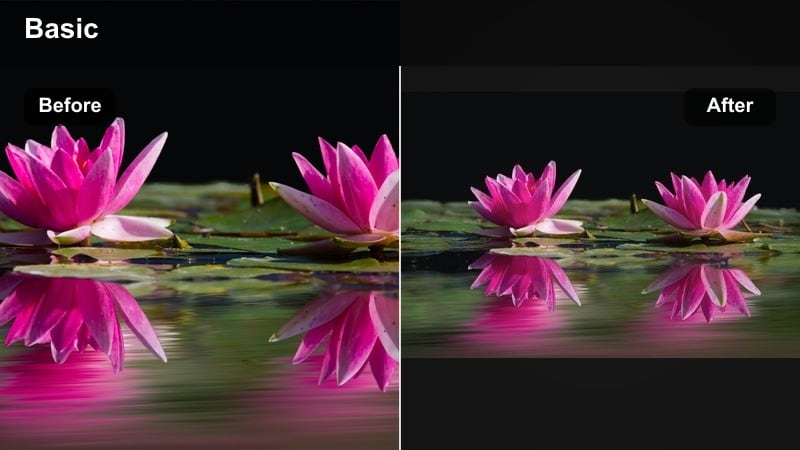
A functional low light video filter that prioritizes reducing visible noise while keeping footage natural and usable. Documentary-style shot in a dim room with cleaner shadows and preserved details.
- Effect look: Softened digital noise, slightly lowered contrast, and neutral color balance for cleaner low light images
- Best for: High ISO handheld clips, documentary run-and-gun footage, and dimly lit interiors
- Editing tip: Apply denoise before sharpening, then only sharpen midtones to keep fine detail without bringing back grain in the shadows.
Noise Tamer Night is a practical filter for those times when you had to push ISO or shoot in very dim conditions and want to salvage the footage. In Filmora, it lightly smooths out grain and pulls back contrast, especially in the darkest regions, making the image more forgiving on larger screens.
Use it on documentary, vlog, or travel clips where you could not control lighting, such as dim restaurants, streets, or hotel rooms. Combine the filter with targeted sharpening on midtones and a bit of denoise on shadows to achieve a cleaner, more professional look without making the image plasticky.
Pro tip: Protect detail while hiding grain
If your footage is very noisy, accept a slightly softer overall look rather than oversharpening and amplifying grain. Use masks to selectively denoise only the darkest areas while leaving faces and key objects sharper.
Neutral Night Balance
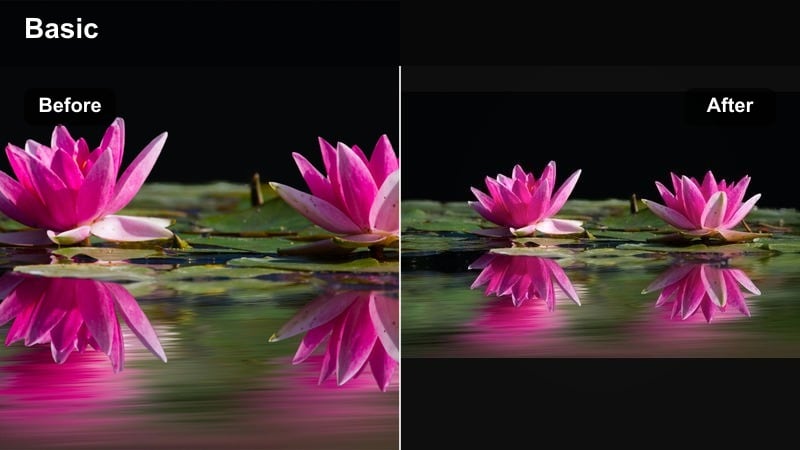
A clean corrective filter that makes mixed light sources feel cohesive without forcing a stylized cinematic look. City sidewalk with storefronts and cars graded to look true to life in low light.
- Effect look: Even white balance, gentle contrast boost, and subtle saturation for a realistic night scene
- Best for: Documentary work, travel vlogs, and YouTube videos where accurate color is more important than a heavy style
- Editing tip: Use the eyedropper or white object in the scene to set your initial white balance before applying the filter.
Neutral Night Balance focuses on accuracy and consistency, ideal when you want your night scene to look true-to-life rather than overtly stylized. In Filmora, it gently unifies colors from different sources such as storefronts, car headlights, and overhead fixtures, so your footage feels cohesive across multiple angles.
Apply it to whole sequences for travel videos, street documentaries, and informational content where viewers should clearly recognize the environment. Once your clips share the same neutral baseline, you can selectively layer more creative grades on top for specific moments without losing overall continuity.
Pro tip: Start neutral, then stylize
Apply Neutral Night Balance to unify your footage, then layer creative filters or LUTs on top for specific sequences. This approach makes it easier to maintain consistent skin tones and exposure across an entire edit.
YouTube Night Clarity
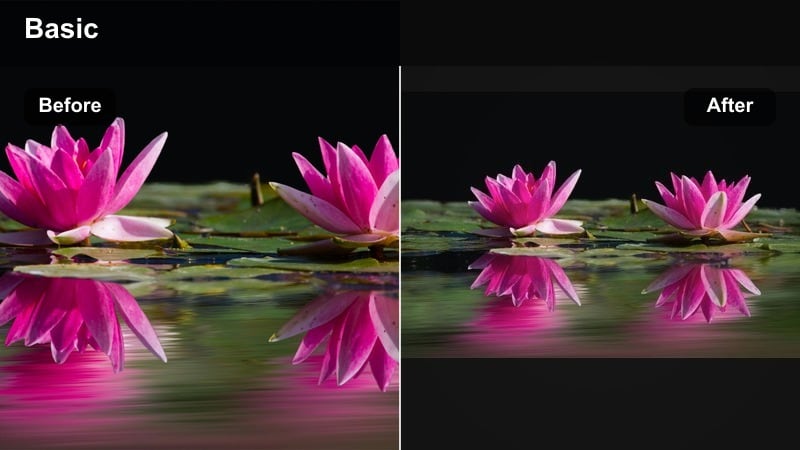
A punchy, readable night filter that keeps faces visible and text legible on phones and laptops without losing the night feeling. Creator speaking to camera under city lights with a bright, clean low light grade.
- Effect look: Crisp midtones, boosted local contrast, and slightly brighter exposure tuned for online viewing
- Best for: Night video filters for YouTube vlogs, talking head scenes, and walk-and-talk city explorations
- Editing tip: Raise exposure a bit more than you would for cinema, as YouTube and mobile screens make dark videos look even dimmer.
YouTube Night Clarity is optimized for small screens and streaming platforms, where darker footage often appears muddier than intended. In Filmora, it lifts exposure and local contrast in key midtones so faces, outfits, and on-screen graphics stay easy to read while the background still feels like nighttime.
Use it on city vlogs, commentary videos, or IRL streaming recaps shot under streetlights and storefronts. Before export, preview the grade on a phone or laptop and adjust midtones and shadows so viewers can comfortably follow your content without needing to crank their screen brightness.
Pro tip: Optimize night videos for small screens
Aim for slightly higher brightness and softer contrast so details stay visible on phones in bright environments. Check playback on a mobile device before exporting your final night vlog, adjusting shadows and midtones if the image feels too dark.
Tips for Using Night Video Filter Filters in Filmora
- Expose slightly brighter than you think at night, then use filters to bring back contrast while keeping noise under control.
- Shoot in the cleanest ISO range your camera offers and avoid extreme underexposure, which can break down once you add strong night video filters.
- Group clips by lighting type, such as neon, tungsten, and LED, and apply different night filters tuned to each group for consistent results.
- Always check your night grades on both a bright phone screen and a dim monitor to make sure the mood holds up in different environments.
- Use subtle vignettes and gradients with your filters to keep faces visible and guide attention through dark frames.
Night video filters give you a fast way to turn noisy, flat low light clips into intentional, story-driven images with rich shadows and glowing highlights.
Start with corrective tools to balance exposure and color, then lean on Filmora’s curated night filters and night LUTs to craft a signature dark and moody style for every city light, event, or urban scene you shoot.
secure download