

 100% Security Verified | No Subscription Required | No Malware

This collection of warm indoor lighting color LUT-style filters is designed for content creators who want cozy, cinematic tones straight out of Filmora, without complex color grading.
Use these filters to enhance living room chats, desk setups, studio corners, and evening vlogs with flattering warmth, soft contrast, and balanced indoor color that feels intentional, not overdone.
In this article
Golden Living Room Vibes
Golden Sofa Glow
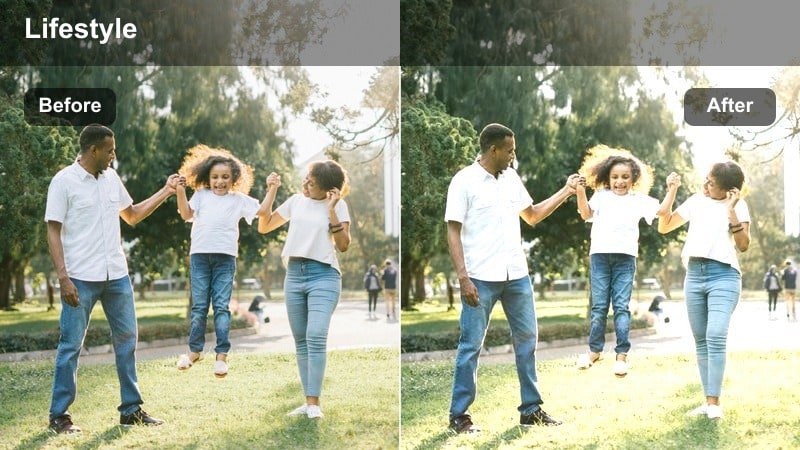
- Effect look: Soft, golden warmth that gently brightens skin tones and cushions while keeping shadows rich and cozy.
- Best for: Living room talking-head videos, casual sit-down vlogs, and couch interviews under warm lamps.
- Editing tip: Lower the filter intensity to around 60-70 percent if your room already has strong yellow bulbs to avoid over-warming.
Golden Sofa Glow is ideal when you want your living room to feel like a welcoming set without touching complicated color wheels. In Filmora, you can apply this warm indoor lighting color LUT-style filter with a single click to add a soft golden wash that flatters skin while keeping the overall scene grounded and cinematic.
After dropping it on your clip, fine-tune intensity so lamp light, wall colors, and sofa textures remain natural, not neon orange. This filter works especially well for long-form vlogs and talking-head content where you want a cozy, bingeable atmosphere that stays visually consistent across multiple takes and camera angles.
Match Warm Indoor Lighting with AI Color Tools
Filmora AI color tools help you keep warm indoor lighting under control so your footage looks cozy rather than overly orange or muddy. Start by applying your preferred warm indoor lighting color LUT-style filter, then let AI analyze the scene for smarter color balance.
With AI color matching, you can quickly align clips shot in different corners of your home or at slightly different times, so every talking-head, b-roll insert, and cutaway shares the same polished warmth.
 secure download

Preview Warm Indoor Filters in Real Time
Filmora makes it easy to audition warm indoor filters without committing to a full manual grade. You can hover or click through options to instantly see how each style affects skin tones, wall colors, and light sources like lamps and string lights.
This responsive preview workflow is perfect for vloggers and creators who re-use the same rooms often and want a fast, consistent way to choose the best warm indoor look for each video series or playlist.
secure downloadBuild a Warm Indoor LUT-Style Preset Library
Filmora lets you stack filters, basic corrections, and light adjustments, then save everything as a reusable warm indoor lighting color LUT-style preset. This makes it easy to lock in a signature look for your living room, desk setup, or bedroom content.
Once saved, your preset can be applied to whole timelines or batch clips, giving every vlog episode, tutorial series, or lifestyle video the same cohesive, cozy grade in just a few clicks.
secure downloadEvening Storytime
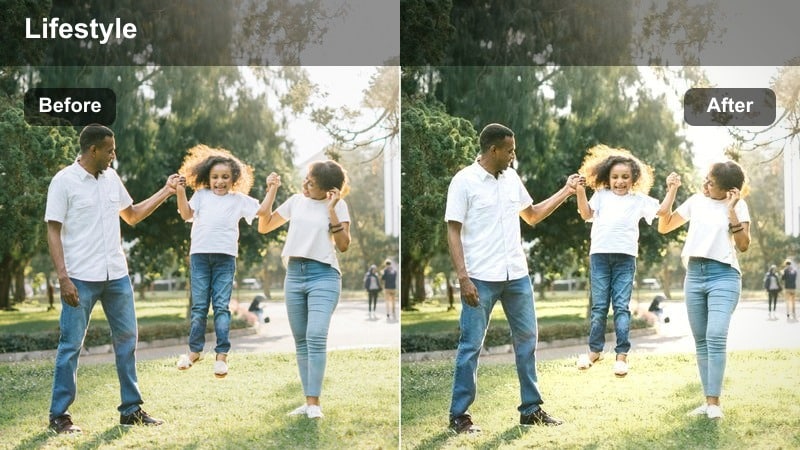
- Effect look: Dim, cinematic warmth that mimics evening lamp light with soft highlights and deeper shadows.
- Best for: Nighttime vlogs, storytelling videos, and intimate confessionals filmed in the living room.
- Editing tip: Pair with a light vignette to keep attention on your face and avoid bright distractions at the edge of the frame.
Evening Storytime is tailored for low-light living room content, adding a cinematic layer of warmth that feels like natural lamp light. In Filmora, it helps you deepen shadows without crushing detail, keeping the viewer focused on your face and the story you are sharing.
Use this filter on night vlogs or reflection-style videos, then add a subtle vignette and mild noise reduction to smooth out darker areas. The result is a moody, cozy vibe where your expressions and voice take center stage, perfect for sensitive topics or relaxed storytelling formats.
Cozy Movie Night
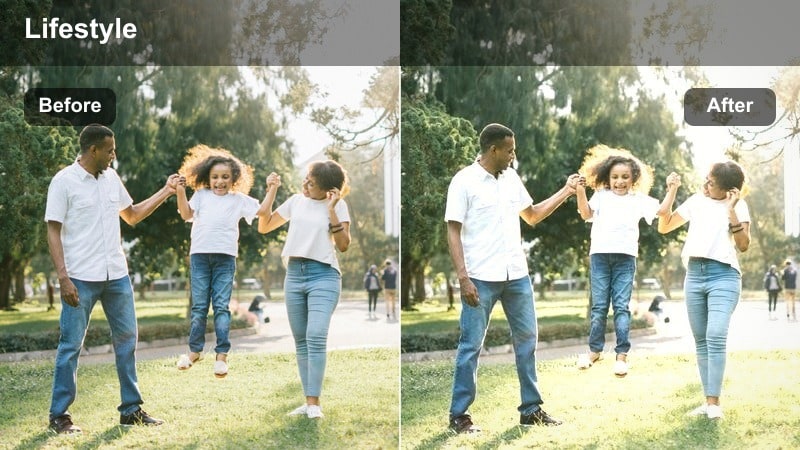
- Effect look: Gentle warm tint with slightly muted colors and a soft matte finish for relaxed couch scenes.
- Best for: Reaction videos, movie night recaps, and group hangout clips on the couch.
- Editing tip: Reduce saturation in strong reds so blankets and pillows do not overpower faces in the frame.
Cozy Movie Night wraps your living room in a gentle, matte warmth that feels perfect for chill reaction videos and group hangouts. In Filmora, it slightly mutes bold colors while preserving the glow from screens and lamps, so faces remain the natural focal point.
Apply this filter to couch scenes, then pull back red saturation if decor starts to compete with skin tones. Combined with subtle exposure and contrast tweaks, it gives your movie recaps and watch-along videos an inviting, laid-back look that viewers associate with comfort and connection.
Creator Desk and Workspace Warmth
Desk Amber Focus
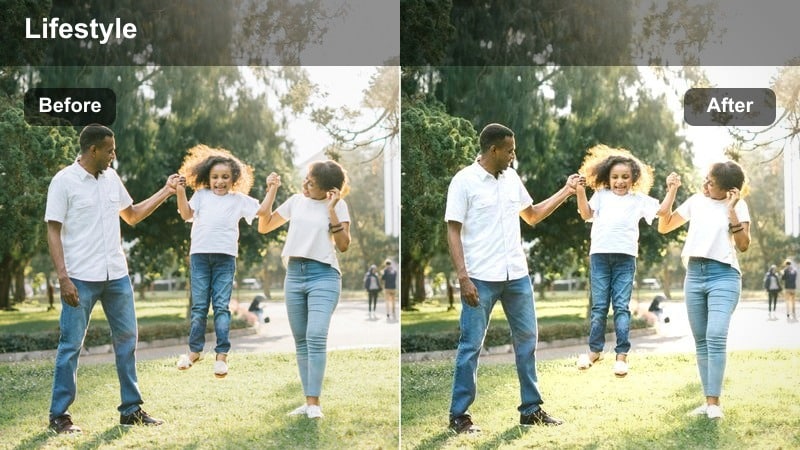
- Effect look: Clean, amber-tinted warmth that highlights the subject at a desk while cooling the background slightly.
- Best for: Productivity vlogs, desk setup tours, and tutorial recordings at a computer.
- Editing tip: Use a subtle blur or depth-of-field effect on the background to enhance the focused, warm subject look.
Desk Amber Focus is designed for workspace videos where you want to look energized yet approachable in front of a screen. In Filmora, this filter adds controlled amber warmth to your face while letting the background sit slightly cooler, helping separate you from shelves, monitors, and gear.
Apply it to productivity vlogs, study sessions, or tutorial recordings, then add a light background blur effect to push attention toward your expressions and on-screen actions. This combination delivers a clean, modern creator aesthetic that feels both professional and cozy for long desk-based content.
Studio Lamp Glow
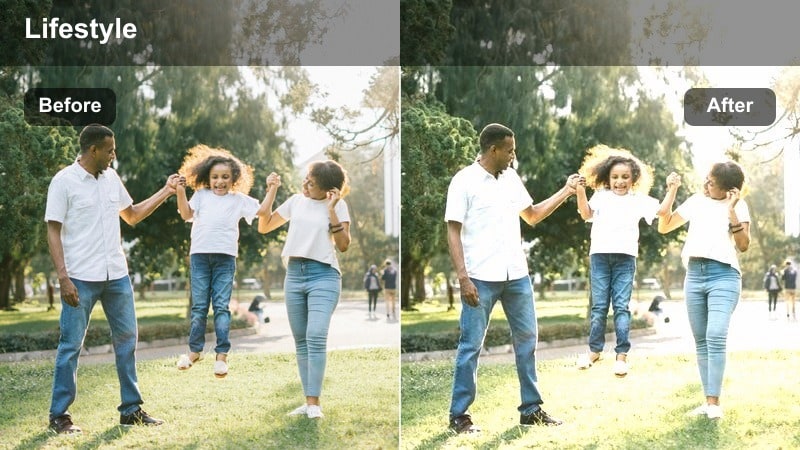
- Effect look: Warm, studio-style soft light that smooths skin and adds a glow around key light areas.
- Best for: Educational videos, gaming commentary, and tech reviews filmed at a stationary desk setup.
- Editing tip: Combine with a soft skin smoothing effect at low intensity to keep detail while reducing harshness.
Studio Lamp Glow simulates the flattering feel of a pro softbox, even if you are working with simple desk lamps or ring lights. In Filmora, it gently enhances highlights around your key light, giving your face a polished glow that suits tutorials, commentary, and review content.
Use it on talking-head clips from your primary desk angle, then pair it with low-intensity skin smoothing so pores and texture stay natural. By slightly lowering highlights afterward, you can avoid shiny hotspots while maintaining that warm, studio-quality illumination your audience associates with higher production value.
Creator Corner Warmth
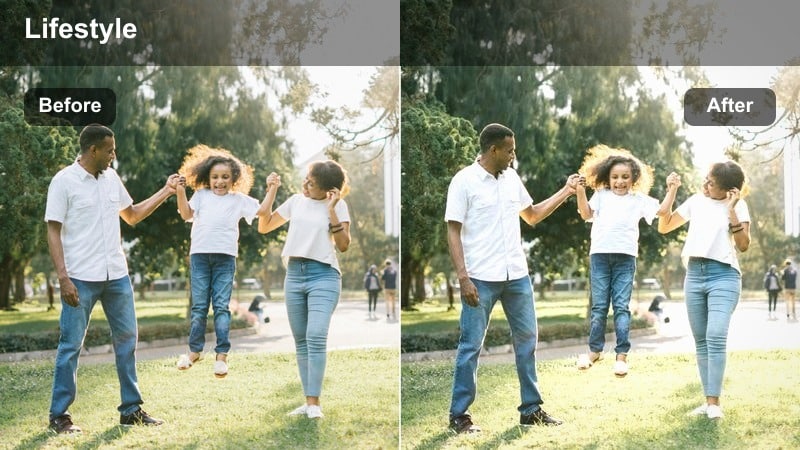
- Effect look: Even warm tone across the frame with gentle contrast and a subtle lift to midtones.
- Best for: Dedicated content corners, small studio nooks, and reading-chair vlog setups.
- Editing tip: Use framing guides to keep your face near a light source so the warmth feels natural, not filtered.
Creator Corner Warmth is built for small, styled spaces where you shoot repeatedly, like a decorated wall or reading chair setup. In Filmora, it spreads an even warmth across the frame and raises midtones slightly, helping cramped corners look more intentional and less like dark leftover space.
Apply it to your dedicated filming nook, then compose shots so a lamp or window is close to your face for believable light direction. With a small shadow lift or subtle backlight in the room, this filter can give your corner that branded, consistent look viewers instantly recognize as your space.
Kitchen and Dining Room Warmth
Dinner Table Amber
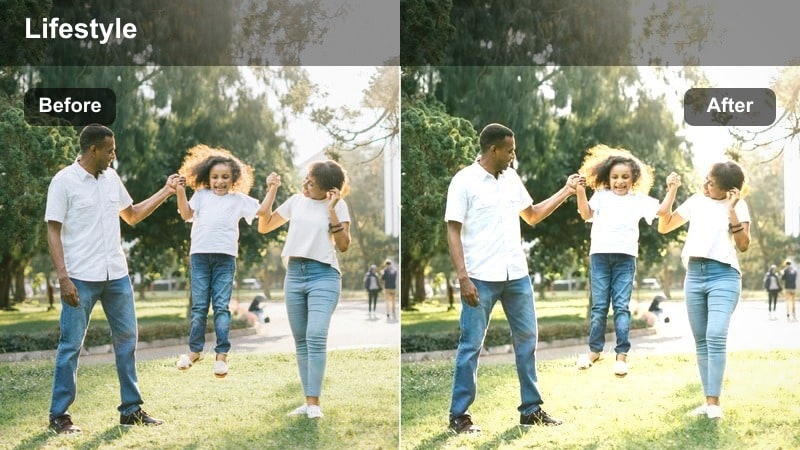
- Effect look: Rich amber cast that emphasizes pendant lights and candles with gentle highlight roll-off.
- Best for: Dinner recaps, family conversations at the table, and indoor celebration clips.
- Editing tip: Dial back overall saturation if your table decor is colorful so the warmth stays subtle and cinematic.
Dinner Table Amber turns everyday dining scenes into story-rich moments by emphasizing the glow of pendant lights and candles. In Filmora, this filter adds a rich amber hue with smooth highlight roll-off so plates, glassware, and faces all feel like they are basking in warm, cinematic light.
Use it for family conversations, celebration recaps, or food-focused vlogs shot around the table. If your decor is already colorful, reduce global saturation a touch so the amber warmth feels refined rather than overpowering, keeping attention on interactions and expressions instead of busy backgrounds.
Kitchen Evening Hue
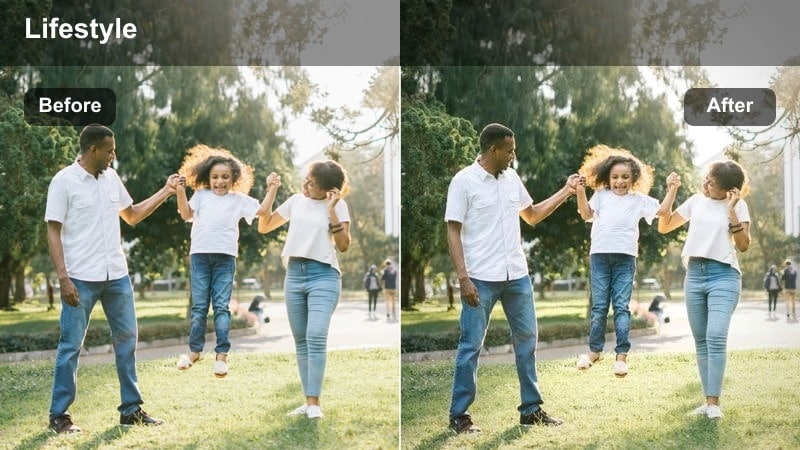
- Effect look: Warm yet clean look that tames mixed fluorescent and tungsten light in kitchens.
- Best for: Cooking segments, casual kitchen chats, and behind-the-scenes prep clips.
- Editing tip: Adjust white balance slightly cooler before adding this filter if your overhead fixtures are very yellow.
Kitchen Evening Hue is designed to clean up the messy mix of fluorescent, tungsten, and window light that often exists in kitchens. In Filmora, it adds comfortable warmth while neutralizing odd green or magenta shifts, so countertops, cabinets, and food all appear balanced on camera.
Apply it to cooking demos, prep b-roll, or conversational kitchen clips, starting with a slightly cool white balance if your overheads are strong and yellow. After the filter, you can selectively pull back green or magenta saturation to finish the correction, resulting in a warm yet modern kitchen look that suits both lifestyle and recipe content.
Brunch Sunlit Warmth
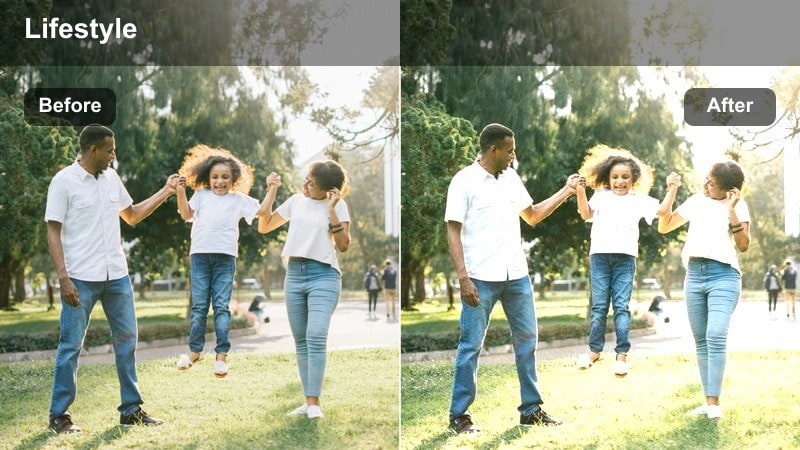
- Effect look: Soft daylight warmth that enhances window light and adds gentle glow to midtones.
- Best for: Late-morning kitchen or dining vlogs, planning sessions, and casual chat segments near windows.
- Editing tip: Lower highlights to prevent blown-out windows while keeping the warm light on your face intact.
Brunch Sunlit Warmth is perfect for mid-morning vlogs shot beside bright windows where daylight dominates the frame. In Filmora, this filter adds a subtle warmth to midtones, helping your skin and interior elements feel sun-kissed while still reading as primarily daylight.
Use it on planning chats, brunch recaps, or journal-style videos filmed near a window, then gently lower highlights so the outside view or sheer curtains do not blow out. A subtle vignette or midtone curve can further guide attention toward your face, leaving the rest of the room in a soft, glowy background.
Bedroom and Relaxation Scenes
Nightstand Glow
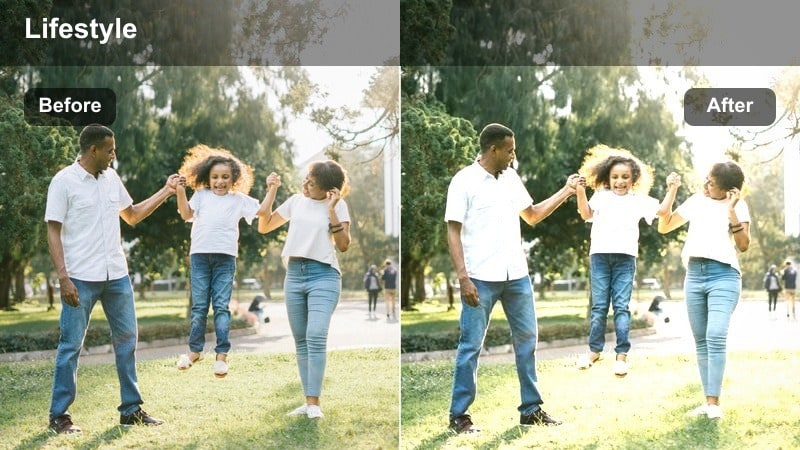
- Effect look: Deep, intimate warmth that emphasizes bedside lamps with soft contrast and gentle grain.
- Best for: Night routines, journal sessions, and cozy end-of-day reflections in the bedroom.
- Editing tip: Lower clarity a touch to keep the scene dreamy, especially on backgrounds and bedding textures.
Nightstand Glow is made for quiet, end-of-day bedroom clips where a single lamp or two set the entire mood. In Filmora, it deepens warmth around bedside lights, softens overall contrast, and can work beautifully with a hint of grain for an intimate, analog-inspired feel.
Apply it to night routines, journaling, or reflection videos filmed sitting on the bed, then slightly reduce clarity on the background and bedding. If you expose a bit brighter in-camera and darken in post, this filter will help control noise, leaving your eyes and face as the sharpest, most engaging elements in frame.
Soft Morning Amber
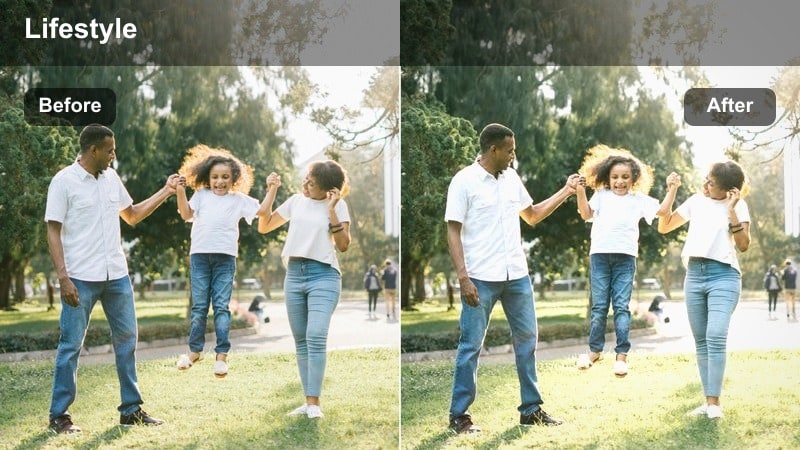
- Effect look: Gentle morning warmth with lifted blacks and low contrast for a calm, unhurried feel.
- Best for: Morning routines, bed check-ins, and quiet planning clips shot indoors with mild daylight.
- Editing tip: Avoid over-sharpening; let the naturally low-contrast, warm look carry the relaxing atmosphere.
Soft Morning Amber captures the slow, relaxed tone of early hours when you are just starting your day. In Filmora, it lifts blacks slightly, keeps contrast low, and adds a light layer of warmth so your bedroom feels airy and calm instead of crisp and clinical.
Use it for morning routines, planning sessions, or gentle check-in videos shot with window light, and resist the urge to add heavy sharpening or contrast. If the image feels too flat, a very subtle midtone S-curve will restore shape to your face and features without undermining the soft, restful aesthetic.
String Light Cozy
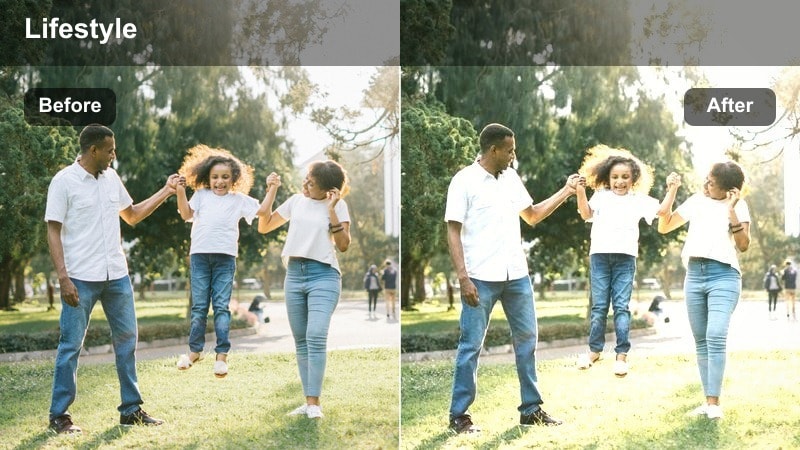
- Effect look: Warm, fairy-light style glow with lifted highlights around small light sources and soft muted colors.
- Best for: Bedroom vlogs, relaxation content, and aesthetic room tours lit with string or accent lights.
- Editing tip: Increase highlight bloom slightly so string lights feel dreamy without turning into white blobs.
String Light Cozy is tailored for bedrooms and aesthetic corners decorated with fairy lights, LED strips, or other small practicals. In Filmora, it boosts warmth and highlight bloom around these lights, while gently muting overall color so the scene feels dreamy rather than overly saturated.
Apply it to relaxation vlogs, room tours, or aesthetic b-roll, framing your shots so strings of light are visible in the background. Keep ISO as low as possible during filming, then in post, add just enough bloom or glow so each bulb looks soft and magical without losing its shape or turning into harsh white streaks.
Tips for Using Warm Indoor Lighting Color Lut Filters in Filmora
- Expose your indoor footage slightly brighter than your final look so warm LUT-style filters have clean shadows and more detail to shape.
- After applying a warm indoor filter, gently lower saturation in orange and yellow channels to keep skin tones believable and flattering.
- Test your chosen warm style across multiple rooms and light sources in the same project to ensure the grade stays consistent everywhere.
- If your footage looks muddy, try boosting midtone contrast or clarity instead of pushing global contrast, which can crush shadows.
- Include practical lights such as lamps, pendants, or string lights in-frame so Filmora filters have real highlights to enhance.
- Set your camera white balance a bit cooler in-camera when you know you will be warming the image with Filmora filters later.
- Use Filmora AI color matching to unify clips from different indoor locations while still keeping a cohesive warm signature look.
- Save your favorite warm indoor adjustments as custom presets so you can apply the same cozy aesthetic to every new vlog or series.
Warm indoor lighting color LUT-style filters in Filmora let content creators turn everyday rooms into cozy, cinematic sets with just a few clicks.
Experiment with these scene-based filters, then save your favorite combination as a Warm Indoor Lighting Color LUT preset so every new vlog or tutorial starts from a polished, consistent look indoors.
secure download