

 100% Security Verified | No Subscription Required | No Malware


 ChatGPT
 Perplexity
 Gemini
 Claude
 Grok
Grok
Use cinematic fashion video filters in Filmora to turn simple wardrobe shots into film-grade visuals that feel ready for the runway or the big screen.
Whether you are crafting editorial fashion films, luxury brand campaigns, or high fashion lookbooks, these curated filters help you shape mood, polish skin tones, and keep fabric textures rich and expressive in every frame.
In this article
Golden Hour Runway and Street Editorials
Amber Runway Glow
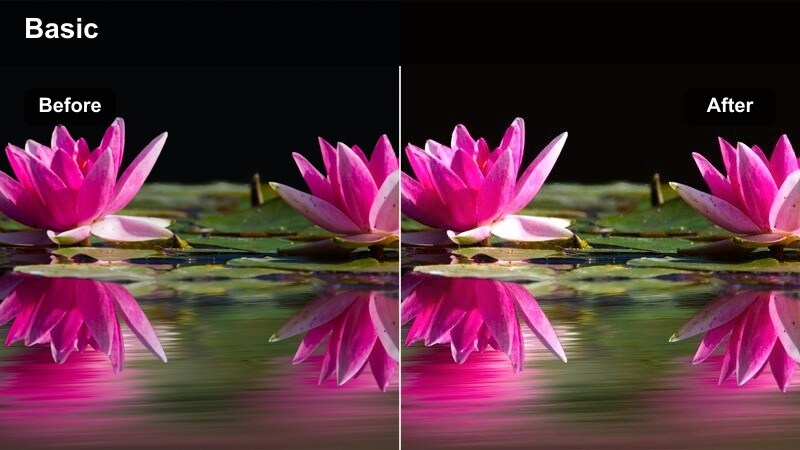
- Effect look: Warm, amber-tinted film look with soft halation on highlights and gentle contrast for glowing skin.
- Best for: Outdoor golden hour runway walks, rooftop fashion editorials, and warm-toned brand campaigns.
- Editing tip: Lower the filter intensity to 60-70 percent and slightly reduce saturation in oranges to avoid oversaturated skin while keeping the cinematic glow.
Amber Runway Glow is designed to make natural sunlight feel like a carefully lit fashion set, wrapping models in a warm cinematic wash that flatters skin and metallic accessories. In Filmora, this filter helps you quickly convert simple rooftop or street runways into high-end campaign visuals, preserving detail in highlights while adding a subtle halo around bright areas.
Apply it on your fashion clips, then fine-tune intensity so white fabrics, logos, and product packaging stay clean instead of turning too orange. For even more control, duplicate your clip on a higher track, mask out white garments, and keep their color neutral while the rest of the frame glows with a golden, film-inspired runway atmosphere.
Harness AI Color Tools to Refine Cinematic Fashion Filters
After you choose a cinematic fashion video filter like Amber Runway Glow, Filmora AI color tools help you refine the grade so skin tones stay natural and signature brand colors remain accurate. You can isolate hues such as specific fabric dyes, lip colors, or logo accents, then protect them while the overall frame keeps its cinematic warmth.
This workflow lets you build a runway-ready look that is both filmic and on-brand, ideal for campaigns that need luxury mood without sacrificing product accuracy.
 secure download

Preview Cinematic Fashion Filters on Real Wardrobe Footage
Before committing to a single cinematic style, you can build a short look-test timeline in Filmora that mixes editorial, street, and studio fashion clips. Apply different filters on duplicated tracks, toggle their visibility, and compare how each one treats skin tones, fabric textures, and background details side by side.
This approach makes it easy to pick a hero look for your campaign and save it as a preset so every sequence of your fashion film feels visually consistent from first frame to final cut.
secure downloadCombine Filters and LUTs for Film-Grade Fashion Styles
For a true film-grade finish, you can stack subtle 3D LUTs underneath your fashion filters in Filmora. Use a gentle LUT to normalize exposure and color first, then add your chosen cinematic fashion filter to sculpt contrast, saturation, and highlight roll-off for a more premium look.
Once you have a stack that works for your brand, save it as a custom preset. Reapplying that preset across lookbooks, runway recaps, and social teasers keeps every new collection instantly recognizable.
secure downloadSunset Street Editorial
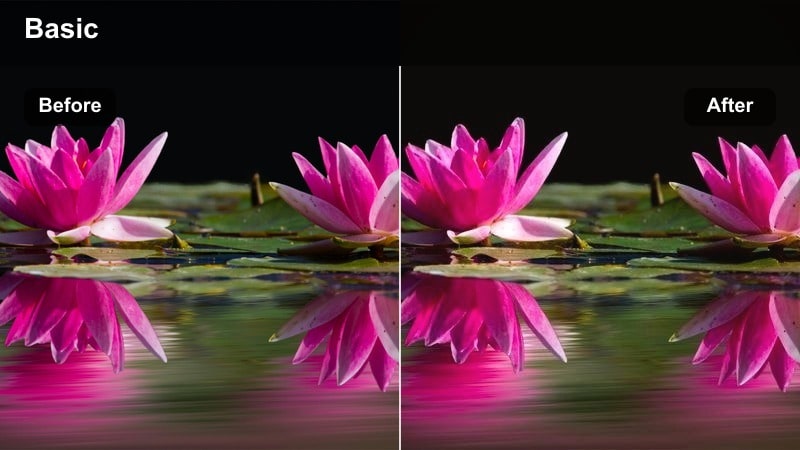
- Effect look: Soft contrast with peachy highlights and muted cool shadows for a dreamy magazine-style street editorial.
- Best for: Street style lookbooks, influencer fashion reels, and handheld fashion vlogs shot near sunset.
- Editing tip: Pair this filter with a subtle vignette and 24 fps motion blur to mimic the feel of fashion films shot on vintage lenses.
Sunset Street Editorial leans into pastel highlights and gently cooled shadows to give everyday outfits a magazine-ready mood. When applied in Filmora, it smooths transitions between light and dark areas, especially flattering for handheld B-roll where sunlight moves across buildings and skin.
Use it on sidewalk walks, cafe entrances, and curbside poses shot around golden hour to turn simple captures into cohesive editorial sequences. Add a small vignette and enable 24 fps export, then introduce Filmora motion blur to mimic vintage glass and give every step that slow, cinematic drift.
Gold Lux Avenue
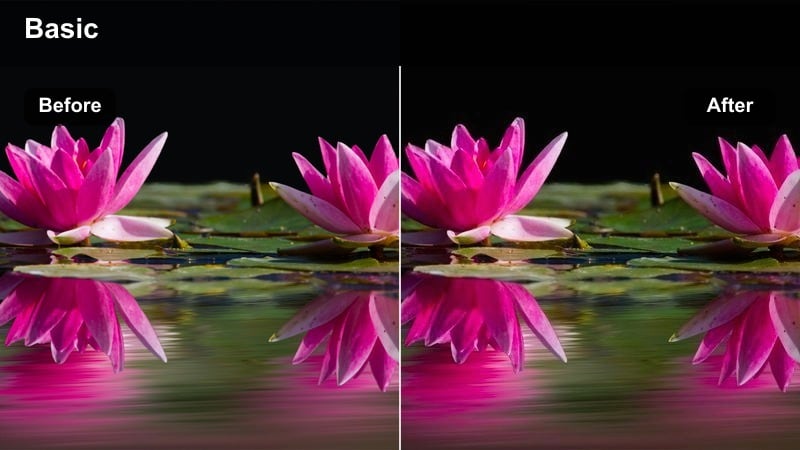
- Effect look: High-end luxury fashion filter with golden highlights, rich blacks, and glossy contrast reminiscent of perfume ads.
- Best for: Luxury brand campaigns, jewelry close-ups, and high fashion street scenes in upscale districts.
- Editing tip: Use selective color tools to keep metallics vivid while slightly desaturating background colors for a focused luxury feel.
Gold Lux Avenue is all about elevating perceived value, deepening blacks and polishing highlights until your frames resemble glossy fragrance or jewelry campaigns. In Filmora, the filter adds an immediate sense of richness, especially when it catches metal edges, patent leather, and glass storefront reflections.
For best results, apply the filter, then head into Filmoras color controls to subtly pull saturation out of background tones so your hero wardrobe pieces stand out. You can boost clarity or sharpness slightly on close-ups to emphasize stitching, seams, and metallic hardware, creating a tactile, premium look that feels made for luxury placements.
Studio Editorial Lighting and Lookbooks
Velvet Shadow Studio
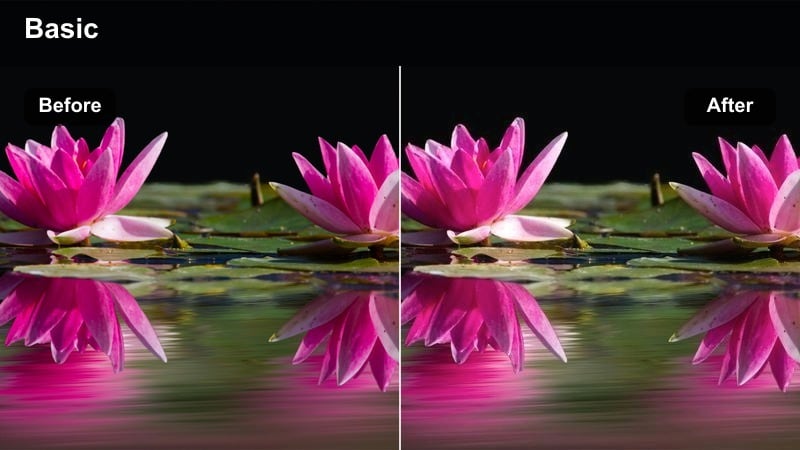
- Effect look: Low-contrast cinematic style filter with velvety shadows and creamy midtones that flatter skin and fabrics.
- Best for: Studio editorial fashion films, minimalistic lookbooks, and moody campaign videos with controlled lighting.
- Editing tip: Underexpose your footage by about half a stop on set so the filter can deepen shadows without crushing detail.
Velvet Shadow Studio softens hard edges and turns studio contrast into a smooth gradient, ideal for campaigns that want a thoughtful, moody tone. In Filmora, this filter gently lowers contrast while protecting midtone detail, making it especially flattering on skin, silk, and knitwear.
Shoot with large, soft sources, then apply the filter to wrap your model in soft density rather than harsh shadows. If blacks start to feel heavy, keep the filter intensity where it is and lift shadows slightly in Filmoras color panel so you retain the cinematic mood without losing garment detail or texture.
Editorial Matte Cream
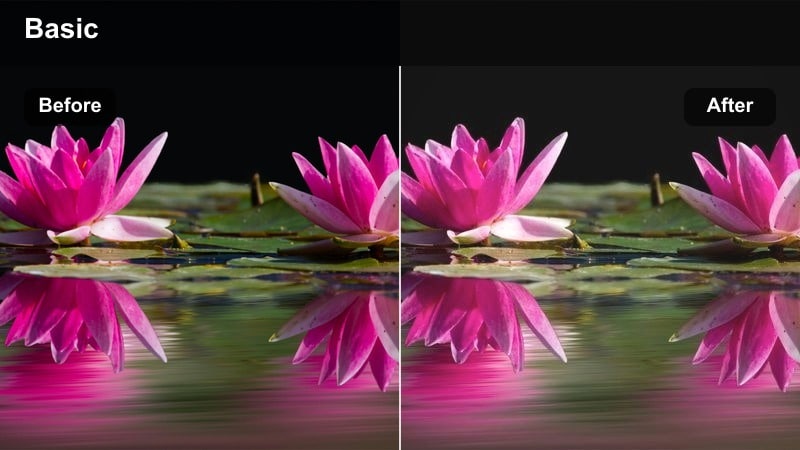
- Effect look: Neutral film look fashion filter with a gentle matte curve, clean whites, and subtle pastel toning.
- Best for: Lookbooks, e-commerce fashion videos, and social campaigns where garments must stay true to color.
- Editing tip: Enable scopes in Filmora and ensure whites sit just below clipping to keep the matte effect while preserving product detail.
Editorial Matte Cream adds a soft, editorial-style wash to your footage while keeping color reproduction accurate, which is crucial for lookbooks and e-commerce content. In Filmora, the filter gently rolls off highlights and introduces a slight matte finish, creating a more cinematic feel without heavily shifting hues.
Use waveform or parade scopes as you grade to make sure your whites stay controlled and do not blow out important garment details. Apply the filter at nearly full strength, then fine-tune specific clothing colors with Filmoras hue and saturation tools so brand palettes remain consistent across websites, social posts, and paid ads.
Mono Sculpt Studio
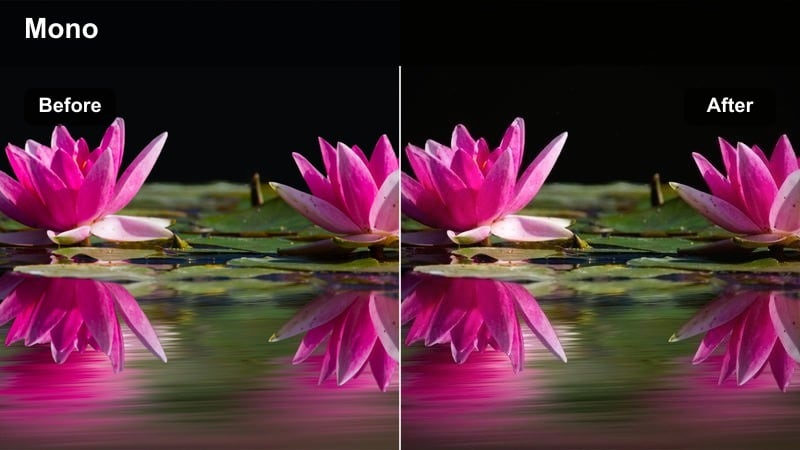
- Effect look: High-contrast monochrome cinematic filter that sculpts light and shadow for an art-house fashion feel.
- Best for: Black-and-white editorial campaigns, avant-garde lookbooks, and experimental fashion shorts.
- Editing tip: Boost local contrast around the face and key garments with selective adjustments to enhance the sculpted monochrome look.
Mono Sculpt Studio strips color away to focus entirely on shape, light, and texture, turning studio fashion setups into art-house monochrome pieces. In Filmora, this filter increases contrast and deepens shadows, carving your model out from the background and highlighting strong tailoring or architectural silhouettes.
Before applying it, design your frames around bold lines, strong side lighting, and simple backgrounds. After the filter is on, use Filmoras selective adjustment tools to subtly increase contrast around the face and hero garments, ensuring eyes, lapels, and hemlines stay crisp and commanding even in the deepest blacks.
Nightlife Neon and After-Dark Fashion Stories
Neon Couture Noir
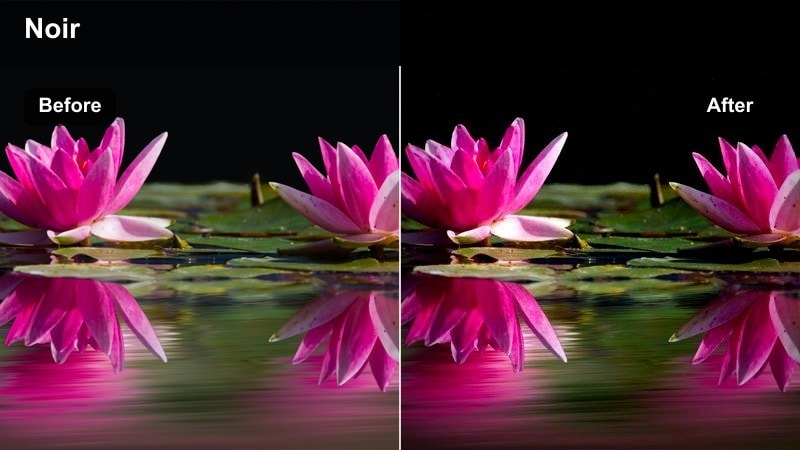
- Effect look: Moody cinematic style filter with deep blues, rich magentas, and glossy highlights that glow under neon lights.
- Best for: Nighttime street campaigns, club fashion stories, and music-driven brand promos with neon signage.
- Editing tip: Increase saturation only in blues and magentas while gently desaturating skin to keep faces natural against vivid backgrounds.
Neon Couture Noir amplifies the drama of city lights, pushing shadows into rich blues and highlights into glowing magentas for a music-video-inspired fashion aesthetic. In Filmora, the filter instantly transforms plain night streets into stylized backdrops where reflective surfaces and neon tubes become part of your wardrobe storytelling.
Apply it to nightlife sequences, then refine your grade by selectively desaturating skin so faces remain natural while the environment pulses with color. Keep exposure slightly under while shooting so signage retains detail, and consider adding a fine layer of film grain in Filmora to make the whole piece feel like a polished club campaign rather than casual night footage.
Chromatic Night Runway
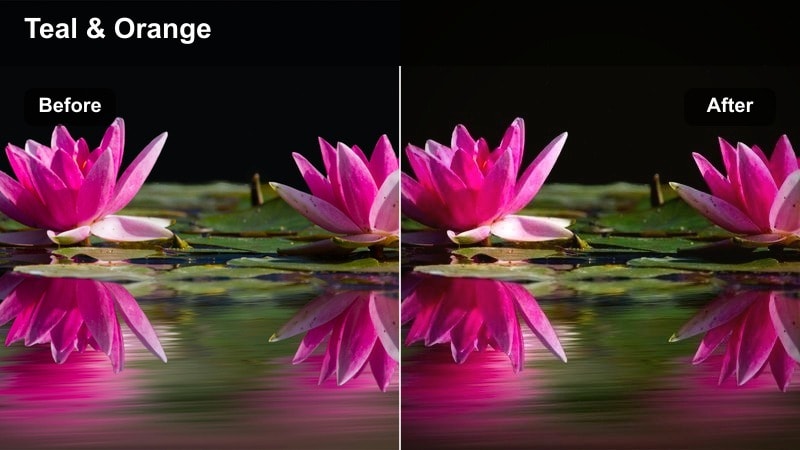
- Effect look: Vibrant film look with teal shadows and warm highlights that gives city sidewalks a pop-runway feel.
- Best for: Night runway shows, pop-up brand events, and high fashion walks across busy crosswalks.
- Editing tip: Stabilize handheld shots in Filmora before applying the filter to prevent bright colored lights from streaking too distractingly.
Chromatic Night Runway leans into the classic teal-and-warm cinematic palette, turning city streets into energetic, color-blocked fashion catwalks. In Filmora, the filter enhances the separation between cool pavements and warm skin or headlights, making each step feel dynamic and graphic.
Use it on crosswalk walks, outdoor event entrances, and city-runway setups where cars and storefronts provide moving light sources. Stabilize handheld footage first with Filmoras stabilization tool to avoid jittery light streaks, then apply the filter and tweak saturation so colors remain bold but still flattering on skin and wardrobe tones.
City Luxe Nocturne
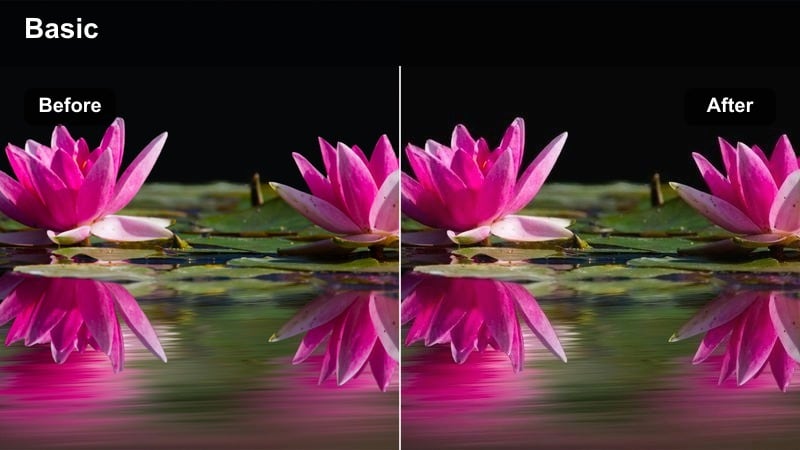
- Effect look: Luxury fashion filter for night scenes with lifted blacks, subtle cyan highlights, and polished skin tones.
- Best for: High-end evening wear campaigns, rooftop parties, and night-time brand launch teasers.
- Editing tip: Add a slight fade to the blacks in Filmora's color panel to complement the filter and create a smooth luxury film wash.
City Luxe Nocturne softens harsh night contrast by lifting blacks and adding a gentle cyan sheen to highlights, perfect for elevated evening wear and rooftop stories. In Filmora, this filter polishes skin and fabrics so they glow softly against the city skyline without looking overly saturated or harsh.
Apply it to rooftop receptions, balcony scenes, or night-time brand events where you want elegance instead of gritty nightlife. Finish the look by subtly fading blacks further in the color panel and keeping exposure controlled, allowing sequins, satin, and jewelry to catch the city glow in a refined, high-end way.
Runway Documentary and Brand Storytelling
Backstage 35mm Grain
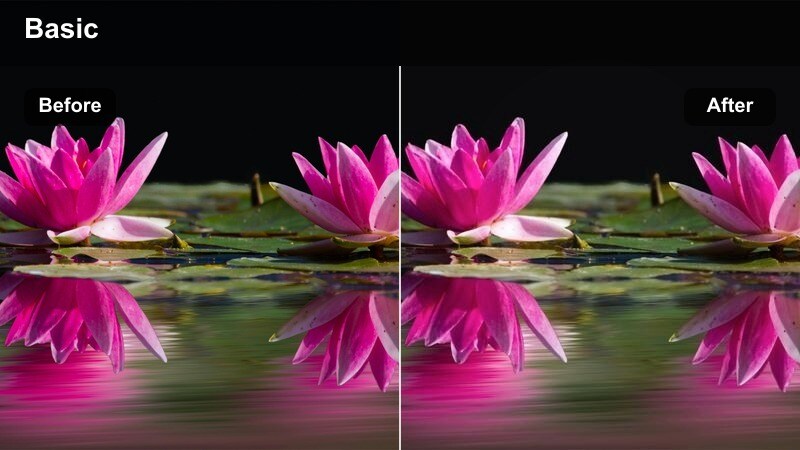
- Effect look: Textured film look fashion filter with soft contrast, warm midtones, and fine grain inspired by backstage photojournalism.
- Best for: Behind-the-scenes runway coverage, fitting sessions, and designer studio documentaries.
- Editing tip: Keep ISO low in-camera and rely on the filter's grain instead of digital sensor noise for a cleaner cinematic texture.
Backstage 35mm Grain channels old backstage photography with warm midtones, soft contrast, and a controlled layer of film-like grain. In Filmora, this filter instantly makes candid dressing-room clips, makeup touch-ups, and quick runway rehearsals feel like part of a cohesive documentary story.
Shoot with as clean a signal as possible, then let the filter introduce texture instead of relying on high-ISO noise. Layer in real ambient audio from the space and cut between quick, unposed moments so the grain accentuates authenticity, giving your behind-the-scenes fashion content a timeless, editorial feel.
Brand Film Neutral Cinema
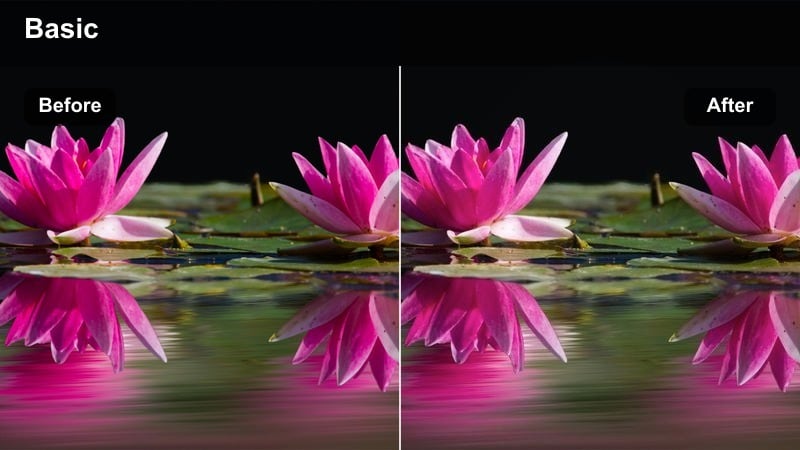
- Effect look: Balanced cinematic style filter with neutral color balance, gentle contrast, and slightly lifted shadows for a polished yet honest look.
- Best for: Brand origin films, designer interviews, and lookbook narratives where authenticity matters.
- Editing tip: White balance the interview clips accurately before applying this filter so skin tones stay consistent across scenes.
Brand Film Neutral Cinema is built for talking-heads and narrative pieces, adding a soft cinematic finish without pulling colors too stylized. In Filmora, it slightly lifts shadows, refines contrast, and keeps tones neutral so designers, models, and creative directors look polished but still true-to-life.
Use it across interviews and matching B-roll so your brand story feels unified from start to finish. Be sure to white-balance your footage correctly before applying the filter, then make small exposure and tint tweaks per clip in Filmora to maintain consistent skin tones across different shooting setups or locations.
Runway Spotlight Drama
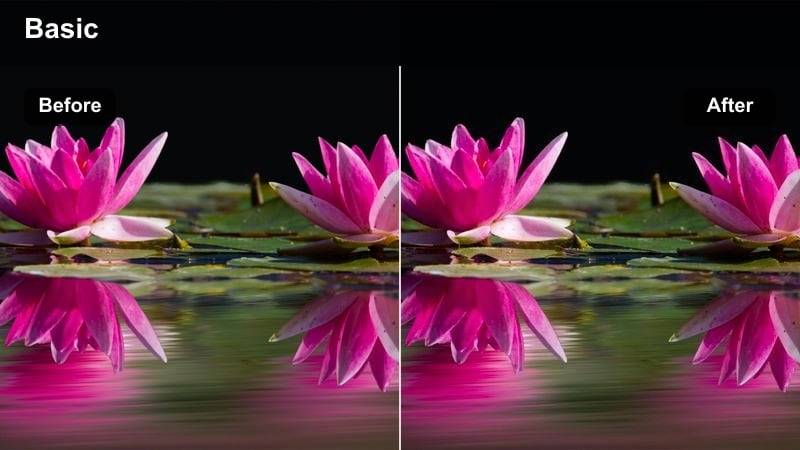
- Effect look: High-contrast, spotlight-focused filter that darkens audiences while intensifying the runway lights and garment colors.
- Best for: Catwalk shows, fashion week recaps, and dramatic brand runway reveals.
- Editing tip: Time the filter's strongest moments for key walks, poses, and turns by animating intensity with Filmora keyframes.
Runway Spotlight Drama is engineered to make the catwalk feel like a theatrical stage, deepening the crowd into shadow while spotlighting your models and garments. In Filmora, this filter elevates runway recaps by intensifying light on the runway itself, boosting saturation and contrast right where the eye should land.
Apply it across your show coverage, then use Filmoras keyframing to subtly raise filter intensity during hero walks, pauses, and turns. Cutting between wide and close-up angles on music beats while the filter holds the audience in darkness creates a powerful, cinematic recap that is ideal for highlight reels and social cutdowns.
Tips for Using Fashion Video Cinematic Filters in Filmora
- Shoot in a flat or neutral picture profile when possible so cinematic fashion filters have more latitude to shape contrast and color.
- Lock white balance on set to avoid shifts between shots that become obvious after applying strong cinematic style filters.
- Use separate filter presets for daytime, studio, and night fashion scenes, then harmonize them with minor color tweaks at the end.
- Always check how your luxury fashion filter looks on both close-up fabric textures and wide full-body shots before final export.
- Export a short test sequence and review it on a phone as well as a monitor to ensure your cinematic fashion video filters translate across screens.
Cinematic fashion video filters in Filmora give fashion filmmakers, videographers, and creative directors a fast way to deliver film-grade style for editorial shoots, brand campaigns, and runway stories.
Build a small toolkit of go-to filters for day, studio, and night scenes, then refine them with Filmora's color controls so every new collection feels like part of the same polished cinematic universe.
secure downloadNext: Aesthetic Fashion Video Filters: Dreamy & Stylish Looks
