

 100% Security Verified | No Subscription Required | No Malware


 ChatGPT
 Perplexity
 Gemini
 Claude
 Grok
Grok
These Cooking Vlog Cinematic LUT-style filters are designed for content creators who want rich colors, warm light, and filmic contrast that make every stir, chop, and sizzle feel like part of a story.
Use this collection to quickly match shots from prep to plating, unify your kitchen lighting, and give your cooking vlogs a polished cinematic look without complex color grading.
In this article
Golden Prep Kitchen Moments
Soft Sunrise Prep
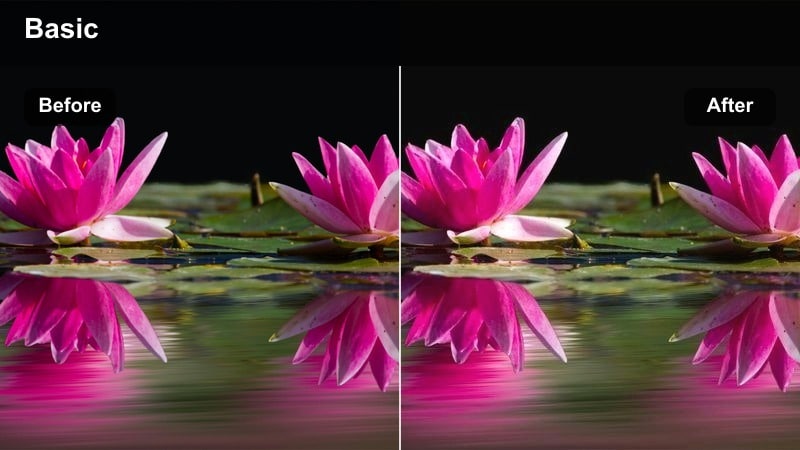
- Effect look: Gentle golden wash with soft highlights and slightly lowered contrast for a calm, early-morning kitchen vibe.
- Best for: Slow, intentional chopping, measuring ingredients, and quiet morning coffee B-roll in a home kitchen.
- Editing tip: Reduce exposure slightly to keep whites from blowing out and add a touch of vignette to draw focus to the countertop action.
In Filmora, Soft Sunrise Prep works perfectly when you want your morning footage to feel peaceful and intentional. Apply the filter to all clips from your early cooking sequence, then fine-tune exposure in the color panel to keep bright mugs, bowls, and aprons from clipping while preserving that soft golden glow.
To enhance the storytelling, combine this look with slower cuts and gentle camera movements like tripod pans or slider moves. Add a subtle vignette in Filmora to pull attention toward the cutting board or coffee cup, and keep your audio low-key so the warm visual mood leads the viewer into the rest of your cooking vlog.
Dial in Warm Kitchen Tones with AI Color Tools
Use Filmora s AI color tools to quickly balance white balance and exposure before you apply any Cooking Vlog Cinematic LUT-style filter. This keeps your whites, steam, and skin tones looking natural even if your kitchen mixes daylight from a window with warm overhead bulbs.
Once the AI has evened out your clips, you can stack the Soft Sunrise Prep and other warm filters on top with confidence, adjusting intensity instead of wrestling with basic correction on every shot.
 secure download

Preview Filters on Real Cooking Vlog Footage
Filmora makes it easy to compare Cooking Vlog Cinematic Lut filters side by side by duplicating a clip on the timeline and applying a different filter to each version. This is especially helpful for morning prep scenes, where you may want to test a few subtle warm looks before committing to your main style.
Create a short sequence that runs the same shot through multiple filters, then play it back to see how each one handles steam, wood textures, and skin tones. Once you pick a favorite, apply it across the entire scene for a cohesive, cinematic feel.
secure download1000+ Video Filters and 3D LUTs
Beyond the Cooking Vlog Cinematic Lut collection, Filmora includes a large library of filters and 3D LUTs you can combine for a custom kitchen aesthetic. Mix these presets with subtle HSL color tuning to emphasize key ingredients like fresh herbs, ripe tomatoes, or golden crusts.
Once you find a combination that fits your channel, save it as a custom preset so every new recipe starts with the same polished, recognizable color grade.
secure downloadButter Glow Countertop
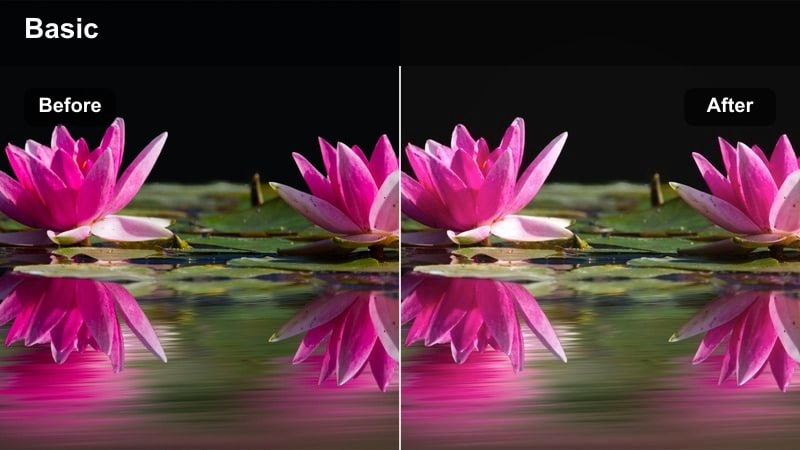
- Effect look: Warm buttery highlights with creamy midtones and subtle halation around bright areas.
- Best for: Close-ups of mixing batter, spreading butter, or kneading dough on a warmly lit counter.
- Editing tip: Boost texture or clarity slightly to keep hands and ingredients feeling tactile against the soft glow.
Butter Glow Countertop in Filmora is ideal for pastry, baking, and any recipe where hands are the star. The creamy tones and soft halation around highlights make flour, dough, and butter look especially inviting, without sacrificing the sense of warmth from under-cabinet or window light.
After applying the filter, use Filmora s texture or clarity controls to sharpen just enough detail in the hands and dough so your audience can almost feel the kneading. This combination of glow and tactility gives you cinematic prep shots that work beautifully in recipe timelapses, shorts, and thumbnail stills.
Clean Recipe Setup
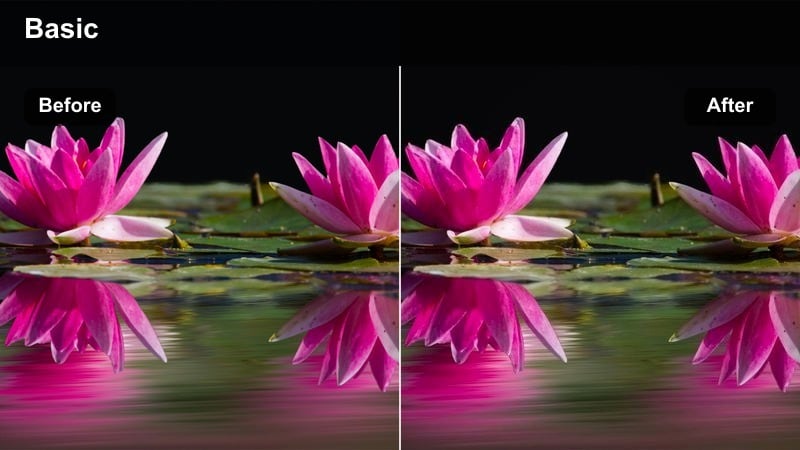
- Effect look: Neutral cinematic contrast with slightly warm whites and accurate colors for labeled ingredients.
- Best for: Overhead flat-lay shots of bowls, spices, and measured ingredients arranged before cooking.
- Editing tip: Increase saturation only in specific colors like greens and reds using HSL to keep your layout visually organized.
Clean Recipe Setup gives your overhead ingredient layouts a crisp, editorial feel that is ideal for intros, step breakdowns, and chapter cards. In Filmora, this look maintains accurate colors so spices, herbs, and produce are easy to identify when you add on-screen labels.
After applying the filter, fine-tune HSL to selectively boost accent colors such as greens for herbs or reds for chilies, while leaving neutrals like bowls and surfaces calm. This targeted adjustment keeps the frame organized and screenshot-friendly for viewers who like to pause and capture your ingredient lists.
Stove, Steam, and Sizzle Drama
Sizzle Cinema Pan
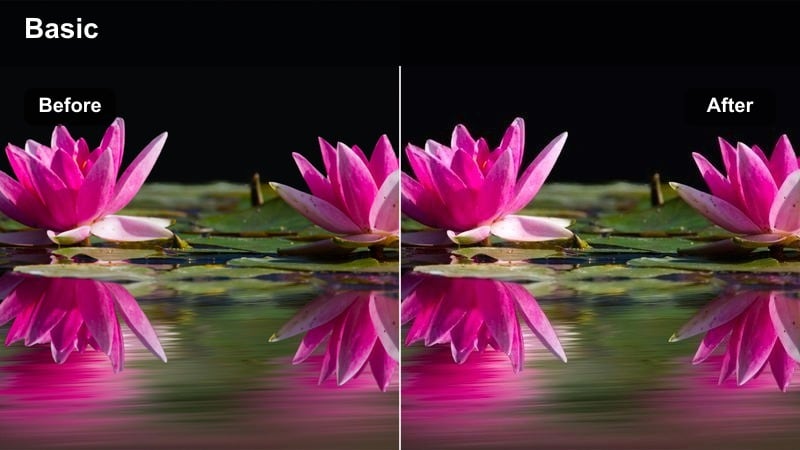
- Effect look: Punchy contrast with rich browns and ambers that make searing, sauteing, and pan flashes feel dramatic.
- Best for: Close-ups of sizzling pans, oil reflections, and quick tosses of ingredients over the stove.
- Editing tip: Add a subtle slow-motion segment on your most dramatic pan toss while using this filter to emphasize heat and movement.
Sizzle Cinema Pan is built for the most energetic parts of your cooking vlog: when oil hits the pan, ingredients toss, and steam bursts upwards. In Filmora, the boosted contrast and rich browns make caramelization and maillard reaction textures look intense and appetizing.
Apply this filter to your tight stove shots, then consider slowing down a few key moments using Filmora s speed controls to accent the action. Paired with sharp sizzling sound effects, this look turns otherwise ordinary pan shots into cinematic peaks that break up calmer prep and plating scenes.
Steam Trail Focus
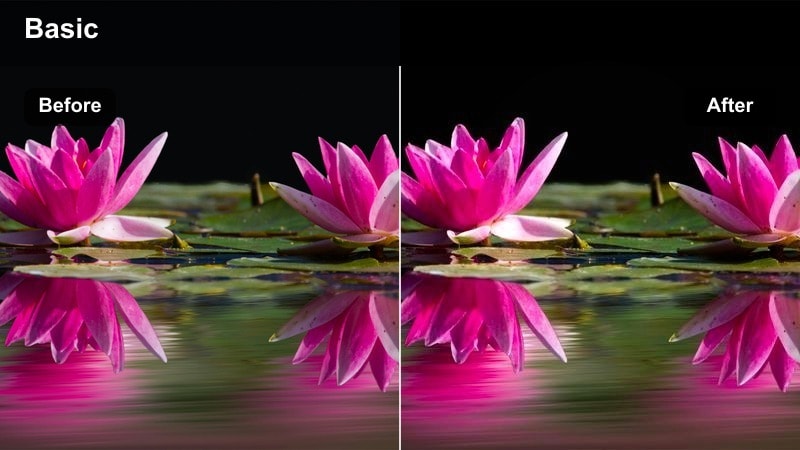
- Effect look: Softened highlights and lifted shadows that emphasize steam trails while keeping the food gently contrasted.
- Best for: Slow shots of simmering pots, rising steam, and ladles lifting broth or sauce.
- Editing tip: Shoot against a darker background and slightly lower contrast to make the illuminated steam really stand out with this filter.
Steam Trail Focus is designed to make steam the hero of the frame, perfect for soups, stews, and slow braises. In Filmora, the lifted shadows and softer highlights keep the image gentle while allowing the steam trails to separate clearly from the background.
Use this look on shots where you ladle broth, lift a pot lid, or stir a simmering sauce, and pair it with subtle slow motion for extra drama. A darker backdrop and backlighting will work beautifully with this filter, giving your steam an almost cinematic, dreamlike presence that signals warmth and comfort to your viewers.
Gas Flame Drama
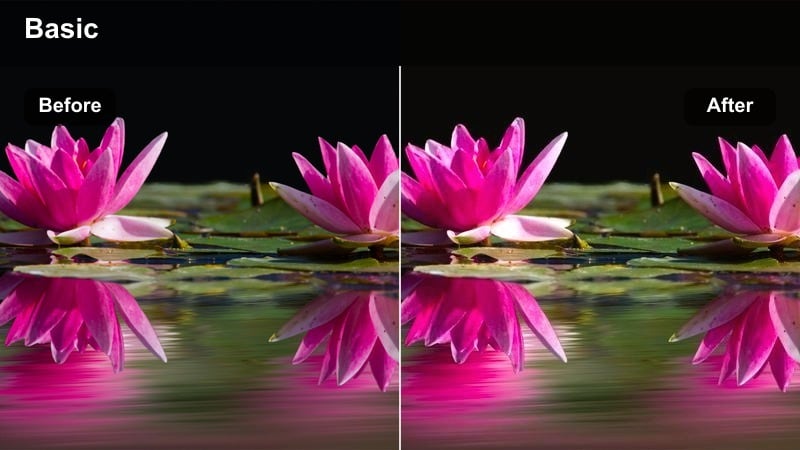
- Effect look: Deepened shadows with saturated blue flames and warm food highlights for an intense stove-top contrast.
- Best for: Tight shots of gas stove flames licking the bottom of pans or firing up a wok.
- Editing tip: Lower overall saturation slightly, then re-boost blues and oranges only to keep the flames visually commanding.
Gas Flame Drama specializes in moody, high-contrast stove footage where the flame becomes a visual motif. In Filmora, the enhanced blues and oranges against dark shadows make every ignition and flare-up feel powerful and stylized.
Apply this filter to short inserts of your burner igniting or flames licking the underside of a pan, and use these clips as transitions between recipe stages. By slightly desaturating the overall image, then selectively re-boosting flame colors, you can create a signature fiery look that viewers start to associate with your channel.
Plating and Story-Driven Serving Shots
Tabletop Film Plate
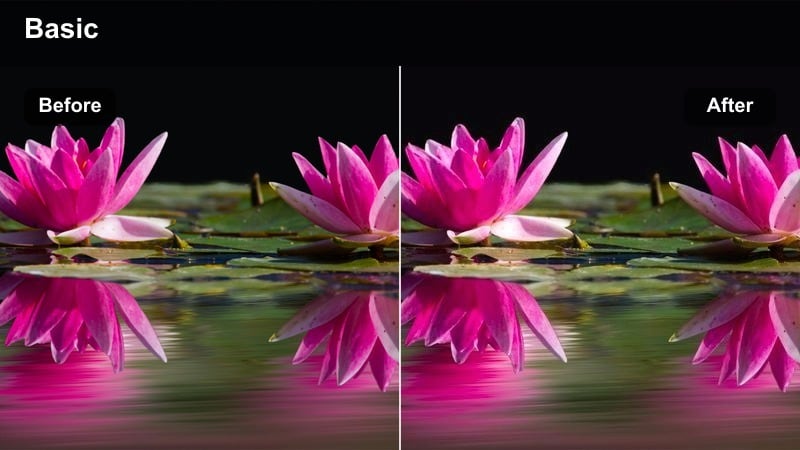
- Effect look: Subtle film-inspired contrast with slightly muted colors and warm midtones for refined plating scenes.
- Best for: Slow tilts and pushes toward finished dishes on a dining table or island.
- Editing tip: Use slower camera moves and stabilize footage to match the smooth, composed feeling of this cinematic look.
Tabletop Film Plate is your go-to filter for final reveals, thumbnails, and hero shots of the finished dish. In Filmora, its gentle contrast and slightly muted palette create a filmic, editorial tone that feels more like a food magazine than a casual vlog.
Combine this look with stabilized, slow camera moves like push-ins or side slides to complement the refined aesthetic. Keeping your background softly blurred and warm will allow the dish to stand out, making these shots perfect for end cards and social media teasers cut from your main edit.
Family Serve Warmth
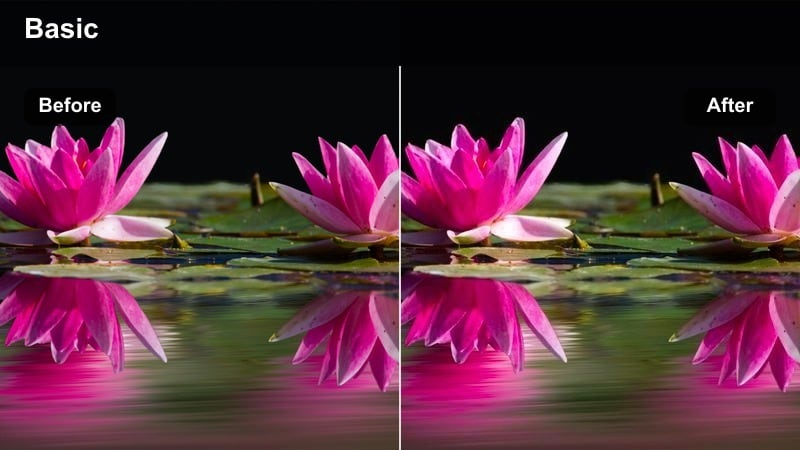
- Effect look: Softened contrast with warm, inviting tones and slightly lifted blacks for a nostalgic family dinner feel.
- Best for: Serving dishes to friends or family, passing plates, and shared table interactions.
- Editing tip: Lower sharpness a touch and favor slower cuts to emphasize connection instead of fast, flashy edits.
Family Serve Warmth is tuned for emotion: hands passing plates, shared smiles, and the cozy glow of a busy dinner table. In Filmora, the lifted blacks and softened contrast give your serving sequences a nostalgic, memory-like quality without washing out the scene.
Use this filter on your widest serving moments and reaction shots, then cut them together with longer durations to let the warmth breathe. Slightly decreasing sharpness and avoiding overly punchy music can help the visuals lead with feeling, turning your cooking vlog into a story about connection, not just recipes.
Chef Close Story
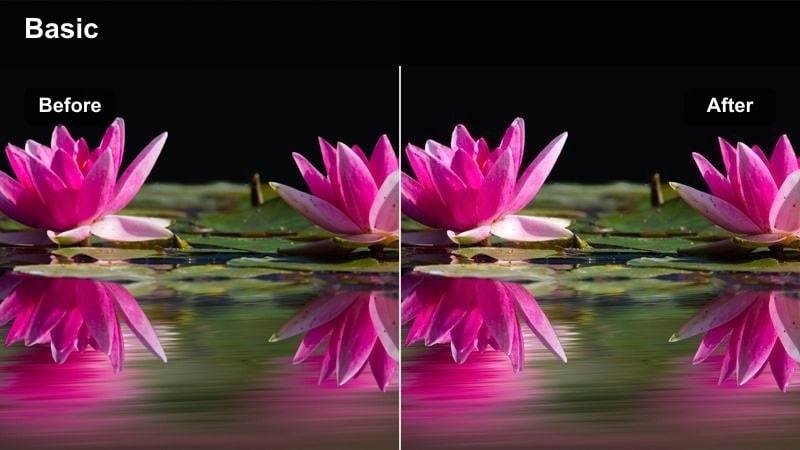
- Effect look: Balanced cinematic filter tuned for natural skin tones and a gentle vignette around the subject.
- Best for: Talking-to-camera segments in the kitchen, final recipe thoughts, and quick chef tips.
- Editing tip: Keep exposure consistent across all A-roll clips and apply this filter using the same intensity level for seamless talking segments.
Chef Close Story is crafted for A-roll and to-camera sections where your personality carries the video. In Filmora, the filter keeps skin tones natural while adding a light vignette that subtly centers the audience on your face and expression.
Apply this look consistently to all speaking clips in an episode so your viewers recognize your primary storytelling style. Matching exposure and filter intensity across takes will help jump cuts feel smooth and intentional, keeping attention on your tips, recipe context, and call-to-action moments.
Night Kitchen Ambient and B-Roll
Cozy Night Counter
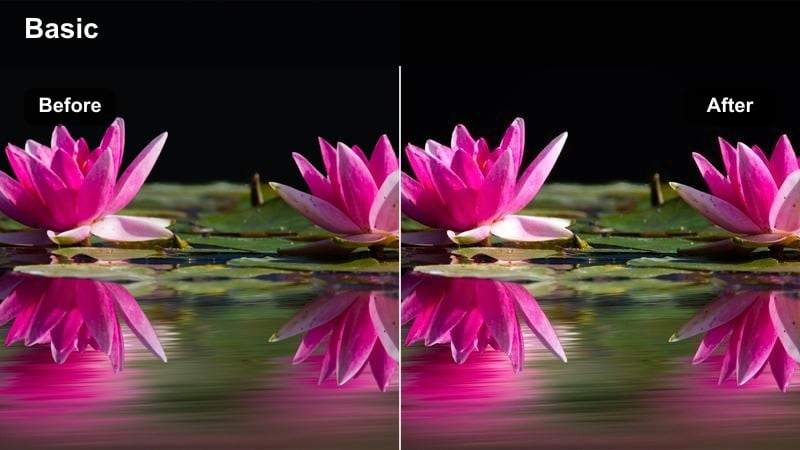
- Effect look: Warm tungsten glow, deepened corners, and slightly desaturated cool tones for late-night cooking vibes.
- Best for: Evening or night cooking sessions with practical kitchen lights and moody counter B-roll.
- Editing tip: Lower highlights to avoid harsh overhead light spots and use gentle noise reduction for cleaner low-light footage.
Cozy Night Counter is tailored for late-night cooking montages, where overhead and under-cabinet lights are your main sources. In Filmora, the filter deepens the edges of the frame and unifies warm tungsten tones, making your kitchen feel intimate rather than harshly lit.
After applying the filter, tame bright hotspots from fixtures by lowering highlights, and add a touch of noise reduction to smooth out grain from higher ISO footage. These adjustments, combined with the warm glow of the filter, give your nighttime B-roll a cinematic, end-of-day calm that contrasts nicely with brighter prep scenes.
Midnight Snack Cinema
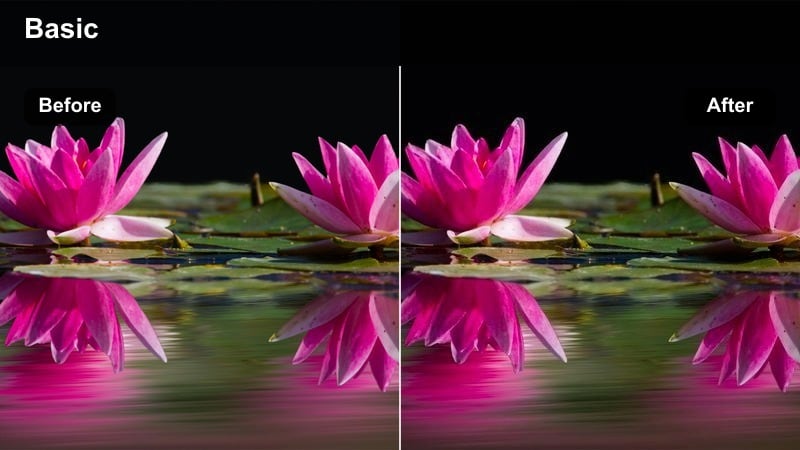
- Effect look: Cool-shadow, warm-highlight mix with cinematic contrast that feels like a late-night film scene.
- Best for: Grabbing a quick snack, opening the fridge, or quiet solo cooking after dark.
- Editing tip: Expose for the highlights inside the fridge or under the hood light, then let this filter deepen the surrounding shadows.
Midnight Snack Cinema adds a movie-like mood to simple actions such as opening the fridge or sneaking a late dessert. In Filmora, the combination of cool shadows and warm highlights makes your subject pop against an otherwise dark kitchen, echoing classic nighttime cinematography.
Expose in-camera for the brightest area like the fridge interior, then let the filter pull the rest of the room into rich shadow. These stylized shots are great for chapter breaks, cold opens, or playful cutaways that show a more personal, behind-the-scenes side of your cooking routine.
Bokeh Kitchen Lights
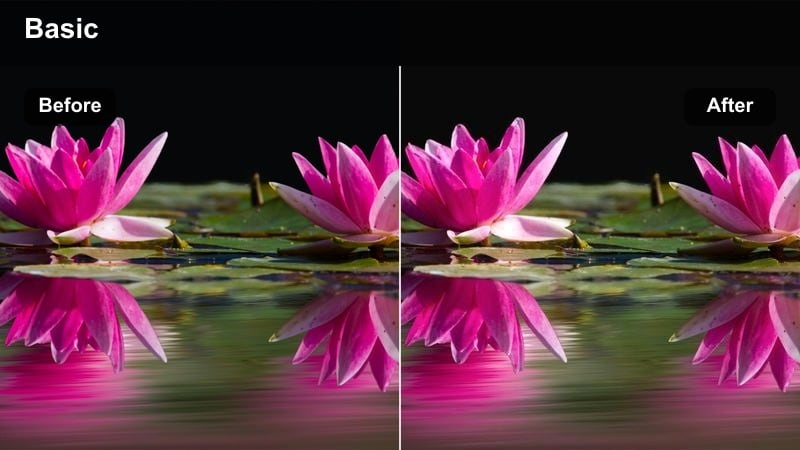
- Effect look: Soft contrast and boosted warm saturation that turn small kitchen lights into big, creamy bokeh.
- Best for: Out-of-focus background shots of string lights, stove indicators, and reflections on appliances.
- Editing tip: Use a shallow depth of field and slow camera moves so the glowing bokeh complements your main cooking clips.
Bokeh Kitchen Lights is built for atmospheric filler shots that make your cooking space feel lived-in and cinematic. In Filmora, the filter enhances the warmth and size of bokeh from pendant lamps, fairy lights, and appliance reflections, transforming them into a soft visual motif.
Capture these clips with a wide aperture so the background is heavily out of focus, then use them as transitions, title backgrounds, or breathing-room inserts between recipe steps. When cut alongside sharper food close-ups, this dreamy filter gives your vlog a polished, film-like rhythm that viewers will remember.
Tips for Using Cooking Vlog Cinematic Lut Filters in Filmora
- Pick one main cinematic filter for most of your episode, and only swap looks for clear scene shifts such as morning prep, intense stove work, or night plating.
- Lock your camera s white balance for each scene so Filmora s Cooking Vlog Cinematic Lut filters behave consistently across all angles.
- Shoot with a slightly flatter picture profile when possible to give Filmora s filters more headroom for adding contrast and warmth without clipping highlights.
- Use consistent filter intensity on similar shots, like all overhead flat-lays or all A-roll clips, to maintain a cohesive visual identity.
- Reserve your boldest, highest-contrast filters for sizzle, flame, and close-up stove shots so they land as energetic peaks in your edit.
- Combine these filters with Filmora s AI color correction first, so your base exposure and white balance are stable before you stylize the footage.
- Save your favorite filter and LUT combinations as custom presets in Filmora to keep your cooking vlog series visually consistent over time.
With these cooking vlog cinematic LUT-style filters, you can quickly turn everyday kitchen footage into warm, story-driven scenes that highlight every chop, simmer, and final plate.
Load the Cooking Vlog Cinematic Lut preset in Filmora, experiment across prep, stove, and plating shots, and refine a signature look that keeps your audience coming back hungry for more episodes.
secure downloadNext: Restaurant Warm Light Filter Looks for Service and Dining Scenes
