

 100% Security Verified | No Subscription Required | No Malware


 ChatGPT
 Perplexity
 Gemini
 Claude
 Grok
Grok
Dark Scene Cyan sits between teal and deep blue, carrying the mystery of night with the clarity of clean cyan light. It feels modern, cinematic, and slightly enigmatic, which is why it shows up so often in movie posters, tech visuals, and YouTube intros. Paired with shadows and selective highlights, it instantly creates a moody yet polished look.
For creators and Filmora users, Dark Scene Cyan is perfect for color grading night scenes, building cohesive channel branding, and designing thumbnails that pop without being overly saturated. Below are 15 Dark Scene Cyan color palettes with ready HEX codes you can copy into your edits, overlays, titles, and design assets.
In this article
Cinematic Dark Scene Cyan Color Palettes
Midnight Neon Alley
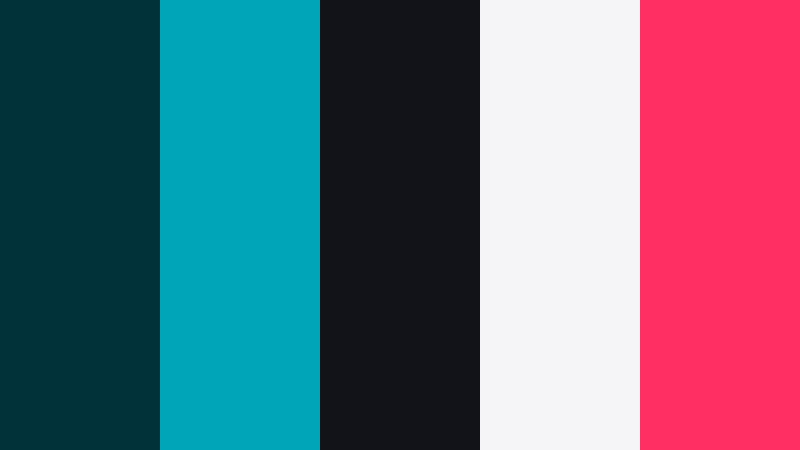
- HEX Codes: #013239, #00a6b7, #111318, #f5f5f7, #ff2e63
- Mood: Moody, urban, and electric with a cinematic cyberpunk edge.
- Use for: Use for night-city vlog intros, tech review openers, or gaming highlight reels.
Midnight Neon Alley mixes dense teal-black shadows with a punchy cyan accent, crisp near-white, and a hit of neon pink. It feels like you are walking through a narrow backstreet lit only by RGB signage and distant headlights. The contrast between #013239 and #111318 in the shadows keeps things dark and immersive, while #00a6b7 and #ff2e63 slice through with sharp, electric highlights.
Use this palette when you want your night footage, thumbnails, and titles to look stylized and futuristic rather than naturalistic. It works especially well for animated overlays, glitch transitions, and cyberpunk-style channel branding where text and UI elements glow against a cool, cinematic cyan base.
Pro Tip: Build a Cinematic Dark Scene Cyan Look in Filmora
To keep a Midnight Neon Alley style consistent across your entire edit, start by color grading your base footage toward deep cyan shadows in Filmora. Push your blacks slightly cooler, then use secondary color adjustments to let neon signs, HUD elements, or text glow in pink and bright cyan. This way your A-roll, B-roll, and title cards all feel like they exist in the same dark alley universe.
You can also create a simple branding template in Filmora using this palette: set #013239 or #111318 as your background color, use #00a6b7 for key UI lines or progress bars, keep #f5f5f7 for main text, and reserve #ff2e63 for your logo lockup or subscribe button animation.
AI Color Palette
If you already have a screenshot or keyframe that perfectly captures your Dark Scene Cyan mood, you can turn it into a look for your entire project. Filmora's AI Color Palette feature lets you sample colors from a reference image and apply that scheme to other clips in just a few clicks.
Drop your reference frame featuring this cyan-and-neon mix into Filmora, pick it as the source, and let AI transfer the mood to your other shots. This is ideal for unifying footage from different cameras or locations so all your scenes share the same Midnight Neon Alley atmosphere.
 secure download

HSL, Color Wheels & Curves
Once your Dark Scene Cyan base is in place, use Filmora's HSL, color wheels, and curves to fine-tune the mood. Slightly desaturate blues in the midtones so cyan details feel intentional, then deepen the shadows using the curve for a more cinematic, crushed-black look. On the color wheels, push highlights a touch warmer if you want skin tones to stand out against the cool background.
In tutorials about color grading with wheels and curves, you will often see the same approach: cool shadows, neutral midtones, and controlled highlights. Apply that logic here to keep your cyan scenes stylish without becoming flat or overly tinted.
secure download1000+ Video Filters & 3D LUTs
To speed up your Dark Scene Cyan workflow, start from a preset that already pushes your footage toward teal and cool shadows, then adjust from there. Filmora's video filters and 3D LUTs make it easy to test different cinematic looks until you find one that matches your chosen palette.
Stack a teal-and-orange style LUT with vignette or glow filters to make neon accents bloom, then refine your titles and overlays with the exact HEX codes from Midnight Neon Alley. This gives your thumbnails, intros, and social cutdowns the same recognizable cyan-driven identity.
secure downloadSubmerged Noir Frames
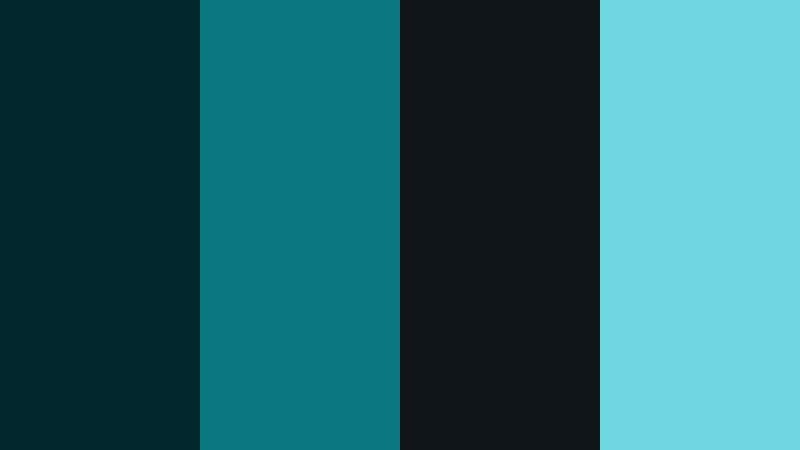
- HEX Codes: #02272c, #0b777f, #10151a, #6fd7df
- Mood: Deep, introspective, and cinematic like underwater night shots.
- Use for: Works well for story-driven shorts, emotional montage edits, or mystery channel branding.
Submerged Noir Frames feels like a deep dive into still water at night. The combination of #02272c and #10151a keeps the frame almost ink-black, while #0b777f and #6fd7df glimmer through like reflections or distant lights underwater. It is heavy, quiet, and very cinematic.
Use this palette to grade emotional vignettes, reflective travel sequences, or mystery intros where you want viewers to lean in. In thumbnails, keep most of the frame in dark teal and use #6fd7df sparingly for titles or key icons so the design remains moody but still readable.
Teal Lens Flare
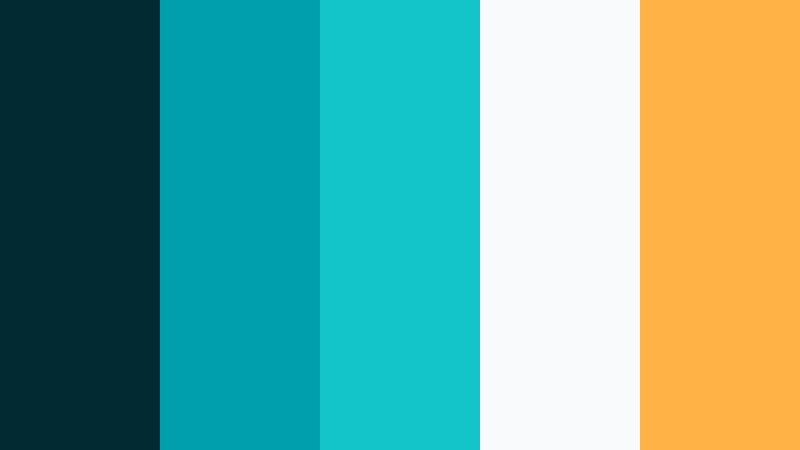
- HEX Codes: #012a33, #009fae, #13c4c9, #f9fafb, #ffb347
- Mood: Energetic and glossy with a cinematic blockbuster feel.
- Use for: Perfect for trailer-style edits, channel bumpers, and action-packed highlight reels.
Teal Lens Flare balances rich teal shadows with bright cyan and a warm amber highlight, echoing the classic teal-and-orange blockbuster grade. #012a33 anchors the frame in cool depth, while #13c4c9 slices through as a bright flare or accent. #ffb347 adds that streak of warm light that feels like headlights or sun hitting the lens.
This palette is ideal for dynamic intros, motion titles, or gaming highlight reels where you want energy and clarity. Use #f9fafb for clean text, keep UI elements in #009fae and #13c4c9, then reserve #ffb347 for key beats like score badges or call-to-action buttons in your overlays and thumbnails.
Rainy Street Reflections
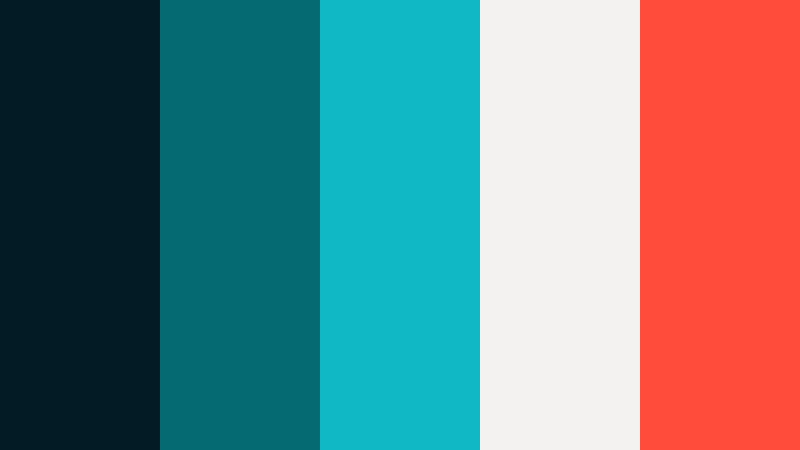
- HEX Codes: #021b24, #066a73, #0fb8c4, #f4f2f0, #ff4c3b
- Mood: Atmospheric, reflective, and dramatic like a wet city street at night.
- Use for: Great for travel vlogs, B-roll sequences, or music videos with a moody vibe.
Rainy Street Reflections channels neon signage bouncing off wet pavement. #021b24 sets a dark asphalt base, while #066a73 and #0fb8c4 wash the frame in cyan reflections. #ff4c3b acts as a warm, almost glowing red sign that instantly attracts the eye, grounded by the soft neutral of #f4f2f0.
Apply this palette to night city B-roll, moody performance clips, or travel vlogs filmed after rain. Use #0fb8c4 for animated line accents and buttons, with #ff4c3b as the color for important badges like NEW or LIVE in thumbnails and lower thirds.
Shadow Studio Teal
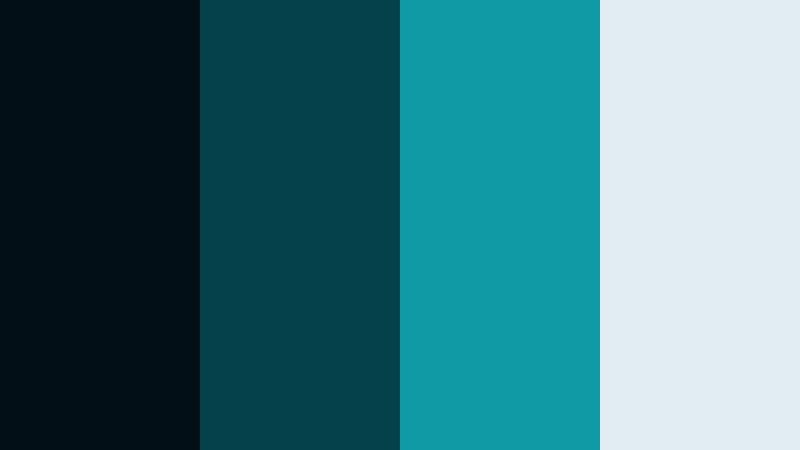
- HEX Codes: #020f17, #03424b, #0f9aa6, #e1edf0
- Mood: Minimal, polished, and studio-clean with dark cyan depth.
- Use for: Ideal for talking-head tutorials, tech explainers, and professional channel intros.
Shadow Studio Teal is a sleek mix of deep cyan shadows and soft cool highlights that feel right at home in a modern studio space. #020f17 and #03424b hold the background in a clean, controlled darkness, while #0f9aa6 adds a confident accent. #e1edf0 keeps your text and icons readable without shifting the palette away from cool tones.
Use this scheme for tech reviews, productivity channels, and any content that needs to look professional yet current. In your branding, let #0f9aa6 carry your logo and key icons, keep backgrounds near #020f17, and use #e1edf0 for titles and captions so viewers can scan your information easily on both desktop and mobile.
Tech & Futuristic Dark Scene Cyan Color Palettes
HUD Interface Glow
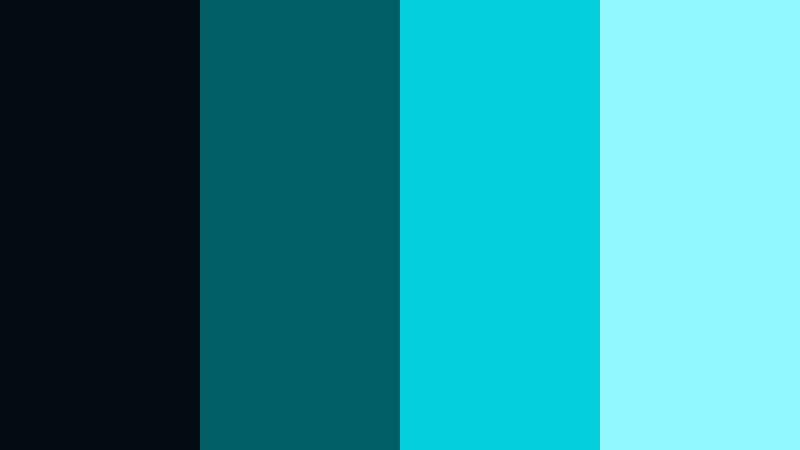
- HEX Codes: #020c10, #015f67, #03cfdc, #8ff9ff
- Mood: Sci-fi, analytical, and high-tech with glowing accents.
- Use for: Use for UI overlays in edits, motion graphics, and tech channel branding.
HUD Interface Glow climbs from near-black teal to almost white cyan, mimicking the gradation of a holographic display. #020c10 is your background void, #015f67 draws subtle interface lines, while #03cfdc and #8ff9ff serve as the bright, interactive elements that feel like active data points.
This palette is great for designing futuristic lower thirds, scanning animations, or sci-fi HUD overlays. In thumbnails and channel art, let the darkest shade dominate, then build grids, icons, and progress rings in the lighter cyan tones so the overall design looks like part of a digital dashboard.
Quantum Code Matrix
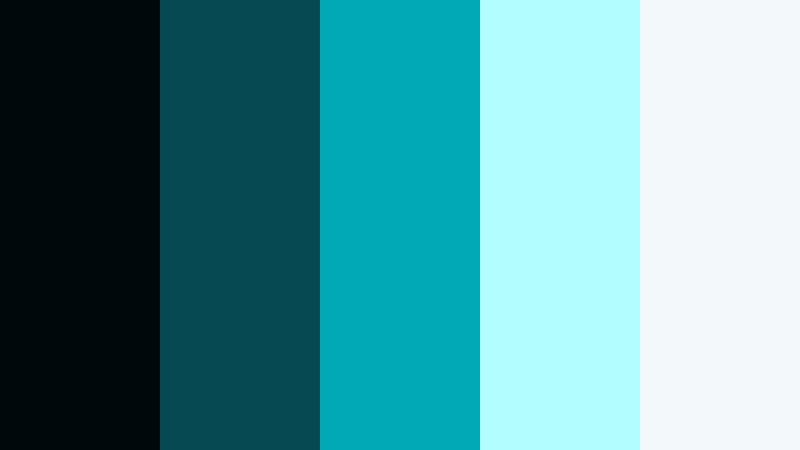
- HEX Codes: #01080c, #064952, #01a8b5, #b2feff, #f3f8fb
- Mood: Clean yet enigmatic, like scrolling code in a sleek OS.
- Use for: Great for app promos, SaaS explainers, and cyber-themed motion titles.
Quantum Code Matrix combines deep cyan code-like tones with very light cyan and near-white to give you a high-contrast interface look. #01080c and #064952 keep the background subdued, while #01a8b5 and #b2feff highlight active lines, icons, or data streams. #f3f8fb finishes the palette with a soft white that is easy on the eyes.
Use this for SaaS product videos, dashboard animations, or cybersecurity intros. In your designs, treat #01a8b5 as the main brand accent, keep the lightest shades for body text or graphs, and reserve the darkest tone for the outer frame or full-screen overlays during transitions.
Neon Circuit Trace
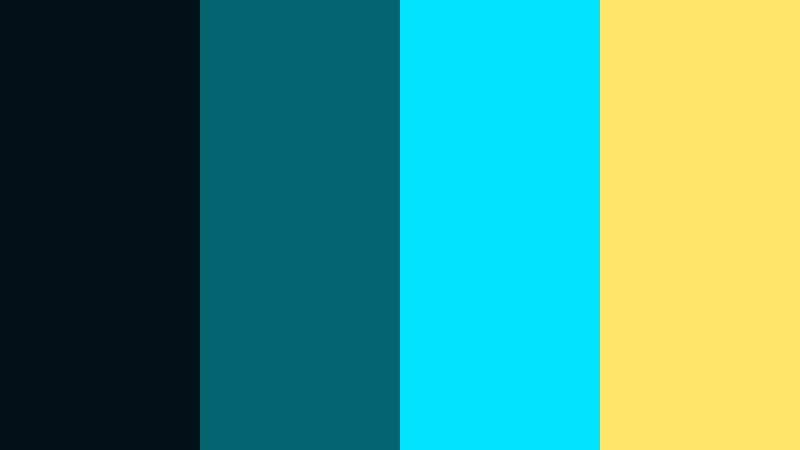
- HEX Codes: #011117, #02656f, #00e2ff, #ffe66b
- Mood: Vibrant, energetic, and techy with neon circuitry energy.
- Use for: Perfect for kinetic typography, esports intros, and motion logo stings.
Neon Circuit Trace layers a deep teal backdrop with bright cyan and electric yellow highlights, creating the feeling of glowing circuit paths on a board. #011117 and #02656f define the dark tech environment, while #00e2ff and #ffe66b flash like active signals and indicators.
This palette suits esports intros, glitchy logo reveals, and fast-paced motion graphics. Use #00e2ff for animated strokes and outlines, with #ffe66b as a contrasting color for key numbers, win streaks, or callouts in your overlays and thumbnails.
Cryo Chamber Chill
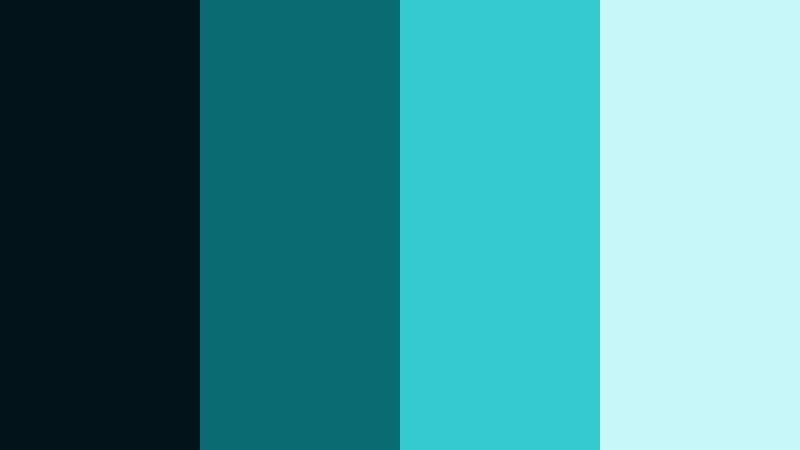
- HEX Codes: #021319, #0b6b73, #34cad0, #c7f7f9
- Mood: Cold, clinical, and futuristic like a sci-fi lab.
- Use for: Use for science content, medical explainers, or clean product demos.
Cryo Chamber Chill builds a gradient from deep teal shadows to frosty cyan highlights. #021319 sets a clinical, controlled darkness, while #0b6b73 and #34cad0 keep the cyan channel vibrant but not oversaturated. #c7f7f9 softens the palette with a very light, icy tone.
Apply this palette when you need your content to feel precise and high-tech, such as medical explainers, lab-style product shots, or cold storage sci-fi scenes. Use #34cad0 for accent graphics and callouts in your videos, while leaning on #c7f7f9 for easy-to-read text boxes and charts.
Digital Waveform Teal
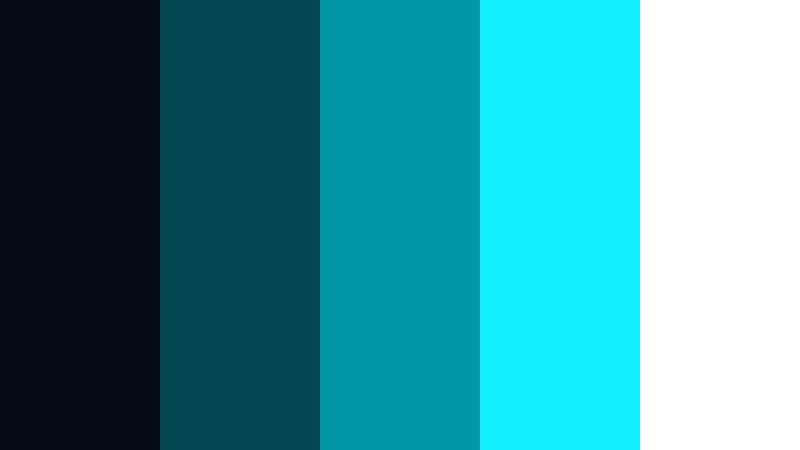
- HEX Codes: #010b11, #044651, #0098a7, #12f0ff, #ffffff
- Mood: Rhythmic, technical, and sleek like audio visualizers.
- Use for: Great for podcast visuals, music visualizers, and sound design reels.
Digital Waveform Teal feels like an audio visualizer in motion. #010b11 and #044651 form the stage for your waveforms, while #0098a7 and #12f0ff build the spikes and peaks. #ffffff guarantees maximum contrast for text, icons, and waveform labels.
Use this palette for track breakdowns, beat-synced lyric videos, or sound design portfolios. Let the darkest teal sit behind reactive bars and lines, with #12f0ff reserved for loudest beats or key visual accents in your lower thirds and intros.
Moody Lifestyle Dark Scene Cyan Color Palettes
Loft Window Teal
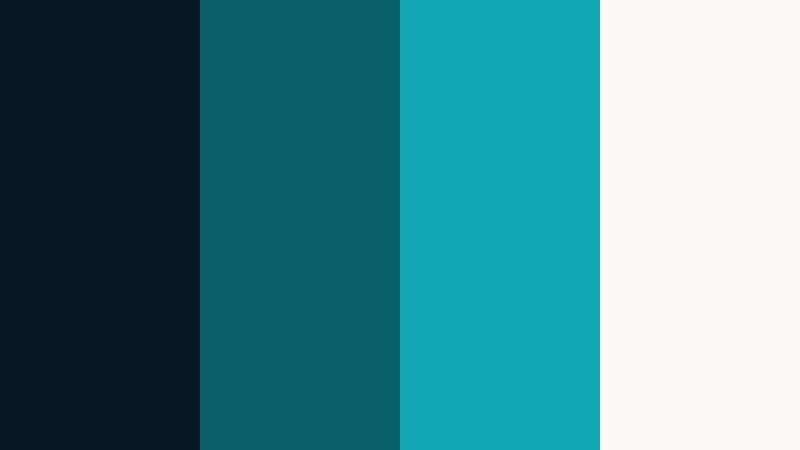
- HEX Codes: #071920, #085e66, #0fa8b2, #fdfaf5
- Mood: Calm, introspective, and airy with urban softness.
- Use for: Ideal for lifestyle vlogs, cozy productivity videos, and aesthetic b-roll.
Loft Window Teal pairs dark teal walls with soft cyan light and a creamy off-white highlight, like daylight sneaking into a city loft. #071920 gives depth to backgrounds, #085e66 and #0fa8b2 capture the incoming cyan glow, and #fdfaf5 keeps your typography and UI gentle.
This palette is perfect for slow mornings, desk setups, and long-form talking-head content where you want viewers to feel relaxed but engaged. Use #0fa8b2 for subtle accent lines, progress bars, or chapter markers in your edits, while keeping your main backgrounds closer to #071920 for that cozy, cinematic feel.
Cafe Night Edit
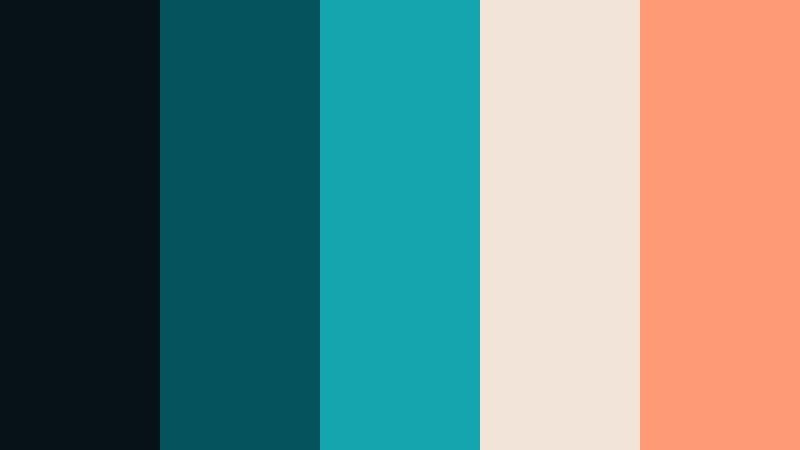
- HEX Codes: #061118, #04545d, #15a5af, #f2e4d8, #ff9a76
- Mood: Cozy, cinematic, and social with warm cafe accents.
- Use for: Use for night-out vlogs, date-night edits, and lifestyle reels.
Cafe Night Edit blends cool cyan shadows with latte beige and soft coral, recreating the feeling of a warm cafe shot on a rainy evening. #061118 and #04545d sit in the background, while #15a5af catches ambient light and screen reflections. #f2e4d8 and #ff9a76 add warmth that feels like drinks, desserts, and candlelight.
Use this palette in lifestyle reels, date-night recaps, or social vlogs where you want to balance moody lighting with inviting warmth. In thumbnails, let #061118 cover most of the frame, use #15a5af for cool detail, and highlight faces or key objects with overlays in #f2e4d8 and #ff9a76.
Foggy Harbor Frames
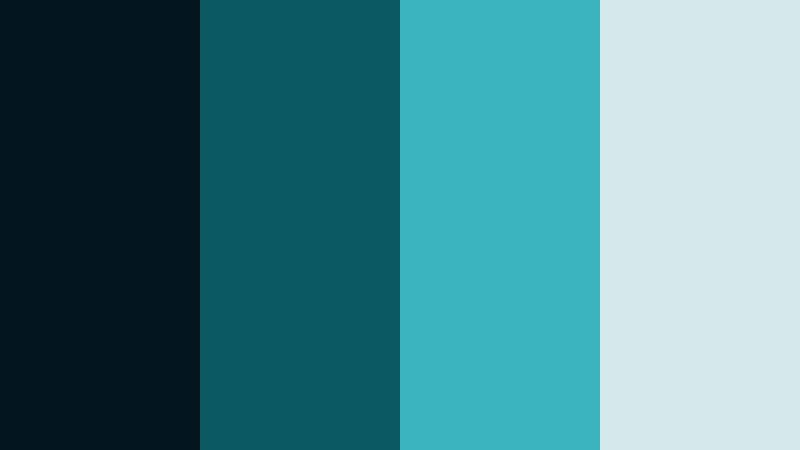
- HEX Codes: #03161d, #0b5a63, #3ab3bd, #d5e8ea
- Mood: Quiet, atmospheric, and contemplative like a seaport dawn.
- Use for: Great for travel films, drone shots over water, and reflective vlogs.
Foggy Harbor Frames leans into muted cyan sea tones and soft misty grays. #03161d and #0b5a63 create the cool water and distant silhouettes, while #3ab3bd and #d5e8ea represent the softened light breaking through fog.
Apply this palette to scenic travel films, harbor walks, or drone footage over lakes and oceans. It works especially well for slower edits and reflective storytelling. Use #d5e8ea for clean, subtle titles that float over your footage without overpowering the calm atmosphere.
Bedroom LED Glow
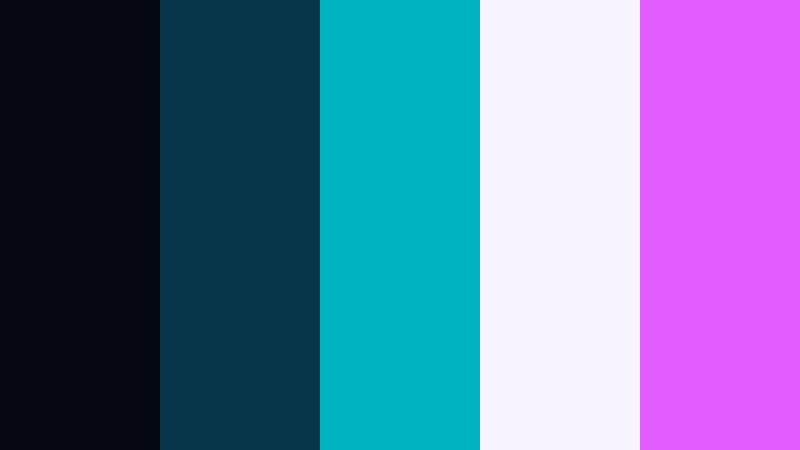
- HEX Codes: #050811, #07364a, #00b3c0, #f7f3ff, #e25cff
- Mood: Intimate, trendy, and playful with RGB-inspired lighting.
- Use for: Perfect for streaming layouts, room makeover vlogs, and lo-fi edits.
Bedroom LED Glow brings together dark cyan walls, cyan LED strips, and soft purple accents for a distinctly internet-era vibe. #050811 and #07364a keep the room dark and immersive, while #00b3c0 and #e25cff mimic RGB lights and neon signs. #f7f3ff ensures you still have a friendly, readable tone for text.
Use this palette for streaming overlays, gaming backgrounds, or aesthetic room tours. In your graphics, treat #00b3c0 as the dominant LED color, #e25cff as a secondary hue for badges or emotes, and #f7f3ff as your main text color to keep overlays readable even on smaller screens.
Professional & Branding Dark Scene Cyan Color Palettes
Executive Teal Grade
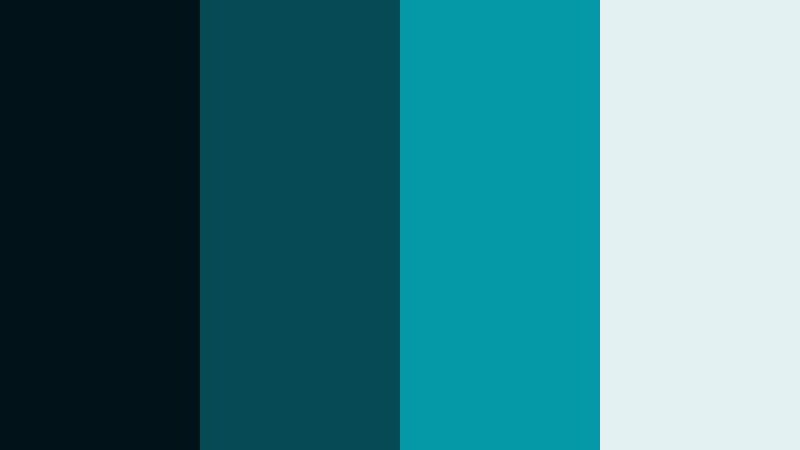
- HEX Codes: #021219, #054a54, #0598a6, #e4f1f3
- Mood: Confident, polished, and corporate-ready with cool authority.
- Use for: Use for brand intros, business explainers, and polished portfolio reels.
Executive Teal Grade is a confident blend of deep cyan and clear teal midtones with a bright, professional highlight. #021219 anchors your visuals in authority and stability, #054a54 and #0598a6 carry the brand color, and #e4f1f3 keeps text and diagrams clean.
This palette is ideal for agencies, tech startups, or freelancers who want a cool, modern identity. Use #0598a6 for your logo and key accent lines, keep backgrounds near #021219, and rely on #e4f1f3 for subtitles, captions, and slide content in animated presentations created in Filmora.
Minimal Deck Cyan
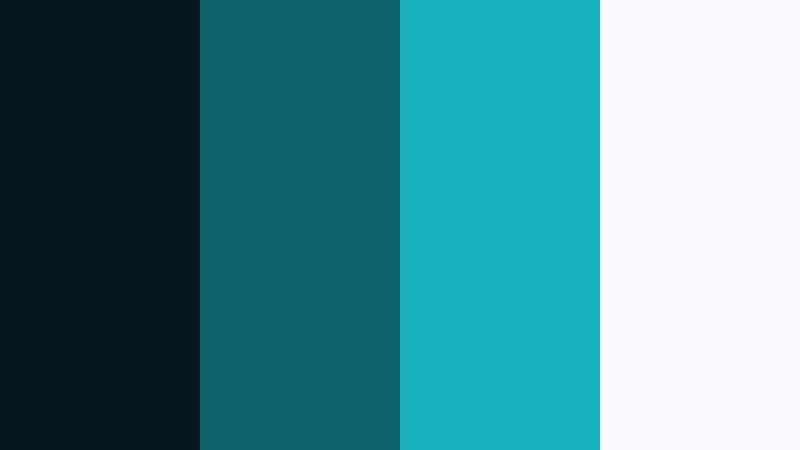
- HEX Codes: #04171d, #0d5f68, #15b1bd, #f7fbfc
- Mood: Minimal, clean, and versatile for pitch decks and slides.
- Use for: Great for video slide decks, animated infographics, and educational series branding.
Minimal Deck Cyan uses structured cyan tones with a crisp white base to create a presentation-ready look. #04171d gives you a dark frame or title slide background, #0d5f68 and #15b1bd carry charts and icons, and #f7fbfc keeps everything bright and highly legible.
This palette works well for animated explainer videos, educational playlists, and YouTube channels that rely on slides and infographics. Use #15b1bd as your main accent color for graph bars and highlight text, keeping body copy near #04171d on light backgrounds or #f7fbfc on dark ones to preserve clear contrast.
Tips for Creating Dark Scene Cyan Color Palettes
When you build your own Dark Scene Cyan color combinations for video and design, focus on contrast, readability, and emotional tone so your visuals stay both cinematic and clear.
- Pair Dark Scene Cyan with at least one light neutral (like off-white or pale gray) to keep titles and UI elements readable on mobile screens.
- Add a single warm accent (orange, coral, or soft yellow) to guide attention to CTAs, logos, and important metrics without breaking the cool mood.
- Keep your darkest cyan or teal reserved for backgrounds and shadows so midtones and highlights can carry detail and skin tones.
- When grading footage in Filmora, cool down shadows and midtones, then gently warm skin tones using HSL to avoid a lifeless or overly teal look.
- Use consistent HEX codes for titles, buttons, and icons across thumbnails, intros, and lower thirds to reinforce your brand identity.
- Test your palettes on both light and dark thumbnails to ensure text contrast stays strong in YouTube search results and social feeds.
- For tech content, push cyan saturation slightly higher; for lifestyle or cinematic vlogs, desaturate cyan a bit for a softer, filmic feel.
- Export a still frame from your favorite grade and reuse it as a reference with Filmora tools to keep future videos aligned to the same Dark Scene Cyan style.
Dark Scene Cyan palettes can instantly shift your content into a more cinematic, modern space, whether you are building a tech channel, moody lifestyle vlog, or polished brand intro. By combining deep cyan shadows with targeted highlights and just enough warmth, you can shape how viewers feel about your story and your brand within a few frames.
Use the HEX codes in these 15 palettes as a starting point for your next edit. Drop them into Filmora for titles, overlays, and color grading tweaks, then adjust saturation, contrast, and secondary tones until the visuals match your channel personality. A consistent Dark Scene Cyan look across thumbnails, intros, and B-roll helps your audience recognize your videos instantly.
Experiment, save your favorite combinations as presets or custom LUTs, and iterate over time. With a clear palette and Filmora's color tools, it becomes much easier to keep your visuals cohesive across platforms and series.
secure download