

 100% Security Verified | No Subscription Required | No Malware

This collection of desaturated film color LUT filters is designed for content creators who want a cinematic, low-saturation look without losing detail or style. Each preset gently pulls back color intensity to highlight storytelling, composition, and emotion.
Explore these 12 Filmora-ready filters built around desaturated, film-inspired tones so you can quickly shape your footage into subtle, moody visuals that feel timeless and professional.
In this article
Urban Stories at Dusk
Soft Street Wash
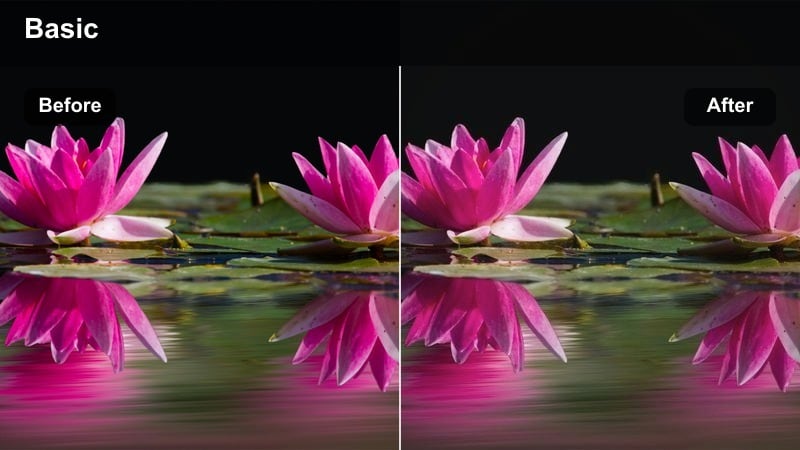
- Effect look: Gently faded colors with a cool, urban film wash that softens harsh street lights.
- Best for: City walk vlogs, street portraits, and everyday urban lifestyle clips at blue hour.
- Editing tip: Add a subtle vignette and slightly lift shadows to keep faces visible in dark corners.
Soft Street Wash pulls back saturation across the frame and leans into cooler tones so your dusk city footage feels cinematic instead of harsh. By taming bright signage and evening traffic lights, it gives streets, sidewalks, and storefronts a cohesive film look that works well for both tripod and handheld shots in Filmora.
Apply this LUT to your city walk b roll and talking-to-camera segments, then fine tune exposure and shadow detail with Filmora sliders so your subject does not disappear into the darker edges. Combine it with a subtle vignette and gentle shadow lift to maintain visibility on faces while keeping the overall mood soft and atmospheric.
Match Desaturated Film Looks with AI Color Tools
Use Filmora's AI color tools to quickly match your raw footage to a consistent desaturated film palette across an entire project. Instead of grading each clip from scratch, you can let AI read the color profile of a reference shot and adapt the rest of your timeline to match.
Once you find a favorite desaturated film color LUT filter, Filmora can help you auto balance exposure and white balance shot by shot so skin tones stay natural and your moody palette feels intentional rather than accidental.
 secure download

Preview Desaturated Film Filters in Real Time
Filmora's live preview makes it easy to audition multiple desaturated film LUT filters on the same clip without committing. As you scroll through options, you see how each preset reshapes color, contrast, and softness in real time.
You can compare several desaturated looks side by side, then lock in the one that supports your story best before applying it across your project timeline for a consistent cinematic mood.
secure download1000+ Video Filters and 3D LUTs
Filmora includes a large library of built in filters and 3D LUTs, giving you hundreds of ways to stylize footage without advanced color grading skills. You can stack multiple effects, adjust intensity, and save the look as a custom preset tailored to your channel.
Combine desaturated film LUTs with HSL tuning, light leaks, or grain to build a signature aesthetic, then reuse that setup across episodes so every upload feels visually connected.
secure downloadMetro Grain Fade
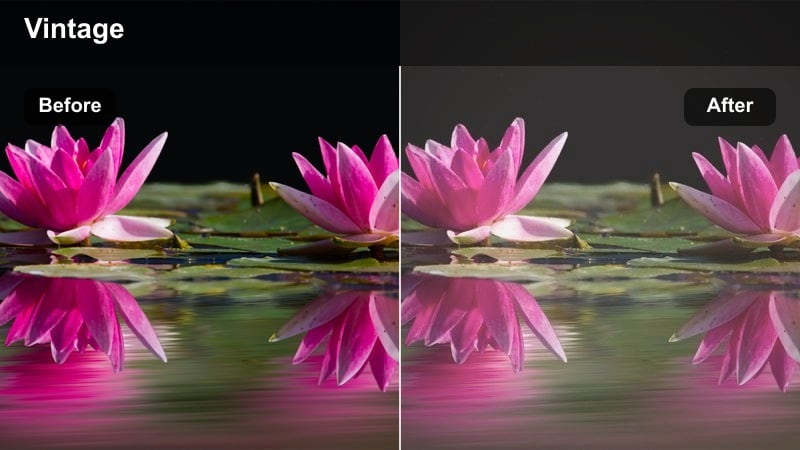
- Effect look: Low-saturation film look with subtle contrast and a hint of vintage haze.
- Best for: Subway rides, commuting montages, and handheld travel sequences in the city.
- Editing tip: Combine with a light grain overlay and slower shutter-style motion blur for a gritty film diary vibe.
Metro Grain Fade turns noisy transit footage into layered, cinematic frames by pulling back saturation and lowering contrast just enough to suggest vintage film. Station lights, carriage interiors, and passing tunnels all fall into a soft, cohesive palette that works nicely with handheld or POV shots.
In Filmora, apply this LUT to your commuting sequences, then add a light grain overlay and maybe a bit of motion blur to match the analog-inspired mood. Use masks and keyframed exposure boosts to subtly highlight your subject in crowded cars so viewers follow the story even when the frame is busy.
Neon Muted Reel
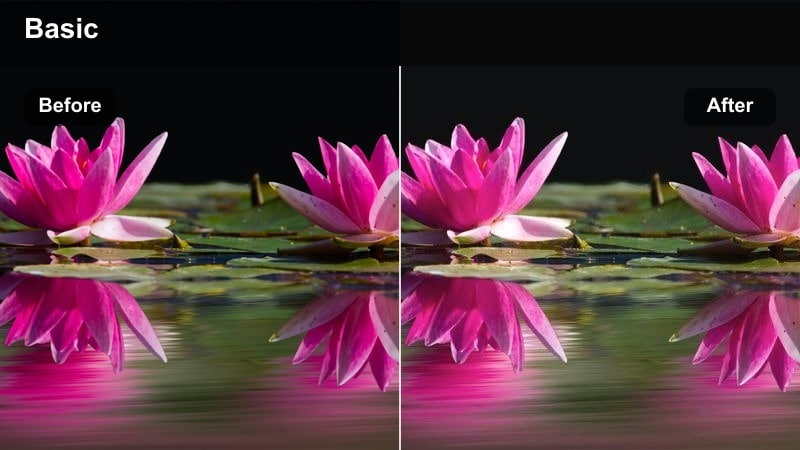
- Effect look: Desaturated base with controlled neon highlights that glow without overpowering the frame.
- Best for: Night city b-roll, cyberpunk-inspired alley shots, and handheld neon signs.
- Editing tip: Lower saturation globally, then selectively boost only cyan and magenta highlights for targeted neon emphasis.
Neon Muted Reel is designed to keep your night city scenes stylish instead of chaotic by desaturating most colors while letting specific neon tones breathe. It calms messy storefronts, cars, and side streets so that cyan, magenta, and a few accent lights become the visual focus.
Drop this LUT onto your night b roll in Filmora, then use color tools to selectively enhance only the neon hues you want to stand out. Dial in highlight and white levels to avoid clipping sign details, and pair the grade with slower camera moves for a more controlled, cinematic cyberpunk atmosphere.
Intimate Indoor Dialogue Scenes
Apartment Calm Tone
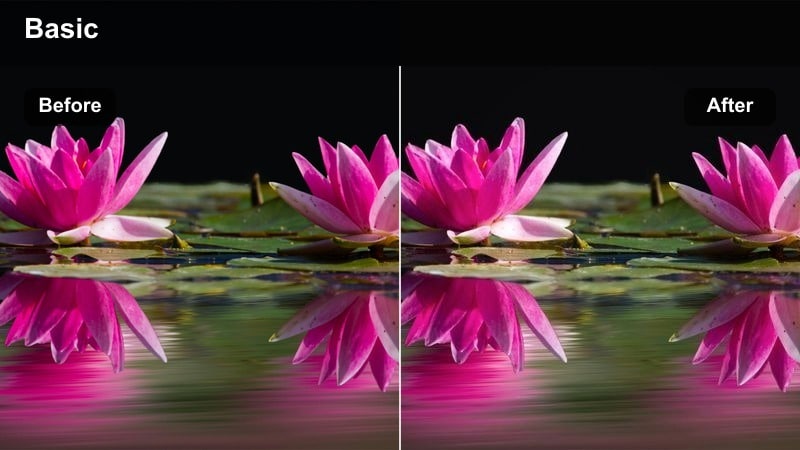
- Effect look: Soft desaturation with warm midtones and gentle contrast for natural, grounded interiors.
- Best for: Dialogue scenes in small apartments, lifestyle sit-downs, and casual talking-head content.
- Editing tip: Lower saturation slightly more in the background so the subject stands out without extra sharpening.
Apartment Calm Tone lightly mutes your interior colors while keeping midtones warm so skin looks friendly and natural. It is ideal for lifestyle vlogs and dialogue scenes where you want neutral walls, furniture, and decor to recede into the background instead of competing with your on screen talent.
Within Filmora, apply this LUT to your talking head footage and then slightly reduce saturation in background areas using masks or HSL controls. Lift shadows a touch to make sure corners do not crush, add a mild vignette, and you will have a grounded, cinematic room tone that flatters both faces and props.
Cafe Conversation Fade
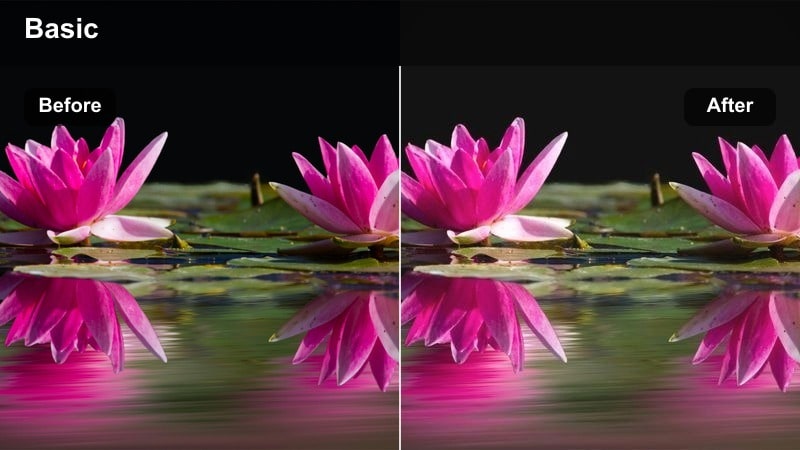
- Effect look: Muted, cozy film look with reduced saturation and softly glowing highlights from windows and lamps.
- Best for: Cafe interviews, quiet chats at tables, and storytelling shorts shot indoors.
- Editing tip: Lower clarity slightly and add a soft focus to background areas to mimic vintage lens character.
Cafe Conversation Fade leans into warm highlights and gentle desaturation to create a cozy, narrative feel around tables and counters. Window light, hanging lamps, and candles take on a soft glow while cups, plates, and decor step back so dialogue becomes the clear focal point.
Use this LUT in Filmora on interviews and storytelling scenes shot in cafes or small restaurants, then soften background clarity to imitate older lens rendering. Balance exposure by protecting details outside windows, raising indoor shadows afterward, and you will get an intimate, cinematic grade that feels perfect for reflective conversations.
Studio Script Muted
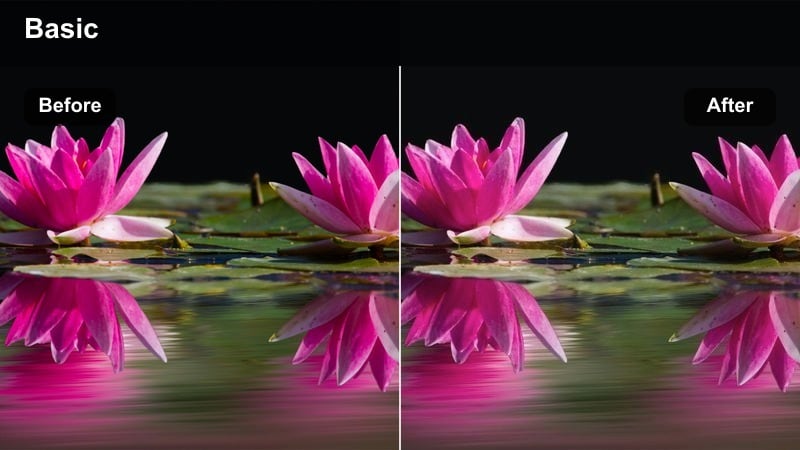
- Effect look: Controlled, neutral desaturation with balanced skin tones and studio-friendly contrast.
- Best for: YouTube commentary, product explainers, and scripted studio shoots with controlled lighting.
- Editing tip: Keep white balance slightly warm and lower saturation of bright wardrobe colors to avoid visual noise.
Studio Script Muted is tailored for clean, professional studio shoots where you want restrained color that will not distract from overlays or graphics. It neutralizes strong background hues, keeps skin tones accurate, and applies a moderate contrast that looks polished on both desktop and mobile screens.
In Filmora, apply this LUT to your A roll, then fine tune warmth and saturation so the presenter looks inviting while set pieces remain understated. Reduce saturation of bold clothing colors using HSL tools, brighten highlights a bit, and your lower thirds, callouts, and product shots will stand out crisply against the minimal grade.
Daylight Journeys and Road Films
Road Trip Fade
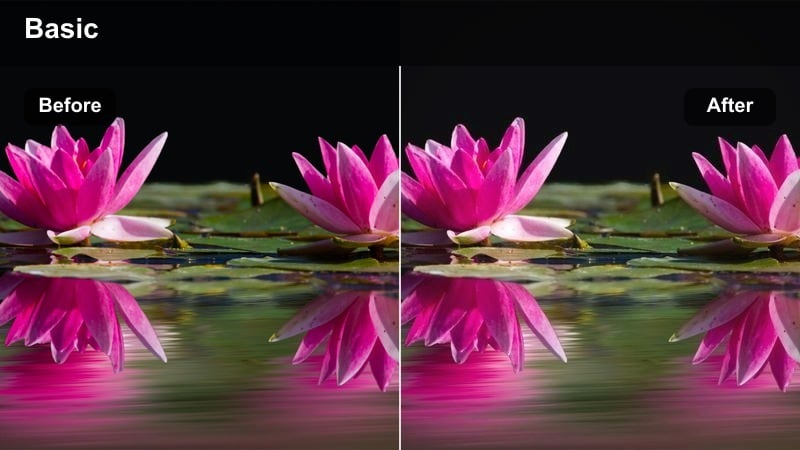
- Effect look: Softly faded daylight tones with low saturation and a slight warm bias for nostalgic travel.
- Best for: Highway driving shots, car-mounted cameras, and open-road travel vlogs.
- Editing tip: Reduce saturation in greens and blues to keep landscapes from overpowering car interiors and faces.
Road Trip Fade turns bright daytime drives into gentle, nostalgic imagery by lowering saturation and adding a subtle warmth. Harsh roadside greens and strong blue skies become softer, so viewers pay more attention to passengers, dashboard details, and the feeling of the journey.
Apply this LUT in Filmora to dash cam or car mounted clips, then refine highlights to keep skies from blowing out. Reduce saturation in greens and blues further if your landscape is especially vivid, and use a touch of local contrast on faces so they stay clear even when backlit by the windshield.
City Walk Muted
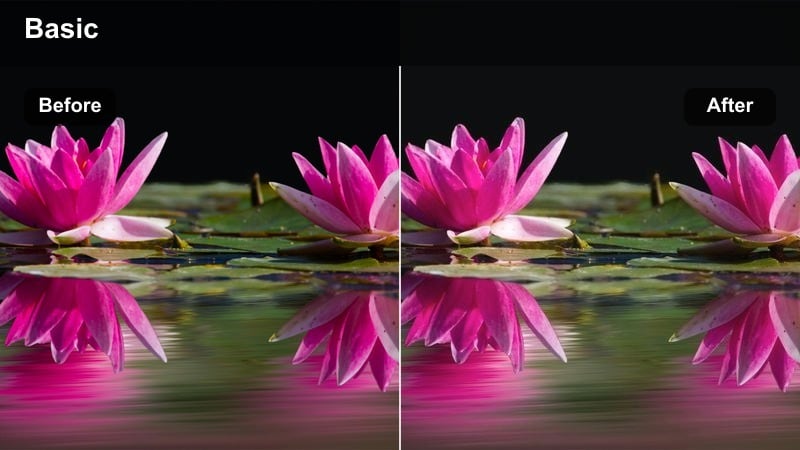
- Effect look: Evenly desaturated city colors with gentle contrast and neutral white balance for documentary walks.
- Best for: Handheld city walks, location scouting, and quiet observational b-roll in urban streets.
- Editing tip: Use stabilization and a slower, editorial pacing to match the relaxed, observational tone of the grade.
City Walk Muted offers a calm, documentary style look for daylight street footage by evenly desaturating storefronts, clothing, and passing traffic. The neutral white balance and soft contrast reduce visual chaos, making it easier for viewers to absorb details in architecture and crowd behavior.
Use this LUT in Filmora when cutting longer city walk sequences or scouting videos, then apply stabilization and slower pacing to align with the understated grade. Let shots linger a bit longer, mix in natural ambient audio, and you will create grounded, observational vlogs that feel cinematic but not over processed.
Platform Pale Reel
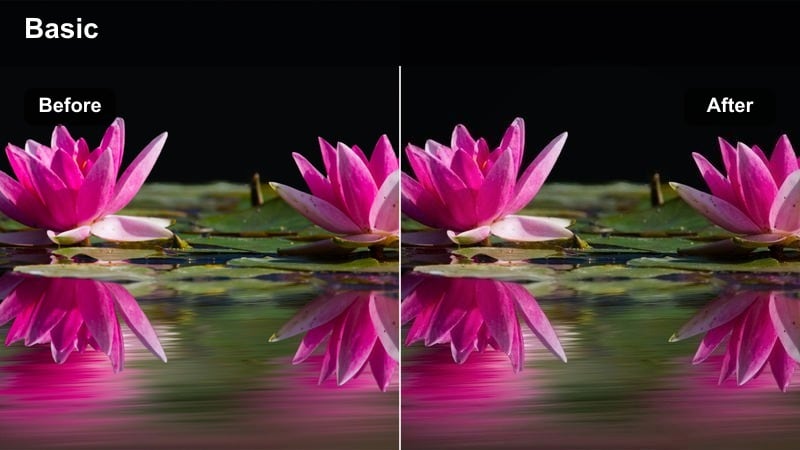
- Effect look: Cool, pale tonal shift that drains oversaturated signage while keeping metals and concrete crisp.
- Best for: Train platforms, bus terminals, and transport hubs shot under hard daylight.
- Editing tip: Lower vibrance more than saturation to selectively tame mid-intensity colors like posters and signs.
Platform Pale Reel cools down harsh daylight and drains aggressive advertising colors so the structural elements of transport hubs shine. Tracks, beams, and concrete floors remain sharp and present, while posters, banners, and clothing take on a pale, controlled palette that suits narrative or documentary sequences.
Apply this LUT in Filmora to your station and platform footage, then lower vibrance slightly to keep midrange colors from stealing the frame. Add modest sharpening and contrast to lines and edges so the repeating geometry of rails and canopies stands out, turning ordinary commuting scenes into graphic, cinematic compositions.
Nighttime Mood and Minimal Color
Parking Lot Noir
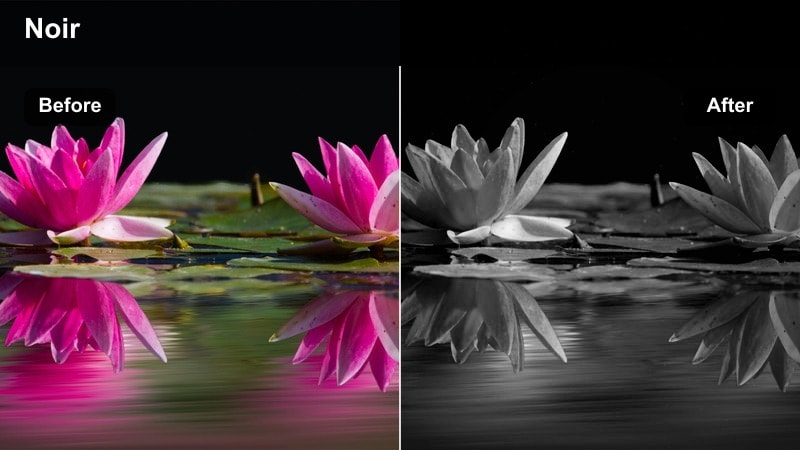
- Effect look: Low-saturation, high-contrast night look inspired by classic noir with modern street lighting.
- Best for: Empty parking lots, rooftop garages, and late-night confrontation scenes.
- Editing tip: Crush blacks slightly and protect highlights so pools of light feel dramatic without losing texture.
Parking Lot Noir strips away most color and leans into bold contrast so your night exteriors feel tense and cinematic. Overhead lamps create tight pools of light, while surrounding areas sink into darkness, giving you clean silhouettes and strong negative space for drama or suspense.
In Filmora, apply this LUT to scenes set in parking structures or open lots, then fine tune blacks and highlights to keep detail where you need it. Frame your subjects small against large dark areas, and avoid over filling shadows with extra light so the noir style grade can carry the emotional weight of the scene.
Rooftop Muted Night
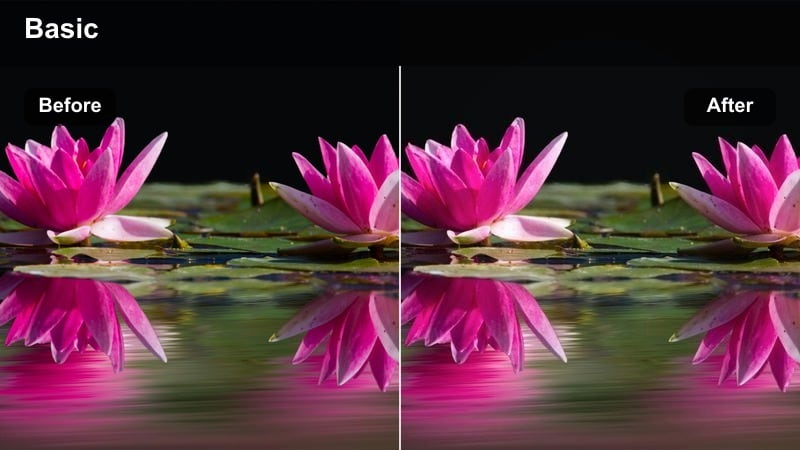
- Effect look: Soft desaturation with subtle cool highlights and controlled city glow in the distance.
- Best for: Rooftop conversations, skyline shots, and reflective monologues against city lights.
- Editing tip: Lower saturation of yellows and oranges to keep window lights from turning too orange on camera.
Rooftop Muted Night turns busy skylines into gentle backdrops by softening saturation and nudging highlights a bit cooler. Window lights and billboards still glow, but they do not overpower your subject on the rooftop, which makes this grade ideal for reflective monologues and quiet conversations.
Use this LUT in Filmora on rooftop scenes, then raise shadows slightly to preserve depth in darker clothing and railings. Selectively sharpen your main subject while leaving the skyline softer, and tame strong yellow or orange lights so the entire frame feels cohesive and moody instead of color heavy.
Alley Soft Drain
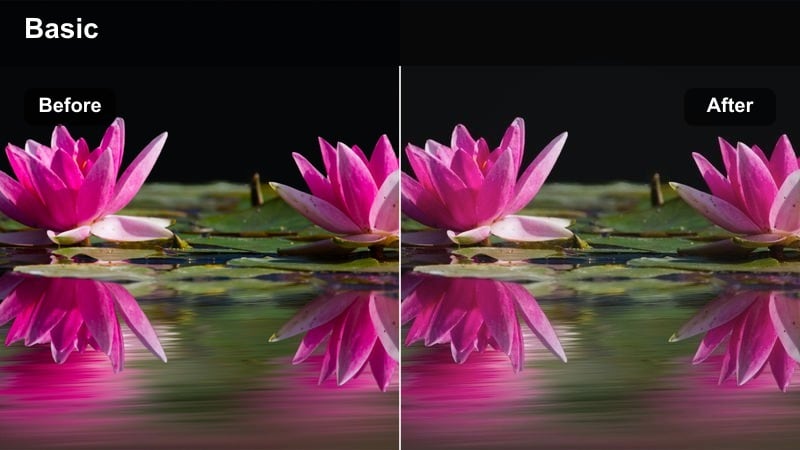
- Effect look: Heavily muted color palette with gentle contrast that turns cluttered alleys into graphic shapes.
- Best for: Narrow side streets, delivery alleys, and handheld night sequences between buildings.
- Editing tip: Keep exposure slightly higher than usual so dark walls retain texture when colors are drained.
Alley Soft Drain heavily mutes colors in tight night spaces so viewers focus on silhouettes, light pools, and textures instead of clutter. Trash bins, doors, parked scooters, and random signage all blend into a subdued palette, transforming cramped alleys into simple, graphic environments.
Apply this LUT in Filmora to handheld alley sequences or transitional shots between buildings, and keep exposure a touch higher to preserve wall and ground detail. Pair the grade with smooth, deliberate camera moves and minimal music so subtle echoes, footsteps, and ambient city sounds carry the mood.
Tips for Using Desaturated Film Color Lut Filters in Filmora
- Shoot with a slightly flatter picture profile in camera so desaturated film LUT filters have more room to shape contrast and dynamic range.
- Set and lock white balance before recording so Filmora LUTs do not have to fight against shifting color temperatures between clips.
- Use Filmora masks and keyframes to desaturate backgrounds more than subjects, keeping faces and key objects subtly more natural.
- Resist the urge to boost global saturation after applying a desaturated LUT, or you will undo the cinematic, restrained look it creates.
- Combine desaturated grades with slower pacing, longer cuts, and softer music to reinforce the moody, filmic atmosphere.
- Add light film grain and a gentle vignette in Filmora to enhance the analog feel of desaturated urban, night, and road scenes.
- Match LUT intensity to platform; keep the effect slightly stronger for desktop viewing and a bit softer for mobile where screens can be more contrasty.
- Save your favorite desaturated LUT plus exposure and grain settings as a Filmora preset so recurring series or playlists share a consistent visual identity.
Desaturated film color LUT filters give content creators an immediate way to add mood, subtlety, and cinematic character to everyday footage without heavy manual grading. With a few clicks in Filmora, bright, distracting colors can become soft tones that better serve story and emotion.
Experiment with these presets in Filmora, then refine exposure, contrast, and local saturation so each scene feels cohesive, intentional, and uniquely yours. Over time, you can build a small library of desaturated looks that make your channel and projects instantly recognizable.
secure download