

 100% Security Verified | No Subscription Required | No Malware

This Dramatic Film Color LUT filter pack is designed for content creators who want bold, cinematic intensity without spending hours on manual color grading.
From tense night streets to emotional close-ups, these filters quickly transform flat footage into powerful, story-driven images with rich contrast and stylized color.
In this article
City Night Tension Scenes
Steel Noir Streets
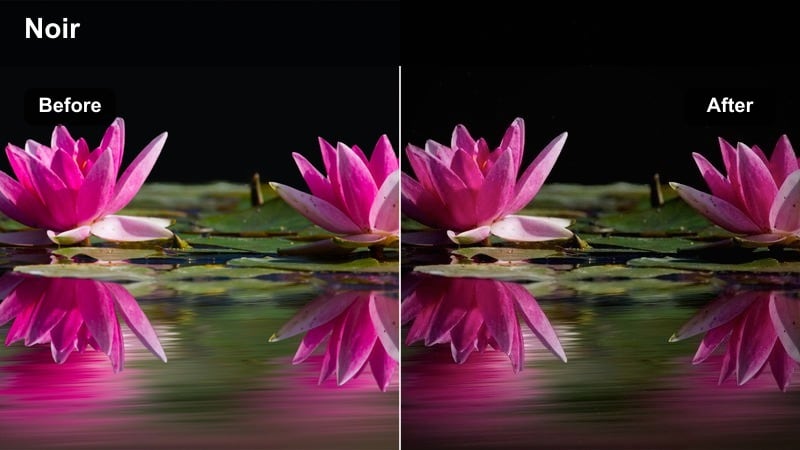
- Effect look: Cold blue shadows with deep blacks and subtle metallic highlights.
- Best for: Night city chases, alleyway confrontations, urban crime shorts.
- Editing tip: Lower exposure slightly and add a soft vignette to push focus to the subject.
Steel Noir Streets pushes your footage toward a classic, hard-edged night thriller look, cooling down shadows and locking in dense blacks that make streetlights and reflections feel razor sharp. In Filmora, this LUT works especially well on slightly underexposed city footage, where the cool bias can carve silhouettes out of the darkness without losing key details.
Use it on establishing shots, tense walk-and-talk sequences, or pursuit scenes where you want the environment to feel unforgiving and metallic. Apply the LUT on an adjustment layer, then fine-tune exposure and vignetting in Filmora to keep faces readable while the rest of the frame falls into stylized, moody shadow.
Accelerate Dramatic Color with Filmora AI Tools
Combine these dramatic film color LUT filters with Filmora's AI color tools to quickly match shots, balance exposure, and keep continuity across your entire scene. Grade one hero shot using a LUT like Steel Noir Streets, then let AI color matching propagate the same dramatic tone across your timeline.
AI-powered color matching helps you avoid jarring cuts between cameras or angles, especially in complex night scenes where exposure and white balance can shift. You can lock in a bold look first, then let Filmora automate the technical matching behind the style.
 secure download

Preview Dramatic Filters in Real Time
Filmora's real-time preview lets you scroll through dramatic filters and LUTs directly on your footage so you can feel how each look shifts the mood. As you hover or click through options, your city night or rooftop scene instantly shows the difference in contrast, color, and atmosphere.
This makes it easy to compare subtle versus intense treatments on the same shot, then decide which LUT best supports your storytelling moment without interrupting your edit flow.
secure downloadBuild a Consistent LUT and Filter Workflow
Use this Dramatic Film Color LUT filter pack as a foundation for a repeatable color workflow in Filmora. Layer additional filters, film grain, and subtle vignettes on top of your chosen LUT, then save the combination as a custom preset for future projects.
Over time, this approach helps you develop a recognizable visual signature, whether you are creating urban shorts, narrative vlogs, or full-length cinematic edits that your audience can spot instantly.
secure downloadAmber Alley Suspense
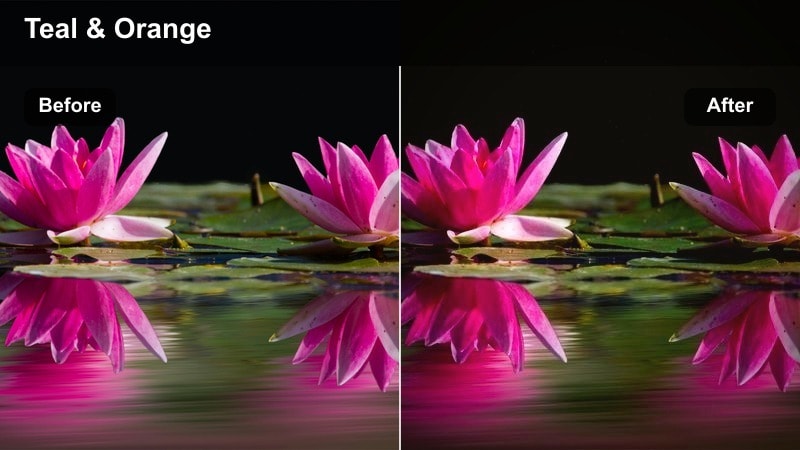
- Effect look: Warm amber highlights with teal shadows for high-contrast cinematic tension.
- Best for: Suspenseful dialogue scenes, stakeouts, mystery vlogs in city backstreets.
- Editing tip: Boost midtone clarity slightly to emphasize facial expressions and street textures.
Amber Alley Suspense locks in the classic teal-and-amber palette, turning sodium-vapor streetlights and narrow alleys into rich, high-contrast frames. The warm highlights pull attention to faces and practical lights, while the teal shadows make the surrounding city feel ominous and unknown.
In Filmora, drop this LUT on dialogue-heavy alley scenes, then adjust midtone clarity and sharpness to bring out brick, pavement, and wardrobe details. Use subtle color correction afterward to keep skin tones believable, especially when your alley includes strong neon or colored signs.
Neon Fallout
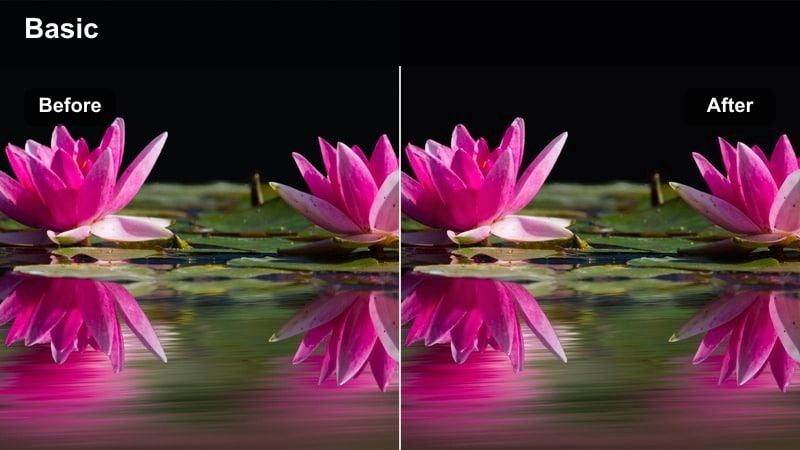
- Effect look: Punchy contrast with saturated magenta and cyan neon glows against dark streets.
- Best for: Cyberpunk sequences, nightlife montages, music videos in neon-heavy districts.
- Editing tip: Reduce overall saturation a touch after the filter so neon signs pop without overpowering faces.
Neon Fallout is built for maximalism, driving neon magentas and cyans deep into the frame while retaining strong blacks for a graphic, cyberpunk-inspired image. It is perfect when you want the city itself to feel like a character, alive with signs, reflections, and bold color separation.
Apply it in Filmora to nightlife b-roll, dance sequences, or stylized narrative scenes, then refine saturation and highlight detail using the color tools. Keeping a close eye on scopes and skin tones ensures that your neon glow stays cinematic rather than cartoonish.
Intimate Character Drama
Subtle Teal Gaze
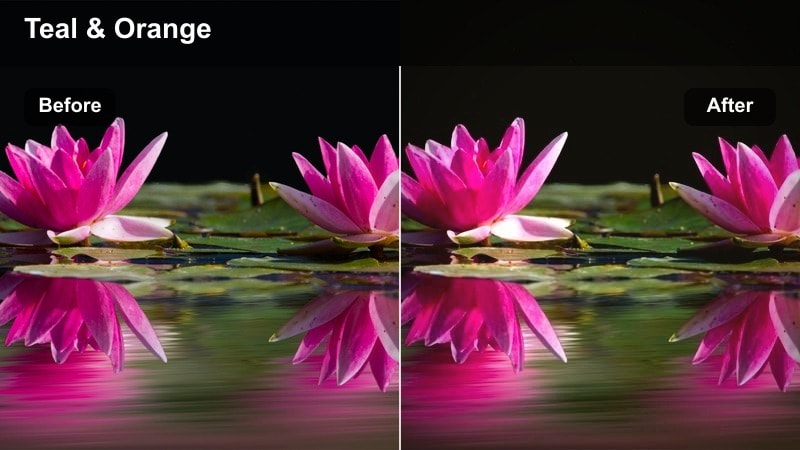
- Effect look: Soft teal shadows with gently warmed skin tones for modern cinematic portraits.
- Best for: Emotional close-ups, character monologues, narrative vlogs.
- Editing tip: Add a very soft blur to the background and keep sharpening low for a more filmic, intimate feel.
Subtle Teal Gaze gives your close-ups a restrained, modern cinematic palette where shadows lean teal but skin remains warm and inviting. It is designed to emphasize eyes and micro-expressions, making it ideal for confessionals, interviews, and personal vlogs.
In Filmora, pair this LUT with gentle background blur, reduced sharpening, and a light vignette to draw attention inward to your subject. Use masked adjustments to slightly brighten the eyes and keep the face clean while the environment softly recedes into a cool-toned backdrop.
Muted Memory Reel
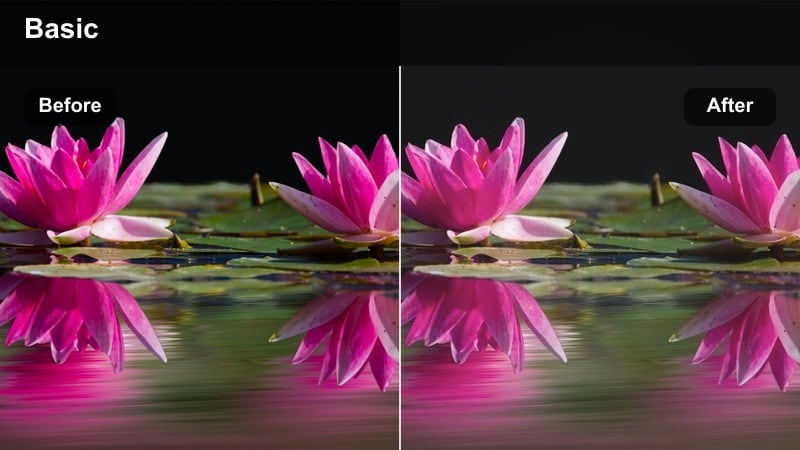
- Effect look: Desaturated colors, lifted blacks, and gentle contrast for nostalgic drama.
- Best for: Flashbacks, reflective conversations, breakup scenes, personal essays.
- Editing tip: Raise blacks slightly and add film grain to reinforce the soft, memory-like quality.
Muted Memory Reel mutes saturation and gently lifts the blacks to simulate the softness of recollection and old film prints. Strong colors become more subdued, allowing performance, framing, and light to carry the emotional weight.
Inside Filmora, use this LUT on flashbacks, reflective montages, or any sequence meant to feel distant or bittersweet. Add a light layer of film grain and consider slightly slower cuts or dissolves so the soft contrast and faded tones have room to resonate on screen.
Shadowed Confession
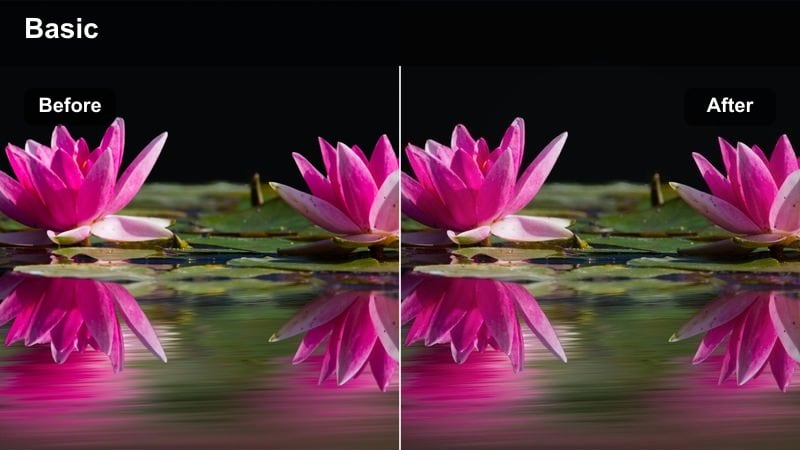
- Effect look: High-contrast, low-key lighting emphasis with rich shadows and neutral tones.
- Best for: Interrogation scenes, documentaries, emotional confessionals, true-crime content.
- Editing tip: Use a subtle vignette and keep midtones controlled so faces remain readable in the darkness.
Shadowed Confession leans into darkness, enhancing low-key lighting setups with deep, controlled shadows and grounded, neutral color. It is crafted to make interviews, confessions, and interrogations feel tense and serious without pushing color into distraction.
In Filmora, apply this LUT after you have established strong directional lighting, then tweak contrast and midtones so key facial details remain legible. A restrained vignette and careful exposure adjustments will keep viewers locked onto the subject's eyes and expressions while much of the frame falls away into shadow.
Urban Daytime Grit
Grit and Grain Boulevard
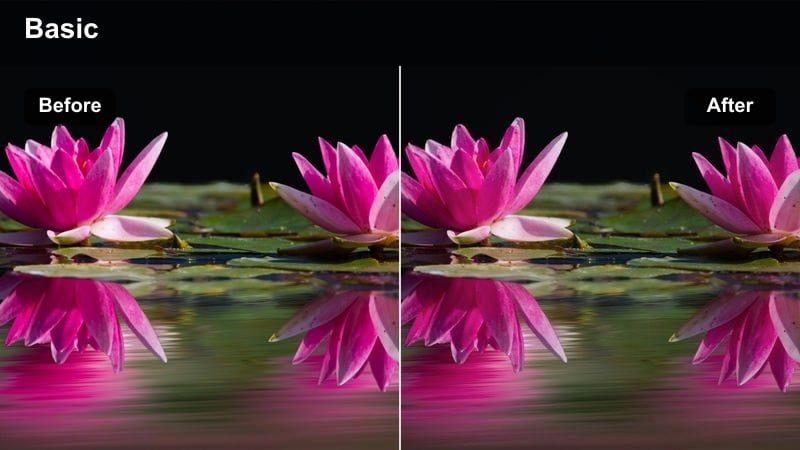
- Effect look: Neutral, slightly cool tones with boosted micro-contrast for detailed city textures.
- Best for: Street documentaries, skateboard edits, handheld urban b-roll.
- Editing tip: Dial back highlight contrast a bit outdoors to avoid harsh clipping on concrete and windows.
Grit and Grain Boulevard is designed to bring out every crack in the pavement and edge in the skyline, boosting texture while keeping color mostly neutral and grounded. It gives daylight city footage a tough, documentary edge without leaning heavily into stylized hues.
In Filmora, drop this LUT on handheld street sequences, skate lines, or observational b-roll, then manage highlight contrast so sunlit concrete and glass do not clip. A touch of film grain and reduced saturation can help unify mixed cameras and emphasize form over color.
Sun-Faded Blocks
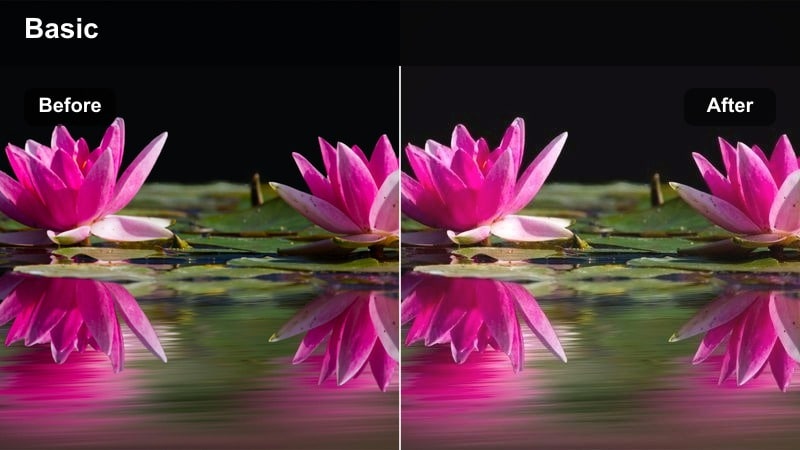
- Effect look: Soft, slightly warm highlights with gentle fade in shadows for a worn urban feel.
- Best for: Quiet city walks, reflective montages, lifestyle vlogs in older neighborhoods.
- Editing tip: Lift blacks carefully and trim saturation on reds to keep brick walls from dominating the frame.
Sun-Faded Blocks turns harsh midday light into something softer and more cinematic, slightly warming highlights and easing shadow contrast. The result is a worn, lived-in urban aesthetic that works beautifully for reflective sequences and slow-paced explorations.
Apply this LUT in Filmora when editing walking monologues, travel vlogs, or slice-of-life city passages shot under strong sun. Fine-tune black levels, pull back red saturation, and consider using a subtle blur or reduced clarity on distant buildings to keep attention on your subject.
Steel Concrete Monologue
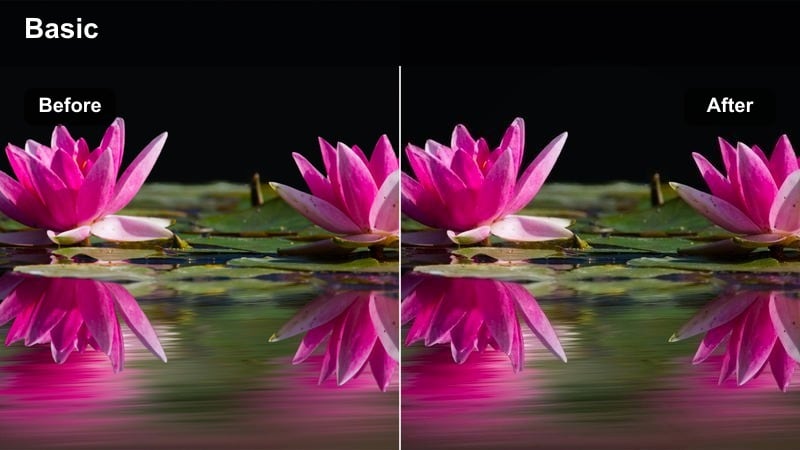
- Effect look: Cool steel blues and grays with firm contrast for serious city commentary.
- Best for: Social commentary pieces, city planning docs, editorial talking-heads outdoors.
- Editing tip: Keep white balance slightly warm to prevent faces from turning too cold against steel structures.
Steel Concrete Monologue cools the environment into steel blues and grays, framing your subject against a modern, sometimes imposing cityscape. It is ideal when you want your commentary or presentation to feel serious, analytical, or focused on hard realities of urban life.
In Filmora, apply this LUT to talking-heads or standups recorded in plazas, rooftops, or business districts, then subtly warm skin tones using color or HSL tools. This keeps the architecture cold and structured while your on-camera presenter remains human and approachable.
Stormy Landscapes and Rooftops
Tempest Rooftop Drama
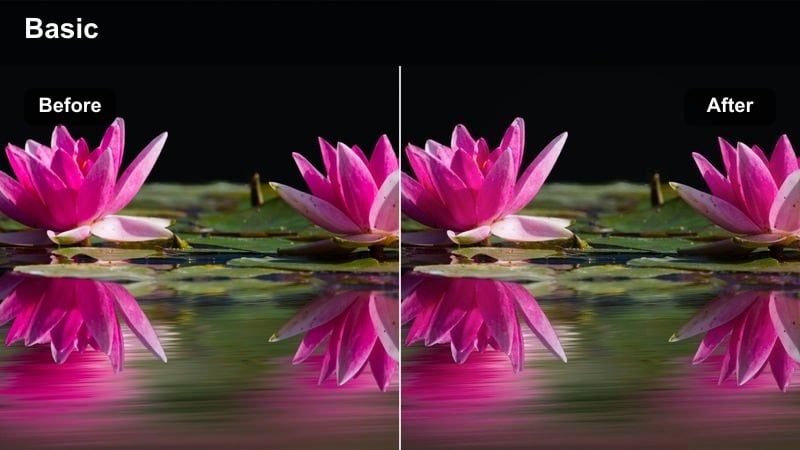
- Effect look: Deep blues, heavy contrast, and darkened skies for approaching-storm intensity.
- Best for: Climactic rooftop confrontations, music videos, urban hero shots before the storm.
- Editing tip: Lower saturation of greens and yellows so the sky and silhouette become the main visual focus.
Tempest Rooftop Drama amplifies storm clouds and skyline edges, plunging skies into deep blues and emphasizing strong silhouettes. It turns otherwise plain rooftop locations into theatrical stages for climactic confrontations or introspective hero shots.
In Filmora, use this LUT on footage captured just before or after a storm, then refine saturation in greens and yellows so competing details do not pull attention from the sky. Combine it with slow camera moves or push-ins to turn simple setups into charged, cinematic beats.
Stormline Overpass
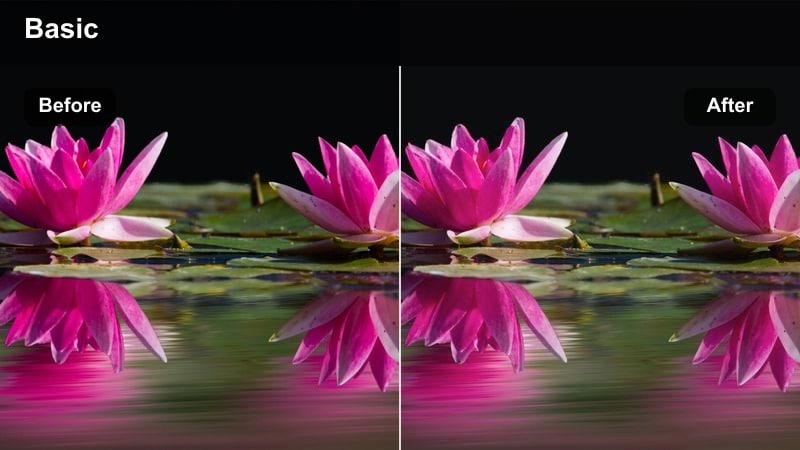
- Effect look: Muted colors with moody cyan shadows and soft highlight roll-off for rainy infrastructure shots.
- Best for: Overpass scenes, highway b-roll, reflective travel videos in bad weather.
- Editing tip: Reduce highlight sharpness and add slow-motion raindrop shots to maximize the heavy-weather mood.
Stormline Overpass leans into wet roads, guardrails, and heavy clouds, muting saturation while pushing shadows toward cyan for a brooding, rainy-day mood. The soft highlight roll-off helps car lights, reflections, and sky details blend smoothly rather than clip harshly.
Within Filmora, apply this LUT to infrastructure b-roll, highway travel scenes, or somber transitional moments. Slightly lower highlight sharpness, consider slow motion on rainfall shots, and use leading lines from bridges and road markings to guide viewers through the frame.
Dusk's Last Conflict
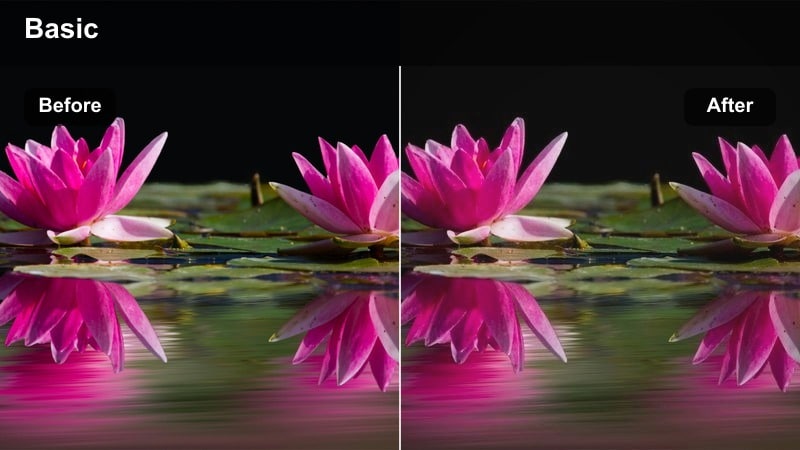
- Effect look: Rich oranges and purples with strong contrast and slightly faded blacks for end-of-day showdowns.
- Best for: Final confrontations, quiet reflective endings, skyline silhouettes at blue hour.
- Editing tip: Expose slightly under at capture so dusk colors stay rich once the filter pushes contrast.
Dusk's Last Conflict is tuned for the final light of day, enriching oranges and purples in the sky while gently fading blacks to deliver a cinematic, end-of-story feel. Skylines, silhouettes, and reflective moments all take on a heightened emotional quality.
In Filmora, use this LUT on blue-hour footage captured just after sunset, when gradients are still present in the sky. Underexpose slightly in-camera, then let the LUT and Filmora's contrast tools deepen the mood without sacrificing the subtle color separation that makes dusk so powerful.
Tips for Using Dramatic Film Color Lut Filters in Filmora
- Shoot slightly flatter in-camera so these dramatic filters have more dynamic range to shape.
- Always correct exposure and white balance before applying any dramatic film color LUT filter.
- Use different filters for A and B camera angles, but keep skin tones consistent to avoid distraction.
- Lower saturation on secondary colors so the viewer's attention stays on faces and key props.
- Add a light vignette after the filter to guide focus, especially in emotional close-ups.
- Combine filters with controlled sound design to reinforce mood shifts between scenes.
- Export a short graded test sequence and review it on multiple screens before final delivery.
- Use Filmora's scopes to ensure your dramatic contrast does not crush important shadow detail.
The Dramatic Film Color LUT filter pack gives content creators a fast way to transform ordinary city streets, intimate rooms, and stormy skylines into cinematic storytelling spaces.
Experiment with these filters inside Filmora, refine them to match your footage, and then lock in a consistent dramatic style that your audience instantly recognizes from project to project.
secure download