

 100% Security Verified | No Subscription Required | No Malware


 ChatGPT
 Perplexity
 Gemini
 Claude
 Grok
Grok
Dramatic Teal Accent feels like ocean depth under a spotlight: calm on the surface, intense underneath. It blends the stability of blue with the energy of green, which is why it shows up so often in cinematic color grading, UX design, and modern branding. On screen, it suggests clarity, confidence, and sophistication, but with a bit more personality than plain navy.
For creators, Dramatic Teal Accent is a powerful tool for thumbnails, intros, overlays, and brand systems. It contrasts beautifully with warm highlights, makes skin tones look richer, and immediately gives footage a polished, filmic vibe. Below you will find ready-made Dramatic Teal Accent color palettes with HEX codes, designed for YouTube covers, vlogs, cinematic edits, and channel branding in Filmora.
In this article
Cinematic Dramatic Teal Accent Color Palettes
Neo Noir Harbor
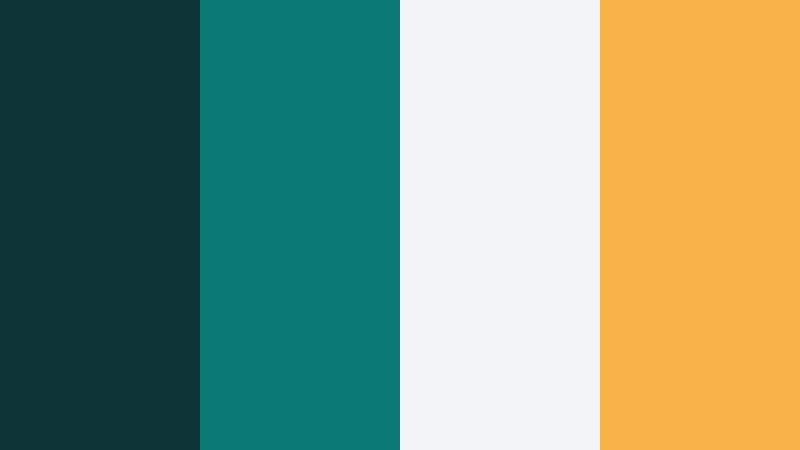
- HEX Codes: #0f3438, #0b7a75, #f2f4f5, #f9b248
- Mood: Moody, cinematic, and slightly mysterious with a sharp contrasting highlight.
- Use for: Perfect for thriller-style film titles, YouTube intros, and dramatic channel rebrands.
Neo Noir Harbor combines deep teal shadows with a crisp neutral base and a precise amber accent. It feels like a night scene lit by a single street lamp, giving your footage that suspenseful, high-end thriller energy.
Use the darker teals for backgrounds, overlays, and lower thirds, while the pale neutral (#f2f4f5) keeps text and UI elements readable. The amber highlight (#f9b248) is ideal for subscribe buttons, key title words, and thumbnail arrows that need to stand out without clashing with your overall teal story.
Pro Tip: Build a Cinematic Dramatic Teal Accent Look in Filmora
To keep a Neo Noir Harbor look consistent, build a simple brand kit inside Filmora. Use the darkest teal for your background PNGs or gradient overlays, then save text presets that lock in your teal and amber HEX codes. That way, every intro, B-roll title, and end screen uses the same Dramatic Teal Accent hierarchy.
You can also stack a soft vignette and a mild teal-tinted adjustment layer across the whole timeline. This gives every shot the same moody harbor atmosphere, even if you filmed in different locations or lighting setups.
AI Color Palette
If you have a reference frame or thumbnail mockup that already uses Neo Noir Harbor, Filmora's AI Color Palette feature can push that look across your entire edit. Just pick your teal-heavy reference shot and let AI match the tones on the rest of your clips.
This is especially useful for complex timelines with mixed cameras. AI Color Palette keeps skin tones natural while unifying shadows and midtones into that same dramatic teal atmosphere, so your intro, A-roll, and B-roll feel like one cohesive film.
 secure download

HSL, Color Wheels & Curves
To refine a Dramatic Teal Accent grade, work in HSL to selectively deepen cyan and teal while keeping blues more neutral. Combine this with Filmora's color wheels to cool shadows and keep highlights slightly warm, building a cinematic teal-and-gold contrast. You can see this workflow in Filmora's color grading tutorials that walk through tone separation and contrast shaping.
Curves let you add a gentle S-curve for punch while protecting details in the blacks so your darkest teal (#0f3438) stays rich instead of crushed. Lift the toe of the RGB curve very slightly to maintain a filmic, soft-shadow look that suits intros, trailers, and story-driven edits.
secure download1000+ Video Filters & 3D LUTs
If you want instant teal-forward looks, Filmora's video filters and 3D LUTs make it easy to test variations of your Dramatic Teal Accent style. Start with a cinematic teal-and-orange LUT, then tweak the hues slightly so they align with your exact HEX values from Neo Noir Harbor.
You can stack subtle grain, glow, and vignette filters on top to push the noir feeling even further. Save the result as a custom preset so every trailer, channel intro, or short-form edit can reuse the same moody teal signature with one click.
secure downloadMidnight Teal Spotlight

- HEX Codes: #03191e, #085f63, #49beb7, #f5f5f5
- Mood: Dramatic yet polished, with spotlight contrast that feels premium and intense.
- Use for: Use for title cards, lower thirds, and logo stings for tech, gaming, or film channels.
Midnight Teal Spotlight surrounds a glowing teal accent with inky, almost-black tones and clean white. It feels like a single beam of light cutting across a dark stage, which is perfect when you want titles and logos to feel important.
Use the deepest tones for full-screen title backgrounds, then punch in the brighter teal (#49beb7) for line accents, icons, and progress bars. The soft white (#f5f5f5) keeps text crisp on both thumbnails and HUD-style overlays in your Filmora projects.
Storm Surge Teal
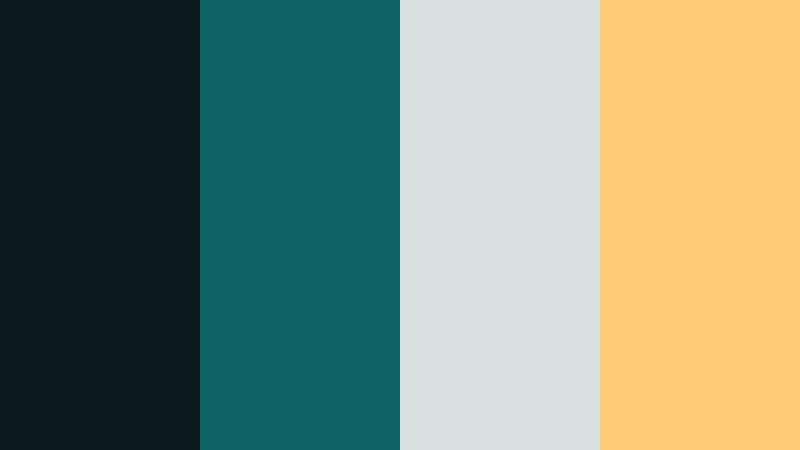
- HEX Codes: #0d1b1e, #116466, #d9e2e1, #ffcb77
- Mood: Energetic and stormy with a controlled, cinematic punch.
- Use for: Ideal for dynamic trailer edits, action B-roll grading references, and bold thumbnail text blocks.
Storm Surge Teal feels like waves crashing under storm clouds: dark, powerful, but carefully contained. The saturated teal (#116466) and warm gold (#ffcb77) add bursts of energy against soft grays.
Try it for kinetic title sequences, glitchy transitions, or sports montages. Let the dark teal and charcoal handle backgrounds, keep text on the light gray (#d9e2e1), and use the golden accent for key phrases, chapter markers, and CTA elements in your end screens.
Teal Ember Contrast

- HEX Codes: #082022, #0e7c7b, #f1f0ea, #ff6b35
- Mood: High-contrast and fiery, balancing cool teal depth with burning orange highlights.
- Use for: Great for cinematic thumbnails, channel banners, and dramatic call-to-action buttons in outros.
Teal Ember Contrast throws cool, deep teal against a powerful orange flame (#ff6b35). The result is an instantly cinematic teal-and-orange combo with extra drama for trailers and high-stakes edits.
Use the rich teal duo for backgrounds and overlays, keep text clean on the off-white (#f1f0ea), and reserve the orange for buttons, progress bars, captions, and lower-third accents. It works especially well in Filmora thumbnails where you want faces and key objects to be surrounded by bold, modern color.
Dusty Teal Cinema Fade
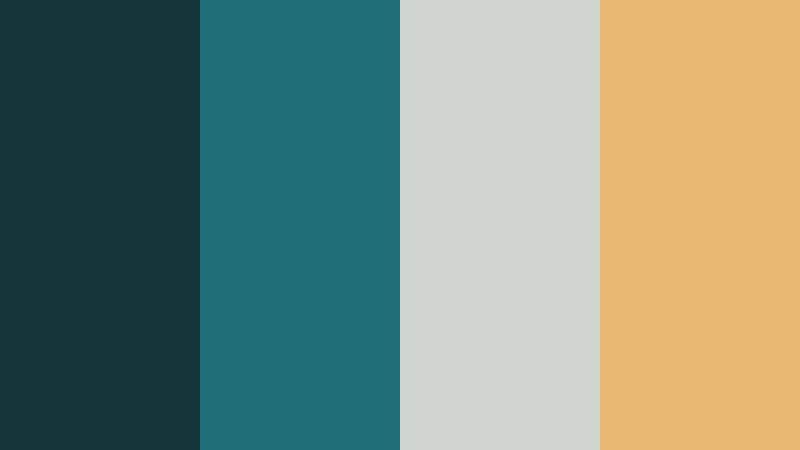
- HEX Codes: #16353a, #1f6f78, #cfd4d1, #e9b872
- Mood: Softly cinematic and nostalgic with a filmic, faded finish.
- Use for: Use in story-driven edits, travel films, and emotional montage sequences.
Dusty Teal Cinema Fade takes teal into a softer, more nostalgic space. The muted teal tones and gentle neutrals feel like old film stock that has mellowed over time, while the golden wash (#e9b872) adds warmth to emotional scenes.
It is ideal for travel vlogs, wedding highlights, and reflective storytelling edits. Use these colors in your Filmora titles, lower thirds, and overlay shapes to echo the faded, cinematic grading you apply to the footage.
Modern Minimal Dramatic Teal Accent Color Palettes
Studio Teal Minimal
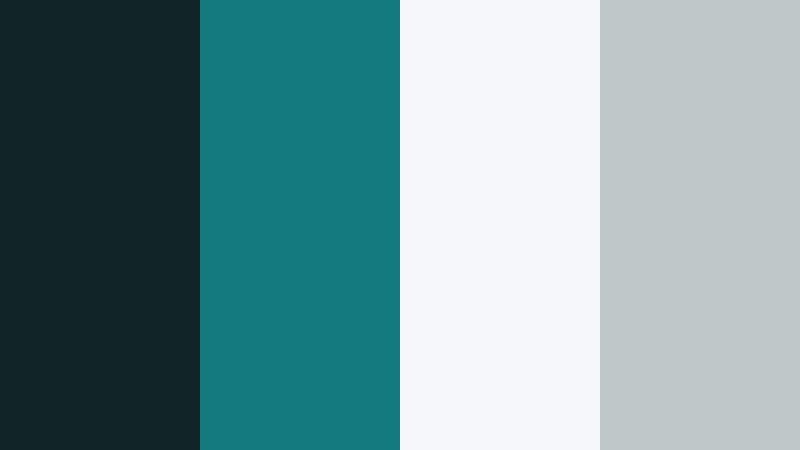
- HEX Codes: #102326, #147a7e, #f6f7f8, #c0c7c9
- Mood: Clean, professional, and minimal with a crisp teal signature.
- Use for: Perfect for UI overlays, tutorial lower thirds, and sleek brand intros.
Studio Teal Minimal is all about clarity and structure. A single strong teal accent (#147a7e) slices through soft grays and off-white, giving your visuals a modern studio or SaaS-style look without feeling cold.
Use this palette for talking-head tutorials, product explainers, and educational content. Let white and light gray carry most of your text areas, while the dark base (#102326) and teal accent define your logo lockups, subscribe bars, and chapter markers.
Teal Wireframe Grid
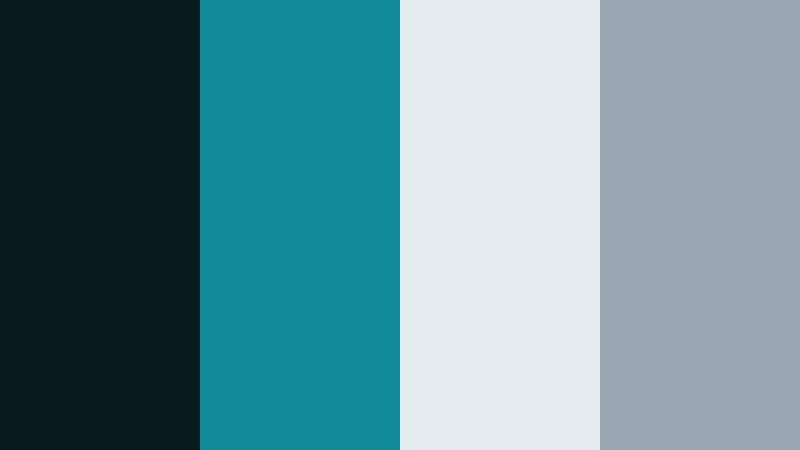
- HEX Codes: #081a1f, #118a99, #e4ebef, #9aa6b2
- Mood: Technical, futuristic, and structured with a cool digital edge.
- Use for: Use for motion graphics, data visualizations, and animated explainers in Filmora.
Teal Wireframe Grid feels like a UI dashboard or a sci-fi HUD. The deep interface blue and neon-leaning teal (#118a99) sit on top of pale, data-friendly neutrals.
This makes it perfect for charts, diagrams, and on-screen annotations in Filmora. Use the teal and slate (#9aa6b2) for lines and icons, keep data labels on the light background, and add subtle animation to give your overlays a futuristic motion-graphics feel.
Glass Panel Teal
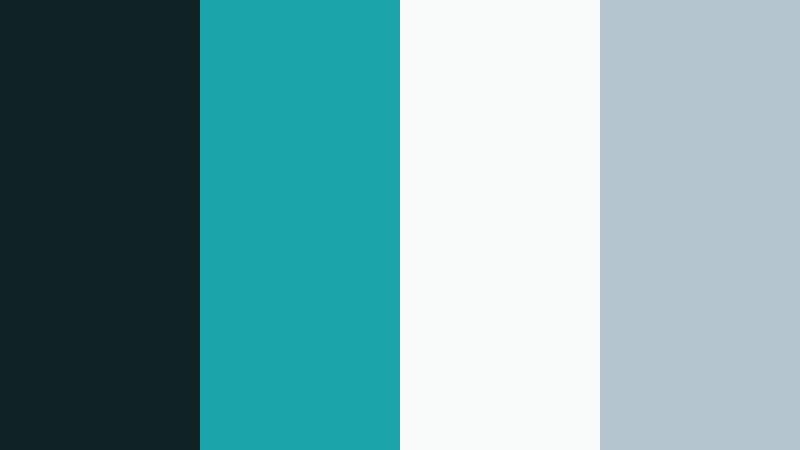
- HEX Codes: #0f2224, #1aa3a8, #f9fbfb, #b4c5cf
- Mood: Polished and airy with a glassy, translucent feeling.
- Use for: Best for app promo videos, SaaS landing visuals, and floating subtitle bars.
Glass Panel Teal creates a frosted-glass interface feel. The bright teal (#1aa3a8) looks luminous against near-white and soft slate, ideal for floating cards and panels.
In Filmora, apply this palette to animated shapes behind your titles and captions. Use soft drop shadows and blur to emulate glass, using the darkest tone sparingly for depth while keeping your overall design light and breathable.
Monochrome Teal Focus
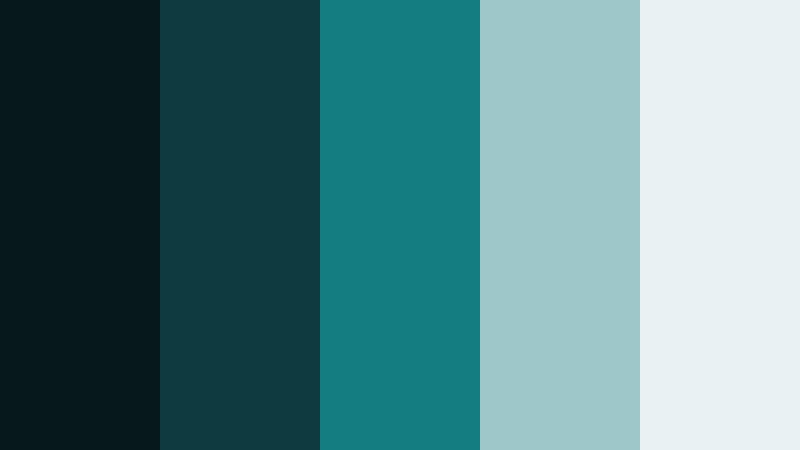
- HEX Codes: #07181a, #0d3b40, #147d82, #9ec7c9, #e8f2f2
- Mood: Focused and cohesive, with layered teal tones that feel calm yet assertive.
- Use for: Ideal for cohesive channel branding systems and consistent thumbnail series.
Monochrome Teal Focus builds an entire system out of teal alone, from nearly black to airy pale. It feels unified, minimal, and instantly recognizable once you repeat it across videos.
Use darker shades as backdrops, mid-tones for icons and shapes, and the lighter tones (#9ec7c9 and #e8f2f2) for text, highlights, and UI bars. This palette is perfect if you want your Filmora thumbnails, channel art, and lower thirds to match without needing extra accent colors.
Luxe Dramatic Teal Accent Color Palettes
Teal And Gilded Frame
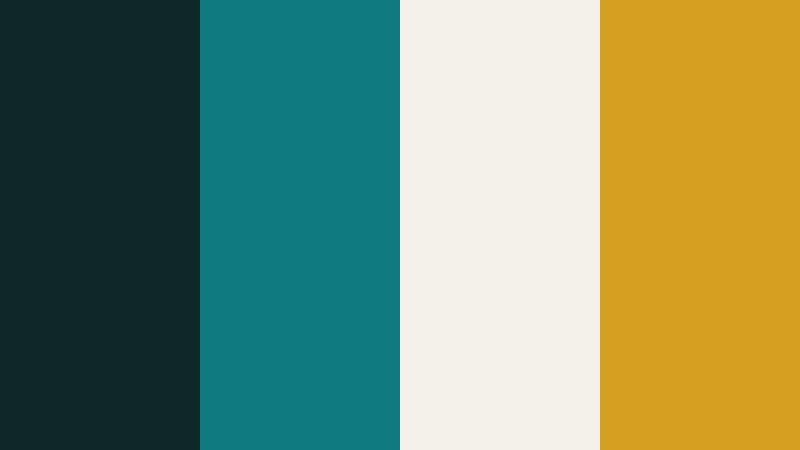
- HEX Codes: #102728, #0f7b80, #f4f1ea, #d5a021
- Mood: Luxurious, refined, and gallery-ready with a warm metallic twist.
- Use for: Great for premium course launches, brand films, and elegant logo reveals.
Teal And Gilded Frame feels like high-end packaging or a gallery invitation. Rich teal and soft ivory form the base, while the golden accent (#d5a021) acts like a metallic frame around your most important elements.
Use this palette for premium intros, course module bumpers, and cinematic logo animations. Keep most of your text on ivory, surround it with teal panels, and use the gold sparingly for borders, icons, and call-to-action text.
Velvet Teal Lounge
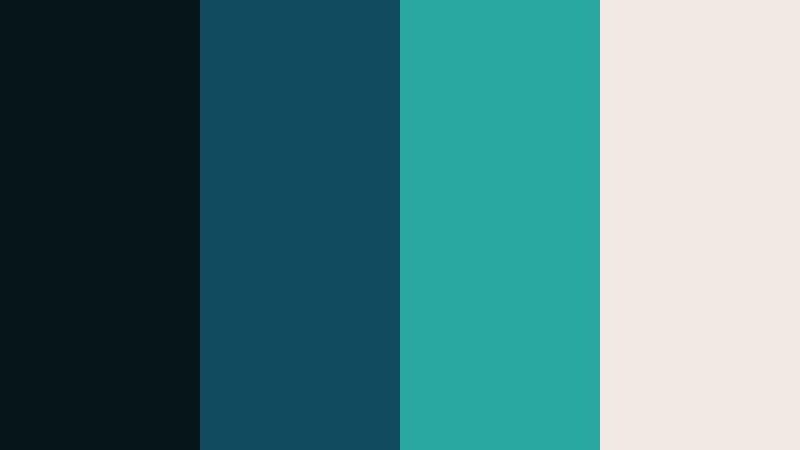
- HEX Codes: #061618, #114b5f, #28a8a1, #f2e9e4
- Mood: Opulent and intimate, like a dimly lit lounge with plush textures.
- Use for: Use in lifestyle edits, cocktail content, and cinematic product B-roll.
Velvet Teal Lounge layers deep, velvety teal with creamy highlights and a brighter aqua accent. It feels cozy and upscale, like candlelight bouncing off polished glass.
It works well for product close-ups, beauty content, and evening lifestyle vlogs. Use darker tones for backgrounds and gradient overlays, the bright aqua for subtle motion accents, and the cream tone (#f2e9e4) for elegant typography in Filmora.
Emerald Teal Marquee
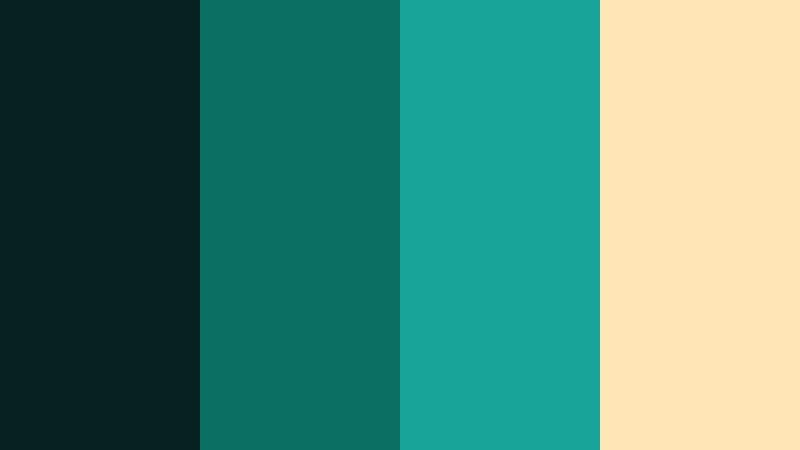
- HEX Codes: #06201f, #0c6f63, #17a398, #ffe6b7
- Mood: Glamorous and showstopping with a cinematic marquee glow.
- Use for: Perfect for event recaps, fashion lookbooks, and premiere-style intros.
Emerald Teal Marquee has the energy of a lit-up theater sign. Deep teal and emerald tones provide depth, while champagne highlights (#ffe6b7) give everything a soft spotlight glow.
Use it in Filmora for runway recaps, red-carpet intros, and highlight reels. Design your titles in champagne on teal or emerald backgrounds, then accent with the brightest teal (#17a398) for animated lines, flares, and motion graphics details.
Teal Champagne Skyline
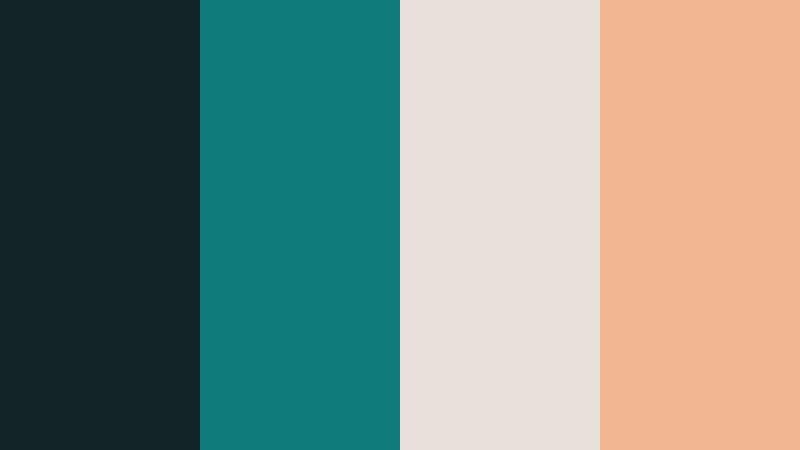
- HEX Codes: #112326, #0e7a7a, #e7e0d8, #f3b692
- Mood: Romantic, upscale, and softly glowing like a city skyline at dusk.
- Use for: Great for wedding highlight films, travel montages, and cinematic lifestyle branding.
Teal Champagne Skyline sits between romance and sophistication. Cool teal shadows contrast with champagne and peach tones (#f3b692), creating the feeling of a city just after sunset.
It is ideal for wedding edits, anniversary videos, and aspirational travel content. Use the champagne and peach for organic elements like names, dates, and quote overlays, while teal shades anchor your lower thirds, frames, and transition screens.
Playful Dramatic Teal Accent Color Palettes
Tropical Teal Splash

- HEX Codes: #0a2a2f, #0fb5ae, #f7fff7, #ff9f1c
- Mood: Playful, sunny, and energetic with a bold vacation vibe.
- Use for: Perfect for travel vlogs, summer challenges, and upbeat social shorts.
Tropical Teal Splash is bright and beachy. Punchy teal (#0fb5ae) and vivid orange (#ff9f1c) pop against a fresh white base, making this palette perfect for content that needs to grab attention in busy feeds.
Use white for clean backgrounds, teal for borders and title blocks, and orange for emoji-style stickers, big numbers, and call-to-action buttons. It works especially well for TikTok and YouTube Shorts templates built inside Filmora.
Teal Pop Arcade
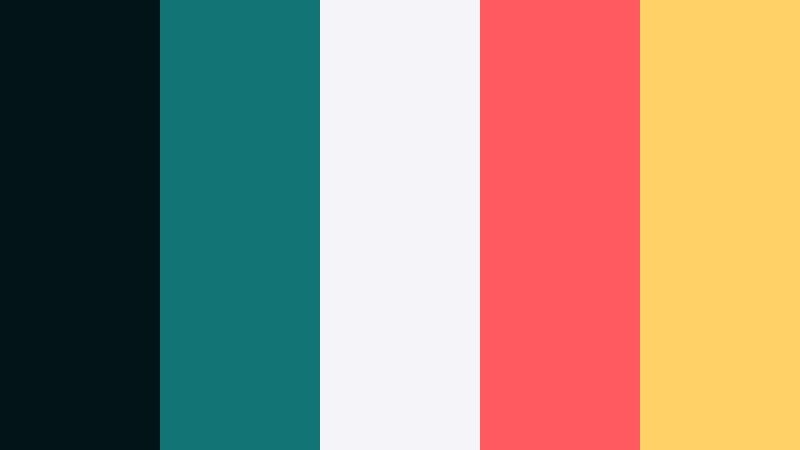
- HEX Codes: #031419, #127475, #f4f4f9, #ff5a5f, #ffd166
- Mood: Retro-fun and energetic, blending teal depth with candy-bright accents.
- Use for: Use for gaming intros, retro edits, and playful channel branding.
Teal Pop Arcade mixes dark, dramatic teal with candy-bright coral (#ff5a5f) and yellow (#ffd166). It feels like an arcade cabinet or neon sign, full of motion and nostalgia.
Use the dark teal for backgrounds, let the light neutral carry UI text, and bring in the coral and yellow for score counters, badges, stickers, and animated transitions in Filmora. This palette keeps your gaming or reaction content energetic while still grounded in a strong teal accent.
Tips for Creating Dramatic Teal Accent Color Palettes
When working with Dramatic Teal Accent, the key is balancing depth, warmth, and readability so your videos and designs look cinematic without becoming hard to read or overly saturated.
- Pair teal with a warm contrast color (amber, gold, peach, or orange) to create a cinematic teal-and-warm highlight look that draws attention to faces and text.
- Always include at least one light neutral (off-white or light gray) in your palette so titles, captions, and UI elements stay legible on any background.
- Use the darkest teal shades for backgrounds and overlays, not for main text, to avoid eye strain on smaller screens.
- Keep your accent color usage limited: reserve the brightest teal or warm highlight for CTAs, key words, or important icons only.
- Match your grading to your graphics: if your footage leans teal in the shadows, echo those HEX values in titles, lower thirds, and thumbnail frames.
- Create a consistent hierarchy: choose one teal for backgrounds, one for accents, one for text or icons, and reuse that structure across all thumbnails and intros.
- Check your palette in grayscale to make sure there is enough contrast between background and text, especially for mobile viewing.
- Save presets in Filmora for titles, filters, and LUTs that use the same Dramatic Teal Accent values so future projects automatically stay on brand.
Dramatic Teal Accent color palettes give your videos a strong identity, from moody noir looks to playful tropical edits. By choosing the right combinations of teal, neutrals, and warm highlights, you can shape how viewers feel about your brand in the first few seconds.
Test these palettes inside Filmora by applying them to titles, overlays, and color grading presets. Once you find a look that fits your channel or series, save it and repeat it across intros, B-roll, and social clips to build a recognizable visual style.
Whether you prefer minimal studio vibes, luxe cinematic tones, or bold arcade energy, Dramatic Teal Accent can anchor your entire visual system and keep your content looking polished and intentional.
secure download