

 100% Security Verified | No Subscription Required | No Malware


 ChatGPT
 Perplexity
 Gemini
 Claude
 Grok
Grok
Filmic Steel is a versatile family of soft steel grays and muted neutrals that feels cinematic, clean, and quietly emotional. It captures the mood of overcast skies, studio concrete, and polished metal, making it perfect for creators who want depth without loud, distracting color. Used well, Filmic Steel adds a modern, editorial finish to your videos, thumbnails, intros, and social graphics.
Whether you edit vlogs, trailers, tutorials, or brand content, Filmic Steel color combinations help you keep your visuals consistent and professional. Below you will find 15 Filmic Steel color palettes with HEX codes, designed for YouTube thumbnails, lower thirds, titles, overlays, and more. Every palette is ready to be recreated inside Filmora or any other design tool you use.
In this article
Cinematic Neutral Filmic Steel Color Palettes
Urban Overcast Frame
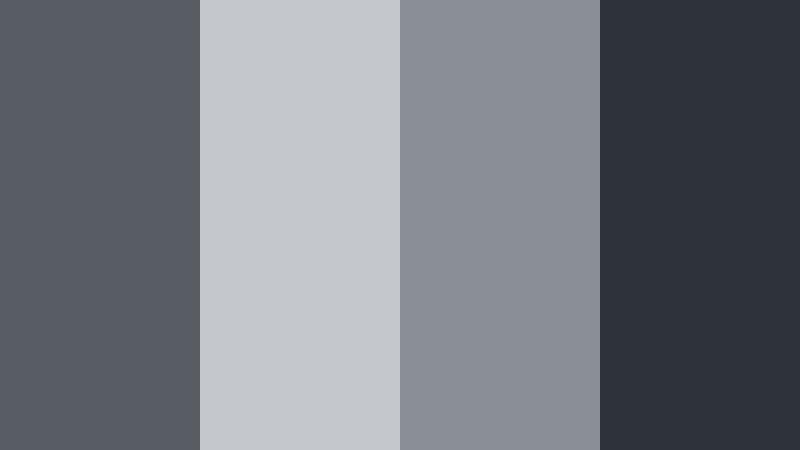
- HEX Codes: #575d63, #c4c7cb, #8a8f95, #2d3338
- Mood: Cool, moody, and grounded like a quiet city morning before the rush.
- Use for: Use this palette for cinematic vlogs, street photography edits, and minimalist channel branding.
Urban Overcast Frame feels like walking through a steel gray city just before the traffic and neon lights wake up. Deep charcoal and mid grays are balanced by softer highlights, giving your footage a grounded, documentary style look without feeling dull.
Apply this palette to city B roll, interview backgrounds, or understated YouTube thumbnails where you want the subject to stand out against a calm, neutral backdrop. It is also a strong base for minimalist logo animations, lower thirds, and intro screens that lean into an urban film aesthetic.
Pro Tip: Build a Cinematic Filmic Steel Look in Filmora
To keep this Urban Overcast Frame palette consistent, start by setting your overall exposure and contrast in Filmora, then gently cool down the white balance. Use the color tools to pull your midtones toward steel gray and keep saturation restrained so the footage feels cohesive from opener to end screen.
You can save this look as a custom preset inside Filmora, then apply it across intros, b roll, talking heads, and Shorts. That way, every piece of content on your channel shares the same grounded Filmic Steel signature.
AI Color Palette
If you already have a still frame or mood board that nails this overcast city vibe, you can turn it into a full video look with Filmora. Filmora's AI Color Palette feature analyzes a reference image and transfers its tones to the rest of your clips, helping you keep that cool, neutral Filmic Steel style across the whole timeline.
Drop a key shot from your vlog or a custom color card onto the timeline, then let AI Color Palette match the rest of the clips to it. This is an easy way to align your A roll, B roll, and thumbnails so everything feels like it belongs to the same cinematic world.
 secure download

HSL, Color Wheels & Curves
Once you have the base Filmic Steel grade in place, fine tune it with HSL, Color Wheels, and Curves in Filmora. Use HSL to subdue any stray colors that feel too vibrant, then nudge the shadows and midtones toward cooler blue grays using the Color Wheels for a more cinematic, low contrast feel.
You can also shape the image with Curves, lifting the shadows slightly to get that soft film look while protecting highlights. If you want a deeper dive into grading, tutorials that explain using color wheels and curves in Filmora will help you refine your Filmic Steel style on any project.
secure download1000+ Video Filters & 3D LUTs
If you want to speed up your grading process, Filmora’s video filters and 3D LUTs make it easy to build on top of your Filmic Steel base. Start with a neutral or cinematic LUT, then dial back intensity so your steel grays and subtle highlights stay in control.
Layer additional filters to add grain, glow, or vignette for even more atmosphere. With more than 1000 filters and LUTs available, you can create multiple variations of the same Urban Overcast Frame palette for main videos, shorts, teasers, and social cutdowns while keeping a clear visual identity.
secure downloadIndustrial Lens Grey
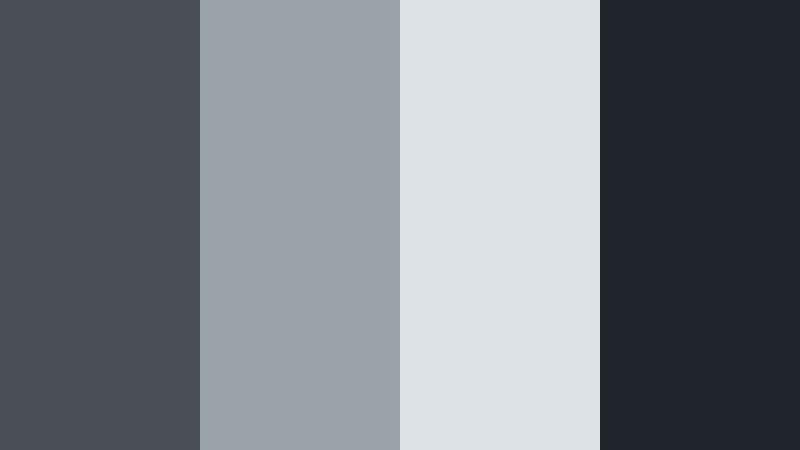
- HEX Codes: #494f55, #9aa2aa, #dde2e7, #1f252a
- Mood: Industrial, polished, and quietly sophisticated.
- Use for: Perfect for tech review videos, hardware unboxings, and sleek product UI mockups.
Industrial Lens Grey feels engineered and precise. Dark steel bases, mid grays, and pale highlights give your scene a high tech, brushed metal aesthetic without going full sci fi. It is serious but not harsh, which works well for explaining complex gadgets or software.
Use this palette for tech thumbnails with product cutouts, motion graphics showing specs, or UI mockups in your intros. It also suits channel branding where you want to communicate reliability, innovation, and a professional edge.
Rainy Studio Backdrop
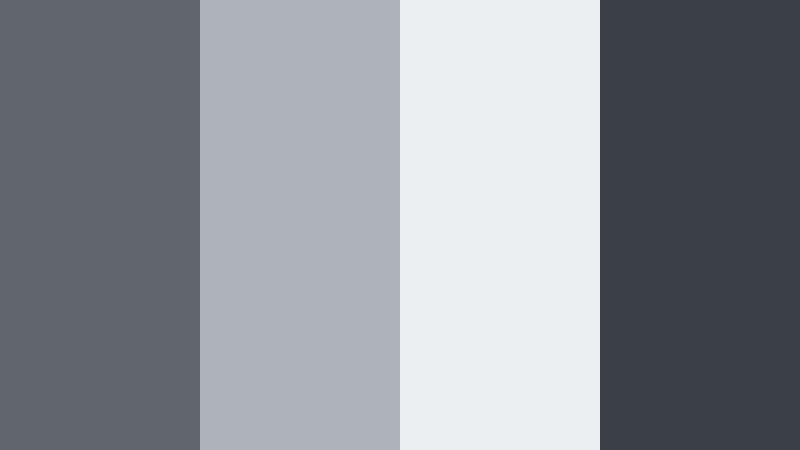
- HEX Codes: #60666c, #aeb3b9, #eceff2, #3a4046
- Mood: Softly dramatic, introspective, and calm.
- Use for: Use in talking head setups, interview lower thirds, and subtle cinematic title cards.
Rainy Studio Backdrop captures the feeling of soft studio lights bouncing off a gray wall on a wet day. The muted steels and gentle off whites give your frame a calm, reflective tone that supports storytelling and deeper topics.
It is ideal for interviews, podcast videos, tutorials, and essays where the focus should stay on the person and their words. Use these tones for backgrounds, text bars, and title cards so your overall visual system feels unified but never distracting.
Monochrome Reel Grain
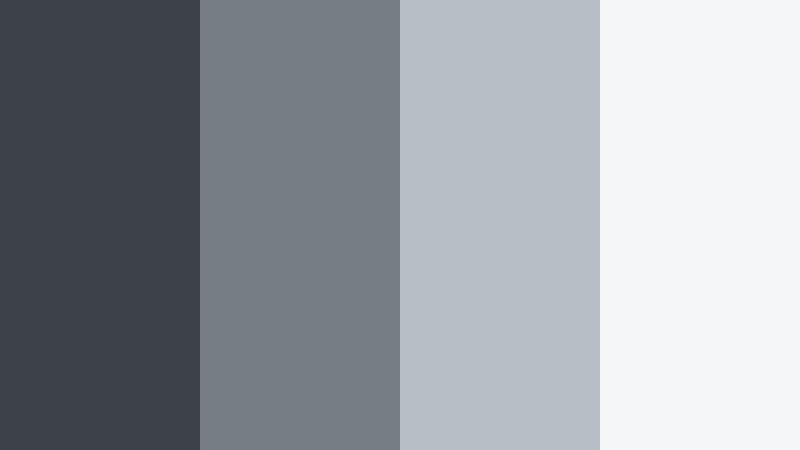
- HEX Codes: #3c4248, #767d84, #b7bec6, #f5f6f8
- Mood: Minimal, editorial, and timeless like classic film stock.
- Use for: Best for lookbook edits, portfolio reels, and high end brand intros needing a refined monochrome feel.
Monochrome Reel Grain leans fully into a black and white inspired world, but with soft steel undertones that feel modern instead of vintage only. From deep charcoal to almost pure white, the range gives you enough contrast to guide the eye without overwhelming it.
Use this palette when you want your footage or designs to feel like a printed magazine spread or gallery promo. It works beautifully for fashion reels, showreels, logo animations, and thumbnail designs where texture, light, and composition matter more than bold color.
Soft & Atmospheric Filmic Steel Color Palettes
Dawn Haze Over Steel
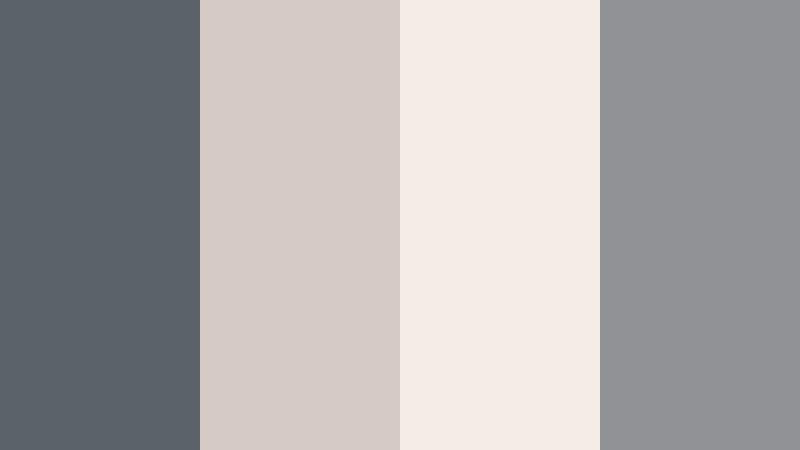
- HEX Codes: #5b6268, #d4c9c3, #f3ece6, #8f9396
- Mood: Gentle, hopeful, and slightly nostalgic like first light through clouds.
- Use for: Great for travel vlogs, slow morning routines, and soft lifestyle thumbnails.
Dawn Haze Over Steel mixes cool gray shadows with warm, muted highlights, capturing that quiet moment when the sky is still pale and soft. The combination feels nostalgic and welcoming, perfect for videos that show daily routines, travel mornings, or behind the scenes moments.
In your edits, use the warmer tones for skin, text, or accent shapes and let the cooler steels sit in backgrounds and shadows. Thumbnails, intro sequences, and chapter cards with this palette instantly feel cozy yet cinematic, encouraging viewers to settle in.
Muted Harbor Mist
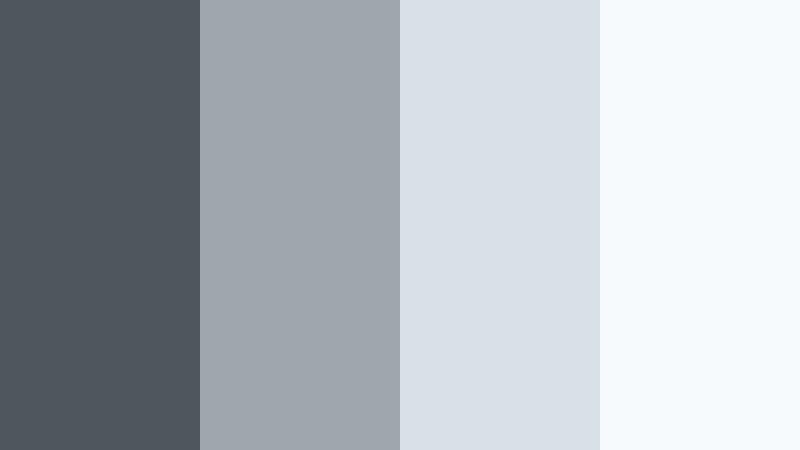
- HEX Codes: #4f575e, #9fa7ae, #d9e0e6, #f7fafc
- Mood: Serene, airy, and contemplative like a quiet coastal pier.
- Use for: Use in reflection driven short films, ambient B roll sequences, and calm tutorial backdrops.
Muted Harbor Mist leans toward soft blues and foggy whites, giving your content a light, coastal atmosphere. It softens hard edges in footage and design, which works well for meditative edits, slow pacing, or ASMR focused content.
Use these tones in lower thirds, overlay shapes, and backgrounds where you want maximum readability without harsh contrast. For thumbnails, pair the lightest shade with dark text or vice versa so titles stay clear while the overall mood remains gentle.
Steel Cloud Daydream
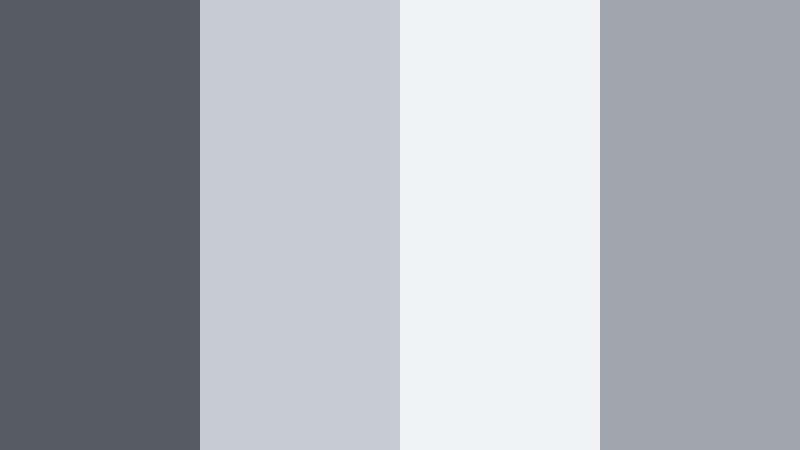
- HEX Codes: #555d64, #c5ccd4, #f0f2f6, #a0a6ae
- Mood: Dreamy yet grounded, with a soft cinematic bloom.
- Use for: Perfect for aesthetic study montages, lo fi music visuals, and soft branded overlays.
Steel Cloud Daydream feels like a distant, soft focus sky translated into grayscale. The pale steels and gentle midtones create a dreamy haze while still offering enough depth to keep footage from looking flat.
Apply it to timelapse study sessions, lo fi playlists, or mood boards where the focus is on atmosphere rather than story. In overlays and branding, this palette lets you layer text, icons, and UI elements without stealing attention from the main visual content.
Overexposed Loft Light
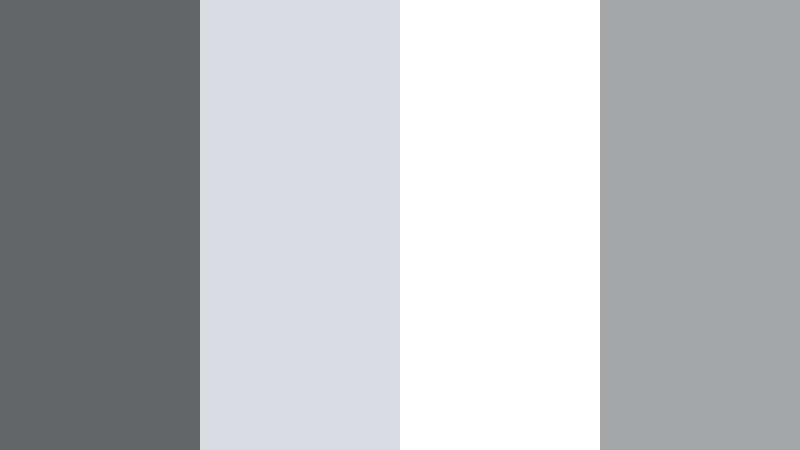
- HEX Codes: #62676c, #d7dde3, #ffffff, #a4a8ad
- Mood: Bright, washed, and modern with a hint of filmic flare.
- Use for: Use for minimalist studio tours, workspace reveals, and bright brand explainers.
Overexposed Loft Light is built around crisp whites and very light grays, mimicking sunlit studio windows and white walls. The darker Filmic Steel tones anchor the palette so your visuals still have structure and depth.
This palette is excellent for modern creator brands, especially if you film in bright spaces or use a lot of negative space. Use the whites for backgrounds, the mid grays for text and icons, and the darker steel for emphasis in thumbnails, chapter cards, and logo animations.
Bold & Dramatic Filmic Steel Color Palettes
Neon Alley Contrast
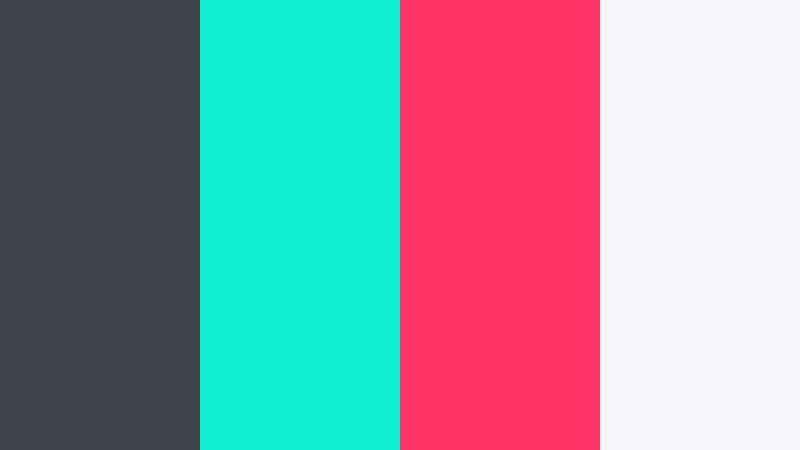
- HEX Codes: #3b4248, #0ff0d3, #ff3366, #f5f5f7
- Mood: Energetic, cyberpunk, and high contrast for punchy visuals.
- Use for: Ideal for gaming intros, synthwave edits, and bold YouTube thumbnails that must stand out.
Neon Alley Contrast fuses deep steel shadows with electric cyan and magenta accents, plus a soft off white for breathing room. It instantly adds a cyberpunk, late night street feel to even simple footage.
Use the gray and white as your base for backgrounds and panels, then reserve the neon colors for titles, HUD elements, and call to action buttons in thumbnails. This palette is especially effective in gaming content, music visuals, and any channel that wants a futuristic identity.
Midnight Rail Sequence
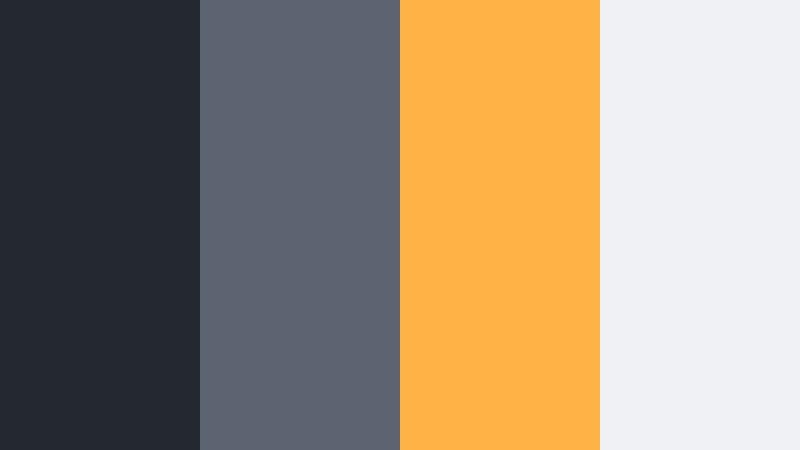
- HEX Codes: #242931, #5b6470, #ffb347, #f0f1f4
- Mood: Cinematic, suspenseful, and slightly gritty like a night train scene.
- Use for: Use in short narrative films, cinematic trailers, and story driven reels needing tension and focus.
Midnight Rail Sequence combines inky blue steels with a striking amber highlight and pale light gray. It feels like the glow of a carriage light cutting through the dark, pushing the viewers eye exactly where you want it.
Use the warm amber sparingly for key moments: title text, important objects, or keyframes in your trailers and narrative edits. The darker steels keep the frame moody and suspenseful, perfect for story driven content, channel teasers, or thriller inspired thumbnails.
Steel Spotlight Stage
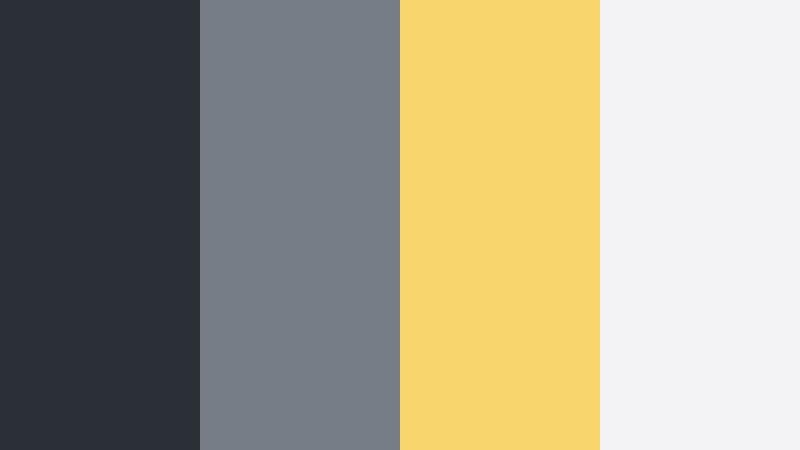
- HEX Codes: #2b3036, #767d86, #f9d66b, #f3f3f6
- Mood: Theatrical, focused, and confident like a single spotlight on stage.
- Use for: Great for course launches, keynote style presentations, and hero scenes in promo videos.
Steel Spotlight Stage sets up a scene of dark steel shadows and neutral midtones, pierced by a bright golden spotlight color. The palette immediately communicates importance and attention, as if the viewer is sitting in a theater looking at a lit stage.
Use the golden tone for headlines, key slides in your presentations, or CTA buttons on thumbnails. The lighter gray keeps background slides clean, while the deeper Filmic Steel hues frame your subject and help guide the eye toward what matters in your courses or launch videos.
Analog Noir Frame
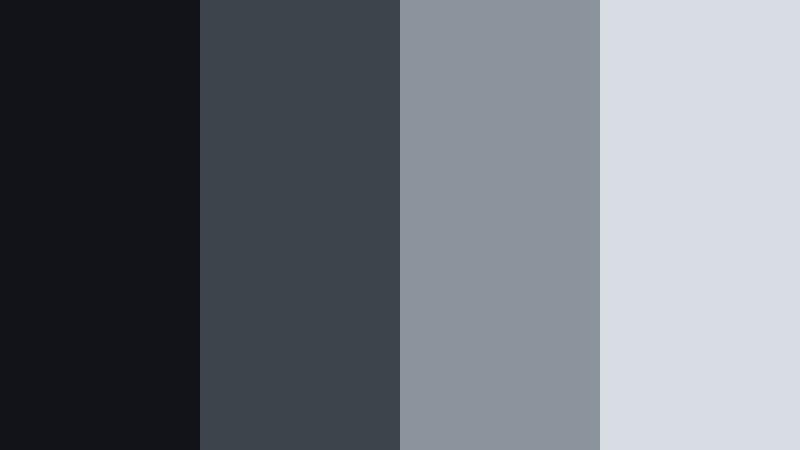
- HEX Codes: #111318, #3e444b, #8b939c, #d7dde3
- Mood: Moody, mysterious, and rooted in classic film noir.
- Use for: Ideal for crime shorts, mystery podcasts, and cinematic title cards with a vintage twist.
Analog Noir Frame dives into deep blacks and smoky steels, with a smooth gradient up to hazy grays. It is built for intrigue, silhouettes, and strong shadows, reminiscent of classic noir films but with a modern polish.
Use this palette for intros to mystery or true crime content, podcast visuals, or narrative shorts that rely on tension and atmosphere. In thumbnails, pair light gray titles against dark backgrounds, and add subtle grain or vignette to complete the analog mood.
Minimal & Modern Filmic Steel Color Palettes
Studio Grid Minimal
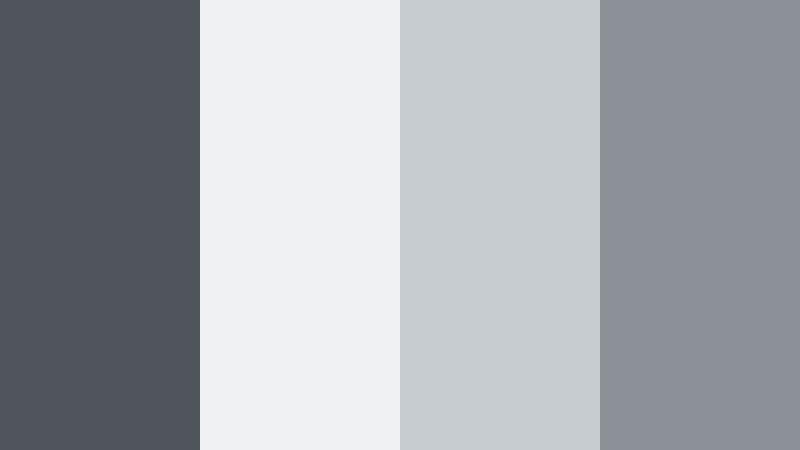
- HEX Codes: #50555b, #f0f1f3, #c7ccd1, #8c9197
- Mood: Clean, structured, and professional with a design forward edge.
- Use for: Use on UI mockups, SaaS explainer videos, and channel branding for productivity or design content.
Studio Grid Minimal offers a restrained range of steels and neutrals that look like they were lifted from a modern design system. The balance between light and dark tones makes it easy to build clean, grid based layouts on screen.
Use this palette in UI focused explainers, productivity channel intros, and motion graphics where structure and clarity matter. Thumbnail text, overlay boxes, and icons all sit comfortably in this scheme, reinforcing a polished, professional brand.
Cold Brew Workspace
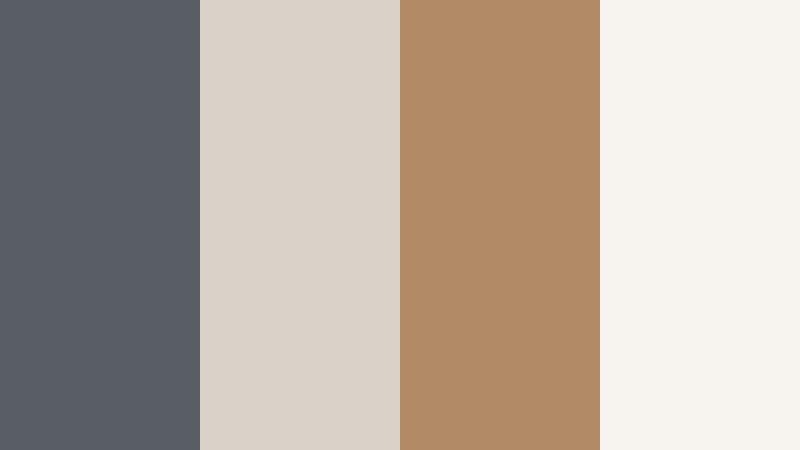
- HEX Codes: #585e63, #dad2c9, #b08b65, #f7f4f0
- Mood: Warm meets cool, cozy yet organized like a styled desk shot.
- Use for: Great for creator desk tours, productivity vlogs, and lifestyle brand kits.
Cold Brew Workspace mixes Filmic Steel grays with latte browns and creamy off whites. The result feels like a carefully styled desk setup: warm, inviting, but still tidy and efficient.
Use the steel tones for shadows, lines, and text, while the browns and creams highlight objects like notebooks, coffee cups, or call to action buttons. It is an excellent palette for thumbnails, banners, and intros for channels focused on work, study, or creative routines.
Gallery Wall Concrete
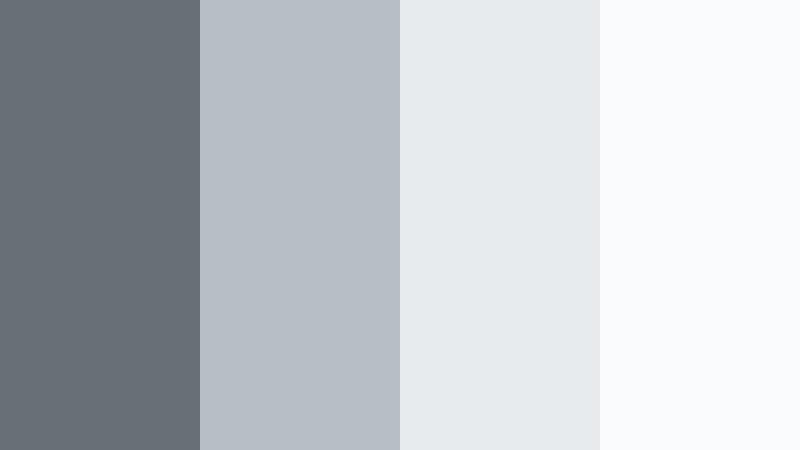
- HEX Codes: #686f75, #b7bec4, #e7ebee, #fafbfc
- Mood: Art gallery clean, understated, and sophisticated.
- Use for: Perfect for portfolio showcases, photography reels, and design case studies.
Gallery Wall Concrete is inspired by gallery spaces and concrete walls: neutral, bright, and intentionally understated so the artwork can shine. The subtle Filmic Steel range creates a calm frame around your visuals.
Use this palette for portfolio slideshows, photography reels, or UX case study presentations. Build thumbnail and intro designs where the background stays light and quiet, letting your images, titles, and logos sit center stage without color noise.
Tips for Creating Filmic Steel Color Palettes
Filmic Steel works best when you balance cool neutrals with clear contrast and 1 or 2 accent tones. Here are practical ways to build and use these palettes effectively in video and design.
- Pick a base steel gray and define it as your primary brand color for backgrounds, frames, and lower thirds.
- Add one accent color (such as Low Key Cyan, amber, or muted pink) for CTAs, important text, and small UI elements.
- Check readability by testing white and near black text over your chosen gray tones at thumbnail size.
- Match your grade to real footage: adjust white balance and exposure first, then push midtones gently toward your Filmic Steel hue.
- Keep saturation low to medium; let light and contrast define mood instead of relying on bright colors.
- Create separate versions of the same palette for light and dark mode so overlays and titles work on any footage.
- Save presets in Filmora for color grading, titles, and transitions so every new video automatically follows your Filmic Steel look.
- Test your palette across platforms (YouTube, Instagram, thumbnails, end screens) to be sure it stays consistent and recognizable.
Filmic Steel palettes give your content a cinematic, modern backbone that works across vlogs, trailers, interviews, and design forward explainers. By pairing these steel grays with carefully chosen highlights and accents, you can shape mood, guide the viewer’s eye, and build a visual identity that feels cohesive from video to video.
Use the HEX codes above as starting points inside Filmora, then refine the look with AI Color Palette, HSL, Color Wheels, Curves, and LUTs. With a few saved presets, you can keep your Filmic Steel branding perfectly aligned across intros, thumbnails, Shorts, and social promos.
The more you experiment with these palettes on real footage, the faster you will find a Filmic Steel look that feels like your signature style. Once it is locked in, every new upload will immediately look like it belongs to your channel.
secure download