

 100% Security Verified | No Subscription Required | No Malware

This High Contrast Color Grading LUT filter pack is built for content creators who want punchy blacks, bright highlights, and bold color separation that instantly makes footage feel cinematic.
Use these filters to quickly add drama, depth, and clarity to your scenes while keeping skin tones natural and your overall look consistent across an entire project.
In this article
High-Contrast City Street Drama
Neon Street Punch
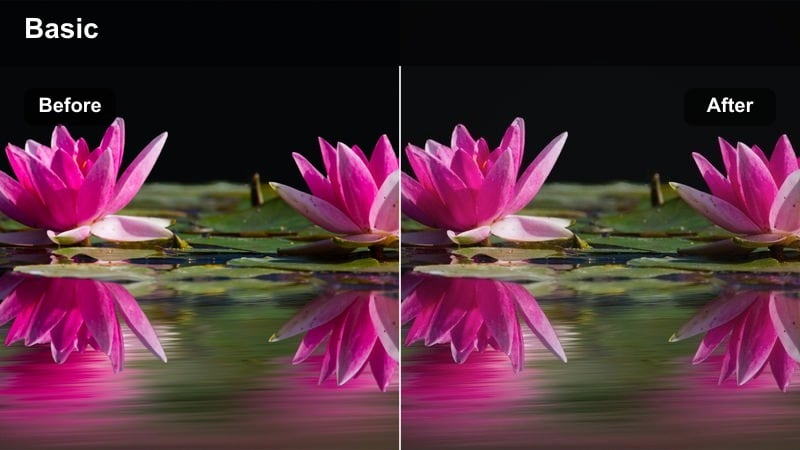
- Effect look: Bold contrast with vivid neon accents and deep, inky shadows
- Best for: Night city vlogs, cyberpunk B-roll, rainy street scenes with bright signage
- Editing tip: Slightly lower saturation on skin tones while pushing vibrance to keep neon colors intense but controlled.
Use Neon Street Punch when you want city nights to feel graphic and stylized instead of flat and noisy. In Filmora, this high contrast color grading LUT deepens blacks, sharpens light sources, and makes neon signage pop so your subject feels surrounded by electric color.
Apply it to clips shot under billboards, storefronts, or LED panels, then fine-tune exposure and vibrance to balance the glow with readable faces. For mixed lighting, combine the LUT with Filmora color tools to pull back reds and oranges on skin while keeping blues, magentas, and greens bold in the background.
Instant High-Contrast Looks with AI-Powered Matching
Filmora AI tools help you match this High Contrast Color Grading LUT filter pack across multiple clips so every scene carries the same punchy, cinematic style. Instead of tweaking each shot by hand, you can build a signature high-contrast look once and spread it across your entire edit.
Apply your favorite LUT to a reference shot, then let AI analyze contrast and color so the rest of your timeline aligns with that hero clip. This keeps city streets, interiors, and nighttime B-roll visually consistent, even if they were filmed on different days or cameras.
 secure download

Preview High-Contrast Filters in Real Time
Filmora lets you preview each high contrast LUT in the live window so you can quickly see how it affects shadows, highlights, and neon glow before committing. Scrub through your timeline while switching filters to judge how the look holds up on movement, camera pans, and light flickers.
This workflow makes it easy to compare multiple dramatic styles on the same clip, then lock in the LUT that best fits your vlog, music video, or cinematic montage.
secure download1000+ Video Filters and 3D LUTs
Beyond this high contrast pack, Filmora includes a large library of filters, overlays, and 3D LUTs you can stack to build complex looks. Combine bold contrast with film grain, light leaks, or color tints, then save the result as a custom preset for future projects.
Use HSL and advanced color tools with these LUTs to fine-tune specific color ranges, keeping your skies, streets, and skin tones exactly where you want them in the final grade.
secure downloadUrban Grit Contrast
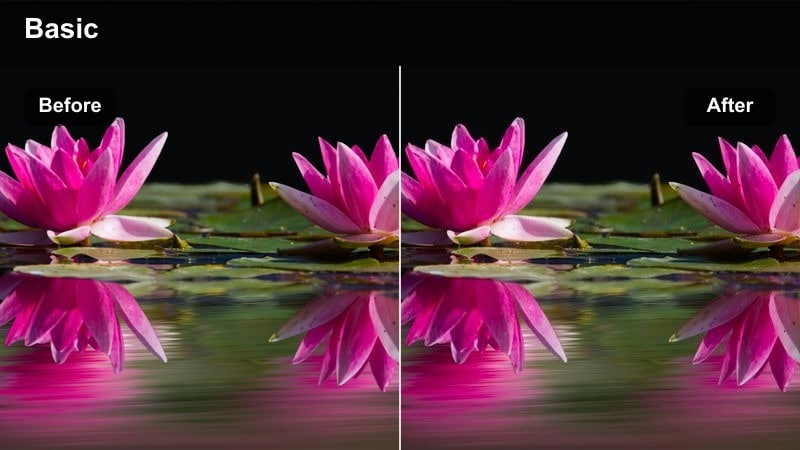
- Effect look: Crunchy midtones, strong edge definition, and muted but punchy urban colors
- Best for: Street photography-style video, skate edits, handheld city walks
- Editing tip: Add a light film grain after this filter to emphasize the textured, documentary-style feel.
Urban Grit Contrast is ideal when you want your footage to feel raw, tactile, and documentary-inspired. The LUT tightens midtones and edges so bricks, pavement, and architecture stand out with extra detail while colors stay slightly desaturated for a grounded city palette.
In Filmora, pair this LUT with handheld footage or POV walks to emphasize realism and motion. Add subtle film grain and minimal stabilization to keep the energy alive, then tweak contrast sliders if you need to pull back from overly harsh blacks in low-light alleys.
Sunset Silhouette City
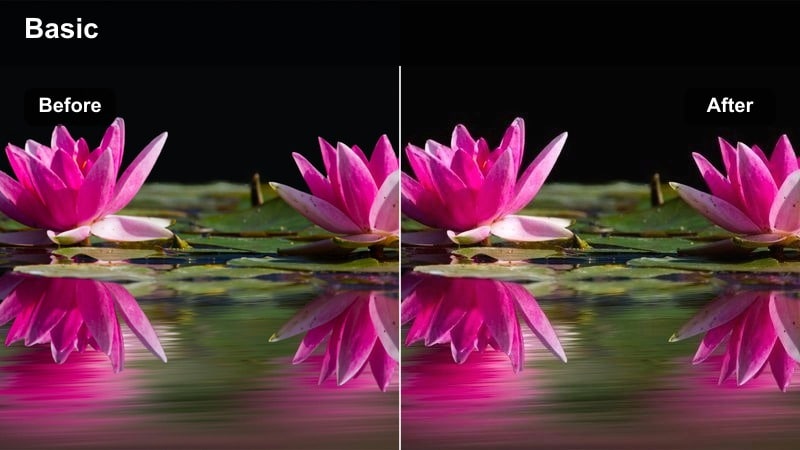
- Effect look: Strong silhouettes, rich oranges, and deep shadow separation against bright skies
- Best for: Golden hour cityscapes, skyline B-roll, rooftop videos at sunset
- Editing tip: Expose for the sky when filming so this filter can deepen shadows without clipping highlights.
Sunset Silhouette City is built to emphasize dramatic skylines and rooftop scenes where the sky is the star. The LUT pushes shadows toward rich blacks while amplifying warm hues in clouds and atmosphere, creating clean silhouettes against glowing backgrounds.
Use it in Filmora on timelapses, drone shots, or rooftop talking-head intros recorded at golden hour. Start by slightly underexposing in camera, then apply the LUT and fine-tune highlight and white levels so sun and cloud details stay intact while buildings remain dark, graphic shapes.
Moody Interiors and Portrait Contrast
Window Light Drama
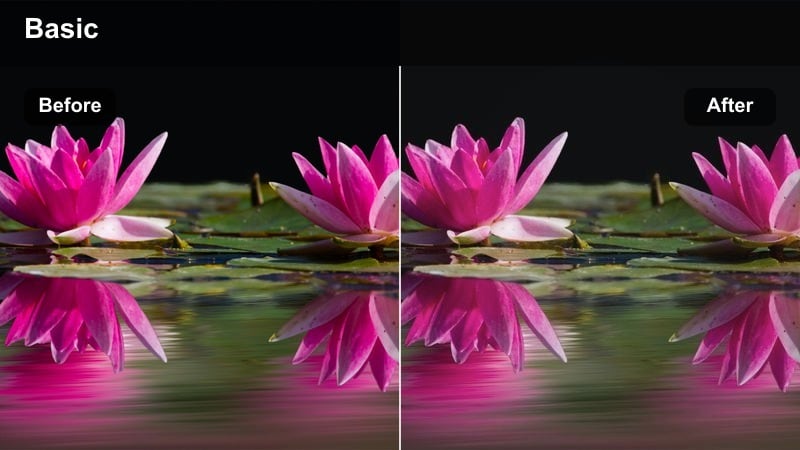
- Effect look: Soft yet high-contrast lighting that sculpts faces while keeping backgrounds subdued
- Best for: Moody talking-head videos, interview setups, lifestyle b-roll by windows
- Editing tip: Reduce overall saturation slightly and warm the white balance for a cinematic, intimate feel.
Window Light Drama enhances directional natural light so faces gain sculpted shadows and highlights without looking harsh. The LUT deepens contrast around cheekbones and jawlines while gently lowering background presence, keeping focus locked on your subject.
In Filmora, apply this LUT to interviews, lifestyle scenes, or desk setups shot near a window. After grading, nudge the white balance slightly warmer and trim global saturation to create a cinematic, intimate mood that works well for storytelling, tutorials, or personal vlogs.
Studio Crisp Profile
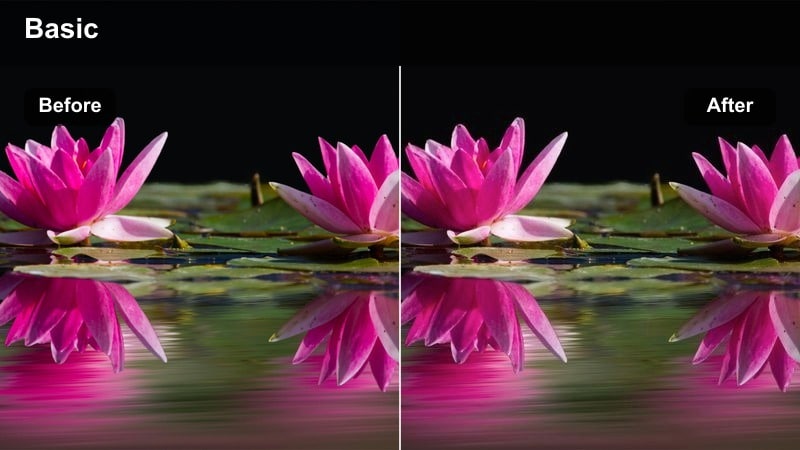
- Effect look: Clean, clinical contrast with neutral color balance and sharp subject separation
- Best for: Product demos, tech reviews, desk setups, educational content
- Editing tip: Use slight background blur and this filter to keep attention on your subject and on-screen graphics.
Studio Crisp Profile is designed for creators who want a sharp, professional look that feels modern and tech-forward. The LUT applies strong but controlled contrast with neutral colors, ensuring skin tones, products, and on-screen graphics remain clean and easy to read.
Use it in Filmora on A-roll, unboxings, and desk shots, especially when you have key lights and practicals set up. Combine the LUT with a subtle background blur or depth-of-field effect and adjust exposure shot by shot so overlays, lower-thirds, and UI elements all stand out clearly.
Noir Room Shadow
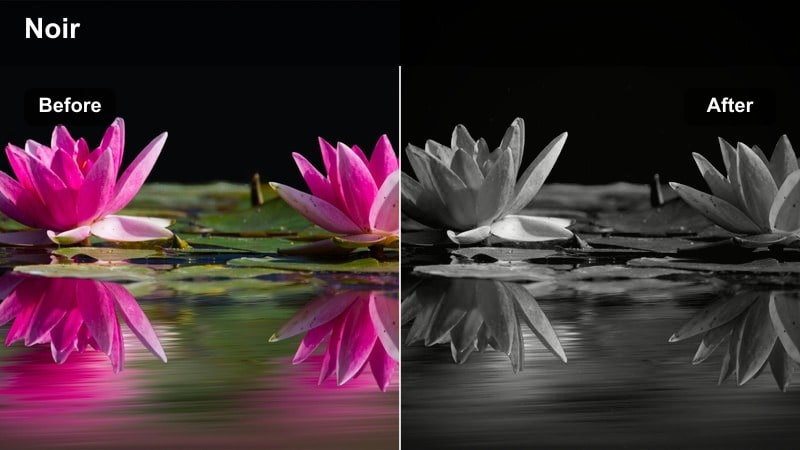
- Effect look: Deep blacks, crushed backgrounds, and spotlighted subjects for a noir-inspired mood
- Best for: Narrative scenes, dramatic monologues, thriller-style shorts
- Editing tip: Fade the blacks slightly to add a subtle filmic softness while keeping strong contrast.
Noir Room Shadow pushes interiors into a dramatic, film-noir style with heavy shadows and isolated pools of light. The LUT crushes backgrounds so walls and corners recede into darkness, while your subject remains clearly illuminated and emotionally intense.
Apply it in Filmora to moody scenes, story-driven shorts, or voiceover pieces where you want a theatrical atmosphere. After grading, experiment with slightly lifting blacks or adding a gentle fade curve to avoid banding, and pair the look with vignettes and minimal color saturation for a timeless noir finish.
Outdoor Action and Energy Contrast
Sport High Impact
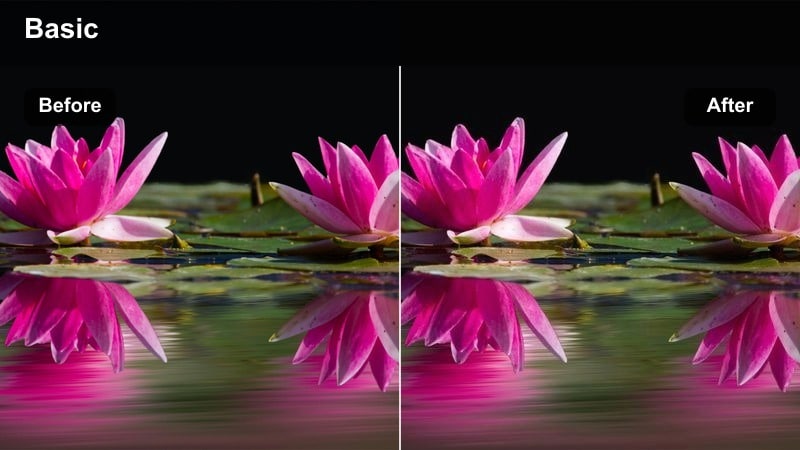
- Effect look: Punchy contrast, crisp edges, and saturated jerseys and gear in bright daylight
- Best for: Outdoor sports, fitness reels, running and cycling content
- Editing tip: Use slightly higher shutter speeds when filming to keep action sharp under this high-contrast look.
Sport High Impact emphasizes speed, power, and definition in outdoor action scenes. The LUT deepens shadows and brightens highlights to make muscles, gear, and environment lines stand out, while saturating jerseys and equipment for extra visual energy.
In Filmora, use this LUT on workout montages, race recaps, or fitness reels shot in daylight. Pair it with fast cuts, speed ramps, and dynamic transitions, then adjust exposure and sharpening so motion remains crisp without creating halos or overly harsh edges.
Skate Park Edges
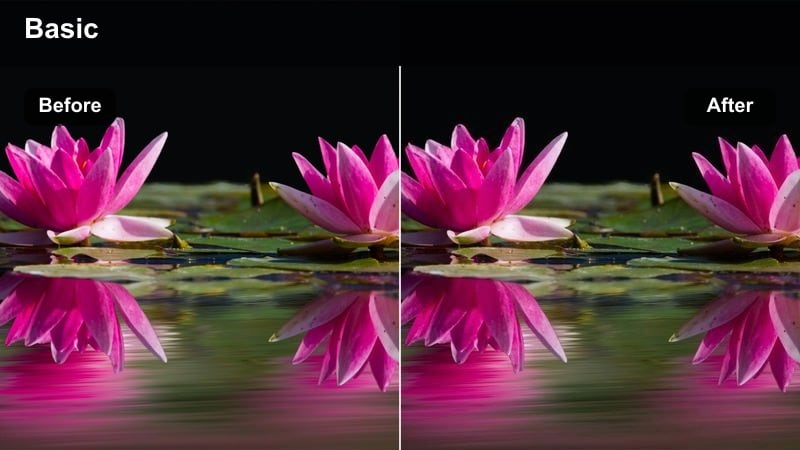
- Effect look: Hard lines, detailed concrete textures, and bright skies contrasted against dark ramps
- Best for: Skateboarding, BMX clips, parkour sessions in urban parks
- Editing tip: Use this filter on shots with strong natural shadows for the most dramatic ramp and rail definition.
Skate Park Edges is tuned to highlight the geometry of ramps, rails, and bowls. The LUT accentuates contrast between sunlit concrete and deep shadows, sharpening the outlines of every obstacle so tricks read clearly even at high speed.
Apply it in Filmora to skate and BMX clips filmed in hard daylight, then trim exposure to keep skies from clipping. Mix the LUT with slow-motion replays, reversed shots, and sound design hits so each landing and grind feels as impactful visually as it does audibly.
Urban Commute Pop
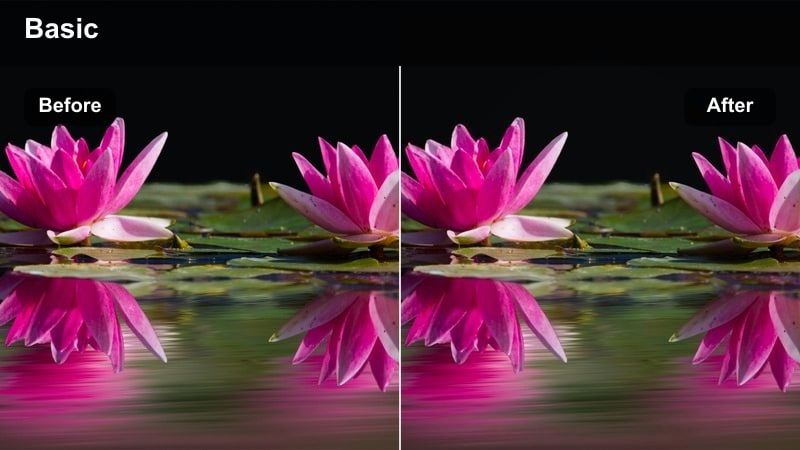
- Effect look: Clean, modern contrast with vibrant accents on clothing and transit elements
- Best for: City commute montages, bike rides, travel transitions between locations
- Editing tip: Pair with quick cuts and speed ramps so the high contrast supports a dynamic pacing.
Urban Commute Pop turns everyday travel into polished, cinematic B-roll. The LUT delivers a modern, high-contrast base while selectively boosting color accents on clothing, signs, and vehicles so your moving subject stands out against the city backdrop.
Use it in Filmora on cycling sequences, subway transitions, or walking shots between locations. Combine the LUT with speed ramps, motion blur on background-only layers, and subtle sound design to create energetic travel sequences that connect scenes throughout your edit.
Nightlife and Cinematic B-Roll Contrast
Club Lights Contrast
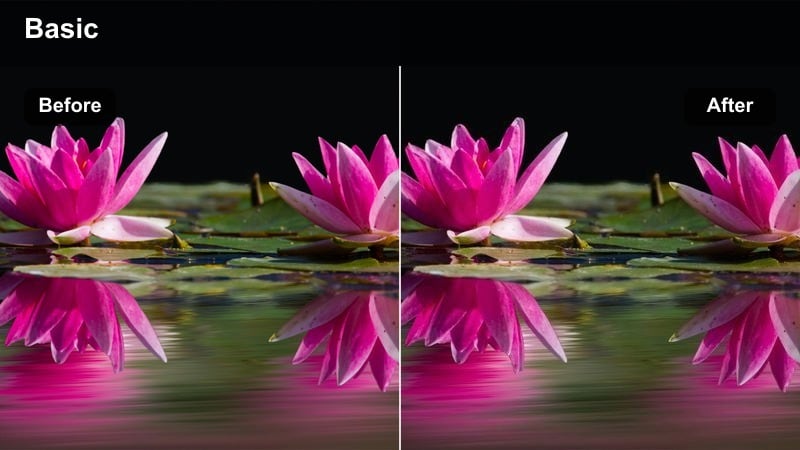
- Effect look: Crushed blacks with glowing colored lights and bold highlights on faces
- Best for: Clubs, concerts, DJ sets, nightlife reels and party recaps
- Editing tip: Reduce midtone noise after applying to keep dark areas clean under heavy contrast.
Club Lights Contrast is made for crowded dance floors and live performances where light is extreme and uneven. The LUT deepens blacks until the room melts away while pulling bright colored lights and specular highlights forward, echoing a music-video aesthetic.
In Filmora, apply it to handheld club footage or concert B-roll, then run noise reduction on midtones and shadows to keep the image clean. Adjust highlight recovery and exposure keyframes through strobes or spotlights so faces and key moments remain visible without losing the intense mood.
Cinematic Alley Night
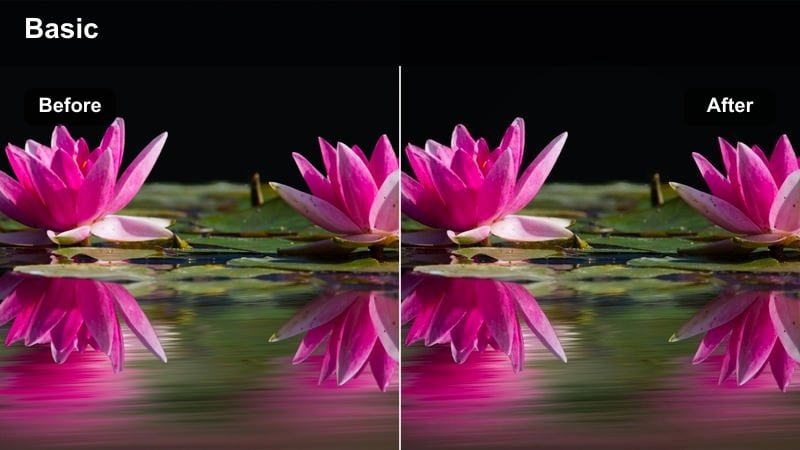
- Effect look: Moody high contrast with pools of light and rich, cool-toned shadows
- Best for: Narrative shorts, film-style B-roll, night walks through side streets
- Editing tip: Add a slight blue tint to shadows and warm the highlights for a classic cinematic split-tone feel.
Cinematic Alley Night shapes sparse street lighting into atmospheric, story-rich frames. The LUT intensifies contrast between lit areas and cool, deep shadows so alleys, side streets, and lone streetlamps feel dramatic and cinematic.
Use it in Filmora on narrative scenes, reflective walk-and-talks, or moody B-roll of backstreets. After applying, introduce a gentle blue hue to shadows and warm highlights for a split-tone look, and fine-tune shadow levels if you need to reveal more texture in brick, pavement, or wardrobe.
City Reflections Glow
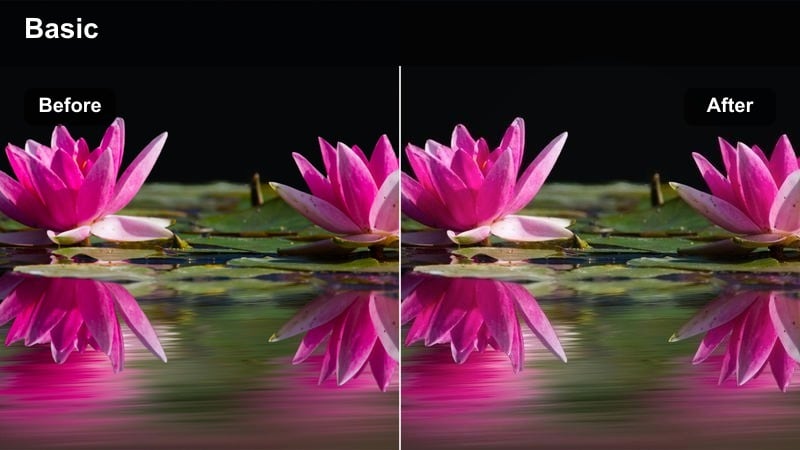
- Effect look: Sharp reflections on wet streets, punchy contrast, and glowing highlights from storefronts
- Best for: Rainy night walks, timelapses of traffic, b-roll of storefronts and crosswalks
- Editing tip: Slightly increase saturation on blues and cyans so reflections feel rich without overpowering the subject.
City Reflections Glow is perfect for rainy nights, glossy pavements, and city lights. The LUT sharpens reflective surfaces, strengthens contrast between dark roads and bright signage, and adds a luminous feel to light trails and window glows.
Apply it in Filmora to timelapses, slow-motion street crossings, or tracking shots along wet sidewalks. Boost blues and cyans a touch for richer reflections, then pull back midtones or background saturation if the frame starts to feel too busy, keeping eyes on cars, people, and key motion paths.
Tips for Using High Contrast Color Grading Lut Filters in Filmora
- Slightly underexpose your footage in camera when planning to use high-contrast LUTs so highlights retain detail after grading.
- Use Filmora vignettes and selective blur to guide viewer attention when contrast makes the whole frame feel visually intense.
- Protect skin tones by softening reds and oranges with HSL or skin tools after applying bold contrast, especially under mixed lighting.
- Avoid pushing both contrast and sharpening to extremes at the same time, as this can create halos, noise, and highlight fringing.
- Batch-apply a chosen high contrast LUT to all clips, then fine-tune exposure and white balance clip by clip for a consistent timeline.
- Mix LUTs with Filmora color wheels and curves to customize contrast strength for different scenes while keeping an overall unified style.
- Regularly toggle the LUT on and off to ensure you are enhancing detail rather than crushing shadows or clipping highlights.
High contrast color grading LUT filters are a fast way for content creators to add drama, clarity, and cinematic punch to everyday footage. With just a few clicks in Filmora, flat shots gain deeper blacks, brighter highlights, and a more defined sense of depth.
Experiment with these scene-based presets, then fine-tune exposure, saturation, and color balance so every project develops a bold, recognizable style that fits your channel, brand, or storytelling tone.
secure download