

 100% Security Verified | No Subscription Required | No Malware


 ChatGPT
 Perplexity
 Gemini
 Claude
 Grok
Grok
Moody street portraits live in the shadows, flickering neon, and small details that most people walk past. With the right Filmora filters, you can turn ordinary city frames into dark, cinematic portraits that feel like stills from an indie film.
This collection of moody street portrait filters is built for dark aesthetic photographers, moody portrait creators, and editorial artists who embrace grain, contrast, and atmosphere. Use these looks as a starting point, then tweak them to match your own vision for night portraits, dark urban shoots, and dramatic street photography.
In this article
Midnight Neon Glow Filters
Midnight Neon Deep Cyan
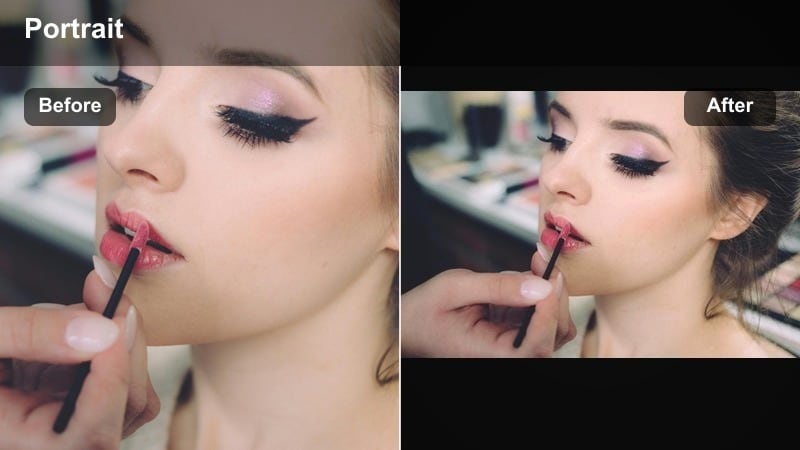
- Effect look: Muted skin with deep cyan shadows and glowing neon highlights that feel cinematic and cold
- Best for: Night portraits under neon signs, rainy sidewalks, reflective glass, and backlit storefronts
- Editing tip: Lower saturation on all hues except blues and cyans, then add a soft vignette to draw attention to the face
Midnight Neon Deep Cyan wraps your subject in cool, cyan driven tones while gently muting skin so neon becomes the emotional core of the frame. Shadows sink deep without losing structure, and highlights take on a glossy, electric quality that feels pulled from a late night cyberpunk scene.
In Filmora, start with this filter on your night street clips, then refine it using HSL to isolate blues and cyans for extra punch. Pull overall saturation down a touch, add a subtle vignette, and finesse exposure so the brightest area always falls across the face or key details like hands, headphones, or a cigarette glow.
Match Your Moody Street Palette with AI
Filmora aps AI driven color tools help you keep that icy cyan mood consistent when moving between different streets, lenses, or camera bodies. Even when one shot leans green and another leans magenta, AI color matching pulls your series into a unified dark urban palette.
Import a favorite Midnight Neon Deep Cyan hero frame, then let AI align other clips to that reference. Fine tune blues, ambers, and deep shadows with HSL controls so skin stays believable while the city light feels stylized and intentional.
 secure download

See Moody Street Filters in Action
To understand how cyan, magenta, or warm gloom styles reshape your portraits, preview them directly on your own street footage. Stacking and toggling filters in Filmora reveals how each look treats skin, neon, and deep shadow in real time.
Apply several moody filters to duplicate clips, then vary intensity until you find that balance between cinematic drama and realistic texture. This makes it easier to lock in your signature night look across full edits, not just single frames.
secure downloadTurn Filters into Reusable LUTs
After you dial in your ideal moody blend of cyan shadows, neon highlights, and controlled skin tones, you can turn that grade into a reusable preset. Saving looks in Filmora lets you apply the same dark urban mood to new shoots with a single click.
Build a small library of signature styles, from cold neon noir to warm tobacco haze, and reuse them as your base grade. Then, focus on local corrections for each portrait instead of rebuilding your entire color workflow every time.
secure downloadNeon Noir Magenta
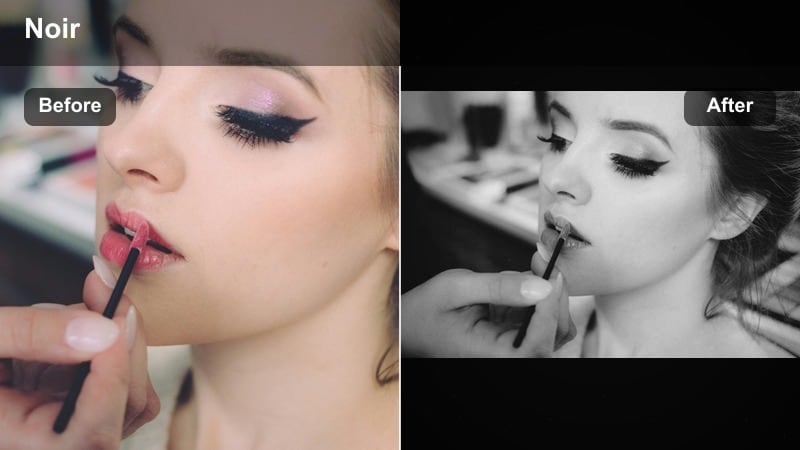
- Effect look: High contrast noir look with magenta highlights and crushed blacks for graphic silhouettes
- Best for: Sidewalk portraits, alleys lit by signs, and frames where negative space shapes the subject
- Editing tip: Gently lift the blacks while keeping contrast strong to preserve detail in hair and clothing textures
Neon Noir Magenta leans into bold, graphic contrast with rich magenta highlights that slice through inky blacks. It is designed to turn your subject into a striking silhouette, using negative space as a strong design element while still keeping key facial features readable.
Inside Filmora, combine this filter with a soft vignette and slightly reduced background clarity so edges around the subject feel even more pronounced. Use local adjustments to lift detail in hair and clothing, and watch how adjusting black levels changes the balance between pure noir shapes and subtle texture.
Chrome Rain Reflections
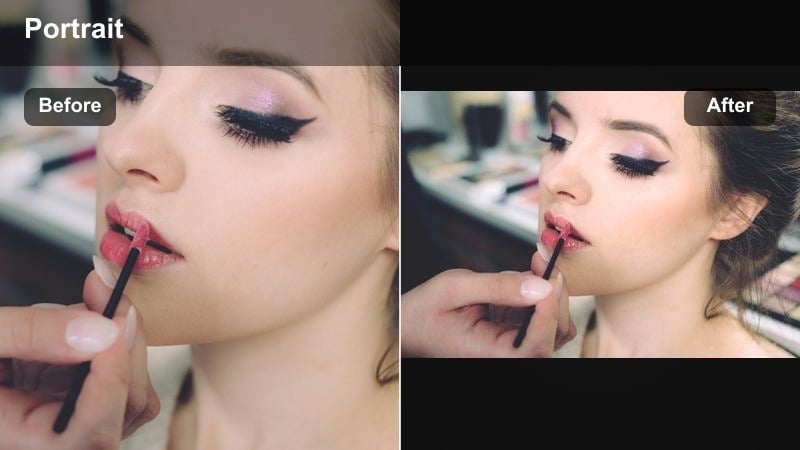
- Effect look: Cool metallic tones with glossy reflections that make wet streets look chrome like
- Best for: Rainy night portraits, umbrella shots, parked cars, and reflective shop windows
- Editing tip: Increase clarity and local contrast on midtones only to sharpen reflections without making skin look harsh
Chrome Rain Reflections gives wet pavement and glass a metallic, chrome like sheen while keeping your subject grounded in softer midtones. Street lights and car headlights stretch across puddles, turning simple rain into a textured backdrop for moody portraits.
In Filmora, push clarity and local contrast on midtones with masks that target puddles, car hoods, or windows, while leaving skin slightly softer. Compose so reflective surfaces occupy a big portion of the frame, and use mild vignettes or gradients to keep the viewer aps eye anchored on the face amid all the shimmering detail.
Shadowed Street Portrait Looks
Subway Shadow Fade
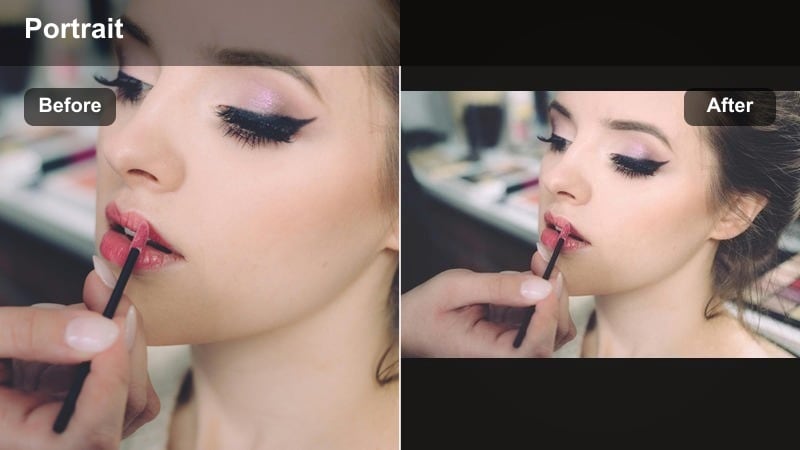
- Effect look: Desaturated tones with heavy shadows and subtle green tint in the midtones
- Best for: Underground stations, stairwells, tunnels, and low key commuter portraits
- Editing tip: Fade the blacks slightly and lift shadows just enough to keep eyes readable in close ups
Subway Shadow Fade drains color from the frame, adds a hint of green in the midtones, and leans into thick shadows that feel gritty and urban. It is ideal for capturing the quiet, in between moments of travel, where fluorescent lights and tiled walls become the stage.
Use this filter in Filmora when working with subway or tunnel footage, then fine tune Curves to hold detail in eyes and key facial lines while letting backgrounds fall deeper into darkness. A touch of film grain prevents large shadow areas from feeling flat, giving your low key portraits a raw, analog atmosphere.
Alleyway Split Light
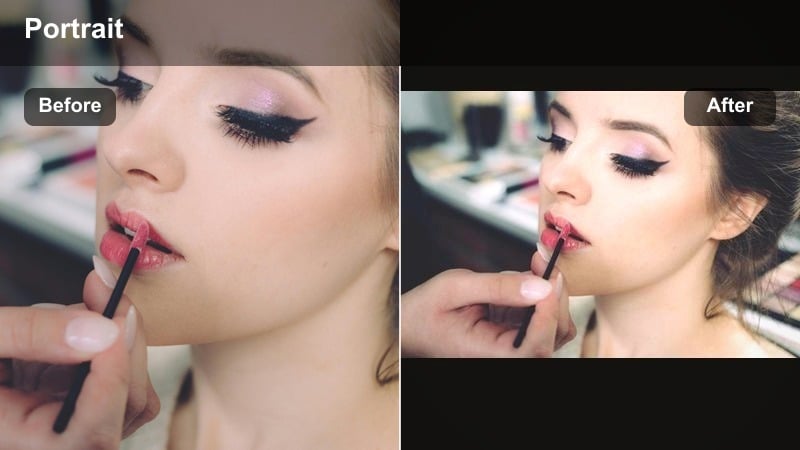
- Effect look: High contrast split lighting with warm highlights and cool, dense shadows
- Best for: Sideline portraits in alleys, doorways, and sharp light stripes from windows or street lamps
- Editing tip: Use a gradient or vignette to darken the shadow side of the frame while protecting the lit side of the face
Alleyway Split Light accentuates the natural divide between light and shadow, giving half lit faces a tense, cinematic feeling. Warm highlights kiss one side of the subject, while cool, dense shadows compress the other side into a mysterious silhouette.
After applying this filter in Filmora, shape your light with gradients and masks to deepen the dark side of the alley without clipping important details. Lift exposure slightly on the eyes and mouth, keeping the brightest zone close to the subject aps face so the viewer never drifts into the background.
Concrete Noise Matte
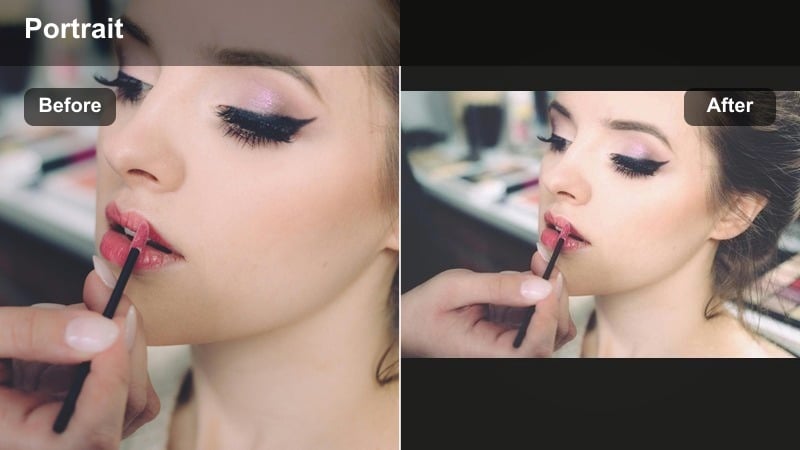
- Effect look: Matte contrast with soft blacks, heavy grain, and muted colors that feel editorial and raw
- Best for: Daytime urban portraits, staircases, overpasses, and brutalist architecture backdrops
- Editing tip: Reduce saturation and vibrance slightly, then push clarity up just enough to keep concrete textures crisp
Concrete Noise Matte flattens contrast into a soft matte curve, lifts blacks, and adds grain so your images look more like quiet editorial spreads than glossy ads. Colors stay muted and restrained, which puts more attention on gesture, posture, and gritty architectural lines.
In Filmora, pair this filter with reduced global saturation and selective clarity boosts on concrete, railings, and stair edges. Avoid heavy sharpening on faces; instead, let the grain and urban textures carry sharpness while the subject aps expression feels understated and distant.
Warm Gloom Urban Tones
Amber Street Haze
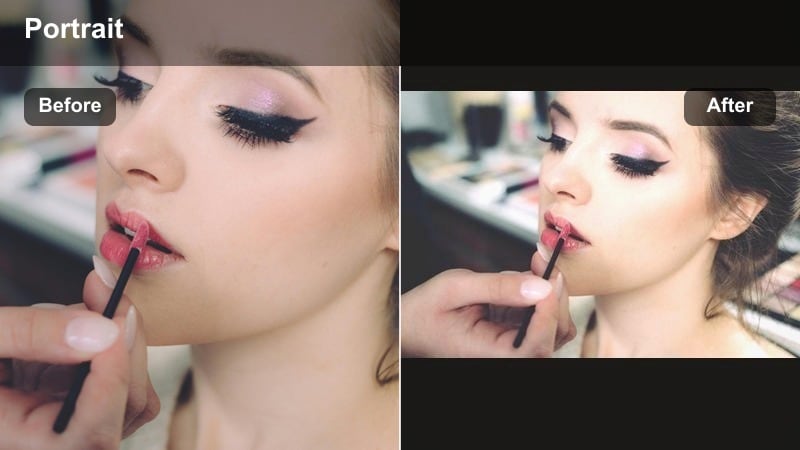
- Effect look: Warm amber highlights with soft haze and gentle contrast for dreamy city portraits
- Best for: Golden hour sidewalks, cafe fronts, and backlit street portraits with lens flare
- Editing tip: Slightly lower clarity around the edges of the frame to enhance the misty glow around lights
Amber Street Haze turns city backlight into a golden halo, bathing your subject in gentle warmth while softening hard urban lines. Contrast drops just enough to feel dreamy, and highlights bloom into street lamps, car headlights, and low sun glints on windows.
Apply the filter in Filmora, then lower clarity toward the edges with radial masks so the center of the frame stays clear and expressive. Lift highlights slightly to enhance glow, and add a subtle vignette to create depth without losing that soft, amber veil around your subject.
Rusted Urban Fade
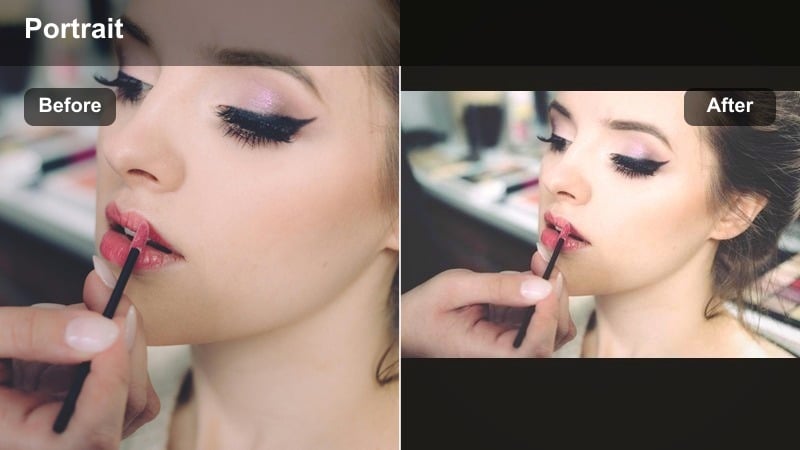
- Effect look: Warm rust and copper tones in the midtones with a slight fade in blacks
- Best for: Brick walls, old storefronts, train yards, and textured alley portraits
- Editing tip: Shift orange hues slightly toward brown to keep skin from turning too red while retaining rust textures
Rusted Urban Fade emphasizes brick, metal, and aged surfaces by pushing midtones toward rust and copper while gently fading blacks. The result is a warm, lived in look that fits portraits shot near old storefronts, train yards, and textured alleyways.
Within Filmora, use HSL to nudge oranges toward brown so skin remains natural while the environment glows with rich, earthy color. You can then add a radial blur or vignette behind the subject to subtly separate them from the busy, textured background, keeping eyes and facial lines in crisp focus.
Tobacco Smoke Portrait
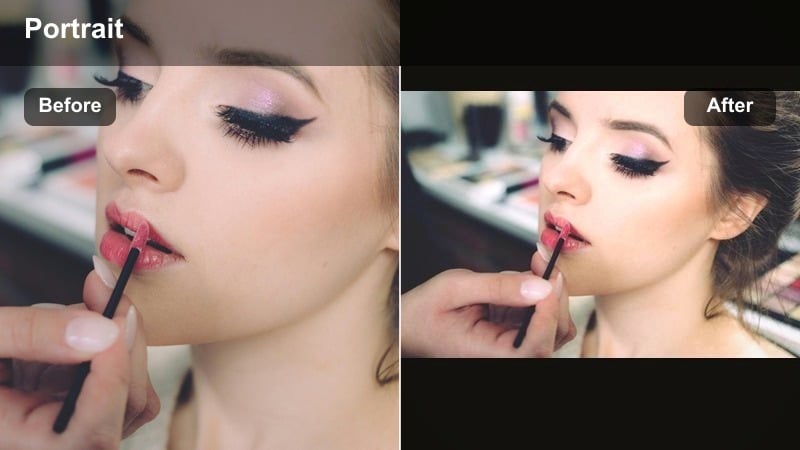
- Effect look: Dark, low key exposure with tobacco colored highlights and muted blues
- Best for: Cigarette smoke portraits, bar doorways, street corners, and late evening walks
- Editing tip: Underexpose slightly and then raise midtones just enough so expression and eye contact remain clear
Tobacco Smoke Portrait brings a vintage, smoky patina to your street images, toning highlights with warm tobacco hues while desaturating cooler tones. It is perfect for bar entrances, late night corners, and shots where smoke or breath catches a single light source.
In Filmora, underexpose your base slightly, then nudge midtones up so eyes and facial features remain legible against the dark background. Use masks to soften smoke or haze with reduced clarity, ensuring that your subject aps face remains the sharpest element in the frame.
Editorial Drama Street Portraits
Cinematic Crossfade
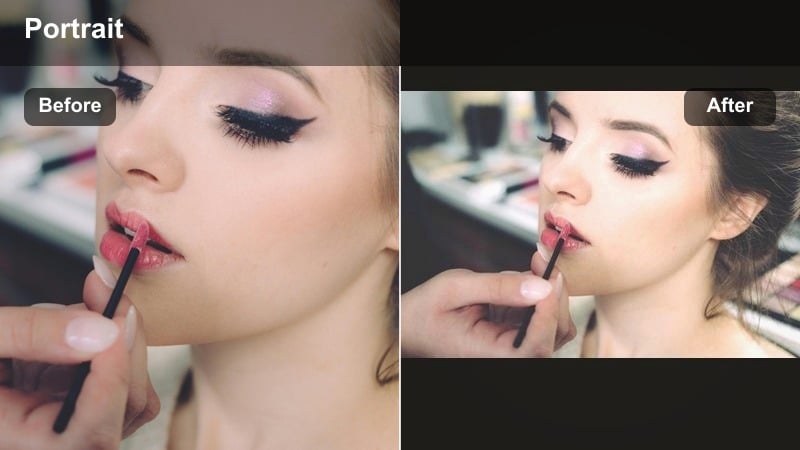
- Effect look: Cool shadows and warm highlights with a gentle fade that mimics color graded cinema stills
- Best for: Story driven street portraits, sequences for short edits, and moody character studies
- Editing tip: Use consistent white balance and this filter across a whole series so every frame feels like one cohesive scene
Cinematic Crossfade creates that classic filmic separation between cool shadows and warm highlights, adding a slight fade that feels like a still pulled from a movie. It works best when you want multiple clips or frames to read as one continuous, narrative scene.
In Filmora, set a consistent white balance first, then apply this filter across a batch of clips. Copy the color settings from your strongest frame to others, adjusting only exposure and local contrast so the mood stays uniform even as locations or angles change.
Editorial Grit Mono
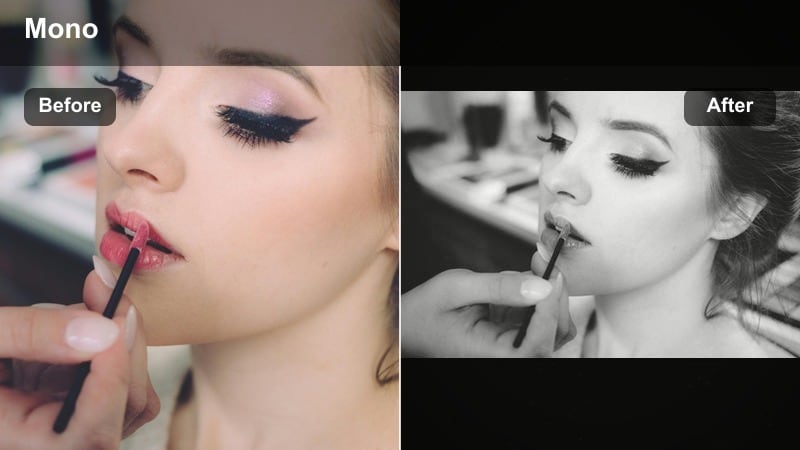
- Effect look: Punchy monochrome with bold contrast, crisp edges, and a rough, documentary feel
- Best for: High contrast midday streets, protest scenes, candid commuters, and intense expressions
- Editing tip: Push contrast and clarity, then slightly lift shadows to keep clothing and hair detail visible
Editorial Grit Mono strips your portraits down to bold black and white, amplifying lines, textures, and expressions. High contrast and crisp edges lend a documentary edge that suits candid commuters, protests, and emotional close ups.
Apply this filter in Filmora, then shape the tone curve so skin highlights retain detail while backgrounds can go stark and dramatic. Enhance leading lines from crosswalks, railings, or building edges, and lift shadows just enough to reveal detail in hair, jackets, and street textures.
Velvet Night Portrait
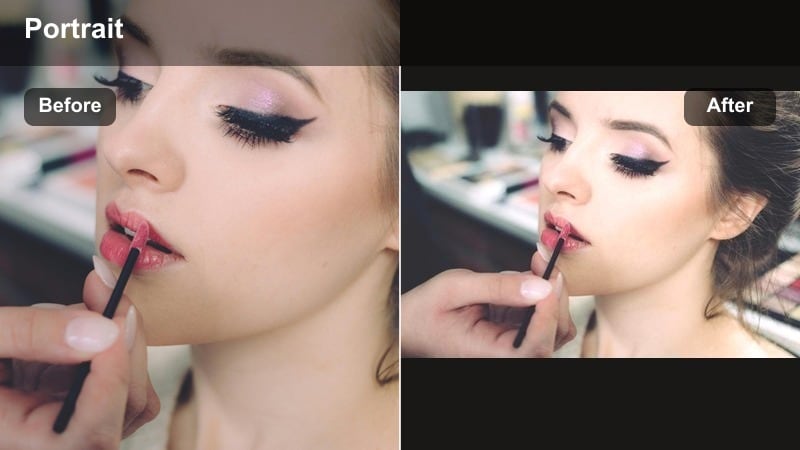
- Effect look: Soft contrast with velvety blacks, subtle color, and gentle glow on skin
- Best for: Intimate night portraits, close ups, and quiet moments away from bright signage
- Editing tip: Reduce clarity slightly on skin while keeping eyes and lips sharp with local sharpening
Velvet Night Portrait keeps the frame dark and moody but softens contrast so blacks feel rich and velvety rather than harsh. Skin takes on a delicate glow, making it ideal for intimate close ups and quiet night moments away from overpowering neon.
In Filmora, pair this filter with shallow depth of field and a light vignette. Reduce clarity on skin globally, then use local sharpening on eyes and lips so the viewer connects instantly with expression while city lights dissolve into smooth bokeh around the subject.
Tips for Using Street Portrait Moody Filters in Filmora
- Shoot slightly underexposed in camera when planning for moody street portrait filters to protect highlight detail in neon and street lamps.
- Use vignettes and radial masks in Filmora to guide focus toward the face when working with deep shadows and busy urban backgrounds.
- Keep white balance consistent across a series before applying filters so color shifts feel intentional and cinematic instead of random.
- Experiment with grain and matte blacks to add texture and depth, especially in dark urban scenes with large shadow areas.
- Layer global filters with local adjustments in Filmora, such as gradients and masks, to shape light specifically around eyes, hands, and key details.
- Test your moody looks on both still portraits and short motion clips to ensure the filter behaves well during subtle changes in lighting.
- Combine color filters with slight blur or glow effects to enhance haze, smoke, and neon bleed without sacrificing facial clarity.
- Save your favorite adjustments as custom presets to quickly apply a cohesive moody look to entire projects or photo sets.
Moody street portrait filters transform ordinary city light into dark, cinematic atmospheres that highlight character, detail, and emotion in every frame.
Use these Filmora looks as flexible starting points, then refine exposure, color, and local contrast so each portrait reflects your own urban storytelling style.
secure download