


 100% Security Verified | No Subscription Required | No Malware


 ChatGPT
 Perplexity
 Gemini
 Claude
 Grok
Grok
You no longer need to delete that favorite photo just because a small part of your body looks out of proportion. Modern body reshape AI tools adjust proportions with smooth, realistic lines that maintain a natural appearance. Beyond simple tweaks, these tools allow you to refine posture, symmetry, and even subtle curves, enhancing the overall balance of your image.
They can work out your image from head to toe, ensuring every detail, from facial alignment to leg positioning, is better, while keeping your photo authentic and visually appealing. So, if you have that image and you really want to correct or enhance its appeal, keep reading.
In this article, you will discover the top facial reshape and body reshape AI tools and how to use them.
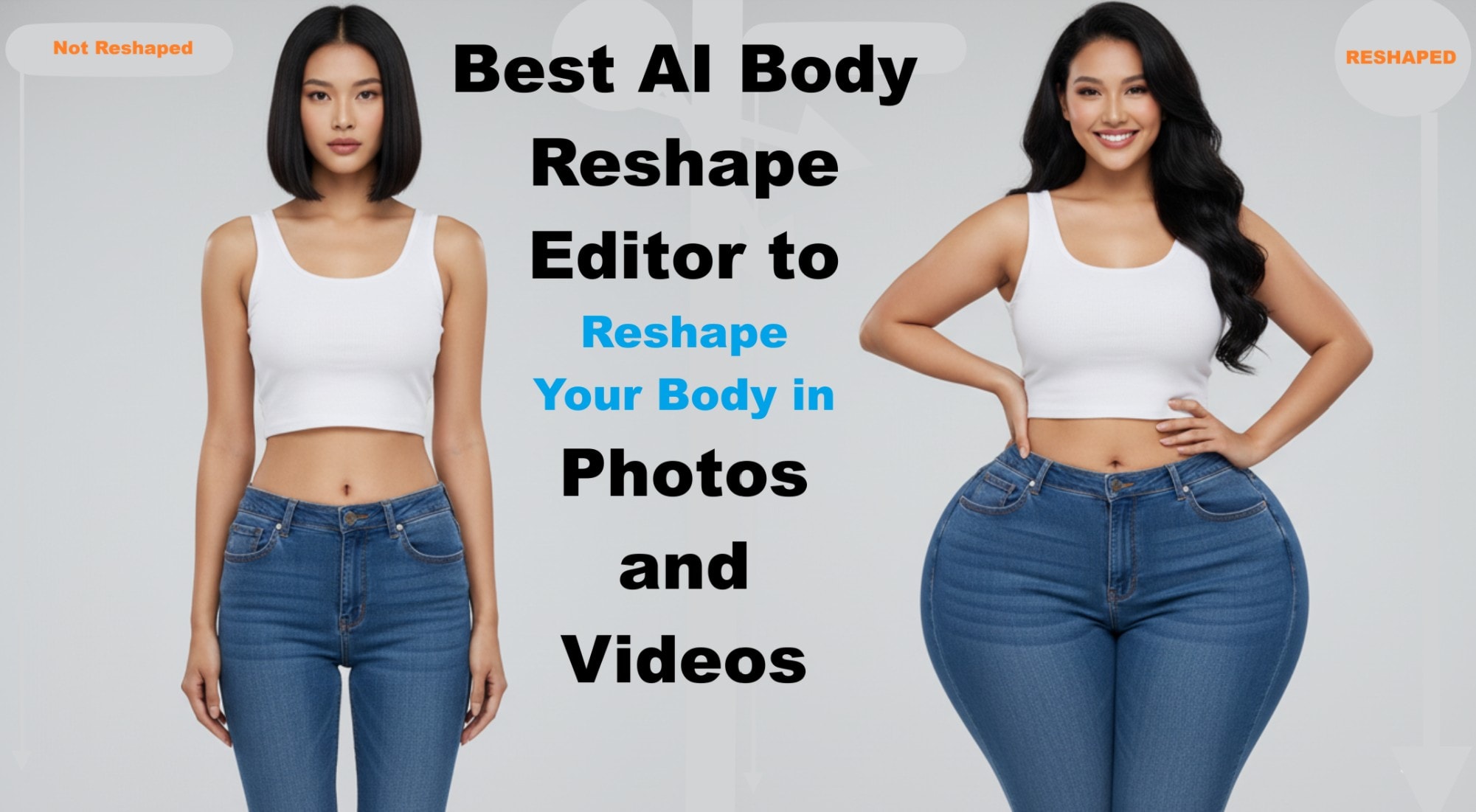
Part 1: What Body Parts Can Body Reshape AI Tools Help You Adjust?
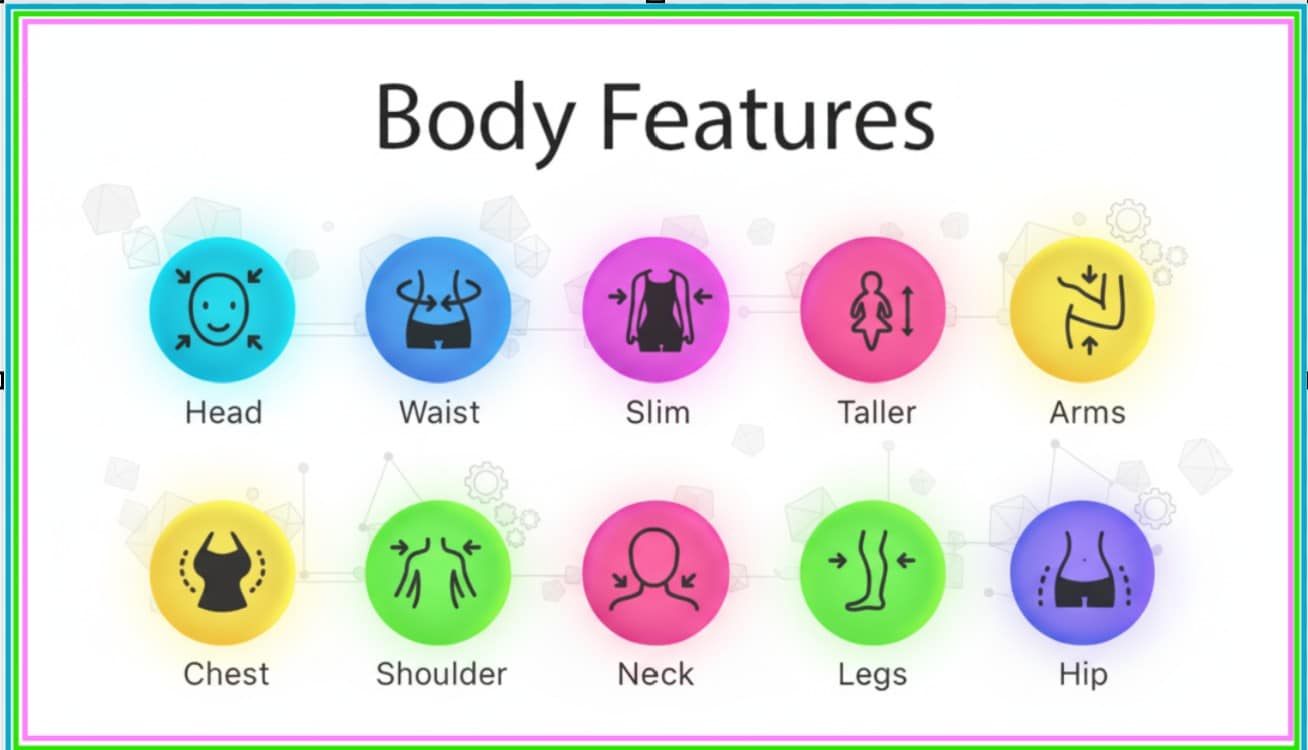
Modern body reshape AI tools give you control over almost every part of your body. They allow you to fine-tune different parts of your body to match the look you want. These tools utilize smart detection to map your shape, then apply subtle adjustments that maintain your proportions. Here’s what they can help you change:
| Body Part | Possible Changes |
| Head | Adjust head size to improve balance in portraits or group photos. |
| Neck | AI tools can refine the length or smoothness of the neck, giving it a more graceful and elongated appearance in photos. |
| Arms | You can slim, smooth, or tone your arms to create a cleaner, more defined shape. |
| Shoulders | Reshape tools allow you to lift, narrow, or widen your shoulders. This improves posture and creates better symmetry in upper-body shots. |
| Chest | These tools can adjust the chest area to enhance shape, create better proportion, or reduce unwanted bulges for a more balanced look. |
| Hips | Body editors allow you to reshape or slightly contour the hips to create balance with the waist and upper body. |
| Waist | You can lengthen or slim the legs to improve vertical balance. AI adjusts shadows and lines to keep everything looking natural and aligned. |
| Legs | You can make the waist slimmer or more defined to enhance curves without bending the background or creating warped edges |
| Height | Some tools allow full-body stretching to make you appear taller. The AI preserves natural proportions, so the result doesn’t look exaggerated. |
Part 2: Top AI Body Editor Apps/Tools You Can Try
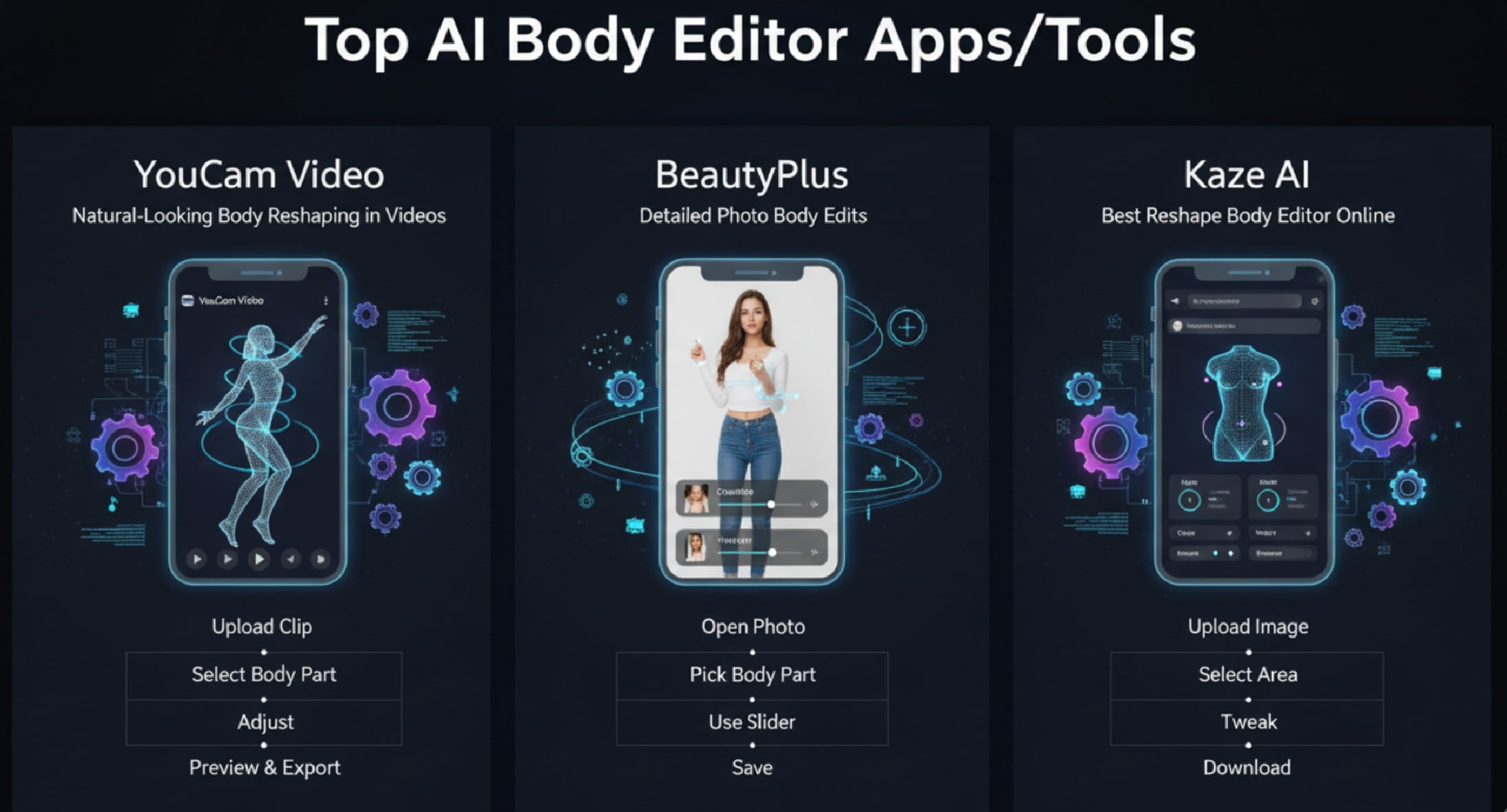
Among the numerous body-reshaping tools that give you hands-on control, there are ones that include manual editing features for each body part to your own taste. You can drag, adjust, or fine-tune every detail until the image matches your preferred look. Below are examples of top AI body editor software you can utilize.
1. Pretty Up Video Body Editor: Best for Natural-Looking Body Reshaping in Videos
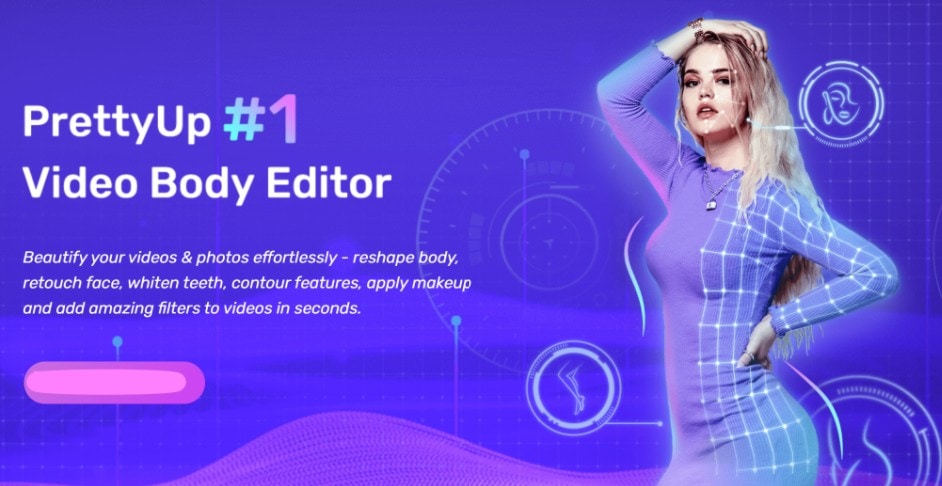
The PrettyUp video AI body editor stands out because it focuses on realistic motion edits. Users can adjust arms, hips, waist, and legs in video clips. The interface displays a clear outline of the body and allows fine-tuning for each movement. A body reshape AI engine tracks your frame, which keeps changes natural. Many people use this body editor for video posts where motion appears smooth.
How PrettyUp Video Editor Works
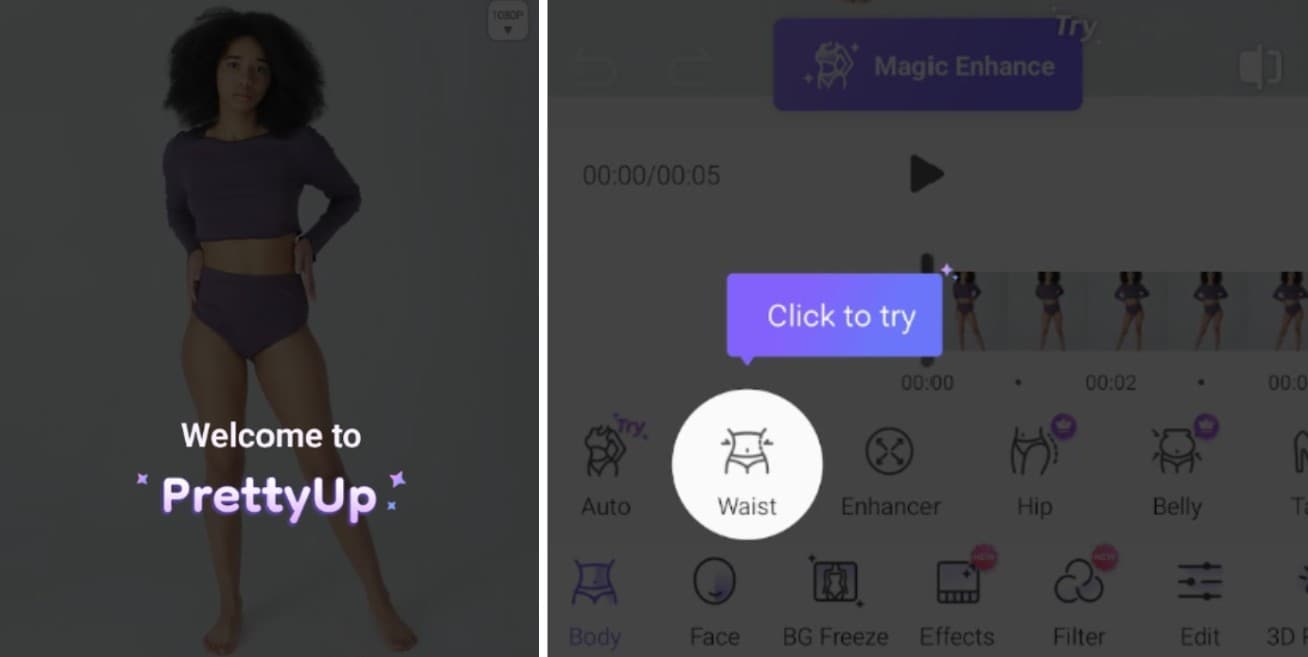
- Download and install Prettier.
- Upload your file clip.
- Select the body part.
- Adjust curves or length.
- Preview and Export the result.
2. BeautyPlus: Best for Detailed Photo Body Edits
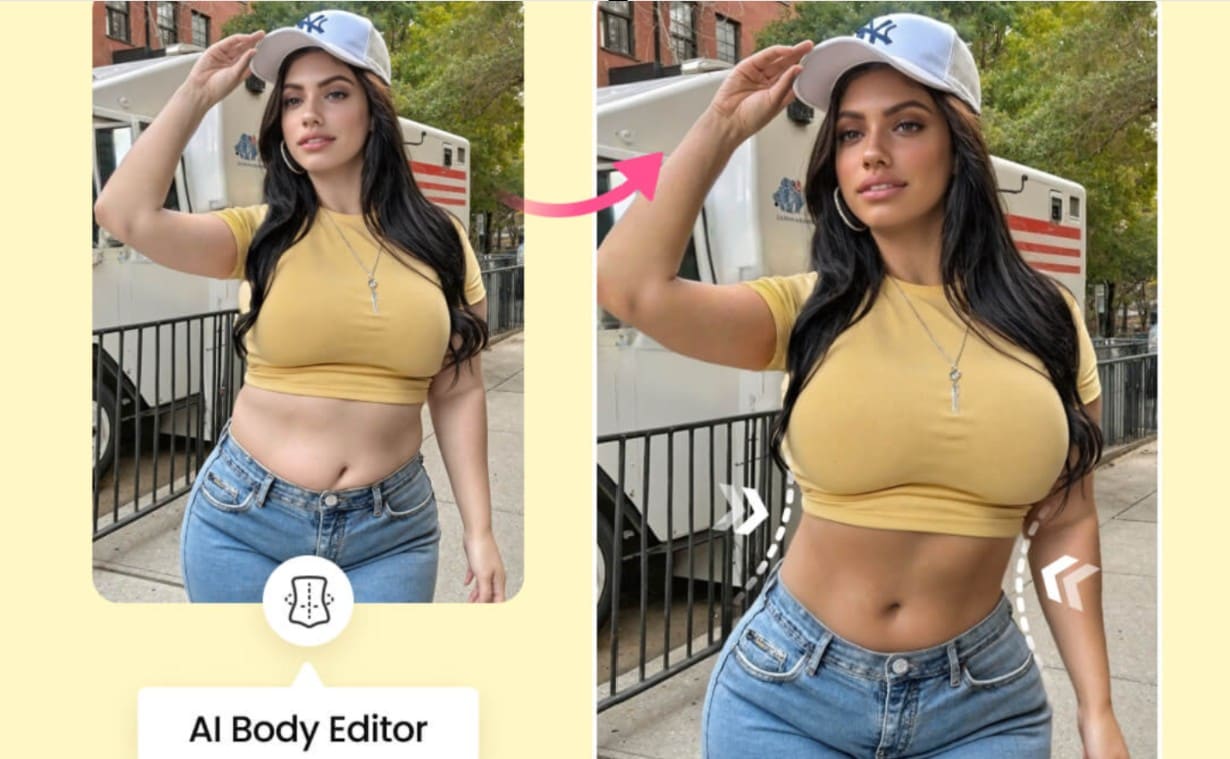
BeautyPlus focuses on photos, providing precise control over posture, figure, and curves. Users can slim their waist, lengthen their legs, or tone their arms with simple sliders online. This reshape body editor online tool identifies key points on your body to ensure realism. Using this body reshape AI tool, you can enhance the alignment of your head, neck, and shoulders without the need to install the full app.
How Beauty Plus Works
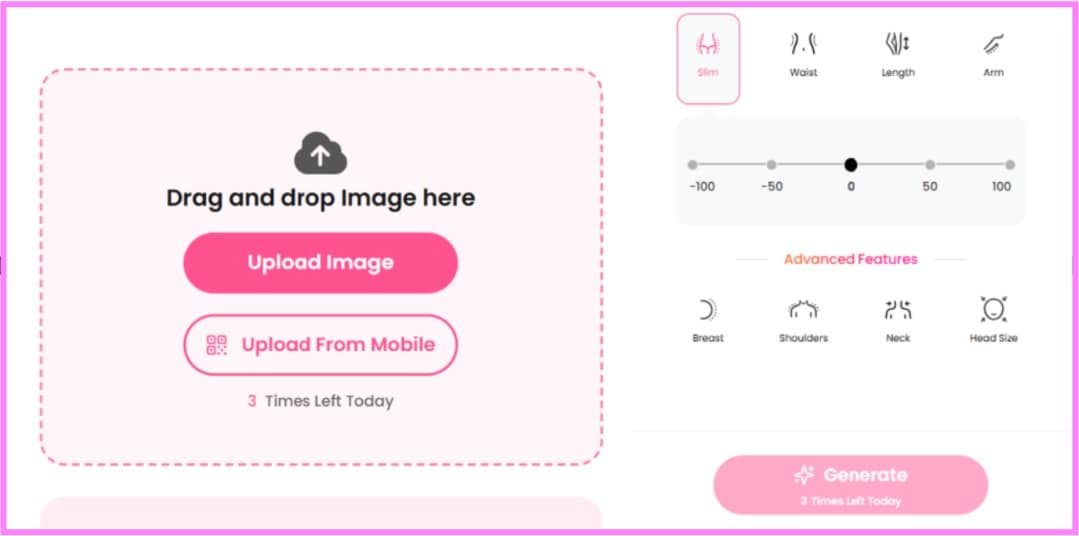
- Open the Beauty Plus App.
- Upload an Image.
- Pick a body part.
- Use the slider to adjust.
- Save the refined image.
3. kaze AI: Best Reshape Body Editor Online
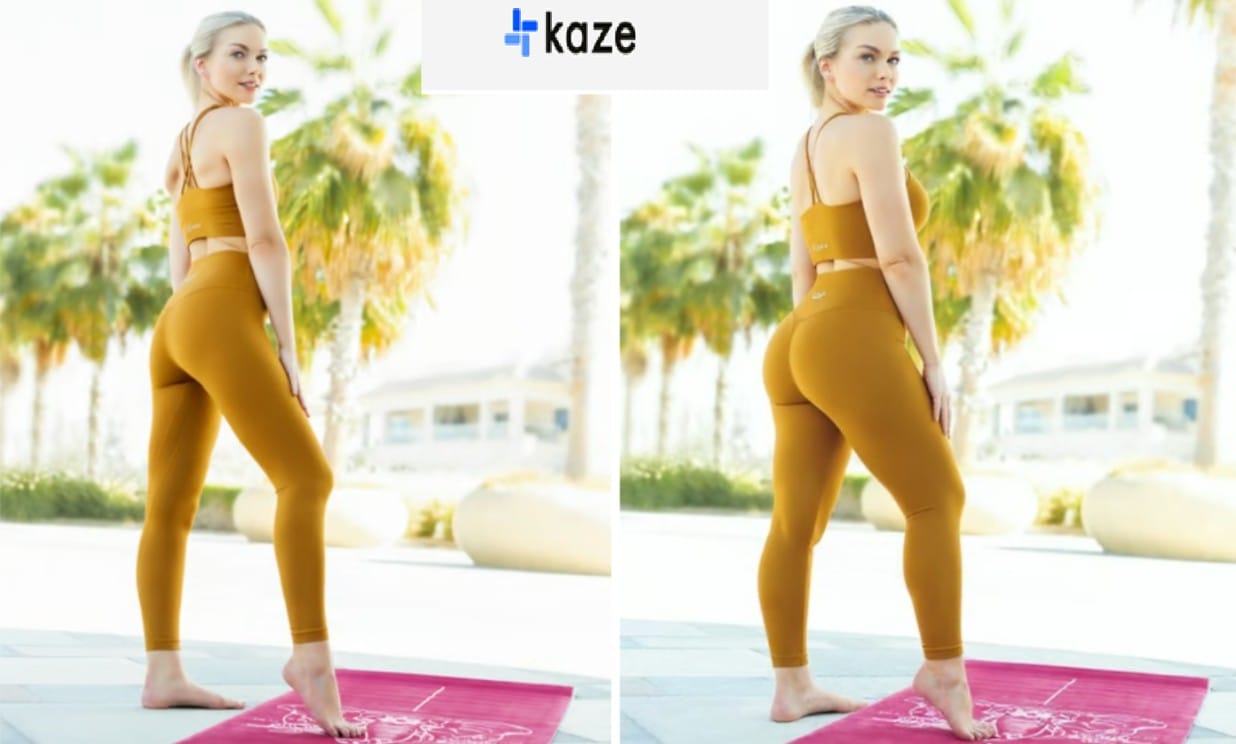
Kaze AI is a free change-body-shape tool that works directly in the browser and focuses on accessible edits. It tracks body contours and allows adjustments for hips, chest, and waist. Users can fine-tune figures, legs, and shoulders in a few clicks. This reshape body editor online makes body editor functions available on almost any device. It also utilizes body reshape AI techniques to keep edits proportional and realistic.
How Kaze AI Works
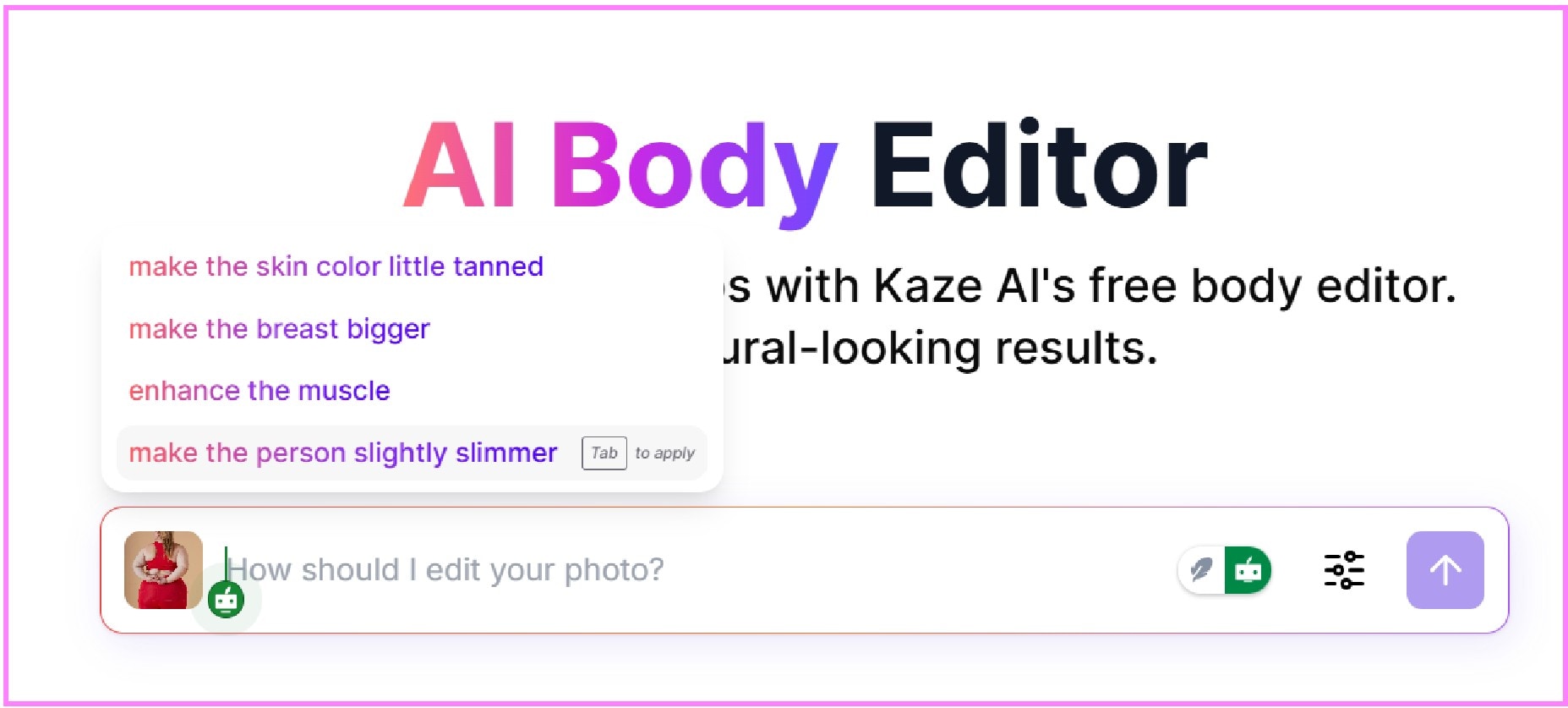
- Upload an image.
- Enter the Prompt of what you want the AI to do on your Image.
- Download the edited photo.
Part 3: Best AI Body Editor That Focuses on the Facial Region
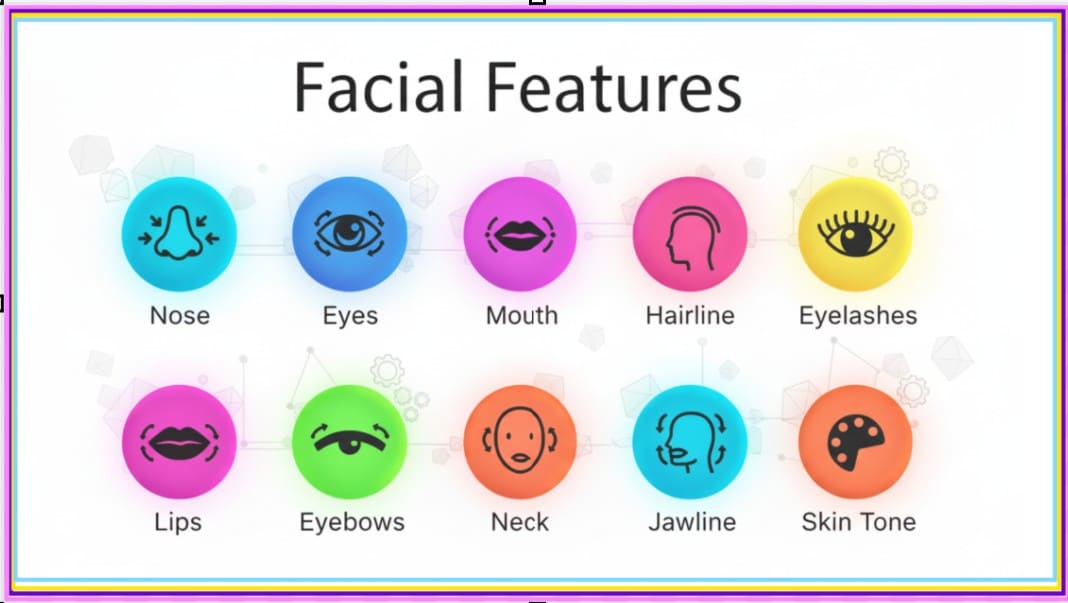
While body reshape apps help adjust curves and posture, your face also deserves attention. AI body editor tools for the face let you refine skin, eyes, nose, mouth, and eyebrows. These tools enhance symmetry and make small tweaks that feel natural. Using a reshape body editor online tool, you can create a polished appearance without overdoing edits.
Wondershare Filmora: Best Facial AI Body Editor
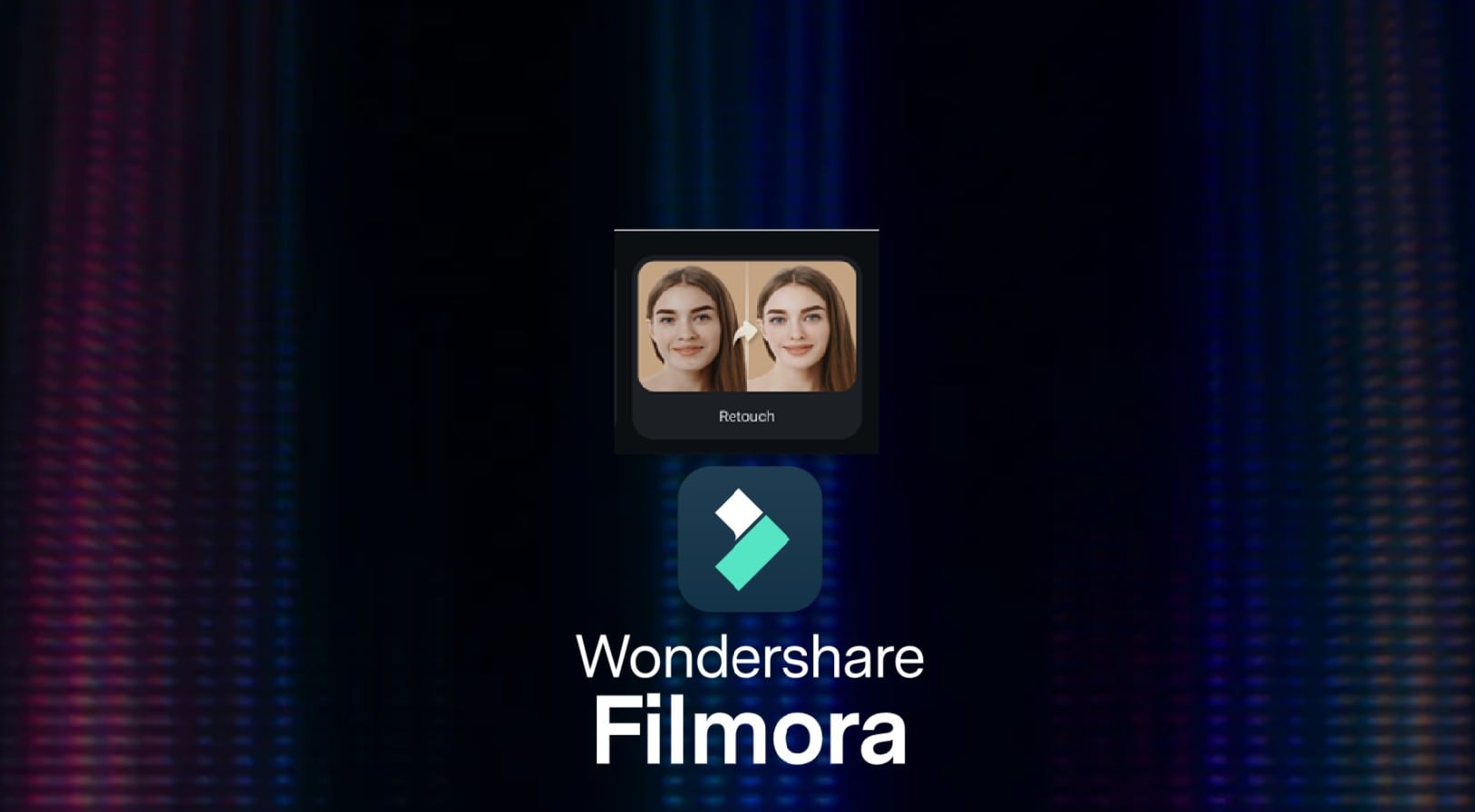
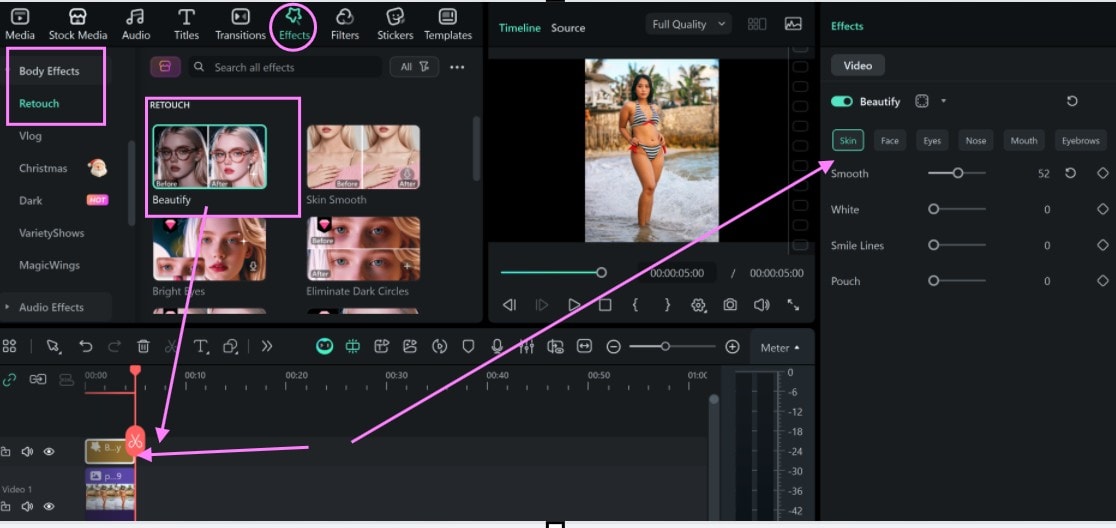
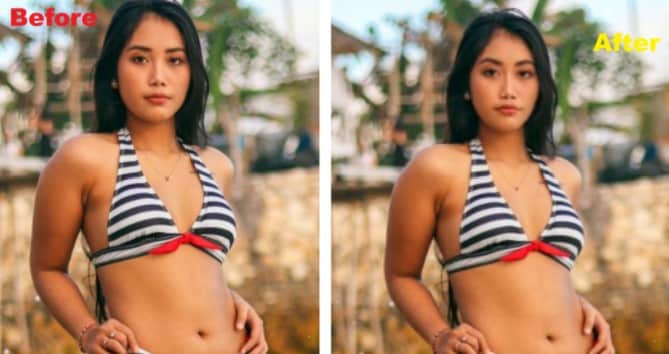
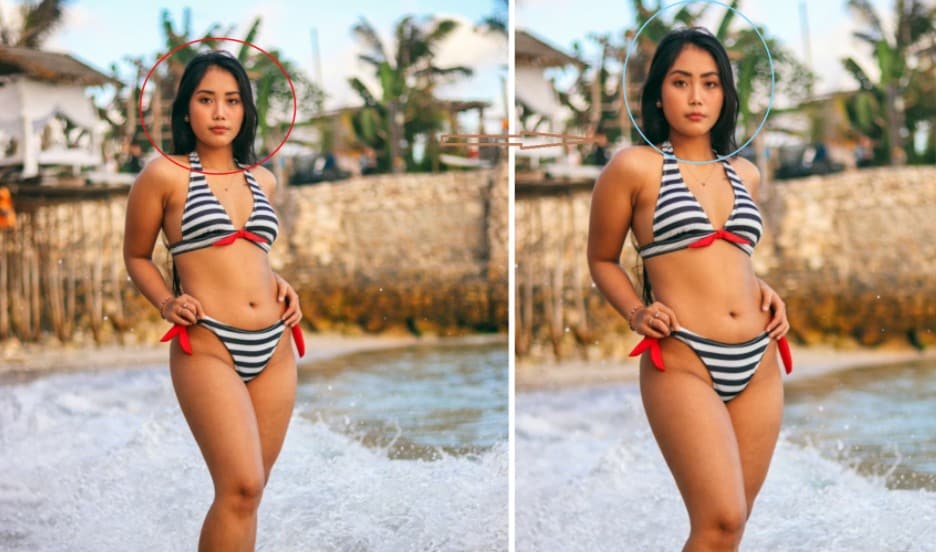
Filmora is a top choice for facial retouch because it combines precision with simplicity. Its AI body editor tracks facial landmarks and gives smooth control over eyes, nose, lips, and eyebrows. You can smoothen face skin while keeping results natural as the body reshape AI engine powers the retouch tool, giving users realistic edits.
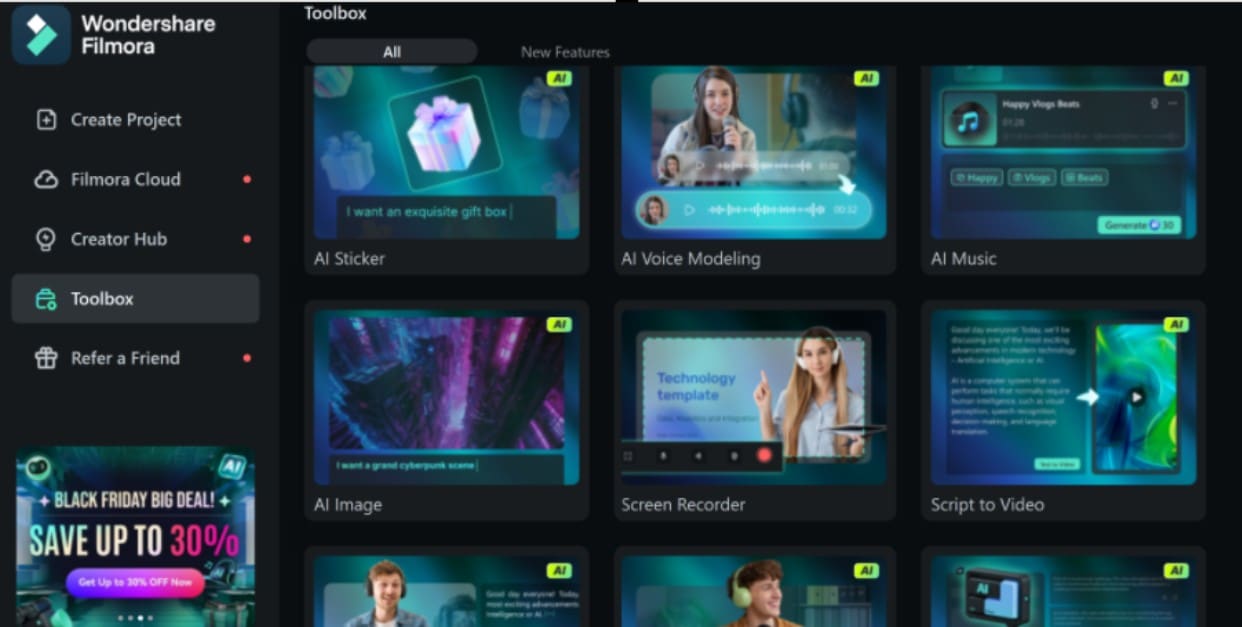
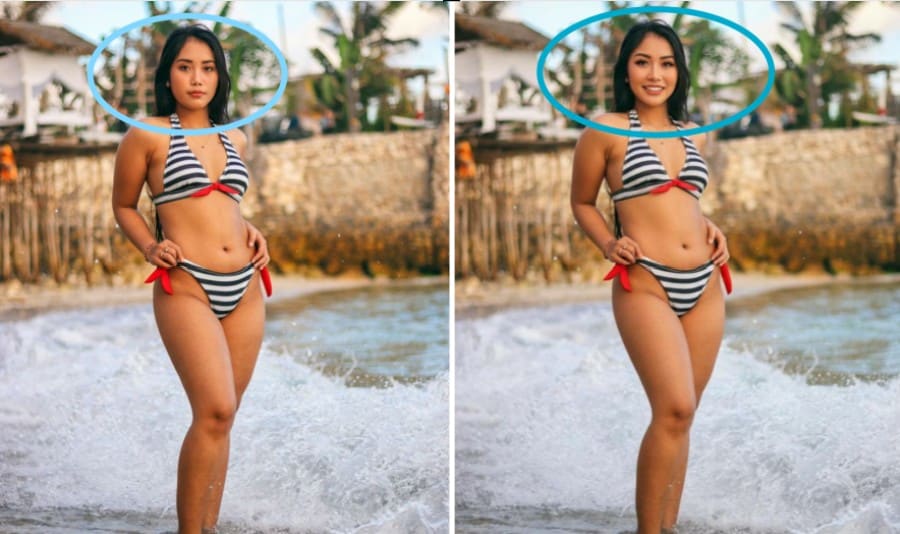
On the other hand, Filmora also integrates the Nano Banana model, an advanced AI engine built for high-accuracy image creation and modification. You can use it to reshape or restyle your face and add other effects that were not originally present in the image. The model understands facial structure, symmetry, and lighting, so it can adjust features like the jawline, eyes, nose, lips, or overall face shape without creating distortions. Below are the steps on how to reshape your face in Filmora.

2 Ways to Reshape Your Face With Filmora
Method 1: Using Filmora Retouch Tool on PC
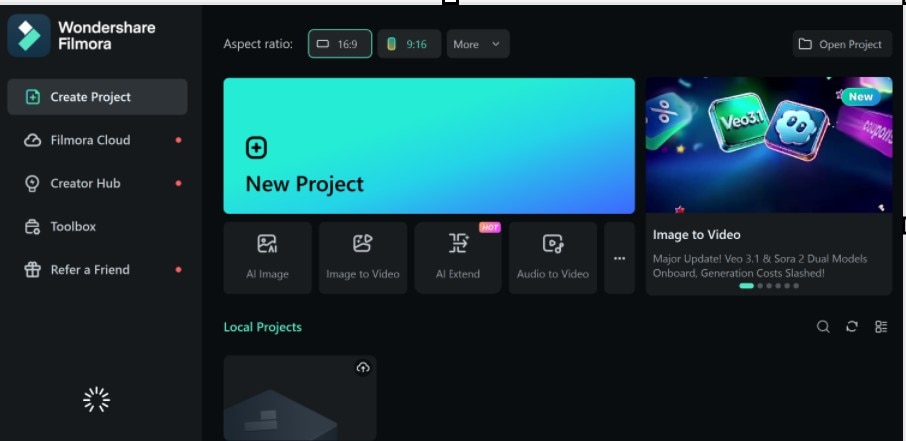
 Secure Download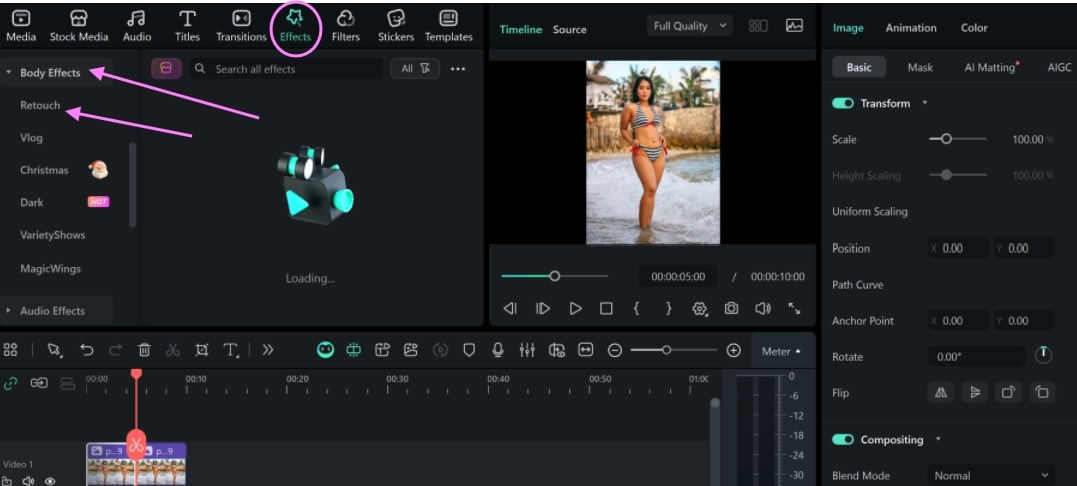
Before and After Preview
(Using Filmora Retouch Tool on Mobile)
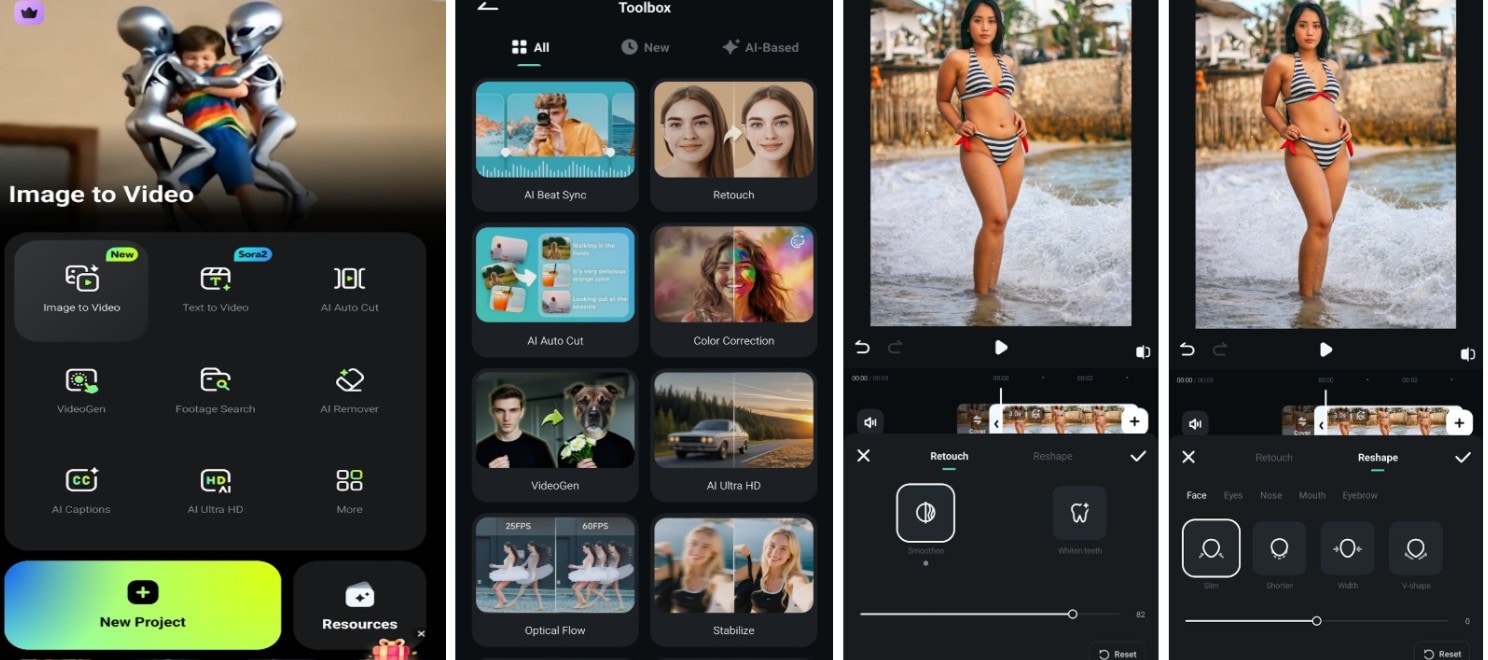
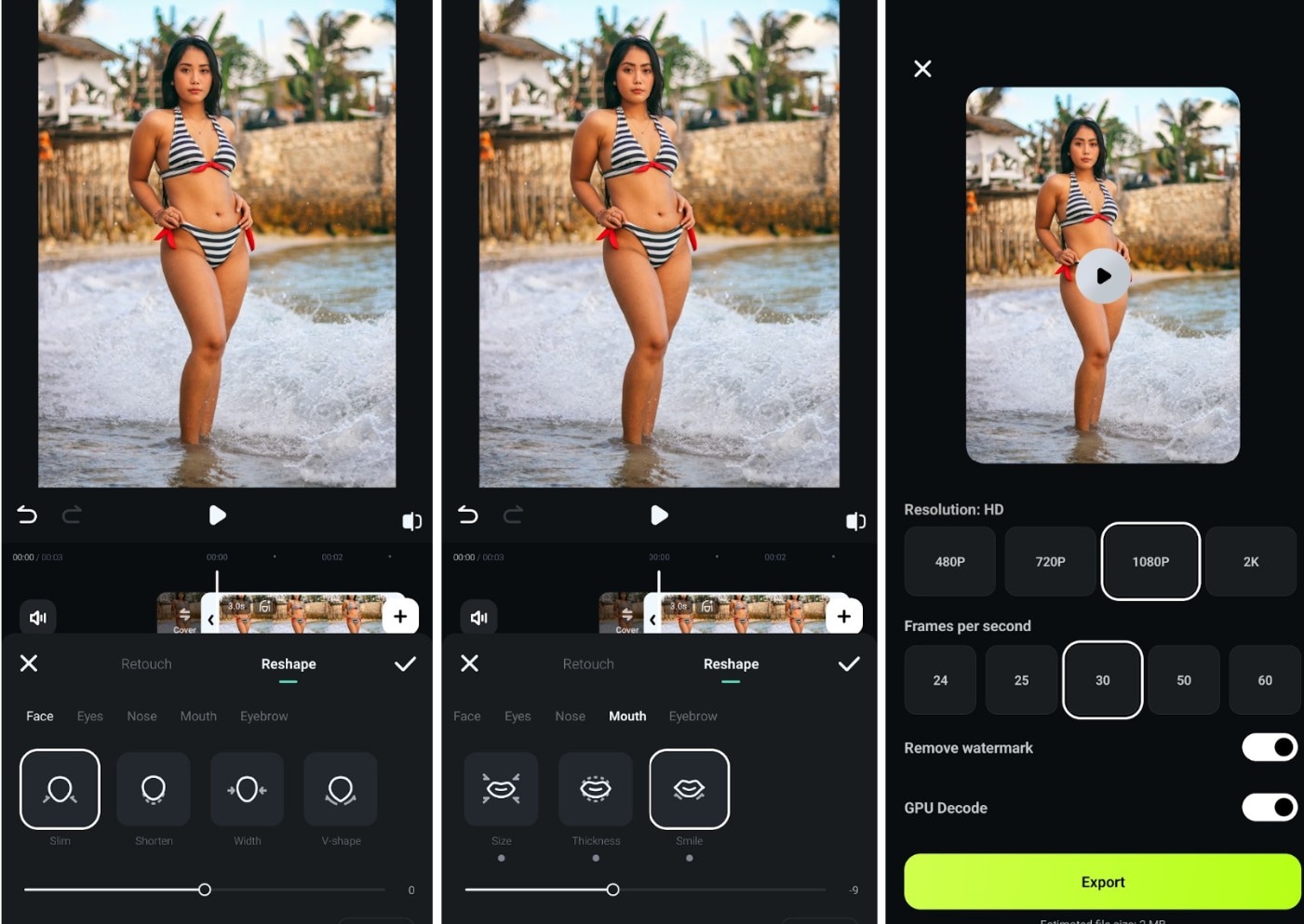
Image Preview
Method 2: Using the Nano Banana Model
 Secure Download
- Edit the face in this image by giving the person fuller lips, fuller eyelashes, and fuller eyebrows. Make the nose more pointed and refine its shape. Add a natural, bright smile while keeping the facial structure, skin tone, and lighting realistic. Preserve hair details, background, and overall identity.
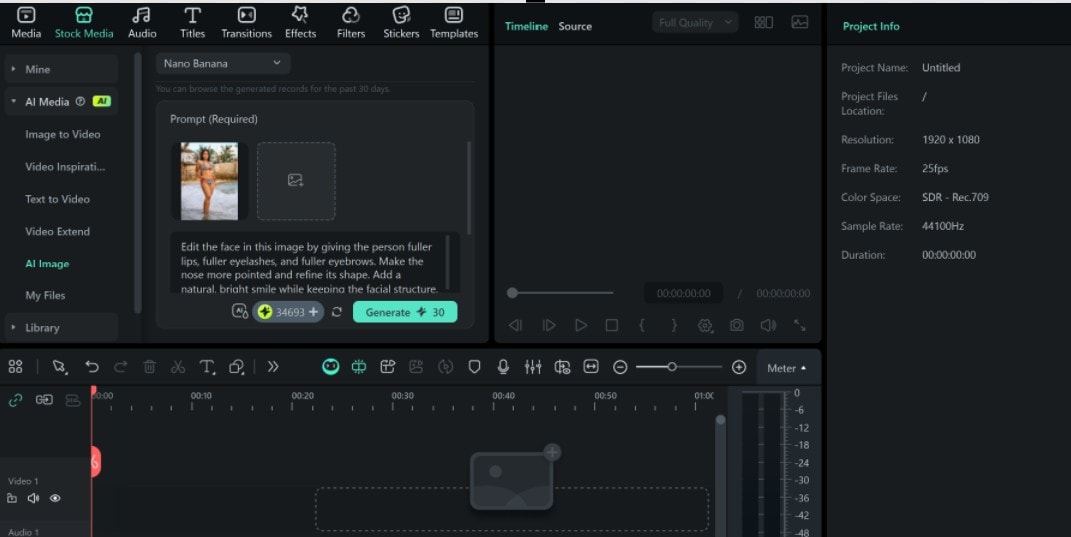
Image Preview
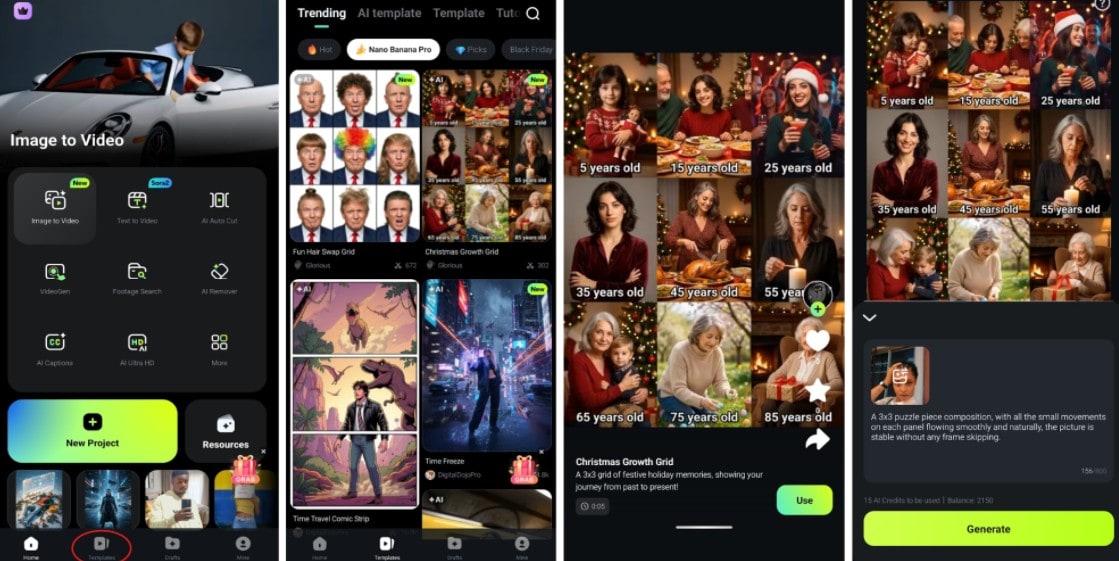
Note: Currently, Filmora mobile does not support the Nano banana model that we used on the desktop. Therefore, performing the facial reshape with Nano Banana on Filmora mobile is not possible at the moment. But there are some instances of the Nano banana Pro version in Filmora Mobile as templates.
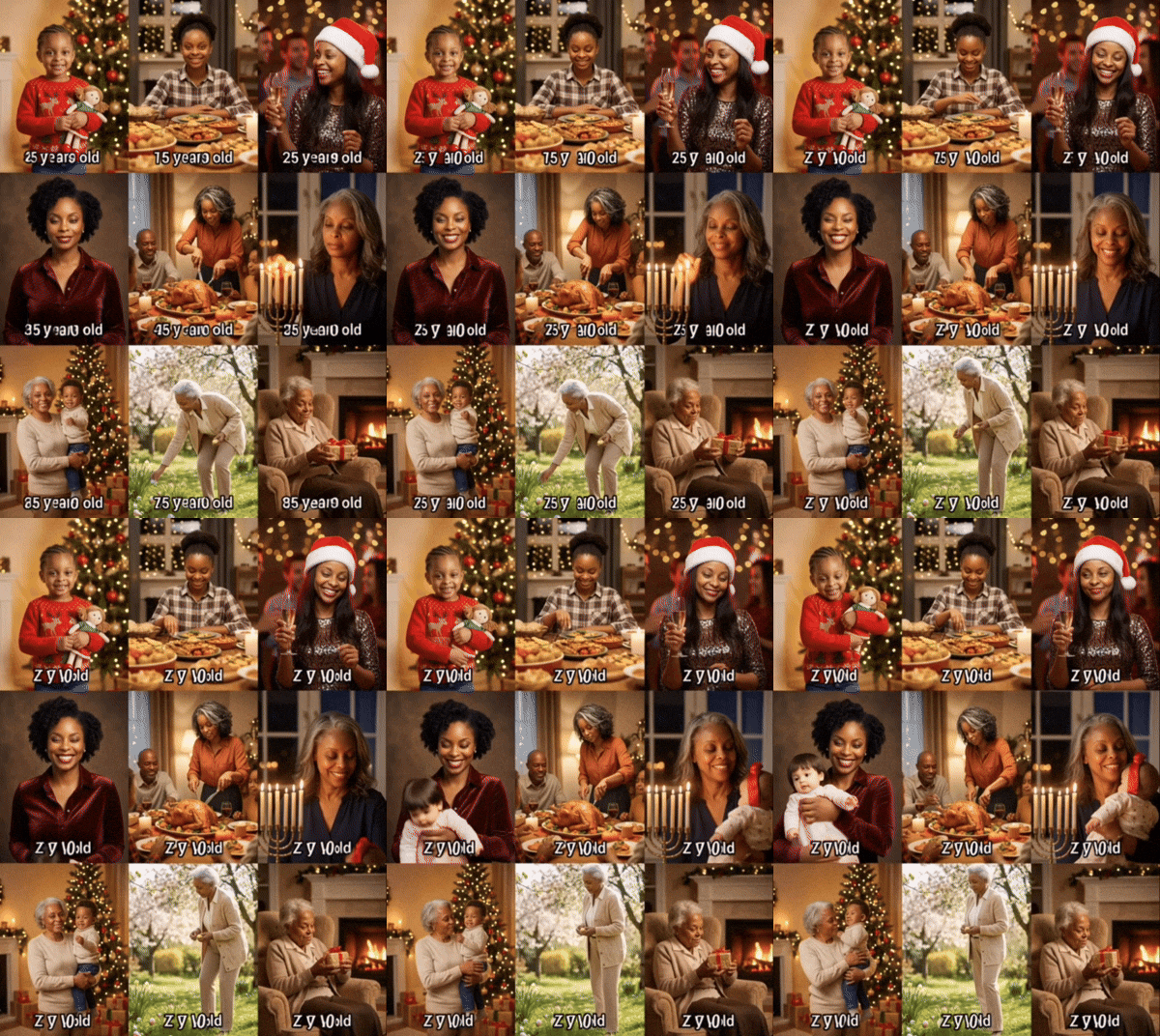
Nano Banana Pro is the latest version, launched in November 2025. Some templates from the Pro version are available in Filmora Mobile. Users can use these templates to perform Nano Banana Pro actions, such as animating images. Below is what you can do with the Nano Banana Pro model in Filmora mobile.
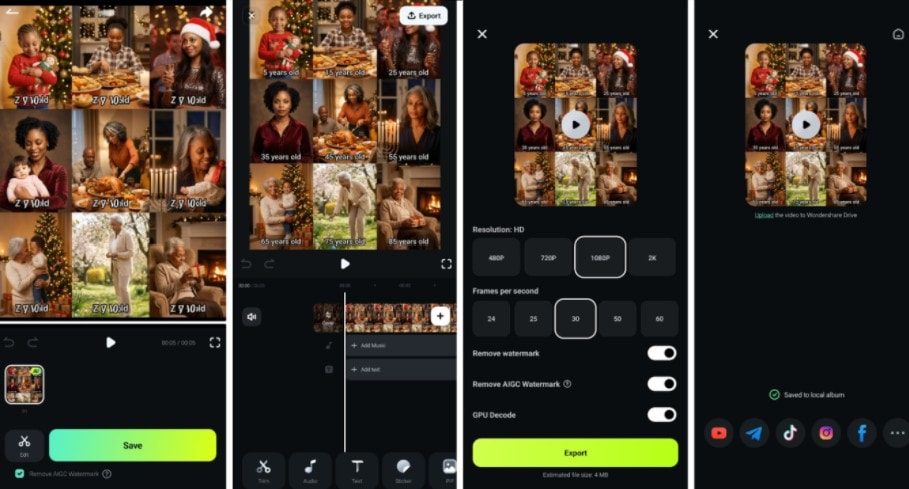
Preview
Conclusion
AI tools make body and face editing easier than ever. With body reshape AI apps/tools, you can slim your waist, tone your arms, or adjust your hips naturally. A reshape body editor online provides hands-on control on any device of your choice, while the offline tools allow you to work anytime and on designated devices.
Filmora stands out when you want full facial edits and motion-friendly results. The retouch tool is a robust tool that helps you reshape every part of your face without distorting the original facial appeal. On the other hand, the Nano Banana model adds an extra layer of AI-driven enhancement for both PC and mobile users.

