

 100% Security Verified | No Subscription Required | No Malware


 ChatGPT
 Perplexity
 Gemini
 Claude
 Grok
Grok
Black, green, and blue together create a powerful balance of mystery, stability, and freshness. Black brings depth and authority, blue adds trust and calm, while green hints at growth, nature, and modern tech. Combined, Black Green Blue color palettes feel cinematic and polished, yet still grounded and approachable.
That makes Black Green Blue a favorite for YouTube thumbnails, cinematic intros, gaming overlays, tech branding, and any edit that needs a cool, controlled mood. Below you will find 15 ready-made Black Green Blue color palettes with HEX codes you can plug directly into your video projects, thumbnails, and branding assets, especially when editing in Filmora.
In this article
Cinematic Black Green Blue Color Palettes
Midnight Harbor Cinema
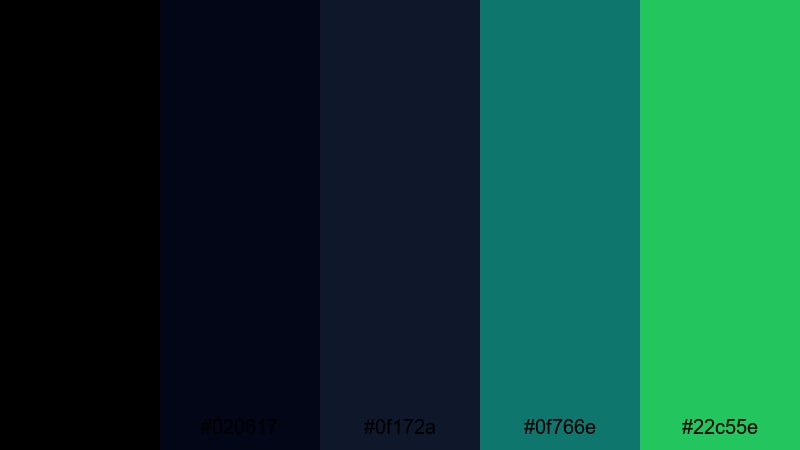
- HEX Codes: #000000, #020617, #0f172a, #0f766e, #22c55e
- Mood: Dark, cinematic, and controlled with a subtle hint of marine energy.
- Use for: Perfect for dramatic film trailers, title cards, and gritty travel vlogs that lean into a moody, high-contrast look.
Midnight Harbor Cinema is built on deep blacks and navy blues, with teal-green accents that feel like distant harbor lights. The palette is heavy on contrast, which draws attention to text, subjects, and key visual elements while keeping the overall frame dark and atmospheric.
Use this Black Green Blue color combination for cinematic openers, serious storytelling, suspenseful vlog sequences, and bold YouTube thumbnails with light text on a dark background. It also works beautifully for brand intros where you want a premium, filmic identity that still hints at nature and water.
Pro Tip: Build a Cinematic Black Green Blue Look in Filmora
To keep a strong Midnight Harbor Cinema mood across your entire edit, use Filmora to standardize your dark tones and teal accents. Start by using adjustment layers so that your blacks stay rich and consistent from intro to outro, and then add teal tints only to selected highlights or midtones, such as lights, signs, or UI elements.
You can also design matching lower-thirds, title cards, and end screens in Filmora using the same HEX codes. This keeps your Black Green Blue palette unified across trailers, b-roll transitions, and social cutdowns, making your brand or channel feel more intentional and cinematic.
AI Color Palette
If you have a reference frame graded with this palette, Filmora's AI Color Palette feature lets you transfer that look to the rest of your footage automatically. The tool reads the color relationships between blacks, blues, and greens and applies similar contrast and toning to other clips.
Simply pick your best Midnight Harbor-style shot, choose AI Color Palette, and match the rest of your timeline to that reference. This saves a lot of manual grading time while keeping your harbor blues, deep shadows, and teal highlights cohesive from scene to scene.
 secure download

HSL, Color Wheels & Curves
For finer control over your Black Green Blue look, use Filmora's HSL and color wheels to push blues slightly toward teal, deepen greens, or cool down your shadows while keeping skin tones natural. Curves let you control contrast precisely, so you can crush blacks for a noir vibe or keep a softer roll-off for a more natural atmosphere. You can explore more grading ideas in Filmora's color correction tools tutorial.
Try isolating aquas and greens in the HSL panel to make harbor lights and foliage stand out while leaving the rest of the frame subdued. Then use the color wheels to give your shadows a blue cast and your highlights a slightly warmer tint if you want subtle contrast that still maintains the cool core of this palette.
secure download1000+ Video Filters & 3D LUTs
If you want to move even faster, Filmora's video filters and 3D LUTs make it easy to stylize your Black Green Blue palette with one click. You can start from a teal-and-orange or cinematic LUT, then fine-tune it to land on a darker, more marine version that fits Midnight Harbor Cinema.
Apply different LUT intensities to intros, b-roll, and end screens so everything feels related but not identical. This is especially useful for editors who need a consistent YouTube series look or branded trailer package without building a full color grade from scratch every time.
secure downloadNeon Dock Thriller
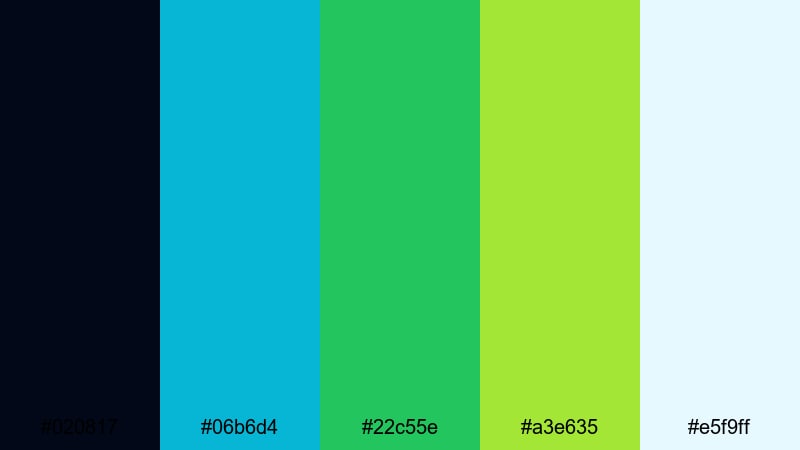
- HEX Codes: #020817, #06b6d4, #22c55e, #a3e635, #e5f9ff
- Mood: High-energy, suspenseful, and slightly futuristic.
- Use for: Use in action trailers, gaming intros, or tech product promos that need punchy highlights over dark scenes.
Neon Dock Thriller lays bright teal, lime, and icy highlights over a dark blue-black base, creating a cyberpunk dockside feeling. The contrast between near-black shadows and neon accents instantly suggests nightlife, speed, and technology.
This palette is perfect for gaming intros, e-sports overlays, and click-worthy thumbnails with bold titles in white or pale blue. It also fits product promos for gadgets or apps, where glowing UI elements and motion graphics pop dramatically against a moody, cinematic background.
Deep Ocean Noir
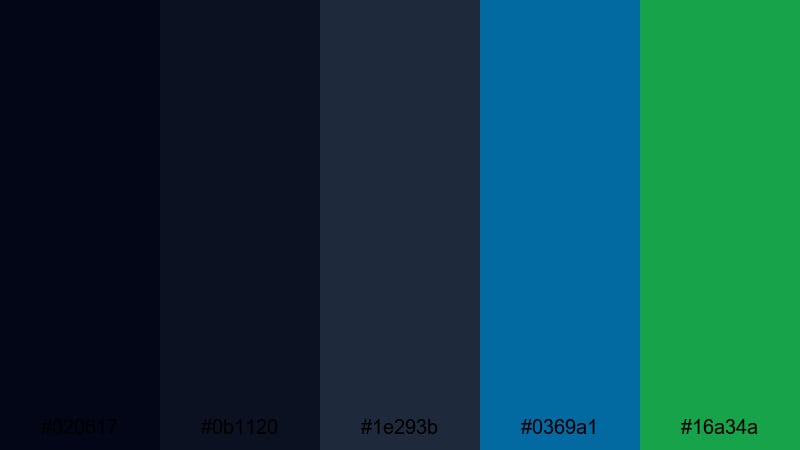
- HEX Codes: #020617, #0b1120, #1e293b, #0369a1, #16a34a
- Mood: Brooding and sophisticated with a deep aquatic undertone.
- Use for: Ideal for documentary openings, underwater sequences, and luxury brand stories with a mysterious edge.
Deep Ocean Noir leans into layered midnight blues and bottle greens, evoking the sense of looking into deep water with only a few shafts of light cutting through. The mood is refined rather than flashy, making it excellent for more serious or premium content.
Use it for ocean documentaries, travel sequences shot near the sea, or luxury brand intros that want a cool, mysterious elegance. Thumbnails, titles, and lower-thirds can use the brighter blue and green accents to stay legible while keeping the overall aesthetic dark and classy.
Starlit Forest Frame
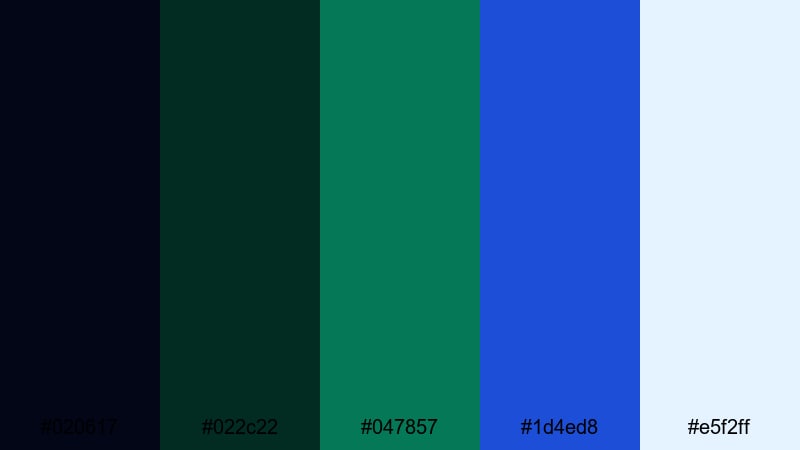
- HEX Codes: #020617, #022c22, #047857, #1d4ed8, #e5f2ff
- Mood: Quiet, magical, and slightly surreal like a forest under starlight.
- Use for: Great for nature films, fantasy titles, and slow-travel vlogs that blend night scenes with rich greens and blues.
Starlit Forest Frame combines inky blacks, deep forest greens, and a piercing sapphire accent for a dreamy, nocturnal look. The light blue highlight color works well for text or logo marks that should feel airy against the darker surroundings.
Apply this palette to nature B-roll, fantasy-style intros, or reflective travel vlogs where trees, mountains, and night skies are key visuals. It is also strong for YouTube channel branding around hiking, camping, or eco themes, especially when you keep overlays and titles in the light blue and soft white range.
Minimalist Black Green Blue Color Palettes
Clean Teal Interface
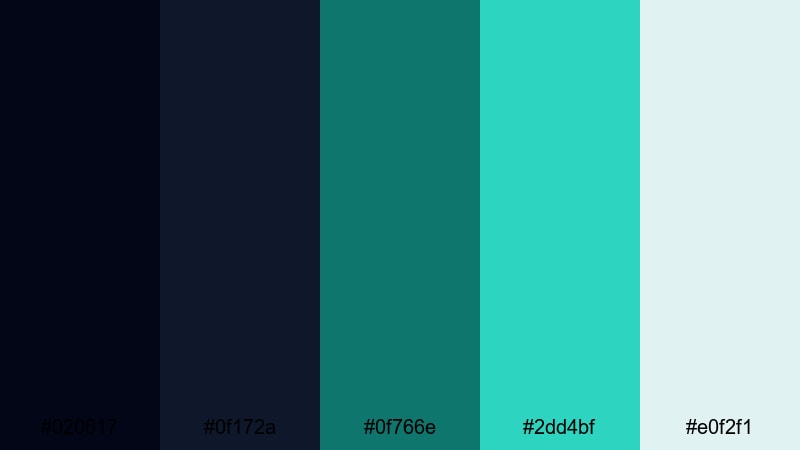
- HEX Codes: #020617, #0f172a, #0f766e, #2dd4bf, #e0f2f1
- Mood: Fresh, minimal, and tech-forward with calm teal accents.
- Use for: Use for app UI mockups, explainer videos, and overlay graphics that need clean contrast and easy readability.
Clean Teal Interface pairs dark, low-noise backgrounds with crisp teal and aqua highlights, mimicking a modern dashboard or SaaS interface. The palette feels orderly and trustworthy, with enough color to avoid looking sterile.
This is ideal for screen-recording tutorials, app walkthroughs, startup explainers, and channel branding in the productivity or tech niche. Keep text mostly white or very light teal on black or navy panels, and use the brightest aqua for buttons, subscribe CTAs, and key chart elements in your thumbnails.
Midnight Grid Minimal
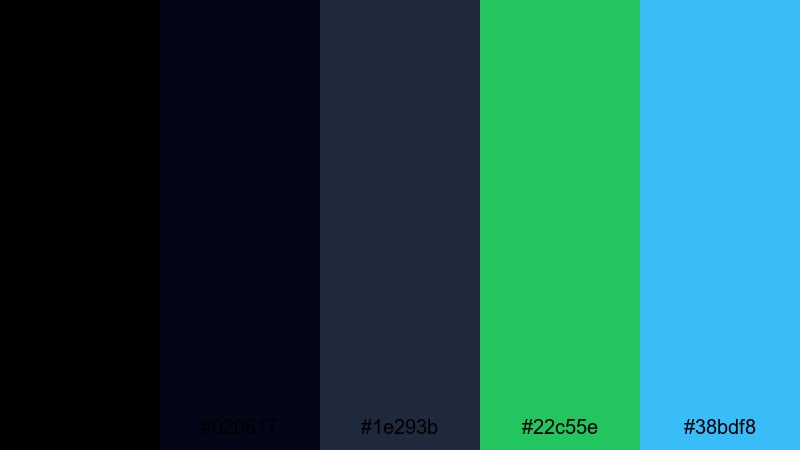
- HEX Codes: #000000, #020617, #1e293b, #22c55e, #38bdf8
- Mood: Sleek and minimal with bright, focused accent colors.
- Use for: Perfect for motion graphics, lower-thirds, and logo stings where small pops of color need to stand out on dark frames.
Midnight Grid Minimal creates a clean, almost architectural canvas of black and slate blue, punctuated by vivid green and sky-blue accents. The overall effect is very modern and easy to read, especially in motion graphics.
Use this palette when designing lower-thirds, subscribe buttons, chapter markers, and logo stings in Filmora. For thumbnails, black or navy backgrounds with a single line of bright green or blue text can look bold and sophisticated without feeling cluttered.
Slate Screen Studio
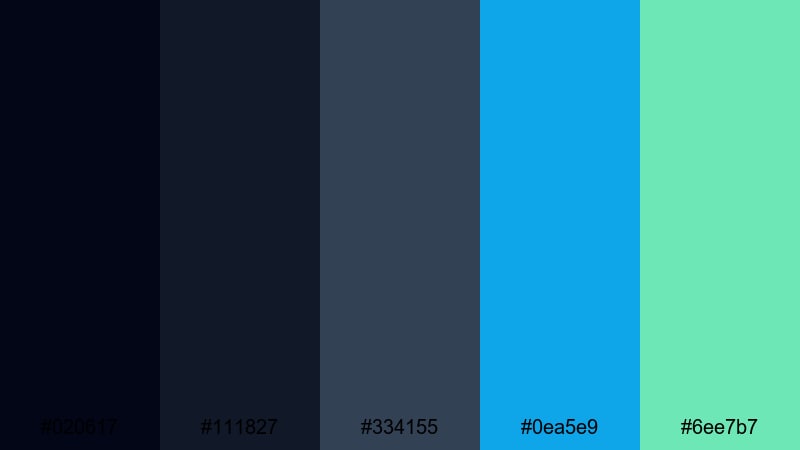
- HEX Codes: #020617, #111827, #334155, #0ea5e9, #6ee7b7
- Mood: Professional and balanced with a studio-grade polish.
- Use for: Use in tutorial layouts, talking-head backgrounds, and branded overlays that must stay clean but lively.
Slate Screen Studio stacks charcoal and slate tones to form a neutral, studio-like base, then lifts the frame with cyan and mint accents. It looks professional enough for business content but still friendly and fresh.
This palette works well for talking-head videos, online courses, and webinars where overlays and titles should support the message without stealing attention. Use cyan for key titles and mint for softer highlight elements like icons, progress bars, or chapter labels in both your videos and thumbnails.
Nordic Harbor Calm
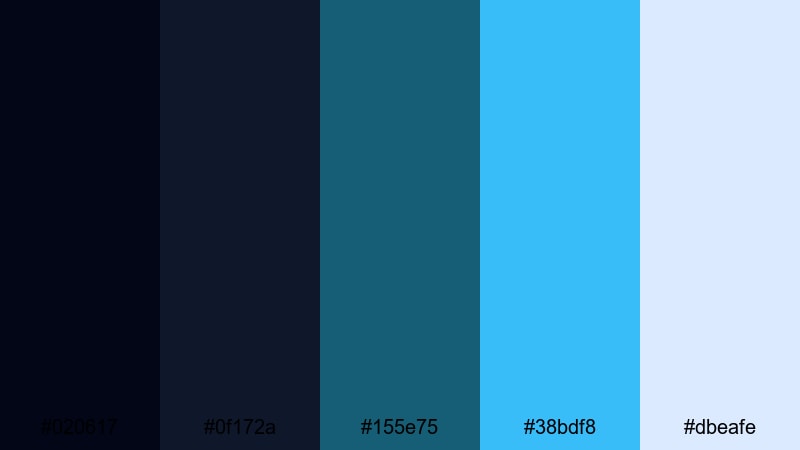
- HEX Codes: #020617, #0f172a, #155e75, #38bdf8, #dbeafe
- Mood: Cool, calm, and airy with a restrained northern-coast feel.
- Use for: Ideal for lifestyle channels, productivity content, and brand explainers that need a gentle but modern atmosphere.
Nordic Harbor Calm mixes dark navy with soft teal and light ice-blue, giving your visuals a breezy, coastal tone. It feels minimal and uncluttered, making it a strong choice for channels that promote calm focus and organization.
Apply this palette to desk setups, morning routine videos, and productivity tutorials. Use the lightest blue as a background for titles or chapter cards, while the deeper teal and navy sit behind text or UI mockups. For branding, this Black Green Blue combination communicates reliability without becoming too corporate.
Moody Black Green Blue Color Palettes
Stormbound Lagoon
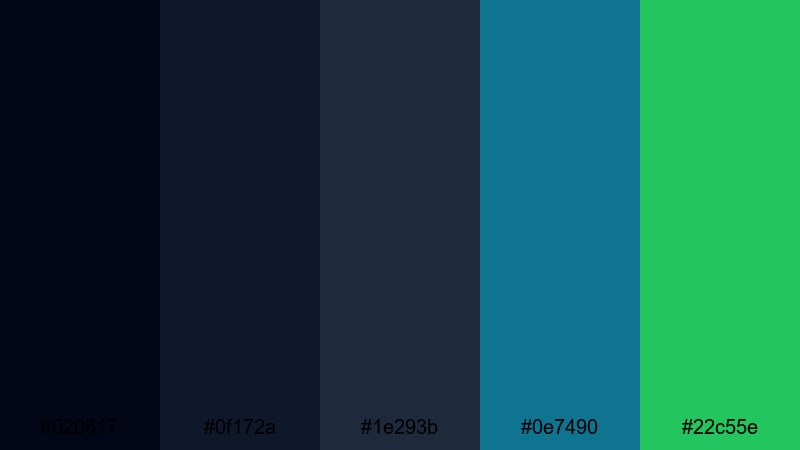
- HEX Codes: #020617, #0f172a, #1e293b, #0e7490, #22c55e
- Mood: Tense, stormy, and immersive with flashes of color breaking through the dark.
- Use for: Great for dramatic story arcs, weather visuals, and emotional B-roll sequences.
Stormbound Lagoon layers heavy blacks and deep blues like storm clouds gathering over water, punctuated by teal and bright green flashes. It naturally suggests tension building toward a reveal or emotional turning point.
Use this palette for dramatic vlogs, weather-related visuals, or narrative edits where you cut between dark atmospheric shots and brighter details. In thumbnails and titles, reserve the vivid green for a single word or icon to highlight urgency or conflict while the rest of the frame stays moody and subdued.
Shadow Pine Horizon
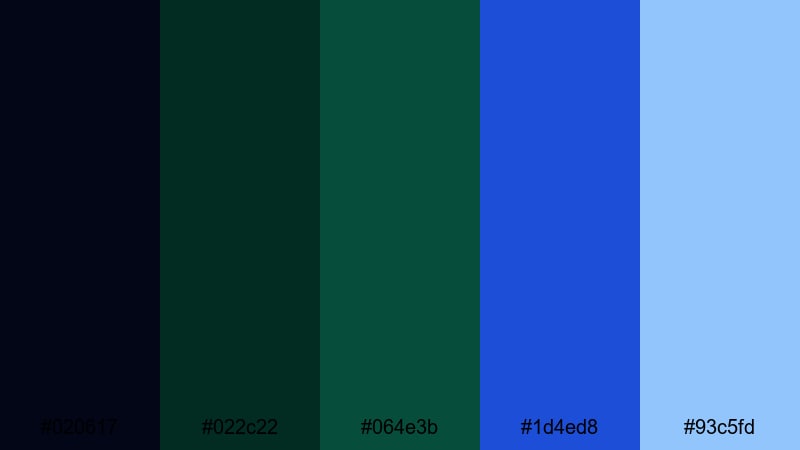
- HEX Codes: #020617, #022c22, #064e3b, #1d4ed8, #93c5fd
- Mood: Earthy yet ethereal, like pine silhouettes against a distant blue sky.
- Use for: Use for moody nature reels, cinematic outdoor b-roll, and introspective travel content.
Shadow Pine Horizon grounds your frame in dense forest greens while pushing the upper tones into deep and soft blues, like a treeline against an early-morning sky. The lighter blue shade adds a gentle, hopeful note without breaking the moody feeling.
This is a strong match for nature reels, hiking edits, and slow, reflective travel vlogs. Design your titles and lower-thirds using the soft blue or off-white for clean readability over dark green footage, and use the deeper blue as a subtle border or underline in thumbnails and end cards.
Ink Tide Reverie
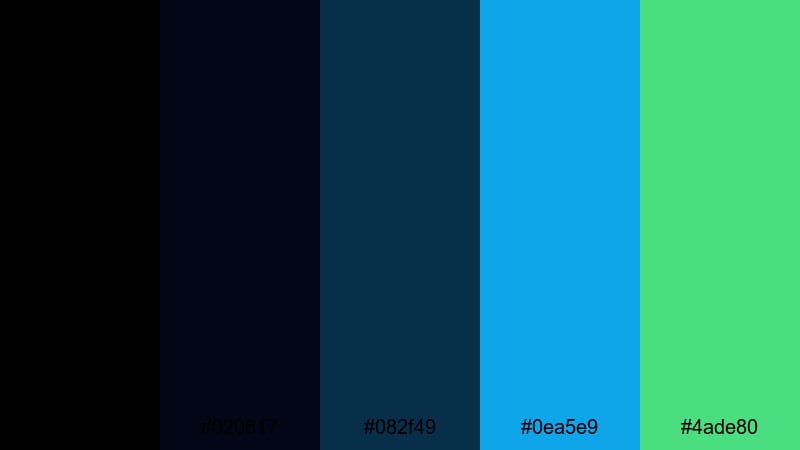
- HEX Codes: #000000, #020617, #082f49, #0ea5e9, #4ade80
- Mood: Dreamy yet dark, with inky blues and unexpectedly fresh highlights.
- Use for: Perfect for music videos, conceptual montages, and aesthetic edits with a surreal twist.
Ink Tide Reverie wraps your visuals in black and inky navy, then lifts them with clear aqua and soft green highlights. The contrast feels dreamy and slightly surreal, especially when paired with slow motion, light leaks, or abstract overlays.
Use this palette for music videos, aesthetic TikTok or Reels edits, and conceptual shorts where mood matters more than realism. In screen graphics and thumbnails, let the bright aqua handle key text while the green supports secondary details like track names, chapter numbers, or UI accents.
Foggy Marina Dusk
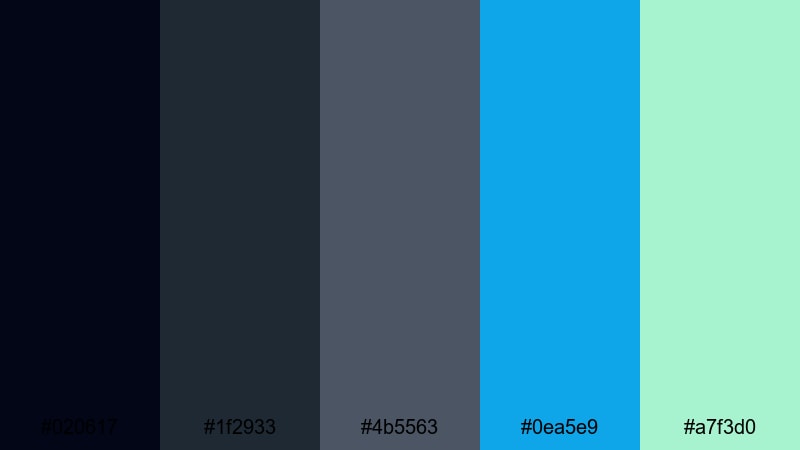
- HEX Codes: #020617, #1f2933, #4b5563, #0ea5e9, #a7f3d0
- Mood: Hazy, reflective, and softly dramatic with muted contrast.
- Use for: Use in slow pan shots, harbor scenes, or melancholy vlogs that linger on mood and texture.
Foggy Marina Dusk is built from smoky grays and dark blues that recall mist rolling over a harbor, with cyan and pale mint hints suggesting distant lights or reflections. The palette feels introspective and gentle rather than harsh.
It suits melancholy vlogs, harbor or city-at-dusk sequences, and slow visual essays. Use the soft mint for delicate graphic accents or subtitles, and keep your main text in white or very light gray so it remains legible over low-contrast backgrounds in both videos and thumbnails.
Vibrant Black Green Blue Color Palettes
Electric Harbor Pop
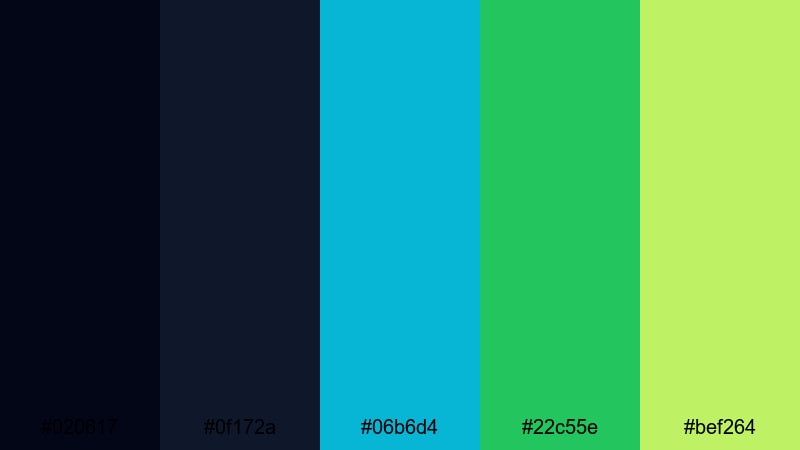
- HEX Codes: #020617, #0f172a, #06b6d4, #22c55e, #bef264
- Mood: Loud, energetic, and ultra-modern with a nightlife edge.
- Use for: Ideal for YouTube thumbnails, event promos, and kinetic typography that need to grab attention instantly.
Electric Harbor Pop uses deep blacks and navies as a stage for explosive teal, lime, and chartreuse highlights. The palette is high energy and perfect for content that needs to stand out in crowded feeds.
Use it for event promos, DJ or music channel branding, and fast-moving kinetic typography intros. On thumbnails, combine dark backdrops with neon-green or chartreuse title words and teal UI-style accents to create a clear focal point that demands clicks.
Cyber Reef Glow
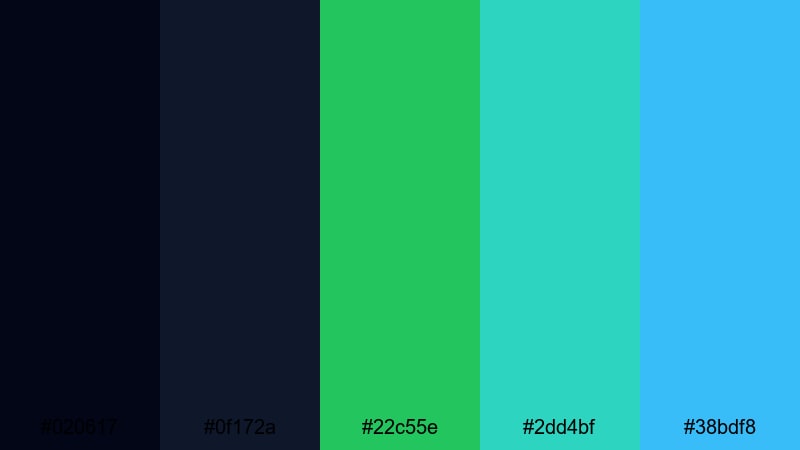
- HEX Codes: #020617, #0f172a, #22c55e, #2dd4bf, #38bdf8
- Mood: Digital, neon, and futuristic with underwater cyberpunk vibes.
- Use for: Use for gaming overlays, sci-fi intros, and tech conference bumpers with a bright, modern flair.
Cyber Reef Glow looks like neon coral and algae lit by digital billboards, sitting over inky blues. Vivid greens, teals, and electric blue give it a strong futuristic and gaming-ready profile.
Apply this palette to HUD-style overlays, sci-fi themed intros, or live-stream layouts where you want a techy, underwater-cyber aesthetic. For thumbnails and channel art, let the brightest blue and teal carry logotypes and key callouts, while the dark blues provide negative space for faces or characters.
Aurora Terminal Rush
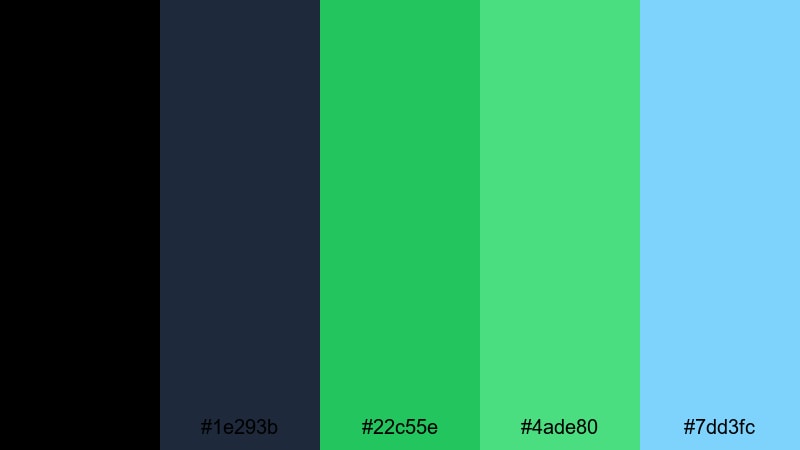
- HEX Codes: #000000, #1e293b, #22c55e, #4ade80, #7dd3fc
- Mood: Fast, optimistic, and high-contrast like city lights under a digital aurora.
- Use for: Perfect for brand launches, startup reels, and fast-cut social edits that should feel energetic but polished.
Aurora Terminal Rush anchors its look in black and steel blue, then streaks vivid greens and bright blue across the frame like moving light trails. The result is fast and optimistic without losing a sense of control and polish.
Use this palette for launch videos, startup sizzle reels, and upbeat channel rebrands. Bright greens and sky blue are excellent for buttons, highlight text, and progress-style graphics, while black and dark blue keep the frame structured in both videos and thumbnail layouts.
Tips for Creating Black Green Blue Color Palettes
Black Green Blue color palettes can look flat or chaotic if they are not balanced carefully. These practical tips will help you combine them with other tones and apply them effectively across your videos, thumbnails, and design assets.
- Decide the hero color first: choose whether blue, green, or black will dominate, then let the other two play supporting roles for accents and depth.
- Use black and deep navy as your background: they create contrast so bright teals, greens, and light blues can carry text, buttons, and key icons.
- Limit brights to a few elements: keep neon greens and teals for CTAs, key words, or important UI parts so your designs do not feel oversaturated.
- Check readability on small screens: always test your thumbnail or lower-third at mobile size to ensure light text over dark blues or greens is still clear.
- Keep brand consistency: once you pick HEX codes for your Black Green Blue palette, reuse them in your logo sting, intros, overlays, and end screens.
- Match footage to graphics: use color grading in Filmora to push your footage slightly toward your chosen blues and greens so overlays and real-world shots feel unified.
- Balance warmth and coolness: if your Black Green Blue look feels too cold, introduce a subtle warm highlight (skin tones, lights) without changing the main palette.
- Stay flexible with neutrals: mix in gray or off-white where needed to give the eye a rest and keep layouts from becoming too heavy or saturated.
Black Green Blue color palettes can instantly shift your content into a more cinematic, modern, or tech-forward space. Whether you lean into moody harbor blues, minimal teal interfaces, or vibrant neon greens, these combinations help you define mood and brand identity across every frame.
Try applying a few of these palettes inside Filmora, using the same HEX codes for titles, overlays, and color grading. With tools like AI Color Palette, HSL controls, color wheels, and LUTs, you can quickly test variations and lock in a signature Black Green Blue style for your channel or brand.
The more consistently you use your chosen palette in intros, thumbnails, and social cutdowns, the more recognizable your visuals will become. Start with one or two of the palettes above, customize them to your footage, and build a cohesive look that viewers associate with your name.
secure download