

 100% Security Verified | No Subscription Required | No Malware


 ChatGPT
 Perplexity
 Gemini
 Claude
 Grok
Grok
Use these cinematic TikTok video filters in Filmora to turn quick clips into filmic, story-driven shorts with dramatic color, contrast, and texture.
Whether you shoot travel montages, narrative micro-stories, or moody urban reels, these presets are tuned for fast TikTok workflows and a polished cinematic finish.
In this article
Golden Journeys: Cinematic Travel Montages
Warm Road Reel
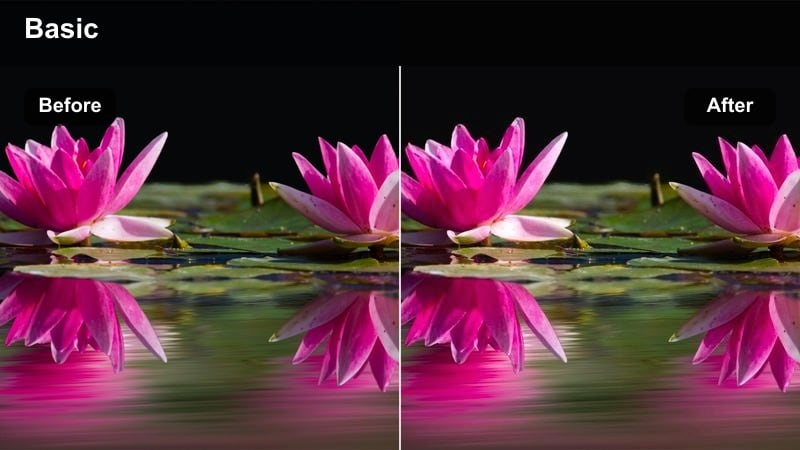
- Effect look: Soft golden highlights with gentle contrast for romantic road trip footage.
- Best for: Sunset highway drives, coastal travel montages, and handheld journey clips.
- Editing tip: Add slow push-in keyframes and a subtle vignette to emphasize the warm, nostalgic tone.
Warm Road Reel wraps your TikTok footage in a soft golden wash that mimics the glow of late-afternoon sun. With gentle contrast and slightly lifted highlights, it smooths out harsh edges, pulls attention to faces and skies, and turns casual car window shots into dreamy, filmic travel memories.
In Filmora, apply this cinematic TikTok video filter to your full vertical sequence, then animate scale keyframes for a slow push in on key beats. Add a light vignette from the Effects panel and mix the filter intensity to around 60 to 80 percent so the warmth feels cinematic instead of overly orange.
AI-Powered Cinematic Color in Filmora
Filmora's AI tools analyze your footage and automatically balance exposure, contrast, and color so these cinematic TikTok video filters sit on top of a strong base grade. This gives you clean starting material even from mixed lighting, phone cameras, or quick handheld shots.
Use AI color enhancement first, then apply your chosen cinematic filter at reduced intensity to keep skin tones natural while your scenes still feel stylized and filmic. This workflow is especially useful when you batch-edit several TikTok clips in a single session.
 secure download

See Cinematic Filters in Action
Stack a travel montage, a narrative reaction shot, and an urban night walk on a single Filmora timeline to quickly test how each cinematic TikTok video filter behaves across lighting conditions. This lets you compare how warm, cool, and high-contrast looks feel when viewers swipe through your content.
Toggle filters on and off, adjust intensity, and save your favorite combinations as custom presets so you can apply them to new short videos in just a few clicks. Over time, you can build a small library of go-to cinematic looks that match your personal TikTok style.
secure downloadMatch Filters with LUTs for a Filmic Finish
Combine these cinematic TikTok video filters with subtle LUTs to refine color temperature, emulate specific film stocks, or match shots from different cameras. Used together, filters give you the mood while LUTs fine-tune the final tonality.
Keep LUT intensity low and let the filter define the overall mood so your final TikTok looks cohesive rather than over-processed. Once you like the combination, save it in Filmora as a reusable cinematic style for future shorts.
secure downloadAmber Horizon
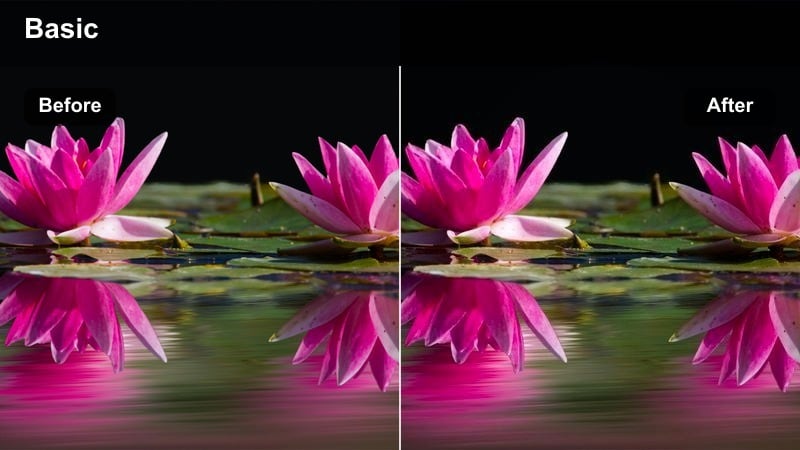
- Effect look: High dynamic range feel with amber midtones and cool, clean shadows.
- Best for: Wide travel landscapes, desert roads, and scenic drone passes.
- Editing tip: Mix in 40 to 60 percent filter intensity for TikTok so details stay sharp while the amber tone unifies your sequence.
Amber Horizon is designed for big, open scenery shots by adding a warm amber cast in the midtones while keeping shadows cool and defined. The result is a modern cinematic palette that makes skies glow and textures in roads or mountains feel crisp without blowing out highlights.
In Filmora, drop this cinematic TikTok filter onto your landscape clips and then trim the intensity to around half strength to keep fine detail. Combine it with slow speed changes, gentle zooms, and simple text overlays so your travel montages feel like wide establishing shots from a feature film.
Nomad Grain
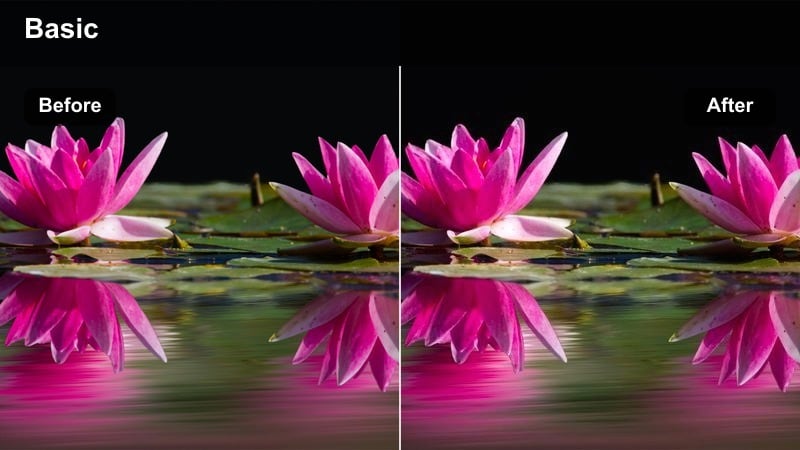
- Effect look: Muted cinematic palette with fine film grain and slightly lifted blacks.
- Best for: Backpacker clips, handheld city-to-nature transitions, and POV travel vlogs.
- Editing tip: Lower saturation by 10 to 15 percent and mix grain with light motion blur to sell the analog, on-the-road feeling.
Nomad Grain leans into a subdued, film-inspired color palette that mutes saturated tones and lifts blacks for a softer, analog vibe. Fine grain sits over the image to hide digital noise and unify footage from different devices, making quick TikTok travel logs feel like scenes from a road movie.
Inside Filmora, apply this filter to all clips in a travel sequence, reduce saturation slightly, and then add a grain overlay or motion blur effect for extra texture. Cut between POV walking shots, transit scenes, and nature moments while keeping Nomad Grain consistent so your TikTok plays like a cohesive visual diary.
Story-Driven Frames: Narrative and Dialogue Edits
Soft Dialogue Cinema
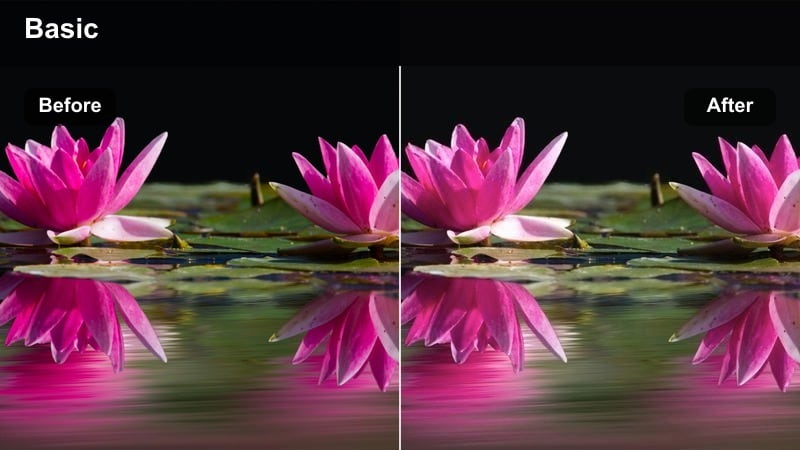
- Effect look: Creamy highlights, gentle skin smoothing, and lowered clarity for a dreamy narrative feel.
- Best for: Close-up dialogue, confessionals, and TikTok mini-movies with emotional beats.
- Editing tip: Shoot at a slightly slower shutter and add this filter to soften harsh edges while keeping eye details sharp.
Soft Dialogue Cinema wraps faces in smooth highlights and subtle glow, toning down harsh contrast and tiny skin imperfections. The slightly reduced clarity makes backgrounds feel softer so viewers naturally focus on expressions and eye contact in your vertical TikTok frame.
In Filmora, apply this cinematic TikTok video filter to your talking-head shots, then pair it with a light skin smoothing or beauty effect at low strength. Add gentle keyframed exposure shifts during important lines and cut between matching close-ups to keep dialogue-driven content looking cohesive and cinematic.
Moody Script Frame
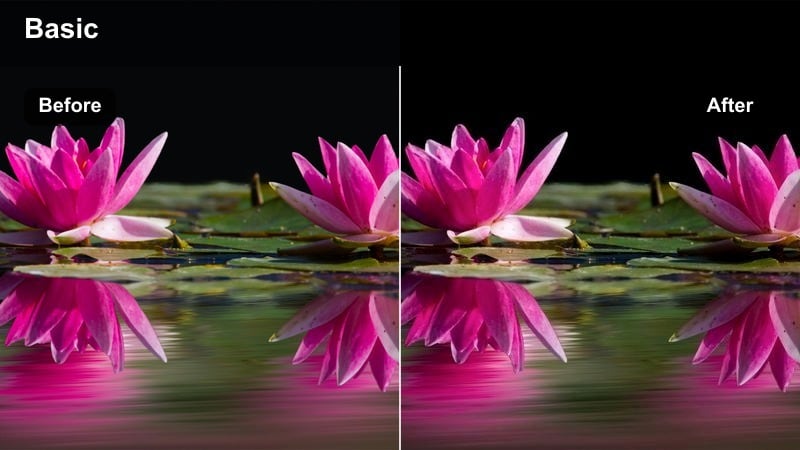
- Effect look: Desaturated blues and greens with deep, contrasty shadows for tense story beats.
- Best for: Thriller-style shorts, late-night interiors, and emotional monologues.
- Editing tip: Layer in a narrow letterbox and slightly slow the clip speed to emphasize the tension you build with this look.
Moody Script Frame introduces a cool, desaturated palette that leans into blues and greens while driving shadows deep and inky. This creates instant tension in small TikTok frames, turning simple bedroom or hallway scenes into moments that feel lifted from a thriller or drama series.
Use this cinematic filter in Filmora on your darker story beats, then add a letterbox overlay to fake a wider aspect ratio and slow certain shots to 90 percent speed. Keep camera movement minimal, hold on reactions a bit longer, and let the consistent cool grading carry the suspense from cut to cut.
Sepia Memory Cut
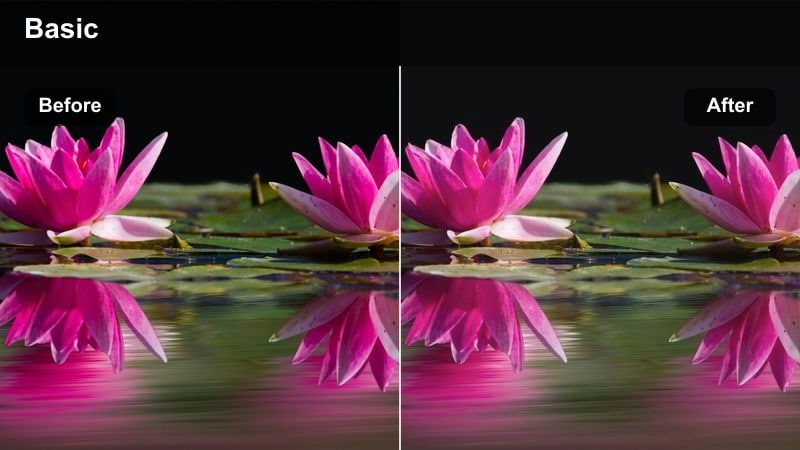
- Effect look: Sepia-tinted highlights with faded blacks and soft halation for flashback sequences.
- Best for: Memory montages, before-and-after reveals, and nostalgic story inserts.
- Editing tip: Shorten clips and use simple cross dissolves to smoothly move between present-day footage and sepia memories.
Sepia Memory Cut gives your clips a warm, aged tone with faded blacks and subtle halation around bright areas, echoing old film photographs. This instantly signals flashbacks or nostalgic moments to TikTok viewers even without text, helping them follow time jumps in micro-stories.
In Filmora, reserve this filter for dedicated memory sections, keeping present-day material in a neutral or cooler grade. Use cross dissolves or dip-to-white transitions between timelines and layer in soft film dust overlays and low-level ambient audio to complete the vintage cinematic feel.
Urban Noir: Night Streets and City Drama
Neon Fade Noir
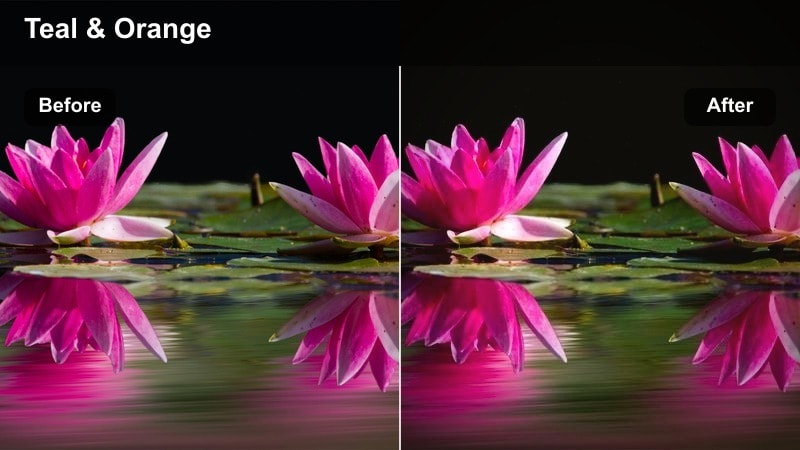
- Effect look: High-contrast blacks with glowing neon colors and a slight teal shift in shadows.
- Best for: Nighttime city walks, neon storefronts, and rainy street reflections.
- Editing tip: Boost saturation selectively in neon hues and keep camera motion slow to avoid flickering color compression on TikTok.
Neon Fade Noir pushes blacks deep while letting neon signs and colored lights bloom and glow, ideal for rainy sidewalks and busy nightlife streets. The subtle teal shift in shadows complements magentas and cyans, creating a stylized cyberpunk edge that reads clearly on mobile screens.
Apply this cinematic TikTok filter in Filmora to all shots from a night walk, then fine-tune color with HSL controls, targeting blues, pinks, and greens to intensify signage and reflections. Use slower tracking shots, hold on puddle reflections, and cut on music beats to make your city footage feel like a moody music video.
Subway Cinematic Grit
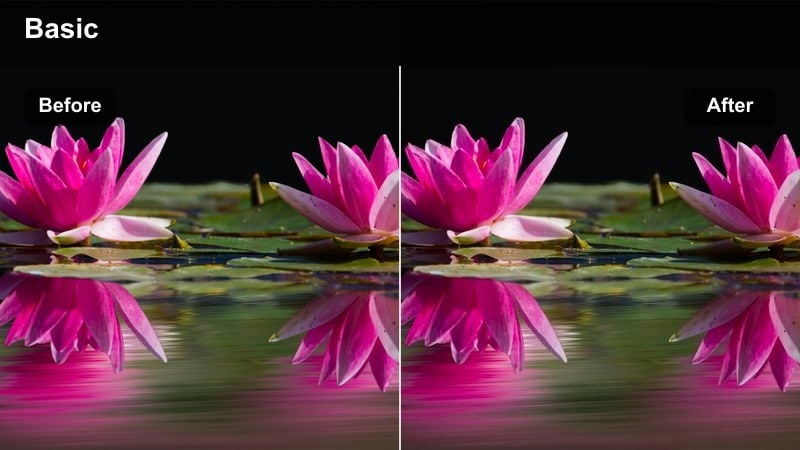
- Effect look: Crunchy midtones, muted colors, and subtle green shift inspired by gritty metro films.
- Best for: Subway rides, underground walkways, and handheld escalator shots.
- Editing tip: Introduce gentle handheld keyframed movement and light film grain to emphasize the raw, documentary-style grime.
Subway Cinematic Grit embraces fluorescent lighting and textured walls, adding crunchy midtones and a slight green cast that recalls gritty metro-set films. Colors are pulled back so viewers focus more on movement, faces, and environment details within compact TikTok frames.
In Filmora, use this filter on all underground clips, then add subtle handheld motion using position keyframes if your footage was originally static. Layer in quiet train sounds, door chimes, and light grain to make transitions between platforms, escalators, and cars feel like one continuous underground journey.
Rooftop Dusk Frame
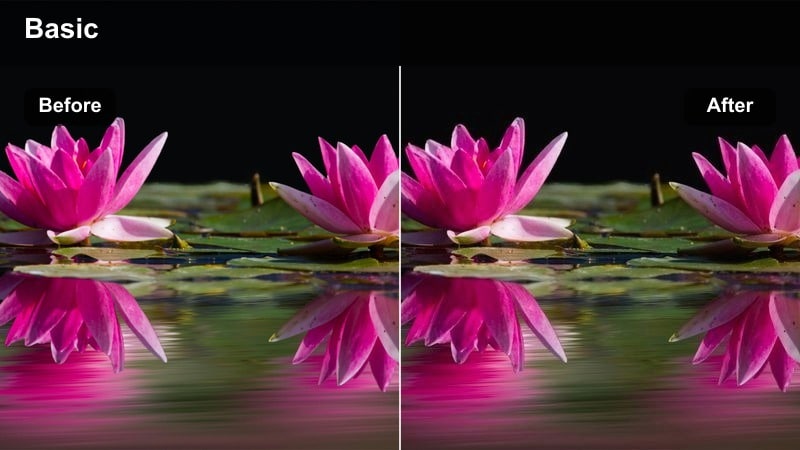
- Effect look: Soft blue hour tones with lifted shadows and a hint of magenta in city lights.
- Best for: Rooftop hangouts, skyline timelapses, and TikTok outros over city silhouettes.
- Editing tip: Use slower transitions and hold shots for an extra beat so the gentle dusk palette has time to register on small screens.
Rooftop Dusk Frame enhances blue hour footage with soft cool tones, slightly raised shadows, and a gentle magenta tint in windows and distant lights. This creates a calm, reflective mood that works well for closing scenes, voice-over outros, and skyline reveals on TikTok.
Apply this cinematic filter in Filmora to rooftop and skyline shots, then extend clip durations slightly and use fades instead of hard cuts. Add slow zoom-ins or pans and time them with music swells or final voice-over lines to turn simple skyline views into emotionally satisfying endings.
Stylized Micro-Scenes: Fast, Dramatic TikTok Moments
Flash Cut Contrast
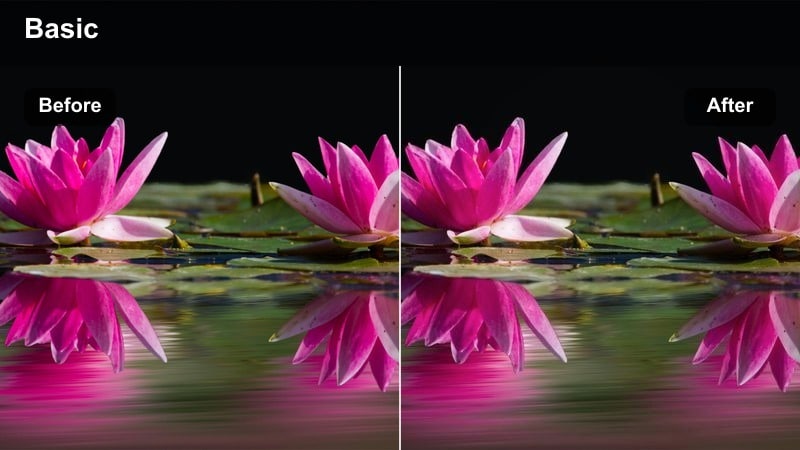
- Effect look: Punchy contrast with crisp whites, dark blacks, and subtle sharpening for impact shots.
- Best for: Fast cuts, object close-ups, and transition-heavy TikTok edits.
- Editing tip: Alternate between normal and high-contrast clips on the beat to create a strobe-like filmic rhythm without actual flicker.
Flash Cut Contrast dials up global contrast and sharpening so edges and textures pop, making details like hands, props, and doors look extra dramatic. The stark separation between highlights and shadows reads clearly on small screens, perfect for intense micro-scenes and transition moments.
In Filmora, use this cinematic filter only on select impact shots within a sequence, alternating with more neutral grading for a rhythmic feel. Keep clips short, sync them tightly to sound effects or music hits, and consider adding whip-pan transitions so each high-contrast frame feels like a punchy story beat.
Dream Shift Glow
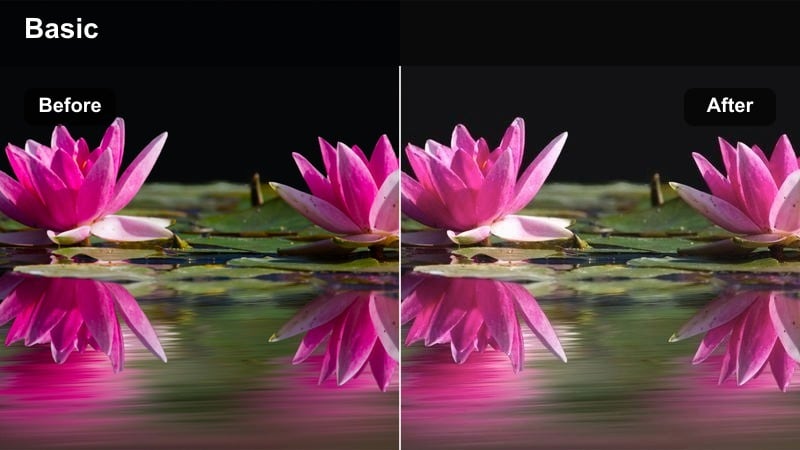
- Effect look: Soft blooming highlights with pastel-leaning midtones for surreal, dreamy sequences.
- Best for: POV daydream shots, slow-motion spins, and romantic detail cutaways.
- Editing tip: Reduce clarity and add slight slow motion so the glow effect feels smooth instead of jittery in vertical format.
Dream Shift Glow introduces blooming highlights and pastel-tinted midtones that soften reality and hint at fantasy, memory, or daydreams. It works especially well with slower movement, hair flips, spinning shots, or drifting POV clips where light streaks across the lens.
In Filmora, slow your chosen clips slightly, apply this cinematic TikTok filter, and then reduce clarity to avoid harsh edges fighting the glow. Trigger the filter only when the story slips into imagination or emotion, and experiment with speed ramps and reverses to build loopable, surreal TikTok moments.
Mono Drama Cut
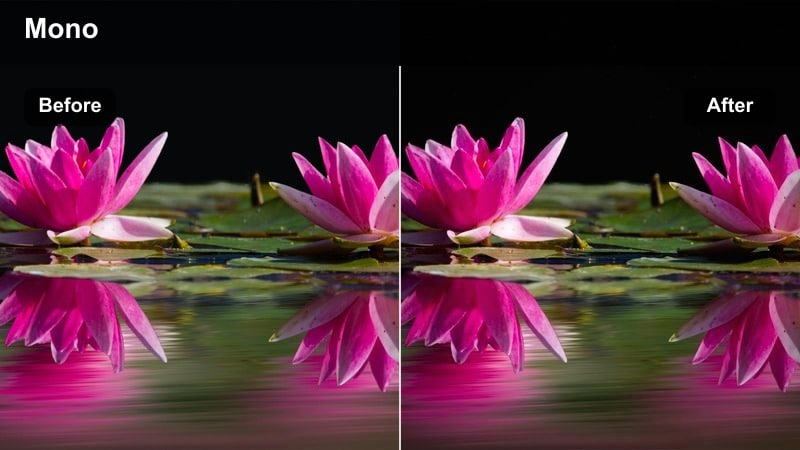
- Effect look: High-contrast monochrome with rich midtones and subtle film grain.
- Best for: Dramatic facial close-ups, silhouette shots, and voice-over driven scenes.
- Editing tip: Push blacks slightly lower and cut on hard sound cues so the monochrome feel matches the intensity of the audio.
Mono Drama Cut strips away color and leans into bold black-and-white contrast, emphasizing facial structure, silhouettes, and light direction. Fine grain and rich midtones keep the image from feeling flat, producing dramatic frames that make emotional voice-overs or reveals hit harder.
Inside Filmora, switch to this cinematic filter for key emotional beats or twist moments in your TikTok narrative. Combine it with strong, directional lighting, tight framing, and hard audio cues like door slams or bass drops to signal a serious tone shift that keeps viewers watching to the end.
Tips for Using Cinematic Tiktok Video Filters in Filmora
- Shoot in flat or neutral picture profiles when possible so cinematic filters have more latitude to shape contrast and color.
- Keep vertical framing clean and simple; busy compositions make strong cinematic filters feel chaotic on small TikTok screens.
- Lower filter intensity to 50 to 70 percent for talking-head clips to preserve realistic skin tones and eye detail.
- Batch-apply the same filter across all clips in a sequence to avoid jarring visual jumps between shots.
- Combine subtle camera movement with cinematic filters to keep static dialogue scenes visually engaging.
- Preview your edits on a phone screen directly from Filmora exports to confirm that subtle color shifts still read clearly.
- Mix filters with gentle LUTs rather than stacking multiple heavy looks to keep your final TikTok from appearing over-processed.
- Save your favorite filter, LUT, and grain combinations as custom presets so you can grade new cinematic TikTok videos in seconds.
With the right cinematic TikTok video filters, even quick handheld shots can look like frames from a carefully crafted short film. Thoughtful grading turns simple travel, dialogue, or night street clips into cohesive stories that stand out in a fast-scrolling feed.
Build a small set of go-to Filmora presets for travel, storytelling, and urban clips so every new TikTok can be graded fast and still feel uniquely yours. As you refine your favorite combinations, your channel will develop a recognizable cinematic style that keeps viewers coming back.
secure download