

 100% Security Verified | No Subscription Required | No Malware


 ChatGPT
 Perplexity
 Gemini
 Claude
 Grok
Grok
The Cool Blue Shadow Video Filter preset is designed for content creators who want to push their footage toward a cinematic, moody vibe with deep, cool-toned shadows.
By subtly cooling the dark areas while keeping highlights clean, this filter helps you shape atmosphere in night scenes, cityscapes, and dramatic talking-head shots without heavy color grading work.
In this article
Moody City Nights and Urban Streets
Neon Street Glow
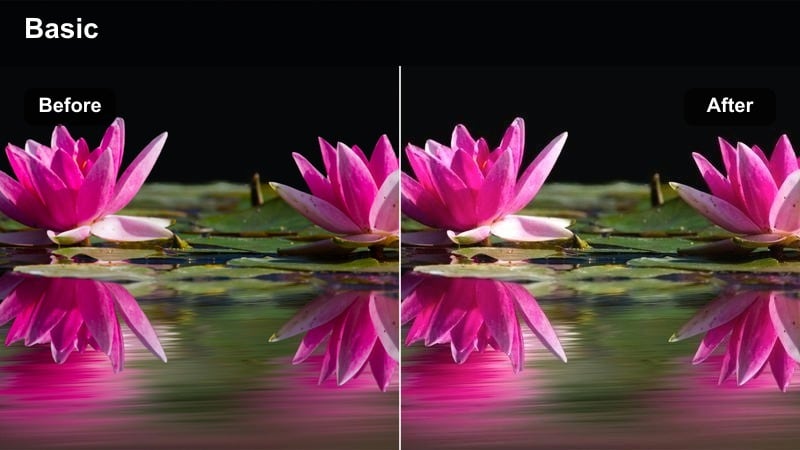
- Effect look: Cool blue shadows with soft neon contrast and slightly lifted blacks for a modern cinematic street look.
- Best for: Night city B-roll, urban vlogs, cinematic travel montages with neon lights and reflective pavements.
- Editing tip: Reduce saturation in yellows and greens while boosting blues to keep the street signage and sky as the main color focus.
Neon Street Glow leans into the strong color contrast of nightlife by cooling shadows and gently lifting blacks so details still show through in dark areas. In Filmora, this preset instantly gives your night streets and rainy pavements a polished, cinematic finish without needing manual HSL tweaks or complex masking.
Use it on handheld B-roll, gimbal moves, and quick cut montages where neon signs, car lights, and store windows dominate the frame. After applying the Cool Blue Shadow Video Filter, fine-tune saturation and exposure in Filmora so faces remain readable while the cool blue atmosphere and neon accents guide the viewer through your urban story.
Dial in your perfect cool blue shadow palette with AI
Start with the Cool Blue Shadow Video Filter preset, then use Filmora AI color tools to refine how cool your shadows appear while preserving natural midtones and highlights. AI-driven adjustments can quickly balance clips from different cameras, locations, or light levels into a single cohesive blue-toned style.
You can generate darker, brighter, or more desaturated variations in just a few clicks, then save your favorite combination as a reusable preset for future night and moody projects.
 secure download

See the Cool Blue Shadow Video Filter in action
Layer the Cool Blue Shadow Video Filter with Filmora light leaks, vignettes, and subtle film grain to turn ordinary clips into stylized sequences. Comparing graded and ungraded footage side by side helps you dial in just how strong you want the cool blue mood to feel.
Use preview playback to test how the filter behaves on fast cuts, slow motion, and static shots so your nighttime or moody sequence looks cohesive from start to finish.
secure download1000+ Video Filters and 3D LUTs
Beyond the Cool Blue Shadow Video Filter, Filmora includes a large library of filters, cinematic LUTs, and color tools so you can build unique looks for every project. Mix cool blue shadows with soft fade, vintage film, or high-contrast LUTs to discover combinations that match your channel branding or film concept.
Once you find a style you like, save it as a custom preset and apply it across entire timelines for fast, consistent grading on vlogs, short films, and social edits.
secure downloadMetro Platform Chill
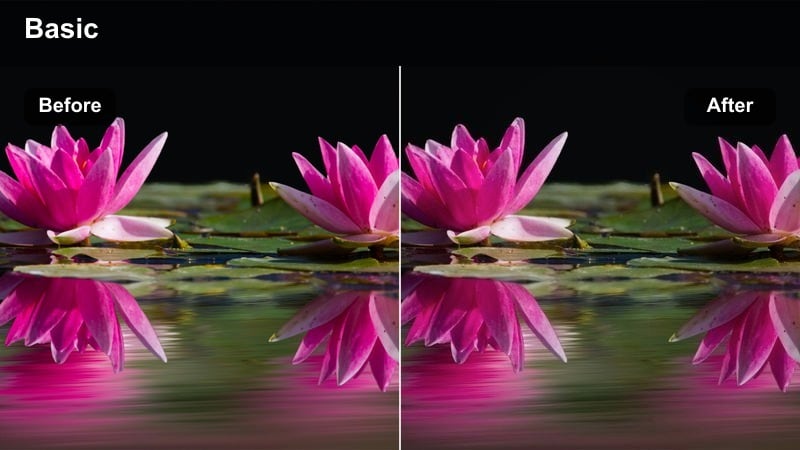
- Effect look: Desaturated cool tones with heavy blue in shadows and neutral midtones, creating a calm underground atmosphere.
- Best for: Subway scenes, underground parking shots, moody walk-and-talk sequences in transit hubs.
- Editing tip: Lower contrast slightly and add a subtle vignette to guide focus to your subject on the platform.
Metro Platform Chill emphasizes the quiet, isolated feeling of underground locations by pushing blues into the darkest parts of the frame while keeping midtones relatively neutral. In Filmora, it is ideal when you want the environment to feel cold and distant but still need your subject to stand out clearly.
Apply this look to clips captured in subway stations, tunnels, or parking garages, then add a gentle vignette and light noise reduction if the ISO was high. Combine the Cool Blue Shadow Video Filter with Filmora motion tools for slow walk-and-talk shots that maintain a moody ambiance without losing important detail in the background.
Rooftop City Haze
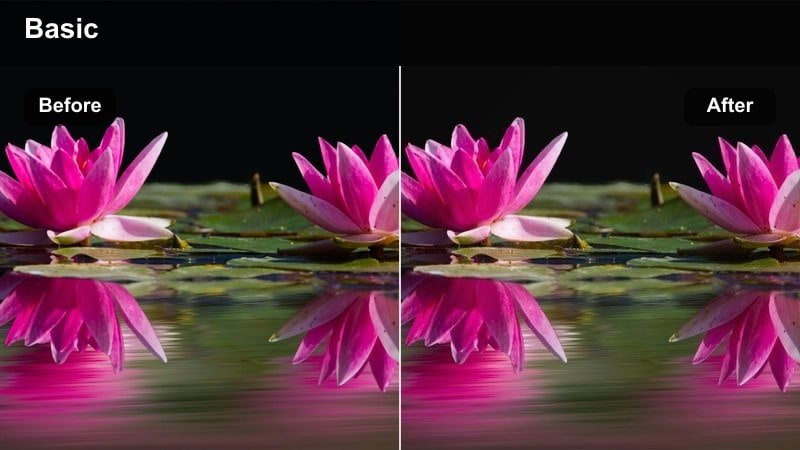
- Effect look: Soft blue haze in shadows with gentle highlight roll-off, giving rooftop skyline shots a cinematic dusk feel.
- Best for: Rooftop b-roll, skyline establishing shots, time-lapses transitioning from sunset to night.
- Editing tip: Decrease clarity slightly and add a bit of film grain to avoid a too-digital look in wide city vistas.
Rooftop City Haze smooths the transition between late sunset and early night by adding cool blue tones to shadows and softening contrast. In Filmora, this preset works especially well on wide skyline shots, drone views, and time-lapse sequences where the sky gradually darkens.
Use it as a base grade, then tweak exposure and temperature from clip to clip so your skyline does not jump in brightness or color. Add subtle film grain and a slight reduction in clarity to remove overly sharp digital edges, helping your rooftop and cityscape footage feel more cinematic and cohesive.
Dim Interiors and Cinematic Rooms
Desk Setup Cool Focus
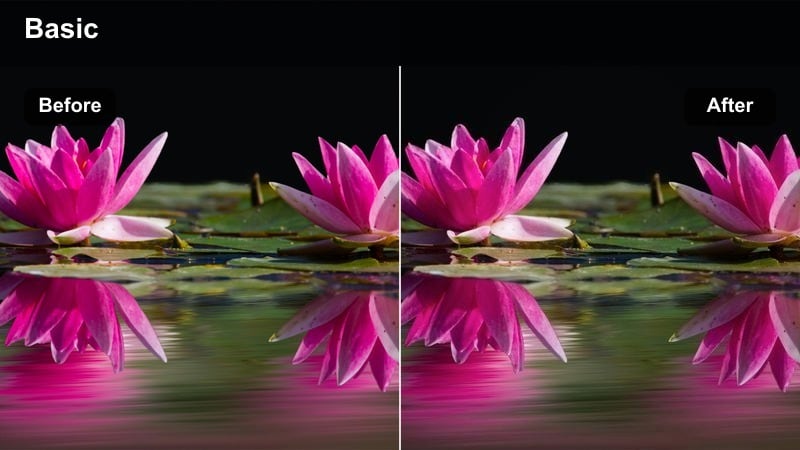
- Effect look: Cool, crisp shadows around the desk area with slightly desaturated colors and clean whites on screens and lights.
- Best for: Productivity desk tours, gaming setups, streaming background b-roll in low light.
- Editing tip: Mask your main monitor or key light and keep it near neutral white so the cool shadows frame, not overpower, the subject area.
Desk Setup Cool Focus is designed to highlight your tech and workspace while surrounding it with cool, stylish shadows. In Filmora, it subtly lowers saturation and cools the darkest parts of the frame, letting RGB lights and monitor highlights stand out without looking oversaturated.
Apply this look to A-roll and B-roll of PC setups, consoles, and streaming spaces, then use Filmora masks and keyframing to protect screen whites from turning too blue. By combining the Cool Blue Shadow Video Filter with selective color tuning, you can create a recognizable, professional-looking desk aesthetic for your channel.
Studio Side Light Blue
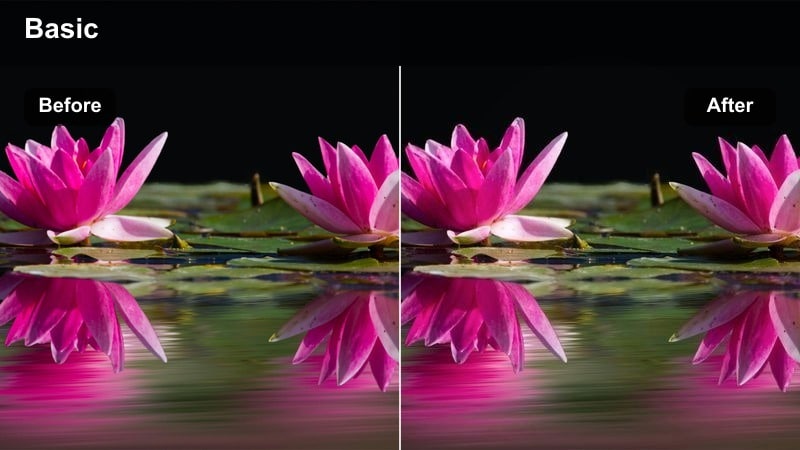
- Effect look: Cool blue cast in shadows with preserved skin tones and a gentle falloff from key light to background darkness.
- Best for: Talking-head videos, tutorials, and interviews in a controlled studio with one main light source.
- Editing tip: Push contrast a little higher and reinforce separation by darkening background shadows while keeping midtones clean.
Studio Side Light Blue is optimized for controlled lighting setups where a single key light defines the subject. Filmora uses this filter to cool background shadows and corners of the frame while keeping skin tones more natural, enhancing depth without making presenters look overly stylized.
Use it on tutorials, educational content, or interviews where you want a subtle cinematic twist instead of plain flat lighting. After applying the Cool Blue Shadow Video Filter, lightly adjust midtone warmth and contrast in Filmora to maintain believable skin tones and strong separation between subject and background.
Hallway Noir Blue
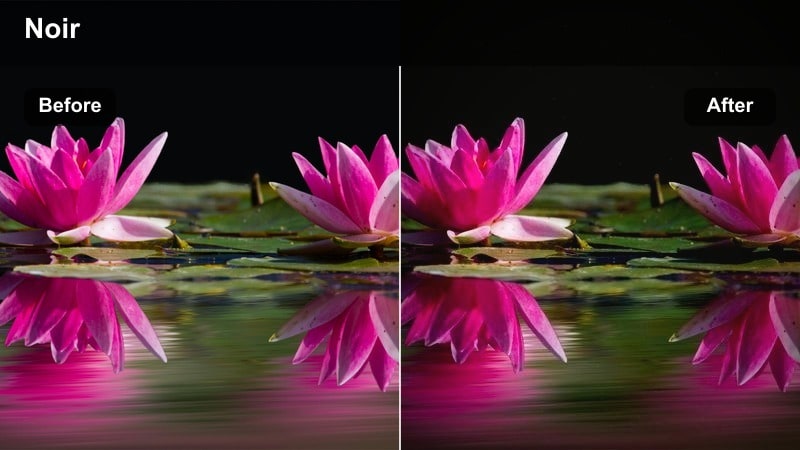
- Effect look: High-contrast cool shadows with deep blacks and subtle blue tint, giving narrow spaces a suspenseful noir tone.
- Best for: Short film scenes, thriller-style walk-throughs, slow dolly shots in corridors and stairwells.
- Editing tip: Use slow camera movement and let the filter do the heavy lifting instead of overusing transitions or motion effects.
Hallway Noir Blue pushes contrast and cool toning to create dramatic, high-tension visuals perfect for narrative work. The filter deepens blacks and injects blue into narrow spaces, so in Filmora even simple corridor shots can feel mysterious and cinematic.
Apply it to slow walk-throughs, character reveals, and transition shots between rooms in your story. Pair the Cool Blue Shadow Video Filter with subtle push-in keyframes, minimal transitions, and carefully mixed ambient audio to intensify suspense without visual clutter.
Evening Streets and Blue Hour Exteriors
Canal Walk Blue Hour
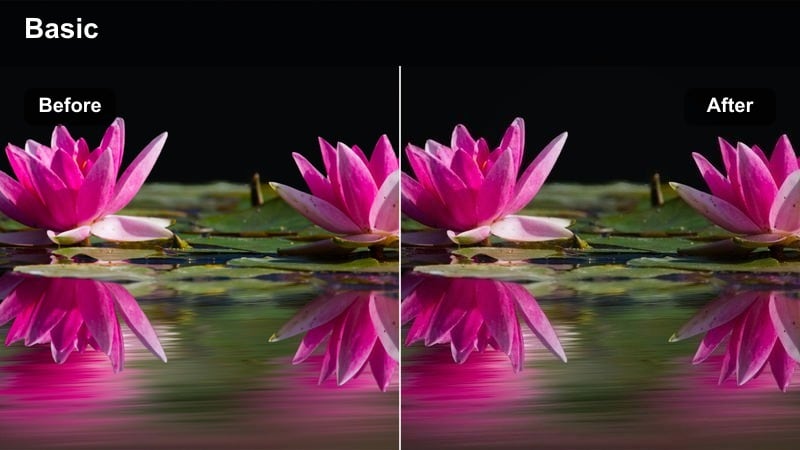
- Effect look: Gentle cool wash over shadows with slightly softened contrast for calm blue hour walks near water or reflective surfaces.
- Best for: City canal walks, riverside paths, evening travel vlogs capturing reflections and streetlights on water.
- Editing tip: Boost luminance in blues to keep the water surface readable while maintaining a dark, moody overall frame.
Canal Walk Blue Hour is tuned for dusk and early night footage where reflections play a big role in composition. In Filmora, the filter cools shadows and smooths contrast so sidewalks, water, and sky blend into a cohesive blue-toned scene that feels calm and cinematic.
Use it on travel vlogs, lifestyle videos, and romantic sequences along rivers or canals. After applying the Cool Blue Shadow Video Filter, nudge blue luminance up and refine exposure so ripples, reflections, and silhouettes stay visible without losing the overall moody feel.
Alleyway Ambient Blue
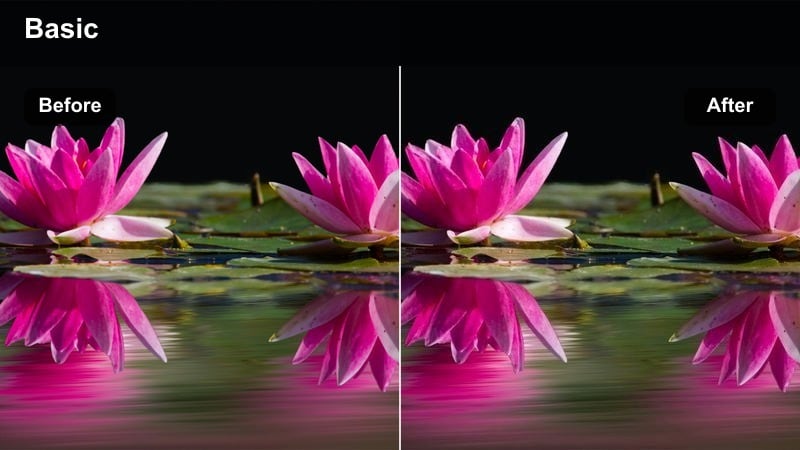
- Effect look: Soft but dense blue shadows with slight texture enhancement to emphasize bricks, asphalt, and wet pavements.
- Best for: Alleyway B-roll, street photography style shots, handheld sequences between buildings.
- Editing tip: Stabilize handheld shots slightly and add a tiny bit of film grain to complement the textured shadow look.
Alleyway Ambient Blue emphasizes the gritty character of side streets by enriching textures in bricks and pavement while cooling the overall palette. In Filmora, this preset is perfect for handheld B-roll and transitional shots that link main scenes together with atmospheric detail.
Apply it to clips where you move through alleys, side streets, or small back lanes, then lightly stabilize footage to avoid distracting shake. Combine the Cool Blue Shadow Video Filter with mild film grain and local contrast to keep textures strong but not harsh, creating moody connective tissue for your city stories.
Bridge Crossing Cool
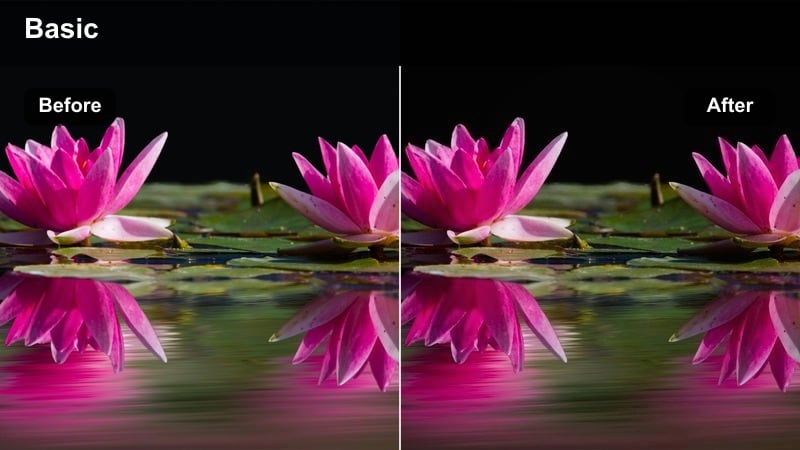
- Effect look: Clean cool shadows under the bridge structure with balanced midtones, perfect for motion-heavy crossing shots.
- Best for: Walk-and-talk scenes, bike rides across bridges, gimbal shots following a subject over a city bridge.
- Editing tip: Add a subtle motion blur effect or lower shutter speed in-camera to make movement feel smoother with the cool, stable background.
Bridge Crossing Cool is built for shots with lots of movement against strong structural lines. The filter cools shadows cast by beams and railings while preserving midtone detail, so in Filmora you get a stylish, stable backdrop for walking, running, or biking subjects.
Apply it to gimbal tracking shots and POV crossings, then experiment with Filmora motion blur and speed ramping to accent key moments. With the Cool Blue Shadow Video Filter as your base, you can create sequences where the bridge feels like a cinematic tunnel of cool light that guides the viewer straight to your subject.
High-Drama Storytelling and Character Moments
Interrogation Room Blue
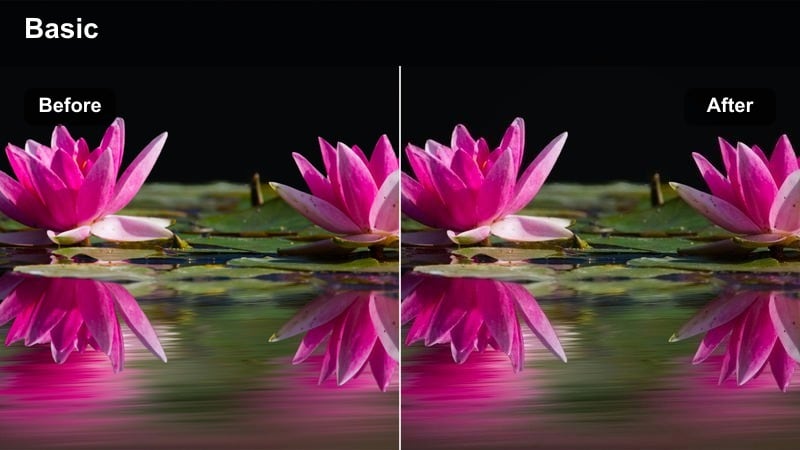
- Effect look: Intense cool shadows, slightly crushed blacks, and a narrow color palette for tense dialogue scenes.
- Best for: Short films, interrogation scenes, dramatic monologues, or tense podcast visuals.
- Editing tip: Keep camera movement minimal and let lighting plus the cool blue filter carry the tension.
Interrogation Room Blue narrows the palette and deepens shadows to heighten tension in dialogue-heavy scenes. In Filmora, this preset quickly transforms simple room setups with a single light into stylized interrogation or dramatic spaces filled with suspense.
Use it on close-ups, over-the-shoulder shots, and wide masters where you want the environment to feel oppressive and cold. After applying the Cool Blue Shadow Video Filter, refine black levels and add minimal camera movement or slow cuts so performances and silence become the main focus.
Window Silhouette Cool
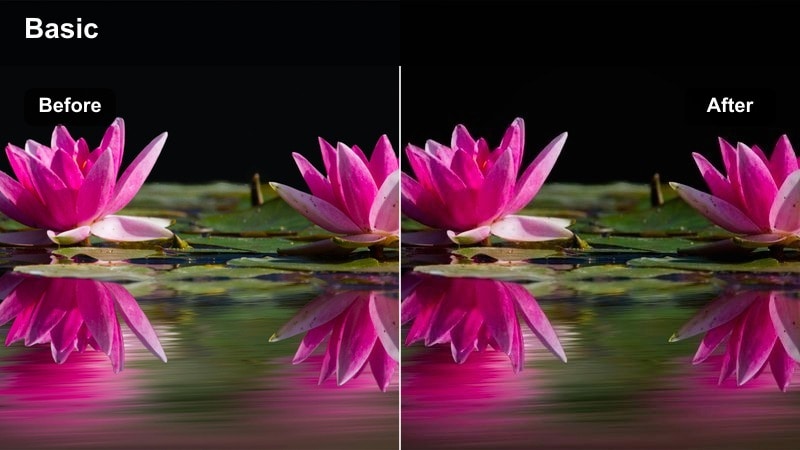
- Effect look: Strong backlighting from a window with subject in cool shadow, emphasizing outline and mood over detail.
- Best for: Reflective character moments, narrative intros, transitions between scenes in story-driven videos.
- Editing tip: Lower exposure slightly to keep the window from clipping, then let the blue shadows obscure some facial details for mystery.
Window Silhouette Cool is tailored for scenes where the outside world is bright and the character is mostly in shadow. Filmora uses this filter to cool the interior darkness while preserving the glow of the window, so your subject becomes a striking silhouette rather than a clearly lit figure.
Apply it to intros, outros, and reflective beats between major story moments. After adding the Cool Blue Shadow Video Filter, adjust highlight roll-off to keep exterior detail visible, then slightly underexpose the shot so the silhouette and cool blue interior shadows create a sense of mystery and introspection.
Parking Lot Lone Figure
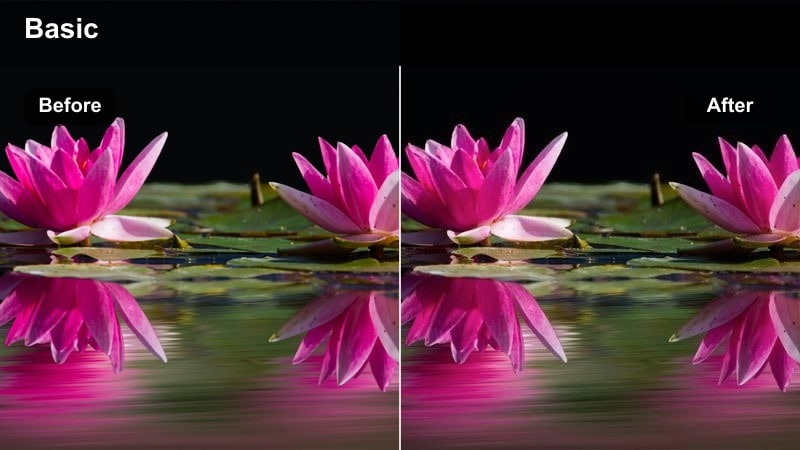
- Effect look: Wide, cool blue shadows across an empty lot with pockets of light around the main subject, evoking isolation.
- Best for: Music videos, narrative B-roll, moody character walks in large open urban spaces at night.
- Editing tip: Use slow motion and longer focal lengths to compress space and make the lone figure feel smaller against the lot.
Parking Lot Lone Figure makes large, mostly empty spaces feel vast and isolating by cooling shadows and emphasizing patches of light. In Filmora, this preset pairs well with slow motion and long-lens shots that visually minimize the subject against a sea of asphalt and blue-tinted darkness.
Use it in music videos, narrative sequences, or conceptual shorts where you want to highlight loneliness or contemplation. Apply the Cool Blue Shadow Video Filter, then experiment with speed changes and subtle vignettes in Filmora to push attention toward your subject while the rest of the frame fades into expansive cool shadow.
Tips for Using Cool Blue Shadow Video Filter Filters in Filmora
- Always correct exposure and white balance before applying the Cool Blue Shadow Video Filter so the toning enhances, rather than fixes, your footage.
- Lower saturation in strong reds and greens to prevent them from competing with the cinematic blue shadows you are creating.
- Use Filmora vignettes and gradients to control where the cool blue shadows fall, keeping faces and key subjects clean and readable.
- Test the filter on both wide establishing shots and tight close-ups to ensure your overall project maintains a consistent look.
- Combine the Cool Blue Shadow Video Filter with light leaks, film grain, and subtle blur effects to add extra atmosphere without overprocessing.
- Save your favorite Cool Blue Shadow adjustments as a custom preset so you can apply the same mood across future edits in a single click.
- Export a short reference sequence and review it on multiple screens to confirm that blue shadows and contrast levels translate well everywhere.
The Cool Blue Shadow Video Filter gives content creators a fast way to add cinematic depth, moody atmosphere, and cohesive cool tones across night scenes, interiors, and story-driven videos.
Apply it as a base look, refine with Filmora color tools, and then experiment with combining it with a soft fade color grading LUT to build a complete, repeatable visual style for your channel or series.
secure download