

 100% Security Verified | No Subscription Required | No Malware


 ChatGPT
 Perplexity
 Gemini
 Claude
 Grok
Grok
This dessert plating close up filter collection is built for content creators who want every swirl of sauce, sprinkle of sugar, and glossy glaze to look irresistible on camera.
Whether you shoot vertical TikToks, YouTube recipe videos, or Instagram Reels, these filters help shape light, contrast, and color so your plated desserts look polished, premium, and ready to post with minimal editing.
In this article
Soft Pastry Glow Shots
Crème Brûlée Glow
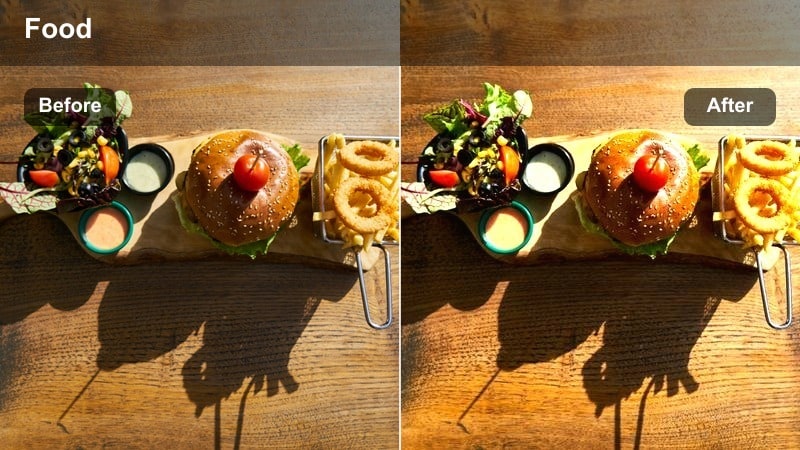
- Effect look: Soft, warm, with gentle highlights that make custards and cream-based desserts look velvety and luxurious.
- Best for: Close up shots of crème brûlée, panna cotta, and custard desserts with a caramelized top.
- Editing tip: Lower contrast slightly if your torching created harsh hotspots, and add a touch of vignette to keep attention on the glossy surface.
Use Crème Brûlée Glow in Filmora when you want your plated custards to feel rich and cinematic without blowing out the caramelized sugar. The filter smooths micro-highlights and warms midtones so the custard base looks dense and creamy, while the crackled top keeps a gentle sparkle instead of harsh glare.
On the Filmora timeline, start by slightly lowering overall exposure on very shiny tops, then apply the filter and fine-tune contrast with the Color panel. A light vignette and a subtle focus mask over the custard surface can push even more attention to the spoon crack, sugar bubbles, and steam rising in your close ups.
AI-Tuned Filters for Dessert Color Accuracy
AI-powered color analysis in Filmora helps these dessert filters keep plates neutral while creams, caramels, and sauces stay true to life. That means fewer orange casts on vanilla custards and more believable caramel browns across different kitchen setups.
Apply an AI-tuned preset as your base grade, then make small exposure and contrast tweaks for each shot. This workflow speeds up grading batches of dessert shorts or recipe videos while keeping your feed visually consistent.
 secure download

See the Filters in Action on Plated Desserts
To preview how each dessert plating close up filter behaves, drop three clips into Filmora: an overhead plate, a 45 degree angle, and an extreme macro. Apply different presets to duplicated clips and compare how they treat bright sauces, creamy textures, and dark garnishes side by side.
Use the comparison view or arrange clips in a grid sequence so you can quickly decide which filter fits your channel style, then save your top choices as custom presets for faster grading on future dessert videos.
secure download1000+ Video Filters and 3D LUTs
Beyond dessert plating presets, Filmora includes a full library of video filters and 3D LUTs to match different moods, cuisines, and platforms. You can grade your entire cooking storyline from raw ingredients to final plating with cohesive color and contrast.
Combine a kitchen natural light LUT for your process shots with a dessert macro filter on the timeline, then fine tune with Filmora tools like HSL and curves to lock in your signature visual recipe.
secure downloadTiramisu Soft Cream
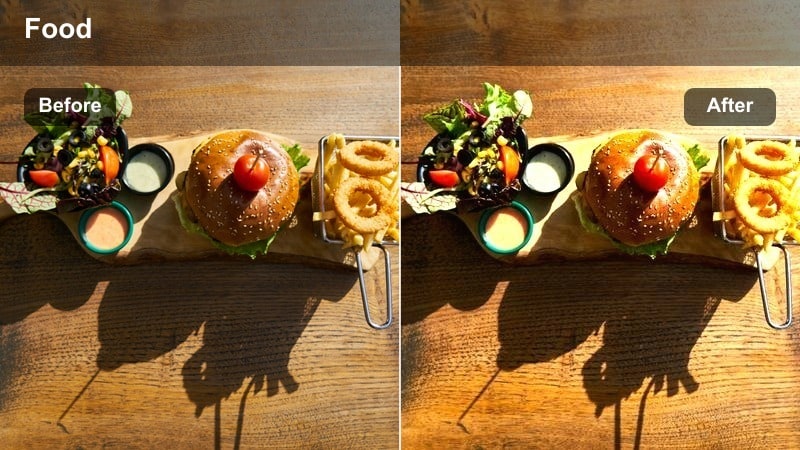
- Effect look: Creamy, low-contrast tone that smooths mascarpone layers while keeping cocoa dusting defined.
- Best for: Layered dessert close ups like tiramisu slices, parfaits, and trifle shots on the plate.
- Editing tip: Use shallow depth of field, then apply this filter and slightly boost clarity only around the cut edge to show layers cleanly.
Tiramisu Soft Cream works well when you want delicate layering to read clearly without harsh contrast between cake and mascarpone. The filter slightly softens transitions, keeping cocoa dusting and coffee soak marks visible while avoiding crunchy or over-sharpened edges.
In Filmora, combine this preset with a selective sharpen mask along the cut face of the dessert to showcase each layer. For Reels and Shorts, trim in on fork cuts and slow push-ins, letting the filter smooth noise in blurred backgrounds while your hero slice stays appetizing and detailed.
Cheesecake Satin Finish
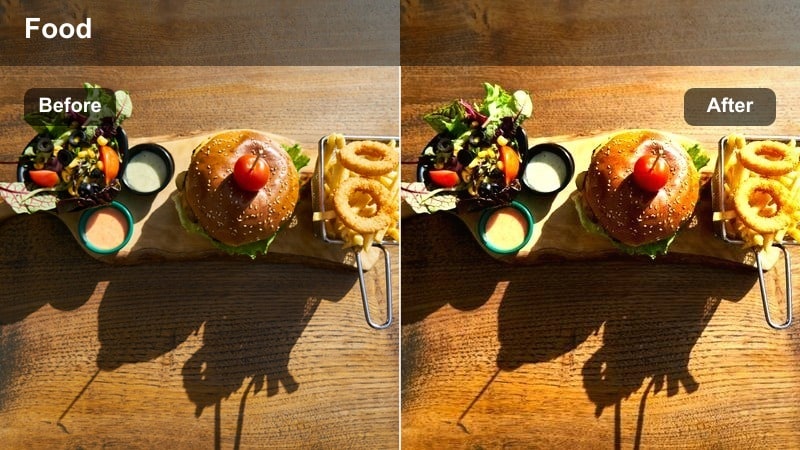
- Effect look: Subtle gloss with balanced whites, ideal for creamy cheesecake tops that easily blow out under light.
- Best for: Cheesecake close ups, plated slices, and overhead drizzle shots with syrup or coulis.
- Editing tip: Dial back highlights and increase micro-contrast around the crust edge to add structure while keeping the top silky.
Cheesecake Satin Finish is built to tame bright whites and pale creams that often clip under studio or window light. It adds a gentle sheen to the surface while protecting details like tiny air bubbles, swirl marks, and the transition between filling and crust.
Apply it in Filmora after setting exposure so the brightest part of the cheesecake is just below clipping on the waveform. Use the masking tools to give the crust a touch more local contrast so its crumb texture stands out, while the top remains smooth, satin, and ready for slow-motion drizzle shots.
Rich Chocolate and Dark Dessert Detail
Ganache Deep Focus
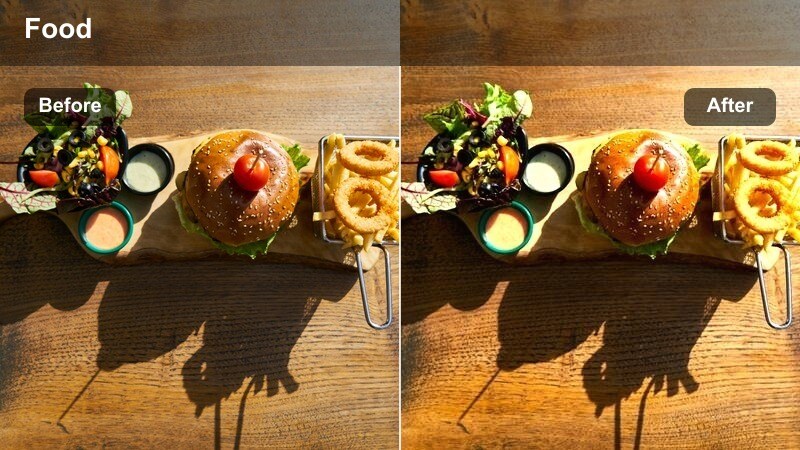
- Effect look: Deep, rich contrast that makes dark chocolate look glossy without turning shadows muddy.
- Best for: Close up shots of chocolate tarts, ganache swirls, and sauce lines on a dessert plate.
- Editing tip: Add a subtle sharpen to the ganache edges only, and keep saturation moderate so browns stay natural, not orange.
Ganache Deep Focus thickens shadows and lifts specular highlights so chocolate reads as rich and decadent instead of flat. It is tuned to keep brown tones neutral, preventing them from drifting into overly warm or artificial hues when you increase contrast.
When editing in Filmora, pair this filter with fine sharpening on the edges of swirls, curls, and knife strokes in your ganache. Use keyframes on exposure if your pour or drip shot moves from bright to dark areas, letting the preset maintain consistent depth and gloss across the entire motion.
Dark Cocoa Matte Plate
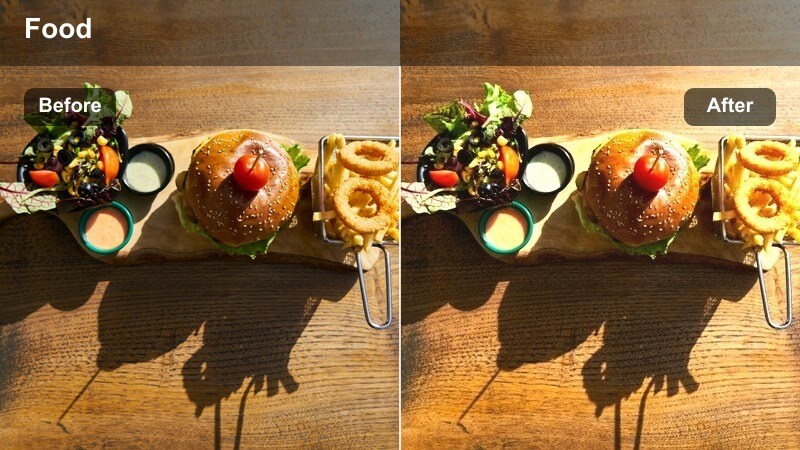
- Effect look: Matte, cinematic finish that takes the shine down slightly on dark desserts for a luxe editorial look.
- Best for: Brownie squares, chocolate fondants, and plated mini cakes in low-key lighting.
- Editing tip: Use this filter when you have mixed reflections on the plate and need a more even, editorial matte feel.
Dark Cocoa Matte Plate is ideal when reflections and mixed highlights on glossy plates distract from the dessert. The filter slightly flattens shine and deepens midtones so brownies, fondants, and mini cakes appear velvety and upscale in moody lighting.
On the Filmora timeline, combine this preset with a subtle vignette and a slight lift of shadow detail if your dessert disappears into the background. For hero thumbnails, freeze a frame where crumbs and edges are clearly visible, then apply the filter to soften busy plate reflections while keeping the chocolate itself refined and cinematic.
Chocolate Sauce Trail
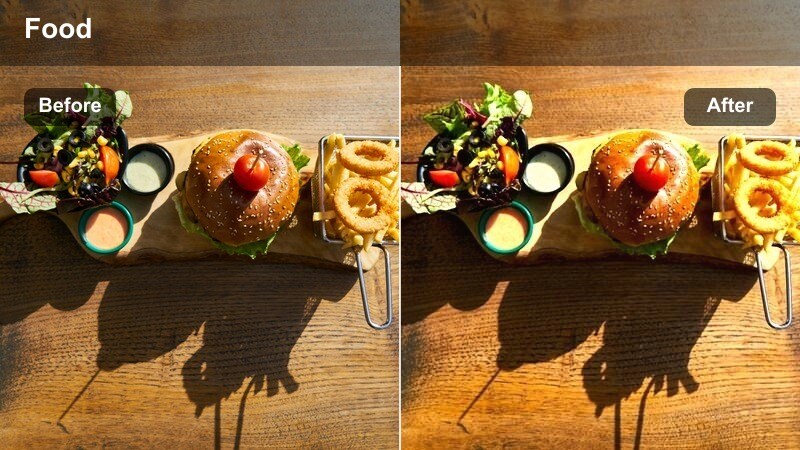
- Effect look: High micro-contrast that outlines every drip and trail of chocolate sauce on the plate.
- Best for: Macro details of plated chocolate drizzles, lettering in sauce, and decorative patterns around desserts.
- Editing tip: Use manual focus and this filter together to emphasize line work; slightly lower overall clarity if the plate texture becomes too busy.
Chocolate Sauce Trail boosts local contrast along edges to make decorative lines, dots, and lettering pop against the plate. It is especially effective for macro detail shots where you frame just the sauce trails and a sliver of dessert in the background.
Apply it in Filmora to tight clips and adjust global clarity if your plate texture competes with the sauce design. For TikTok or Instagram, cut in quick close ups of the finished drizzle sequence between wider plating shots so the enhanced line work becomes a visual hook in your edit.
Fresh Fruit Garnish and Color Pop
Berry Bright Pop
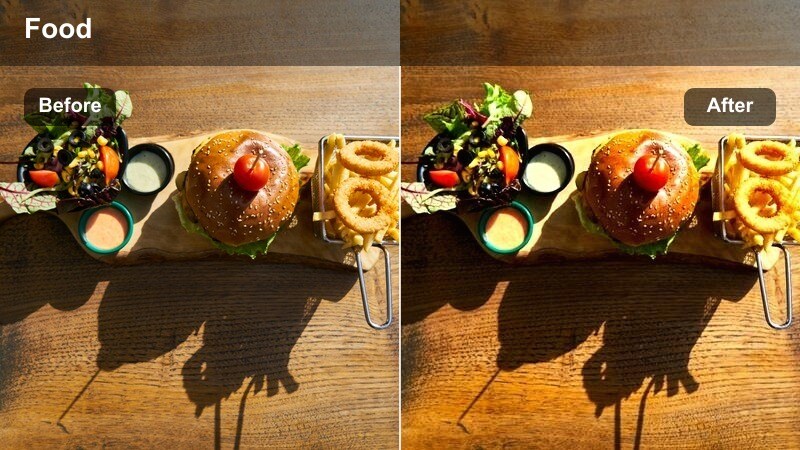
- Effect look: Vibrant reds and deep purples with clean whites, ideal for fruit-topped plated desserts.
- Best for: Close ups of berry garnishes, coulis, and fruit-forward dessert plates shot in soft daylight.
- Editing tip: Lower saturation of reds slightly if skin tones are in the shot, and let the filter carry vibrancy through contrast instead.
Berry Bright Pop is tuned to intensify berry reds, purples, and deep blues while keeping plate whites crisp. It gives fruit-topped cheesecakes, pavlovas, and mini cakes a bright, inviting look that stands out in social feeds without looking artificial.
In Filmora, apply the filter, then head into HSL to tame reds or magentas if there are hands or faces in frame. For overhead spreads, duplicate the clip and use a mask to boost saturation slightly only on the garnish area, letting the rest of the plate stay neutral and clean.
Citrus Zest Focus
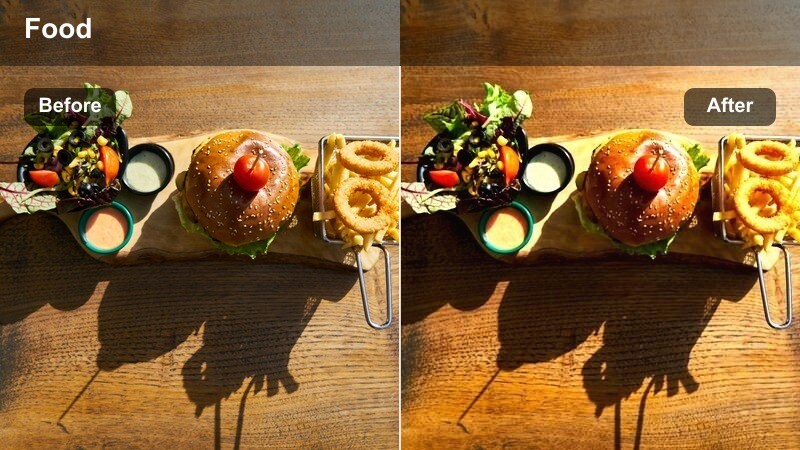
- Effect look: Crisp, punchy yellows and greens that make citrus elements pop without oversaturating the full frame.
- Best for: Lemon tarts, lime garnishes, and thin zest ribbons arranged on the plate around the dessert.
- Editing tip: Mask the main dessert if needed and reduce saturation slightly there so the citrus accents stay the hero.
Citrus Zest Focus emphasizes the sparkle and translucence of lemon and lime, boosting perceived sharpness in zest curls, thin slices, and candied peels. It is perfect for shots where citrus garnish is meant to frame or highlight the hero dessert on the plate.
In Filmora, use the masking tools to isolate citrus-heavy areas if the main dessert starts to look too saturated. This lets you keep backgrounds soft and neutral while the yellow and green accents stay bold, making every swipe of zest and slice border stand out in your close ups and B roll.
Pistachio Pastel Plate
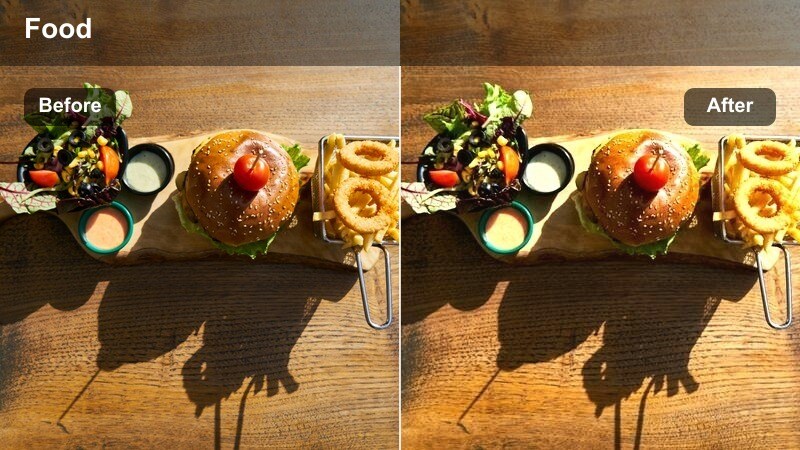
- Effect look: Soft pastel enhancement that keeps greens and pinks gentle but defined for delicate plated desserts.
- Best for: Macaron plates, pistachio or matcha desserts, and pastel-toned pastries in minimal setups.
- Editing tip: Expose slightly to the right in-camera, then use this filter to roll off highlights and maintain a dreamy palette.
Pistachio Pastel Plate is made for light, airy dessert aesthetics where you want gentle colors instead of heavy contrast. It smooths transitions between pale greens, blush pinks, and neutral creams, giving macaron stacks and matcha pastries a dreamy, editorial finish.
Apply this preset in Filmora to well-exposed footage, then use curves to slightly soften contrast if your scene feels too punchy. For carousel posts or YouTube thumbnails, choose frames where background props are minimal, letting the pastel filter and plate composition convey a clean, modern dessert brand.
Sauce Pours, Textures, and Motion Close Ups
Slow Pour Caramel
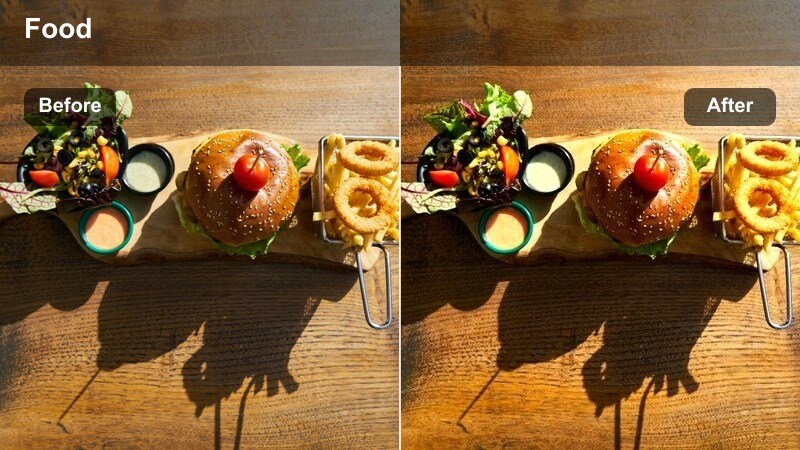
- Effect look: Smooth, glossy highlights that emphasize the thickness and flow of caramel or syrup in motion.
- Best for: Slow motion pours over plated desserts, drip details, and last-touch garnish moments.
- Editing tip: Stabilize your clip first, then apply this filter and slightly boost shutter speed on future shots to freeze caramel trails cleanly.
Slow Pour Caramel brings out the viscosity and shine in syrups, ganaches, and sauces as they cascade over desserts. It heightens highlight roll-off so each drip catches light cleanly while the plate and background stay subtly understated.
In Filmora, apply this filter after using video stabilization on handheld pours. Adjust playback speed to emphasize the most satisfying part of the stream, then combine with a gentle zoom keyframe so the viewer stays locked on the enhanced caramel trail and final drip over the plated dessert.
Crumb Detail Sharpen
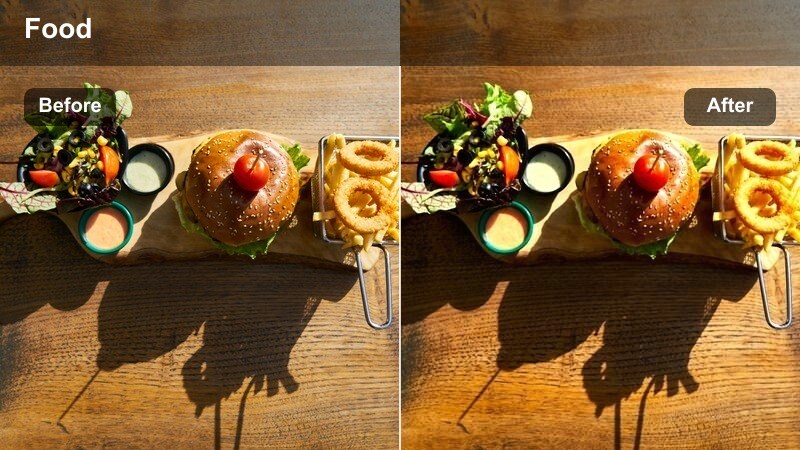
- Effect look: High detail enhancement that makes crumbs, crust edges, and textured toppings stand out sharply.
- Best for: Macro shots of crumble toppings, biscuit bases, and textured elements scattered on the plate.
- Editing tip: Use selective sharpening on the crumb zone only to avoid making the plate surface look noisy or dirty.
Crumb Detail Sharpen is focused on micro-texture, perfect for crusts, streusels, and crumb trails leading into your hero dessert. It increases edge definition on small fragments so the viewer can almost feel the crunch through the screen.
Within Filmora, pair this filter with a mask targeting the crumb path and crust rim, dialing back sharpness on blank plate areas to avoid emphasizing dust or imperfections. Insert short, sharp macro cutaways enhanced with this preset between smoother hero shots to add tactile variety to your dessert edits.
Mirror Glaze Highlight
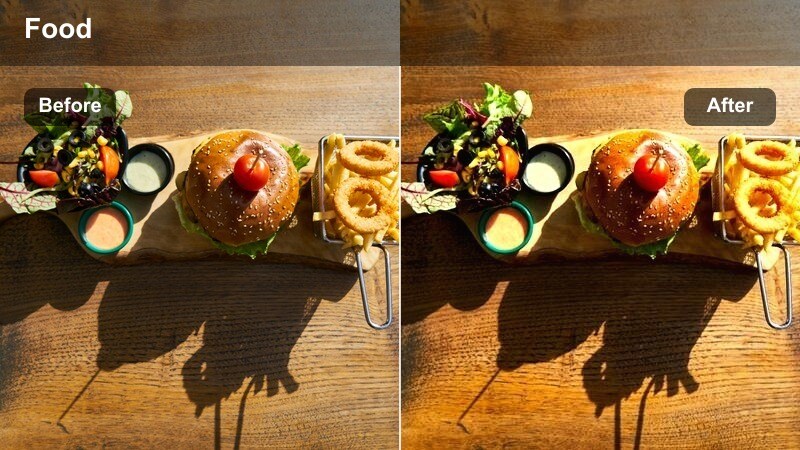
- Effect look: High gloss, reflective emphasis that makes mirror glazes and glossy toppings look ultra-polished.
- Best for: Mirror-glazed cakes, domes, and plated portions where surface reflection is the star.
- Editing tip: Keep your light sources large and diffused; this filter will amplify reflections, so avoid cluttered reflections in the glaze.
Mirror Glaze Highlight is designed to maximize reflection and shine on perfectly smooth glazes and jellies. It brightens specular highlights while keeping midtones controlled, so the dessert surface looks like glass without losing color depth or subtle curvature.
Use it in Filmora on carefully lit shots where your softbox or window reflection is clean and intentional. If necessary, reduce exposure slightly before applying the filter to preserve highlight detail, then add a slow rotational or lateral move in the edit so the amplified reflections glide smoothly across the glaze for a premium, hypnotic effect.
Tips for Using Dessert Plating Close Up Filter Filters in Filmora
- Shoot desserts on neutral plates so the filter's color balance and contrast adjustments do not have to fight strong background colors.
- Lock white balance in-camera before filming your dessert close ups so each filter behaves consistently across all your shots.
- Use a tripod or stable surface for extreme close ups; sharper base footage gives these filters more texture detail to work with.
- Expose slightly darker than you think for very bright creams or glazes so the filters preserve highlight detail on the plate.
- Keep props and cutlery minimal around the dessert; these filters emphasize fine details and can make clutter more distracting.
- Try each filter on both photos and short video clips to find which ones translate best to your main content format.
With the right dessert plating close up filter, every swirl of sauce, crumb of crust, and glossy glaze on your plate can look intentional and cinematic straight out of Filmora.
Save your favorite presets as part of a custom dessert workflow so you can grade new recipes quickly while keeping a consistent visual style across your channel.
secure download