

 100% Security Verified | No Subscription Required | No Malware


 ChatGPT
 Perplexity
 Gemini
 Claude
 Grok
Grok
These free LUT-style filters for night video help creators and editors turn noisy, flat low-light footage into clean, cinematic scenes with just a few clicks.
Use this collection to match your project's mood, from neon-soaked city streets to muted, moody night walks, all without buying extra LUT packs.
In this article
Neon City Streets and Nightlife
Neon Pulse
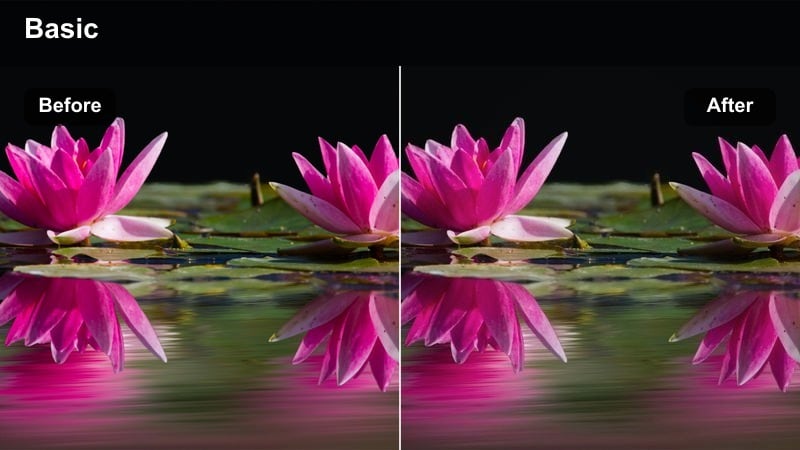
- Effect look: High-contrast, saturated neon with deep cyan shadows and punchy magenta highlights.
- Best for: Downtown nightlife B-roll, club entrances, and busy streets filled with colorful signs.
- Editing tip: Lower overall saturation slightly if skin tones begin to look oversaturated under mixed lighting.
Neon Pulse gives your night city clips a bold, stylized aesthetic that mimics a free neon LUT without any complex grading. In Filmora, this filter instantly deepens cyan shadows and boosts magenta highlights so shop signs, billboards, and LED strips pop, while keeping blacks rich enough to preserve the nighttime feel.
For creator vlogs, B-roll, or short edits, drop Neon Pulse on your clip, then fine-tune intensity with the filter strength slider to match how extreme you want the look to be. Combine it with Filmora's basic color tools to slightly warm skin tones and reduce saturation in the orange range so faces stay natural while the environment stays hyper-energetic.
Match Your Night Mood with AI-Powered Color Tools
Filmora's AI-driven color tools help you prep low-light footage before you add any of these free LUT-style night filters. AI can quickly balance exposure, contrast, and tint so your neon signs and skin tones start from a cleaner baseline.
Use AI color correction to fix mixed lighting from street lamps, storefronts, and car headlights, then apply Neon Pulse or any other night filter to lock in a consistent cinematic style across your entire sequence.
 secure download

Preview Night Filters in Real Time
Filmora's live preview makes it easy to skim through different night filters and instantly see how they treat highlights, shadows, and digital noise. You can hover over each filter in the browser and watch how your dark footage responds before you apply anything.
This real-time comparison lets you quickly decide whether a punchy look like Neon Pulse or a cooler style works better, saving you time over manually testing LUTs one by one.
secure download1000+ Video Filters and 3D LUTs
Alongside these free LUT-style night presets, Filmora includes a large library of filters and 3D LUTs you can stack and customize. This gives you fine control over color intensity, contrast, and mood, whether you are building a neon city montage or a muted street sequence.
Use HSL and other advanced controls to isolate specific hues like cyan, magenta, or sodium-vapor orange, then save your favorite combinations as reusable presets for future night projects.
secure downloadStreet Chrome
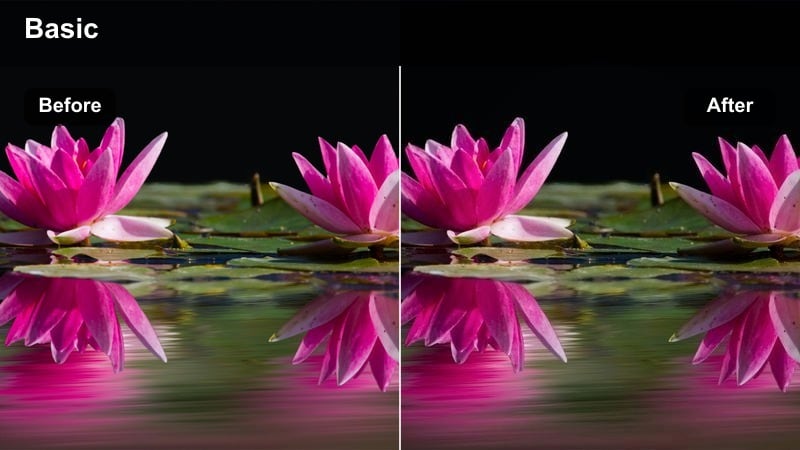
- Effect look: Cool blue cast with metallic contrast and subtle teal shadows for a cyberpunk feel.
- Best for: Urban walking shots, rainy sidewalks, and metallic city textures at night.
- Editing tip: Add a slight vignette to pull attention into the center of the frame and enhance the cinematic, tunnel-like feel.
Street Chrome wraps your night footage in a cool, metallic palette that works especially well on wet roads, glass, and steel structures. In Filmora, this filter introduces teal-leaning shadows and a crisp contrast curve so reflections and specular highlights along the street snap into focus.
Apply Street Chrome to handheld walks, rainy sequences, or B-roll of skyscrapers to get an instant cyberpunk-style mood. After dropping the filter on your clip, adjust vignetting and exposure in Filmora to keep faces visible while preserving the deep, glossy look in the surrounding environment.
Midnight Taxi
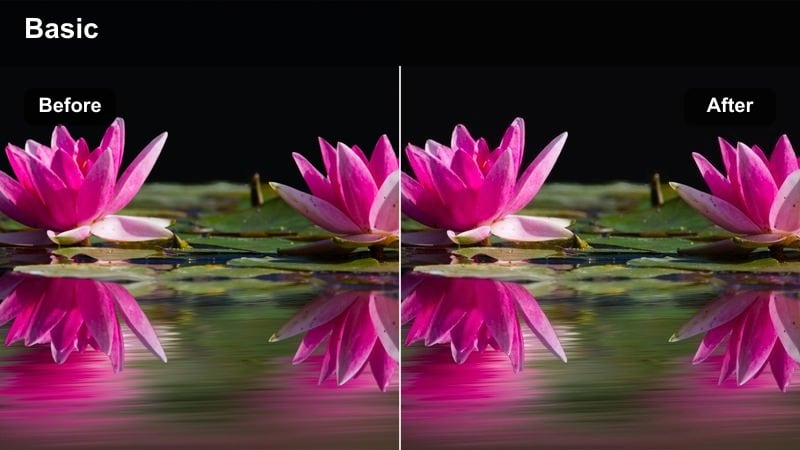
- Effect look: Warm highlights with soft contrast and rich blacks, emphasizing yellow and amber city lights.
- Best for: Car interiors, ride-along footage, and streets lit by headlights and traffic signals.
- Editing tip: Use subtle noise reduction before the filter to clean up ISO grain from car interiors.
Midnight Taxi is tuned for road lighting, dashboard glows, and reflections through car windows, turning ordinary drives into story-driven night scenes. The filter boosts warm highlights from street lamps and traffic lights while keeping blacks rich so the outside world feels deep and cinematic.
In Filmora, use Midnight Taxi on in-car conversations, taxi ride B-roll, or POV shots from the passenger seat. Apply light noise reduction first to smooth out high ISO grain, then fine-tune the filter intensity and highlight roll-off so faces near windows stay readable without blowing out the city lights beyond the glass.
Moody Alleys and Quiet Streets
Noir Alley
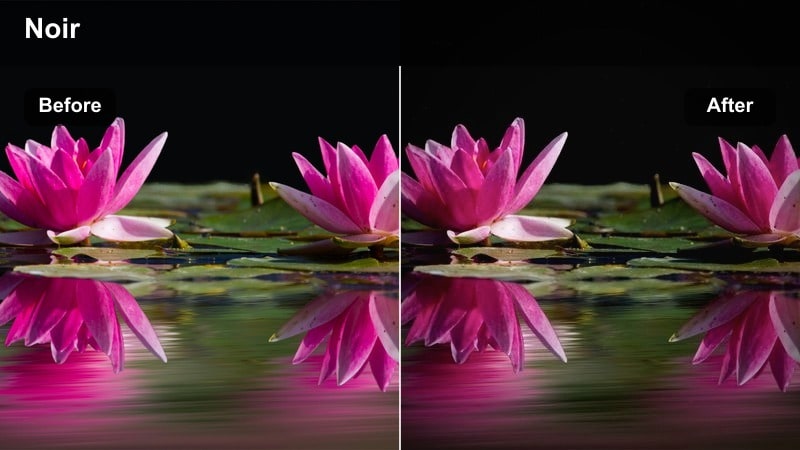
- Effect look: High-contrast monochrome with crushed blacks and bright streetlamp highlights for a film noir vibe.
- Best for: Shadowy alleys, lone characters walking at night, and dramatic storytelling shots.
- Editing tip: Use lock-off shots or slow camera moves to avoid noise artifacts in very dark areas.
Noir Alley converts your color night footage into a dramatic black-and-white scene with strong separation between light and shadow. The filter deepens blacks, pushes midtones for clarity, and lets streetlamps and windows bloom slightly, creating a classic noir mood without manual grading.
In Filmora, use Noir Alley on static or slow-moving shots where silhouettes and shadows carry the story. Combine it with controlled exposure and minimal camera movement to avoid banding, then refine contrast and highlight levels to decide how harsh or soft you want your noir aesthetic to appear.
Fog Lantern
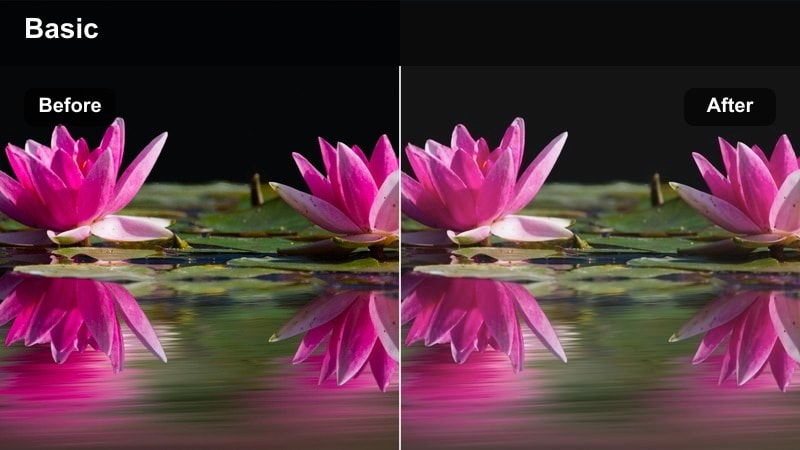
- Effect look: Soft, low-contrast night look with lifted blacks and a hazy glow around streetlights.
- Best for: Foggy streets, quiet residential areas, and dreamy narrative moments.
- Editing tip: Add a subtle blur or glow effect on highlights to enhance the misty lamp halos.
Fog Lantern is designed to turn dark, empty streets into soft, atmospheric scenes with gentle halos around light sources. The filter slightly lifts blacks and reduces contrast so details do not disappear, creating a dreamy, cinematic softness that feels ideal for reflective or emotional night moments.
Inside Filmora, apply Fog Lantern to long shots down residential roads, slow tracking shots, or scenes where your subject moves through pools of light. Enhance the look further with a mild glow or blur on highlights, and carefully control lifted blacks so your footage remains cinematic rather than washed out.
Silent Crosswalk
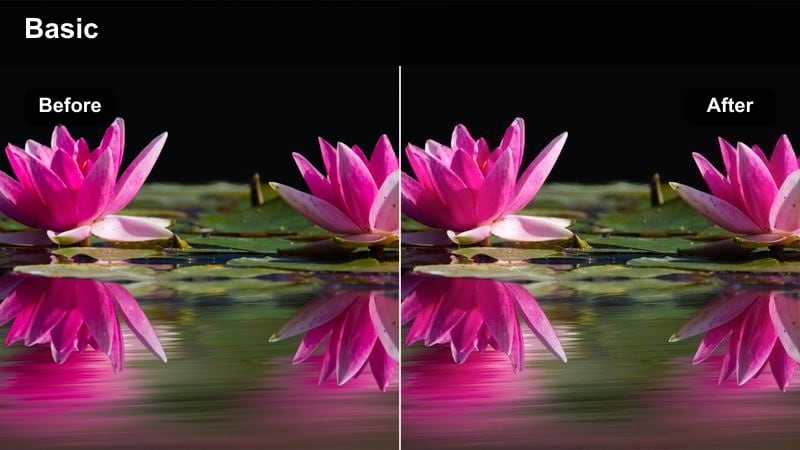
- Effect look: Muted colors with cool midtones, soft contrast, and gentle focus on crosswalk lines and signals.
- Best for: Late-night intersections, lonely walks, and reflective vlog moments.
- Editing tip: Slow down your footage slightly to emphasize the calm, slowed-down feeling of empty streets.
Silent Crosswalk dials back saturation and contrast to create an introspective, almost cinematic stillness in your night intersection shots. Cool midtones and softened highlights keep traffic signals, road markings, and pedestrian lights visible without making the scene feel harsh or busy.
Use this filter in Filmora when editing late-night walks, reflective monologues, or minimalist B-roll of empty city corners. Combine it with slight slow motion, gentle camera movement, and a subtle vignette to draw focus toward your subject crossing the street while maintaining a quiet, pensive mood.
Cinematic Indoor Night Scenes
Window Glow
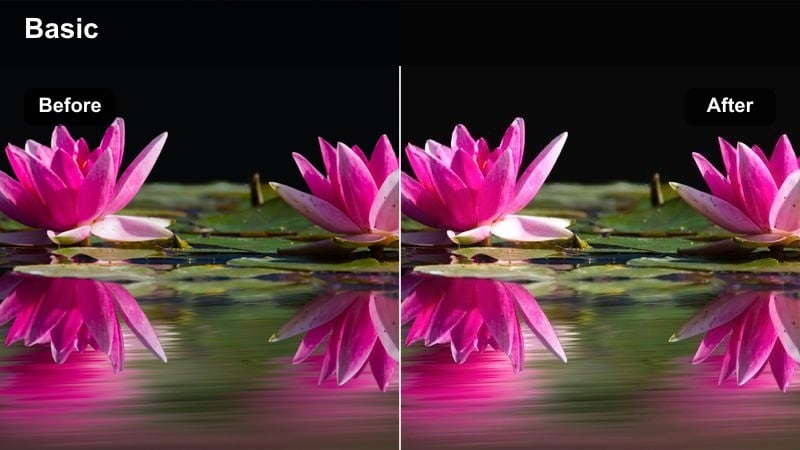
- Effect look: Warm indoor highlights with slightly cool shadows and soft roll-off from bright windows.
- Best for: Apartment interiors, desk setups, and night conversations near windows.
- Editing tip:Expose for faces, then use this filter to bring back warmth and subtle glow around lamps and screens.
Window Glow balances the contrast between cozy indoor light and cooler tones spilling in from outside your windows. The filter warms practical lights like lamps and overhead fixtures while letting city lights stay cooler, giving your interior scenes a polished, cinematic separation between foreground and background.
In Filmora, apply Window Glow to talking-head clips, night-time vlogs, or narrative scenes framed near windows. After placing the filter, adjust intensity and highlight roll-off so faces remain the brightest element in the shot, then fine-tune color temperature to keep skin tones flattering while preserving the cool ambiance from outside.
Desk Night Edit
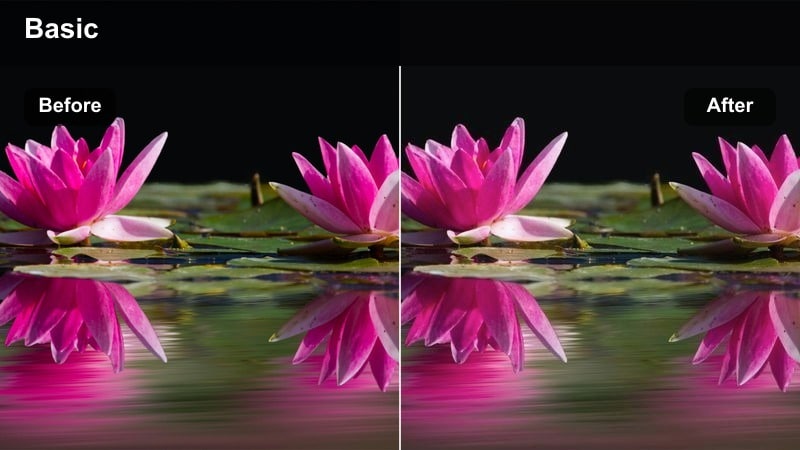
- Effect look: Neutral, clean contrast with slight desaturation and gentle emphasis on blues from monitors.
- Best for: Editing desk shots, streamer setups, and tech-focused night b-roll.
- Editing tip: Dial in white balance before applying the filter so monitors and RGB lights do not shift into odd colors.
Desk Night Edit is tuned for creator workspaces, where monitors and RGB lighting dominate the frame. The filter keeps contrast clean and neutral, slightly reducing saturation while subtly boosting blue tones so screens and tech details read clearly without overwhelming the subject.
Use this filter in Filmora when editing desk-based intros, livestream highlights, or workspace tours shot at night. Correct your white balance first, then add Desk Night Edit and tweak saturation and contrast to ensure your face, keyboard, and monitors are all legible and professional-looking for both casual viewers and clients.
Kitchen Midnight
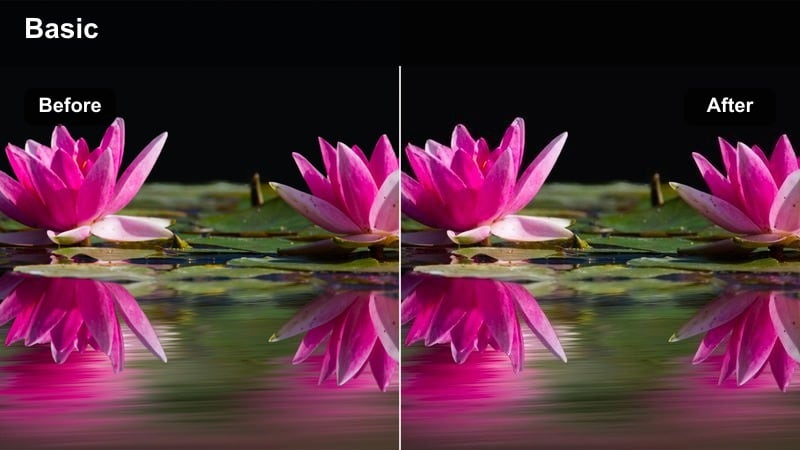
- Effect look: Soft warm highlights with mild film grain and lifted shadows for casual, documentary-style interiors.
- Best for: Late-night conversations, candid kitchen scenes, and lifestyle vlogs.
- Editing tip: Keep exposure slightly under rather than over; this filter handles gentle lifting of shadows better than clipping highlights.
Kitchen Midnight gives everyday interiors a relaxed, documentary-style finish with subtle grain and warm, inviting highlights. The filter gently raises shadows so details in dark cabinets and corners are still visible, while keeping the overall look soft enough to feel natural and un-staged.
Apply Kitchen Midnight in Filmora to late-night chats, casual cooking segments, or vlogs around the house. Slightly underexpose in-camera, then let the filter lift shadows and add character, avoiding heavy noise reduction so the mild grain texture keeps the footage feeling organic and authentic.
Night Action, Motion, and B-Roll
Skate Park Night
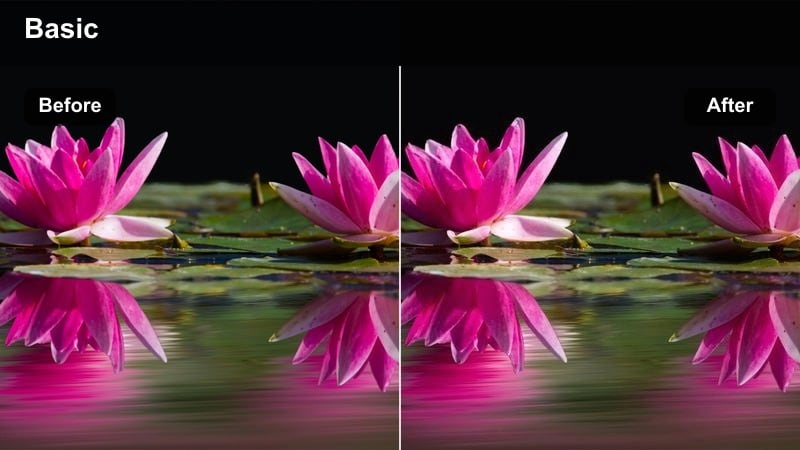
- Effect look: Punchy contrast with vibrant warm highlights and cool shadows tuned for fast motion.
- Best for: Skate parks, bike rides, and handheld night action sequences.
- Editing tip: Use higher shutter speeds to keep moving subjects crisp before applying the filter for best results.
Skate Park Night is built for fast action under artificial lights, enhancing contrast so tricks and body movement stay clear against dark backgrounds. The filter adds vibrant warmth to key lights and cooler tones to shadows, which visually separates skaters, riders, or runners from the rest of the scene.
In Filmora, drop this filter on clips from skate sessions, bike runs, or night sports to get an immediate energetic style. Pair it with stabilized footage, slightly higher shutter speeds, and a bit of sharpening after the filter so your subject remains crisp while the overall frame still looks like a stylized night sequence.
Highway Stream
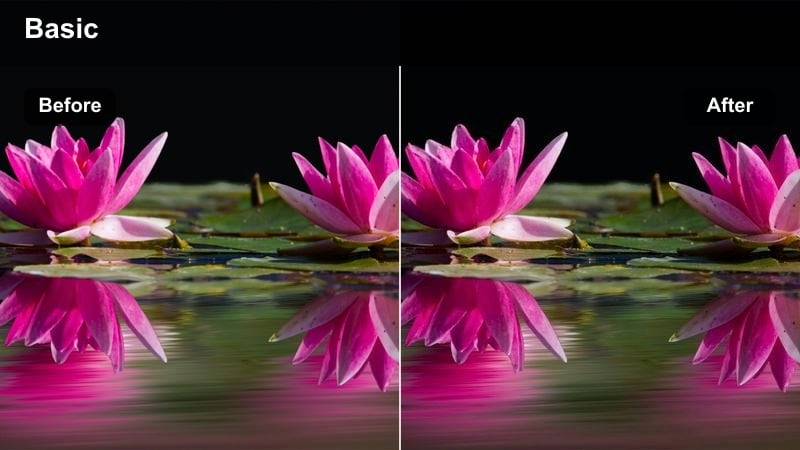
- Effect look: Clean highlights with slightly elongated light trails, cool shadows, and deep blacks.
- Best for: Car timelapses, highway overpass shots, and drone passes over roads at night.
- Editing tip: Use longer shutter or motion blur in-camera, then enhance contrast with this filter for vivid light streaks.
Highway Stream emphasizes light trails and traffic flow, giving your night road footage a sleek, modern look. The filter maintains deep blacks and cool shadows so the environment recedes into darkness, allowing white and red streaks from cars to stand out crisply.
Use this filter in Filmora on timelapses, locked-off overpass shots, or drone passes following busy highways. Capture longer exposures in-camera to create smooth trails, then add Highway Stream to deepen blacks and fine-tune highlight intensity until the motion of the lights becomes the main visual focus.
City Ride
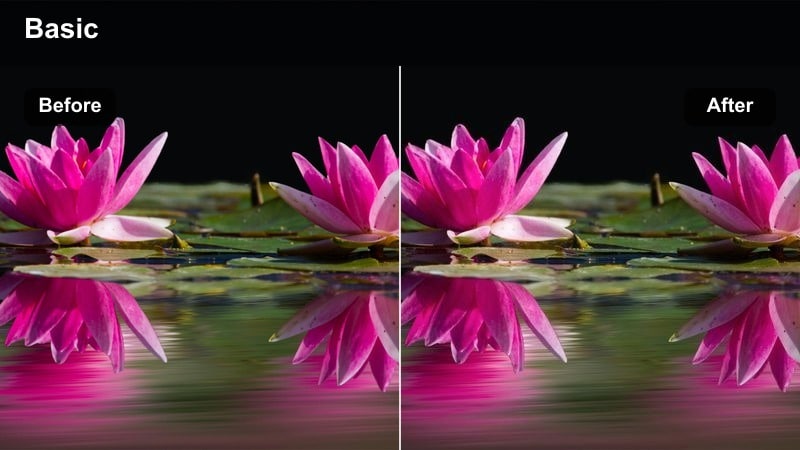
- Effect look: Balanced contrast with slightly saturated city lights and preserved midtone detail for POV shots.
- Best for: Motorbike POV, scooter rides, and gimbal walking tours through downtown at night.
- Editing tip: Apply light stabilization and a subtle sharpen after this filter to keep details visible during movement.
City Ride is optimized for immersive POV footage where the viewer moves through bright streets, storefronts, and traffic. The filter boosts saturation just enough for signs and traffic lights to feel vivid while protecting midtone detail so buildings, roads, and pedestrians remain clearly visible during motion.
In Filmora, add City Ride to helmet-cam, handlebar, or handheld gimbal shots as you travel through the city at night. After applying the filter, use light stabilization and a modest sharpen to retain clarity, and avoid pushing contrast too far so midtones stay rich and the sense of speed and place does not get lost in crushed shadows.
Tips for Using Free Luts For Night Video Filters in Filmora
- Shoot night footage slightly darker than you think and let filters lift shadows rather than trying to rescue blown highlights.
- Use available city lights, car headlights, and storefronts as natural key lights so night filters have something to shape and color.
- Apply basic noise reduction before heavy color work to avoid amplifying grain when you add contrast.
- Group your clips by scene and lighting type, then apply the same filter to each group for a consistent night look.
- Adjust filter intensity in Filmora instead of relying on default strength so each clip matches the exposure and mood of your sequence.
- Combine these night filters with Filmora's AI color tools to quickly correct white balance before you lock in a cinematic style.
- Stack filters subtly with your own LUTs when needed, reducing opacity to keep detail while adding character.
- Preview several filters in real time on the same clip to compare how each one handles highlights, shadows, and noise.
These free LUT-style filters for night video give creators and editors fast, reliable ways to turn dark, flat footage into stylized scenes that still feel clean and professional.
Try a few looks across your city streets, interiors, and action shots, then save your favorite combinations as custom presets for your next night shoot.
secure download