

 100% Security Verified | No Subscription Required | No Malware


 ChatGPT
 Perplexity
 Gemini
 Claude
 Grok
Grok
The Minimal Room Lifestyle LUT filter collection is designed for content creators who film in small apartments, studios, and clean desk setups, and want a calm, cohesive aesthetic in every shot.
These filters help you smooth mixed lighting, tame cluttered backgrounds, and create a consistent minimal lifestyle look across vlogs, room tours, study-with-me videos, and aesthetic B-roll.
In this article
Soft Morning Light in a Minimal Room
Soft Dawn Matte
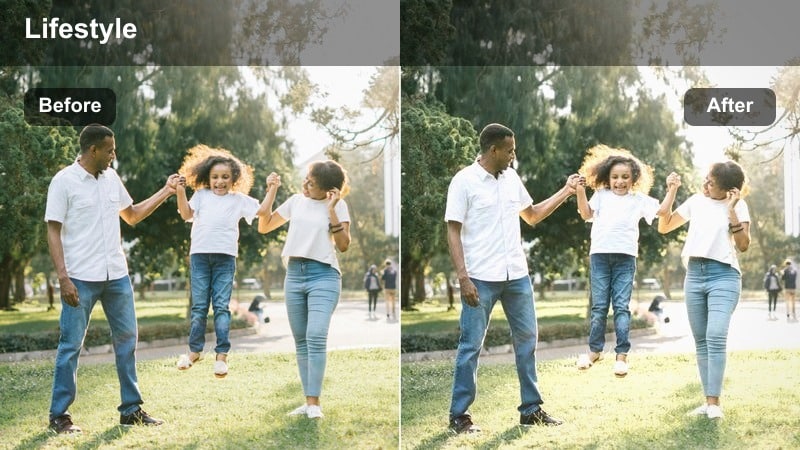
- Effect look: Muted contrast with soft highlights that mimic early morning light across a tidy room.
- Best for: Bedroom vlogs, morning routines, and slow lifestyle shots near a window.
- Editing tip: Slightly lower exposure after applying the filter to keep whites from looking too bright in sunlit walls.
Soft Dawn Matte gives bright morning rooms a gentle, cinematic matte finish that suits minimal spaces with white walls and clean lines. In Filmora, it helps you smooth out harsh window light so your bedding, furniture, and decor look calm instead of blown out, especially when filming handheld vlogs or tripod shots from the corner of the room.
Apply this LUT to your clips, then fine-tune exposure and midtones in the Color panel so the subject remains softly lit while corner shadows stay present but not murky. This is ideal for matching A-roll and B-roll from the same morning, keeping your minimal room aesthetic consistent across talking clips, detail shots, and slow panning sequences.
Match Your Minimal Room Palette with AI
Filmora s AI color tools can automatically analyze your minimal room footage and keep walls, furniture, and decor within a cohesive neutral palette. Use them to quickly correct mixed daylight and indoor casts before adding your Minimal Room Lifestyle LUT filters.
With a single AI-assisted adjustment, you can normalize color across different angles and shots, so when you apply Soft Dawn Matte or any other preset, the tones stay clean, soft, and consistent from clip to clip.
Open your clip in Filmora and let the AI color assistant tune your base look before you layer on these filters.
 secure download

Preview Minimal Room Filters on Test Footage
Before locking in a final grade, you can quickly try multiple Minimal Room Lifestyle LUT filters on test clips from your bedroom, studio corner, or desk setup. Filmora makes it easy to duplicate clips on the timeline and apply a different preset to each version.
Comparing these variations side by side helps you see which filter best suits your natural light, wall color, and decor style, so your final edit feels cohesive and intentional instead of overprocessed.
Create a quick 10 15 second room montage in Filmora and cycle through these filters to find your signature minimal aesthetic.
secure download1000+ Video Filters and 3D LUTs in Filmora
Beyond this Minimal Room Lifestyle collection, Filmora includes hundreds of additional filters and 3D LUTs you can stack for a unique signature look. You can start with a minimal room preset, then layer subtle color shifts or film-style LUTs to refine contrast and mood.
Once you find a combination that works for your bedroom, studio, or desk setup, save it as a custom preset so every future video can match the same calm, minimal aesthetic with a single click.
In Filmora, stack your favorite filter with a gentle LUT and save the combo as your personal Minimal Room Lifestyle preset.
secure downloadLinen Mist
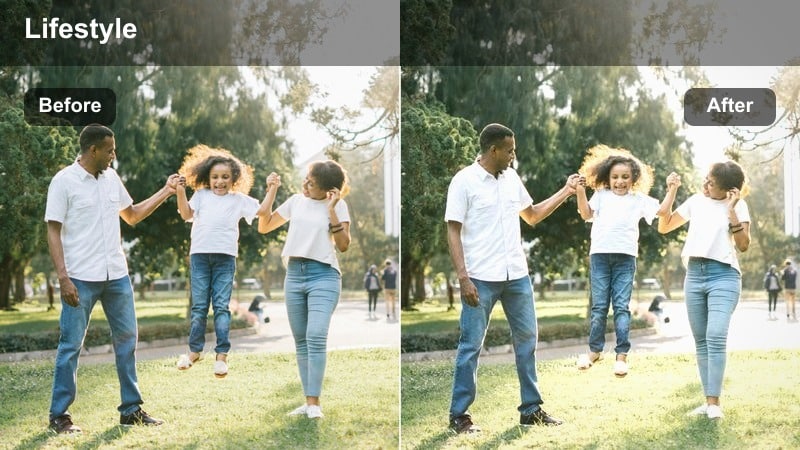
- Effect look: Soft, slightly warm whites with a hazy finish that feels like diffused daylight on fabrics.
- Best for: Minimal bedding shots, close-ups of linen textures, and cozy room POV angles.
- Editing tip: Add a subtle vignette after applying to draw attention to the bed or main subject without darkening the whole room.
Linen Mist gently softens contrast and adds a faint warm haze to white bedding and light fabrics, making them appear airy and inviting on camera. In Filmora, it works especially well on slow slider shots, handheld bed POVs, and macro close-ups of sheets, pillows, and throws.
After you apply this LUT, use Filmora s vignette controls to darken the very edges just a touch while keeping the center bright and comfortable. If whites lean too yellow, adjust white balance slightly cooler instead of reducing saturation, so your minimal room stays fresh and clean without losing that cozy, diffused light feeling.
Pale Oak Morning
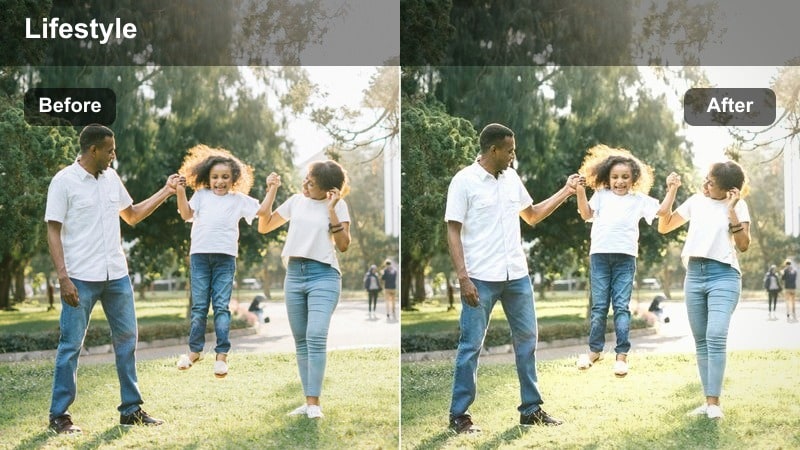
- Effect look: Bright, neutral tones that slightly lift wood textures while keeping the room airy and uncluttered.
- Best for: Minimal wooden furniture, bedside tables, and shelf styling shots in daylight.
- Editing tip: Lower saturation of yellows a touch to prevent light wood from looking orange, especially in mixed daylight.
Pale Oak Morning is designed to flatter pale wooden furniture and decor, brightening grain and edges without making the room feel heavy or saturated. In Filmora, it is ideal for bedside tables, shelving, and chair details shot in soft daylight, letting natural wood accents stand out subtly against white or gray walls.
Once the LUT is applied, use the HSL or color adjustment tools to gently reduce yellows and oranges so oak, beech, or birch retain a neutral, sand-like tone. The result is a minimal lifestyle look where wood warms up the frame just enough while the overall color palette stays calm, clean, and consistent across multiple room angles.
Minimal Desk Setup and Workspace Focus
Clean Desk Focus
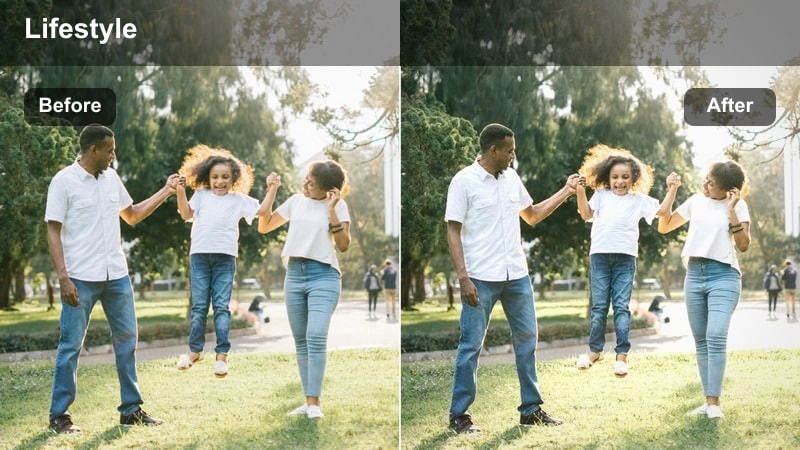
- Effect look: Crisp neutrals with slightly cooled shadows that emphasize a tidy, focused desk space.
- Best for: Desk tours, productivity B-roll, and keyboard or laptop close-ups.
- Editing tip: Lightly sharpen after applying to make edges of keyboards and monitors feel more defined without adding noise.
Clean Desk Focus gives your workspace clips a modern, crisp feel by cooling shadows and tightening contrast around the desktop area. In Filmora, this LUT helps tidy setups, cable-managed monitors, and minimal accessories look extra sharp and intentional on camera.
After you apply the filter, add a subtle amount of sharpening or clarity to accentuate keyboard keys, trackpads, and monitor bezels without creating harsh halos. This combination is perfect for productivity B-roll, desk tours, and overhead flat-lays where you want viewers to focus on layout, gear, and negative space rather than bright colors.
Screen Soft Blue
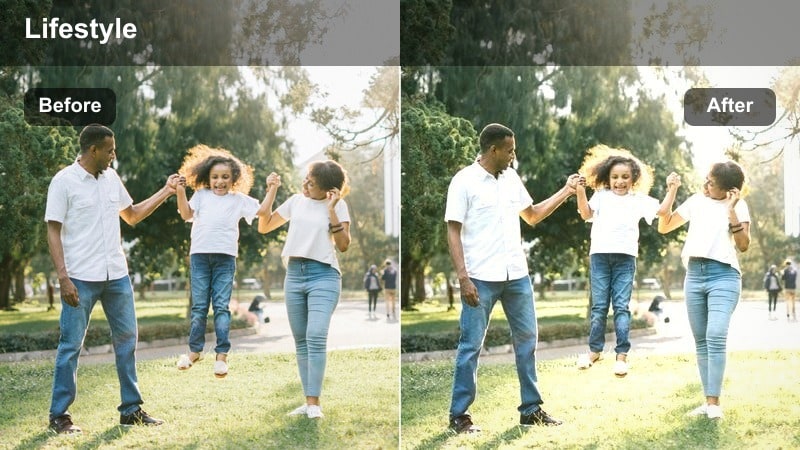
- Effect look: A subtle blue cast in shadows that tones down warm indoor lighting and reflections on screens.
- Best for: Laptop screens, code shots, design previews, and late-afternoon desk clips.
- Editing tip: Reduce highlight saturation slightly to keep on-screen content readable and not overly vibrant.
Screen Soft Blue adds a gentle coolness to your desk footage, which helps balance warm room lights and screen reflections so monitors and laptops stay easy on the eyes. In Filmora, it is particularly useful for coding, editing, or design previews where you do not want the UI or text to look too saturated or yellow.
Once you apply the LUT, tweak highlight saturation and brightness so on-screen details remain legible while the rest of the room sinks into a calmer, slightly blue-toned background. This approach works well for late-afternoon or evening clips where ambient light is mixed, keeping your entire desk sequence minimal and consistent in color.
Mono Setup Neutral
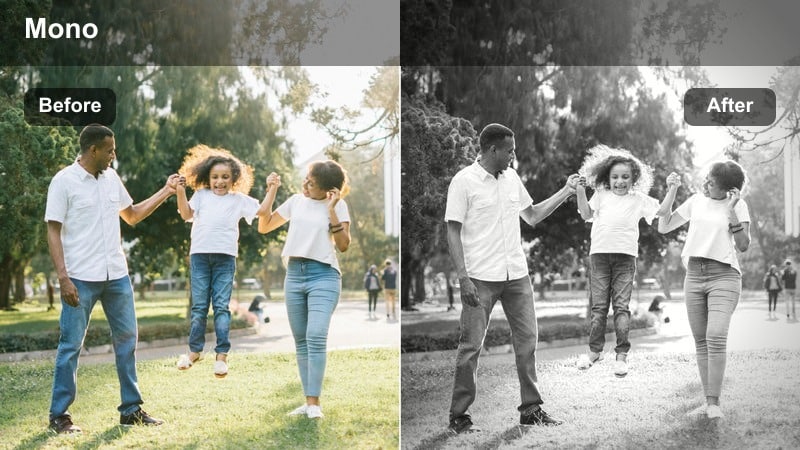
- Effect look: Low-saturation, neutral tones that make black, white, and gray accessories feel cohesive.
- Best for: Monochrome desk setups, keyboard close-ups, and mousepad or gear flat-lays.
- Editing tip: Trim down vibrance a bit further if any colored cables or items distract from the monochrome mood.
Mono Setup Neutral is tailored for black and white desk builds, pulling overall saturation down while keeping contrast clean and modern. In Filmora, this LUT helps match different shots of the same monochrome setup, whether you are filming wide desk views, macro gear details, or top-down sequences.
After applying the filter, lower general vibrance or selectively desaturate colorful items that slip into the frame, such as cables or small decor. The result is a cohesive, minimal desk aesthetic where form, symmetry, and negative space take priority over color, perfect for productivity channels and minimal workspace tours.
Cozy Evening Minimal Room Vibes
Amber Lamp Glow
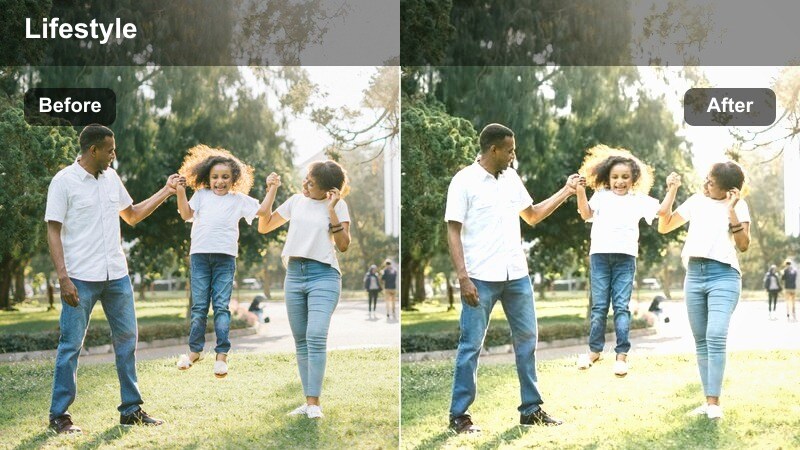
- Effect look: Soft, warm highlights that turn bedside lamps and wall sconces into cozy, glowing accents.
- Best for: Nighttime room vlogs, lamp-lit corners, and reading-in-bed clips.
- Editing tip: Lower global saturation slightly so the warm lamp glow feels subtle, not harsh or orange.
Amber Lamp Glow enhances small warm light sources, such as bedside lamps or sconces, turning them into gentle focal points in an otherwise minimal evening room. In Filmora, this LUT adds softness to highlights around the lamp while keeping surrounding walls and furniture understated and calm.
Apply the filter, then slightly reduce global saturation and adjust exposure so the lamp glow is pronounced without clipping or going neon orange. This setup is ideal for cozy night vlogs, journaling clips, or quiet reading moments where you want a cinematic, intimate atmosphere that still fits a clean, minimal aesthetic.
Night Neutral Room
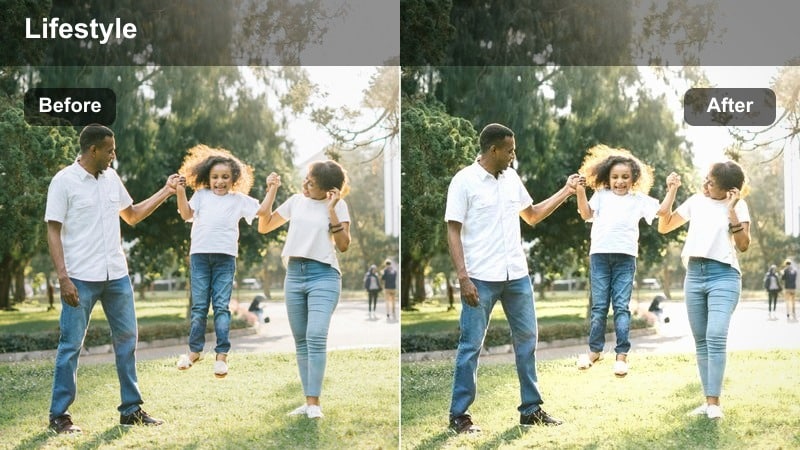
- Effect look: Balanced warmth and coolness that reduce yellow indoor casts while keeping the space cozy.
- Best for: Evening cleaning montages, end-of-day recaps, and room walk-throughs under ceiling lights.
- Editing tip: Nudge exposure up slightly to avoid muddy shadows, but keep contrast low for a relaxed nighttime mood.
Night Neutral Room is built for overhead-lit spaces where cheap bulbs can cast heavy yellow or green tones on white walls and furniture. In Filmora, this LUT reins in those color casts, leaving you with a neutral, slightly soft night look that still feels warm enough for lifestyle content.
Once applied, gently raise exposure and adjust shadows so dark areas do not become murky, while leaving contrast a bit lower for a relaxed end-of-day mood. This is perfect for cleaning montages, nighttime resets, or walkthroughs where you cannot fully control lighting but still want a consistent minimal aesthetic across every clip.
Candle Minimal Hue
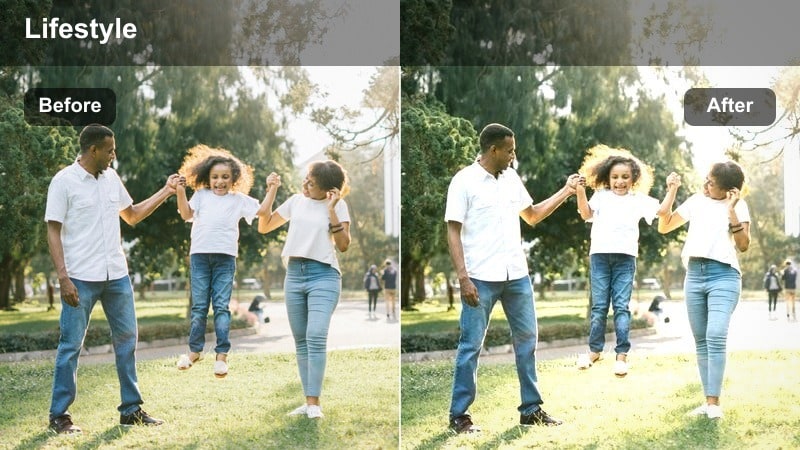
- Effect look: Gentle, focused warmth around small light sources with darker, minimal backgrounds.
- Best for: Small accent lights, LED strips set to warm white, and cozy evening desk shots.
- Editing tip: Increase shadow lift a touch if your darker walls lose detail, but avoid over-brightening the whole frame.
Candle Minimal Hue emphasizes compact warm accents like candles, small lamps, or warm LED strips while allowing the rest of the room to fall into a subtle, simplified darkness. In Filmora, this LUT helps you carve out intimate compositions where one small light guides the viewer s eye across a mostly empty, minimal scene.
After adding the preset, lift shadows slightly only if you are losing important detail in dark corners, keeping overall exposure restrained. This approach works well for moody B-roll, slow pans across a shelf or desk, and quiet nighttime sequences that rely on negative space and a single warm hue to set the mood.
Neutral Color Consistency Across the Room
White Wall Balance
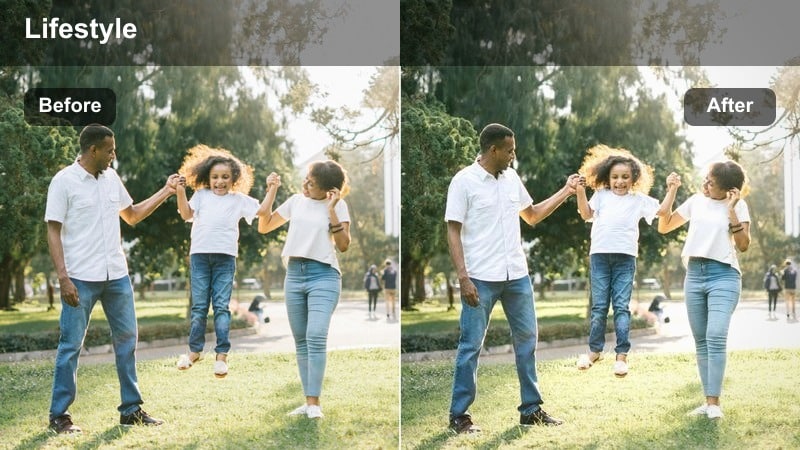
- Effect look: Clean, controlled whites that remove color cast from walls while preserving subtle room shadows.
- Best for: Room tours, full-room pan shots, and minimal decor reveals.
- Editing tip: Keep exposure slightly under to avoid losing detail in white walls once they are neutralized.
White Wall Balance targets wall tones, neutralizing odd blue, green, or yellow shifts caused by mixed lighting while keeping gentle shading and depth intact. In Filmora, this LUT is especially useful for wide room tours, pan shots, and static angles where your walls act as the main backdrop for decor and furniture.
Apply the filter, then slightly reduce exposure and fine-tune highlights so textured paint, corners, and shadows remain visible without clipping to pure white. With clean walls as a stable base, you can let a few carefully chosen decor items bring color into your minimal compositions without the entire room shifting hue between clips.
Muted Textile Tone
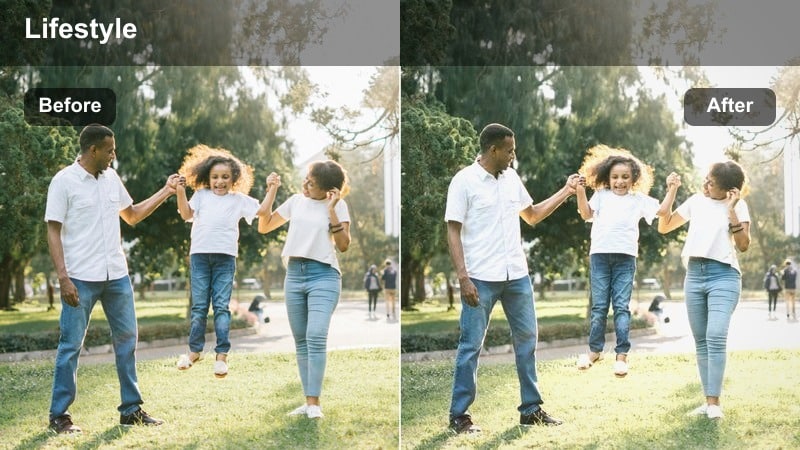
- Effect look: Desaturated, soft colors that make blankets, rugs, and cushions blend gently into the room.
- Best for: Textile close-ups, couch or bed corners, and floor-level room angles.
- Editing tip: If important items look too faded, boost saturation only in their specific color range instead of globally.
Muted Textile Tone gently dials back bright colors in rugs, cushions, and throws so textiles support your minimal aesthetic instead of overpowering it. In Filmora, this LUT works well on close-ups and corner compositions where fabrics fill much of the frame but you still want the scene to feel calm and balanced.
After applying the preset, use targeted HSL adjustments to selectively restore saturation only where it matters, like a key cushion or feature blanket. This keeps the overall color palette quiet while still allowing a few textures and subtle hues to stand out, ideal for aesthetic B-roll and room detail montages.
All-Day Minimal Consistent
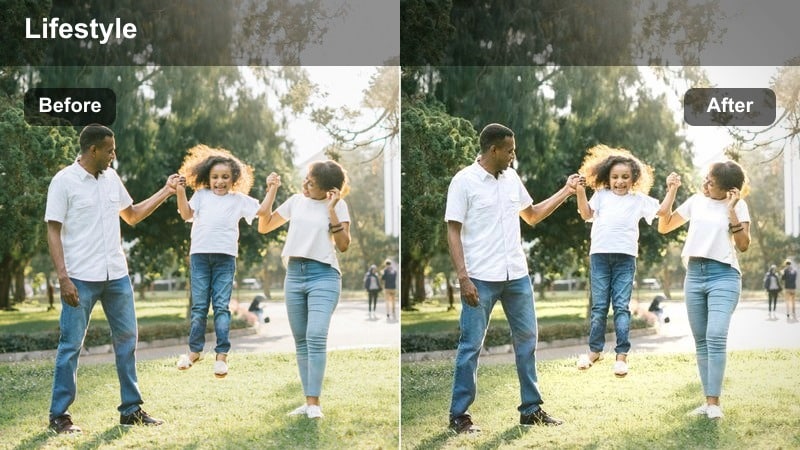
- Effect look: Even, gently flattened contrast with neutral color that works across morning, afternoon, and night clips.
- Best for: Day-in-the-life vlogs filmed in one room over changing light conditions.
- Editing tip: Apply this filter as a base, then fine-tune exposure clip by clip to keep the room feeling consistent.
All-Day Minimal Consistent is a versatile LUT designed to smooth out tonal differences between shots filmed at different times of day in the same room. In Filmora, it gives you a balanced, softly contrasted base grade that keeps whites, neutrals, and skin tones steady across morning, afternoon, and evening sequences.
Use this preset as your starting point for an entire vlog or series, then adjust exposure and white balance on each clip to account for changing light intensity. By doing so, viewers experience your minimal space as one cohesive environment, even as the natural light shifts, enhancing the calm, lifestyle-focused storytelling of your room content.
Tips for Using Minimal Room Lifestyle Lut Filters in Filmora
- Film at roughly the same time of day for key sequences so the Minimal Room Lifestyle LUT filters have a consistent lighting base to work with.
- Keep decor simple and remove bright clutter before shooting; these filters look best in spaces with clear lines and limited colors.
- Shoot slightly flatter in-camera if possible, then rely on the filters to add contrast and mood while maintaining a soft minimal feel.
- Use slow camera moves and longer takes to let the subtle tonal changes from each filter become noticeable and soothing.
- Always check skin tones when filming yourself in the room and tweak white balance slightly after applying a filter if needed.
- Test a few LUTs on the same clip inside Filmora to quickly compare how each one handles your wall color, textiles, and furniture.
- Save your favorite filter plus exposure and white balance tweaks as a custom preset so future room videos match instantly.
The Minimal Room Lifestyle LUT filter collection helps content creators turn everyday bedrooms, studios, and desk setups into calm, cinematic spaces that feel consistently minimal from clip to clip.
Experiment with a few presets, adjust exposure and white balance lightly, and then save your favorite combination so every new room video instantly matches your chosen lifestyle aesthetic.
secure downloadNext: Daily Commute Lifestyle Filter Ideas for Seamless Vlogs
