

 100% Security Verified | No Subscription Required | No Malware


 ChatGPT
 Perplexity
 Gemini
 Claude
 Grok
Grok
Aesthetic night video filters can turn ordinary low-light footage into dreamy, cinematic visuals with glowing highlights, soft shadows, and romantic color tones. Whether you shoot street lights, skyline silhouettes, or cozy late-night vlogs, the right filter helps you keep detail in the dark while enhancing mood.
This guide rounds up 12 aesthetic night video filters designed for pastel night looks, soft evening scenes, and romantic night moments. Each style includes the best use case and an editing tip, so content creators and photographers can quickly match their footage to the perfect aesthetic night edit.
In this article
Soft Evening Glow Aesthetic Night Filters
Aesthetic Night Filter. Dream Moon
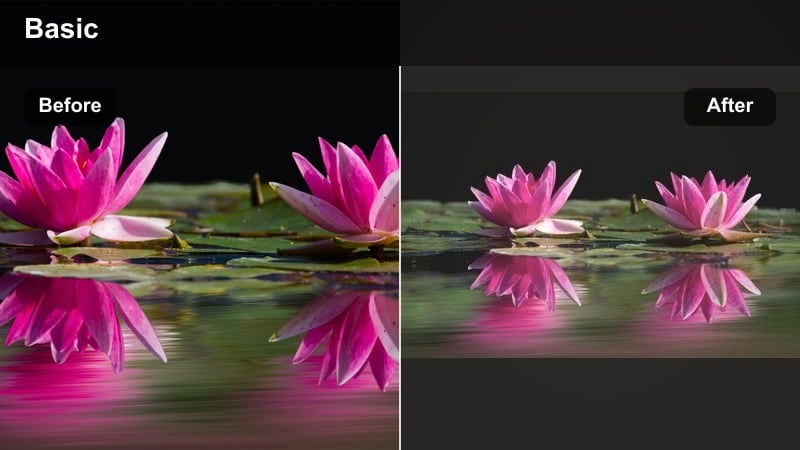
- Effect look: Hazy moonlit glow with lifted shadows, pastel blues and lilacs, and a gentle bloom around highlights
- Best for: Soft evening vlogs, rooftop chats, and quiet city balcony shots with visible sky or distant lights
- Editing tip: Lower contrast slightly and add a subtle vignette to pull focus toward faces while keeping the dreamy halo around light sources
This signature aesthetic night filter wraps your scene in a dreamy moonlight haze, softening harsh digital noise while keeping important details visible. Pastel blues and lilacs give the sky and city lights a calm, cinematic character, and the lifted shadows help keep faces readable even when you are shooting against the night.
In Filmora, apply Aesthetic Night Filter. Dream Moon on clips where you already have a visible light source, such as windows, street lamps, or skyline glow. Use the filter intensity slider to fine-tune the halo strength, then adjust exposure and contrast until facial features sit comfortably between the glowing highlights and gentle shadows for an intimate evening mood.
Pro tip: Dial in the perfect dreamy moonlight
Shoot with some backlight, like a window or street lamp, then use the Dream Moon filter to enhance the natural rim light around hair and shoulders. If the glow feels too strong, reduce highlights first instead of contrast so you keep the soft aesthetic without losing depth in the scene.
Match Night Filters to Your Footage with AI Color
Filmora s AI color tools can analyze your night clip and suggest aesthetic night video filters that complement existing tones and exposure. This helps you quickly discover whether a pastel night, soft evening, or romantic night style best fits your footage.
Instead of guessing which grade to start with, let AI color matching propose a starting point, then layer your preferred aesthetic night filter on top. You can refine exposure, white balance, and saturation after AI has aligned your clip with a cohesive palette.
 secure download

Fine-tune Night Colors with HSL Controls
After applying an aesthetic night filter, use Filmora s HSL and color wheels to refine specific tones like cyan skylines, amber street lights, or magenta neons. This lets you correct skin tones, soften over-saturated lights, or push shadows toward a pastel or cinematic hue without affecting the whole frame.
You can isolate problematic colors, such as greenish fluorescents or overly red skin, and nudge their hue, saturation, and luminance until everything sits well together under your chosen night aesthetic.
secure downloadPreview Aesthetic Night Filters in Real Time
Filmora lets you hover over each filter to preview the effect instantly on your timeline, so you can see how glow, contrast, and color shifts affect your night footage before you apply anything. This makes it easy to compare soft evening, romantic night, and neon city looks on the same clip.
Once you find a filter that fits your scene, adjust its intensity and combine it with basic color correction to achieve a balanced aesthetic night edit without heavy manual grading.
secure downloadPastel Evening Lullaby
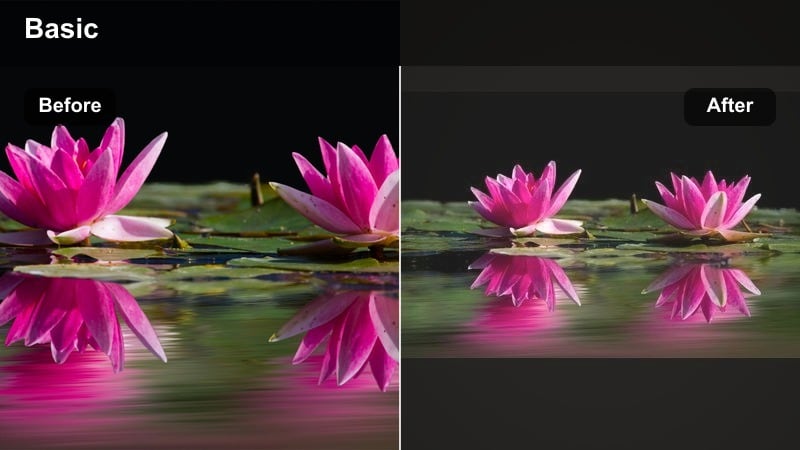
- Effect look: Washed pastel purple and soft teal night tones with gentle fade in blacks for a cozy, hushed vibe
- Best for: Pastel night bedroom scenes, study aesthetics, and desk setups lit by monitors or fairy lights
- Editing tip: Lower saturation in warm tones and push a little cyan into shadows to keep the overall mood pastel rather than neon or overly vibrant
Pastel Evening Lullaby is ideal for creators who want their night shots to feel calm, muted, and aesthetically pleasing without harsh contrast. The filter lifts blacks slightly and washes your scene in soft purple and teal, perfect for desk setups, journaling vlogs, or late-night gaming sessions lit by screens and fairy lights.
In Filmora, drop this filter onto clips with controlled lighting and minimal bright hotspots, then adjust warm tone saturation and shadow tint as suggested. Combined with gentle background music and slow camera motion, it creates a cohesive pastel night aesthetic suitable for study-with-me or chill content.
Pro tip: Balance tech light and pastel tones
If your scene is lit by a monitor, reduce its brightness when filming so the filter can add color and glow without clipping whites. Use Filmora s color wheels to nudge midtones slightly magenta after the filter to keep skin tones flattering in pastel-heavy scenes.
Soft Evening Amber Haze
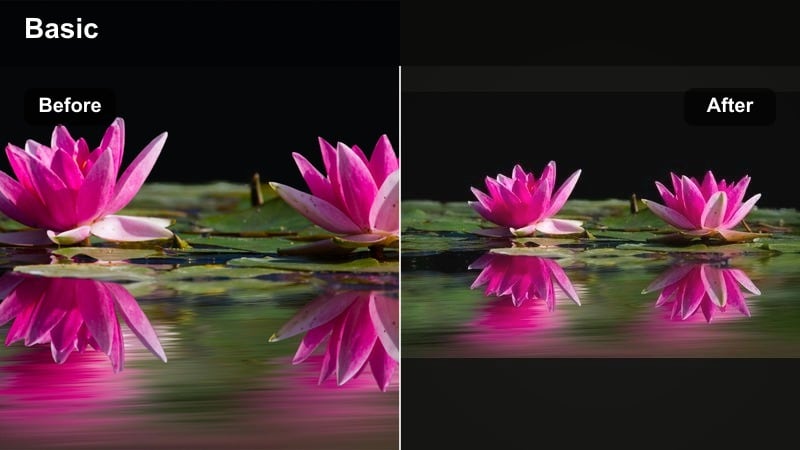
- Effect look: Warm amber highlights wrapped in soft contrast with slightly foggy blacks and gentle film-style grain
- Best for: Golden street lamps, cafe windows at night, and soft evening date-night footage
- Editing tip: Reduce clarity or sharpness just a touch to let the amber glow feel natural, then add a hint of grain to hide noise in darker areas
Soft Evening Amber Haze leans into warm tungsten light, turning ordinary street lamps and cafe interiors into a nostalgic, cinematic setting. The filter lowers harsh contrast, opens up shadows slightly, and wraps highlights in a subtle amber veil that flatters skin tones and brick, wood, or stone textures.
Apply this filter in Filmora to handheld walk-and-talks under street lights or cozy restaurant scenes. Slightly lowering sharpness and adding Filmora s grain effect will help conceal digital noise from high-ISO shooting while enhancing the soft, story-driven atmosphere of your night footage.
Pro tip: Tame mixed light sources
If your footage mixes cool and warm lights, use white balance to lean slightly warm before applying the filter so the amber look feels cohesive. Mask bright signs or screens and lower their exposure separately to avoid harsh hotspots inside the otherwise soft evening aesthetic.
Romantic Night Vibes Filters
Romantic Night Boulevard
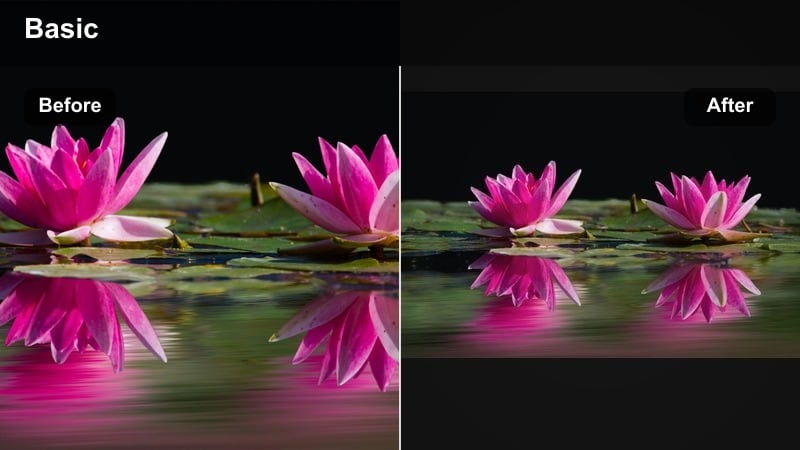
- Effect look: Deep navy shadows with rich ruby highlights and subtle bloom on car lights and shop windows
- Best for: Couple walks under city lights, travel montages, and romantic night B-roll
- Editing tip: Slow your footage to 60 70 percent speed and add gentle motion blur to emphasize the dreamy feel of street lights gliding past
Romantic Night Boulevard gives your city clips a movie-like romance, emphasizing rich reds and deep blues that feel straight from a cinematic drama. The subtle bloom on car lights and storefronts adds visual interest and makes even simple walks through downtown look intentional and stylized.
Use this filter in Filmora for couple montages, engagement videos, or atmospheric travel edits. Combine it with slow motion, soft background music, and a touch of motion blur to turn simple B-roll into an emotional, story-driven sequence filled with glowing, romantic city lights.
Pro tip: Use reflections for extra romance
Shoot near puddles, windows, or glossy surfaces so the filter can double up the colored reflections for more visual interest. Animate a slow push-in keyframe on static shots to enhance the emotional pull without needing a motorized slider.
Rose Gold Midnight
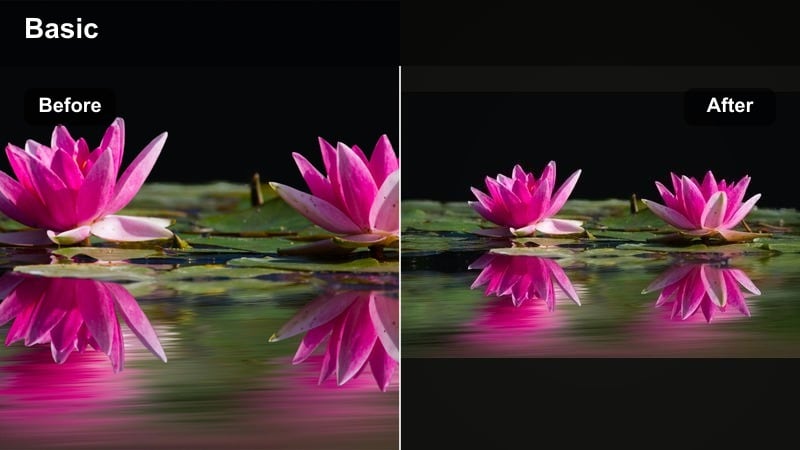
- Effect look: Soft rose highlights, warm skin tones, and slightly lifted shadows that keep detail in dark hair and clothing
- Best for: Romantic night portraits, close-up storytelling, and cozy indoor dinners lit by candles or lamps
- Editing tip: Add a subtle radial blur or vignette behind the subject to separate them from the background and keep the rose tones flattering
Rose Gold Midnight focuses on flattering subjects, wrapping faces and highlights in soft rose tones while preventing shadows from crushing. It is well suited for candlelit dinners, close-up storytelling, and portrait-focused scenes where emotion is more important than dramatic contrast.
In Filmora, apply this filter to medium and close shots, then add mild vignetting or radial blur around the subject to keep attention on their expression. Adjust red and orange saturation carefully to protect natural skin tones while still enjoying the romantic rose gold color shift.
Pro tip: Protect skin tones at night
If skin looks too red after applying the filter, slightly desaturate reds and oranges in the HSL panel while keeping luminance higher. Use a subtle face-tracking mask to add a touch of exposure only to faces so eyes and smiles stay visible even in low light.
Twilight Fairy Stringlights
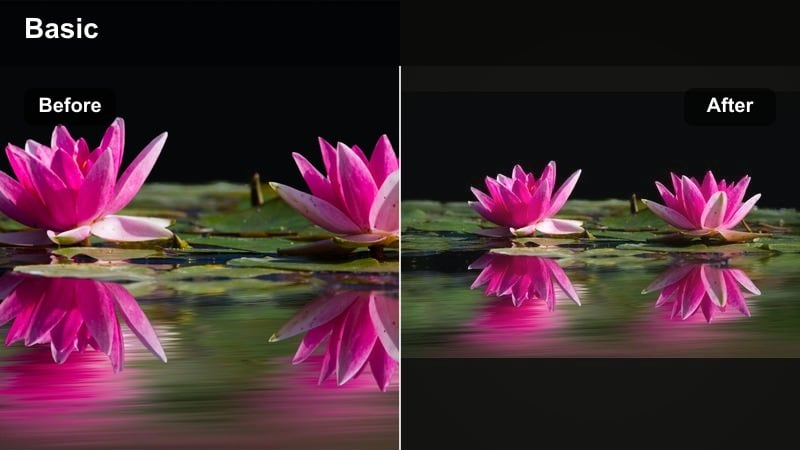
- Effect look: Cool twilight blues in the background with warm, sparkling fairy light bokeh and a delicate highlight bloom
- Best for: Balcony lights, backyard parties, and slow-motion string-light B-roll for romantic intros
- Editing tip: Shoot with a wide aperture and keep fairy lights out of focus, then slightly boost highlight bloom after the filter to make them sparkle
Twilight Fairy Stringlights turns simple balcony or backyard setups into magical nighttime scenes full of floating light orbs. The filter emphasizes a cool blue backdrop while letting warm fairy lights bloom softly, producing a dreamy contrast ideal for intros, transitions, or romantic ambience shots.
In Filmora, pair this filter with footage shot wide open and manually focused behind or in front of the lights to exaggerate bokeh. You can then enhance the glow with highlight and bloom controls, creating graceful, cinematic moments that frame your main story or act as atmospheric cutaways.
Pro tip: Layer bokeh for depth
Place some lights closer to the lens and others farther back so the filter can exaggerate bokeh size differences for a 3D feel. Try a very slow camera pan across the lights; combined with the filter, it creates a gentle, dreamy motion perfect for transitions.
Cinematic Night Streets and Skyline Filters
Neon Dream Corridor
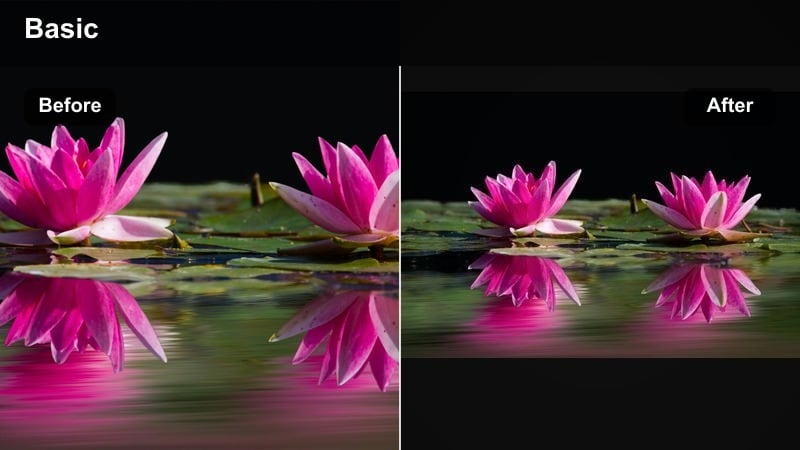
- Effect look: High-contrast neon with cyan and magenta split-toning, crisp edges, and rich blacks
- Best for: Urban night streets, subway entrances, and reflective wet pavements under colorful signs
- Editing tip: Reduce midtone saturation slightly so neons stay bold without overpowering skin tones or textured surfaces
Neon Dream Corridor pushes your night city footage toward a cyber, futuristic look with strong cyan-magenta split-toning and deep blacks. Wet pavement, metal, and glass surfaces respond particularly well, reflecting neon signs and screens in a way that feels graphic and stylized.
Use this filter in Filmora for urban b-roll, music videos, or fashion content shot under LED signs and city billboards. Dial back midtone saturation if people appear in the frame so the neon colors stay bold but do not overwhelm skin and clothing, and stabilize handheld shots for a sleek, polished result.
Pro tip: Control noise in neon shadows
Expose slightly brighter in camera to reduce noise, then pull down blacks after applying the filter for cleaner yet intense shadows. If grain appears in flat areas, use Filmora s noise reduction lightly only on those regions instead of the whole frame.
Midnight Skyline Cinema
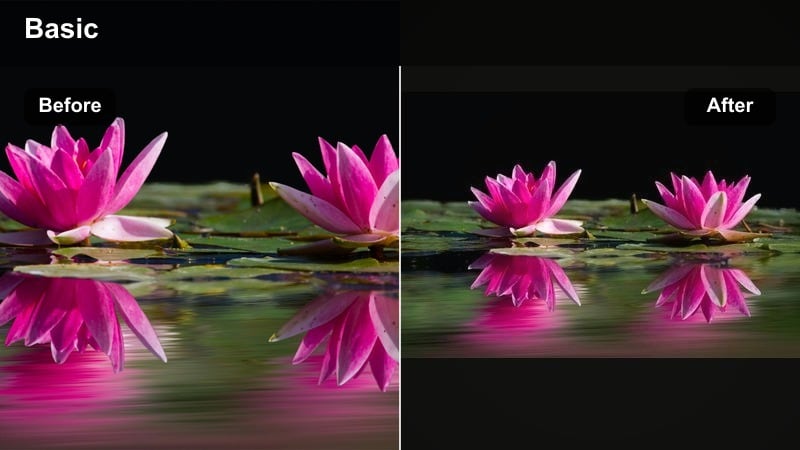
- Effect look: Cool steel blues with preserved highlight detail in windows and soft fading haze over distant buildings
- Best for: City skyline time-lapses, drone shots, and wide night establishing shots
- Editing tip: Introduce a slow zoom or tilt keyframe to static skyline clips so the cinematic color grade feels more dynamic and intentional
Midnight Skyline Cinema is designed for wide, expansive city views, bringing a steel-blue cinematic tone while preserving fine highlight details in windows and signage. A gentle haze effect over distant buildings adds depth and makes time-lapses and static shots feel more like scenes from a film.
Apply this filter in Filmora to drone footage, rooftop views, or establishing shots for vlogs and travel videos. Add slow digital zooms or tilts using keyframes, and match exposure across multiple angles so your night skyline sequence feels cohesive and professionally graded.
Pro tip: Match multiple skyline angles
Apply the same filter to all skyline shots, then fine-tune exposure clip by clip so cuts feel seamless and consistent. If one shot is noticeably warmer, correct its white balance first before applying the filter to avoid mismatched blues.
Soft Subway Night Journal
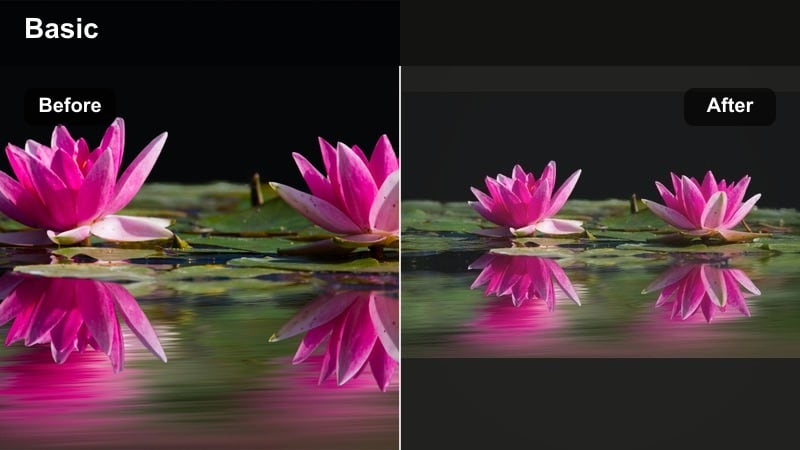
- Effect look: Matte shadows with desaturated greens and soft highlights for a diary-style urban night look
- Best for: Travel vlogs, commuting stories, and handheld subway or bus rides at night
- Editing tip: Stabilize handheld clips slightly, then add a subtle film grain layer so the soft subway look feels intentional and documentary-like
Soft Subway Night Journal transforms rough handheld clips into gentle, diary-style visuals with muted greens and low-contrast shadows. The matte finish reduces the harshness of fluorescent lighting and makes busy public transport scenes feel more personal and introspective.
In Filmora, it works well on commute montages, late-night train rides, or street-level transitions between locations. Apply light stabilization, then add a thin layer of film grain to reinforce the candid, documentary tone while the filter handles color and contrast softening.
Pro tip: Keep fluorescent lights under control
If ceiling lights look too green, shift the tint slightly toward magenta before applying the filter to keep skin tones balanced. Use selective color or HSL controls to push greens toward teal for a more cohesive soft evening palette.
Cozy Indoors and Bokeh Night Filters
Cozy Lamp-Lit Evening
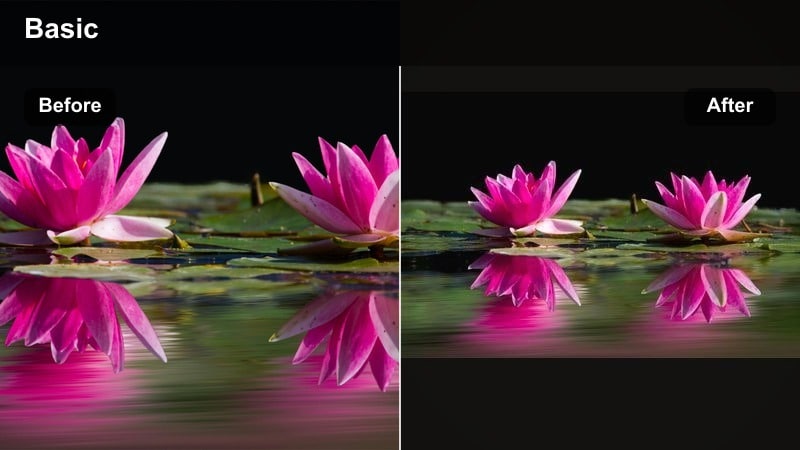
- Effect look: Warm tungsten glow with lifted midtones and gentle falloff, ideal for living rooms and desk spaces
- Best for: Soft evening study sessions, reading corners, and creator desk setups at night
- Editing tip: Lower global saturation slightly, then selectively boost oranges to keep the lamp glow rich but the background calm
Cozy Lamp-Lit Evening celebrates small pockets of warm light, making reading nooks, studio corners, and home offices feel inviting and cinematic. By lifting midtones and softening contrast, it keeps details visible without sacrificing the comforting warmth of a single lamp.
Use this filter in Filmora on lifestyle clips, productivity vlogs, or aesthetic desk tours filmed at night. Slightly lowering global saturation and targeting oranges ensures the glow from your lamp remains rich while backgrounds stay relaxed and not overly colorful, perfect for focus-friendly visuals.
Pro tip: Shape your lamp light
Angle your lamp so it grazes across textures like blankets or bookshelves, then let the filter deepen the warmth in those details. Avoid placing the lamp directly behind the subject; instead put it to the side to keep exposure balanced across the frame.
Pastel Night Rain Window
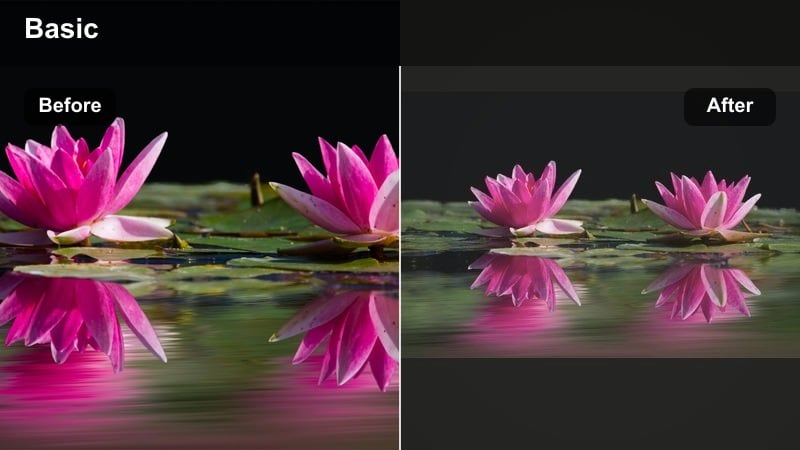
- Effect look: Soft cyan and lavender highlights dancing on raindrops with a gentle matte finish on shadows
- Best for: Rainy window shots, introspective B-roll, and pastel night storytelling sequences
- Editing tip: Shoot with practical lights outside the window, then slightly increase local contrast after the filter to accent the raindrop texture
Pastel Night Rain Window transforms wet glass into a textured, emotional canvas, highlighting raindrops with cyan and lavender reflections. The matte shadows and pastel colors create a moody yet gentle tone that works beautifully for reflective moments, transitions, or lyrical storytelling.
In Filmora, you can layer this filter on close-ups of windows, pairing them with voiceover or ambient sound to build atmosphere. Slight local contrast boosts on the raindrops help keep detail visible while the pastel color wash maintains a dreamy, cinematic quality.
Pro tip: Use focus shifts for emotion
Rack focus from the subject to the raindrops while the filter is applied to let the pastel reflections take over the frame. Pair the shot with slower music; the soft pastel colors and gentle motion work best with calm audio pacing.
Soft Bokeh Night Cafe
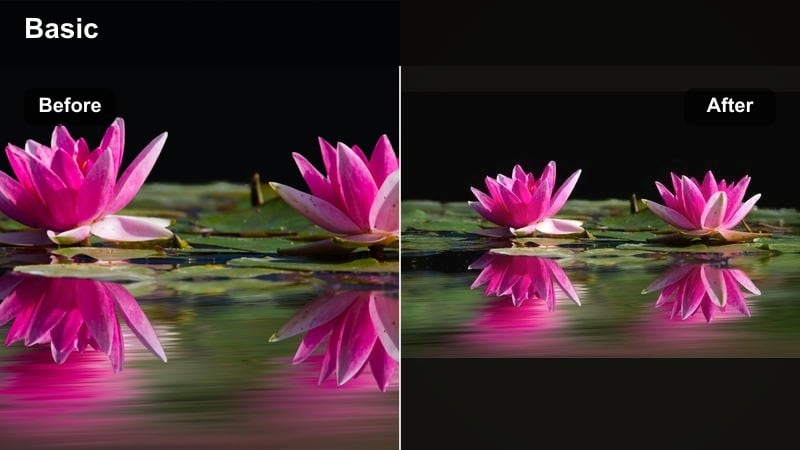
- Effect look: Creamy bokeh circles with warm highlights and slightly cooled shadows, adding depth to indoor night scenes
- Best for: Cafe interiors, bar counters, and background-heavy night conversations
- Editing tip: Keep ISO as low as possible when filming, then apply a mild sharpening after the filter to bring eyes and key details back into focus
Soft Bokeh Night Cafe is perfect for dialogue scenes, podcasts, or aesthetic coffee shop shots where the background is filled with small lights. It enhances bokeh circles, warms highlights, and cools shadows slightly, providing a balanced, cinematic contrast between subject and environment.
In Filmora, apply this filter to footage shot with a shallow depth of field and plenty of background lights. After grading, gently sharpen the subject area to keep eyes, hands, and key objects crisp while the background remains creamy and out of focus for a professional, cinematic depth.
Pro tip: Compose with layers for better bokeh
Place the subject mid-frame, some objects in the foreground, and lights in the distance so the filter has multiple depth layers to accent. Use slow push-ins or lateral moves; the movement through bokeh layers feels especially dreamy with this filter applied.
Tips for Using Night Aesthetic Filters in Filmora
- Expose slightly brighter than you think at night and then pull down blacks after adding filters to control noise and keep detail.
- Shoot in the highest quality and bitrate your camera allows, since night filters will reveal compression artifacts and banding more easily.
- Use small practical lights like fairy lights, lamps, or phone screens in frame so aesthetic night filters have highlights to enhance.
- Keep white balance consistent across a sequence before adding filters to avoid jumpy color shifts between clips.
- Add subtle camera motion or digital keyframed moves to static shots so dreamy night grades feel more cinematic.
- Reduce sharpening a bit before applying strong glow or bloom filters to prevent harsh halos around bright objects.
Aesthetic night video filters give content creators and photographers an easy way to transform low-light footage into dreamy, cinematic visuals, whether you prefer pastel night palettes, soft evening diaries, or bold romantic city lights.
Experiment with a few of these filters on your next aesthetic night edits, then fine-tune exposure, glow, and color balance in Filmora until the scene matches the exact mood you imagined when you hit record.
secure download