

 100% Security Verified | No Subscription Required | No Malware


 ChatGPT
 Perplexity
 Gemini
 Claude
 Grok
Grok
Outer Space is a deep, muted blue-green gray that feels both grounded and cosmic. It suggests focus, intelligence, and quiet confidence, which makes it perfect for cinematic edits, tech content, and moody storytelling. On screen, this tone works like a softer alternative to pure black: it preserves contrast and drama without looking harsh or fatiguing for viewers.
For video creators, Outer Space is ideal for YouTube thumbnails, intros, lower thirds, and channel branding that need to look modern and consistent. In this guide, you will find 15 carefully built Outer Space color palettes with HEX codes you can use in Filmora for titles, overlays, filters, and color grading, whether you are editing a sci fi short, a productivity vlog, or a luxury product video.
In this article
Cinematic Outer Space Neutrals
Deep Orbit Drama
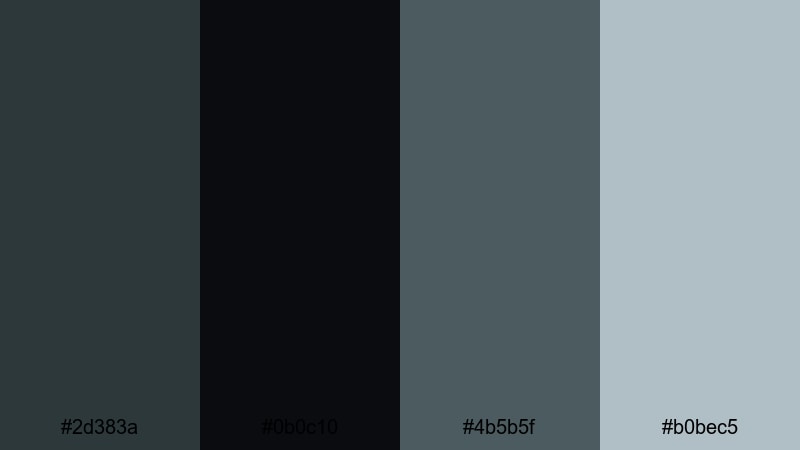
- HEX Codes: #2d383a, #0b0c10, #4b5b5f, #b0bec5
- Mood: Dark, cinematic, and intensely focused with a cool, professional edge.
- Use for: Perfect for dramatic film trailers, mystery vlogs, and high-contrast title cards.
This palette layers the Outer Space base (#2d383a) with inky black, steel gray, and a soft blue highlight. It feels like a deep-space thriller: precise, tense, and clean enough to read text and graphics clearly on top.
Use Deep Orbit Drama for opening titles, chapter cards, outro slates, and YouTube thumbnails where you want sharp contrast without going fully black-and-white. The cooler tones keep faces looking natural in grading, while the lighter gray-blue is great for buttons, icons, and subtle branding elements across your Filmora projects.
Pro Tip: Build a Cinematic Outer Space Look in Filmora
To keep this dark Outer Space palette consistent across an entire edit, start by designing your titles, lower thirds, and overlays in Filmora using the exact HEX codes from Deep Orbit Drama. Then reuse those custom colors in your intro, b-roll labels, and end screen so every frame feels like part of the same universe.
You can also create a shared style for on-screen text and shapes, then copy and paste attributes between clips. This helps maintain a premium, cinematic look on trailers, series playlists, and social cutdowns without manually rebuilding your Outer Space styling each time.
AI Color Palette
If you have a reference frame, poster, or thumbnail mockup using Deep Orbit Drama, Filmora's AI Color Palette feature can automatically spread that look across your whole timeline. Choose a well-balanced shot as the source, and let AI analyze its tones, contrast, and temperature.
Then, apply that same mood to other clips so your A-roll, B-roll, and overlays all share the same Outer Space atmosphere. It is especially useful for multi-camera projects or footage shot in different locations where you still want one unified visual identity.
 secure download

HSL, Color Wheels & Curves
Once your Outer Space tones are in place, use Filmora's HSL panel, color wheels, and curves to refine the mood. Slightly deepening the blues and cyans will make backgrounds feel more cinematic, while lifting the midtones preserves skin tone clarity against your dark UI-style elements. You can explore these options in more depth with Filmora's guide to color correction tools in Filmora.
Use curves to add gentle contrast in the shadows without crushing detail, and adjust the color wheels to push highlights a touch cooler or warmer depending on your story. This lets you stay inside the Deep Orbit Drama palette while still matching different cameras or lighting conditions.
secure download1000+ Video Filters & 3D LUTs
To speed up your workflow, combine this palette with Filmora's ready-made looks. Filmora's video filters and 3D LUTs make it easy to push Deep Orbit Drama toward noir, sci fi, or documentary styles without manual grading from scratch.
Apply a base LUT to unify different clips, then fine-tune with HSL so your blacks lean toward Outer Space instead of pure neutral. This approach keeps your mood consistent across intros, talking-head segments, b-roll, and shorts-friendly vertical exports.
secure downloadShadow Studio Slate
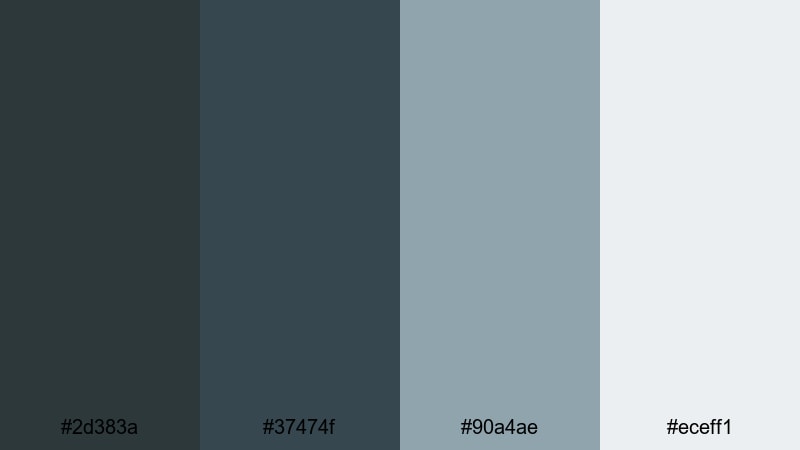
- HEX Codes: #2d383a, #37474f, #90a4ae, #eceff1
- Mood: Clean, polished, and studio-ready with a subtle tech vibe.
- Use for: Great for product demos, software walkthroughs, and branded tutorial intros.
Shadow Studio Slate blends Outer Space with layered cool grays and a soft off-white. It feels like a modern studio set or app interface: sleek, legible, and calm enough for long-form watching.
Use the darker tones as your background for tutorial screens, screen-recording frames, and sidebars, then apply the lighter grays and white for text, icons, and callout boxes. This keeps your overlays in Filmora readable on both desktop and mobile while still looking tech-forward and professional.
Noir Galaxy Fade
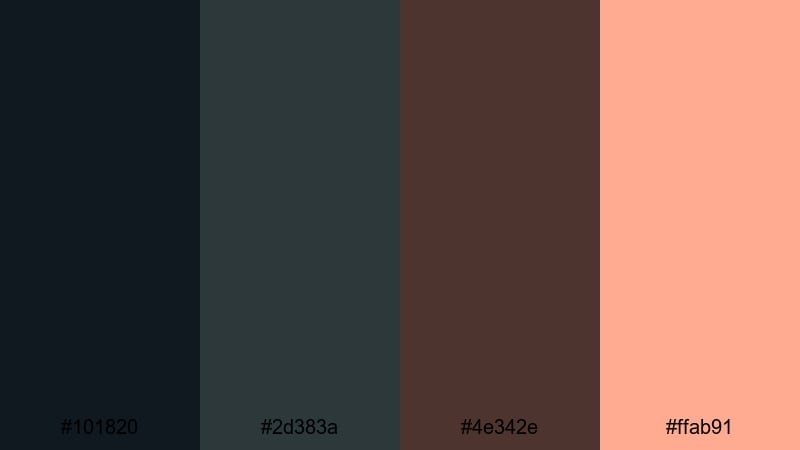
- HEX Codes: #101820, #2d383a, #4e342e, #ffab91
- Mood: Smoky, noir-inspired, with a warm cinematic highlight.
- Use for: Use this palette for story-driven shorts, film essays, and moody channel branding.
Noir Galaxy Fade combines deep black, Outer Space, espresso brown, and a peachy highlight. It feels like a late-night city skyline with a hint of streetlight glow, blending mystery with human warmth.
Use the warm accent for key titles, subscribe buttons, and important UI elements so they stand out against the cool, shadowy base. This contrast works well in essay-style YouTube videos, noir-style short films, and banner art where you want a hint of emotion without losing that dark, cinematic edge.
Cosmic Charcoal Minimal
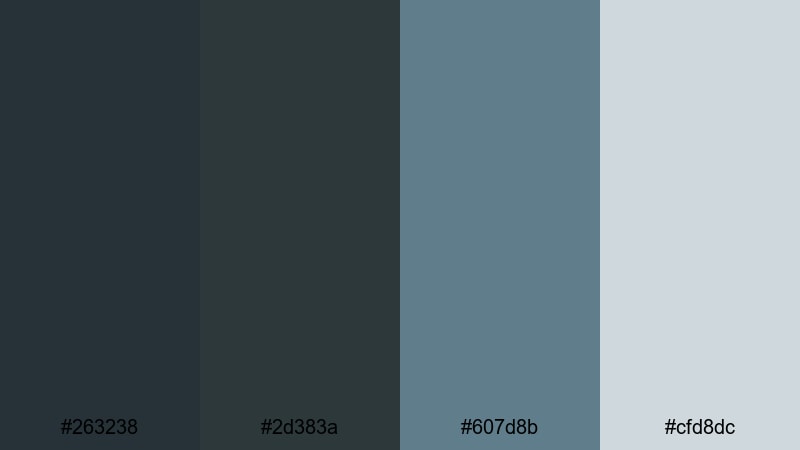
- HEX Codes: #263238, #2d383a, #607d8b, #cfd8dc
- Mood: Minimal, cool, and understated with a design-forward feel.
- Use for: Ideal for minimalist title screens, UI overlays, and aesthetic tech reviews.
Cosmic Charcoal Minimal layers several cool charcoals around an Outer Space core, then softens everything with misty blue-gray. It feels like a carefully designed dashboard: neutral but visually rich.
Use the darker shades for full-screen backgrounds and lower thirds, reserving the lighter tones for text, timelines, and subtle iconography. This palette is perfect for channels centered on gear reviews, productivity, or design, where your content and typography should be the focus rather than bright colors.
Futuristic Outer Space Glow
Neon Starboard
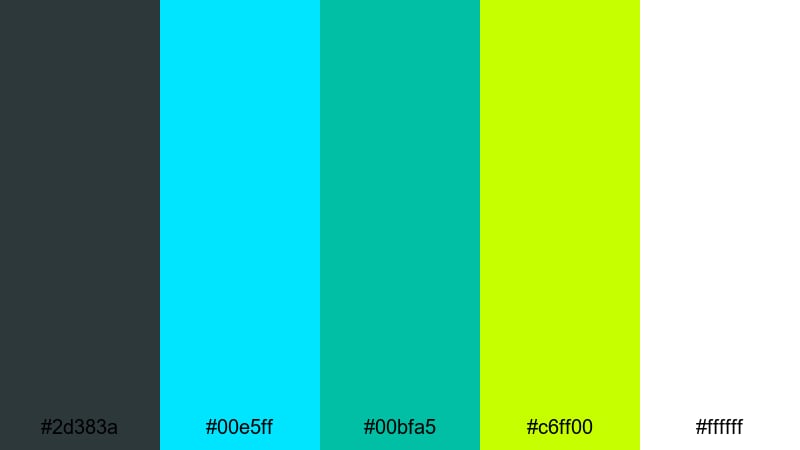
- HEX Codes: #2d383a, #00e5ff, #00bfa5, #c6ff00, #ffffff
- Mood: High-energy, cyber-bright, and ready for futuristic motion graphics.
- Use for: Best for gaming intros, tech channel branding, and animated lower thirds.
Neon Starboard turns Outer Space into a sleek backdrop for electric cyan, teal, neon lime, and bright white. It has that sci fi HUD feeling, like a control panel glowing in a dark cockpit.
Use the neon accents sparingly for animated borders, progress bars, health bars, or glitch transitions in Filmora. The white can act as your main text color, while the dark Outer Space holds everything together behind game footage, tech breakdowns, or e-sports highlight reels.
Cyber Aurora Stream
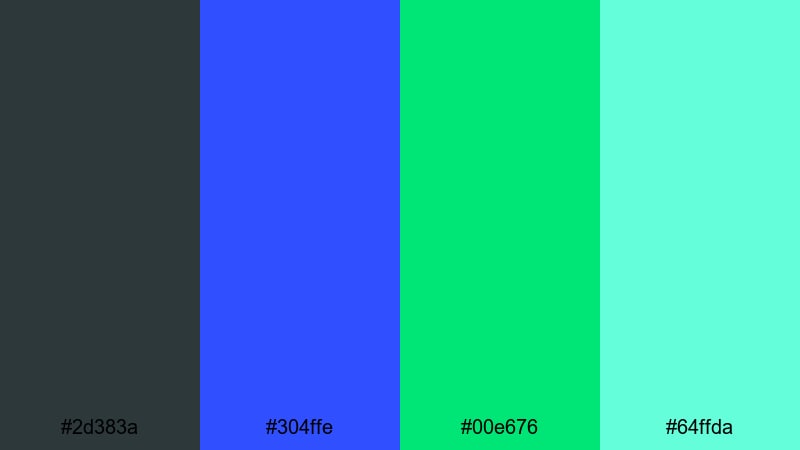
- HEX Codes: #2d383a, #304ffe, #00e676, #64ffda
- Mood: Flowing, digital, and optimistic with a bright sci fi glow.
- Use for: Great for motion backgrounds, transition overlays, and upbeat tech explainers.
Cyber Aurora Stream paints vivid blue, bright green, and aqua streaks over a dark Outer Space base. It feels like a digital aurora or data flow visualization: energetic but not aggressive.
Create animated gradient backgrounds and light streaks with these tones, then layer your text and icons on top for product launches, SaaS explainers, or channel intro animations. The fresh green-blue blend helps your content feel innovative and forward looking.
Holographic Dock
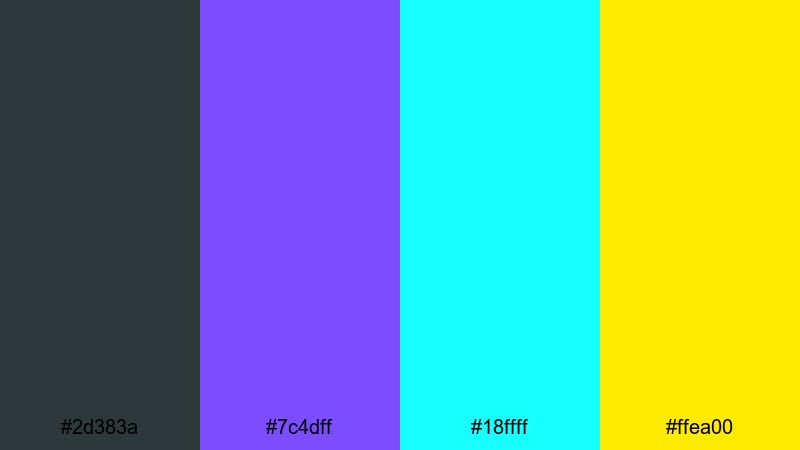
- HEX Codes: #2d383a, #7c4dff, #18ffff, #ffea00
- Mood: Playful sci fi with candy-bright highlights and a sleek dark base.
- Use for: Use for app promo videos, futuristic logo reveals, and event teasers.
Holographic Dock mixes Outer Space with holographic purple, aqua, and neon yellow for a fun, high-tech palette. It feels like a glowing spaceport terminal or a festival of color in orbit.
Use the purple for main titles, the aqua for UI elements, and the yellow for micro accents like cursor highlights, notifications, or small badges. This works well for launch trailers, conference promos, or creative brand stingers where you want a sci fi look that still feels friendly and inviting.
Plasma Control Room
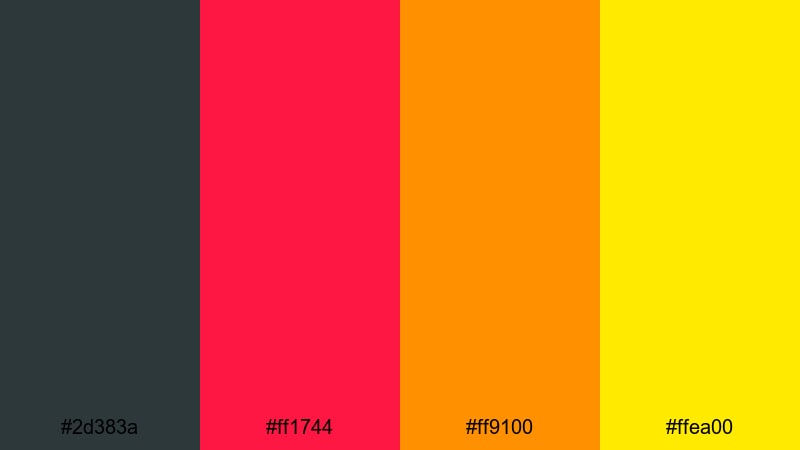
- HEX Codes: #2d383a, #ff1744, #ff9100, #ffea00
- Mood: Intense, urgent, and cinematic with fiery sci fi energy.
- Use for: Perfect for alert graphics, countdowns, and high stakes gaming clips.
Plasma Control Room sets a dark Outer Space base on fire with hot red, amber, and warning yellow. It feels like a starship alarm sequence or a high-stakes mission briefing.
Use the bright colors sparingly for countdown timers, stream alerts, kill feeds, or danger overlays so they really punch against the dark background. This palette is excellent for trailer moments, highlight compilations, and short, energetic social edits where urgency is the point.
Moody Outer Space Gradients
Midnight Nebula Drift
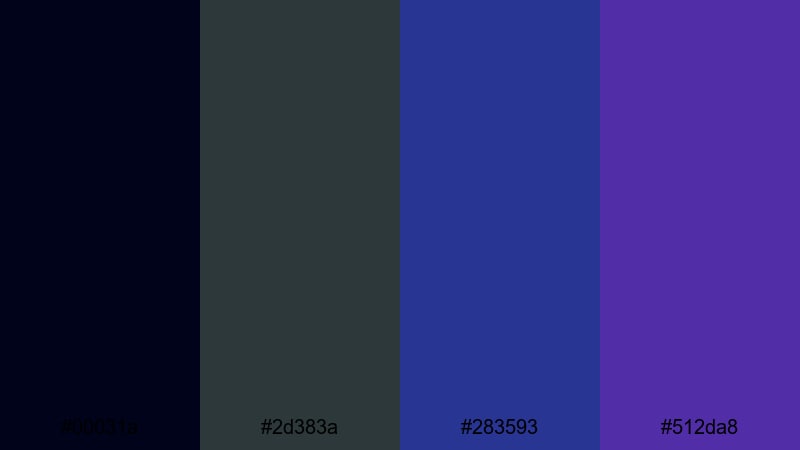
- HEX Codes: #00031a, #2d383a, #283593, #512da8
- Mood: Dreamy, mysterious, and slow moving like deep space clouds.
- Use for: Ideal for ambient music videos, slow travel vlogs, and title sequences.
Midnight Nebula Drift moves from inky midnight blue to Outer Space to rich violet blues. It feels soft and weightless, like drifting through a faraway nebula at half speed.
Use these shades as animated gradient backgrounds or vignette overlays in Filmora. They work beautifully behind minimalist titles, lo-fi music visuals, slow b-roll, and reflective storytelling where the visuals should feel hypnotic rather than sharp or busy.
Eclipse Horizon Fade
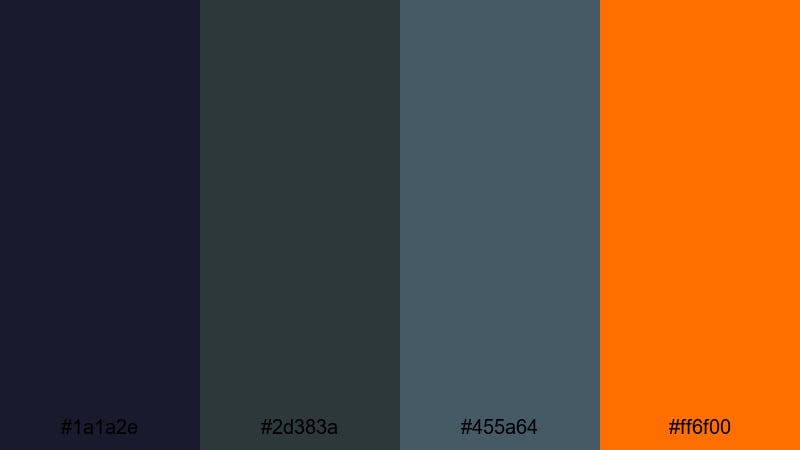
- HEX Codes: #1a1a2e, #2d383a, #455a64, #ff6f00
- Mood: Brooding and cinematic with a surprising warm edge at the horizon.
- Use for: Use for cinematic travel intros, documentary titles, and dramatic reels.
Eclipse Horizon Fade shifts from deep blue and Outer Space shadows to muted gray, then breaks with a burst of orange. It feels like a solar eclipse with a glowing ring right at the edge.
Use the orange selectively in titles, lower-thirds, and location tags to guide attention in your frame. The cool tones keep everything grounded and cinematic, making this palette ideal for chapter screens, travel intros, or behind-the-scenes reels with a dramatic, narrative feel.
Gravity Well Blues
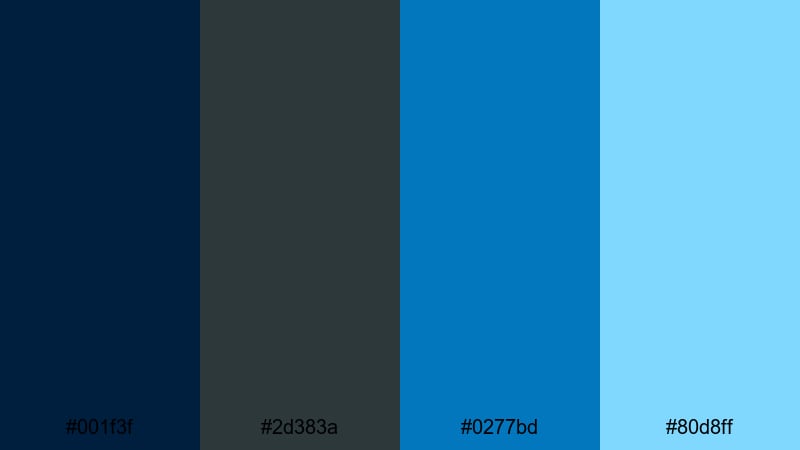
- HEX Codes: #001f3f, #2d383a, #0277bd, #80d8ff
- Mood: Cool, introspective, and slightly moody with layered oceanic depth.
- Use for: Great for tech reviews, reflective vlogs, and cinematic b roll overlays.
Gravity Well Blues spirals from deep navy to Outer Space to brighter ocean blues and sky highlights. It feels like being pulled underwater or into orbit, calm yet powerful.
Use the darker tones for backgrounds and vignette overlays, while the lighter blues can highlight text, infographic lines, or waveform visualizers. This palette is especially strong for tech reviews, reflective monologues, and any video where you want a serious but not depressing mood.
Elegant Outer Space Accents
Luxe Orbital Gold
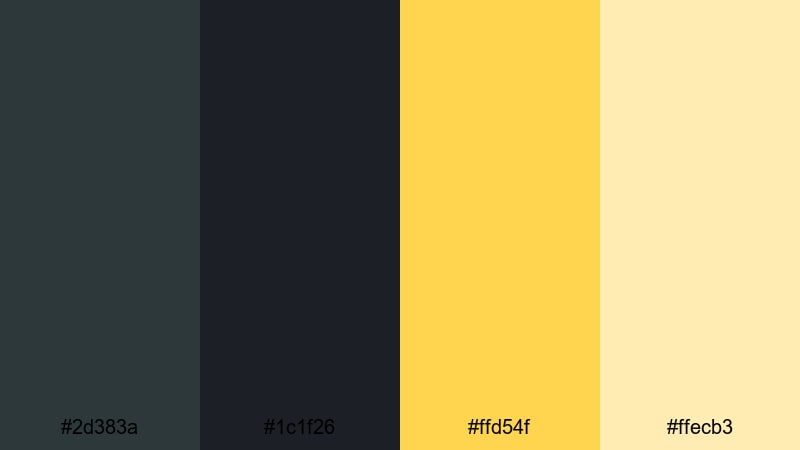
- HEX Codes: #2d383a, #1c1f26, #ffd54f, #ffecb3
- Mood: Luxurious and refined with a quiet, premium glow.
- Use for: Perfect for brand openers, luxury product showcases, and portfolio reels.
Luxe Orbital Gold pairs dark Outer Space and near-black tones with soft, glowing golds. It feels like a premium cinema lobby or a high-end watch ad: understated, not flashy.
Use the dark shades as full-bleed backgrounds or letterboxing bars, and reserve the golds for logo reveals, product outlines, and delicate motion accents. This palette is ideal for upscale brands, portfolio intros, and slow, detailed product shots where every highlight matters.
Celestial Rose Alloy
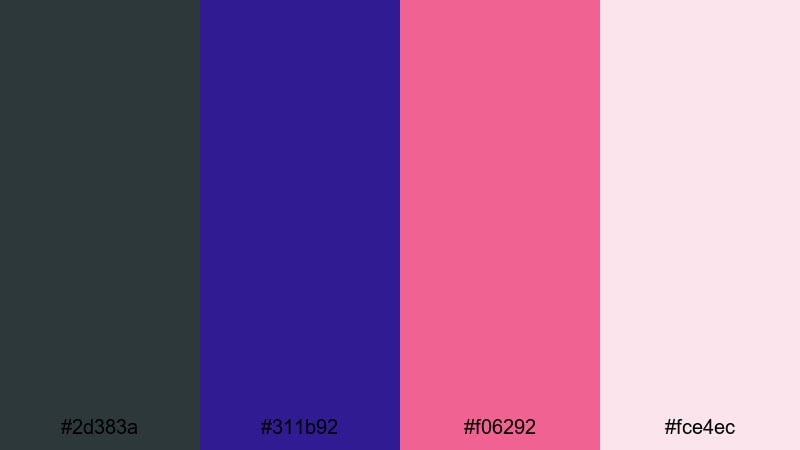
- HEX Codes: #2d383a, #311b92, #f06292, #fce4ec
- Mood: Romantic yet modern, with a cosmic twist on rose and violet.
- Use for: Use for beauty content, fashion lookbooks, and soft sci fi inspired branding.
Celestial Rose Alloy combines Outer Space with deep violet and refined rosy pinks. It feels like a blend of fashion editorial and cosmic fantasy, polished yet dreamy.
Use the darker tones to frame your subject and keep backgrounds sophisticated, while the pinks and lilac tints can color titles, borders, and highlight elements. It is great for beauty tutorials, lookbooks, romantic music videos, or brand kits that want femininity without losing edge.
Satellite Copper Glow
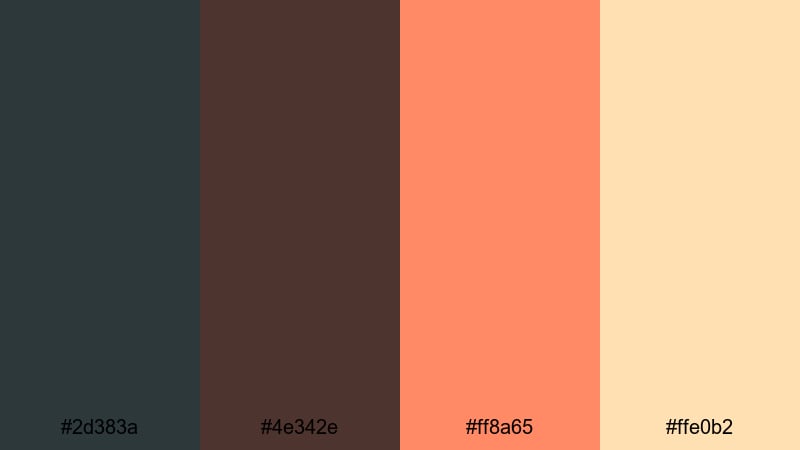
- HEX Codes: #2d383a, #4e342e, #ff8a65, #ffe0b2
- Mood: Warm, grounded, and cinematic with industrial sophistication.
- Use for: Great for makers, product cinematics, and workspace tours.
Satellite Copper Glow anchors Outer Space with deep brown, then adds copper and apricot highlights. It feels like warm metal catching sunset light in a studio or workshop.
Use the warm accent colors on tool close-ups, product outlines, and UI elements like subscribe buttons or chapters. This palette works especially well for maker channels, woodworking, coffee bars, or any video where craft and materials are the star.
Stellar Teal Serenity
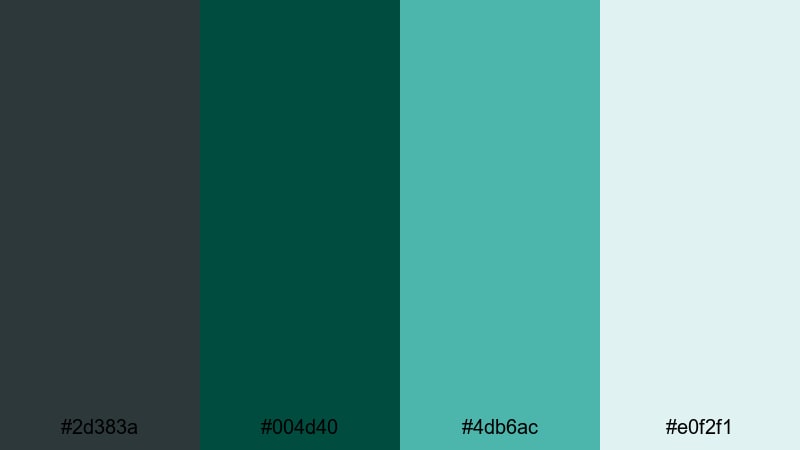
- HEX Codes: #2d383a, #004d40, #4db6ac, #e0f2f1
- Mood: Calm, balanced, and studio chic with a spa like freshness.
- Use for: Ideal for wellness content, productivity channels, and minimalist branding.
Stellar Teal Serenity flows from Outer Space into deep teal, then into airy mint highlights. It feels balanced and refreshing, like a modern wellness studio floating in orbit.
Use the darker hues as grounding elements behind text and host shots, while the light mints can frame affirmations, tips, or UI cards. This palette suits meditation content, productivity deep dives, and any brand that wants to feel calm, organized, and intentional on screen.
Tips for Creating Outer Space Color Palettes
Outer Space is flexible enough to work as a near-black, a tech neutral, or a cinematic base. When pairing it with other colors for video and design, a few simple rules will keep your visuals clean, readable, and on brand.
- Use Outer Space as your main background instead of pure black to reduce eye strain while keeping strong contrast for titles and UI.
- Choose 1 to 2 accent colors only (like gold, teal, or neon) so your overlays and thumbnails stay focused rather than chaotic.
- Check text readability by testing white, light gray, or soft pastels on Outer Space; avoid low contrast mid-tones for small fonts.
- Keep brand consistency by reusing the same HEX codes for intros, lower thirds, end screens, and social thumbnails across your channel.
- Match your footage by gently grading shadows toward Outer Space using Filmora, so overlays, titles, and live action clips share the same mood.
- Use warm accents (oranges, coppers, peaches) to humanize dark, moody edits, and cool accents (cyans, purples) for more techy or sci fi vibes.
- Test your palette on both mobile and desktop screens to be sure thumbnails, buttons, and text still pop at small sizes.
- Save your favorite Outer Space combinations as presets or custom templates in Filmora so every new project starts on brand.
Outer Space color palettes are powerful tools for shaping mood, story, and brand identity. Whether you lean into cinematic neutrals, neon sci fi glows, moody gradients, or elegant metallic accents, this deep teal gray can hold your whole visual universe together.
Try dropping these HEX codes directly into Filmora for titles, backgrounds, filters, and color grading. Once you see how cohesive your intros, b-roll, and thumbnails look, you can refine each palette into a signature style for your channel or brand.
Experiment, save what works as presets, and build a consistent Outer Space look that your audience recognizes instantly whenever your videos appear in their feed.
secure download