
20+ Valentine Proposal Image Prompts:
Instant AI Copy & Paste
Want something more than a basic card or text message? These AI prompts are inspired by the most searched Valentine's Day proposal ideas—from candlelit rooftop scenes to elegant engagement close-ups. Simply pick your favorite Valentine proposal template, paste it into Gemini, and generate a romantic proposal image that feels like a real photoshoot. Perfect for social posts, proposal countdown stories, or unforgettable surprise reveals.
Loading more templates...
 Category:
 Duration:
 Aspect Ratio:
Create Trending Valentine Proposal Images
with Nano Banana Pro Prompts
A perfect proposal isn’t just about one photo—it’s about the story. With Filmora’s AI tools and Gemini-style prompts, you can create everything from luxury engagement scenes to playful couple illustrations. Generate a stunning Valentine proposal image, then refine it with cinematic lighting, romantic color grading, and realistic detail enhancement.
Create Cute Valentine Proposal Image Effects
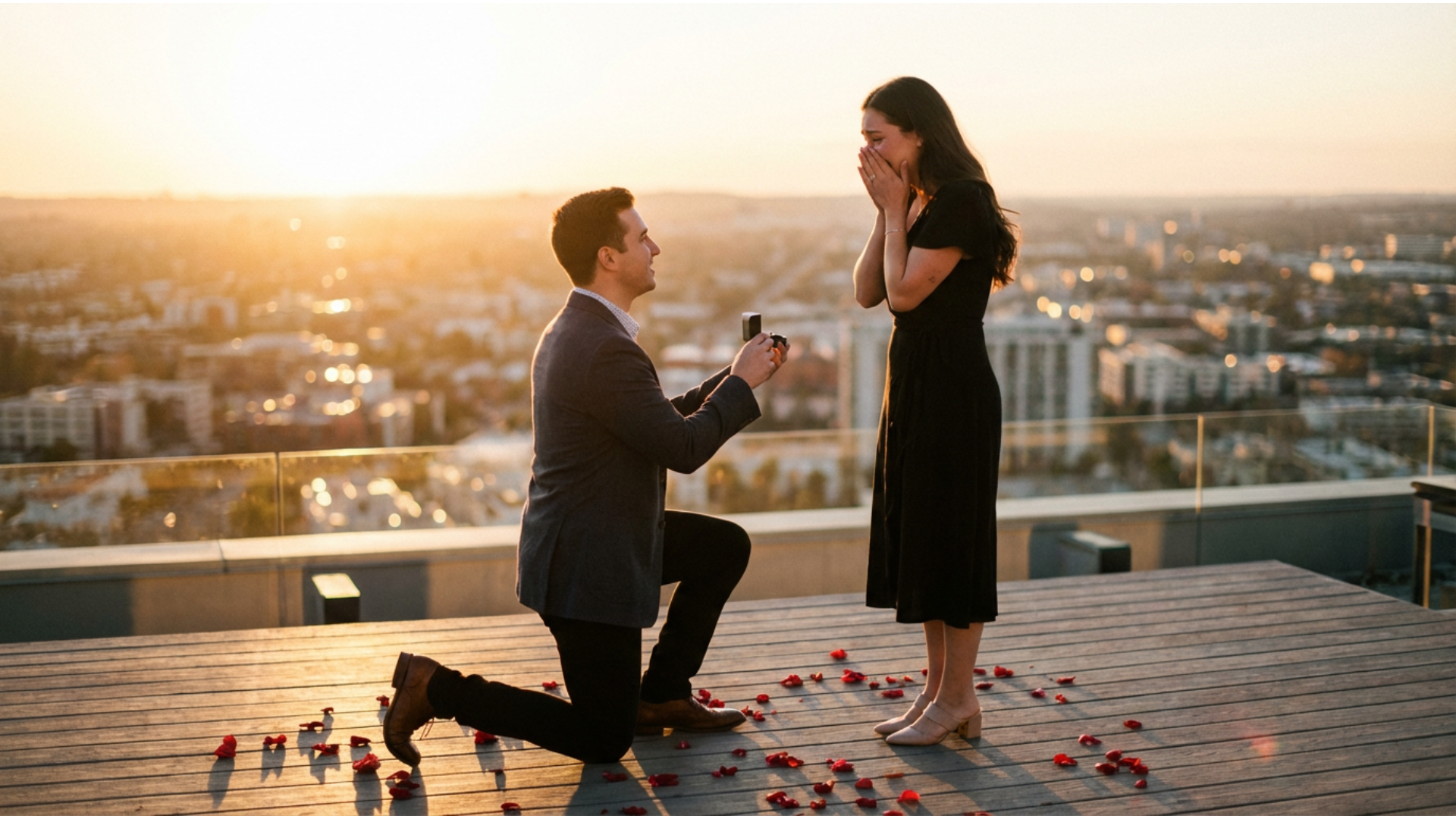
Create Cute Valentine Proposal Image Effects
Design a proposal scene that looks like a real photoshoot—ring close-ups, soft bokeh lights, rose petals, or a warm indoor surprise. Start with a Valentine proposal template prompt in Gemini, then polish the final image in Filmora for a clean, romantic finish.
- Trending Valentine Proposal Ideas – Explore popular AI proposal aesthetics searched online.
- Instant Prompt Templates – Copy-paste a Valentine proposal template and customize details fast.
- Photo-Ready Enhancements – Improve lighting, clarity, and color for a more realistic result.
Turn Your Valentine Proposal Image Into Romantic Video Reels
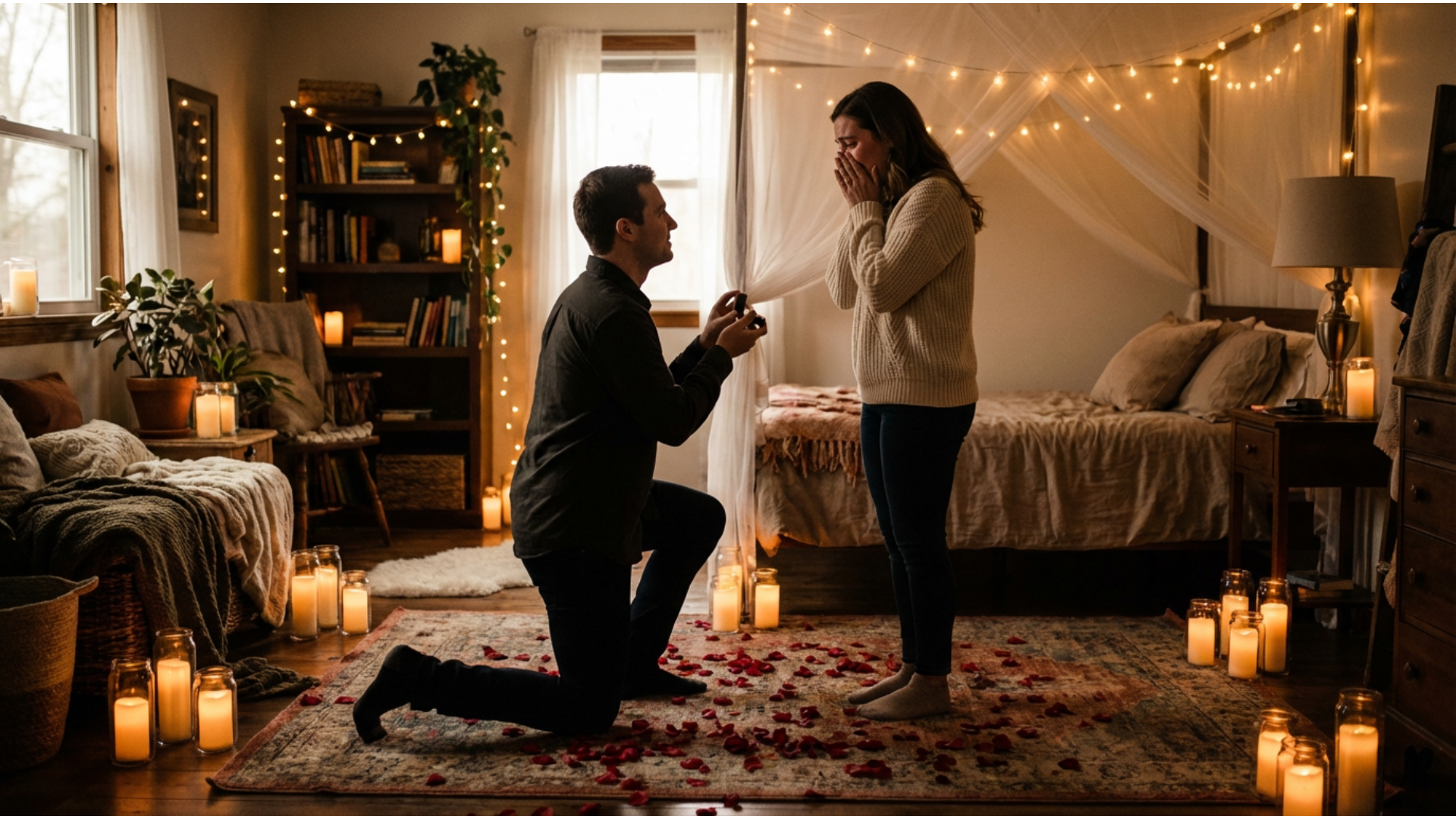
Turn Your Valentine Proposal Image Into Romantic Video Reels
Many proposals go viral not as photos—but as short romantic videos. After generating your AI proposal image, Filmora helps you turn it into a Reel-ready love story with motion templates, soft transitions, and romantic music. This is one of the fastest ways creators share Valentine proposal ideas on social.
- Valentine Video Templates – Heart overlays, flickering candles, rose petals, and more—ready-to-use for trending proposals.
- No Editing Needed – Upload your image, pick a template, and your Valentine proposal image becomes an animated reel in seconds.
- Customize Your Love Story – Advanced users can change text, backgrounds, or prompts for unique results.
- Photo-to-Video Romance – Make any static Valentine proposal image into moving, shareable video magic.
- Built-In Music & SFX – Romantic soundtracks and proposal sound effects ready for TikTok, Instagram, and YouTube.
Add Love-Focused Captions & Typography to Your Proposal Images
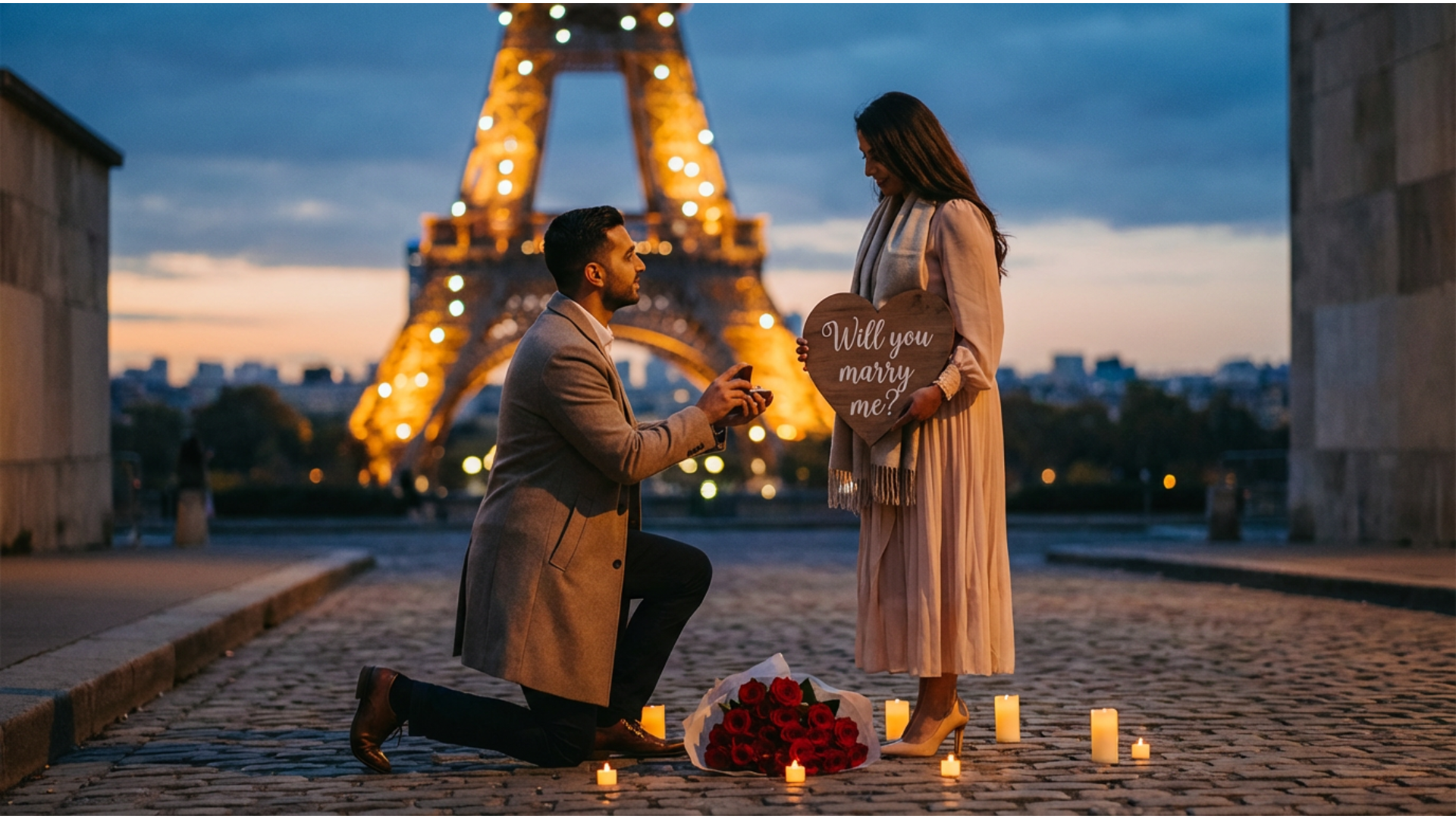
Add Love-Focused Captions & Typography to Your Proposal Images
Want it to feel like a real invitation or poster? Add romantic captions, “Will you marry me?” typography, and elegant Valentine overlays. Filmora lets you design a shareable Valentine proposal image for DMs, Stories, or printing.
- 💬 Love Speech Bubbles – Heart-shaped bubbles, proposal quotes, personalized text for every couple’s style.
- 🔤 Romantic Fonts – Handwritten love notes, playful script, animated effect (YES! MARRY ME!), and multilingual support.
- 🎨 Easy Typography Tools – Auto-fit text, color options, heart & sparkle graphics, and trending Valentine textures.
FAQs About Valentine Proposal Images & Ideas
How to Create a Valentine Proposal Image with Filmora
Popular on TikTok and Instagram, Valentine proposal image effects let you make trending, romantic proposal photos or videos in seconds. This guide shows beginners how to generate a personalized Valentine proposal image using AI tools—no design experience required!
Step 1 Open the AI Image Generator

Step 2 Enter Your Valentine Proposal Image Prompt

Step 3 Download and Edit Your Valentine Proposal Image

-
1:Open the AI Image Generator
Start Filmora, create a new project, go to "Stock Media", and select "AI Image" to get started. -
2:Enter Your Valentine Proposal Image Prompt
Select the AI model, enter your Valentine proposal image prompt (such as a romantic proposal theme), and click "Generate" to instantly create your image. -
3:Download and Edit Your Valentine Proposal Image
Preview the generated proposal image, click download, drag it into your project for further editing, or export/share it directly.
More Than Just Valentine Proposal Images
Filmora isn’t just for making Valentine proposal images—it also generates stunning romantic photos, AI-powered videos, and lets you edit heartfelt moments all in one simple tool.








