
Christmas Video Overlays:
Add Festive Magic to Your Holiday Videos
Transform your content with stunning Christmas Video Overlays that are trending across TikTok, Instagram, and YouTube this holiday season. Our collection of premium Overlay Christmas Videos includes falling snowflakes, twinkling lights, festive borders, and animated holiday decorations that instantly boost engagement. Simply browse our extensive library of Christmas Video Overlays, preview with one tap, copy your favorite overlay, and import directly to any video editor—giving your holiday content that professional festive touch that viewers love to share.
Loading more templates...
 Category:
 Duration:
 Aspect Ratio:
Christmas Video Overlays
For Festive TikTok, YouTube & IG Reels
Searching for trending Christmas Video Overlays to boost your holiday videos? Instantly apply snow, twinkling lights, moving Santas, and festive sparkle effects. Use Filmora's advanced AI video editor featuring ready-made Christmas overlays—perfect for TikTok challenges, Instagram Reel edits, and holiday family videos.
Use Christmas Video Overlays for Viral Holiday Content
Use Christmas Video Overlays for Viral Holiday Content
Pick from trending overlays—falling snow, ornament transitions, animated reindeer, and more! Filmora's easy video timeline lets you add or blend Christmas overlays to match any moment. Popular for TikTok vlogs, IG stories, and YouTube intros. Customize overlay speed, size, colors, and layer with music for unique holiday edits.
- Ready-to-Use Effects - 20+ popular Christmas video overlays, all drag-and-drop simple.
- Multiple Holiday Styles - Classic snow, Christmas lights, digital glitter, cartoon Santa, or cozy vintage effects.
- Customize with Your Footage - Add overlays to home videos, party clips, or static photos for instant festive mood.
Create Christmas-Themed Videos in Seconds with the Filmora App
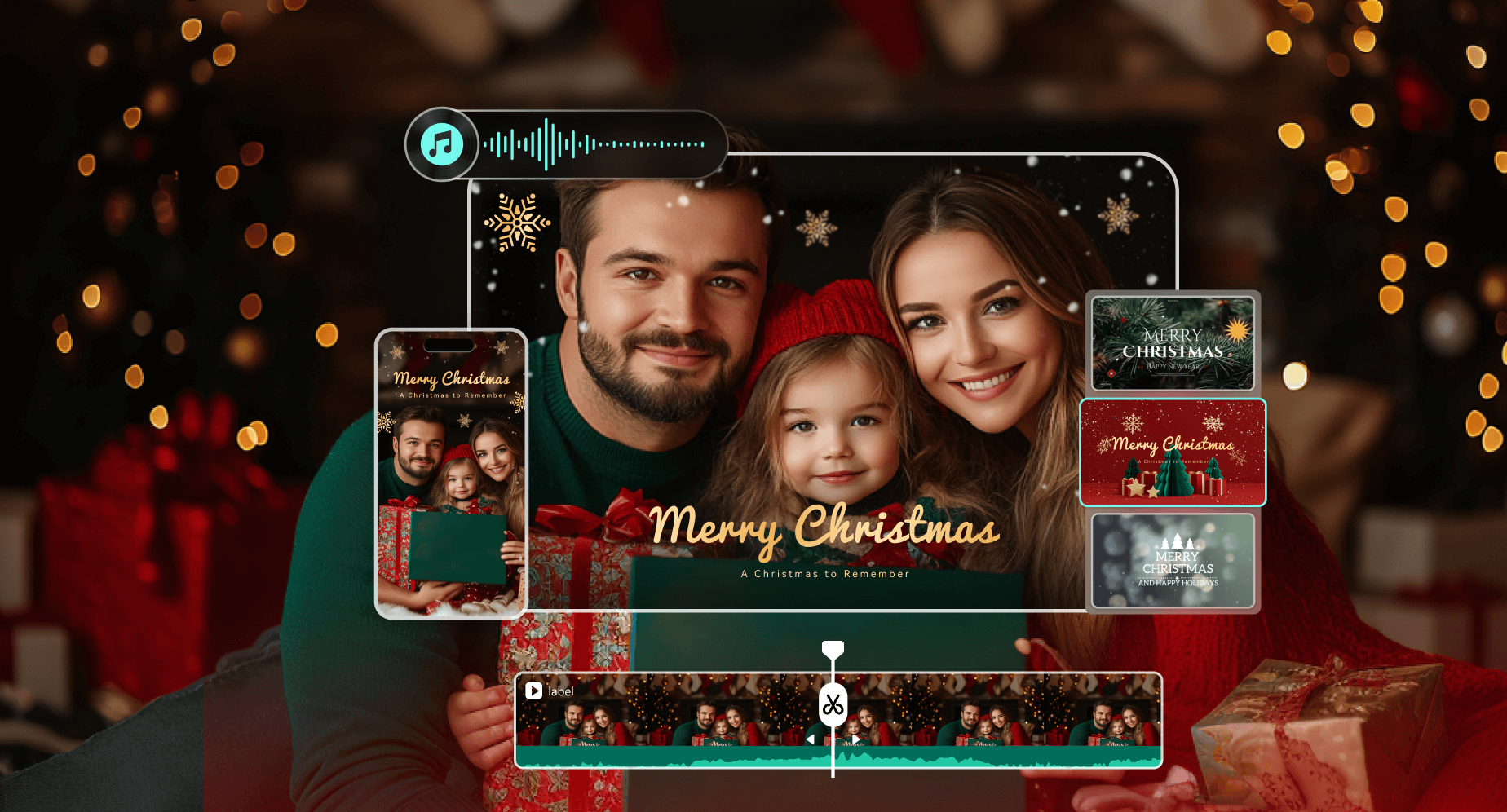
Create Christmas-Themed Videos in Seconds with the Filmora App
The Filmora mobile app offers instant Christmas video overlays and templates. Add festive snow, animated presents, or glowing lights to your clips—no editing skill needed. Top for fast edits and trending posts on TikTok or YouTube Shorts.
- Preset Christmas Overlays - Sleigh bells, mistletoe frames, and holiday sparkle; just tap to add.
- Fully Adjustable - Change overlay duration, blend mode, or opacity for your vibe.
- Photo-to-Video Effects - Turn Christmas photos into short festive video slides with overlays.
Personalize with Christmas Titles, Emojis & Animated Text
Personalize with Christmas Titles, Emojis & Animated Text
Add Merry Christmas greetings, countdown overlays, or animated holiday stickers directly to your video. Add Christmas-themed text animations, festival fonts, sparkling text, and fun effects to captions, wish messages, or pop-up stickers.
- Christmas Text Effects – Frosted fonts, golden glow, red-and-green strokes, animated greetings.
- Holiday Emojis & Stickers – Santa hats, trees, bells, snowflakes, and more built-in graphics.
- Easy Customization – Move, resize, rotate, add drop shadows, or layer multiple elements for your own style.
Ultimate Christmas Video Overlay FAQs
- Download high-quality Christmas overlay packs in MP4 or MOV format (look for transparent background options).
- Open your preferred video editing software, like Filmora or social app.
- Import your base footage and select the Christmas overlay that matches your style (snow effects, ornament frames, Santa animations).
- Add the overlay as a top layer using the "picture-in-picture" or "overlay" function in your editor.
- Adjust the transparency, timing, and position to perfectly complement your footage, then export in high resolution to preserve the magical holiday effects!
More Than Just Christmas Video Overlays
Filmora isn't limited to Christmas Video Overlays. Edit, enhance, and create videos for any occasion with built-in overlays, effects, and advanced editing tools—all in one place for creators and marketers.







