

 100% Security Verified | No Subscription Required | No Malware


 ChatGPT
 Perplexity
 Gemini
 Claude
 Grok
Grok
This collection of bedroom natural light LUT-style filters is designed for creators who film in real apartments and homes, where the main light source is a window or balcony door.
Use these filters to balance mixed daylight, soften shadows, and keep skin tones gentle and flattering so your bedroom vlogs, lifestyle portraits, and morning routines look polished without losing that authentic, lived-in feel.
In this article
Soft Morning Glow in the Bedroom
Dawn Soft Matte
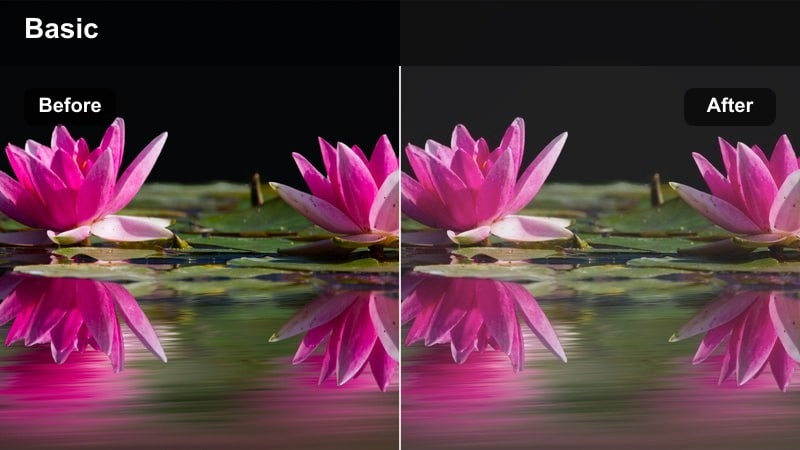
- Effect look: Low-contrast, gently lifted shadows with a soft matte finish that keeps bedroom daylight calm and dreamy.
- Best for: Early-morning bedroom vlogs, make-your-bed sequences, and slow lifestyle b-roll by the window.
- Editing tip: Lower contrast slightly and nudge exposure up a touch to protect highlight detail on white bedding and curtains.
Dawn Soft Matte is perfect when you want your bedroom footage to feel like a quiet, early-morning moment instead of a harshly lit scene. The filter subtly mutes contrast, lifts the deepest shadows, and adds a gentle matte finish that looks great on white bedding, neutral walls, and pale curtains lit by natural window light.
In Filmora, apply Dawn Soft Matte to your morning routine clips, then fine-tune exposure and contrast with the basic Color panel so the brightest parts of the frame keep detail. For rooms with strong window light, prioritize recovering highlights before you push contrast, and if the window is very bright, pull back exposure and highlights first, then layer this filter for a soft, cinematic finish.
AI-Assisted Color for Bedroom Natural Light
Filmora AI color tools help you even out exposure and white balance before you add bedroom natural light LUT-style filters. This keeps your walls, bedding, and skin tones consistent even when clouds pass or your window brightness shifts between clips.
Run auto color balance on your raw bedroom vlog footage, check that skin tones look neutral, then stack your favorite soft daylight filter on top for a polished, cohesive look across the entire sequence.
 secure download

Preview Bedroom Filters in Real Time
Filmora lets you hover over each filter in the Filters panel to preview how it will transform your bedroom footage instantly. You can compare soft morning looks, golden hour warmth, and cozy evening grades on the same window-lit clip without committing to any change.
Drop a bedroom shot on the timeline, open Filters, and skim through different styles while watching the Program Monitor, then apply and adjust intensity until the mood matches your scene.
secure download1000+ Video Filters and 3D LUTs
Beyond bedroom natural light looks, Filmora includes a large library of filters, cinematic LUTs, and creative overlays you can stack to build your own signature style. Mix subtle daylight grades with stylized film looks or pastel palettes to create repeatable presets for your bedroom vlogs.
Combine these built-in filters with your existing LUT workflow, adjust opacity, and save custom presets so every new bedroom video can match your established brand quickly.
secure downloadLinen Daybreak
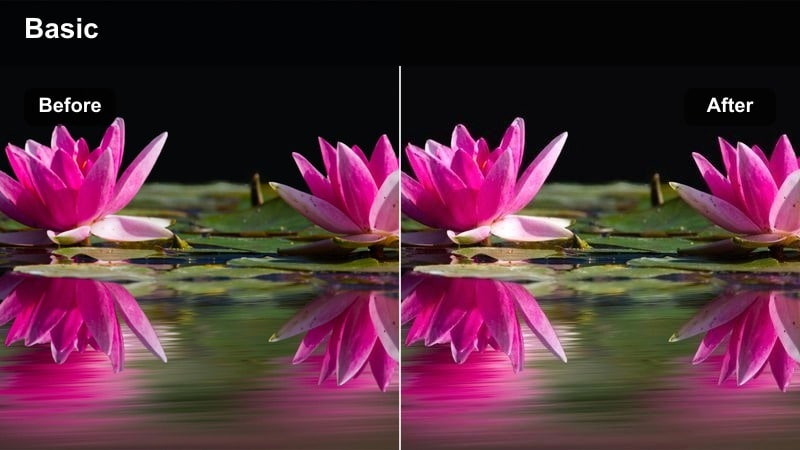
- Effect look: Clean, bright whites with a slight warm tint and soft roll-off in the midtones.
- Best for: Minimal bedroom setups, home office corners in the bedroom, and aesthetic room tours shot in natural daylight.
- Editing tip: Boost saturation only in yellows and oranges to keep skin lively while walls and bedding stay neutral.
Linen Daybreak is ideal for bright, uncluttered bedrooms where you want everything to look crisp yet inviting. It enhances white linens and light wood tones, adding a hint of warmth without making the frame overly yellow, so minimal rooms feel airy and intentional on camera.
In Filmora, pair Linen Daybreak with selective HSL tuning to emphasize skin tones and natural wood while keeping walls and bedding close to neutral. Slight negative clarity or reduced sharpness will soften fabric textures and any small imperfections, helping your bedroom tours and desk setups look softly polished.
Hazy Wakeup
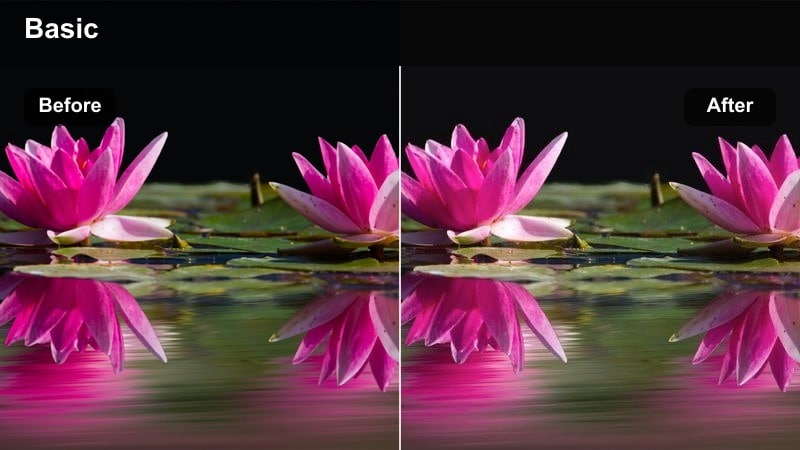
- Effect look: Soft haze with slightly lifted blacks and a subtle warm halation around highlights.
- Best for: POV wake-up clips, stretching on the bed, and dreamy bedroom storytelling with backlit curtains.
- Editing tip: Reduce sharpness and add a slight vignette to focus attention on the subject, not the clutter in the room.
Hazy Wakeup wraps your scene in a gentle glow that suits backlit curtains and soft morning or afternoon light. The filter slightly lifts blacks and adds a faint halation around bright areas, making window sheers and edges of bedding feel luminous and nostalgic.
Use Hazy Wakeup in Filmora when your subject is between the camera and the window, then fine-tune exposure so the glow looks intentional rather than blown out. A small vignette and reduced sharpness help pull the eye toward your subject and away from background clutter, creating dreamy wake-up montages and cozy storytelling sequences.
Golden Hour Bedroom Window Light
Amber Window Kiss
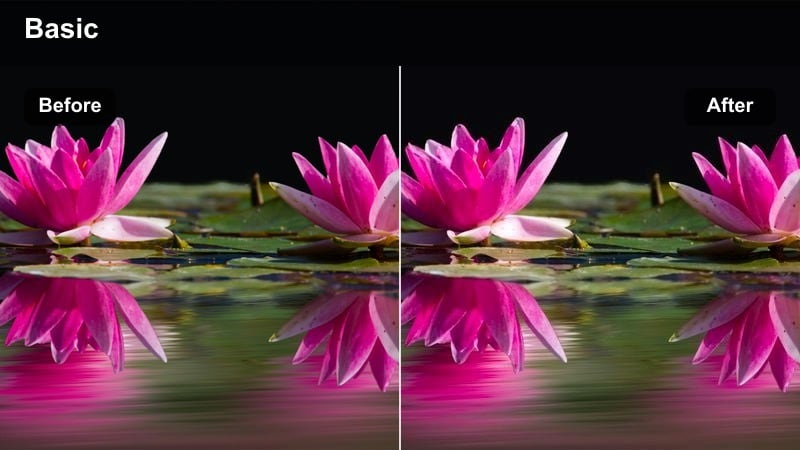
- Effect look: Warm amber highlights with gentle contrast and rich, cozy midtones.
- Best for: Golden hour bedroom portraits, journaling by the window, and lifestyle reels with warm sun streaks on the wall.
- Editing tip: Slightly lower saturation in reds to prevent skin from looking too orange while keeping the window glow warm.
Amber Window Kiss amplifies the naturally warm tones of golden hour as it pours through a bedroom window. It enriches the midtones and highlights, turning sun streaks on walls and bedding into cinematic accents while preserving enough contrast to keep the scene from looking flat.
In Filmora, apply this filter to journaling shots or slow-motion movements in warm light, then refine skin tones by pulling back red saturation and slightly adjusting the temperature slider. Masking tools let you add extra warmth only where the sun hits, so the glow stays rich while the rest of the room remains balanced and natural.
Sunset Sheets
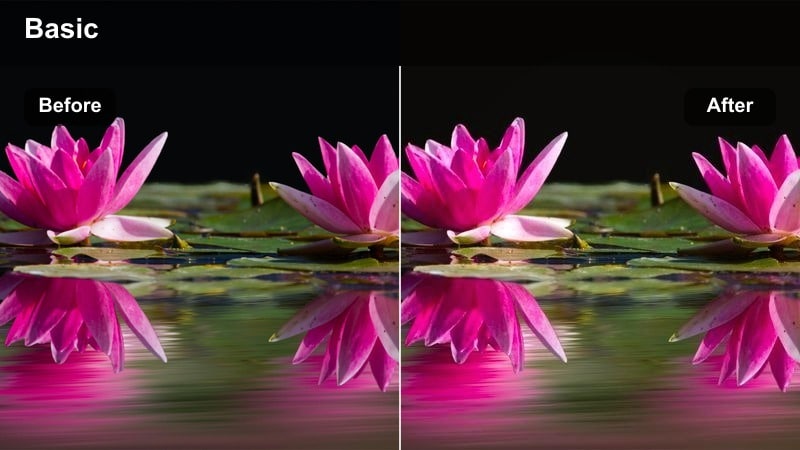
- Effect look: Deep golden highlights with slightly muted shadows, giving the room a late-afternoon glow.
- Best for: Slow-motion shots of moving sheets, relaxing in bed, and cinematic wide shots of the whole bedroom at sunset.
- Editing tip: Add a gentle fade in the blacks for a filmic look and pull down highlights if your window edge clips.
Sunset Sheets leans into the deeper golds of late afternoon, emphasizing warm highlights across your bed and walls while softening shadow contrast a touch. This creates a relaxed, cinematic glow that is perfect for wide bedroom shots and b-roll of sheets and fabrics moving in the light.
In Filmora, combine Sunset Sheets with a slight fade in the blacks using the curves tool to mimic a filmic roll-off, and adjust highlights to keep window frames from clipping. Setting your camera white balance a bit cooler in-camera or via the Color panel helps maintain realistic skin tones while the filter adds richness to the overall atmosphere.
Golden Frame Portrait
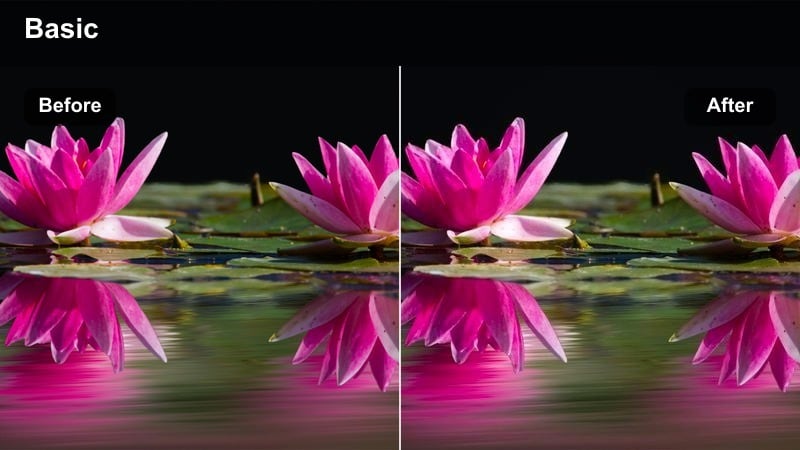
- Effect look: Focused warmth on skin tones with softened backgrounds and subtle highlight bloom.
- Best for: Lifestyle portraits, talking-head bedroom videos, and seated interviews by a side window at golden hour.
- Editing tip: Reduce micro-contrast in the background to separate your subject while keeping their face crisp.
Golden Frame Portrait is tuned for faces in bedroom window light, adding gentle warmth to skin while leaving the rest of the scene slightly softer. It introduces a light bloom in bright areas and helps your subject stand out against blankets, pillows, and decor without needing heavy retouching.
Apply this filter in Filmora to talking-head clips or seated interviews, then refine exposure so the face is perfectly exposed even if the window goes a bit brighter. Use selective adjustments to reduce texture and contrast in the background while keeping your subject sharp, giving your bedroom portraits a premium, cinematic feel.
Bedroom Light on Overcast and Cloudy Days
Cloudy Soft Balance
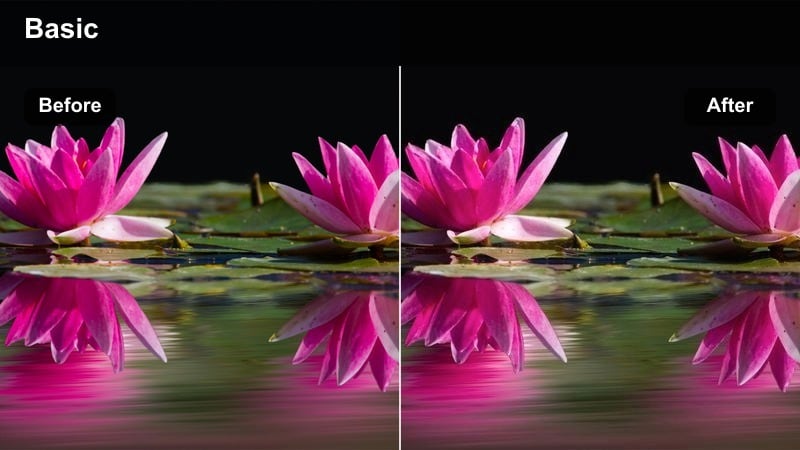
- Effect look: Neutral, soft contrast with slightly cool shadows and true-to-life skin tones.
- Best for: Filming on gray days when your bedroom window light looks flat or a bit dull.
- Editing tip: Raise midtones more than highlights to avoid making the window area too bright while brightening your subject.
Cloudy Soft Balance is designed for gray, overcast days when your bedroom window light feels flat and low-energy. It adds just enough contrast and clarity to keep the scene from looking dull, while maintaining neutral colors and slightly cool shadows that match the weather outside.
In Filmora, apply this filter to rainy or cloudy-day clips, then gently lift the midtones in the Color panel to open up faces and key details without blowing out the window. Use curves with a mild S-shape for subtle pop, and keep saturation conservative so the bedroom still feels calm and true to life.
Misty Bedday
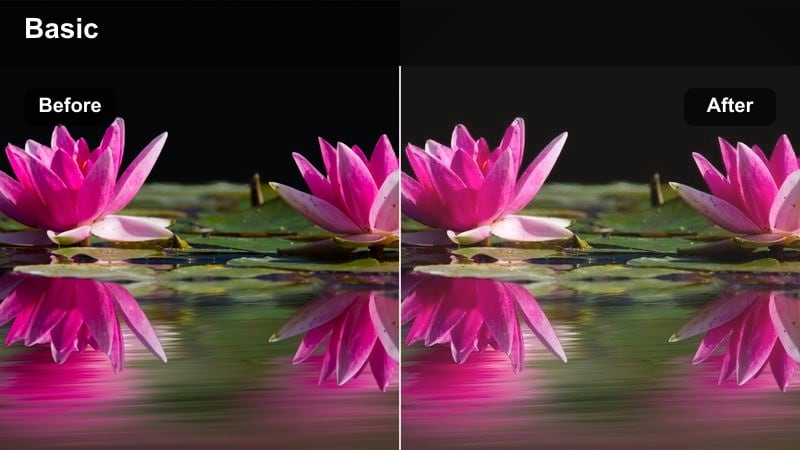
- Effect look: Soft, slightly faded contrast with a cool tint on whites and a subtle film-like wash.
- Best for: Slow, cozy-in-bed days, reading near the window, and aesthetic rainy-day bedroom clips.
- Editing tip: Reduce saturation in blues and cyans if your window casts a strong cool tone across the room.
Misty Bedday embraces the soft, introspective feeling of rainy bedroom days, giving your footage a gentle fade and a cool, filmic wash. Whites gain a faint bluish tint, and overall contrast is reduced so pages of a book, blankets, and window light all blend into a calm, cohesive mood.
In Filmora, use this filter on slow, aesthetic shots of reading in bed or watching raindrops on the window, then fine-tune blue and cyan saturation if your scene skews too cool. A touch of subtle film grain can complement the faded tone, enhancing the cozy, nostalgic vibe without distracting from your subject.
Neutral Room Clarity
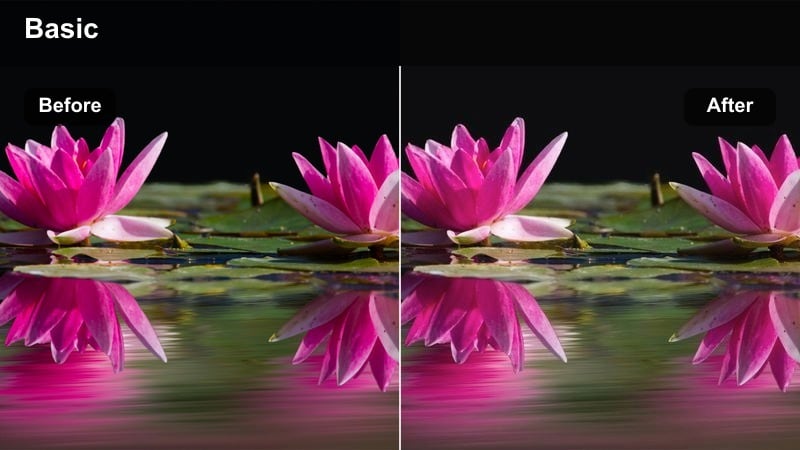
- Effect look: Clear, neutral colors with medium contrast and enhanced micro-details in fabrics and decor.
- Best for: Room makeovers, decor hauls, and detailed bedroom shots where you want true-to-life color.
- Editing tip: Dial back clarity on skin while keeping it higher on furniture and bedding using selective adjustments.
Neutral Room Clarity is built for moments when accurate color and detail matter most, such as decor reveals or bedroom makeover tours. It keeps whites, woods, and textiles faithful to reality while adding micro-contrast that makes textures in bedding, curtains, and accessories stand out.
In Filmora, apply this filter to wide and close-up decor shots, then use selective adjustments or masking to reduce clarity on faces so skin stays smooth. Shooting slightly underexposed helps preserve highlight detail in bright bedding, and you can safely lift exposure after grading without washing out the scene.
Evening Bedroom and Mixed Light Scenes
Dusk Window Blend
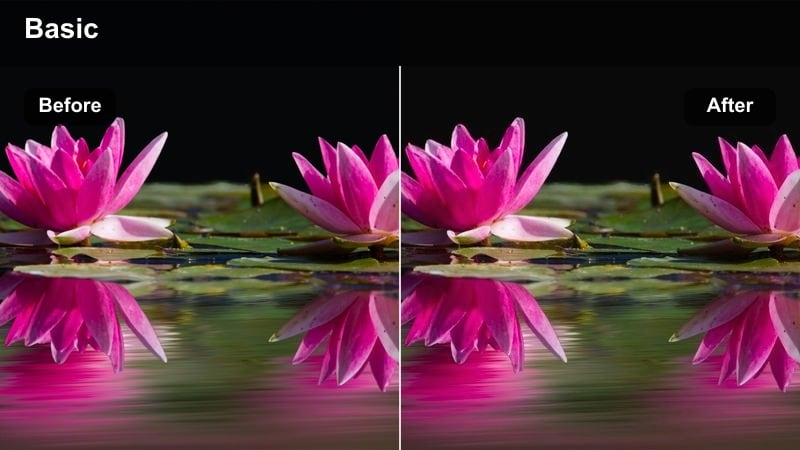
- Effect look: Soft cool highlights with warm midtones, balancing window dusk light and indoor lamps.
- Best for: Evening journaling, desk work in the bedroom, and shots where window light mixes with bedside lamps.
- Editing tip: Use HSL to slightly desaturate strong yellow lamp light while keeping blue from the window gentle.
Dusk Window Blend is tuned for the tricky mix of cool blue light from a window and warm glow from bedroom lamps. It keeps highlights softly cool while warming midtones, helping skin tones look natural even when two color temperatures clash in the same frame.
In Filmora, apply this filter to evening desk or journaling shots, then refine the HSL controls to tame overly yellow lamps and keep the dusk-blue ambience gentle. If the image starts to look muddy, try shooting takes with fewer light sources and let the filter even out the remaining color differences.
Cozy Lamp Glow
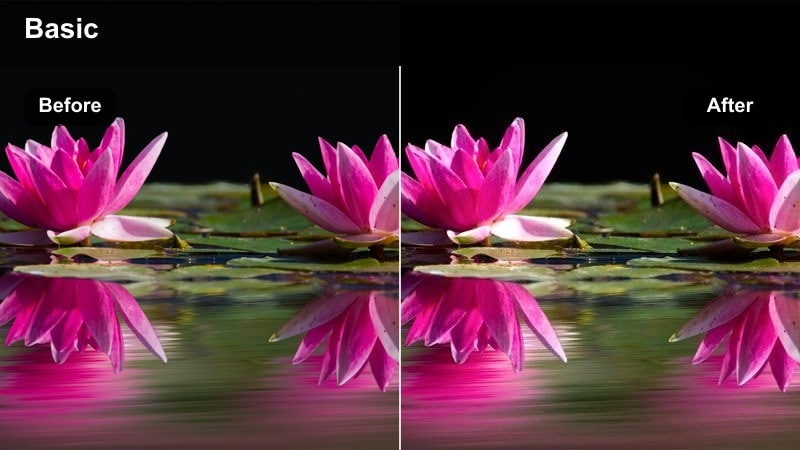
- Effect look: Warm, intimate tones with softened highlights around practical lights and a gentle vignette.
- Best for: Nighttime bedroom routines, reading in bed, and cozy storytelling shots lit mainly by bedside lamps.
- Editing tip: Lower global saturation a little, then selectively boost oranges to keep the lamp glow rich but not overpowering.
Cozy Lamp Glow enhances the warmth and intimacy of bedside lamps, turning them into soft, cinematic light sources. Highlights around bulbs and shades are gently softened, and a mild vignette draws attention toward the center of the frame, making nighttime routines feel inviting and story-driven.
In Filmora, use this filter when your lamp is the primary light source, then slightly reduce overall saturation and selectively boost oranges so the glow looks rich without overwhelming the rest of the scene. Keep other room lights off to avoid conflicting color casts, and compose your subject close to the lamp for natural falloff that the filter can emphasize.
Night Neutral Balance
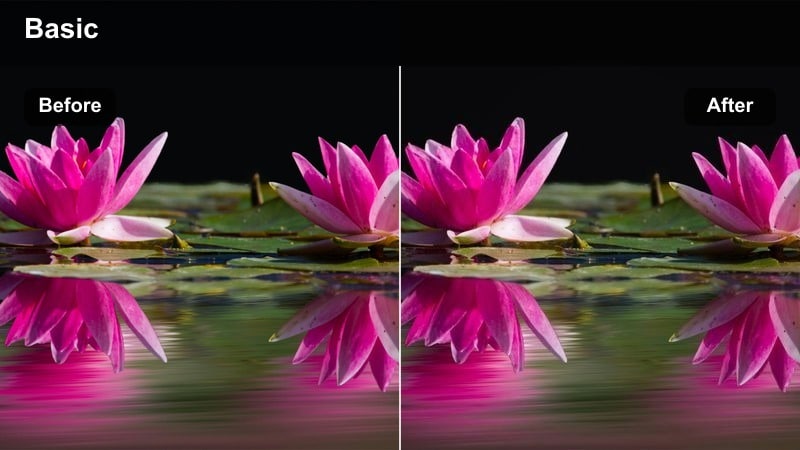
- Effect look: Controlled, neutral color with reduced yellow cast and softly lifted shadows for cleaner night shots.
- Best for: Nighttime talking-head videos, study sessions in a bedroom, and clips shot under warm ceiling lights.
- Editing tip: Pull the temperature slider slightly cooler before adding the filter if your room bulbs are very warm.
Night Neutral Balance cleans up heavy tungsten or warm LED casts that often make bedroom footage look overly yellow. It neutralizes colors while gently lifting shadows, so your night scenes stay cozy but clearer and easier to match across multiple clips.
In Filmora, apply this filter to talking-heads or study sessions lit by ceiling fixtures or desk lamps, then cool the temperature slightly if the bulbs run very warm. Running modest noise reduction before grading helps keep lifted shadows looking smooth, so you can brighten darker corners without revealing distracting grain.
Tips for Using Bedroom Natural Light Lut Filters in Filmora
- Whenever possible, face the bedroom window so your face is evenly lit and the filter has clean light to work with.
- Avoid mixing too many light sources; stick to window plus one lamp at most to prevent strange color casts.
- Film slightly underexposed when shooting bright white bedding so you can recover detail after adding filters.
- Use neutral wall or curtain colors behind you if you want your bedroom filters to keep skin tones natural.
- Match your white balance across all clips before applying filters so your edit feels continuous and professional.
- Adjust filter intensity in Filmora rather than stacking too many strong looks, keeping your bedroom grade subtle and cohesive.
- Use Filmora masking to warm only sunlit areas or cool only shadow areas for more natural bedroom light transitions.
Bedroom natural light filters in Filmora help you quickly turn everyday window-lit footage into soft, cinematic stories without complicated grading.
Experiment with different styles for morning, golden hour, and evening shots so your bedroom videos feel cohesive while still matching the mood of each moment.
secure download