

 100% Security Verified | No Subscription Required | No Malware


 ChatGPT
 Perplexity
 Gemini
 Claude
 Grok
Grok
Chrome Blue sits between deep navy and electric sky blue, giving it a crisp, modern edge. It feels cool, intelligent, and trustworthy, which is why it shows up so often in tech brands, social media interfaces, and cinematic night shots. Depending on how you combine it, Chrome Blue can look futuristic and high energy or soft, minimal, and calm.
For video creators, Chrome Blue is a powerful base color for intros, thumbnails, overlays, and full channel branding. In this guide, you will find 15 Chrome Blue color palettes with HEX codes that work beautifully in Filmora for YouTube intros, vlogs, tech reviews, gaming edits, and social content, plus tips on how to keep your colors consistent across your entire project.
In this article
Modern & Cinematic Chrome Blue Color Palettes
Neon City Skyline
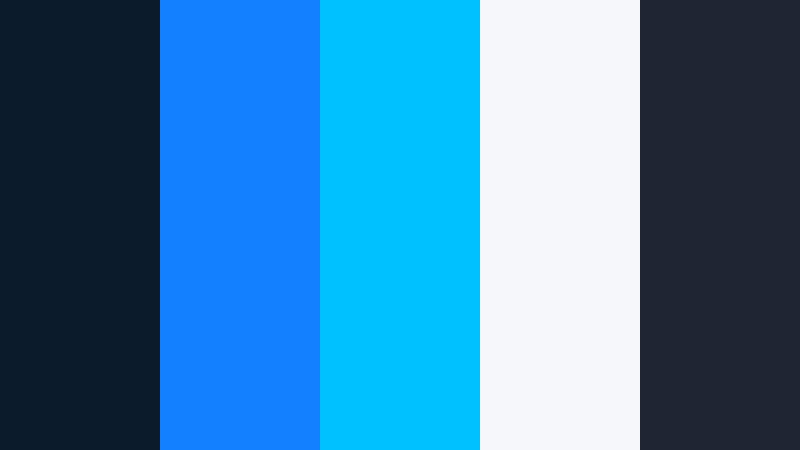
- HEX Codes: #0b1b2b, #1380ff, #00c1ff, #f5f7fb, #1e2633
- Mood: Futuristic, energetic, and tech driven.
- Use for: Ideal for cinematic YouTube intros, gaming overlays, and tech review videos that need a bold, high contrast look.
Neon City Skyline combines deep navy shadows with electric Chrome Blue and cyan accents, then softens everything with a cool, almost white highlight. It feels like standing on a rooftop in a futuristic city, with screens and billboards glowing all around you.
Use this palette for motion-heavy intros, HUD style overlays, lower thirds, and channel branding that needs a sharp, tech forward identity. In thumbnails, let the Chrome Blue (#1380ff) and cyan (#00c1ff) frame your subject or outline text, while the near white (#f5f7fb) keeps titles clean and readable on platforms like YouTube and TikTok.
Pro Tip: Build a Cinematic Chrome Blue Neon Look in Filmora
When you design a Neon City Skyline look, consistency across your whole edit is what sells the cinematic vibe. In Filmora, you can create a custom preset with your preferred Chrome Blue title color, background tint, and glow level, then reuse it for intros, transitions, and end screens so your channel feels like one continuous universe.
Try layering a dark navy or charcoal solid behind your titles, then add Chrome Blue strokes, drop shadows, or glow effects. Apply similar tones to your overlays and subscribe buttons, so every element reinforces the same high contrast night city atmosphere.
AI Color Palette
If you have a reference still of a neon skyline or a Chrome Blue tech wallpaper, you can turn it into a full video look with Filmora. Filmora's AI Color Palette feature analyzes the color style of one clip or image and applies that palette to other shots in your timeline.
Import your reference image, match it to your talking head shots, b-roll, and overlays, and your entire edit will share the same Chrome Blue glow in just a few clicks. It is an efficient way to keep your branding tight without manually adjusting every clip.
 secure download

HSL, Color Wheels & Curves
Chrome Blue looks best when the balance between shadows, midtones, and highlights feels intentional. In Filmora, combine HSL sliders, color wheels, and curves to refine your blues so they sit exactly where you want on screen. Shift the blue hue slightly toward cyan for a high tech feel, or slightly toward deep navy for a more cinematic, moody grade.
You can push the shadows cooler while keeping skin tones natural using the color wheels, then use curves to deepen contrast in your night scenes. For a full walkthrough of stylizing footage, Filmora's color grading tools in action show how to combine these controls into a cohesive look.
secure download1000+ Video Filters & 3D LUTs
Once you have your Chrome Blue base look, Filmora's filters and LUTs can quickly push it toward cyberpunk, sci fi, or polished commercial styles. Filmora's video filters and 3D LUTs make it easy to test different moods while keeping your core palette intact.
Apply a cinematic LUT to bring richer shadows to your navy tones, or use a glow or neon style filter on overlays and text to enhance the electric accents. Because filters are stackable and adjustable, you can fine tune the intensity so your Chrome Blue stays striking without overwhelming the footage.
secure downloadCyberwave Reflections
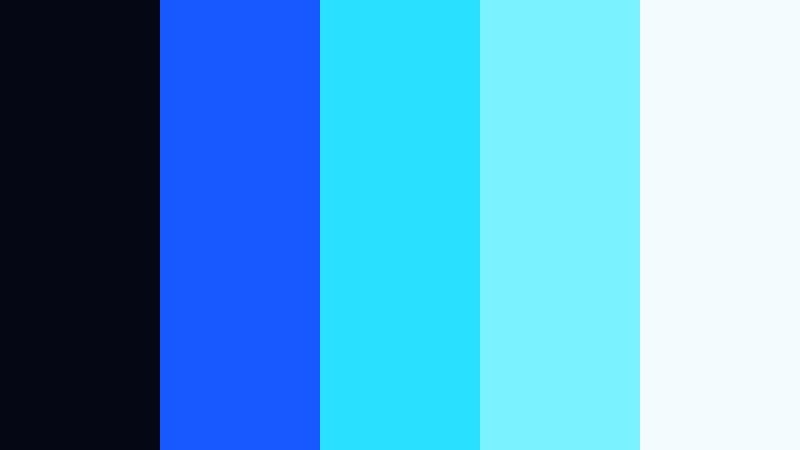
- HEX Codes: #050814, #1859ff, #29e0ff, #7bf2ff, #f3fbff
- Mood: High energy, digital, and sleek.
- Use for: Works well for motion graphics, glitch transitions, and promo edits for apps or digital products.
Cyberwave Reflections is a bright, hyper digital take on Chrome Blue. A nearly black base (#050814) makes the trio of blues and aquas (#1859ff, #29e0ff, #7bf2ff) feel like glowing UI elements floating in space, while the soft highlight (#f3fbff) gives text and icons a crisp edge.
Use this palette for glitch transitions, animated callouts, and app demo overlays in your Filmora projects. Set the darkest shade as your background, then animate Chrome Blue lines and neon aqua shapes that guide the viewer toward key buttons or features in your product shots and thumbnails.
Midnight Chrome Studio
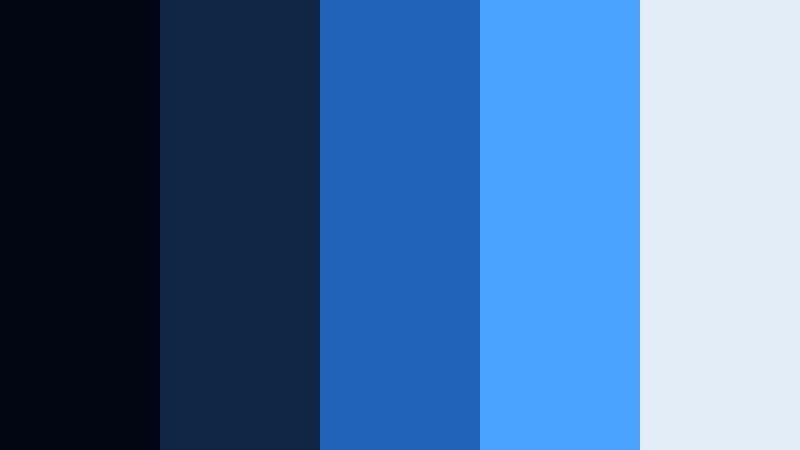
- HEX Codes: #020612, #0f2744, #1f64b8, #49a3ff, #e3edf7
- Mood: Moody, cinematic, and professional.
- Use for: Perfect for cinematic vlogs, studio product shots, and professional channel branding.
Midnight Chrome Studio leans into inky blues and cool highlights for a sleek, studio ready look. The deep navy tones (#020612, #0f2744) provide a rich backdrop, while Chrome Blue accents (#1f64b8, #49a3ff) draw attention to your subject. The pale blue white (#e3edf7) keeps titles and logos clean without feeling harsh.
This palette fits desk setups, product reviews, and cinematic B-roll. Use the darkest colors for backgrounds or vignettes, then reserve the brighter Chrome Blue for logos, subscribe animations, and key call to action buttons in your intros and end screens.
Steel Circuit Glow
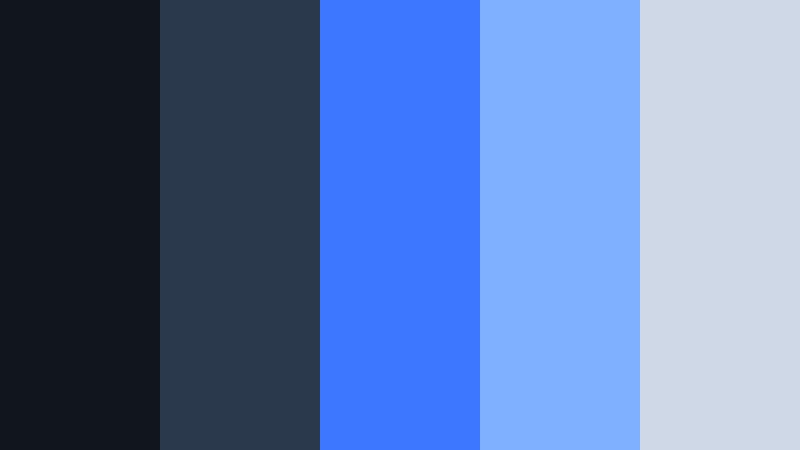
- HEX Codes: #10151e, #2a3a4c, #3b78ff, #7fb0ff, #cfd8e6
- Mood: Technical, focused, and precise.
- Use for: Great for UI mockups, tech explainers, and software walkthrough videos needing a polished but approachable feel.
Steel Circuit Glow mixes cool steel grays (#10151e, #2a3a4c) with Chrome Blue highlights (#3b78ff) and softer supporting tones (#7fb0ff, #cfd8e6). It feels like the inside of a circuit board or a clean SaaS dashboard, crisp but not cold.
Use this palette when you are designing screen overlays, diagrams, or flows in your explainer videos. In Filmora, create lower thirds and title cards with gray panels and Chrome Blue accents, so your tutorials look both professional and easy to follow.
Electric Aerial Nightscape
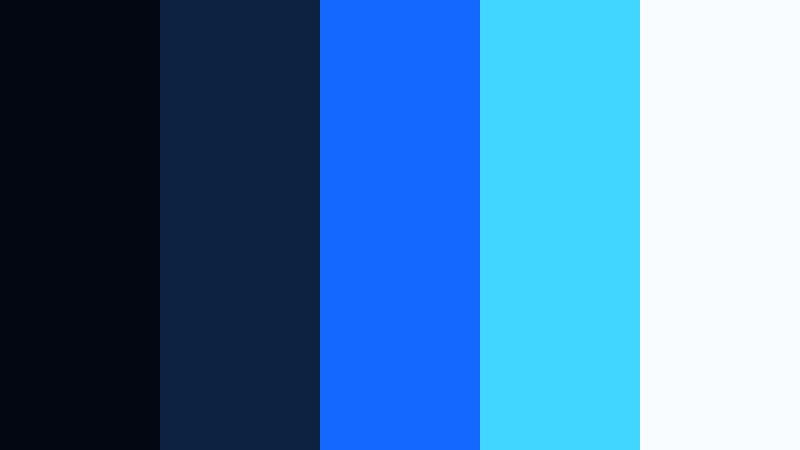
- HEX Codes: #030711, #0b2340, #1467ff, #41d6ff, #f8fcff
- Mood: Dynamic, adventurous, and cinematic.
- Use for: Designed for drone footage titles, travel reels, and cityscape montages shot at blue hour or night.
Electric Aerial Nightscape captures the feeling of flying over a glowing city. Rich night blues (#030711, #0b2340) carry your shadows, while Chrome Blue and cyan (#1467ff, #41d6ff) mimic streets and windows lit from below. The soft white (#f8fcff) is perfect for legible titles on top of busy city textures.
This palette shines in travel drone reels, time lapses, and city montages. Use deep blue for gradients or masks at the edges of the frame, and let Chrome Blue lines, title bars, and location tags cut sharply through the darkness in your intros and location bumps.
Soft & Minimal Chrome Blue Color Palettes
Cloudwashed Chrome Morning
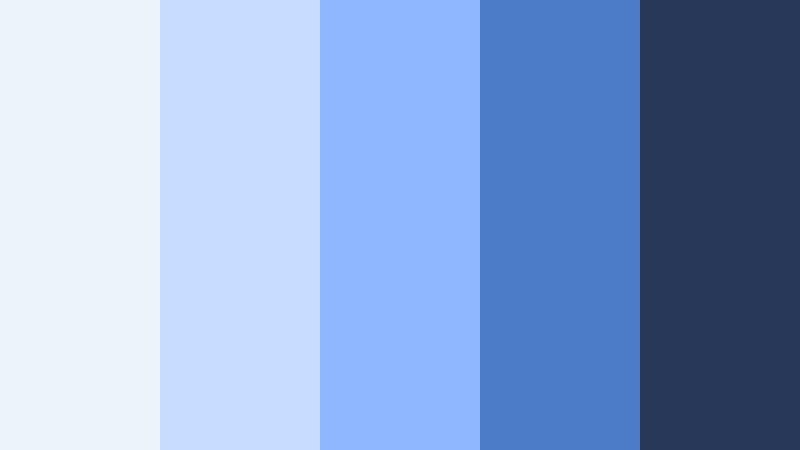
- HEX Codes: #edf3fa, #c7ddff, #8fb7ff, #4c7bc7, #273858
- Mood: Calm, airy, and optimistic.
- Use for: Best for lifestyle vlogs, productivity channels, and minimalist brand kits that need a soft but modern blue base.
Cloudwashed Chrome Morning drifts from pale sky tints (#edf3fa, #c7ddff) into gentle Chrome Blue and muted navy (#8fb7ff, #4c7bc7, #273858). It feels light, airy, and positive, perfect for content that focuses on routines, planning, or creativity.
Use the lightest colors for backgrounds in your thumbnails and intro cards, then add Chrome Blue accents for buttons, icons, and timestamps. In Filmora overlays, this palette works well for soft lower thirds and progress bars that support your story without stealing focus.
Scandinavian Frost Loft
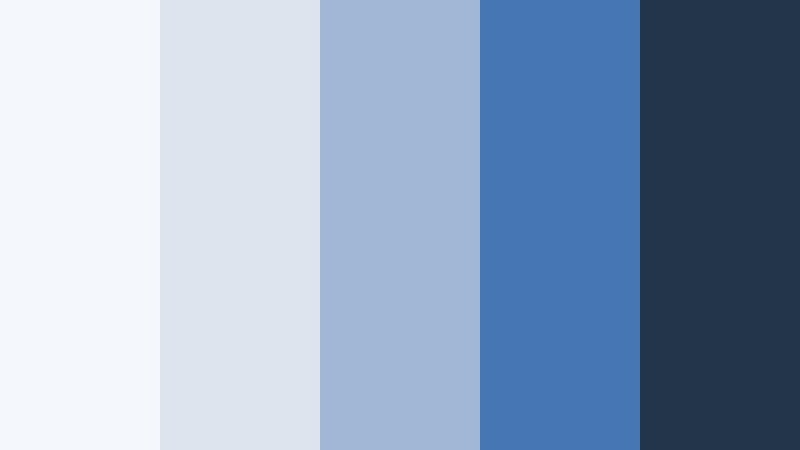
- HEX Codes: #f4f7fb, #dde4ee, #a0b8d6, #4676b3, #23354a
- Mood: Clean, structured, and cozy modern.
- Use for: Great for interior design videos, desk setups, and channel art with a Scandinavian inspired aesthetic.
Scandinavian Frost Loft layers frosty whites and soft grays (#f4f7fb, #dde4ee) around muted Chrome Blue tones (#a0b8d6, #4676b3) and a dark anchor (#23354a). The overall effect is tidy and design forward, like a minimalist loft with big windows.
Use it for interior tours, workstation builds, and design case studies. In Filmora, combine white card style panels with Chrome Blue text for titles, and reserve the darkest shade for subtle dividers or frame lines in your thumbnails and channel banners.
Soft Chrome Daybreak
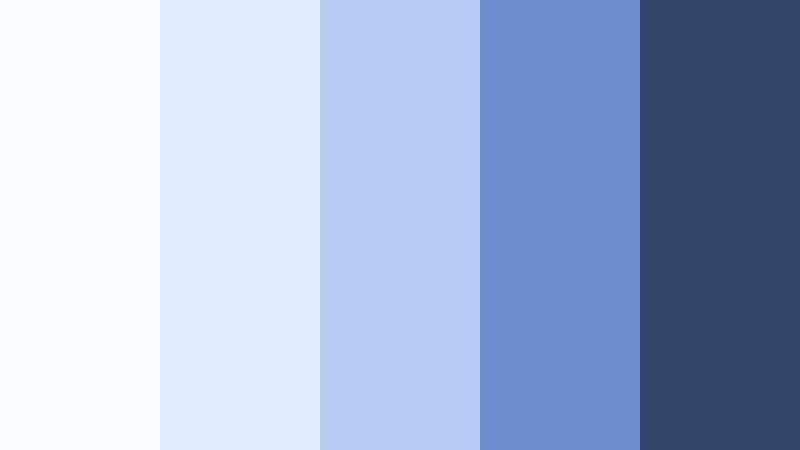
- HEX Codes: #f8fbff, #e0ecff, #b4ccf2, #6a8ecb, #334368
- Mood: Gentle, hopeful, and balanced.
- Use for: Perfect for calm talking head videos, wellness content, or subtle lower thirds and title cards.
Soft Chrome Daybreak moves from near white (#f8fbff) through powdery blues (#e0ecff, #b4ccf2) into mid Chrome Blue and a muted navy (#6a8ecb, #334368). It feels like the first light of morning, ideal for reflective or reassuring content.
Apply this palette to wellness videos, educational explainers, or slow living vlogs. In Filmora, keep your backgrounds and shapes in the lighter tones, then use the mid Chrome Blue for headings to maintain readability without harsh contrast.
Ocean Mist Workspace
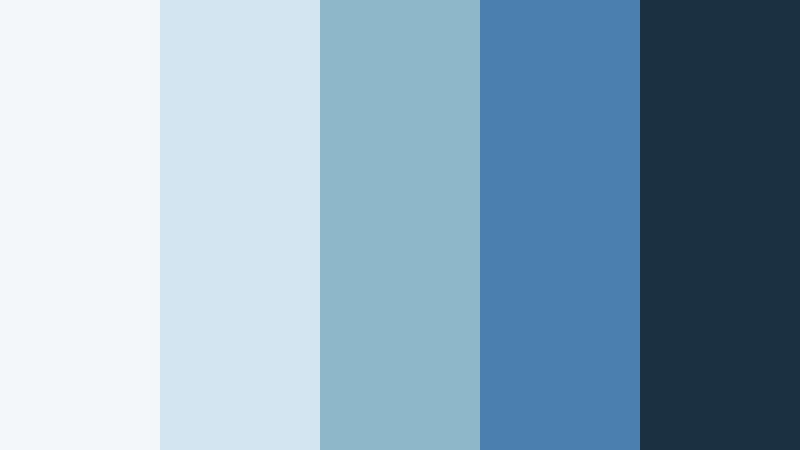
- HEX Codes: #f3f7fa, #d2e5f0, #8eb7c9, #4a7fb0, #1b3142
- Mood: Productive, refreshing, and light.
- Use for: Ideal for tutorials, productivity dashboards, and clean overlay graphics in screen recordings.
Ocean Mist Workspace is inspired by seafoam and distant horizons. Soft blue grays (#f3f7fa, #d2e5f0) support teal tinged midtones (#8eb7c9, #4a7fb0) and a deep slate (#1b3142). The result is refreshing but controlled, making it great for clear, focused visuals.
Use this palette for screen recording overlays, annotations, and productivity content where clarity matters. Choose light backgrounds with Chrome Blue or teal accents for cursor highlights, buttons, and callouts in Filmora so your viewers always know where to look.
Chrome Paper Studio Flatlay
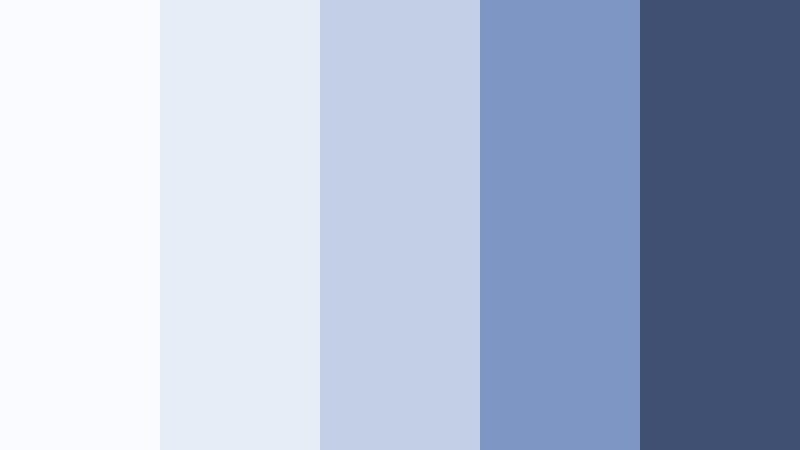
- HEX Codes: #fafbff, #e7edf7, #c2cfe4, #7e96c3, #405072
- Mood: Minimal, stylish, and editorial.
- Use for: Works nicely for flatlay thumbnails, photo heavy lookbooks, and portfolio websites.
Chrome Paper Studio Flatlay leans into paper white and powdery blues (#fafbff, #e7edf7, #c2cfe4), grounded by slightly stronger Chrome Blue and slate (#7e96c3, #405072). It feels like a magazine layout or a moodboard spread across a desk.
Use this palette for lookbooks, flatlay shots, and portfolio showcases. In Filmora, build thumbnail frames and simple grid layouts with the lighter tones, then use the deepest shade for captions and logo locks so your text stands out without clashing with your photos.
Bold & Vibrant Chrome Blue Color Palettes
Tropical Chrome Surf
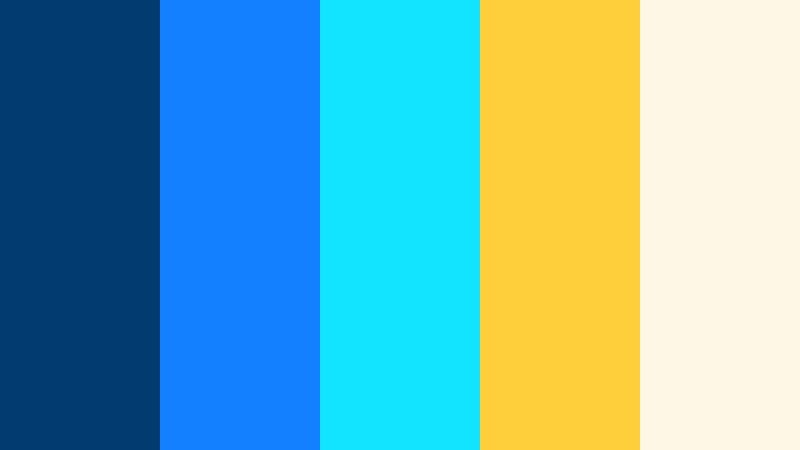
- HEX Codes: #013b6f, #1380ff, #12e3ff, #ffce3a, #fff7e6
- Mood: Playful, sunny, and high impact.
- Use for: Great for travel vlogs, summer campaigns, and bold thumbnails that need eye catching contrast.
Tropical Chrome Surf smashes cool Chrome Blue and aqua (#013b6f, #1380ff, #12e3ff) against warm surf yellow and cream (#ffce3a, #fff7e6). It looks like bright beach umbrellas and neon pool floaties, perfect for energetic, fun content.
Use this palette for travel vlogs, festival recaps, and any campaign with a summer or vacation feel. In thumbnails and intros, combine Chrome Blue backgrounds with Golden Topaz style yellow titles and icons to grab attention even on crowded feeds.
Arcade Chrome Blast
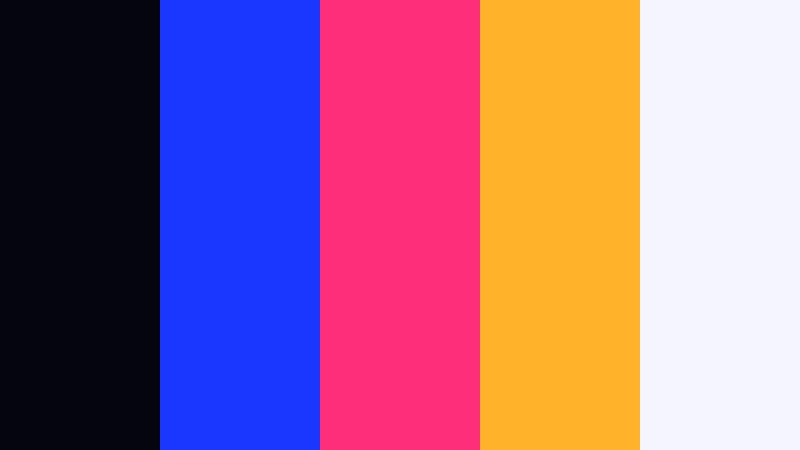
- HEX Codes: #050510, #1a37ff, #ff2e7a, #ffb32b, #f5f5ff
- Mood: Retro, playful, and intense.
- Use for: Ideal for gaming channels, speed edits, and nostalgic 80s or 90s themed motion graphics.
Arcade Chrome Blast collides saturated Chrome Blue (#1a37ff) with hot magenta and arcade gold (#ff2e7a, #ffb32b) on a deep, almost black base (#050510) and pale highlight (#f5f5ff). It feels like an old school arcade machine or neon sign.
Use it for gaming intros, highlight reels, and retro themed edits. In Filmora, let Chrome Blue be the main UI and logo color, while magenta and gold serve as accent hits on score counters, streak notifications, and glitch text.
Sport Tech Chrome Rush
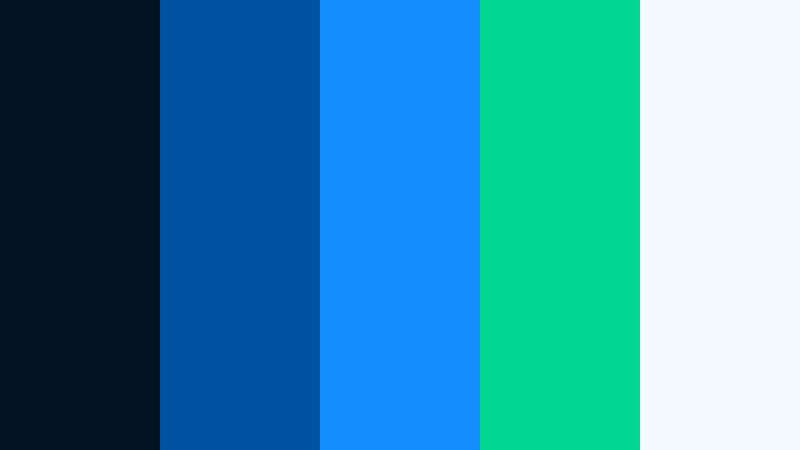
- HEX Codes: #041322, #0052a3, #148dff, #00d68f, #f3fbff
- Mood: Athletic, driven, and energetic.
- Use for: Perfect for sports edits, fitness brand graphics, and fast paced promo cuts.
Sport Tech Chrome Rush pairs powerful Chrome Blue tones (#0052a3, #148dff) with a vivid teal highlight (#00d68f), plus deep navy (#041322) and a clean white (#f3fbff). It feels fast, competitive, and performance focused.
Use this palette for workout videos, team hype edits, and sports branded social clips. In Filmora, design kinetic text, split screens, and stat overlays using Chrome Blue as your base and teal for key numbers or callouts to emphasize progress and energy.
Digital Pop Chrome
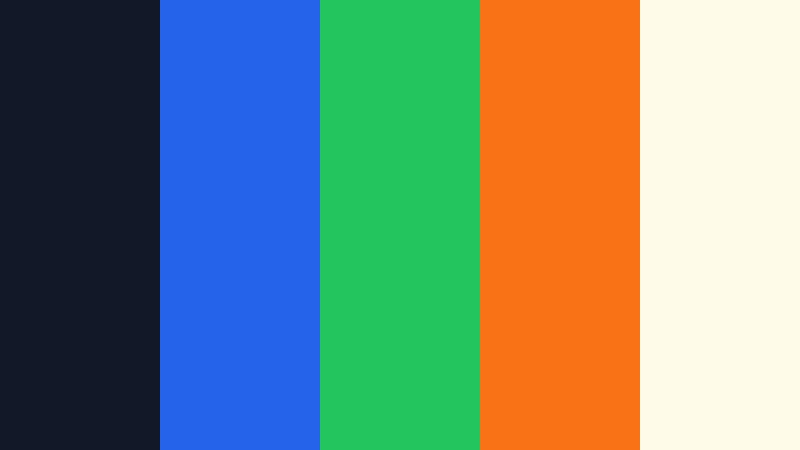
- HEX Codes: #111827, #2563eb, #22c55e, #f97316, #fefce8
- Mood: Confident, modern, and creator friendly.
- Use for: Great for creators who want bold channel branding across intros, lower thirds, and social posts.
Digital Pop Chrome puts bright Chrome Blue (#2563eb) at the center, backed by punchy green and orange accents (#22c55e, #f97316) on a dark slate (#111827) and soft cream (#fefce8). It feels like a modern creator brand, ready for tutorials, shorts, and carousels.
Use it to build unified channel branding across YouTube, Instagram, and TikTok. In Filmora, keep your primary buttons, subscribe stingers, and logo in Chrome Blue, then use green and orange sparingly to highlight calls to action, timestamps, or key phrases in your overlays.
Urban Street Chrome
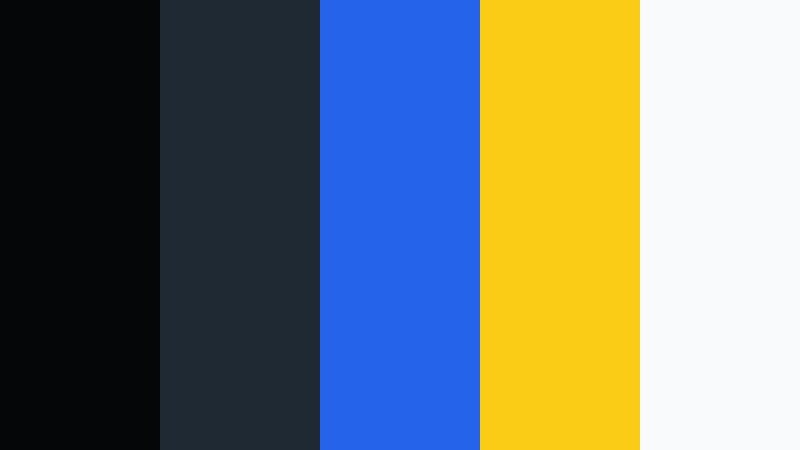
- HEX Codes: #050608, #1f2933, #2563eb, #facc15, #f9fafb
- Mood: Edgy, urban, and punchy.
- Use for: Best for street photography edits, city vlog titles, and bold text overlays on dark footage.
Urban Street Chrome blends charcoal and dark gray (#050608, #1f2933) with a strong Chrome Blue (#2563eb), a graffiti like yellow (#facc15), and a light neutral (#f9fafb). It feels gritty yet modern, like street murals against metal and concrete.
Use it for city vlogs, street photography sliders, and urban lifestyle content. In Filmora, rely on the dark tones as backgrounds and frames, Chrome Blue for main headings, and yellow for accent tags, arrows, or price labels in your thumbnails and end cards.
Tips for Creating Chrome Blue Color Palettes
Chrome Blue is flexible enough to feel cinematic, minimal, or bold, depending on what you pair it with. A few simple rules will help you build palettes that look great in Filmora and stay readable on every screen.
- Balance cool and warm: Offset Chrome Blue with a warm accent like Golden Topaz yellow or soft coral to keep your visuals from feeling too cold.
- Protect readability: When you use Chrome Blue as a background, put white or very light text on top, and avoid long passages of small text on saturated blue.
- Define a hero color: Choose one main shade of Chrome Blue as your brand hero, and use other colors more sparingly for highlights and supporting details.
- Use contrast in thumbnails: Pair dark navy or charcoal with bright Chrome Blue and a light neutral for high contrast thumbnails that stand out on mobile.
- Match footage and graphics: In Filmora, use color grading tools to nudge your footage blues closer to your chosen HEX values so overlays and clips feel unified.
- Limit your palette: For most channels, 3 to 5 colors (one main blue, one dark, one light, plus one or two accents) are enough for clean, consistent branding.
- Test on different devices: Export a frame and check it on phone, tablet, and desktop to be sure your Chrome Blue tones do not look too dark or over saturated.
- Save presets: Once you like a Chrome Blue treatment in Filmora, save it as a preset so future intros, lower thirds, and titles stay on brand automatically.
Chrome Blue can make your visuals feel smart, polished, and cinematic, whether you are building a tech review channel, a calm productivity series, or bold gaming and street content. By choosing a palette that fits your mood and using it consistently, your brand will feel more recognizable from the first second of every video.
Load these HEX codes into Filmora as you design titles, overlays, and color grades. With tools like AI Color Palette, HSL and curves, and ready made LUTs, you can turn any of these Chrome Blue schemes into a cohesive look that runs through your intros, b roll, shorts, and social teasers.
Experiment with a few different palettes, export some test clips, and see which combination of Chrome Blue and accents feels most like your personality and niche. Once you find your signature look, lock it in as your Filmora workflow so every new project feels on brand from timeline to upload.
secure download