

 100% Security Verified | No Subscription Required | No Malware


 ChatGPT
 Perplexity
 Gemini
 Claude
 Grok
Grok
This collection of Filmora filters is designed to mimic a coffee shop cozy scene LUT, giving your footage warm tones, soft contrasts, and inviting shadows that feel like a quiet cafè corner.
Whether you film productivity vlogs, coffee shop B-roll, or cinematic lifestyle clips, these presets help content creators quickly craft a cohesive, cozy cafè aesthetic without complex color grading.
In this article
Soft Morning Light by the Coffee Shop Window
Warm Window Glow
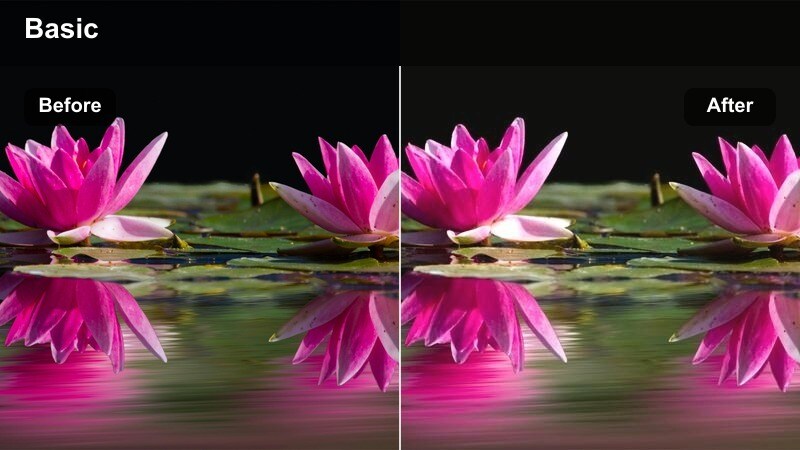
- Effect look: Gentle warm cast with lifted shadows and slightly softened highlights for a dreamy window seat feel.
- Best for: Talking head clips by the window, latte art close-ups, and slow morning journaling shots.
- Editing tip: Lower the filter intensity to around 60% if your original footage is already warm to avoid orange skin tones.
Warm Window Glow wraps your coffee shop window scenes in a soft, sunlit warmth that feels like early morning light. By lifting shadows and slightly softening highlights, it gently evens out harsh contrast from strong window backlight while keeping the frame bright and inviting.
In Filmora, apply this filter to clips where your subject is seated near large windows, then fine-tune intensity to keep skin tones natural. If the scene starts to look overly orange, pair the filter with a small temperature decrease and add a subtle vignette so attention stays on your subject against the glowing cafè backdrop.
Match Your Coffee Shop Aesthetic with AI Color Tools
Filmora AI color tools help you customize these cozy coffee shop looks so they stay true to your brand palette and the real mood of the location. Start with a coffee shop cozy scene LUT-style filter, then let AI analyze your footage to suggest balanced adjustments.
You can quickly refine skin tones, shadows, and highlights so the warmth feels cinematic without looking overprocessed. This is ideal when you shoot in multiple cafès but want a consistent, signature look across your channel.
 secure download

See Coffee Shop Filters in Action on Real Cafè Footage
To understand how each filter shapes mood, apply them to the same clip of a window seat, busy counter, or study corner. Watching the before and after makes it easier to choose which style fits your vlog, reel, or B-roll sequence.
In Filmora, you can duplicate a clip on multiple tracks and toggle different filters on and off, then decide which version best matches your storytelling, from warm, dreamy mornings to crisp, energetic bar scenes.
secure download1000+ Video Filters and 3D LUTs
Beyond this cozy coffee shop collection, Filmora gives you access to hundreds of filters, overlays, and 3D LUTs for every type of video, from daily vlogs to narrative short films. You can combine them with keyframing, masking, and text tools to build rich, layered edits.
Use filters to set the emotional tone of a scene, then finish with a subtle LUT for camera matching and final polish. Saving your favorite combos as presets lets you keep a recognizable visual identity across all your coffee content.
secure downloadLatte Foam Soft
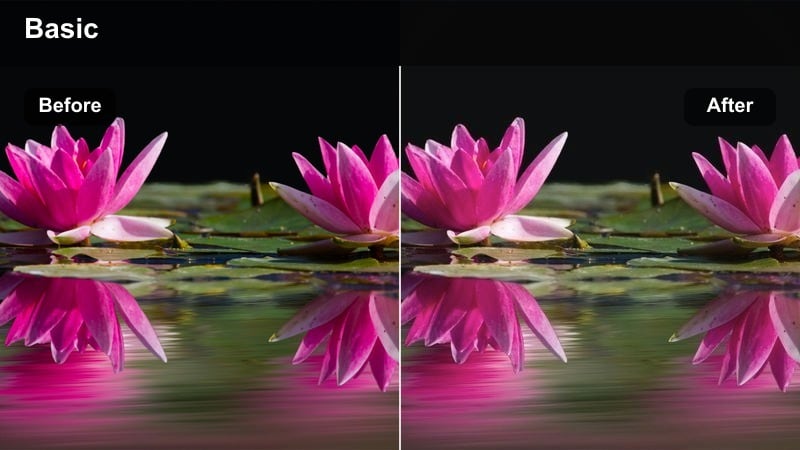
- Effect look: Softened contrast with creamy highlights and reduced clarity for a delicate latte foam mood.
- Best for: B-roll of coffee pouring, foam art, and slow-motion shots of hands holding mugs.
- Editing tip: Add a slight blur or glow effect on top at low opacity to emphasize the soft, milky texture.
Latte Foam Soft gently lowers contrast and clarity so highlights roll off smoothly, giving your coffee pours and foam art a velvety, tactile look. Whites become creamy instead of harsh, which suits close-ups of mugs, saucers, and tabletop details.
Inside Filmora, apply this filter to macro B-roll, then layer a very light blur or glow effect using the Effects panel to accentuate the milky appearance. If important details like latte art lines start to disappear, bring back a touch of sharpening only on the subject area with masking for the ideal balance of softness and detail.
Sunrise Amber Sip
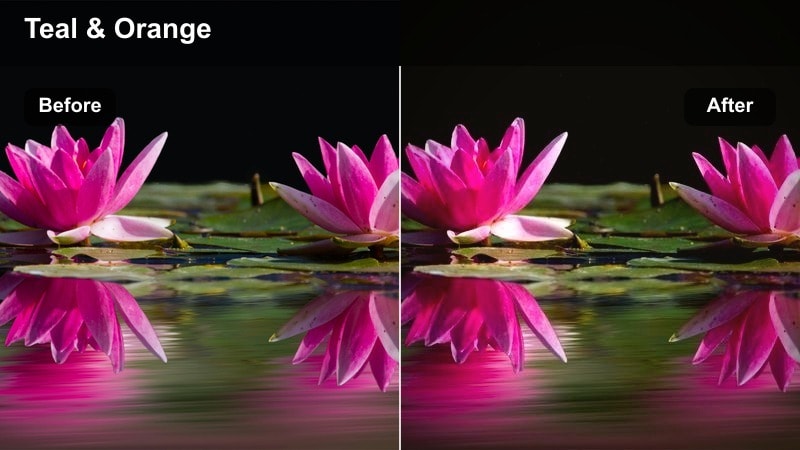
- Effect look: Amber warmth in midtones with subtle teal shift in shadows for a cinematic morning color contrast.
- Best for: Establishing shots of the cafè exterior transitioning into interior morning scenes.
- Editing tip: Pair with a slow push-in camera move or zoom to enhance the cinematic entrance into the cafè.
Sunrise Amber Sip introduces a classic amber-and-teal balance, bathing midtones in cozy warmth while shifting shadows slightly toward teal for cinematic contrast. This combination works especially well for wide shots where you want both depth and a sense of cool morning air outside the warm cafè interior.
Use this filter in Filmora on your first few establishing clips, from the cafè exterior to the door opening and the first look inside. Combine it with keyframed zooms or slow push-ins on the timeline to create a movie-like entrance sequence, then copy and paste the filter settings across those clips so they share a unified look.
Midday Hustle at the Busy Coffee Bar
Barista Bustle Clarity
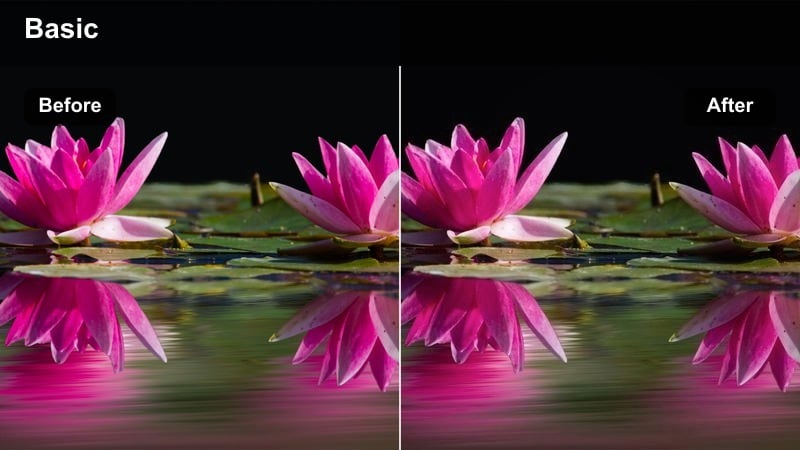
- Effect look: Crisp contrast, boosted clarity, and slightly cooler shadows to define movement and textures.
- Best for: Fast-paced barista shots, espresso machines, and time-lapse of customers ordering.
- Editing tip: Increase saturation on reds and oranges to make cups and coffee gear stand out without oversaturating skin.
Barista Bustle Clarity sharpens edges, increases clarity, and cools down shadows just enough to separate stainless steel gear, steam, and cups from the background. The result is a clean, energetic look that emphasizes motion and texture in busy coffee bar scenes.
In Filmora, combine this filter with quicker cuts, time-lapses, or speed ramping to match the visual sharpness with a dynamic edit. You can selectively push reds and oranges for cups and tools using color controls while keeping skin tones controlled, then use shallow depth-of-field shots plus this filter to guide viewer focus through the chaos.
Counter Contrast Espresso
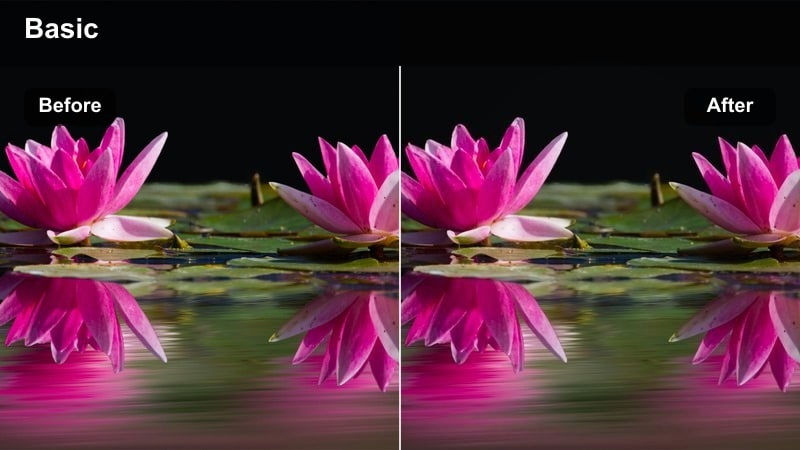
- Effect look: Rich contrast with deep browns and neutral highlights for a strong, grounded espresso feel.
- Best for: Close-ups of espresso shots, grinders, and gear-focused product B-roll.
- Editing tip: Dial back the blacks slightly if cafè interiors are already dark to keep detail in shadowy corners.
Counter Contrast Espresso deepens blacks and enriches browns to make espresso and roasted beans appear bold and tactile. Highlights stay relatively neutral, so metallic machines and glassware keep their realistic sheen while the coffee itself looks intensely rich.
Apply this filter in Filmora to macro shots of espresso pulls, portafilters, and grinders when you want a premium, product-focused aesthetic. If your cafè is dimly lit, gently raise the blacks slider after applying the filter to preserve detail in dark corners, and consider adding slow-motion or slider moves to elevate simple shots into cinematic product-style B-roll.
Busy Line Neutral Pop
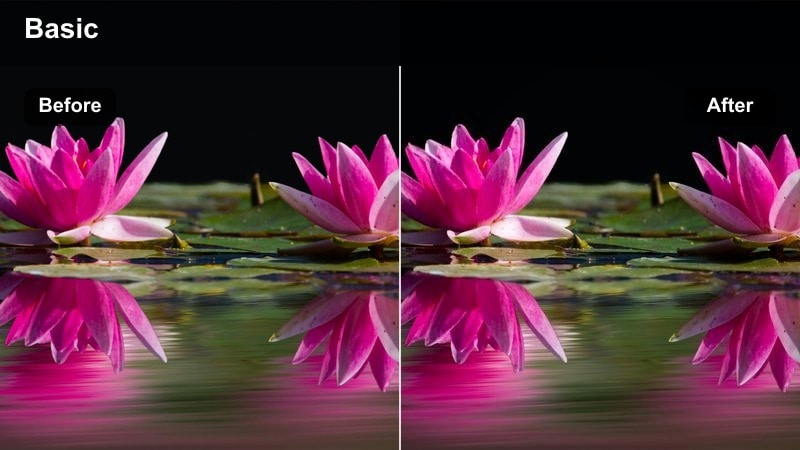
- Effect look: Neutral base with selective pop in midtones and subtle highlight roll-off for natural but polished scenes.
- Best for: Lines of customers, group scenes at long tables, and handheld vlog moments walking through the cafè.
- Editing tip: If your footage is noisy, apply light noise reduction before the filter to keep the clean, polished look.
Busy Line Neutral Pop keeps overall color balance natural while gently boosting midtones for a subtle, modern polish. It is ideal for documentary-style coverage of crowds and group interactions where you want authenticity but still need the footage to look curated and intentional.
Within Filmora, use this filter on handheld walkthroughs, line shots, and wide interiors where multiple skin tones and outfits share the frame. Run a light noise reduction pass before applying the filter if you shot at a higher ISO, then add mild stabilization to keep the vibrant yet neutral look from feeling too hectic.
Quiet Afternoon Study and Remote Work Corners
Notebook Nostalgia
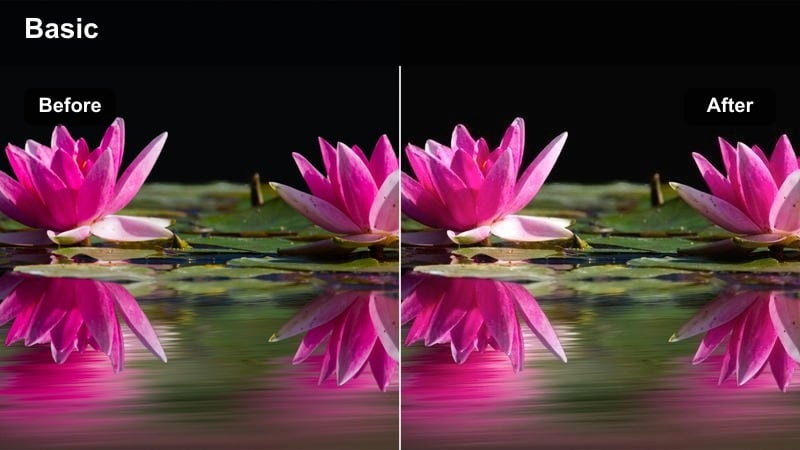
- Effect look: Muted saturation with warm shadows and gentle fade in blacks for a nostalgic study-session tone.
- Best for: Study vlogs, note-taking shots, and overhead desk scenes with laptops and notebooks.
- Editing tip: Reduce saturation slightly on greens to keep plants or background decor from distracting from the desk.
Notebook Nostalgia dials back overall saturation and lifts blacks slightly, creating a soft, almost film-like fade that suits quiet study montages. Warm shadows bring comfort to the scene without overpowering white notebook pages or laptop screens.
In Filmora, apply this filter to all desk and note-taking angles so your study vlog feels cohesive from shot to shot. If bright green plants or decor pull focus, target the green channel with the color tools to desaturate them, then layer gentle ambient cafè audio for a complete cozy-study atmosphere.
Focus Booth Soft Shadow
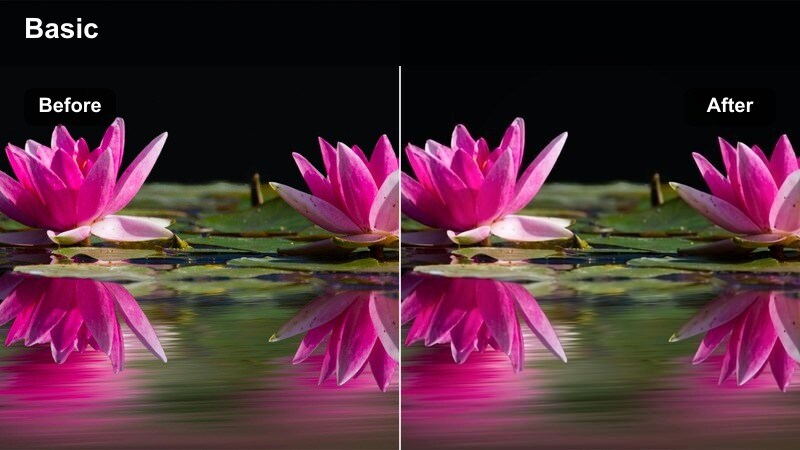
- Effect look: Soft shadows with gentle vignette and midtone lift to isolate the subject in a booth or corner seat.
- Best for: Solo creators working on laptops, phone scrolling shots, and reflective monologue clips.
- Editing tip: Combine with a subtle vignette tool only if your booth is wide and needs more focus on the subject.
Focus Booth Soft Shadow subtly brightens midtones around your subject while allowing surrounding shadows to fall off, naturally directing attention to a single person in a booth. The built-in vignette effect stays light, so the shot still feels like part of a real cafè, not a staged set.
Use this filter in Filmora for introspective talking heads or focused work sessions captured in corner seating. If the booth is very wide, add an extra vignette or mask-based darkening at low opacity, and lower filter intensity if blacks start to crush so the corner remains cozy but readable.
Ambient Page Turn
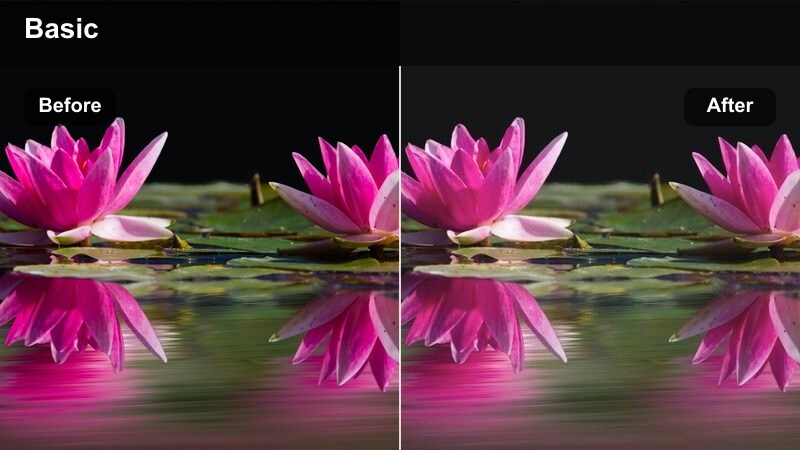
- Effect look: Soft midtones, slight desaturation, and gentle highlight bloom for calm reading and writing moments.
- Best for: Page turning shots, journal close-ups, and quiet coffee refills during focus sessions.
- Editing tip: Lean on slower cuts and longer clips with this filter to let viewers sit in the calm atmosphere.
Ambient Page Turn lends a light bloom to highlights and softens midtones, making pages, pens, and cups appear airy and relaxed. Colors are slightly desaturated to keep the mood mellow, ideal for slow, ASMR-style B-roll between more talk-heavy segments.
In Filmora, apply this filter to close-ups where very little is happening in frame, then extend the duration of these clips on the timeline to create breathing room in your edit. Pair the visuals with gentle background music or subtle page-flip sound design so the softness of the image matches the audio experience.
Golden Hour and Evening Cozy Cafè Vibes
Golden Mug Glow
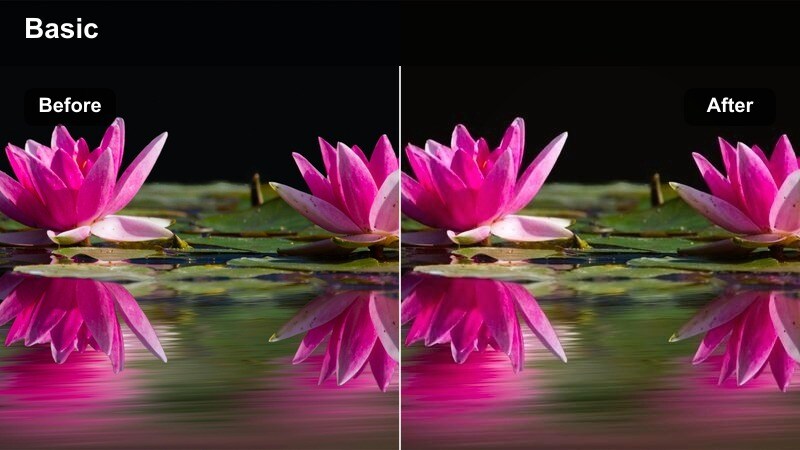
- Effect look: Rich golden highlights, softened whites, and strong warmth for sunset and early evening interiors.
- Best for: Golden hour vlogs, friends chatting at a cafè table, and reflective talking-head segments.
- Editing tip: If practical lights are very orange, slightly lower saturation in yellows to keep the glow controlled.
Golden Mug Glow intensifies the amber tones from sunset and interior lamps, adding lush warmth while softening bright whites. This creates an intimate, cinematic feel that suits conversations, reflections, and cozy end-of-day moments inside the cafè.
In Filmora, apply this filter to any clip shot during real golden hour or under warm practical lights. If the scene tips into overly yellow territory, use the HSL or color controls to pull yellow saturation down slightly, then cut between wide and close shots with the same filter to maintain emotional continuity across the sequence.
Candle Corner Haze
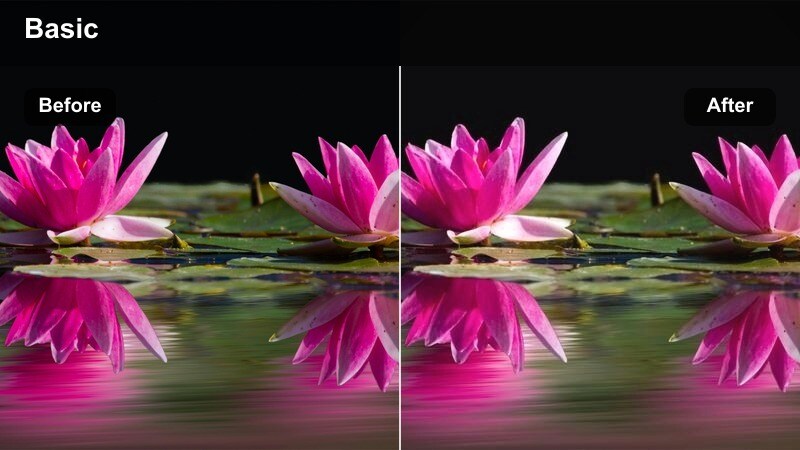
- Effect look: Soft haze, reduced clarity, and slightly lifted blacks for a candlelit or lamp-lit nook feeling.
- Best for: Evening journal shots, low-light laptop work, and reflective voiceover B-roll.
- Editing tip: Add a light grain overlay to support the hazy look and avoid the scene feeling too smooth or digital.
Candle Corner Haze adds a dreamy, diffused layer over low-light cafè corners, lifting blacks and lowering clarity to evoke candlelight or soft lamps. The result is a nostalgic, almost analog mood that flatters grain and subtle motion.
Inside Filmora, use this filter on evening study shots, reflective B-roll, or moody cutaways used under voiceover. Consider placing a fine film grain overlay above the filtered clip, keeping opacity low so it gently breaks up digital smoothness while the haze maintains that cozy, intimate glow.
City Night Cafè Neon
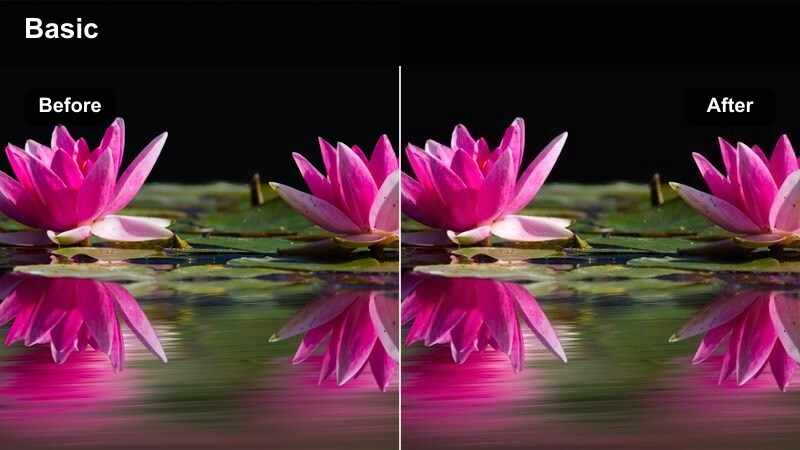
- Effect look: Cooler shadows with preserved warm highlights and subtle neon accent in saturated colors.
- Best for: Shots of the coffee shop from the street, neon signs, and transitions from city sidewalks into the cafè.
- Editing tip: Lower saturation in blues if there is strong neon so the cafè interior still feels cozy, not sci-fi.
City Night Cafè Neon cools off shadows and exterior tones while keeping interior highlights warmly inviting, striking a balance between city nightlife and cafè comfort. Neon accents gain a gentle boost, making signs and reflections pop without overwhelming the frame.
Use this filter in Filmora for night exteriors, window reflections, and door-opening transitions between street and cafè interiors. If blue or magenta neons start pulling the mood toward sci-fi, trim their saturation slightly, then keep this filter consistent across your whole transition sequence so the shift from outside to inside feels intentional and cinematic.
Tips for Using Coffee Shop Cozy Scene Lut Filters in Filmora
- Film slightly underexposed in bright coffee shops so warm filters have room to protect highlight detail from windows and lamps.
- Save your favorite coffee shop filter settings as custom presets in Filmora to keep a consistent look across an entire vlog series.
- Adjust white balance before applying filters so each preset behaves predictably on your footage and skin tones stay natural.
- Use different filters for interior and exterior shots of the same cafè, then lower intensity where needed to keep the overall look cohesive.
- Combine subtle camera movement, like slow push-ins or slider shots, with cozy filters to make simple coffee scenes feel cinematic.
- Test several filters on the same clip inside Filmora and compare them side by side before committing to a full project grade.
- When mixing cameras or phones, apply similar filters and then fine-tune exposure and color per clip to avoid jarring shifts between angles.
- Layer gentle grain, vignettes, and glow effects over your chosen filters to add texture and depth without overpowering the original footage.
With the right coffee shop cozy scene LUT-style filters, any cafè can become a cinematic backdrop for your vlogs, study sessions, and lifestyle clips.
Experiment with these Filmora presets, tweak intensity to match your lighting, and build a repeatable color workflow that gives every coffee video the same inviting, cozy feel.
secure downloadNext: Next: Food Vlog Natural Color Filter Ideas for Cinematic Plates
