

 100% Security Verified | No Subscription Required | No Malware


 ChatGPT
 Perplexity
 Gemini
 Claude
 Grok
Grok
Cool family video filters give modern creators and urban lifestyle editors a clean, blue-toned look that feels stylish without losing warmth. With the right presets in Filmora, you can turn everyday home footage into polished mini films.
Below are curated cool family video filters designed for modern home videos and indoor family portraits, focusing on soft blues, gentle contrast, and a fresh, editorial finish that stays true to real skin tones.
In this article
Soft Blue Family Balance Filters
Soft Blue Daylight
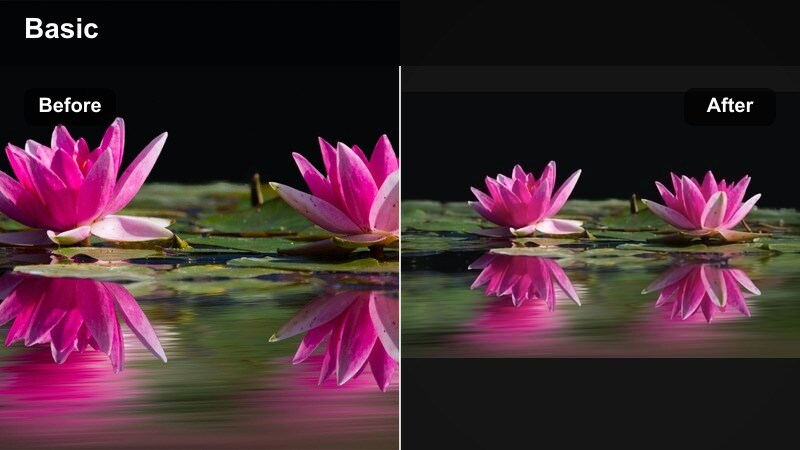
- Effect look: Lightly cooled whites with soft contrast and a subtle pastel blue cast in the highlights
- Best for: Bright living room clips, kids playing by big windows, modern home b-roll
- Editing tip: Lower the filter intensity to 60-70 percent to keep walls neutral while letting the blue tint gently polish the scene.
Soft Blue Daylight is ideal when you want living room or bedroom footage to feel bright and editorial without looking over-processed. In Filmora, apply this filter to clips with plenty of natural light so the cooled whites and pastel blues can even out color variations between walls, furniture, and windows.
After dropping the filter on your timeline, adjust the intensity slider until your whites stay clean and only a hint of blue appears in the highlights. Use the HSL panel to boost orange saturation slightly so faces remain lively, then pull back blue saturation by a few points if the room feels too stylized. This combination keeps your family the focus while the environment gains a subtle, modern sheen.
Dial In a Cool Family Look Fast With AI Color Tools
Filmora s AI color tools help you quickly rescue uneven lighting before you even touch creative filters. Let AI auto-balance exposure and color across your clips so every room starts from a consistent, neutral baseline.
Once your base is clean, layer Soft Blue Daylight or other cool family filters on top. This workflow keeps highlights from clipping, preserves skin tones, and ensures every angle in the same scene shares a unified, modern family look.
 secure download

Fine-Tune Cool Family Tones With HSL and Color Controls
To get precise cool family looks, combine Filmora filters with targeted HSL and color-wheel adjustments. Boost oranges slightly to protect skin, cool shadows for a modern room feel, and keep highlights closer to neutral so whites appear clean instead of cyan.
This layered approach lets you adapt one preset to different rooms and wall colors. You can keep your signature blue-leaning style while still honoring natural textures and tones in your home footage.
secure downloadPreview Cool Family Filters in Real Time
Filmora lets you preview cool family filters on your footage in real time, so you can quickly compare subtle blue washes against bolder, high-contrast looks. Scroll through presets and adjust intensity while watching how walls, furniture, and skin tones respond.
Try auditioning several cool filters on the same indoor clip and saving your favorite combinations as custom presets. Over time, this creates a go-to library of cool family looks tailored to your home and camera.
secure downloadMuted Blue Harmony
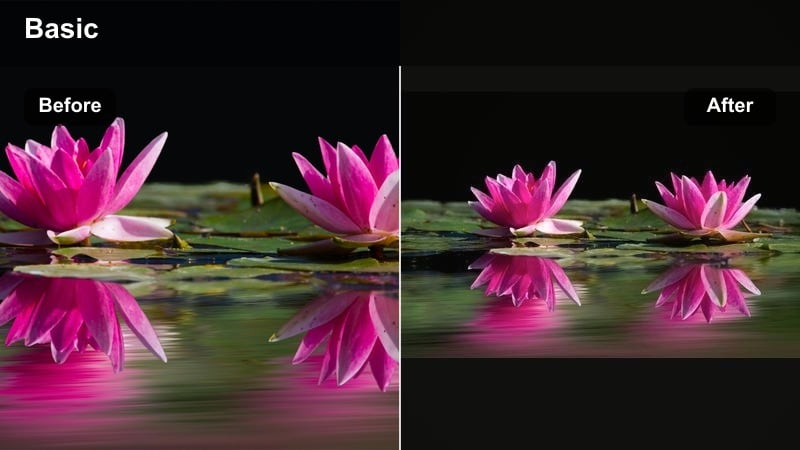
- Effect look: Desaturated cool palette with soft shadows and slightly lifted blacks for a calm, editorial feel
- Best for: Minimalist home interiors, slow-motion family routines, aesthetic apartment vlogs
- Editing tip: Pair this filter with gentle vignette and a slower playback speed to emphasize quiet everyday family moments.
Muted Blue Harmony is perfect for creators who love minimalist interiors and relaxed storytelling. In Filmora, apply it to slow, observational clips of breakfast routines, evening tidying, or kids drawing at the table to create a magazine-style calm.
Because this filter desaturates the scene and lifts blacks, it reduces visual clutter and makes decor feel cohesive. After applying it, slightly warm midtones in the Color Correction panel to keep skin from going gray, then add a subtle vignette and slow-motion to emphasize the stillness of everyday moments.
Cool Soft Skin
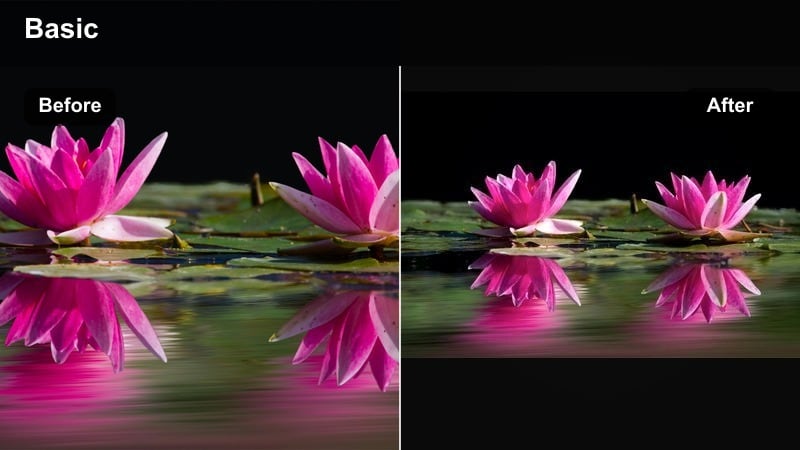
- Effect look: Cool ambient tones with gentle contrast and a light skin-smoothing effect
- Best for: Close-up indoor family portraits, parent-and-child moments, casual home interviews
- Editing tip: Keep sharpness slightly reduced and add a tiny bit of film grain to avoid a plastic or overly digital feel.
Cool Soft Skin focuses on flattering faces while maintaining a modern, cool room tone. It is ideal for talking-head segments, close hugs on the sofa, or birthday wishes recorded indoors. In Filmora, drop the filter onto portrait clips first, then use Color Match to carry the look across supporting angles.
To keep skin smoothing natural, lower overall sharpness a touch and add a hint of film grain so the image retains texture. For older or noisier footage, run Filmora s noise reduction before applying the filter so the smoothing looks clean instead of waxy, especially in low-light living rooms.
Clean Blue-Toned Home Video Filters
Urban Home Chill
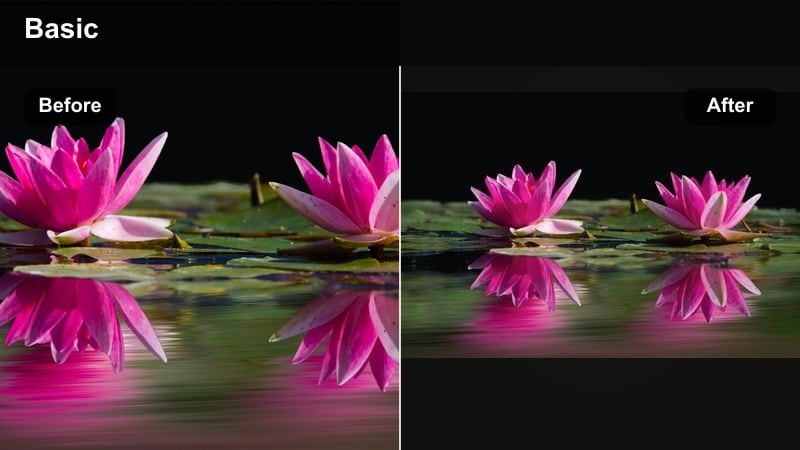
- Effect look: Cool blue mids with crisp whites and boosted micro-contrast for a sharp, city-apartment vibe
- Best for: Urban lifestyle family vlogs, cozy evenings on the couch, kitchen hangouts
- Editing tip: Dial clarity down a touch on close-ups so faces stay soft while the background keeps its urban edge.
Urban Home Chill is built for city apartments and modern homes with lots of straight lines, tiles, and reflective surfaces. In Filmora, this filter tightens up detail in countertops, cabinets, and skyline views while holding onto a cool, slightly saturated blue in the midtones.
Apply it to kitchen conversation clips, cooking sessions, or couch hangouts where you want the home to feel sleek and contemporary. If metal fixtures and countertops start to dominate, lower highlights slightly and reduce clarity on close-ups so your family remains the star against a stylish, urban backdrop.
Blue Clean Minimal
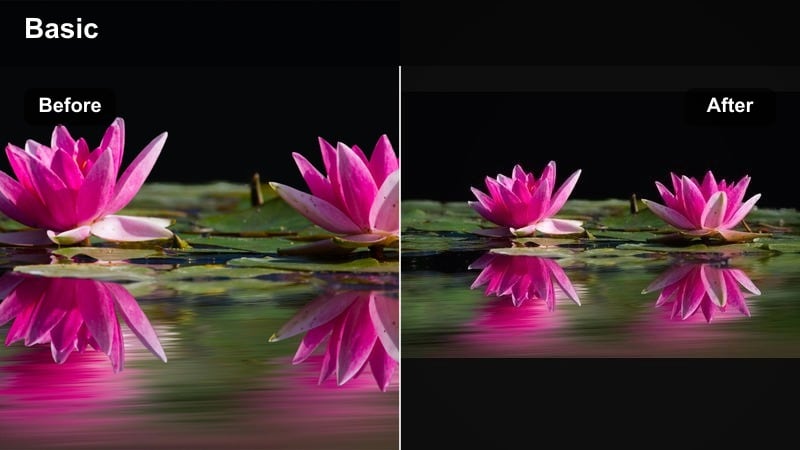
- Effect look: Subtle blue highlight tint with low saturation and very tidy, neutral shadows
- Best for: Modern home tours, apartment walkthroughs, minimal decor showcases with family
- Editing tip: Lower saturation on bright toys or decor to maintain the minimal palette while leaving skin tones mostly untouched.
Blue Clean Minimal is designed to keep interiors looking neat and on-brand for clean lifestyle channels. In Filmora, use it on walkthroughs, decor updates, or organizing videos where you want whites and grays to look uniform with just a hint of blue polish.
After applying the filter, target particularly bright objects toys, blankets, bold art with the HSL controls and desaturate them slightly so they do not break the minimalist palette. Keep skin tones close to natural by reducing the effect intensity on clips where faces fill most of the frame.
Cool Living Room Glow
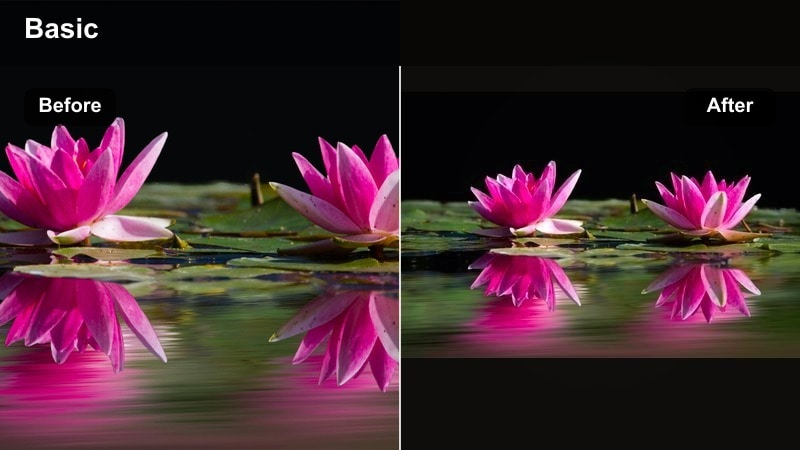
- Effect look: Cooler whites with gentle warm midtones and a soft glow in highlights
- Best for: Evening family gatherings, movie nights, game sessions under soft lamps
- Editing tip: Use subtle lens flare overlays at low opacity to enhance lamps and fairy lights without making the scene look artificial.
Cool Living Room Glow balances a cool ambient feel with cozy warmth on faces, making it perfect for evenings on the sofa, board games on the floor, or movie nights. In Filmora, this filter cools the overall room while adding a soft glow to lamps, candles, and string lights.
Set overall exposure so lamps are not blown out, lower highlights if necessary, then apply the filter and add gentle lens flare or light leak overlays at low opacity. This creates a cinematic, glowing atmosphere where skin tones still feel inviting even as walls and furniture lean cooler.
Modern Family Contrast Filters
Crisp Family Contrast
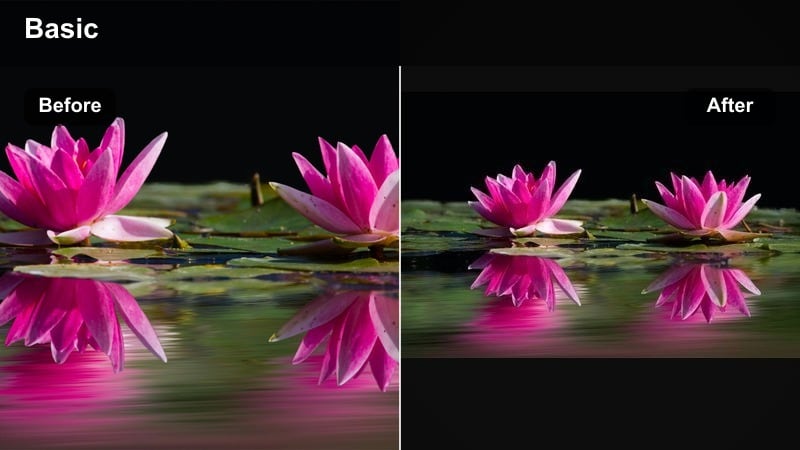
- Effect look: Punchy cool contrast with clean blacks and slightly sharpened details
- Best for: Fast-paced family montages, park-to-home transitions, high-energy vlog intros
- Editing tip: Cut to the beat of your music and keep clips short so the crisp contrast feels dynamic, not harsh.
Crisp Family Contrast is built for energy. Use it on intros, highlight reels, or quick montages that jump between locations, like going from the park to home. In Filmora, the clean blacks and sharpened details help every frame feel intentional and modern.
Because the contrast is strong, keep most shots short and well-lit. Lift shadow luminance slightly after applying the filter to protect darker skin tones, and use the curves panel to create a soft S-curve instead of cranking global contrast so the result stays cinematic rather than harsh.
Blue Modern Pop
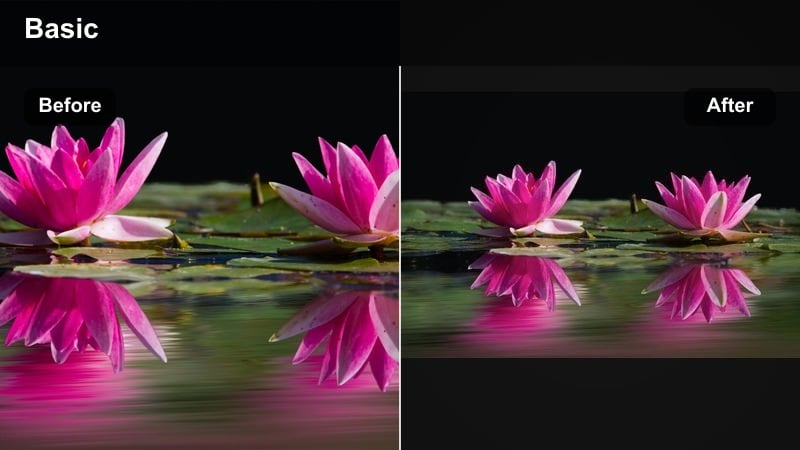
- Effect look: Cool saturated blues with medium-high contrast and crisp edges
- Best for: Family TikTok and Reels edits, trendy jump cuts, transitions-heavy sequences
- Editing tip: Combine with speed ramps and whip-pan transitions for a cohesive, on-trend social look.
Blue Modern Pop pushes saturation and contrast a bit further, making indoor family clips feel ready for TikTok, Reels, and Shorts. In Filmora, apply this filter to dancing in the living room, challenges, or quick transitions between rooms for a bold, scroll-stopping style.
Because blues are strong, add simple shapes or semi-transparent rectangles behind any on-screen text so captions remain readable. Use Filmora s text drop shadow with low blur and medium opacity to help your titles and subtitles stand out against the vivid background without blocking faces.
Cool Contrast Portrait
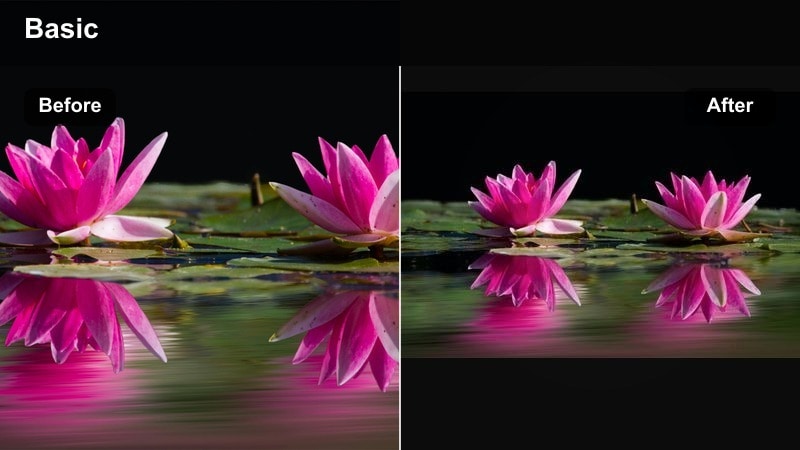
- Effect look: Directional cool contrast with subtly darkened edges and focused midtone detail
- Best for: Seated interviews, storytelling shots, close-up emotional family moments
- Editing tip: Use a light vignette and keep brightness consistent across cuts to maintain an intimate, cinematic portrait feel.
Cool Contrast Portrait is tuned for storytelling shots where emotion is the focus. In Filmora, apply it to seated interviews, milestone reflections, or voice-over segments where one parent or child addresses the camera directly.
The subtle edge darkening and midtone emphasis guide the eye toward faces, so maintain consistent exposure across cuts by using Color Match and manual brightness tweaks. Add a light vignette and keep movement minimal so viewers stay locked on expressions and words.
Indoor Family Portrait Filters
Studio Soft Cool
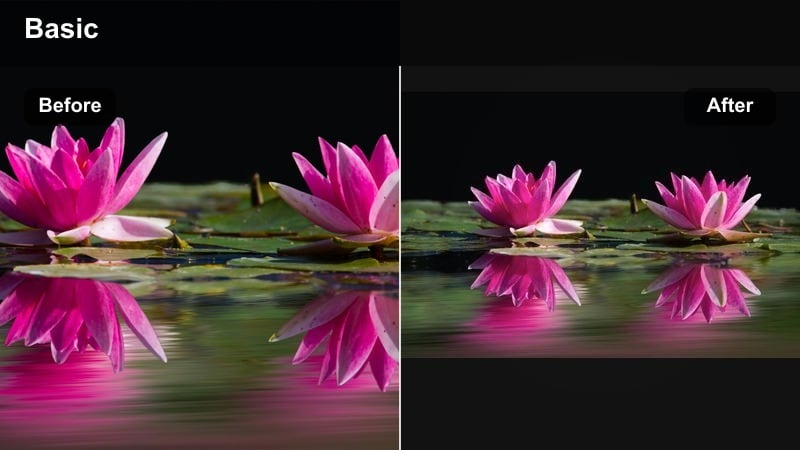
- Effect look: Cool neutral whites with soft contrast and a low-key studio-inspired finish
- Best for: Indoor family portrait sessions, posed shots on the couch, seasonal family greetings
- Editing tip: Add a subtle blur to the background using masking to reproduce a studio backdrop feel in small spaces.
Studio Soft Cool helps everyday rooms feel like simple studios. In Filmora, drop this filter onto posed family clips shot against a plain wall or neatly arranged couch to get cool, neutral whites and gentle contrast that flatter all skin tones.
To push the studio effect further, duplicate your clip, blur the bottom layer, and use masking on the top layer to isolate your family. This adds a gentle background blur that mimics shallow depth of field, ideal for holiday greetings or printed photo-style exports.
Windowlight Cool Glow
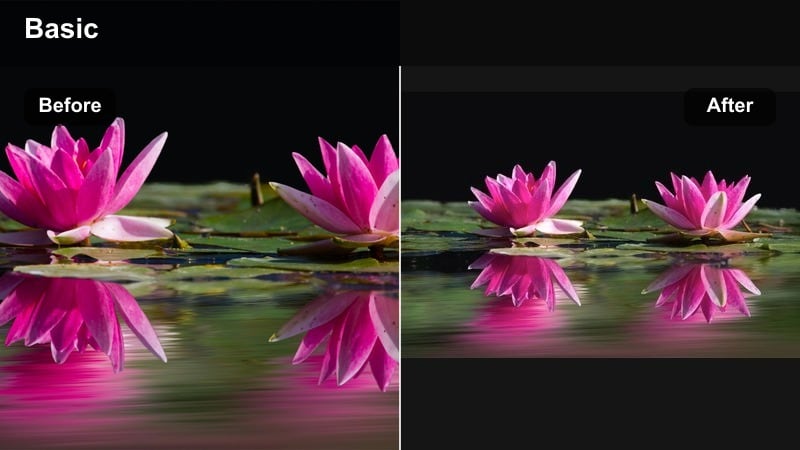
- Effect look: Soft cool highlights with lifted shadows and gentle bloom around bright windows
- Best for: Window-side portraits, kids reading or playing by natural light, soft storytelling clips
- Editing tip: Lower contrast slightly if your camera already has strong in-camera contrast to keep the glow feeling natural.
Windowlight Cool Glow is made for natural light scenes near windows. In Filmora, use it on shots of kids reading, drawing, or daydreaming by the glass, where the lifted shadows and gentle bloom create a dreamy, modern look.
Before adding the filter, reduce highlights and whites if the outside view is too bright. Then apply the preset and, if needed, use a gradient mask over the window area to pull exposure down independently so you keep detail outdoors while faces stay bright and soft.
Cool Home Documentary
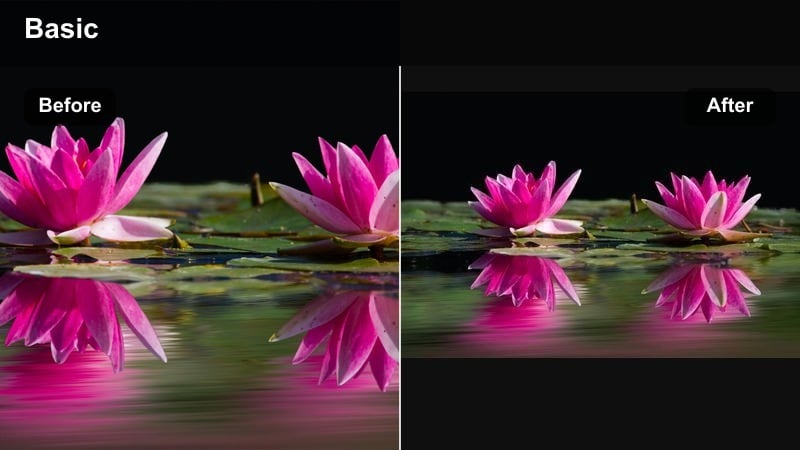
- Effect look: Documentary-style cool balance with realistic colors and lightly lifted mids
- Best for: Day-in-the-life family vlogs, handheld hallway shots, candid home storytelling
- Editing tip: Stabilize handheld clips before applying sharpening or extra contrast to keep the documentary look watchable.
Cool Home Documentary keeps your color palette believable while adding a subtle cool edge that unifies mixed lighting and different rooms. In Filmora, it is ideal for day-in-the-life vlogs that wander through hallways, bedrooms, and kitchens.
Stabilize handheld clips first, then apply the filter and lightly increase midtone brightness to keep faces open and inviting. Group clips by lighting type window light, lamps, overhead bulbs and tweak filter intensity per group so everything matches while still feeling true to real life.
Tips for Using Family Cool Tone Filters in Filmora
- Shoot near windows or soft lamps so cool filters have clean light to work with rather than fighting mixed or dim lighting.
- Keep filter intensity below 80 percent for family content so skin tones stay natural while the room gets the stylish cool shift.
- Stabilize shaky handheld shots before applying sharp, high-contrast filters to avoid a harsh, jittery feel.
- Use masks to cool only the background when you want a modern room feel but need to keep faces warmer.
- Batch-adjust white balance across similar clips before adding filters so your final grade looks consistent.
- Combine cool filters with subtle film grain to prevent indoor family footage from looking too digital or clinical.
- Save your favorite cool-tone adjustments as custom presets so every new family project starts from a consistent base.
Cool family video filters make it simple to give modern home videos and indoor portraits a clean, blue-toned style that still feels warm and real. With the right balance of contrast, saturation, and skin tone protection, your everyday clips can look like polished mini films.
Experiment with a few of these Filmora presets, then save your favorite combination as a go-to family look so every upload feels cohesive and on-brand for your channel.
secure download