

 100% Security Verified | No Subscription Required | No Malware


 ChatGPT
 Perplexity
 Gemini
 Claude
 Grok
Grok
This Filmora preset set, Cool Baby Video Filters: Fresh Blue-Toned Contrast, is designed for modern creators and urban lifestyle editors who want crisp, airy, and stylish baby visuals. Each filter leans into cool blue and neutral tones to keep skin soft while making nurseries, blankets, and minimal interiors look clean and refined.
Use these cool baby video filters on modern nursery clips and clean indoor baby videos to remove yellow casting, tame harsh warmth, and add gentle contrast that feels fresh instead of clinical. The result is an editorial, Instagram-ready look that still feels soft, soothing, and baby-friendly.
In this article
Soft Cool Basics for Everyday Baby Clips
Frosted Nursery Soft
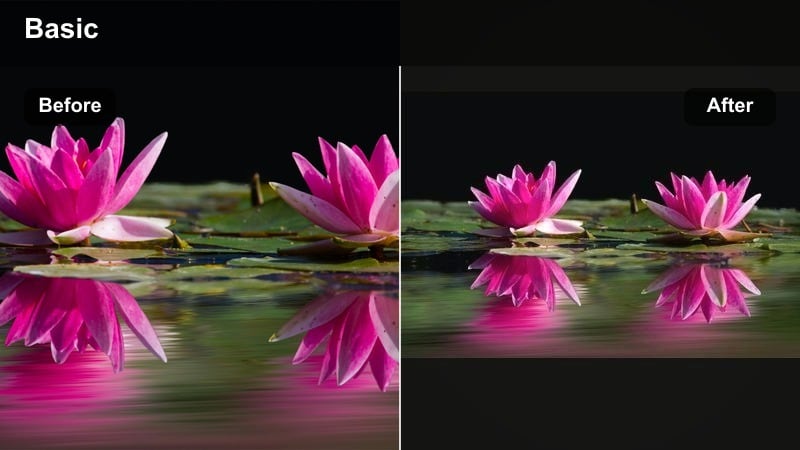
- Effect look: Gentle cool shift with soft highlights and reduced warmth for a frosted, airy nursery feel.
- Best for: Daytime crib shots, wide nursery pans, and baby stretching or kicking on a clean bedspread.
- Editing tip: Slightly lower overall contrast after applying the filter if your nursery walls are pure white to avoid losing subtle texture.
Frosted Nursery Soft wraps your baby footage in a light blue-toned wash that quietly removes yellow casts from walls, sheets, and blankets. Whites stay bright and breathable while skin tones remain natural, so your clips look spa-clean instead of cold or washed out.
In Filmora, apply this preset to everyday crib angles, then nudge contrast and saturation down a touch for that high-key editorial finish. Use gentle camera movement or simple cuts to emphasize the soft, frosted atmosphere, and let the filter handle the color cleanup for quick, repeatable edits.
AI-Assisted Cool Baby Palettes in Filmora
Pair Frosted Nursery Soft with Filmora s AI color tools to quickly neutralize mixed nursery lighting before you refine your blue-toned style. AI can remove strong yellow or green shifts from overhead bulbs and windows so your filter lands on a stable, neutral base.
Once the AI pass is done, layer the Cool Baby Video Filters: Fresh Blue-Toned Contrast look on top to unify your entire baby project. This two-step workflow keeps your cool tones consistent from clip to clip with minimal manual tweaking.
 secure download

See Cool Baby Filters in Action
To really feel the difference between gentle and punchy cool tones, test several presets on the same short nursery clip in Filmora. Watching them side by side in motion makes it easier to decide how much contrast, saturation, and blue shift works for your baby content.
Focus on how each filter treats skin, white bedding, and wall colors, and then adjust intensity to taste. Once you dial in a favorite look, you can apply it across entire vlogs or reels for an instantly recognizable style.
secure download1000+ Video Filters and 3D LUTs
Beyond cool baby aesthetics, Filmora includes a large library of filters and 3D LUTs so you can match nursery clips with lifestyle, travel, or family vlog segments. Stack your favorite cool baby preset with subtle LUTs to fine tune shadows, midtones, and highlight colors across an entire series.
Once you find a combination that fits your brand, save it as a custom preset for one click use on every new baby clip. This speeds up editing while keeping your feed and thumbnails visually consistent everywhere you post.
secure downloadCloudy Morning Blue
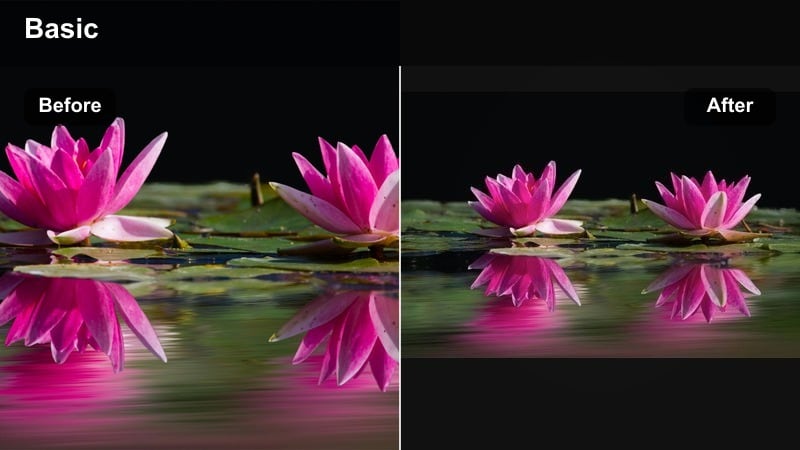
- Effect look: Muted cool contrast with a soft gray-blue cast that mimics overcast window light.
- Best for: Early-morning feeding clips, bassinet by the window, and calm nursery B-roll.
- Editing tip: Lift the shadows slightly if your camera already shoots contrasty footage to keep the mood calm instead of dramatic.
Cloudy Morning Blue recreates the gentle calm of an overcast day, smoothing harsh warmth and taming busy color noise. It leaves skin soft while pushing backgrounds into quiet blue grays so every frame feels peaceful and slow.
Apply this preset to feeding, rocking, or cuddle moments filmed near a window, then tweak shadows and midtones in Filmora to match your desired mood. Used lightly, it turns simple handheld clips into cohesive, soothing sequences perfect for reels and storytime vlogs.
Milk Glass Minimal
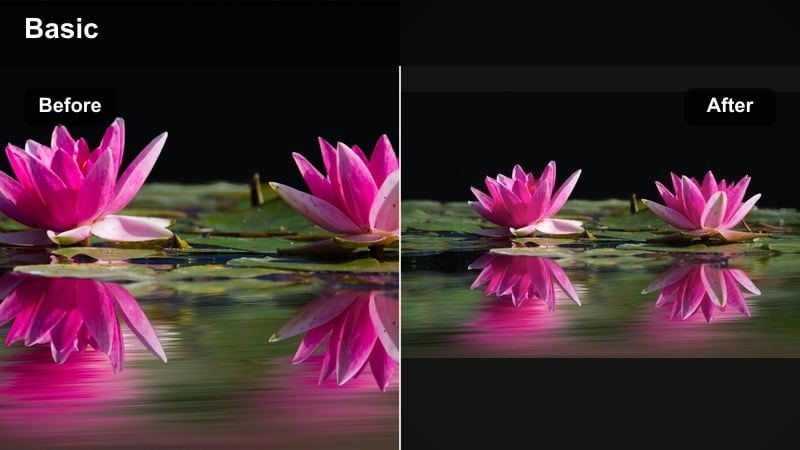
- Effect look: Bright, milky whites with a light teal shift in the shadows and very soft midtone contrast.
- Best for: Minimalist nurseries, pure white or cream bedding, and overhead baby shots on plain backgrounds.
- Editing tip: Nudge exposure down just a touch after adding the filter if baby s outfit is white to maintain detail in the fabric.
Milk Glass Minimal is ideal for content creators with clean, neutral nurseries and simple layouts. It amplifies milky whites and softly tints shadows with teal, giving your overhead baby shots a magazine style, minimal aesthetic.
In Filmora, use this preset on top down crib or bed footage where patterns are limited and negative space is part of the design. Fine tune exposure and highlights so white clothing and bedding keep their texture while the cool grade keeps everything looking curated and modern.
Fresh Blue-Toned Contrast for Newborn Details
Newborn Aqua Focus
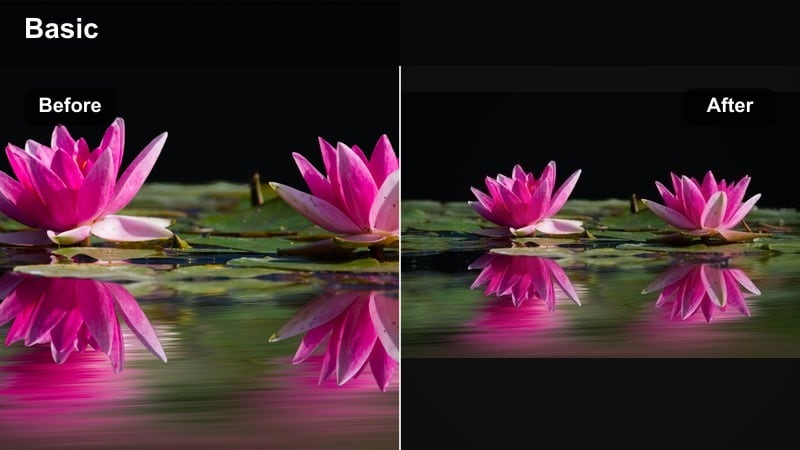
- Effect look: Crisp cool contrast with a subtle aqua tint in the highlights and clear definition in tiny details.
- Best for: Close-ups of tiny hands and feet, eyelashes, and macro-style baby detail shots.
- Editing tip: Use Filmora s sharpen tool lightly; combine with this filter at low intensity to keep details defined but still gentle.
Newborn Aqua Focus adds structure and clarity to small details like fingers, toes, and eyelashes without turning the scene harsh. The aqua tint in the highlights reinforces a fresh, hospital clean feeling, perfect for first day or coming home videos.
Apply the preset in Filmora, then gently adjust sharpening and filter intensity until details pop but skin remains velvety. Pair it with close macro framing and soft background blur so all the attention stays on your newborn s features framed by calm blue whites.
Pacifier Neon Cool
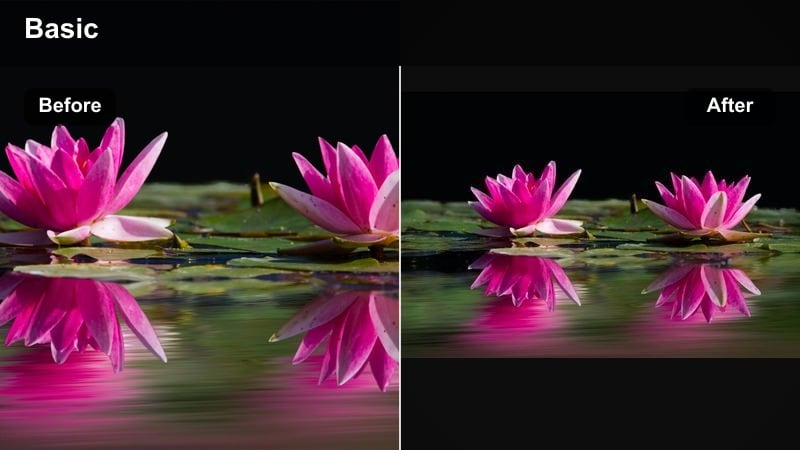
- Effect look: Punchy cool contrast with lifted blues and cyans that make small colorful accents pop.
- Best for: Urban baby accessories, bold pacifiers, graphic blankets, and playful nursery corners.
- Editing tip: Reduce saturation in the blue channel slightly if pacifiers or toys look too electric on-screen.
Pacifier Neon Cool is built for trendy baby reels where accessories and decor are part of the story. It boosts contrast and cool tones so cyans and blues energize the frame, while baby s features remain soft and appealing.
In Filmora, use HSL controls to keep one accent color bold and pull back other hues so the scene does not feel chaotic. This preset works especially well for short vertical clips, sponsorships, and fun transitions that highlight a hero pacifier, blanket, or toy.
City Loft Baby
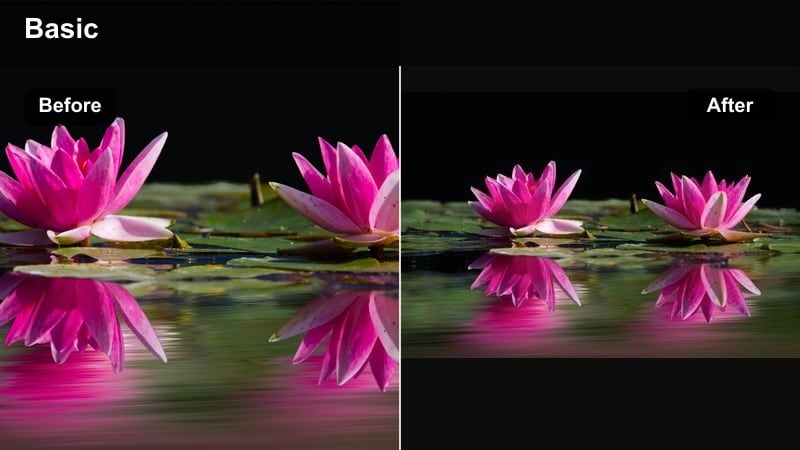
- Effect look: Cool, slightly moody loft-inspired look with strong micro-contrast and steel-blue shadows.
- Best for: Urban apartment nurseries, concrete backdrops, and baby shots near large windows or balconies.
- Editing tip: Add a light fade to the blacks after this filter if your scene contains a lot of deep shadows to keep it baby-safe and soft.
City Loft Baby leans into an urban aesthetic with steel-blue shadows and clear texture, giving your apartment nursery a chic, editorial vibe. It is perfect when you want your baby footage to feel at home alongside cityscape B roll or lifestyle content.
Apply this preset in Filmora to clips shot by big windows, brick walls, or concrete surfaces, then soften the deepest blacks so the mood remains gentle. Mixing slow pans, cutaways to decor, and this cool loft grade creates a cohesive, contemporary story around your baby s city life.
Clean Nursery Video Tones for Modern Interiors
Linen Blue Wash
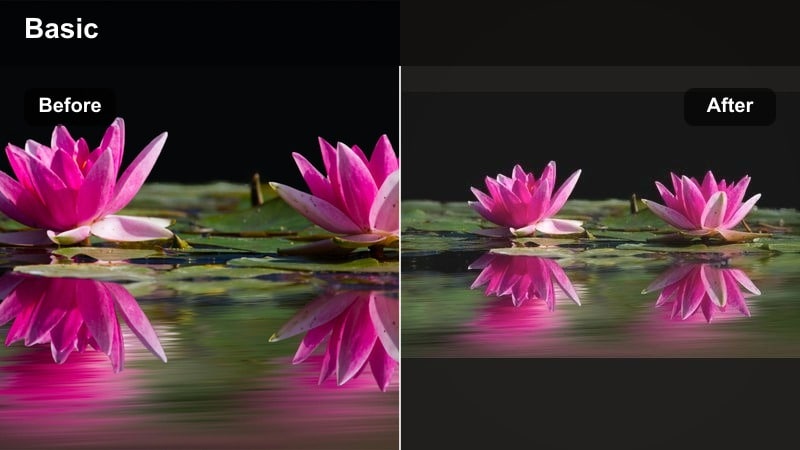
- Effect look: Soft blue wash over neutrals with a gentle lift in whites and a slight matte finish.
- Best for: Textured linens, muslin blankets, and quiet moments of baby napping or cuddling.
- Editing tip: Increase texture or clarity only on the blanket or crib edges to keep baby s skin smooth and soft.
Linen Blue Wash is designed to cool down beige heavy scenes while preserving the cozy feel of natural fabrics. The matte finish mutes glare and reflections, so your clips feel calm and tactile, like a lifestyle catalog.
In Filmora, use this preset on shots with linen, muslin, or knit textures, then selectively boost clarity on fabrics while protecting skin with masks. It quickly neutralizes warm indoor lighting, making your entire nap or cuddle sequence feel airy and refined.
Scandi Crib Cool
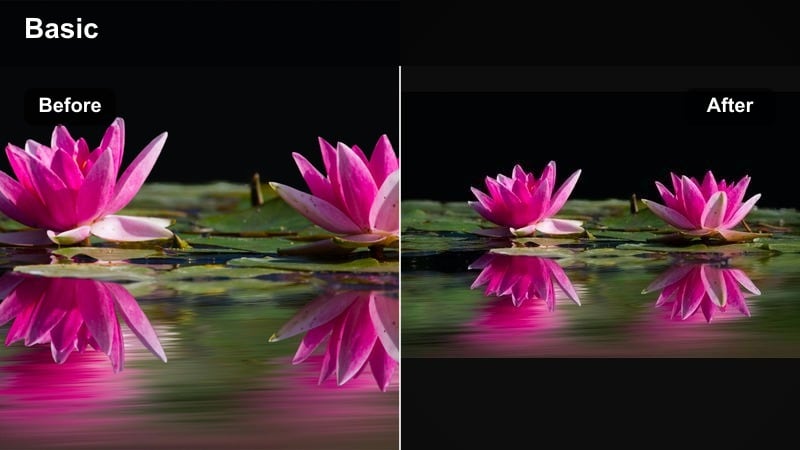
- Effect look: Bright scandi whites with cool gray shadows and controlled color for wood and decor.
- Best for: Scandinavian-inspired nurseries, light wood furniture, and pattern-free baby bedding.
- Editing tip: Desaturate yellows and oranges slightly so wood tones stay subtle against the cool white crib and walls.
Scandi Crib Cool brings out the crisp, minimal look of Scandinavian interiors with bright whites and carefully softened wood tones. It unifies pale woods, gray accents, and neutral textiles into a consistent, cool palette.
Apply the preset to wide nursery tours and static crib shots in Filmora, then fine tune saturation so decor supports baby instead of competing. Using this filter across multiple episodes or room updates helps keep your channel s visual identity clean and recognizable.
Nursery Noir Pastel
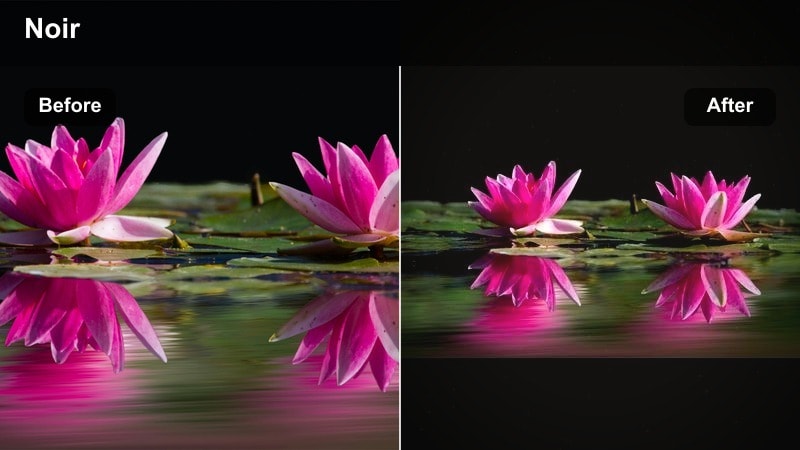
- Effect look: Low-key cool contrast with muted pastel colors and softly deepened shadows.
- Best for: Dimmed-room bedtime routines, night-light scenes, and cozy corner shots.
- Editing tip: Lift the blacks slightly and reduce contrast if your night scenes look too heavy for baby-focused content.
Nursery Noir Pastel gives darker baby scenes a cinematic edge without losing their softness. Pastel blankets, sleep sacks, and wall art stay gentle while shadows cool down into inky blues and grays.
In Filmora, apply this preset to bedtime routines lit by night lights or lamps, then raise black levels if the mood starts to feel too serious. Subtle masking around baby s face can help you brighten key features while leaving the rest of the room in dreamy, cool half-shadow.
Reels-Ready Cool Baby Filters for Urban Creators
Metro Stroller Cool
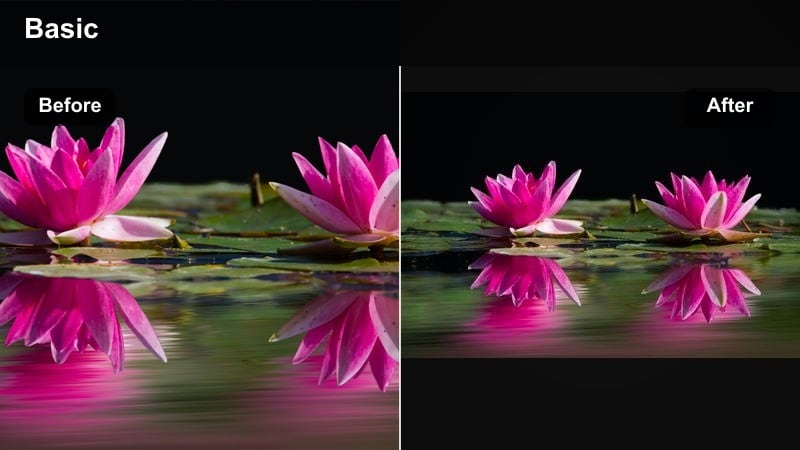
- Effect look: Urban cool grade with crisp edges, teal shadows, and controlled highlights for outdoor baby strolls.
- Best for: City sidewalk stroller walks, park visits, and balcony baby clips with buildings in the background.
- Editing tip: Drop saturation in greens slightly if your park footage competes with baby s outfit for attention.
Metro Stroller Cool turns everyday stroller walks into cinematic, lifestyle ready sequences. Teal shadows and controlled highlights keep city buildings, cars, and sidewalks looking polished while baby stays the focus.
Use the preset in Filmora on handheld or gimbal footage shot outdoors, adjusting greens so grass and trees stay present but not overpowering. Combined with simple text overlays and beat matched cuts, it is ideal for city parent vlogs and Reels.
Cool Playmat Pop
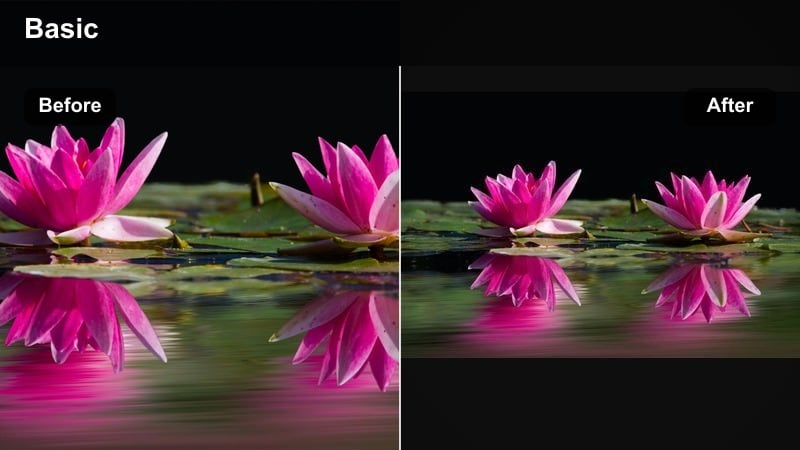
- Effect look: Fresh cool base with controlled, slightly boosted colors for toys and playmats.
- Best for: Tummy time clips, toy unboxings, and playful baby reels on patterned playmats.
- Editing tip: Trim saturation in reds or oranges if brightly colored toys start to dominate the frame.
Cool Playmat Pop keeps whites and grays clean and blue tinged while giving toys a light, controlled boost in color. It is great for playful, product focused clips where shapes and colors need to stand out but still feel modern.
In Filmora, position your brightest toy on a rule of thirds intersection and use this preset to emphasize it as the hero. Add gentle push in keyframes and simple sound effects so the cool grade and motion work together to hold viewer attention.
Apartment Window Chill
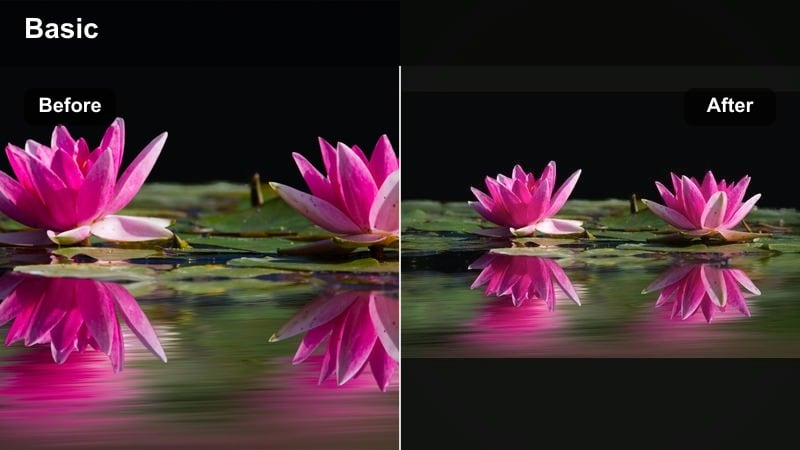
- Effect look: Airy cool filter with strong backlight control, soft flares, and lifted midtones.
- Best for: Baby looking out the window, being held against sheer curtains, or backlit cuddle shots.
- Editing tip: Reduce highlights and add a slight bloom effect<
if available to turn harsh sunlight into soft, dreamy glow.
Apartment Window Chill is tailored for bright, backlit baby clips where windows normally blow out. It softens flares, cools bright backgrounds, and lifts midtones so you keep detail in baby s face without losing the airy feel.
Apply it in Filmora after exposing for the face in camera, then pull highlights down until the window area looks smooth and controlled. A touch of blur or bloom on the brightest spots completes the dreamy, city apartment tone ideal for reels and intro shots.
Tips for Using Baby Cool Tone Filters in Filmora
- Shoot near windows or neutral walls so cool filters enhance the scene instead of fighting heavy color casts.
- Keep baby outfits simple and neutral when testing filters; add bolder colors later once you pick a core style.
- Lower global saturation slightly with cool filters to avoid toy colors looking overly neon in your nursery shots.
- Use Filmora s skin tone tools or HSL panel to keep cheeks warm while the room stays cool and clean.
- Create a custom preset stack that combines your favorite cool filter, soft sharpening, and a touch of vignette for one click baby edits.
- Test each filter at different intensities in Filmora so you can choose between subtle correction and full stylized looks.
- Organize your favorite cool presets into themed folders, like nursery, outdoors, and bedtime, for faster editing sessions.
Cool baby video filters are a simple way to turn everyday nursery footage into fresh, blue-toned visuals that feel clean, modern, and on-brand for urban creators.
Experiment with a few presets from the Cool Baby Video Filters: Fresh Blue-Toned Contrast collection, then save your favorite combination as a Filmora preset so every new baby clip matches your signature style in seconds.
secure downloadNext: Give Your Love Story an Edge with Cinematic Couple Video Filters
