

 100% Security Verified | No Subscription Required | No Malware


 ChatGPT
 Perplexity
 Gemini
 Claude
 Grok
Grok
Cinematic couple video filters in Filmora help filmmakers and storytelling creators shape romantic moments into cohesive, filmic narratives. With the right tones you can turn everyday couple footage, proposal videos, and cinematic date edits into scenes that feel like they belong in a movie.
Below are curated cinematic couple video filters tailored for different moods, lighting conditions, and storytelling styles. Each filter includes suggestions on where it shines and a quick editing tip so you can move faster from raw clips to emotionally rich sequences.
In this article
Warm Romantic Glow Filters
Golden Hour Vows
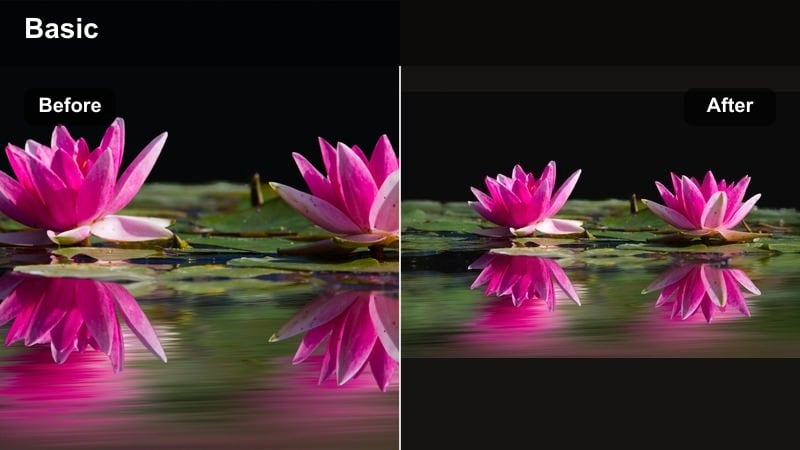
- Effect look: Soft golden highlights with gentle halation and lifted shadows
- Best for: Outdoor proposal videos and sunset engagement or wedding portraits
- Editing tip: Lower contrast slightly and reduce clarity around faces to emphasize glow while keeping eyes sharp with a touch of extra sharpening
Golden Hour Vows is designed to wrap your couple in luminous, late afternoon warmth, even if you missed the exact golden hour window. It subtly lifts shadows, adds a delicate gold tint to highlights, and introduces a soft halation that flatters skin and fabrics, ideal for rings, lace, and hair detail in romantic close ups.
In Filmora, this cinematic couple filter works especially well when you match exposure across all angles before applying it. Use it to unify a full proposal sequence, engagement portraits, or sunset vows, then fine tune intensity per clip so skies retain detail while the couple stays naturally bright and glowing.
Use AI Tools to Lock in Your Couple Color Palette
Filmora’s AI powered color tools make it easy to keep a consistent romantic palette when your couple footage comes from different cameras, lenses, or shooting days. Instead of grading each clip from scratch, you can choose a hero frame and let Filmora help the rest of your footage follow that mood.
Capture a still frame that best reflects your desired warm, cinematic couple tone, then use Filmora’s AI color matching to align other clips before layering Golden Hour Vows or any other filter. This workflow gives you cleaner, faster results and helps you avoid jarring color jumps between angles.
 secure download

Preview Cinematic Couple Filters in Real Time
With Filmora, you can audition cinematic couple video filters directly in the viewer while your timeline plays. This lets you see how a look behaves on real motion, skin tones, and background detail before committing to it for an entire scene.
Try scrubbing through your proposal or wedding sequence while cycling between warm, pastel, and moody filters. Testing both a close up and a wide shot in real time helps you quickly find the tone that best supports your romantic story.
secure downloadCombine Filters and LUTs for Signature Tones
For more advanced romantic edits, Filmora lets you stack cinematic couple filters with LUTs to build a signature couple cinematic tone. A subtle base LUT can set overall contrast and color bias, while a Filmora filter polishes skin tones, warmth, and highlight roll off.
Apply your chosen LUT at low intensity, then layer a softer filter on top to refine the final mood. Once you find a combination that works for your wedding or proposal style, save it as a preset so future projects start with the same polished, filmic foundation.
secure downloadAmber City Lights
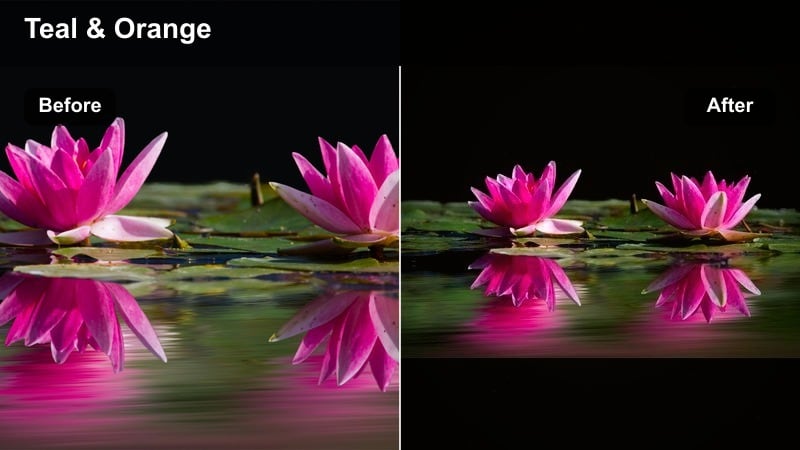
- Effect look: Warm amber midtones with subtle teal shadows and softened neon highlights
- Best for: Nighttime city date edits, rooftop dinners, and urban engagement strolls
- Editing tip: Drop saturation slightly but add vibrance so skin tones stay natural while street lights and signs still feel rich and cinematic
Amber City Lights infuses your night city footage with a modern, cinematic couple filter that blends warm skin tones with teal tinted shadows. It gently tames harsh neon and streetlights, so your couple remains the focal point without losing the energy of the urban background.
In Filmora, apply this look to rooftop dinners, crosswalk shots, or handheld city walks to create a cohesive romantic night sequence. Pair it with light noise reduction and subtle sharpening so your couple looks crisp against the softer glow of signs, windows, and passing traffic.
Champagne Ceremony
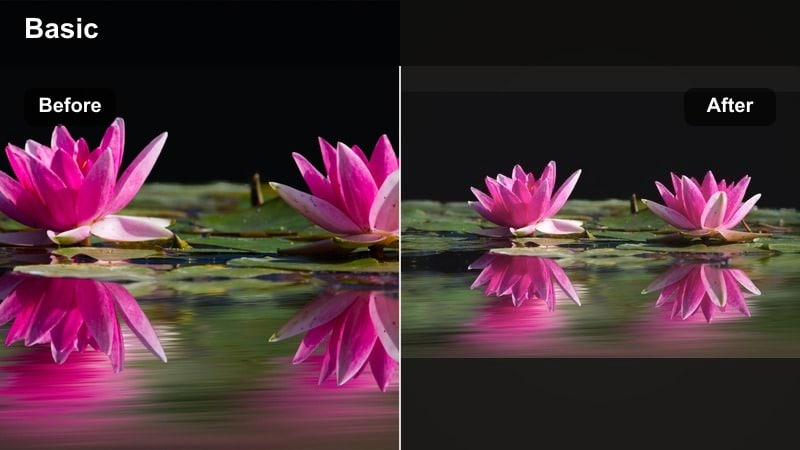
- Effect look: Bright, airy highlights with warm champagne tint and soft pastel shadows
- Best for: Indoor wedding ceremonies, toasts, and bridal preparations
- Editing tip: Expose slightly to the right when filming and then pull down highlights in Filmora to keep dress details while preserving the luminous feel
Champagne Ceremony is tuned to protect crucial wedding details while still giving you a soft, high end glow. The filter brightens rooms with window or overhead light, adds a gentle champagne tint, and prevents bridal gowns and décor from turning overly harsh or blown out.
Inside Filmora, use this cinematic couple filter on aisle walks, vows, speeches, and bridal prep to keep everything airy yet controlled. If faces look too flushed, lightly adjust the red and orange channels so the room stays warm but skin still feels natural and timeless.
Soft Pastel Dream Filters
Pastel Daydream Date
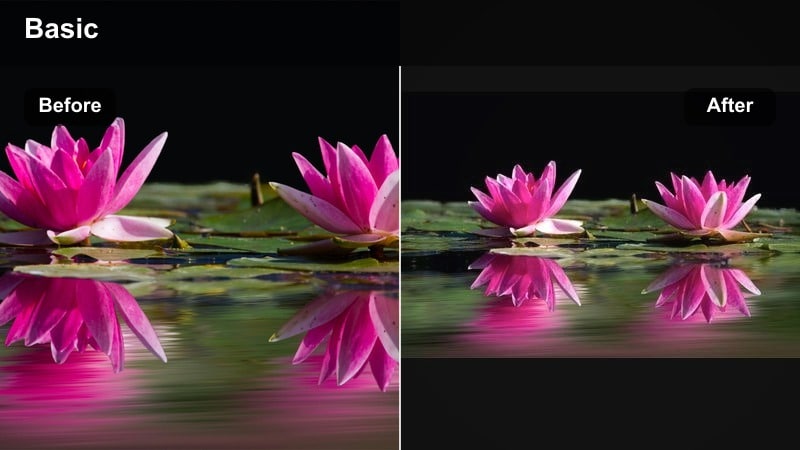
- Effect look: Muted contrast with pastel pink highlights and gentle cyan shadows
- Best for: Park picnics, coffee shop date edits, and lifestyle couple vlogs
- Editing tip: Reduce overall saturation by a small amount then increase fade or lift blacks to keep the pastel aesthetic consistent across clips
Pastel Daydream Date turns everyday couple activities into soft, aesthetic sequences with a relaxed, dreamy feel. By lowering contrast and saturating highlights with pastel pinks and cyans, it makes benches, blankets, and coffee cups feel like part of a curated visual story.
Use this filter in Filmora for lifestyle vlogs, casual reels, and montage B roll that links small romantic moments together. Apply it across multiple locations, then tweak saturation or filter intensity clip by clip so the overall pastel couple cinematic tone stays smooth and cohesive.
Blush Film Romance
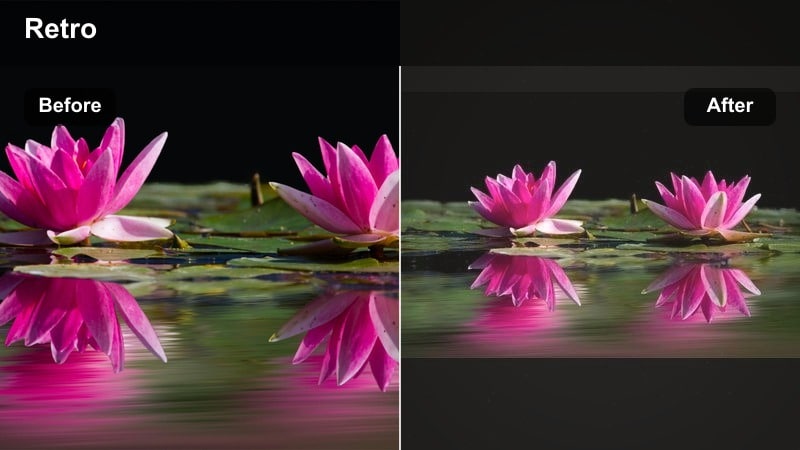
- Effect look: Film-inspired blush in the midtones with gentle grain and softened edges
- Best for: Close-up couple moments, ring details, and slow-motion embraces
- Editing tip: Slow your clips slightly, add this filter, and apply a subtle vignette to keep attention on faces and hands
Blush Film Romance focuses on intimate details by adding a delicate rosy hue to midtones and layering in a fine film style grain. The softened edges and mild vignette friendly look guide the viewer toward eyes, hands, and jewelry without relying on heavy blur.
Inside Filmora, this cinematic couple filter is perfect for slow motion hugs, ring reveals, and emotional close ups during letters or vows. Adjust grain strength depending on how clean your source footage is, and use slow push in keyframes to mimic a gentle cinematic dolly for extra emotion.
Cotton Candy Ferris
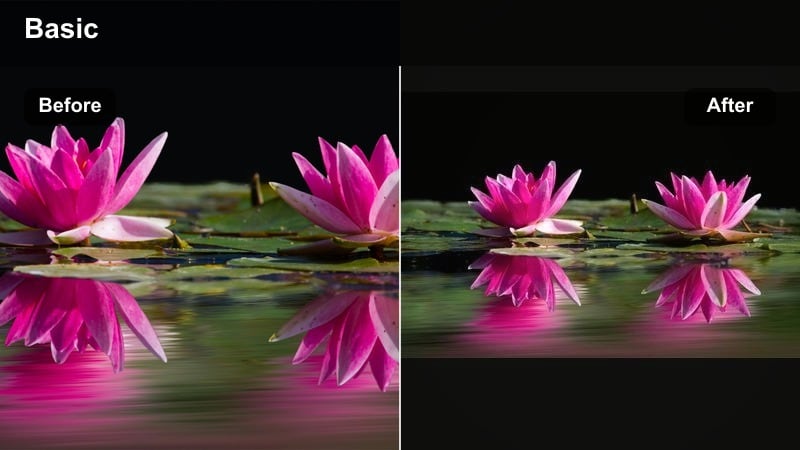
- Effect look: Cool pastel blues with candy pink accents, lowered clarity for a hazy feel
- Best for: Amusement park dates, boardwalk walks, and playful couple montages
- Editing tip: Stabilize handheld shots first, then add the filter and introduce subtle speed ramps to match the playful vibe
Cotton Candy Ferris leans into whimsical blues and pinks to give fairground and boardwalk scenes a dreamy, fun aesthetic. The reduced clarity and soft haze make lights, rides, and reflections feel like part of a storybook world centered around your couple.
In Filmora, stabilize bouncy handheld shots and then apply this filter to keep the focus on joy and motion instead of shake. Use HSL tools to pull neon colors back toward skin friendly tones when needed, and add light speed ramps to match the upbeat energy of rides, games, and shared laughter.
Moody Cinematic Story Filters
Midnight Confessions
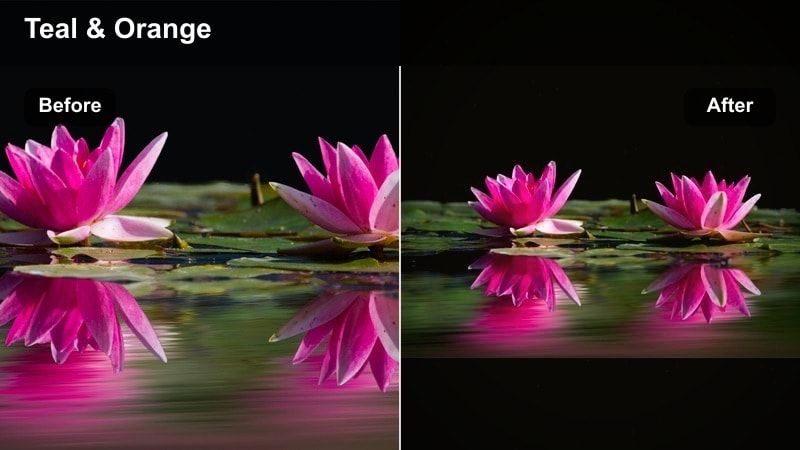
- Effect look: Deep teal shadows with softened highlights and subtle film fade
- Best for: Car conversations, balcony talks, and late-night couple scenes
- Editing tip: Underexpose slightly when shooting, then add the filter and raise shadows instead of highlights to preserve intimacy
Midnight Confessions is made for quiet, emotional late night exchanges. The filter cools shadows into deep teals, adds a light fade to highlights, and keeps midtones soft so faces look gentle and expressive even in darker environments.
Apply this cinematic couple filter in Filmora to balcony talks, car interiors, or dim apartment scenes where the story leans introspective. Use subtle vignettes and masks to guide attention toward eyes and lips, and lift shadows just enough that important details remain visible without breaking the mood.
Overcast Poetry
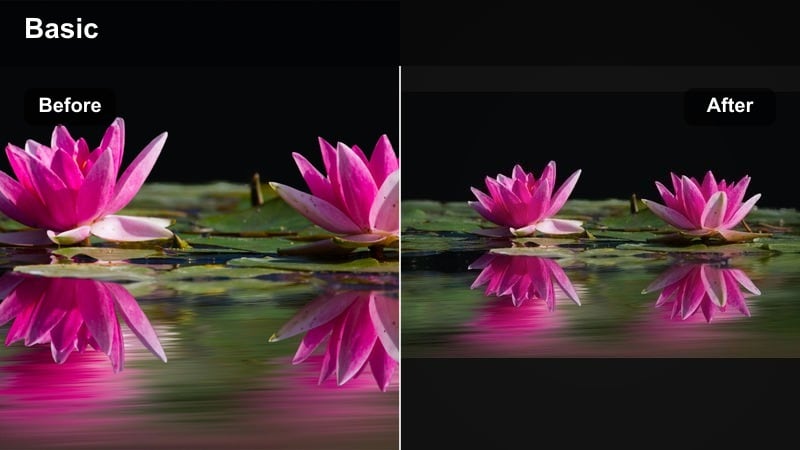
- Effect look: Desaturated colors with cool shadows and gently lifted blacks
- Best for: Cloudy beach walks, rainy day love stories, and reflective B-roll
- Editing tip: Lean into the muted palette by lowering saturation and adding a very light film grain for texture
Overcast Poetry embraces gray skies and soft, flat light, turning them into a poetic backdrop for reflective couple stories. By reducing saturation and slightly lifting blacks, it creates a calm, art film style look that suits rainy sidewalks, beaches, and quiet paths.
In Filmora, use this cinematic couple filter to connect contemplative shots like hand holding, walking away, or gazing at the horizon. Add minimal camera movement with keyframes and cutaway details to keep scenes visually engaging while still honoring the subdued, introspective tone.
Cinema Noir Embrace
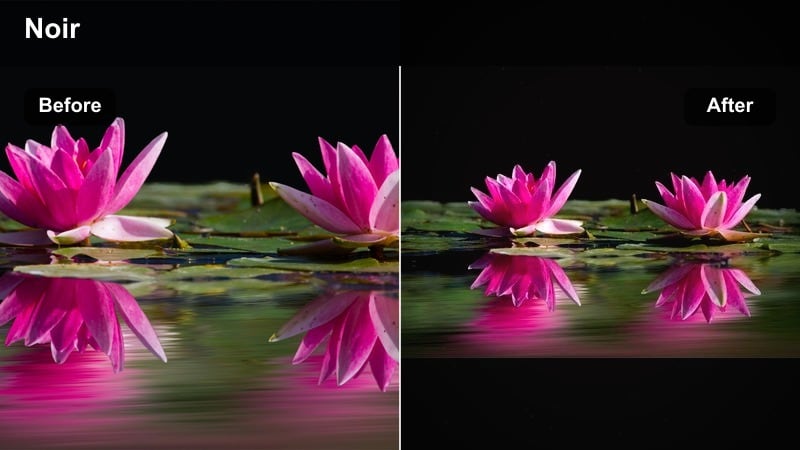
- Effect look: High-contrast monochrome with soft film grain and slightly glowing highlights
- Best for: Black-and-white love stories, silhouette embraces, and stylized proposals
- Editing tip: Watch your black levels and pull them up a touch so details in dark suits and hair are not completely lost
Cinema Noir Embrace strips color away to focus entirely on light, shadow, and shape. High contrast black and white tones paired with gentle grain and glowing highlights give your couple cinematic tone a classic, timeless quality, especially during embraces and silhouettes.
In Filmora, apply this filter to sequences that rely on dramatic lighting, such as backlit doorways, window frames, or streetlamps. Carefully balance black levels so clothing retains texture, and use masks to keep faces readable while backgrounds fall into rich, expressive shadow.
Signature Wedding and Proposal Tones
Vintage Vows Film
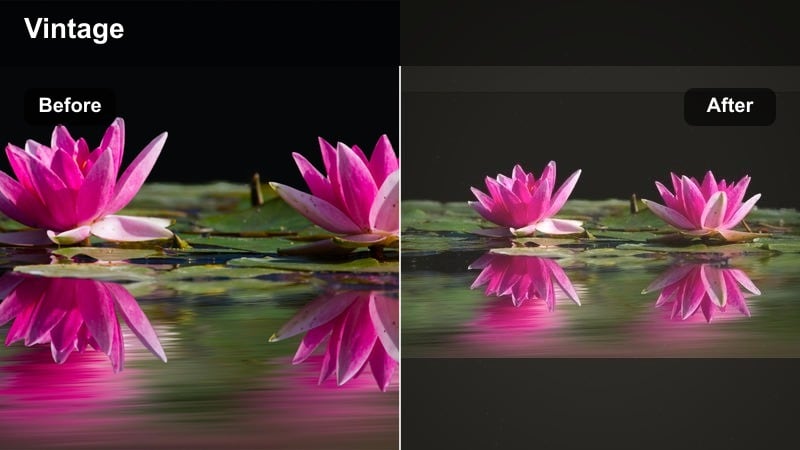
- Effect look: Warm filmic curve with subtle green in the shadows and gently rolled-off highlights
- Best for: Classic wedding films, letter readings, and archival-style love stories
- Editing tip: Apply the filter first, then adjust white balance so dresses stay clean white and do not pick up too much of the vintage tint
Vintage Vows Film gives digital wedding footage a nostalgic, film influenced personality with warm highlights and a faint green cast in the shadows. The gentle curve and rolled off highlights protect important details like lace, floral arrangements, and décor while suggesting the look of older film stock.
Inside Filmora, this cinematic couple filter is ideal for ceremony coverage, emotional letter readings, and legacy edits meant to feel timeless. Apply it across all cameras after basic exposure matching, then fine tune white balance and filter intensity per angle so whites, flowers, and skin stay elegant rather than overly tinted.
Proposal Spotlight
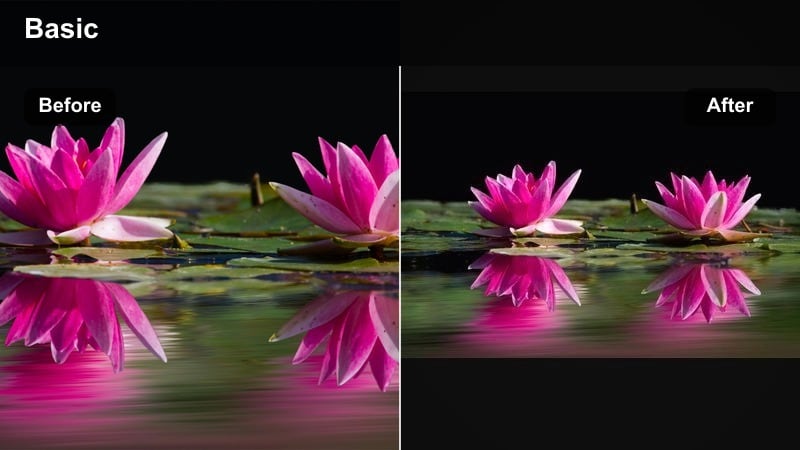
- Effect look: Bright center-weighted exposure with warm mids and softened background detail
- Best for: Surprise proposals, ring reveals, and reactions in low or mixed light
- Editing tip: Use a radial mask around the couple to increase exposure slightly while reducing brightness in the surrounding crowd
Proposal Spotlight is engineered to place maximum visual emphasis on the moment of the question and the immediate reaction. The filter warms midtones, subtly softens the surrounding environment, and works beautifully with radial masks to make the couple pop even in busy or dim spaces.
Use it in Filmora on multi angle proposal edits where you jump between wide shots, close ups, and guest reactions. By keeping the couple consistently brighter and warmer than the environment, this cinematic couple filter reinforces the emotional center of the scene and guides the viewer’s eye to the key beats.
Timeless Reception Glow
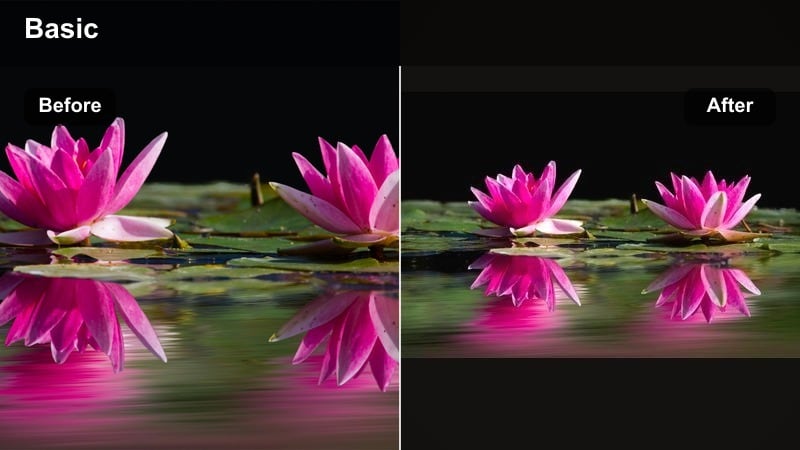
- Effect look: Warm tungsten glow with softened highlights and richer blacks
- Best for: Indoor receptions, first dances, and candlelit dinners
- Editing tip: Dial back saturation on deep reds and oranges so décor and lighting do not overpower natural skin tones
Timeless Reception Glow enhances the cozy atmosphere of indoor receptions, candlelit dinners, and first dances. It deepens blacks for a polished, cinematic feel while softening highlights from candles, chandeliers, and string lights so they look romantic instead of harsh.
In Filmora, apply this cinematic couple filter to all reception coverage to maintain a luxurious, warm tone from entrance through final send off. Gently reduce saturation in strong reds and oranges, and adjust highlight levels so your couple’s faces and outfits stay detailed even when surrounded by bright, glowing light sources.
Tips for Using Couple Cinematic Tone Filters in Filmora
- Shoot slightly flatter than usual and let your cinematic couple video filters reintroduce contrast and color for a more polished result.
- Always test your chosen filter on both close-ups and wide shots to be sure skin tones stay natural in every framing.
- Create separate versions of your project with different filter strengths for social, web, and big-screen playback.
- Use subtle vignettes and masks together with filters to guide attention toward faces and emotional micro-moments.
- Group clips by location or time of day in your timeline and apply filters in batches to maintain consistent tones.
- Combine Filmora filters with light LUTs and AI color matching to build a repeatable, signature couple cinematic tone.
- Keyframe filter strength across shots that move from bright to dark so transitions feel smooth and intentional.
- Save your favorite romantic film looks as custom presets so you can reuse them across proposal, wedding, and anniversary edits.
Cinematic couple video filters give filmmakers and storytelling creators a fast way to translate raw proposal footage, date edits, and wedding moments into emotionally cohesive stories.
Start with a filter that matches the natural light in your scene, make small exposure and color tweaks, then refine the mood in Filmora until every frame supports the relationship at the heart of your film.
secure downloadNext: Explore Aesthetic Couple Video Filters for Social-Ready Edits
