

 100% Security Verified | No Subscription Required | No Malware


 ChatGPT
 Perplexity
 Gemini
 Claude
 Grok
Grok
These fashion video filters for reels are built to make outfits, fabrics, and accessories instantly stand out, so your audience stops scrolling and actually watches.
Whether you are filming quick outfit reveals, high-end product showcases, or daily fashion reels, use these ready-made effects as your go-to toolkit for consistent, branded style.
In this article
Street Style Daylight Looks
Urban Soft Glow
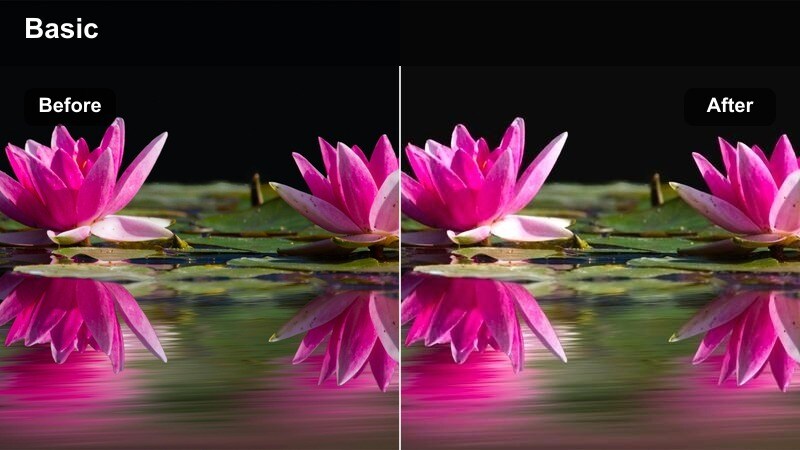
- Effect look: Gentle softening with warm highlights that smooth skin while keeping denim and streetwear textures crisp.
- Best for: Casual street-style fashion reels, walking shots, and handheld outfit-of-the-day clips in daylight.
- Editing tip: Lower the intensity to around 60% if your footage is already bright to avoid blowing out white sneakers and light fabrics.
Urban Soft Glow gives your daylight street clips a flattering, warm polish that makes faces look smooth without hiding the structure of jeans, blazers, and sneakers. It is ideal when you shoot quickly on the go and want your reel to feel cohesive even if the sun and clouds keep shifting.
In Filmora, apply Urban Soft Glow to your entire timeline, then keyframe the filter intensity if you move from shade to direct sun so skin tones stay consistent. Pair it with a subtle vignette and gentle stabilization on handheld shots to keep attention on the outfit and accessories instead of distracting backgrounds.
Match Filters to Your Fashion Brand Palette with Filmora
Use Filmora's AI color tools to adapt any of these fashion video filters for reels to your unique brand palette so every outfit clip feels instantly on-theme. You can keep your favorite filter's mood while nudging hues toward your signature neutrals, pastels, or bold tones.
Sample colors from your logo, website, or a hero outfit, then let AI color matching shift your reel toward that palette without manual keyframe work. This keeps your grid, thumbnails, and Stories aligned even when you shoot in different locations and lighting.
 secure download

Preview Fashion Reel Effects in Real Time
Filmora lets you stack multiple versions of the same clip on the timeline so you can compare different fashion filters side by side before you commit. This is perfect for testing how each look treats skin, denim, metallics, and backgrounds under the same lighting conditions.
Scrub through outfit reveals and transitions while toggling filters to make sure fast cuts, spins, and close-ups still read clearly at mobile size. Once you find your favorite, apply that preset across the entire reel for a clean, editorial finish.
secure download1000+ Video Filters and 3D LUTs in Filmora
Beyond these fashion-focused presets, Filmora includes a large library of cinematic filters and 3D LUTs you can combine for unique reel aesthetics. You can start with a base look for exposure and contrast, then layer creative filters that match seasonal drops, holidays, or campaign themes.
Save your favorite combinations as custom presets so every outfit series, lookbook, or collab can reuse the same polished grading with one click. This keeps your workflow fast while giving your audience a recognizable, professional style.
secure downloadClean Studio Street
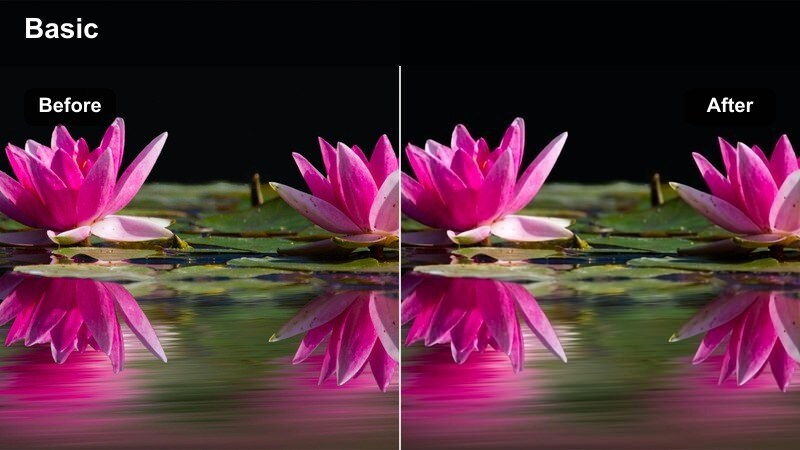
- Effect look: Neutral, clean color balance that mimics studio lighting while keeping outdoor tones true-to-life.
- Best for: Daytime lookbook walks, capsule wardrobe reels, and fashion hauls filmed near windows or outdoors.
- Editing tip: Use this as your base layer, then add subtle Filmora color tweaks for your brand palette without over-stylizing the clothes.
Clean Studio Street makes your outdoor clips feel like they were shot in a controlled studio, with whites, blacks, and midtones balanced for a professional finish. It keeps trees, skies, and sidewalks looking natural so the clothes and styling remain the hero of every frame.
In Filmora, drop this filter on all your clips first, then slightly adjust temperature and saturation to match your brand colors. Save the combination as a custom preset so every weekly outfit recap or capsule wardrobe reel has the same recognizable, studio-clean aesthetic.
High-Contrast Runway Street
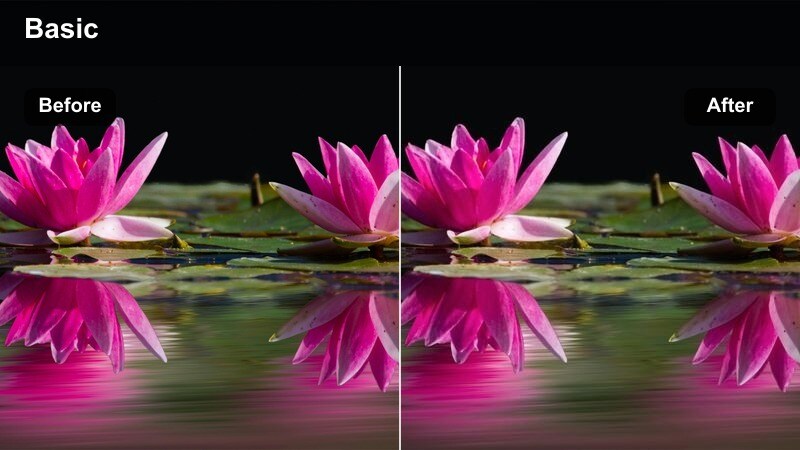
- Effect look: Punchy contrast with deep blacks and saturated color for a bold editorial streetwear mood.
- Best for: Edgy streetwear reels, sneaker close-ups, and fast cuts synced to beats.
- Editing tip: Use shorter clips with this filter and cut on the beat; add slight speed ramps in Filmora to match the high-energy look.
High-Contrast Runway Street brings a strong editorial punch to your feed, deepening shadows and enriching colors so logos, graphics, and bold silhouettes explode off the screen. It is especially effective for chunky sneakers, oversized jackets, and graphic tees that thrive on drama.
Apply this filter in Filmora to your fastest clips, then use speed ramps and beat-synced cuts to emphasize each pose or step. Mix it with softer filters in the same reel to give the audience breathing room while still delivering those high-impact streetwear moments.
Indoor Boutique and Mirror Fits
Boutique Gold Warmth
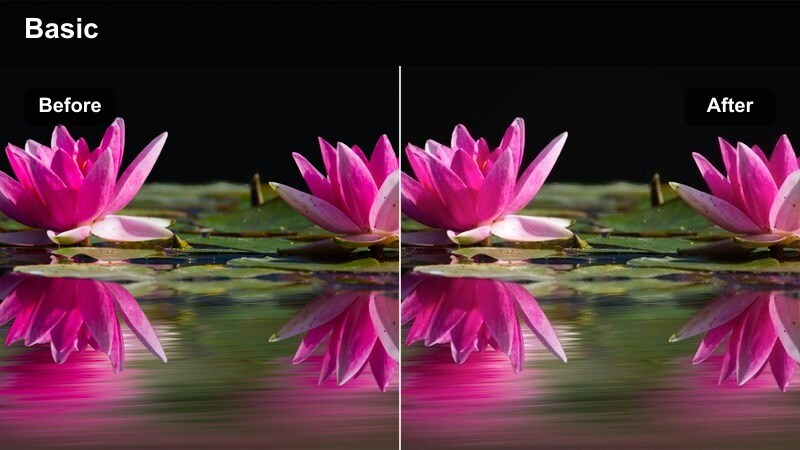
- Effect look: Cozy golden tint with lifted shadows that flatters skin and softens harsh indoor lighting.
- Best for: Boutique try-on sessions, styling tips in dressing rooms, and rack-to-body outfit transitions.
- Editing tip: If your store lights are already very yellow, reduce saturation slightly in Filmora so whites and beiges stay true.
Boutique Gold Warmth wraps your indoor fashion reels in a welcoming, luxe glow that smooths overhead lighting and flatters every skin tone. It makes try-ons, styling tips, and rack-to-body transitions feel like they were shot in a high-end showroom instead of a harshly lit fitting room.
Use this filter in Filmora to lift shadows on faces and garments, then gently pull saturation back on whites and creams if the store lighting is too warm. Cut between wider room shots and tight fabric close-ups to let viewers experience both the boutique ambiance and the detail of each piece.
Mirror Fit Neon Clean
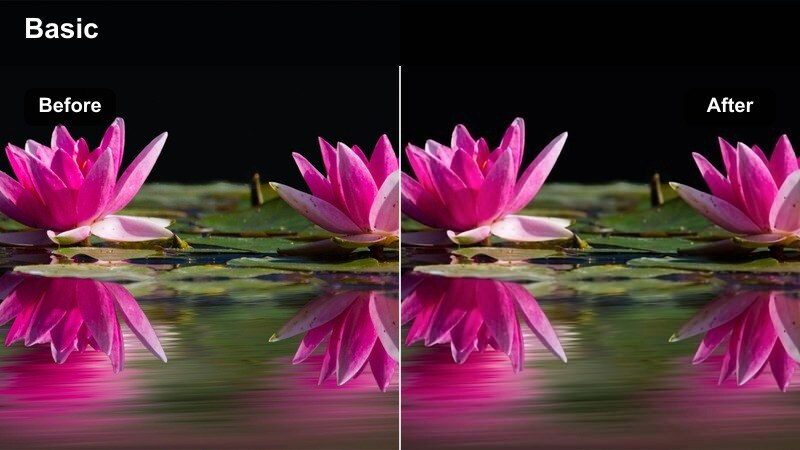
- Effect look: Cool, clean toning that tames mixed indoor lighting and reflections around mirrors.
- Best for: Mirror outfit checks, GRWM reels, and quick outfit switches filmed in bedrooms or fitting rooms.
- Editing tip: Crop tighter in Filmora and stabilize slightly so the clean lines of the outfit dominate over cluttered backgrounds.
Mirror Fit Neon Clean is designed to handle the messy combination of ceiling lights, window light, and phone flashes that usually ruin mirror clips. It cools down color casts, evens out skin tones, and keeps outfit colors looking accurate even with distracting reflections.
In Filmora, pair this filter with gentle stabilization and tighter crops so the viewer focuses on silhouettes and styling instead of cluttered bedrooms or dressing rooms. If skin feels slightly cool after the filter, use the skin tone tools to warm faces while leaving outfits crisp and neutral.
Soft Pastel Wardrobe
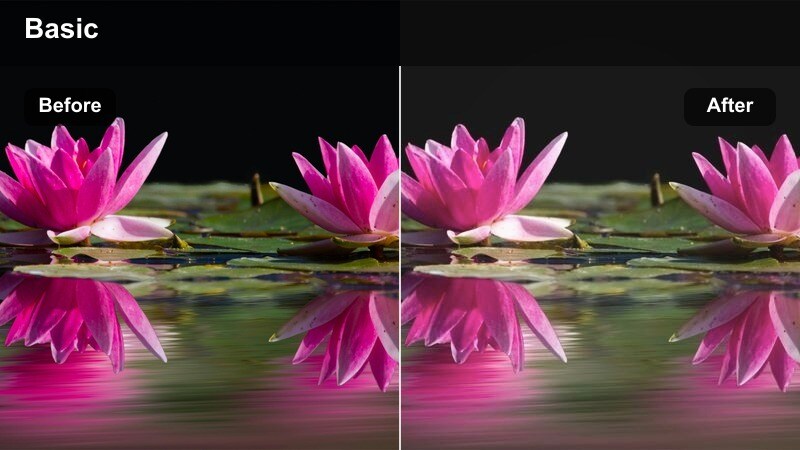
- Effect look: Muted contrast with pastel-friendly color grading that gently lifts whites and creams.
- Best for: Minimalist wardrobe tours, neutral-toned outfit reveals, and aesthetic closet organization reels.
- Editing tip: Reduce clarity slightly in Filmora to enhance the dreamy effect, but keep text overlays bold so they remain readable.
Soft Pastel Wardrobe brings a calm, airy mood to neutral and pastel-heavy outfits, slightly lowering contrast to soften every edge. Whites, beiges, and soft colors appear creamy and harmonious, perfect for aesthetic closet tours and carefully curated capsule wardrobes.
Apply this filter in Filmora, then reduce clarity a touch to push the dreamy look without turning outfits to mush. Use simple, high-contrast text overlays and slow, steady pans across racks and shelves so viewers can appreciate textures and color harmony in every frame.
Runway and Event Night Vibes
Midnight Runway Glow
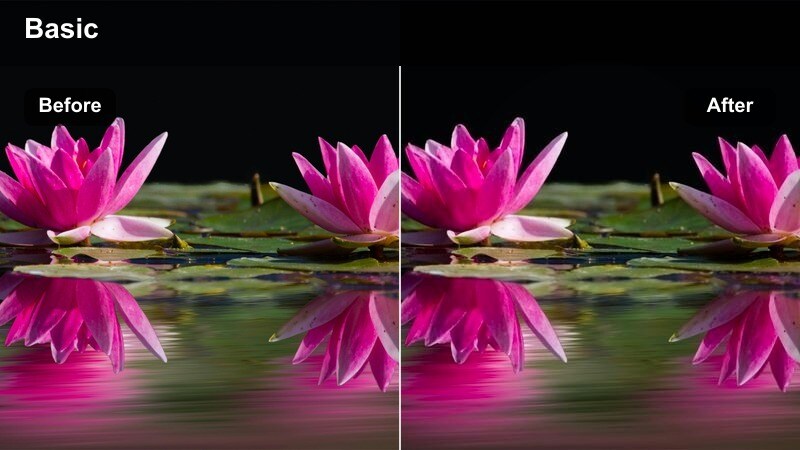
- Effect look: Moody low-light enhancement with glowing highlights that brighten faces without killing atmosphere.
- Best for: Fashion week recaps, runway snippets, and event reels filmed under spotlights or stage lighting.
- Editing tip: Use Filmora's noise reduction lightly before applying this filter to keep black outfits and backgrounds clean.
Midnight Runway Glow is built for fashion events where the room is dark but the stage and outfits sparkle under focused lights. It gently lifts exposure on faces and fabrics so details are visible while preserving the rich, cinematic contrast of the venue.
In Filmora, run a light noise reduction pass on your night clips first, then apply Midnight Runway Glow and trim shots to the strongest poses and walks. Use quick crossfades or dip-to-black transitions between looks to keep the glow feeling seamless from one lighting setup to the next.
City Lights Glam
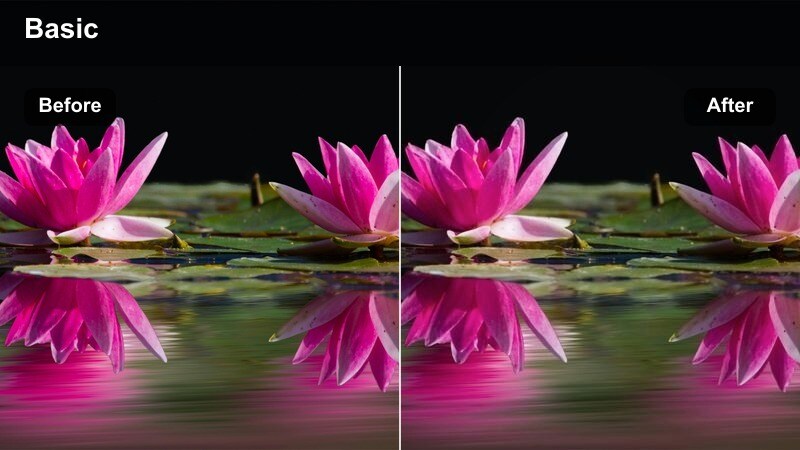
- Effect look: High-saturation nightlife look with polished skin and intensified city light reflections.
- Best for: Evening outfit reveals, rooftop party reels, and glam night-out transitions from cab to venue.
- Editing tip: Add subtle Filmora lens flares or light leaks on scene changes to exaggerate the sparkle of jewelry and sequins.
City Lights Glam turns urban night scenes into a vibrant backdrop, boosting neon signs, passing cars, and skyscraper windows while keeping skin smooth. It is perfect for sparkly dresses, metallic heels, and jewelry that catch and reflect all that city glow.
Use this filter in Filmora on clips where you move through streets, rooftops, and venues, then accent transitions with soft lens flares or light leaks. Add a touch of slow motion to hair flips, twirls, and close-up shots of accessories so the enhanced reflections feel luxurious and intentional.
Noir Silhouette Edge
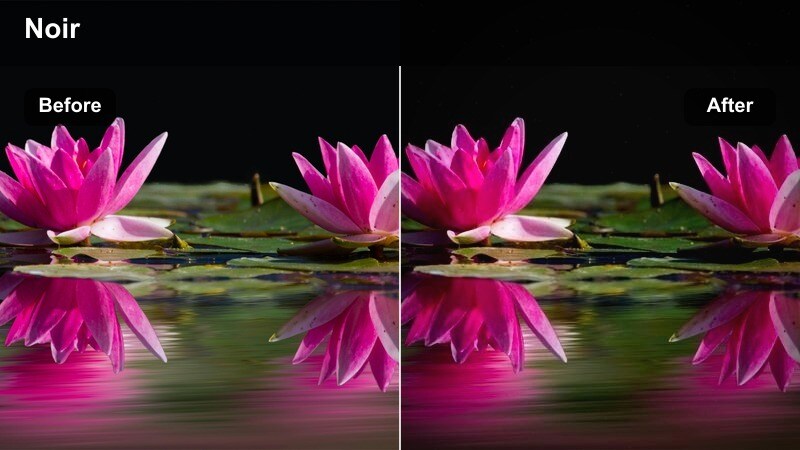
- Effect look: Cinematic, desaturated night look with strong silhouettes and cool shadows.
- Best for: High-fashion editorial reels, coat and trench looks, and dramatic alley or parking garage scenes.
- Editing tip: Shoot with strong backlight or side light and use Filmora to slow your movements so the silhouette remains sculpted.
Noir Silhouette Edge brings a film-noir sensibility to your night fashion content, draining saturation and emphasizing sharp outlines and shadows. It is ideal for long coats, structured shoulders, bold hats, and boots where the shape tells the story more than the color.
In Filmora, mix slower clips, controlled camera moves, and precise cuts with this filter to keep every silhouette clean and graphic. Layer in minimal sound design, like footsteps or fabric swishes, to turn simple walks through streets or parking lots into moody editorial sequences.
Product Close-Ups and Transition Reels
Detail Macro Crisp
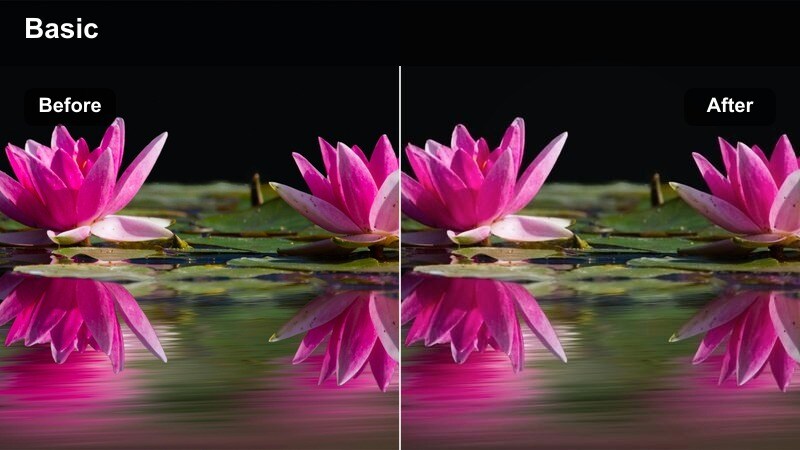
- Effect look: Ultra-sharp, micro-contrast enhancement that makes stitching, patterns, and textures stand out.
- Best for: Close-up product reels, shoe and bag details, jewelry focus shots, and label reveals.
- Editing tip: Use tighter crops and slower movement in Filmora so viewers can study the texture without motion blur.
Detail Macro Crisp is crafted to highlight craftsmanship, pulling out fine stitching, embossed logos, and rich fabric weave in your product shots. It gives accessories, shoes, and tailoring a premium, high-resolution feel that reassures viewers about quality.
Apply this filter in Filmora to carefully framed close-ups, then slow the clip slightly so every texture has time to be seen on a phone screen. Cut these shots between full-body looks to build a story that moves from overall outfit to small luxury details.
Smooth Transition Matte
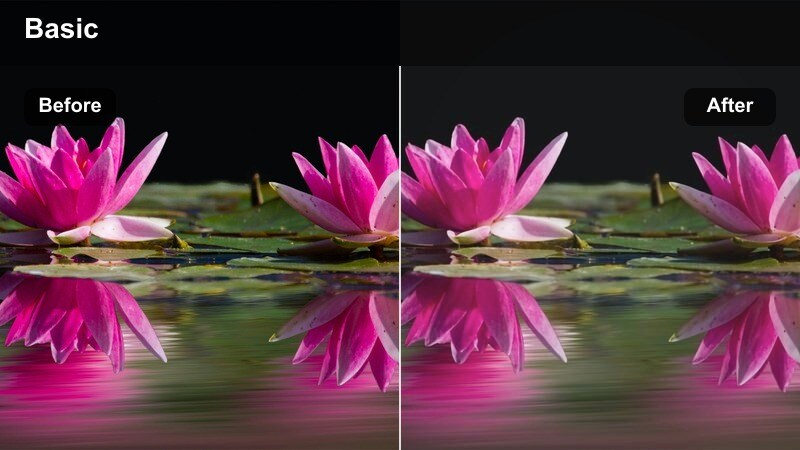
- Effect look: Soft matte finish that slightly lowers contrast for smoother transitions between clips.
- Best for: Jump-cut outfit changes, before-and-after styling reels, and quick swipe or spin transitions.
- Editing tip: Apply this filter across every clip in a transition-heavy reel, then use Filmora's built-in transition effects sparingly.
Smooth Transition Matte evens out the contrast between clips so rapid outfit changes and jump cuts feel cohesive instead of jarring. It softens highlights and shadows just enough for transitions like spins, swipes, and hand covers to blend smoothly together.
In Filmora, apply this filter to every clip in transition-heavy reels, then keep your actual transition effects quick and minimal. Rely on rhythmic cuts and music beats to drive energy while the matte finish ties every outfit shot into a unified visual flow.
Ecommerce Shine True Color
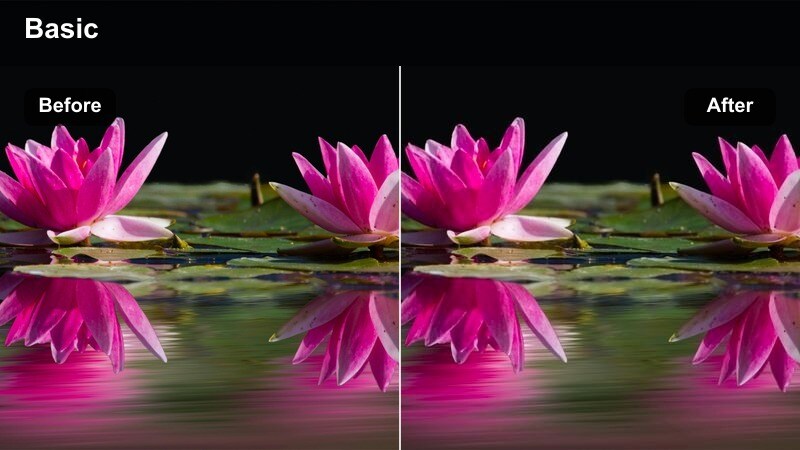
- Effect look: Bright, color-accurate enhancement that boosts clarity while keeping product colors true.
- Best for: Product showcase reels, shoppable tags, brand collab videos, and catalog-style clips.
- Editing tip: Keep saturation moderate so your audience trusts the color; let Filmora text overlays carry pricing and details instead of heavy grading.
Ecommerce Shine True Color is optimized for shoppable content where accuracy matters most, brightening clips and sharpening detail without shifting the actual colors of garments. It keeps whites clean, blacks deep, and brand colors honest so followers can buy with confidence.
Use this filter in Filmora for flat lays, on-body product demos, and brand collabs, then add clear text overlays with prices, sizes, and links. Keep saturation moderate and avoid extra heavy grading so your reels feel like polished catalog pages that still reflect real-life shades.
Tips for Using Fashion Video Reels Filters in Filmora
- Shoot in natural or soft light whenever possible so your fashion filters enhance the scene instead of fighting harsh shadows and highlights.
- Pick one or two signature filters for your brand and use them consistently so your fashion reels are instantly recognizable in any feed.
- Always double-check whites, blacks, and skin tones after applying a filter to avoid color shifts that misrepresent your outfits or products.
- Reserve high-contrast, intense filters for short, beat-synced edits and use softer looks for slower, story-driven fashion reels.
- Preview your finished edit in Filmora on a phone-sized viewer to make sure stitching, patterns, and jewelry details still read clearly.
- Stack filters with Filmora color tweaks lightly, adjusting contrast or temperature just a little instead of regrading the entire clip.
- Create separate saved presets for daytime street clips, indoor boutique content, and night events to keep each scenario looking its best.
- Lower filter intensity for branded collabs and shoppable reels where accurate fabric and color representation matters more than heavy stylization.
With the right fashion video filters for reels, every outfit reveal, product close-up, and night-out look can feel polished, cinematic, and on-brand without spending hours color grading.
Load these presets into Filmora, test them on your next batch of clips, and refine two or three signature looks that turn casual viewers into loyal fashion fans who recognize your style instantly.
secure downloadNext: Cinematic Fashion Video Filters: Film-Grade Style Effects
