

 100% Security Verified | No Subscription Required | No Malware


 ChatGPT
 Perplexity
 Gemini
 Claude
 Grok
Grok
Horizon Gray is a calm, modern gray that feels like the sky just before sunrise or after a storm. It sits between warm and cool, which is why it works so well in branding, user interfaces, and on screen graphics. In video, it creates a neutral stage for your story, making skin tones, product shots, and text look polished without stealing attention.
For creators and Filmora users, Horizon Gray is a powerful base for thumbnails, intros, lower thirds, and video color grading. Below are ready made Horizon Gray color palettes with HEX codes so you can copy them straight into your design tools, brand style guides, and Filmora projects for cohesive, professional looking visuals.
In this article
Minimal & Modern Horizon Gray Color Palettes
Urban Studio Neutrals
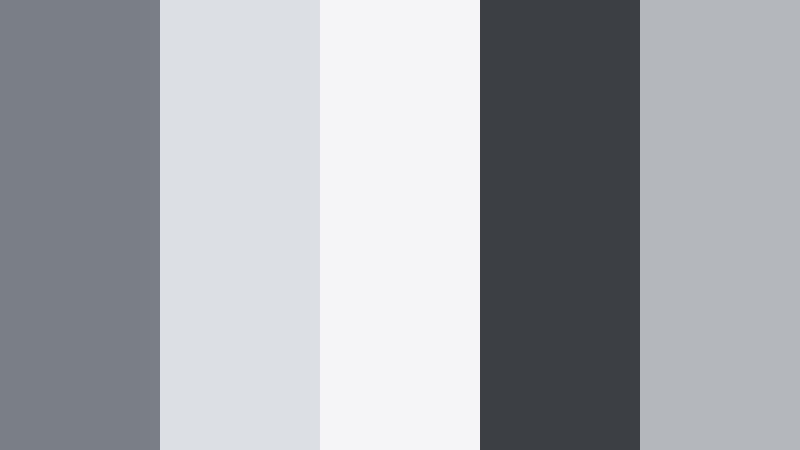
- HEX Codes: #7a7f85, #dcdfe3, #f5f5f7, #3c4044, #b4b7bc
- Mood: Clean, contemporary, and quietly confident.
- Use for: Perfect for tech reviews, workspace tours, and minimalist brand intros that need a polished, modern edge.
Urban Studio Neutrals blends mid Horizon Gray with crisp whites, soft silvers, and a grounded charcoal accent. It feels like a sleek studio set or a freshly designed app interface, with enough contrast for sharp text and icons but no harsh distractions.
Use this palette for YouTube tech thumbnails, overlay titles in Filmora, and channel branding where you want your gear, UI, or product to stand out against subtle, neutral backgrounds. It is also great for clean lower thirds, subscribe buttons, and end screen layouts that match a minimalist visual identity.
Pro Tip: Keep Your Horizon Gray Brand Consistent in Filmora
When you use a palette like Urban Studio Neutrals, consistency is everything. In Filmora you can save your Horizon Gray HEX codes and reuse them across titles, lower thirds, and callouts so every upload feels like part of the same brand studio.
Build a simple style system: use the darker gray for text, the light grays for backgrounds, and reserve the deepest charcoal only for emphasis. Apply this structure across intros, b roll overlays, and shorts, so viewers recognize your channel at a glance.
AI Color Palette
If you have a moodboard or brand card in these Horizon Gray tones, Filmora's AI Color Palette feature helps you match the look across your entire video. Import a reference frame that already uses Urban Studio Neutrals, then let Filmora analyze it and apply the same color balance and contrast to other clips.
This is especially handy for tech channels or studio vlogs shot on different days or cameras. AI Color Palette brings everything back to the same cool gray, clean white, and charcoal balance without hours of manual tweaking.
 secure download

HSL, Color Wheels & Curves
To fine tune a Horizon Gray like this, use Filmora's HSL, color wheels, and curves controls. You can push the grays slightly cooler for a more tech forward feel, or warm them up for friendlier workspace tours. Midtone wheels help keep faces natural while your backgrounds stay in that controlled studio gray range.
When you want more depth, adjust curves to deepen shadows around #3c4044 while keeping highlights on #f5f5f7 clean. This workflow, demonstrated in Filmora's color grading tutorials on YouTube, makes your gray based palette look cinematic instead of flat.
secure download1000+ Video Filters & 3D LUTs
Once your Horizon Gray base is set, you can push the look further using Filmora's video filters and 3D LUTs. Subtle clean or modern LUTs keep the neutral mood while giving your footage a unified finish that feels premium.
For tech reviews, try soft contrast filters to maintain detail in gadgets, or a slight cool LUT to emphasize that studio, digital edge. You can combine filters with your custom palette so overlays, footage, and thumbnails all share the same Horizon Gray signature.
secure downloadConcrete Loft Calm
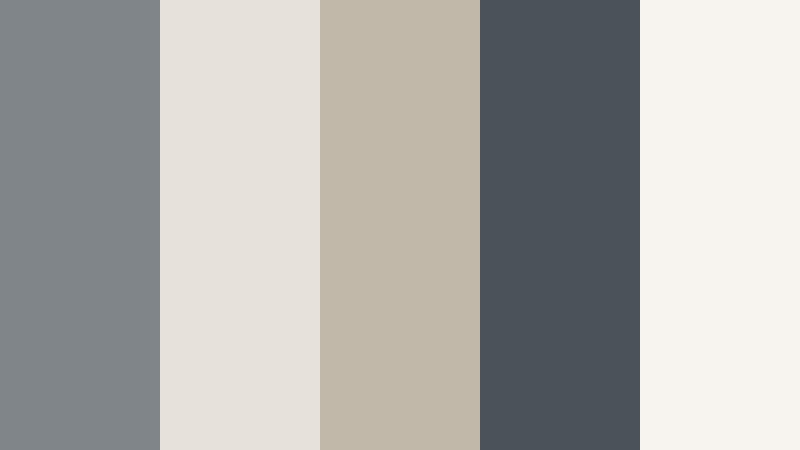
- HEX Codes: #80858a, #e6e1da, #c2b8aa, #4b5359, #f7f4f0
- Mood: Soft industrial calm with a cozy undertone.
- Use for: Great for interior design videos, aesthetic vlogs, and slow living reels that mix city style with warmth.
Concrete Loft Calm pairs Horizon Gray with warm stone, beige, and off white for an industrial but welcoming feel. It feels like a sunlit loft with concrete walls, linen curtains, and light wood furniture.
Use it for room makeovers, studio tours, and lifestyle thumbnails where you want that urban aesthetic without a harsh, cold edge. In Filmora titles, place dark gray text over the light neutrals, and use the mid gray as a subtle frame or border around your footage.
Monochrome Edit Suite
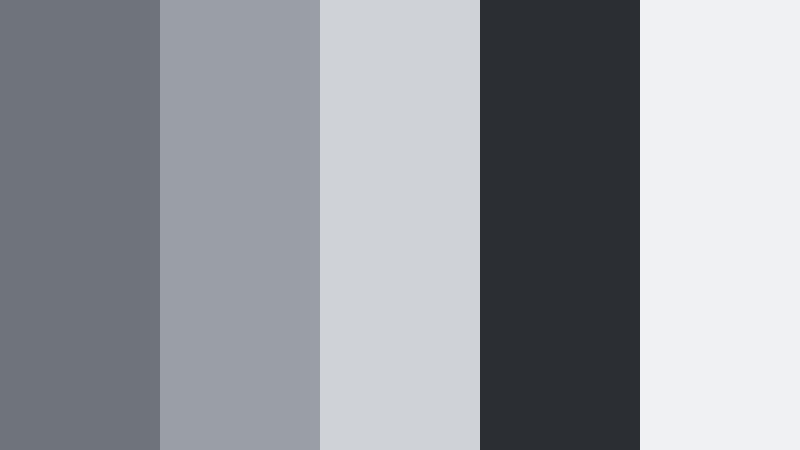
- HEX Codes: #6f747a, #9a9fa6, #cfd2d7, #2b2f33, #f0f1f3
- Mood: Focused, professional, and streamlined.
- Use for: Ideal for tutorial lower thirds, UI overlays, and channel branding where clarity and legibility matter most.
Monochrome Edit Suite stacks several cool grays from deep slate to almost white. It creates a structured visual hierarchy that feels like a pro editing interface.
This is a strong choice for educational channels, software walkthroughs, and explainer videos. In your Filmora projects, use the darkest gray for text, mid grays for panels and info boxes, and the lightest tone for backgrounds on infographics and step by step overlays.
Portfolio Showcase Slate
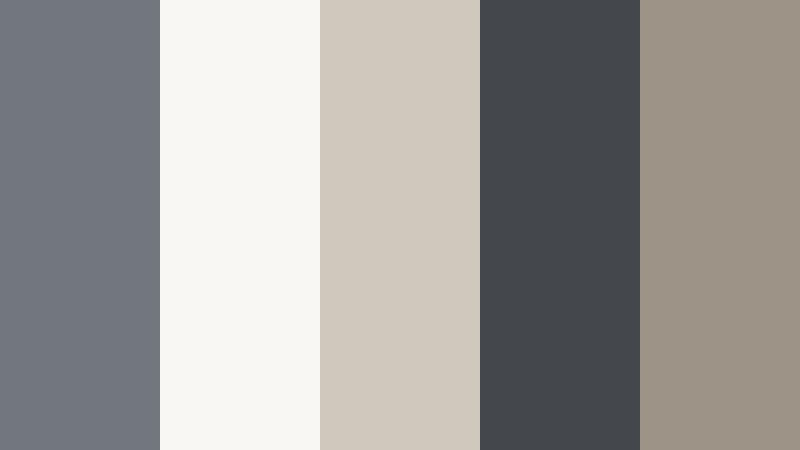
- HEX Codes: #72777d, #f8f7f4, #d0c7bd, #44484c, #9e9387
- Mood: Refined, artistic, and gallery ready.
- Use for: Use for portfolio reels, case study slides, and website graphics that highlight creative work without stealing the spotlight.
Portfolio Showcase Slate mixes Horizon Gray with warm taupe and creamy off white, like a curated gallery wall. It frames your visuals softly while keeping everything elegant and understated.
Apply it to showreel title cards, case study graphics, and Behance or Dribbble style animations. Let the off white and taupe sit behind your artwork, and use the mid gray for minimal frames and captions so your creative work is always the star.
Soft & Cozy Horizon Gray Color Palettes
Rainy Window Glow
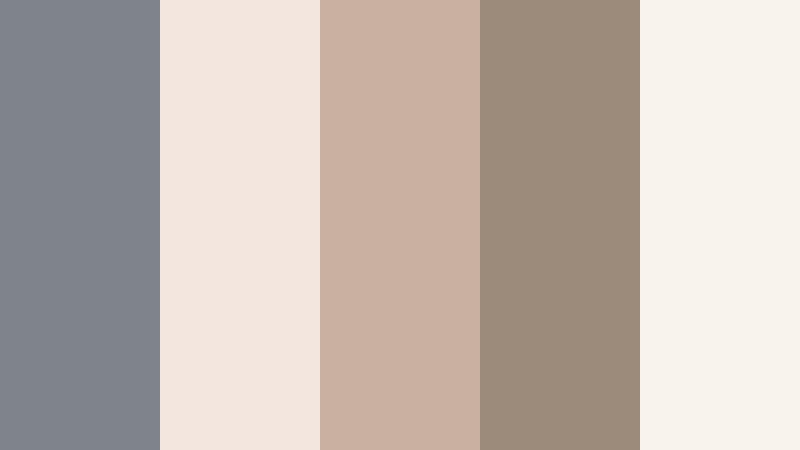
- HEX Codes: #7e848a, #f2e6de, #c9b0a0, #9c8a7a, #f9f3ee
- Mood: Nostalgic, gentle, and comforting like a calm rainy day.
- Use for: Perfect for diary style vlogs, bookish content, and cozy b roll with soft overlays and handwritten titles.
Rainy Window Glow wraps Horizon Gray in milky beige and soft mocha, giving your visuals the warmth of a rainy afternoon indoors. It feels hazy, nostalgic, and intimate.
Use it on journaling vlogs, study montages, bookshelf tours, and lo fi edits. In Filmora, pair handwritten fonts with these muted tones, add a light vignette, and keep your titles small so the palette and mood do most of the storytelling.
Cashmere Morning Light
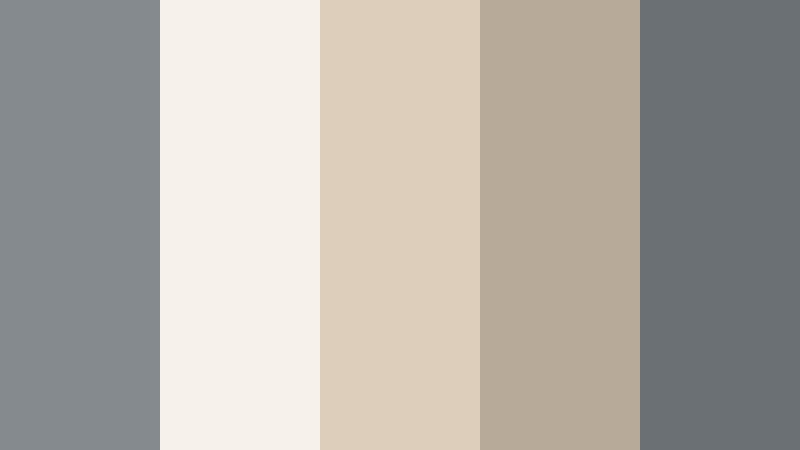
- HEX Codes: #858a8f, #f6f2ea, #ddcdbb, #b8aa99, #6b7075
- Mood: Airy, relaxed, and quietly luxurious.
- Use for: Great for morning routines, skincare reels, and minimalist fashion lookbooks with a soft, sunlit feel.
Cashmere Morning Light pairs cool Horizon Gray with creamy whites and warm beige, like sunlight on a soft knit sweater. It gives an upscale but approachable feeling.
This palette is ideal for wellness brands, beauty content, and slow morning vlogs. Keep your thumbnails light and spacious, with small gray text and delicate beige accents on titles and call to action overlays.
Faded Film Diary
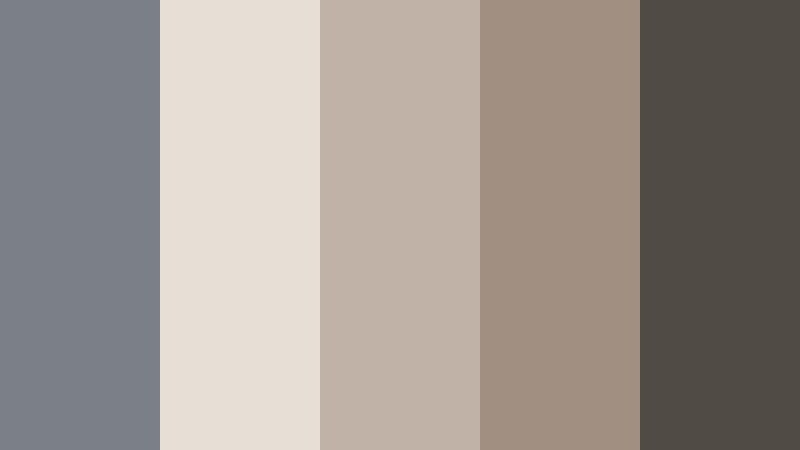
- HEX Codes: #7a8085, #e7ded6, #c0b2a6, #a19082, #514b46
- Mood: Vintage, introspective, and cinematic.
- Use for: Use for travel diaries, memory montages, and slowed down b roll with subtle grain or film overlays.
Faded Film Diary softens Horizon Gray with dusty browns and creams for an analog inspired palette. It feels like leafing through old prints or Super 8 stills.
Use it with grain overlays, slow motion clips, and handwritten captions for trips, family memories, or reflective storytelling. In Filmora, combine this palette with a slight fade in blacks and reduced saturation to complete the filmic mood.
Cloud Knit Studio
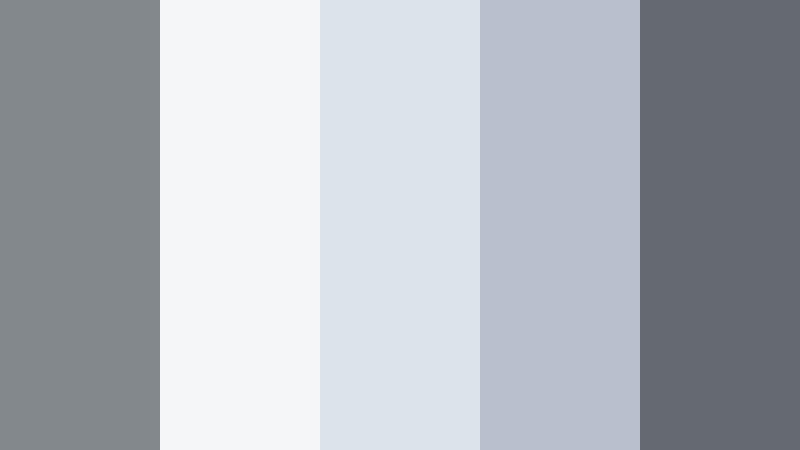
- HEX Codes: #83888d, #f4f6f8, #dde3ea, #b7c0cc, #646a70
- Mood: Cloudy, light, and softly focused.
- Use for: Perfect for ASMR, study with me videos, and calm productivity streams that need a gentle, airy backdrop.
Cloud Knit Studio floats Horizon Gray among pale blues and soft whites, like a sky filtered through sheer curtains. It keeps things light and clean without becoming sterile.
Use it to design overlay frames for ASMR, quiet productivity timers, and study chapters. In Filmora, let the light tones fill the background, and use the deeper gray sparingly for legible text that does not break the soft mood.
Bold & Cinematic Horizon Gray Color Palettes
Neon Alley Nightfall
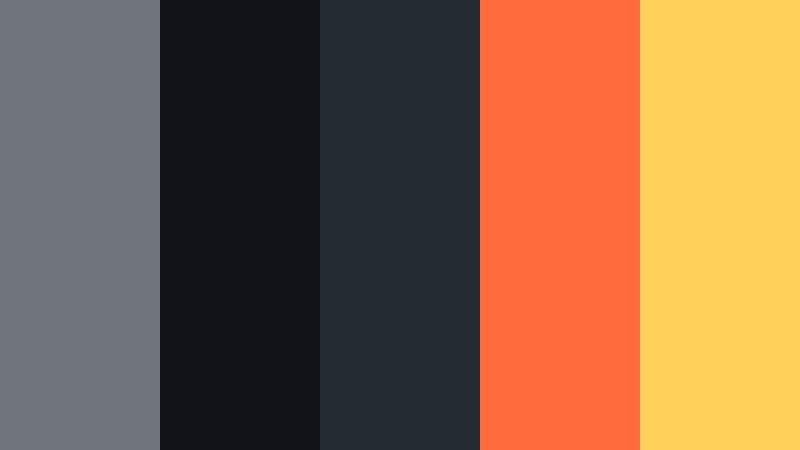
- HEX Codes: #6f757b, #111318, #232b33, #ff6b3d, #ffd15a
- Mood: Edgy, urban, and high contrast with a cinematic punch.
- Use for: Great for gaming intros, street photography edits, and music videos that mix dark scenes with neon pops.
Neon Alley Nightfall drops Horizon Gray into deep shadows and blasts it with neon orange and yellow highlights. The contrast feels like a cyberpunk side street or a city night shoot.
Use the dark grays as your base, then let the neon accents highlight text, buttons, and key frames in your intros and thumbnails. In Filmora, animate those bright tones on beat with your soundtrack to create bold, scroll stopping visuals.
Storm Front Trailer
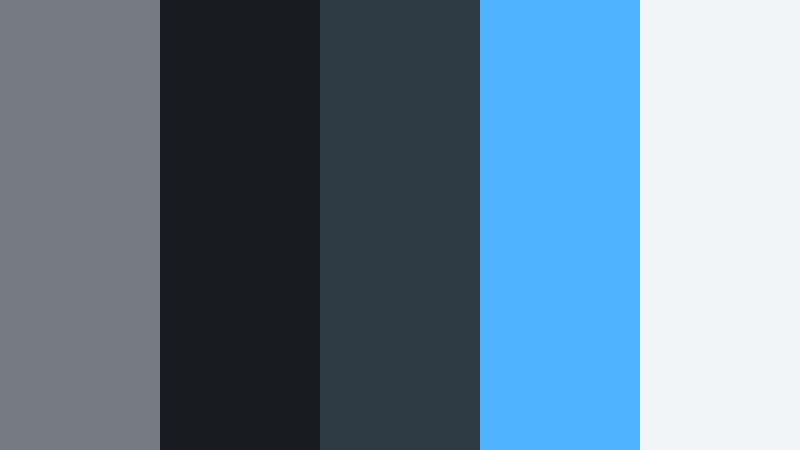
- HEX Codes: #757b81, #181c21, #2e3a44, #4fb3ff, #f2f5f8
- Mood: Tense, dramatic, and trailer ready.
- Use for: Ideal for cinematic teasers, drone footage, and action edits that want epic sky and storm energy.
Storm Front Trailer puts Horizon Gray between inky navy and electric sky blue. The result is moody and atmospheric, like an incoming storm over water or skyscrapers.
Use it on title cards for short films, drone sequences, or travel edits with strong skies. In Filmora, combine these tones with dramatic transitions and bold typography to give your videos a movie trailer feel.
Graphite Tech Pulse
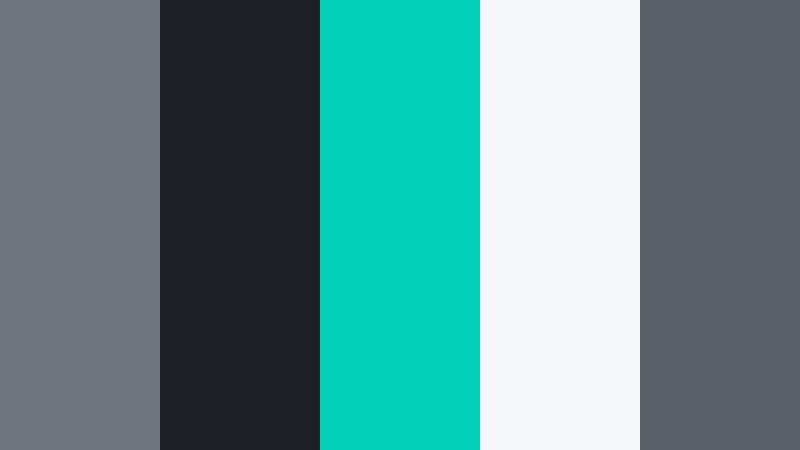
- HEX Codes: #70757b, #1d2126, #00d0b8, #f5f7fa, #596068
- Mood: Futuristic, energetic, and precise.
- Use for: Use for app promos, motion graphics, and tech explainers where you want a sharp, digital atmosphere.
Graphite Tech Pulse grounds a bright neon teal in layers of Horizon Gray and graphite black. It feels like a HUD interface or a futuristic dashboard.
Use teal as your accent for icons, progress bars, and key stats, while the grays define cards, panels, and text areas. In Filmora, this palette works perfectly with glitch transitions, line animations, and kinetic typography for data focused content.
Midnight Headline Drama
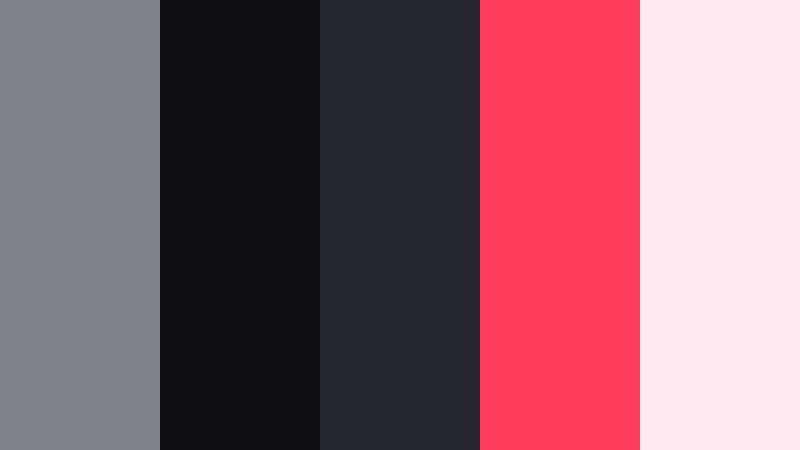
- HEX Codes: #7e8389, #101014, #262630, #ff3b5c, #ffe9f0
- Mood: Theatrical, bold, and attention grabbing.
- Use for: Perfect for commentary channels, announcement cards, and bold chapter titles that must stand out in feeds.
Midnight Headline Drama fuses Horizon Gray with near black backgrounds and hot pink accents. It has the energy of a late night talk show or breaking news graphic.
Use the darkest tones behind your hosts or main subjects, then bring in the pink for headlines, subscribe CTAs, and chapter markers. In Filmora, combine this palette with sharp cuts and stingers to give your commentary or opinion content a strong, branded presence.
Earthy & Editorial Horizon Gray Color Palettes
Mist Over Dunes
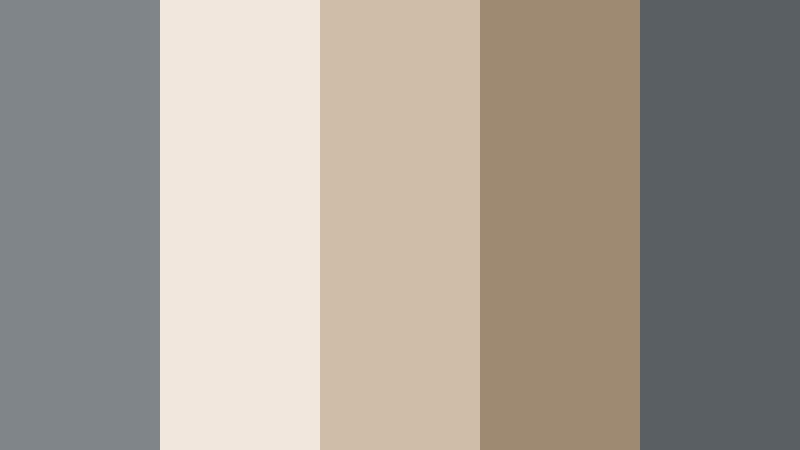
- HEX Codes: #80858a, #f1e7dd, #d0bda7, #9e8a72, #5a5f64
- Mood: Earthy, calm, and editorial.
- Use for: Great for travel lookbooks, sustainable brand stories, and product flat lays that feel grounded and natural.
Mist Over Dunes softens Horizon Gray with sandy beige and dune browns, like a foggy morning on the coast. It feels natural and refined at the same time.
Use it for lifestyle edits, slow travel sequences, and eco conscious brand videos. In Filmora, design lower thirds and pack shots using the beiges and grays as quiet frames around your products or scenes.
Olive Market Stroll
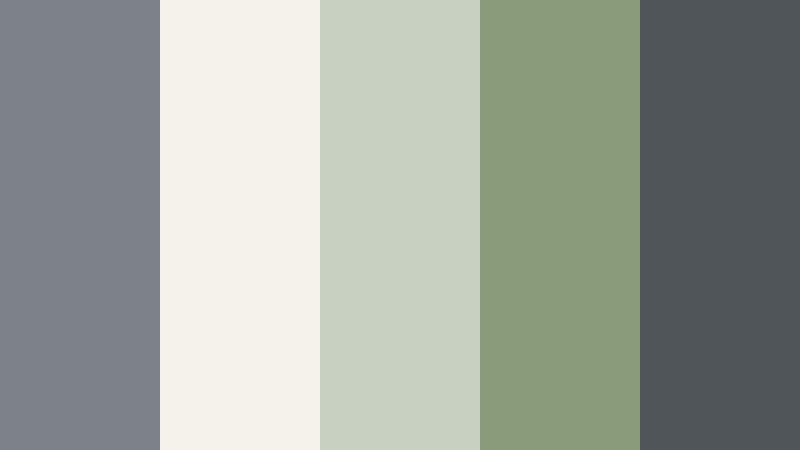
- HEX Codes: #7c8287, #f5f2e9, #c8d0c2, #8a9b7b, #4f5559
- Mood: Organic, relaxed, and documentary style.
- Use for: Use for farmers market vlogs, cooking videos, and slow travel edits with a natural, grounded tone.
Olive Market Stroll combines Horizon Gray with soft olive and creamy white. It feels fresh but muted, like a calm walk through a market or garden.
Try it on cooking videos, small business stories, and day in the life documentaries. Use the olives and creams as backgrounds and highlight colors for text cards, keeping the gray as a neutral bridge between footage and graphics.
Editorial Street Monochrome
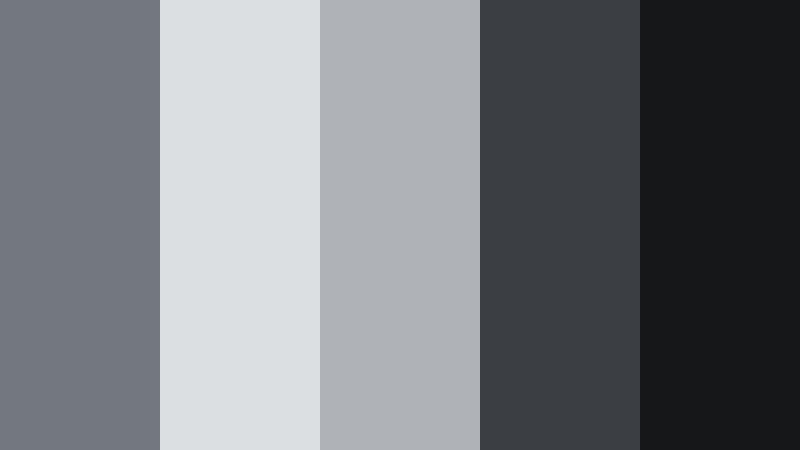
- HEX Codes: #73787e, #dcdfe2, #afb3b8, #3b3f43, #161719
- Mood: Cool, stylish, and fashion editorial inspired.
- Use for: Ideal for lookbooks, street style shoots, and brand campaigns with strong typography and negative space.
Editorial Street Monochrome layers Horizon Gray tones with charcoal and near black, creating a crisp city editorial vibe. It feels like a black and white fashion spread with a subtle hint of color.
Use it to build strong lookbook layouts, campaign teasers, and brand bumpers. In Filmora, let large areas of gray act as negative space while your outfits or products pop in natural color against those sleek backdrops.
Tips for Creating Horizon Gray Color Palettes
Horizon Gray works as a flexible base color, so the colors you pair with it will define whether your video feels minimal, cozy, bold, or editorial. Use these tips to build palettes that look great on screen and stay practical for titles, overlays, and branding.
- Decide the mood first: pair Horizon Gray with whites and charcoals for minimal, with beiges and browns for cozy, or with neon accents for bold, cinematic looks.
- Protect readability: always check that your text color has enough contrast against your background, especially on mobile thumbnails and lower thirds.
- Limit accent colors: use one strong accent with Horizon Gray rather than many competing hues so your brand feels focused and recognizable.
- Match footage temperature: if your video is warm, shift Horizon Gray slightly warmer in grading; for cool footage, keep the gray on the blue side so UI and titles blend naturally.
- Use light grays for backgrounds: soft Horizon Gray tints behind text and icons are easier on the eyes than pure white, especially for tutorials and long form content.
- Keep a hierarchy: reserve the darkest gray for headlines, mid grays for body text and lines, and the lightest tones for panels and cards.
- Test on real frames: drop your palette into actual screenshots from your edit in Filmora to make sure everything stays legible and balanced in motion.
- Save presets: once you like a Horizon Gray palette, save title and color presets in Filmora so you can reuse the same look across series, seasons, and platforms.
Horizon Gray color palettes give you a stable, modern foundation that can shift from soft and nostalgic to sharp and cinematic with just a few accent colors. Used well, they make your channel or brand feel intentional, cohesive, and easy to recognize across thumbnails, intros, and full length edits.
Try a few of the palettes above in Filmora: build a simple style guide, apply it to one video, and then reuse the same HEX codes and presets on future uploads. Over time, your feed will develop a clear Horizon Gray signature that viewers associate with your content.
Because Filmora makes it easy to match colors, grade footage, and reuse templates, you can focus on the creative side while your visuals stay polished and consistent.
secure download