

 100% Security Verified | No Subscription Required | No Malware


 ChatGPT
 Perplexity
 Gemini
 Claude
 Grok
Grok
Laser Lemon is a high energy, neon leaning yellow that instantly pulls the eye. It feels bright, optimistic, and a little rebellious, which is why creators love it for grabbing attention in crowded feeds. Psychologically, this color signals alertness and excitement, making it perfect for hype moments, key highlights, and playful branding that wants to feel modern rather than traditional.
In video editing, Laser Lemon shines in YouTube thumbnails, title cards, lower thirds, subscribe buttons, and dynamic intros. It cuts through dark backgrounds and pairs beautifully with techy blues, bold oranges, or soft pastels, depending on the mood you want. Below are 15 ready to use Laser Lemon color palettes with HEX codes, designed for creators and Filmora users who want consistent, professional looking color across thumbnails, edits, overlays, and social content.
In this article
Bold And Energetic Laser Lemon Color Palettes
Neon Street Glow
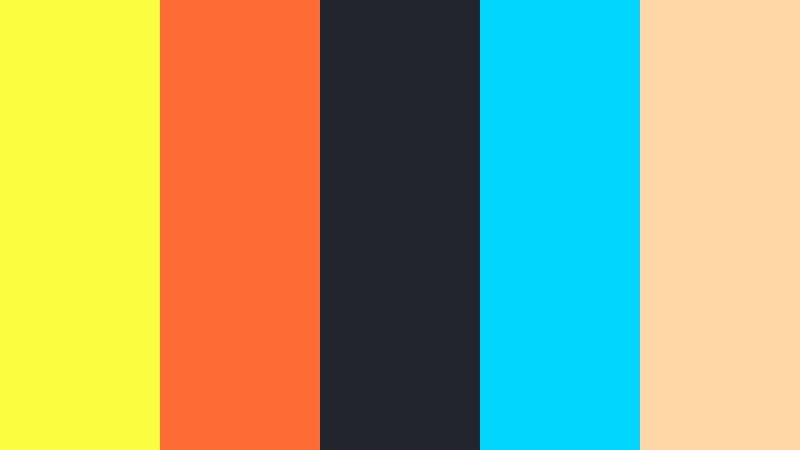
- HEX Codes: #f9ff3f, #ff6b35, #22252b, #00d6ff, #ffd6a5
- Mood: Electric, urban, and highly energetic.
- Use for: Perfect for edgy YouTube intros, gaming highlights, and attention grabbing countdown screens.
Neon Street Glow throws Laser Lemon against charcoal, neon cyan, and hot orange to feel like a city full of LED signs at night. The dark #22252b base makes the yellows and blues explode with contrast, while #ffd6a5 keeps things from feeling too harsh.
Use this palette when you want fast cuts, glitch transitions, and animated titles that really sting on screen. It is ideal for gaming thumbnails, stream offline screens, and intro sequences where your logo or channel name needs to glow like a street sign in motion.
Pro Tip: Keep Your Neon Laser Lemon Style Consistent in Filmora
With such a high energy palette, consistency is everything. In Filmora, you can create a Neon Street Glow look once, then save title presets and custom color templates so your intros, outros, and highlight reels all share the same Laser Lemon accents and cyan glows. That way your channel starts to feel instantly recognizable, even in a crowded recommendation feed.
Build a simple style system: Laser Lemon for key words or call to action buttons, cyan for supporting lines, and charcoal for backgrounds. Apply that same logic to lower thirds, subscribe animations, and even reaction cam frames so the whole edit feels like one unified neon world.
AI Color Palette
If you already have a reference image of a city at night or a thumbnail you love, Filmora's AI Color Palette feature helps you turn that look into a reusable style. Just feed the reference clip or still frame into Filmora, and let AI analyze the Laser Lemon highlights, cyan accents, and dark shadows.
You can then apply that palette across an entire timeline: intros, talking head shots, B roll, and shorts versions for social platforms. Instead of manually matching every clip, AI Color Palette brings your signature neon mood into every frame in a few clicks.
 secure download

HSL, Color Wheels & Curves
Laser Lemon can easily clip or look too harsh if it is not balanced well. Use Filmora's HSL and color wheels to nudge the yellow hue slightly greener or warmer, depending on your brand, and to keep skin tones natural next to such a strong highlight. You can protect midtones while letting the brightest accents of #f9ff3f glow on signs, borders, or animated streaks.
For a cinematic edge, gently lower overall contrast in the curves, then add a slight S curve just in the highlights to give Laser Lemon more punch without crushing shadows. This approach, similar to what you see in Filmora's advanced color grading tutorials, helps your neon palette feel intentional rather than overexposed.
secure download1000+ Video Filters & 3D LUTs
Once your Laser Lemon palette feels right, Filmora's video filters and 3D LUTs make it easy to push the mood even further. Add subtle glow filters, neon or cyberpunk LUTs, and vignette effects to make your yellow accents look like they are really casting light into the scene.
You can stack a soft cinematic LUT with a stylized glow filter to turn plain B roll into something that matches your Neon Street Glow graphics. Save your favorite combinations as custom presets, then apply them to gaming clips, talking head segments, and shorts without having to rebuild the look from scratch every time.
secure downloadTurbo Highlight Pop
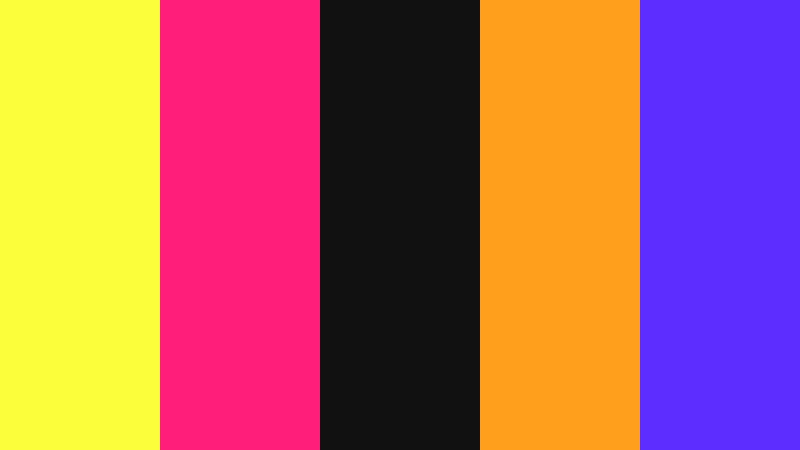
- HEX Codes: #faff3c, #ff1f7a, #111111, #ff9f1c, #5d2cff
- Mood: High contrast and hype driven.
- Use for: Great for sports montages, kinetic typography, and bold channel branding that needs instant impact.
Turbo Highlight Pop is built around a jet black #111111 base that lets Laser Lemon, magenta (#ff1f7a), and deep violet (#5d2cff) scream off the screen. It feels loud, fast, and perfect for content that needs to look like it is moving even when the frame is still.
Use this palette on big typography, animated counters, scoreboards, and logo stings. In thumbnails, you can keep the background dark and let Laser Lemon frame players, products, or your own face, while magenta and orange act as supporting highlight strokes and drop shadows.
Arcade Neon Blitz
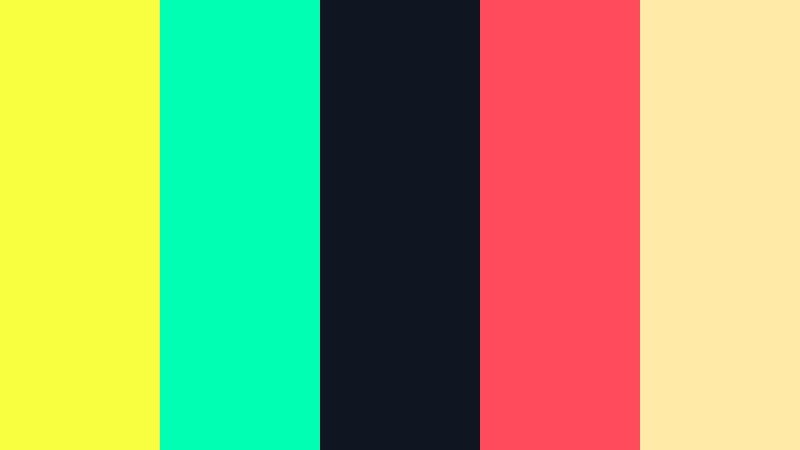
- HEX Codes: #f7ff40, #00ffb3, #101522, #ff4b5c, #ffeaa7
- Mood: Retro futuristic and playful.
- Use for: Fits perfectly with retro gaming edits, glitch transitions, and synthwave style overlays.
Arcade Neon Blitz mixes Laser Lemon with teal (#00ffb3), candy red (#ff4b5c), and a creamy highlight (#ffeaa7) over a midnight blue #101522. It feels like arcade cabinets, synthwave posters, and neon grid horizons all rolled into one.
Apply this palette to 8 bit animations, pixelated lower thirds, and glitchy transitions. Use Laser Lemon on score numbers or level titles, teal for UI panels, and cream for subtle background gradients so your retro edits stay bold but readable.
Creator Spotlight Burst
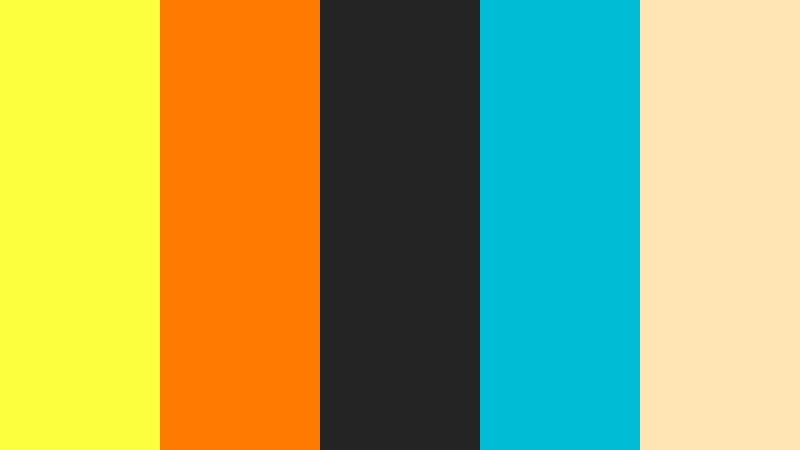
- HEX Codes: #fcff3e, #ff7a00, #242424, #00bcd4, #ffe5b4
- Mood: Confident, modern, and promo ready.
- Use for: Ideal for channel trailers, product teasers, and influencer ad reads that need a polished but punchy look.
Creator Spotlight Burst uses #242424 charcoal to frame Laser Lemon, warm orange, and cyan in a way that feels modern and professional. The soft peachy #ffe5b4 tones keep the overall look approachable rather than harsh.
Use this palette to build a consistent promo toolkit: channel trailers with Laser Lemon frames, ad read cards with orange CTAs, and cyan accent lines. It works extremely well in vertical shorts and reels where you want a clean, branded border around your main footage.
Festival Stage Lights
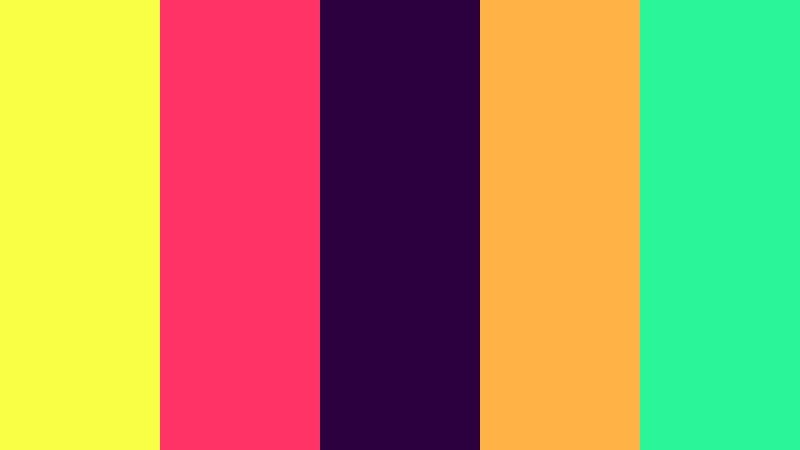
- HEX Codes: #f8ff45, #ff3366, #2c003e, #ffb347, #2af598
- Mood: Celebratory, loud, and festival ready.
- Use for: Best for concert recaps, festival reels, and energetic dance edits where color drives the beat.
Festival Stage Lights combines Laser Lemon with coral pink (#ff3366), emerald teal (#2af598), and deep plum (#2c003e) for a look that feels like confetti under spotlights. It is busy in the best way, designed to mirror flashing LEDs and stage beams.
Use it in timeline overlays, lyric videos, and social recaps. Laser Lemon can highlight timestamps, festival names, and big beats, while teal and coral animate as lines, shapes, or waveforms that dance with your music.
Fresh And Playful Laser Lemon Color Palettes
Citrus Morning Vlog
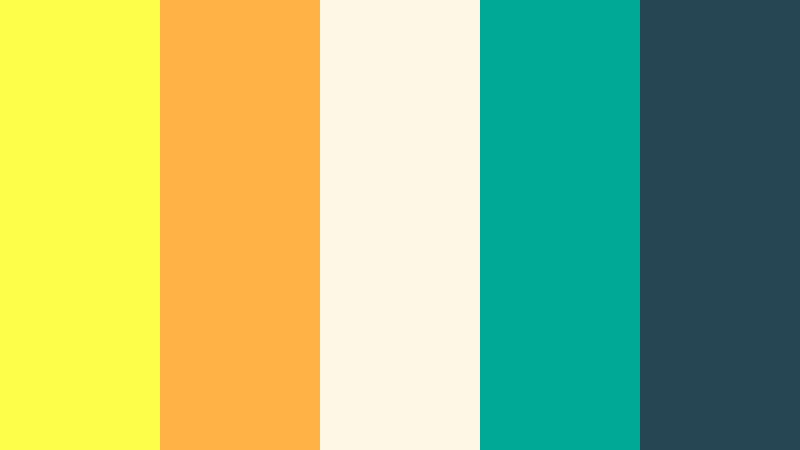
- HEX Codes: #fbff4a, #ffb347, #fff7e6, #00a896, #264653
- Mood: Sunny, friendly, and optimistic.
- Use for: Perfect for lifestyle vlogs, morning routines, and wholesome family content with a bright, clean feel.
Citrus Morning Vlog softens Laser Lemon with warm apricot (#ffb347) and a creamy off white #fff7e6, while teal and deep blue gray ground the frame. It feels like freshly squeezed juice, cozy kitchens, and sunlight through curtains.
Use this palette for day in the life vlogs, routines, and family montages. Laser Lemon can emphasize headers and chapter markers, apricot can be used for icons or stickers, and teal can frame important text in thumbnails without clashing with skin tones.
Lemon Soda Pop
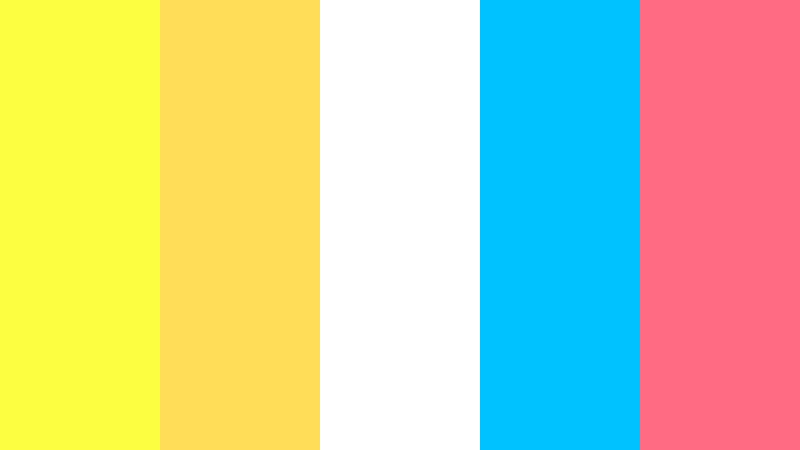
- HEX Codes: #faff40, #ffdd59, #ffffff, #00c2ff, #ff6b81
- Mood: Bubbly, playful, and candy like.
- Use for: Great for shorts, unboxings, snack reviews, and playful product demos that aim at younger audiences.
Lemon Soda Pop layers multiple yellows with a pure white background, then splashes in cyan and strawberry pink. The result feels fizzy, sweet, and perfect for high energy edits with lots of motion graphics and stickers.
Apply this palette to animated subscribe buttons, reaction stickers, and countdown timers. Laser Lemon should be your main highlight, while cyan and pink alternate on borders, speech bubbles, and emoji style icons to keep the visuals bouncing.
Playground Sunshine
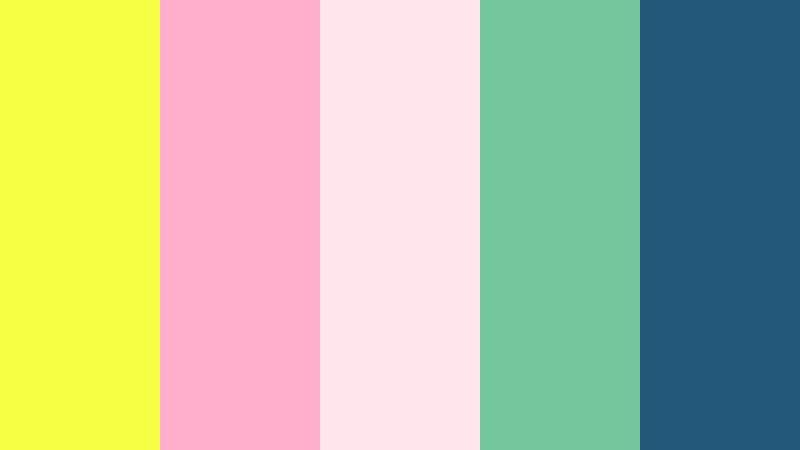
- HEX Codes: #f7ff44, #ffafcc, #ffe5ec, #74c69d, #22577a
- Mood: Cheerful, soft, and slightly nostalgic.
- Use for: Ideal for school projects, kids content, and wholesome compilation videos needing gentle but bright color.
Playground Sunshine tones down Laser Lemon with blush pinks (#ffafcc, #ffe5ec) and mint green (#74c69d), anchored by navy #22577a. It feels playful but not overwhelming, like pastel playground equipment under a clear sky.
Use this palette for educational explainers, school recaps, and kids craft content. Laser Lemon can badge key words or fun facts, while pinks can color doodle frames and mint can highlight checklists or step by step captions.
Summer Picnic Grid
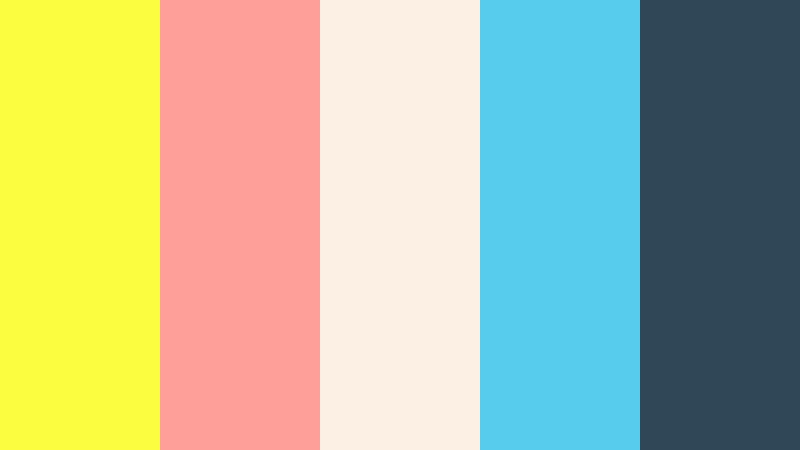
- HEX Codes: #f9ff3e, #ff9f9a, #fcefe3, #58cced, #2f4858
- Mood: Casual, breezy, and social media ready.
- Use for: Use for reels, travel diaries, and lifestyle carousels that mix footage with graphic cutaways and captions.
Summer Picnic Grid pairs Laser Lemon with soft strawberry (#ff9f9a), sky blue (#58cced), and a cream base #fcefe3, tied together with slate #2f4858. It is perfect for content that feels like sunny afternoons with friends.
This palette works well in collage style layouts, split screens, and text overlays on vertical content. Laser Lemon can highlight titles at the top of the frame, while blue and strawberry tint frames, grids, and photo placeholders in your edits.
Bubble Notebook Doodles
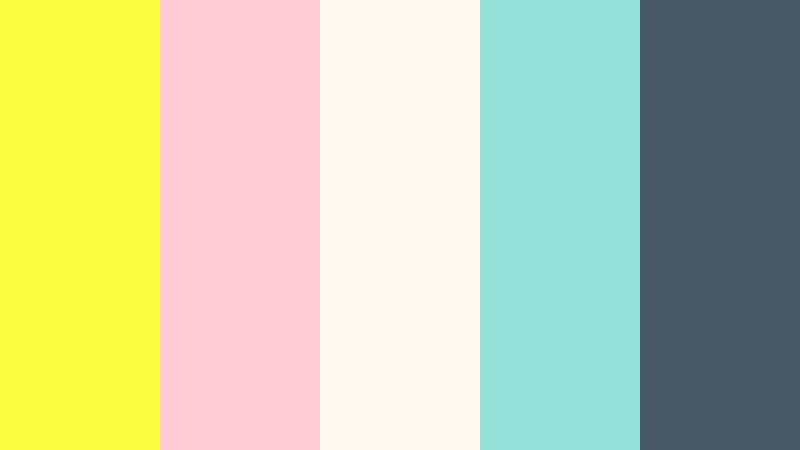
- HEX Codes: #fbff41, #ffcad4, #fffaf0, #93e1d8, #495867
- Mood: Cute, sketchy, and creative.
- Use for: Perfect for study vlogs, bullet journal content, and educational explainers with hand drawn elements.
Bubble Notebook Doodles places Laser Lemon on a paper like off white #fffaf0, with pastel pink (#ffcad4), mint (#93e1d8), and slate #495867 for text. It looks like margin doodles and sticky notes brought into motion.
Use this palette to design animated bullet journal pages, to do lists, or revision cards inside your videos. Laser Lemon is your main highlighter stripe behind headings, while slate handles body text and outlines, keeping everything fun but readable.
Modern And Minimal Laser Lemon Color Palettes
Monochrome Highlight Focus
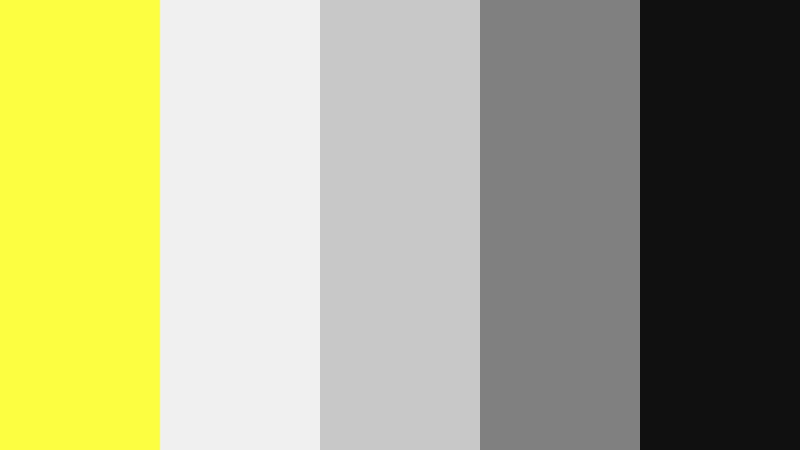
- HEX Codes: #faff40, #f0f0f0, #c8c8c8, #808080, #101010
- Mood: Clean, minimal, and editorial.
- Use for: Great for tech reviews, UI mockups, and portfolio reels where Laser Lemon acts as a focused accent color.
Monochrome Highlight Focus uses a grayscale scale from near white #f0f0f0 down to deep #101010, with Laser Lemon as the only strong hue. This keeps your frames restrained and professional while giving you one bold accent to guide the viewer.
Use Laser Lemon exclusively for buttons, progress bars, key specs, or important labels in tech review overlays. Thumbnails can stay mostly grayscale, with just one Laser Lemon line or icon pointing to the device or feature you want people to notice.
Studio Loft Accent
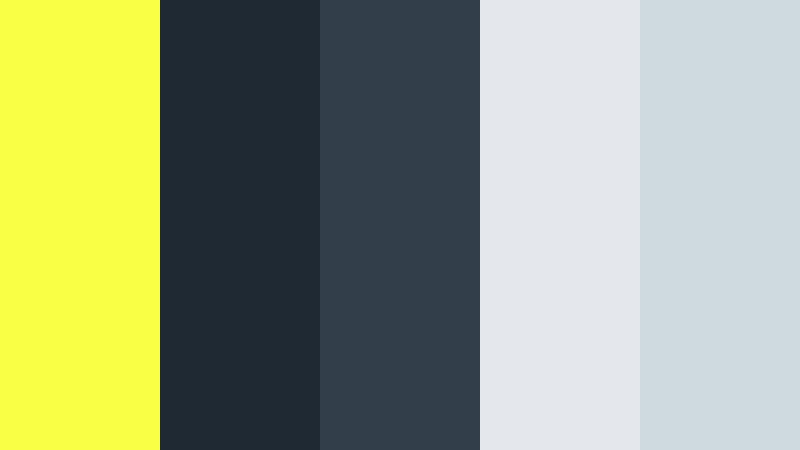
- HEX Codes: #f8ff45, #1f2933, #323f4b, #e4e7eb, #ced9e0
- Mood: Sleek, understated, and professional with a twist.
- Use for: Ideal for design portfolios, startup explainers, and app promos wanting a modern edge without losing warmth.
Studio Loft Accent blends Laser Lemon with deep blue grays and cool neutrals, evoking a stylish workspace with big windows and steel frames. It looks polished and contemporary, with yellow acting like accent tape on a clean set.
Use this palette in slides style videos, UI demos, and pitch decks turned into motion graphics. Add thin Laser Lemon lines to underline section titles, draw arrows toward key stats, or highlight interactive elements in app previews.
Data Dashboard Pulse
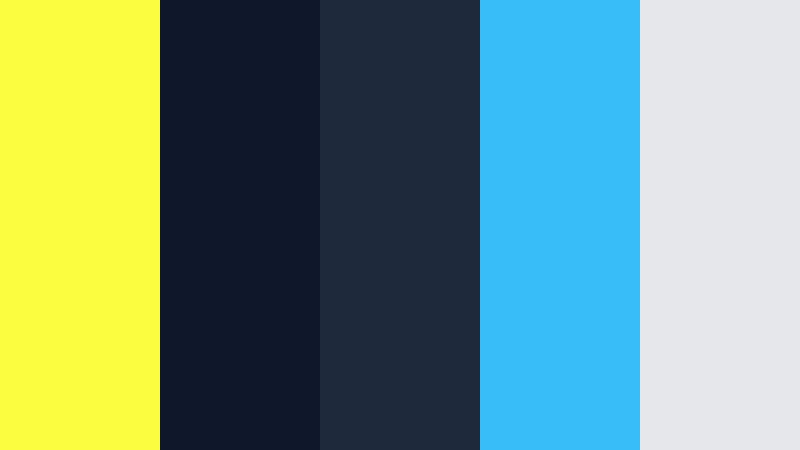
- HEX Codes: #f9ff3e, #0f172a, #1e293b, #38bdf8, #e5e7eb
- Mood: Techy, focused, and analytical.
- Use for: Best for dashboard style overlays, analytics explainers, and finance or productivity channels.
Data Dashboard Pulse sets Laser Lemon and bright cyan (#38bdf8) against deep navies (#0f172a, #1e293b) with a touch of light gray #e5e7eb. It feels like a glowing analytics panel or trading screen.
Use Laser Lemon to trace graph peaks, highlight profit numbers, or show completed goals in productivity videos. Cyan can represent secondary metrics, and navy can act as the base for lower thirds or on screen widgets that sit on top of your footage.
Editorial Margin Note
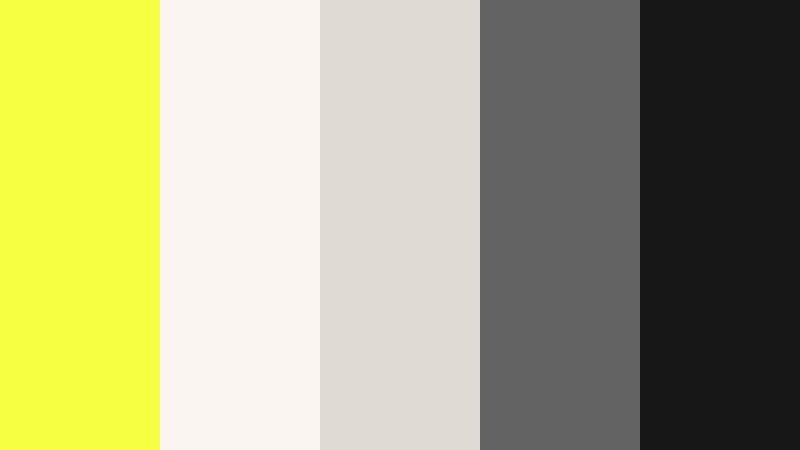
- HEX Codes: #f7ff42, #faf5f0, #e0dbd2, #636363, #171717
- Mood: Refined, print inspired, and calm with sharp emphasis.
- Use for: Great for essays, commentary videos, and documentary titles that need subtle elegance with standout callouts.
Editorial Margin Note mimics a printed page: creamy off white (#faf5f0), soft taupe (#e0dbd2), and charcoal text, with Laser Lemon as a literal highlighter strip. It feels intellectual but still modern and digital ready.
Use this palette for video essays, commentary, or documentary intros. Let Laser Lemon act as underlines beneath key quotes or as margin notes sliding in from the side. The neutral base keeps the tone serious, while yellow directs attention to your most important lines.
Cinematic And Dramatic Laser Lemon Color Palettes
Noir Alley Halo
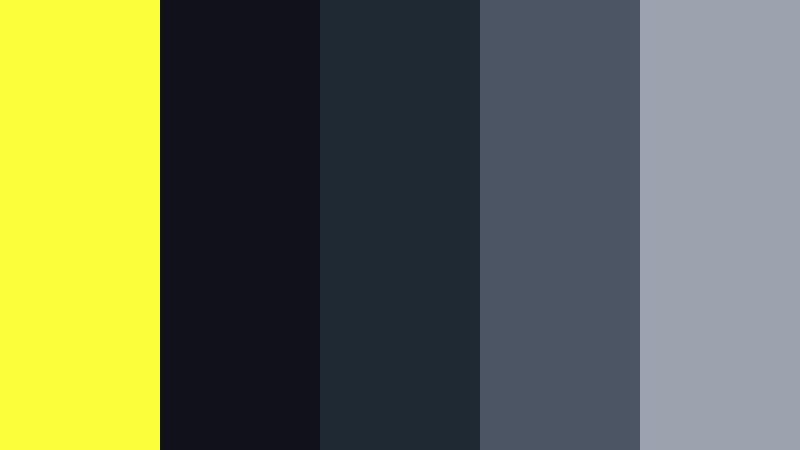
- HEX Codes: #faff3c, #111119, #1f2933, #4b5563, #9ca3af
- Mood: Moody, cinematic, and mysterious with a sharp glow.
- Use for: Perfect for title cards, thrillers, and dramatic short films that use color contrast for tension.
Noir Alley Halo surrounds Laser Lemon with layers of charcoal and steel gray, creating a halo effect any time yellow appears. It instantly reads like a streetlamp in a dark alley or a glowing sign in fog.
Use this palette in suspenseful title cards, crime themed explainers, or moody b roll sequences. Keep most of your frame in the darker tones, and introduce Laser Lemon only for key words, outlines, or selective lighting to build tension and focus.
Storm Break Horizon
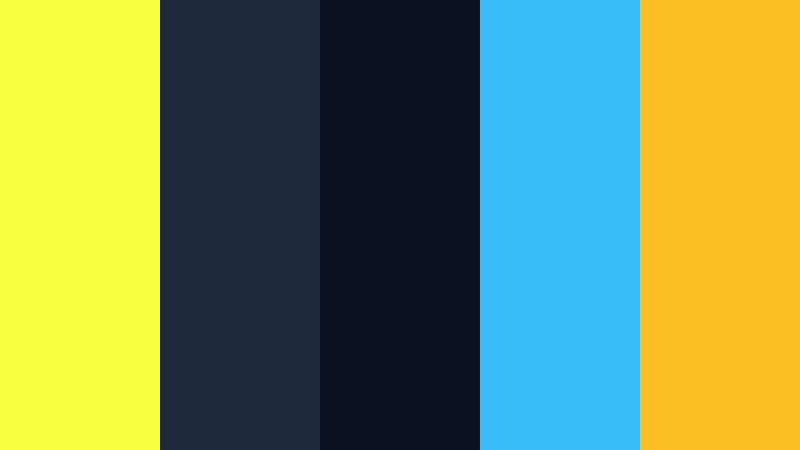
- HEX Codes: #f7ff40, #1e293b, #0b1120, #38bdf8, #fbbf24
- Mood: Epic, stormy, and hopeful.
- Use for: Great for travel films, drone shots, and landscape sequences that shift from dark clouds to glowing skies.
Storm Break Horizon pits Laser Lemon and golden amber (#fbbf24) against deep nighttime blues (#1e293b, #0b1120) and cyan highlights. It feels like heavy clouds breaking open to reveal a glowing horizon.
Use it in cinematic travel edits, drone flyovers, and time lapses. Grade darker scenes toward navy, then let Laser Lemon and amber emerge as the sky clears or a city lights up. In titles and overlays, use yellow for optimistic words or chapter markers that signal turning points in your story.
Tips for Creating Laser Lemon Color Palettes
Laser Lemon is powerful, so choosing the right companions and balance is key. These tips will help you build palettes that look intentional and work beautifully in Filmora for both video and design.
- Use Laser Lemon as an accent, not a base. Let it highlight 1 to 2 key elements (titles, buttons, borders) while most of the frame stays neutral or darker.
- Pair Laser Lemon with deep blues, charcoals, or navies when you want strong contrast and a cinematic, techy feel.
- For playful content, soften Laser Lemon with pastels like blush pink, mint, or cream to keep things friendly and easy on the eyes.
- Always check text readability. If Laser Lemon is behind text, use dark typography; if Laser Lemon is the text color, place it on dark or very muted backgrounds.
- Stick to 3 to 5 core colors per project. Too many bright hues can make thumbnails and intros look noisy instead of exciting.
- Match your palette to your niche. Bold neon combos suit gaming and EDM, while minimal gray plus Laser Lemon works better for tech, productivity, or business content.
- Save brand presets in Filmora by storing custom color codes, title templates, and LUTs so every video feels on brand without manual rework.
- Test your Laser Lemon palette on mobile. Most viewers watch on phones, so make sure small text, icons, and buttons are still legible on smaller screens.
Laser Lemon palettes can instantly define your channel identity, from loud neon combos to subtle editorial highlights. Used well, this bright yellow directs attention exactly where you want it, shapes mood, and makes your branding stand out across thumbnails, intros, and full edits.
Use the HEX codes above as starting points, then fine tune them in Filmora until they match your style and footage. Whether you lean bold and energetic or clean and minimal, you can keep your Laser Lemon look consistent across long form videos, shorts, and social teasers.
Load your favorite palette into Filmora, experiment with AI Color Palette, HSL, and LUTs, and build a custom color language that your audience recognizes instantly.
secure downloadNext: Glow Pink Color Palette
