

 100% Security Verified | No Subscription Required | No Malware


 ChatGPT
 Perplexity
 Gemini
 Claude
 Grok
Grok
Motion Shadow Gray sits in that sweet spot between neutral and cinematic. It feels calm, reliable, and modern, but with enough depth to carry drama and emotion. On screen, these gray tones can make skin tones pop, sharpen typography, and give your edits a polished studio finish without stealing attention from your story.
In video branding, YouTube thumbnails, logo intros, and UI-style explainers, Motion Shadow Gray works as a flexible base color that pairs easily with accents like amber, neon aqua, or soft whites. Below are 15 Motion Shadow Gray color palettes with HEX codes that creators and Filmora users can plug straight into titles, overlays, thumbnails, lower thirds, and full color grades.
In this article
Cinematic Motion Shadow Gray Color Palettes
Midnight Studio Frame
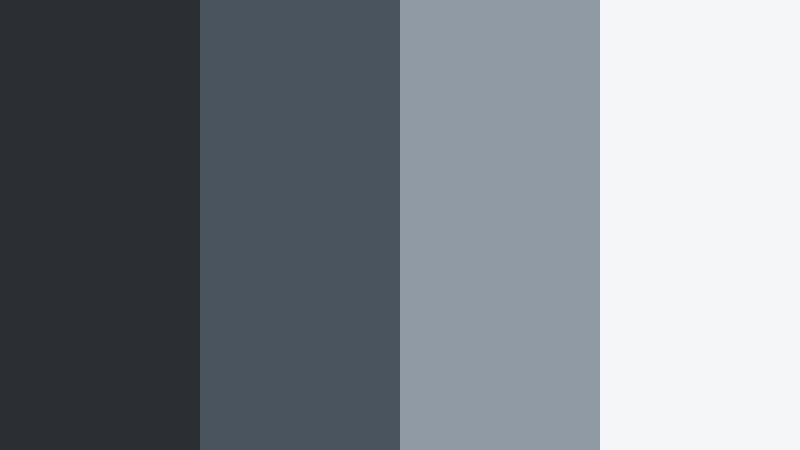
- HEX Codes: #2b2f33, #4a545e, #8f9aa5, #f5f6f7
- Mood: Moody, cinematic, and introspective with a polished studio feel.
- Use for: Ideal for dramatic film intros, noir-style sequences, and cinematic YouTube essays.
This palette leans into deep Motion Shadow Gray shadows, climbing through cooler steel tones into a soft, almost paper-white highlight. It feels like a quiet studio at night, with just enough light to shape your subject and text. On screen, it delivers that slow-burn cinematic look that suits voice-over essays, story-driven edits, and moody cold open sequences.
Use the darkest tone (#2b2f33) for full-screen backgrounds or letterbox bars, mid grays (#4a545e, #8f9aa5) for lower thirds and overlays, and the highlight (#f5f6f7) for crisp titles and UI-style elements. It works especially well for YouTube thumbnails, podcast cover art, chapter cards, and channel branding where you want a refined, studio-grade aesthetic.
Pro Tip: Build a Cinematic Motion Shadow Gray Look in Filmora
To keep this Midnight Studio Frame palette consistent, start by designing a simple style guide inside Filmora. Set the darkest hex as your background for intros and end screens, then save your title presets using the lighter Motion Shadow Gray tones and highlight white. Reusing these presets across A-roll, B-roll, and shorts keeps your channel instantly recognizable.
You can also stack adjustment layers with subtle vignettes and contrast tweaks that match this palette. Apply them across entire sequences so your main edit, reels, and social cutdowns all share the same Motion Shadow Gray atmosphere.
AI Color Palette
If you have a still frame or mood board that already captures this studio gray look, you can turn it into a reusable grade. Filmora's AI Color Palette feature lets you sample colors from a reference image and apply that look to your whole timeline in a few clicks.
Import your reference frame, select it as the source, and let AI Color Palette push your footage toward the same Motion Shadow Gray balance. This is ideal for matching B-roll shot on different cameras, syncing thumbnail frames with your intro, or bringing an entire series into one cohesive style.
 secure download

HSL, Color Wheels & Curves
Once the base Motion Shadow Gray look is in place, refine it with HSL, color wheels, and curves in Filmora. Use the color wheels to cool down shadows toward blue-gray while keeping midtones neutral for natural skin. Then, with curves, add a gentle S-shape to deepen contrast without crushing details in those subtle gray gradients.
If you want to explore grading techniques further, Filmora's own tutorials on using curves and color wheels show how small moves in shadows, midtones, and highlights can shift a gray palette from flat to truly cinematic without making it feel over edited.
secure download1000+ Video Filters & 3D LUTs
To speed up your workflow, you can blend this Motion Shadow Gray base with Filmora's ready-made looks. Filmora's video filters and 3D LUTs make it easy to push the palette toward noir, teal-and-orange, or soft pastel while keeping your grays consistent.
Drop a LUT or filter on an adjustment layer above your clips, then dial back the intensity until it supports, not replaces, your Midnight Studio Frame tones. This keeps your branding anchored in Motion Shadow Gray while still adding character for different series or campaigns.
secure downloadUrban Overcast Streets
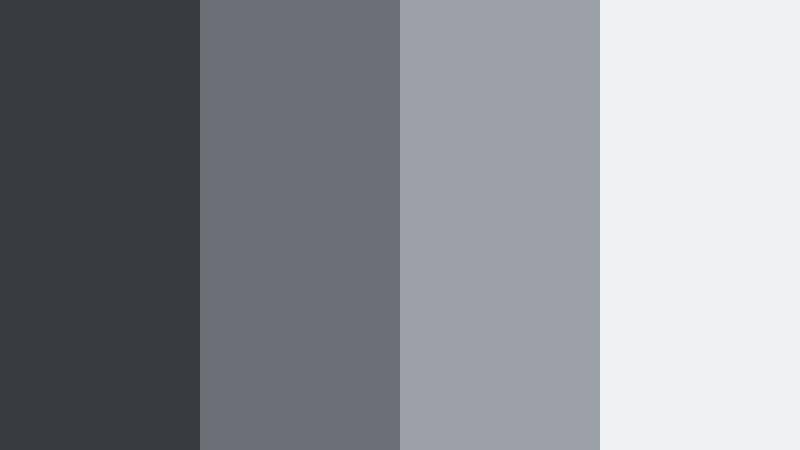
- HEX Codes: #383c40, #6a7076, #9ba1a7, #f0f1f2
- Mood: Urban, grounded, and documentary-like with a cool overcast tone.
- Use for: Great for city travel vlogs, street photography edits, and video essays with a realistic mood.
Urban Overcast Streets captures the feeling of walking through a city under cloudy skies. The cooler Motion Shadow Gray base keeps everything grounded and believable, while the lighter tones stop the image from feeling dull or flat.
Use the darker grays for background plates, title bars, and end cards, while the soft light gray (#f0f1f2) makes subtitles and UI elements readable over busy street shots. This palette fits city travel vlogs, POV walking tours, and street photography slideshows where you want realism with a subtle cinematic polish.
Foggy Cinema Alley
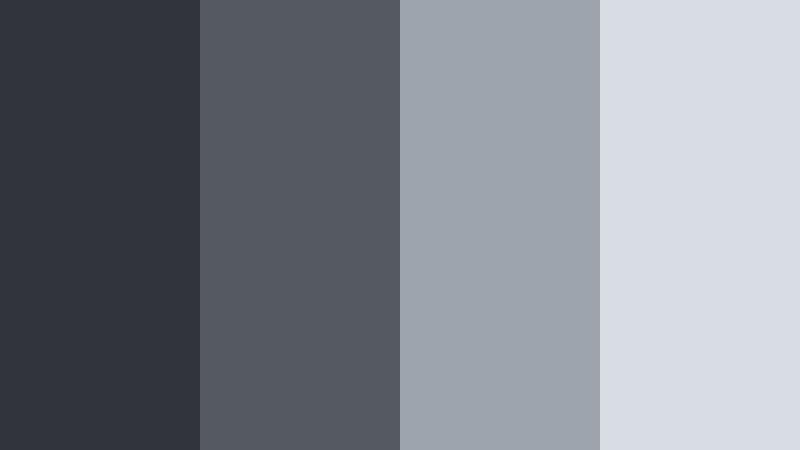
- HEX Codes: #31343a, #555a61, #9ea4ad, #d8dde3
- Mood: Misty, suspenseful, and cinematic, like a scene set in a quiet alley after rain.
- Use for: Use for thriller trailers, narrative shorts, and moody montage sequences.
Foggy Cinema Alley layers deep Motion Shadow Gray with misty highlights, creating a suspenseful atmosphere that still feels soft around the edges. Think rain-slick alleys, neon reflections, and slow tracking shots.
Apply the darkest tone (#31343a) to backgrounds and frame bars, the mid grays for shape overlays and graphic containers, and the light grays for titles and chapter labels. It works especially well for thriller teasers, dramatic narrative shorts, mystery podcast intros, and stylized thumbnail designs that hint at tension without using harsh colors.
Lens Flare Charcoal
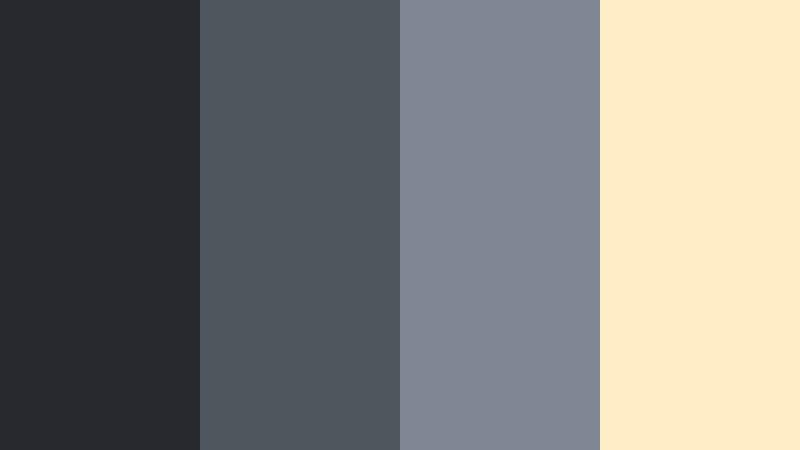
- HEX Codes: #26292e, #4e555d, #7f8892, #ffedc7
- Mood: Dark and cinematic with a subtle warm flare that adds intrigue.
- Use for: Perfect for title screens, logo reveals, and motion graphics with a premium feel.
This palette marries rich charcoal grays with a warm, lens-flare-inspired highlight (#ffedc7). The Motion Shadow Gray tones keep your visuals sleek and modern, while the warm accent draws the eye to key elements.
Use the golden highlight sparingly for logo marks, accent lines, or call-to-action buttons on thumbnails. Let the darker grays dominate backgrounds, gradients, and transitions. This combination is ideal for premium-feeling channel intros, software or product reveals, and motion graphics where you want a cinematic but slightly luxurious style.
Rainy Window Sequence
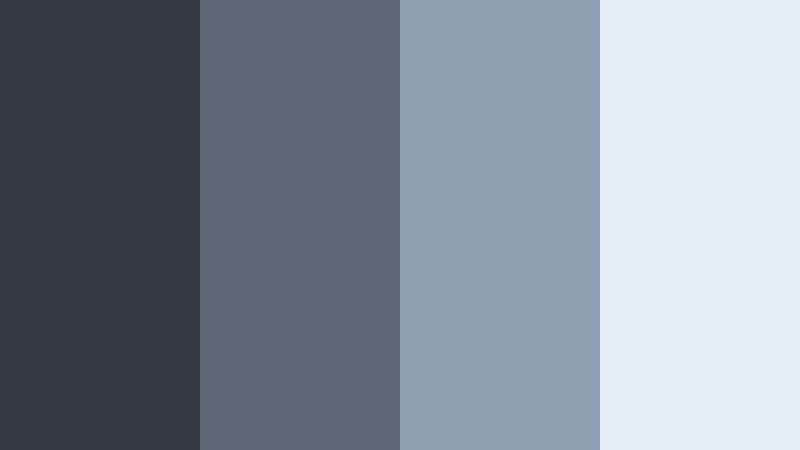
- HEX Codes: #343940, #5c6771, #8ea0af, #e3edf5
- Mood: Reflective, calm, and emotional, like watching the city through a rainy window.
- Use for: Ideal for reflective vlogs, emotional storytime videos, and mellow lo-fi edits.
Rainy Window Sequence adds a gentle blue tint to Motion Shadow Gray, creating a soft, reflective feel. It is great for emotional storytelling, reflective monologues, or slow B-roll over music.
Use the darker tones behind text to keep it readable over bokeh or raindrop footage, and let the pale blue-gray (#e3edf5) handle captions, quotes, or lyric overlays. This palette suits lo-fi music visuals, breakup stories, study-with-me videos, or any edit where you want to invite viewers into a calm, introspective mood.
Minimal & Modern Motion Shadow Gray Color Palettes
Monochrome Interface Clean
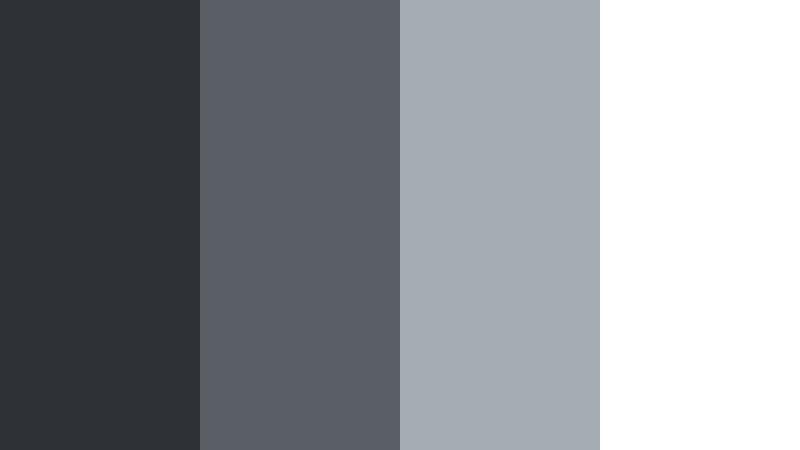
- HEX Codes: #2e3236, #595f65, #a6acb3, #ffffff
- Mood: Clean, minimal, and tech-forward with a crisp UI aesthetic.
- Use for: Great for app demos, UI walkthroughs, SaaS promos, and productivity channel branding.
Monochrome Interface Clean is a straight, minimal Motion Shadow Gray ramp into pure white. It feels like a modern app interface: neutral, focused, and distraction free.
Use the darker shade (#2e3236) as your main background, mid grays for cards, panels, and lower thirds, and pure white for text and main icons. This works perfectly for screen recordings, app and tool tutorials, UX case studies, and productivity content where clarity matters more than drama. It also makes it easy to overlay colored icons or buttons as accents without clashing.
Studio Gear Matte
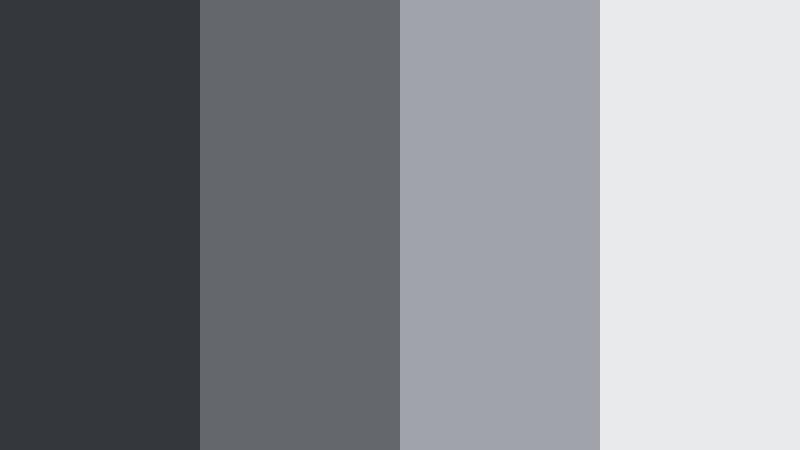
- HEX Codes: #34373b, #64676c, #a0a4aa, #e9eaec
- Mood: Professional, matte, and gear-inspired with a subtle industrial edge.
- Use for: Use for product B-roll, camera gear reviews, and professional portfolio reels.
Studio Gear Matte is inspired by the finishes on cameras, lenses, and studio hardware. The Motion Shadow Gray tones feel durable and professional, with a matte, non-reflective vibe.
Use the darker shades for product backdrops and gradient overlays behind gear shots, and the lighter grays for tech specs, labels, and lower thirds. It is an excellent fit for camera reviews, lighting breakdowns, behind-the-scenes reels, and portfolio edits where you want your work and gear to look serious and high end.
Minimal Desk Setup
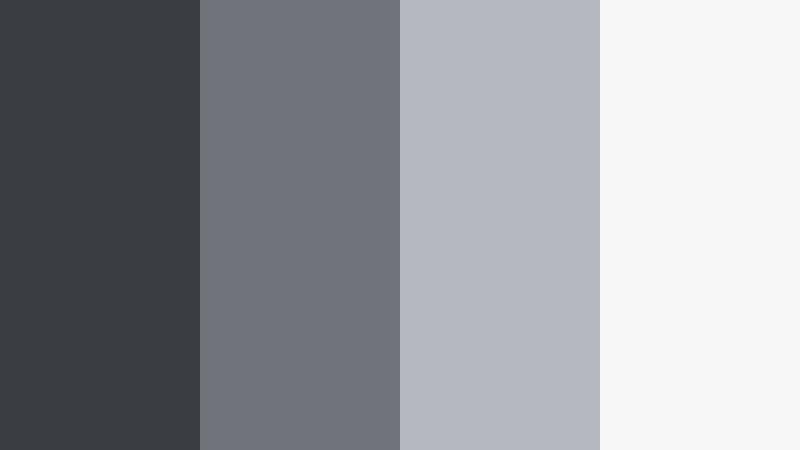
- HEX Codes: #3a3d42, #70747a, #b5b9bf, #f7f7f8
- Mood: Minimal, organized, and calm, echoing aesthetic desk setups.
- Use for: Perfect for productivity vlogs, workspace tours, and minimalist brand intros.
Minimal Desk Setup echoes the clean lines of a well-organized workstation: dark desk, light walls, and neutral tech. The Motion Shadow Gray range here is soft and approachable, not cold.
Use the deepest shade for borders or subtle shadows under text and frames, the mid grays for cards or timeline labels, and the almost-white (#f7f7f8) as your main background. It pairs beautifully with soft accent colors like sage, blush, or muted blue, making it ideal for productivity channels, notion-style tutorial content, workspace tours, and minimalist logo stings.
Presentation Slate Grid
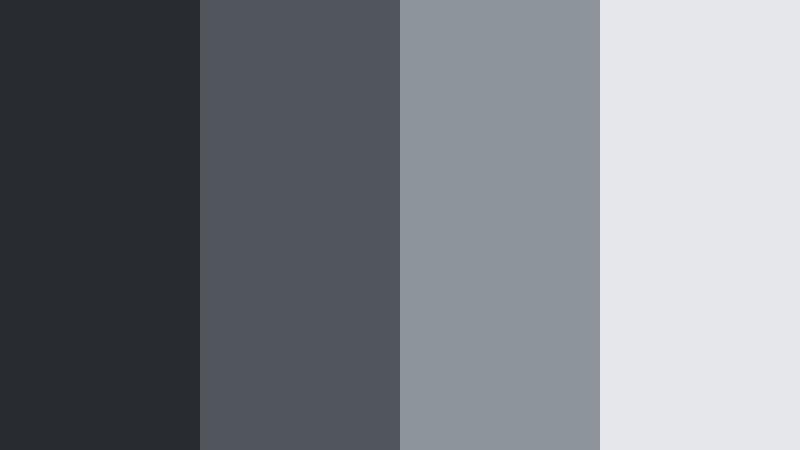
- HEX Codes: #282c30, #50565c, #8d949b, #e5e7ea
- Mood: Structured, corporate, and confident with a slide-deck ready vibe.
- Use for: Ideal for slide-style videos, business explainers, and LinkedIn-focused content.
Presentation Slate Grid feels like a polished slide deck translated into video. The Motion Shadow Gray tones are structured and corporate, perfect for data, infographics, and talking-head explainers.
Use the darker gray (#282c30) for full-screen title cards, the mid tones for chart backgrounds and bullet boxes, and the light gray (#e5e7ea) behind text to keep everything legible. It is ideal for LinkedIn videos, business course modules, pitch breakdowns, and branded webinars you plan to repurpose on social platforms.
Neutral Brand Framework
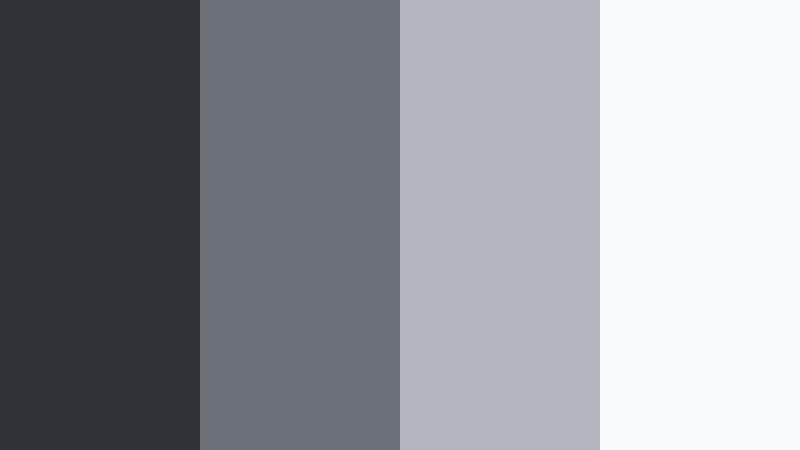
- HEX Codes: #2f3337, #6b7076, #b2b6bc, #fafbfc
- Mood: Neutral, flexible, and brand-friendly, focusing attention on content.
- Use for: Use as a base brand system for channels that mix many accent colors over time.
Neutral Brand Framework is designed as a long-term base for your channel or brand. The Motion Shadow Gray ladder is intentionally soft and flexible, so it will not clash with any accent color you add later.
Use these four grays to define your permanent branding elements: backgrounds, subtitles, info panels, and lower thirds. Then rotate in seasonal or campaign-specific accents (like teal, orange, or purple) for buttons, highlights, or series tags. This approach lets you refresh your look while keeping the core Motion Shadow Gray identity consistent across thumbnails, intros, and social graphics.
Soft & Atmospheric Motion Shadow Gray Color Palettes
Soft Cloud Backdrop
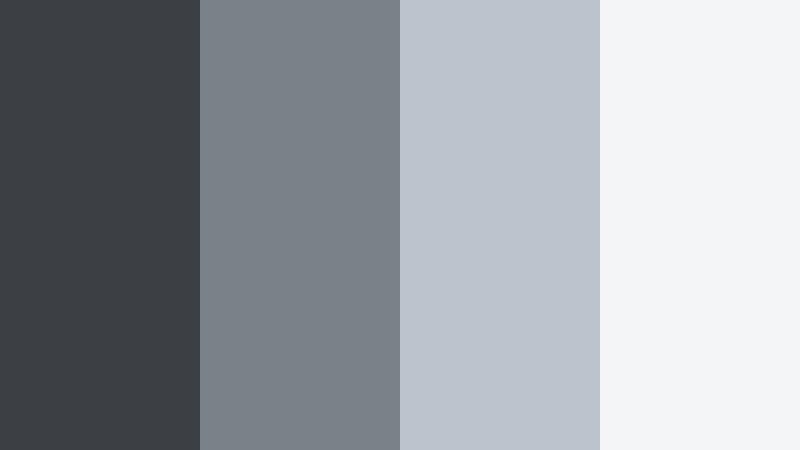
- HEX Codes: #3c4045, #7a8188, #bcc3cc, #f4f5f7
- Mood: Soft, airy, and tranquil with a cloudlike diffusion.
- Use for: Great for talking-head videos, educational content, and calm lifestyle montages.
Soft Cloud Backdrop lightens Motion Shadow Gray into a diffused, cloudlike gradient. It supports your subject without drawing attention to itself, which is ideal for talking-head or tutorial formats.
Use the mid-light tones (#7a8188, #bcc3cc) as gentle backdrops behind presenters, slides, or over-the-shoulder shots. The lightest gray (#f4f5f7) works well for full-screen text, list slides, and educational diagrams. It keeps your content easy on the eyes for longer viewing sessions such as courses, explainers, and slow lifestyle montages.
Dusty Morning Studio
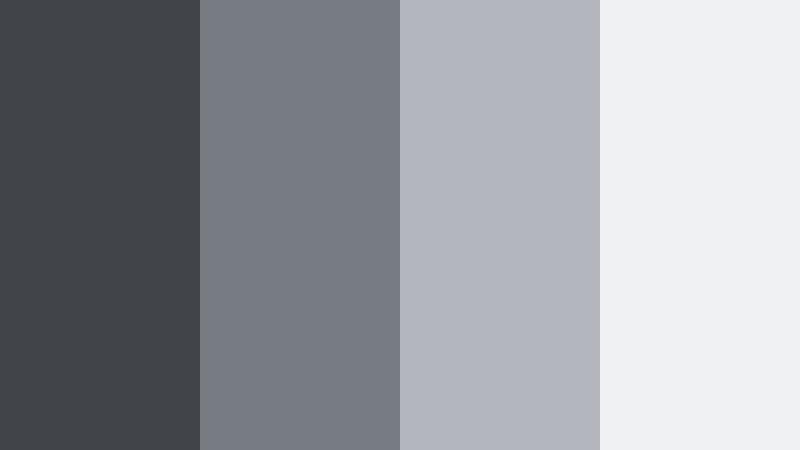
- HEX Codes: #41454a, #777c82, #b3b7bd, #f0f1f3
- Mood: Cozy, early-morning, and softly lit, like a studio before the shoot starts.
- Use for: Ideal for behind-the-scenes clips, quiet b-roll, and relaxed creative vlogs.
Dusty Morning Studio feels like soft daylight filtering into a creative space. The Motion Shadow Gray tones are gentle and slightly dusty, which gives footage a relaxed, unhurried mood.
Use the darker shade for subtle frames, dividers, or watermark-style branding, with the lighter tones carrying subtitles, timestamps, or short notes over behind-the-scenes B-roll. It works beautifully for studio tours, morning routine vlogs, art process videos, or any content where you want viewers to feel like they are spending a quiet morning with you.
Lo-Fi Edit Haze
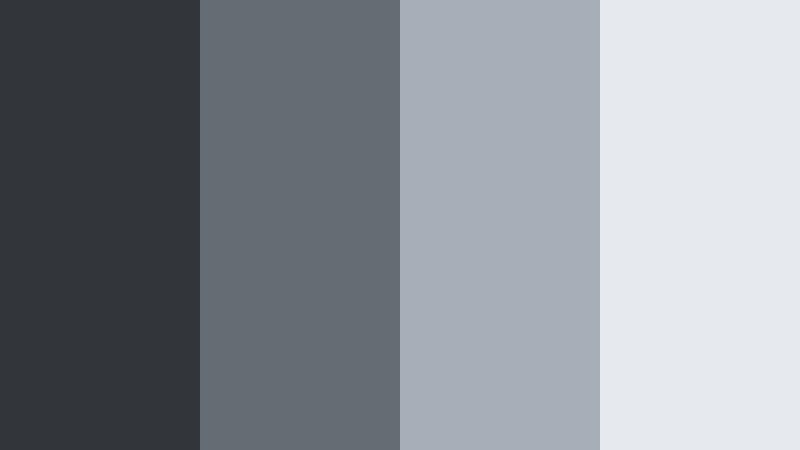
- HEX Codes: #32363b, #666c73, #a7aeb7, #e6eaee
- Mood: Chill, nostalgic, and slightly hazy, perfect for lo-fi aesthetics.
- Use for: Use for lo-fi music videos, study-with-me vlogs, or aesthetic reels with subtitles.
Lo-Fi Edit Haze leans into soft, hazy Motion Shadow Gray with a nostalgic edge. The progression from deep gray to pale misty highlight pairs well with grain, light leaks, and soft focus.
Use the darker tone (#32363b) for subtle vignette overlays or background gradients, and reserve the lighter colors for title cards, lyric overlays, or subtitles on lo-fi edits. This palette suits playlist videos, chill hop visuals, reading vlogs, and aesthetic reels where the color should feel like background music for the eyes.
Calm Focus Workspace
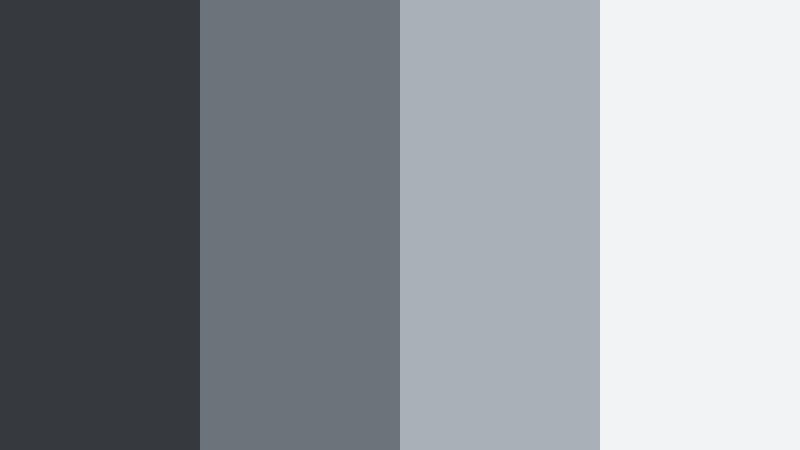
- HEX Codes: #363a3f, #6d737a, #aab0b8, #f2f3f5
- Mood: Focused, balanced, and calm, supporting deep work visuals.
- Use for: Perfect for study vlogs, coding sessions, and time-lapse productivity videos.
Calm Focus Workspace is built for long-form content. The Motion Shadow Gray tones are balanced and neutral, helping viewers stay focused during extended study or work sessions.
Use the mid grays as the primary backdrop and UI color for timers, progress bars, and chapter markers, saving the lightest gray (#f2f3f5) for text-heavy overlays or schedule layouts. This palette is a great match for coding streams, pomodoro videos, time-lapse desk sessions, and productivity-focused shorts that need to feel calm rather than hyped.
High-Contrast Motion Shadow Gray Accent Palettes
Neon Sign Over Shadow
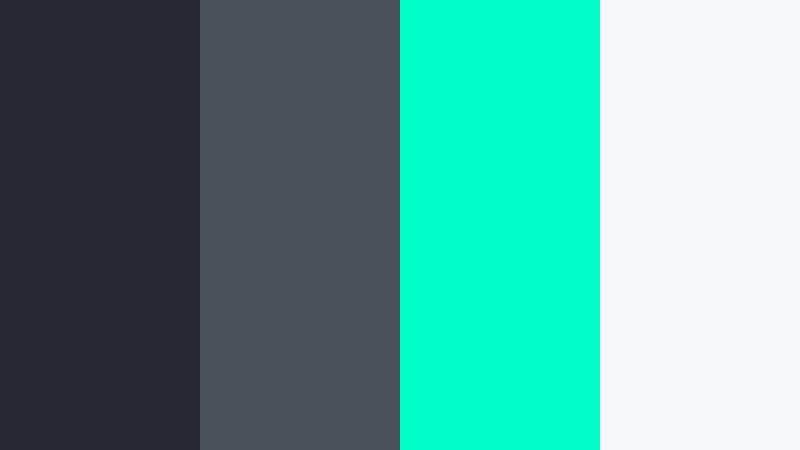
- HEX Codes: #262930, #4b5159, #00ffc8, #f7f8fb
- Mood: Edgy, modern, and eye-catching with a neon pop against shadowed gray.
- Use for: Great for attention-grabbing thumbnails, stream overlays, and title cards.
Neon Sign Over Shadow throws an electric aqua (#00ffc8) highlight onto deep Motion Shadow Gray shadows. The contrast is bold and instantly scroll-stopping, especially on small screens.
Use the neon color for outlines, glow effects, key words in titles, or icons on stream overlays. Keep most of the frame in the darker grays to make the accent feel like a neon sign in the dark. This palette works brilliantly for gaming content, live stream branding, tech-focused channels, and any thumbnail that needs to compete in a crowded feed.
Amber Highlight Frame
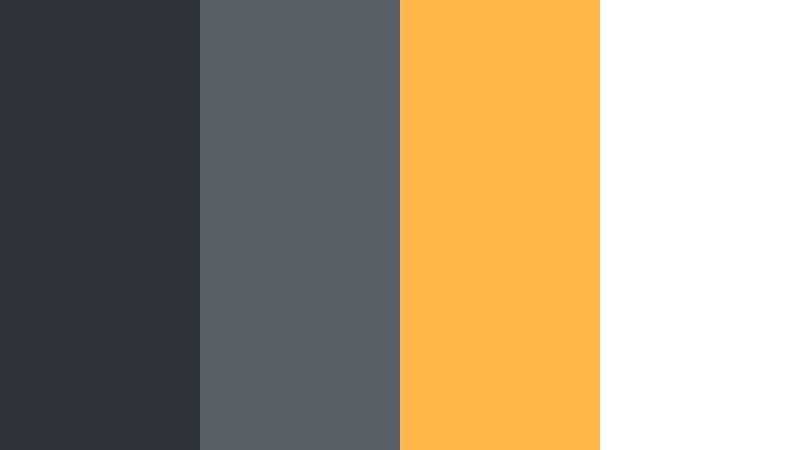
- HEX Codes: #303339, #5a6067, #ffb74a, #ffffff
- Mood: Energetic and confident with a warm amber highlight over cool gray.
- Use for: Use for tutorial thumbnails, call-to-action lower thirds, and course branding.
Amber Highlight Frame sets cool Motion Shadow Gray bases against a strong amber accent (#ffb74a). The result feels confident, friendly, and high contrast, ideal for content that promises value or instruction.
Use the amber for key frames, arrows, badges, and CTA text like "New", "Guide", or "Start Here", while keeping most of your layout in the gray and white tones. It is especially effective for tutorial thumbnails, online course intros, and lower thirds that highlight offers, next steps, or important timestamps in your videos.
Tips for Creating Motion Shadow Gray Color Palettes
When you build your own Motion Shadow Gray color combinations, balance neutrality with contrast so your visuals stay readable, on-brand, and cinematic across different screens and platforms.
- Pair deep Motion Shadow Gray backgrounds with high-contrast text (pure white or very light gray) to keep titles and subtitles readable, especially on mobile.
- Choose one accent color per project or series (like neon aqua or warm amber) so your thumbnails and intros feel cohesive instead of chaotic.
- Use Motion Shadow Gray for persistent UI elements such as lower thirds, timers, and chat boxes, and reserve bright colors for actions and highlights only.
- Match your palette to your footage: cooler grays work better with city, tech, and night scenes, while slightly warmer or dusty grays flatter skin tones and cozy interiors.
- Test your palette in grayscale to check contrast; if text still stands out clearly, your color choices will work for accessibility and different screen calibrations.
- Create reusable presets in Filmora for titles, overlays, and adjustment layers using your chosen HEX codes so every new video lines up with your brand automatically.
- Keep backgrounds simple when using Motion Shadow Gray; subtle gradients and soft vignettes generally look more professional than noisy textures.
- Export a few test thumbnails using different ratios of gray to accent color and compare them at small sizes to see which version stands out best in real feeds.
Motion Shadow Gray palettes give you a powerful base for shaping mood, clarity, and brand identity. From noir-style intros and lo-fi study loops to clean app demos and bold tutorial thumbnails, these tones adapt easily while keeping your content grounded and modern.
Try a few of the palettes above inside Filmora, save your favorites as presets, and refine them with AI Color Palette, HSL, color wheels, and LUTs until they feel like your own signature look. Once your Motion Shadow Gray system is in place, every new video will feel more cohesive and professional right from the first frame.
Whether you are building a new channel or refreshing an existing brand, consistent use of Motion Shadow Gray can become a subtle but powerful part of how viewers recognize your work across platforms.
secure download