
35+ AI Cat Emoji Prompts:
Copy, Paste & React
Want a full set of cat emojis that actually feels like one character? These
Nano Banana Pro AI cat emoji prompts help you design coherent packs: happy cats, sleepy cats,
cyberpunk cats, office cats on coffee overload, and more. Build reactions for Discord,
Twitch, YouTube, or group chats without drawing a single line.
Simply browse all Nano Banana Pro AI cat emoji prompts, tap on the image, copy the prompt into Nano Banana Pro,
and you’ll get crisp, consistent emojis based on the same cat design in a few seconds.
Loading more templates...
 Category:
 Duration:
 Aspect Ratio:
Create Expressive AI Cat Emojis
With Nano Banana Pro in Filmora
Want a full emoji set that feels like your cat has its own language? With Nano Banana Pro AI cat emoji prompts and Filmora’s built-in Nano Banana model, you can quickly turn simple text descriptions into cohesive cat characters for chats, streams, and videos.
AI Text to Image with Smart Cutout
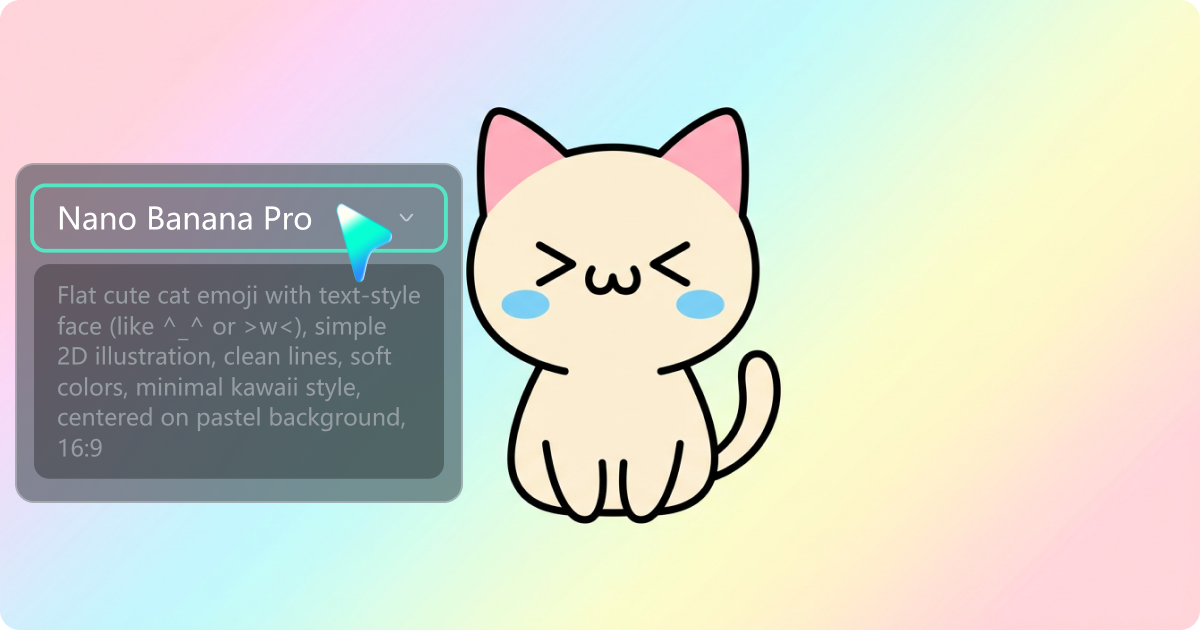
AI Text to Image with Smart Cutout
Turn your cat emoji ideas into polished illustrations using AI Text to Image. Define the cat’s ear shape, fur color, facial style, and personality once, then generate endless moods and reactions that all match. With AI Smart Cutout, you can remove backgrounds instantly and export clean, transparent PNGs perfect for stickers, chats, and streaming overlays.
- Generate consistent cat emoji styles with Nano Banana Pro prompts
- One-click AI Smart Cutout for clean, transparent exports
- Support for reference images to match your real cat’s look
- Perfect for building unified emoji packs across dozens of expressions
AI Image to Video for Animated Cat Emojis
AI Image to Video for Animated Cat Emojis
Bring your cat emojis to life using AI Image to Video. Upload your static emoji and instantly turn it into bouncing, blinking, nodding, or looping reaction animations. Export as GIF or MP4 to use in chats, social content, or stream overlays.
- Create smooth loops like bounce, shake, facepalm, or zoom-in reactions
- Export in GIF or MP4 for TikTok, Reels, Shorts, or Discord
- Add subtle motions: blinking, cheek shake, tail wag, head tilt
- Ideal for turning emoji-style reactions into short meme videos
All-in-One Video and Emoji Maker with 2.3M Creative Assets
All-in-One Video and Emoji Maker with 2.3M Creative Assets
Polish, brand, and enhance your cat emojis using Filmora’s all-in-one video editor and its 2.9 million creative assets. Add titles, music, sound effects, outlines, shadows, and more to prepare your emoji packs for social media, streaming, or sticker platforms.
- Add titles, stickers, transitions, music, and sound effects
- Outline, shadow, and color tools to make emojis stand out
- Preset canvas sizes for Discord, Twitch, Telegram, and custom sticker packs
FAQs About AI Cat Emoji Generation
The cat’s core design — describe ear shape, fur color, markings, eye style, and any signature features (blush, stripe, bow, collar).
The art style — specify “flat 2D emoji style,” “kawaii minimal,” or “simple clean outline” to avoid accidental 3D or complex rendering.
The emotion or action — this is the variable part, such as “happy with ^^ eyes,” “angry with ><,” “crying with T_T eyes,” “sleepy half-closed eyes,” or any text-face expression.
The background — state “transparent background” or “pastel gradient.”
Combine these into one clear sentence; the more specific the description of the cat’s features and expression, the more consistent and readable the emoji result will be.
How to Use Nano Banana Pro AI Cat Emoji Prompts in Filmora?
You can create custom cat emojis instantly with Filmora’s built-in Nano Banana model. Just copy and paste your prompt, generate the emoji, and export—no prior AI experience needed.
Step 1 Go to AI Image Generator

Step 2 Generate Cat Emojis From Text or a Reference Photo

Step 3 Download, Edit, and Export Your Cat Emojis

-
Step 1: Go to AI Image Generator
Launch the latest version of Filmora, create a project, and go to Stock Media > AI Media > AI Image from the Media panel. -
Step 2: Generate Cat Emojis From Text or a Reference Photo
Select the Nano Banana Pro model, then paste your Nano Banana Pro AI cat emoji prompts. Optionally upload a photo of your cat as a reference. Click "Generate" to create a set of cat emojis with the style and expression you described. -
Step 3: Download, Edit, and Export Your Cat Emojis
After generation, preview your emojis, download the ones you like, and drag them to the timeline if you want to adjust size, add outlines, or prepare them for video. Finally, export as transparent PNG, short clips, or GIF-style loops depending on where you plan to use them.
More Than Just an AI Cat Emoji Maker
Filmora is not only a cat emoji generator from Nano Banana Pro AI prompts. You can also create portraits, themed family photos, seasonal cards, and full AI videos from prompts or pictures, then polish everything with the same editing toolkit. Use the same workflow you build for cat emojis to craft consistent visual assets for your channel, stories, and personal projects.








