
Girl in Saree Prompts for Gemini:
Copy, Customize & Create
Want a saree transformation that looks believable—not “AI-ish”? Use these copy-ready prompts to generate realistic saree portraits with different fabrics, drapes, jewelry, makeup, and backgrounds (Bollywood glamour, wedding guest, festive Diwali vibes, street-style, and studio portraits). These Gemini AI saree prompts are structured to help the model understand fabric texture, lighting, and camera style—so the saree looks draped, not pasted.
Pick an effect below, open it, copy the prompt, then personalize details like saree color, blouse style, lighting, camera lens, and location. Upload your photo for better face consistency, generate a few variations, and share your favorite instantly.
Loading more templates...
 Category:
 Duration:
 Aspect Ratio:
Generate Trending Girl in Saree Photo Styles
with Nano Banana Pro AI
Create your own “girl in saree” photoshoot—without a camera crew. With Nano Banana Pro-style prompts, Filmora helps you generate detailed saree portraits with realistic draping, rich fabric patterns (silk, chiffon, georgette), and flattering lighting. Use Filmora’s AI image generator to explore classic traditional looks, modern fashion edits, festive scenes, or cinematic street portraits. Want a more consistent result? Add a reference photo and fine-tune details like lens, depth of field, and background.
Create Any Girl in Saree Photo You Imagine
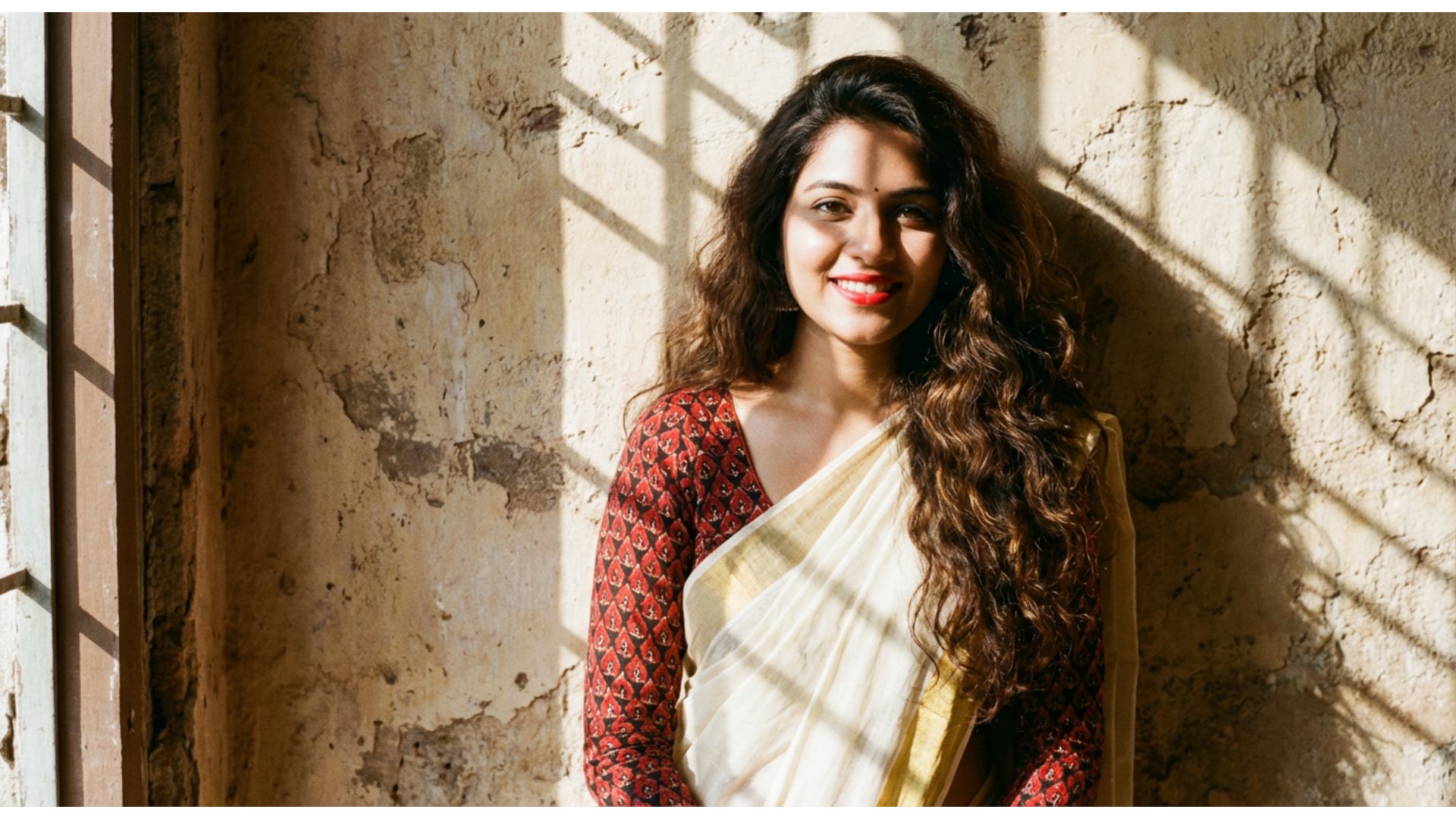
Create Any Girl in Saree Photo You Imagine
Go beyond a basic “AI outfit swap.” Start with a prompt for gemini ai girl in saree (or the best prompt for gemini ai girl in saree from the templates above), generate a realistic portrait, then polish it in Filmora—refine skin tones, sharpen facial details, and place your subject in a cinematic scene (studio, palace courtyard, rainy street, or golden-hour glow).
- AI Image + Reference Photo - Keep the face consistent while you try different saree colors, fabrics, and drapes.
- Beauty & Portrait Enhancements - Fine-tune skin tone, clarity, and makeup details for a more natural finish.
- Smart Cutout & Background Tools - Replace backgrounds or add depth-of-field for a real photoshoot look.
Make Girl in Saree Photo Videos with Trending AI Templates
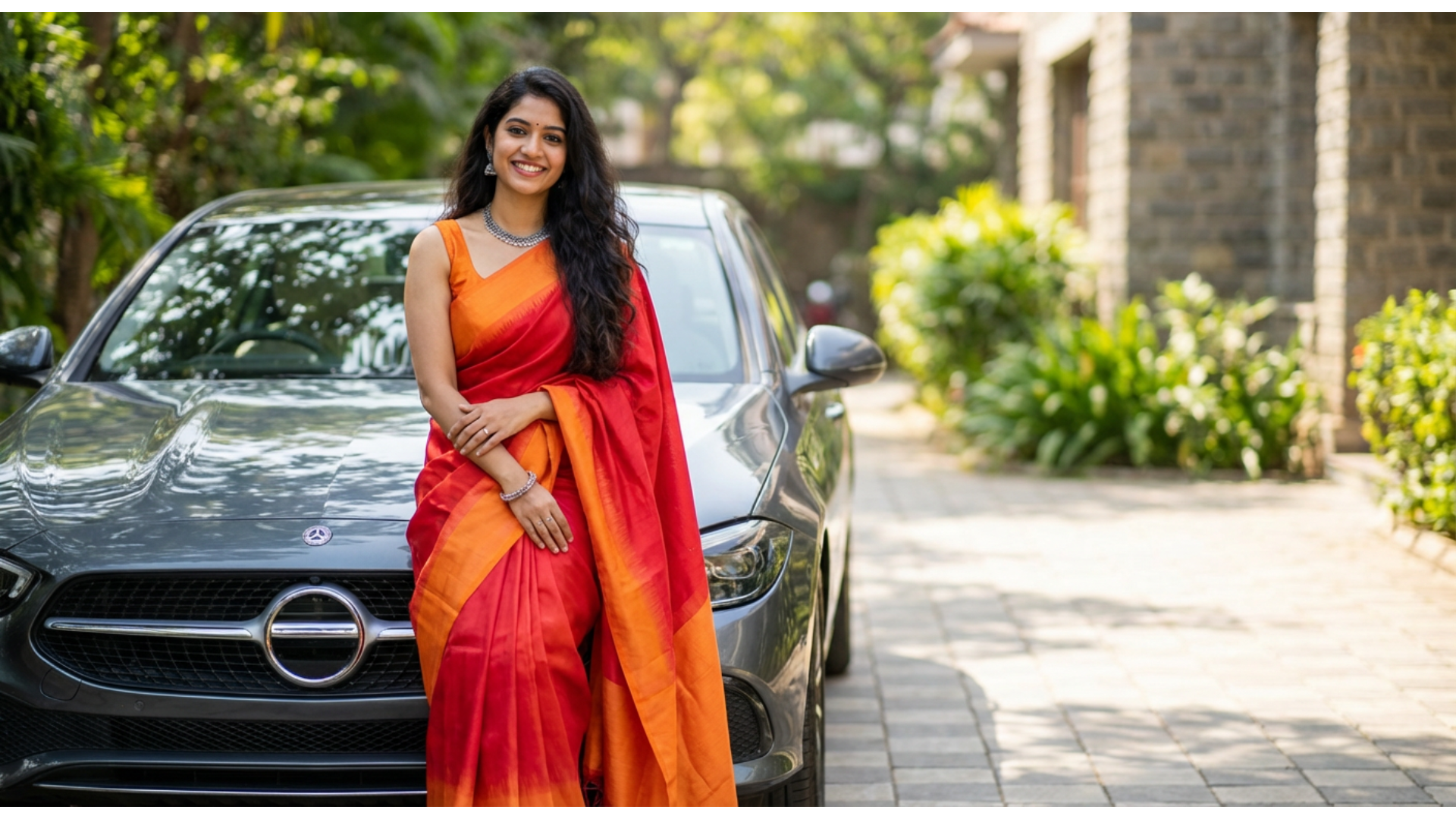
Make Girl in Saree Photo Videos with Trending AI Templates
After you generate a saree portrait, bring it to life in Filmora. Use Image-to-Video templates, smooth transitions, and beat-synced music to create a scroll-stopping “saree reveal” made for Reels, Shorts, and TikTok—perfect for instagram viral saree ai prompts.
- Image-to-Video Templates - Transform a single photo into an animated, social-ready clip.
- Beat Sync & Music Tools - Match cuts to the rhythm for that viral reveal feel.
- Camera Motion & Transitions - Add subtle zoom, pan, and cinematic transitions automatically.
- Quick Customization - Swap text, backgrounds, and vibe in minutes.
- Export for Social - Output the right aspect ratio and quality for Reels/Shorts/TikTok.
Add Custom Text to Girl in Saree Photo and Video
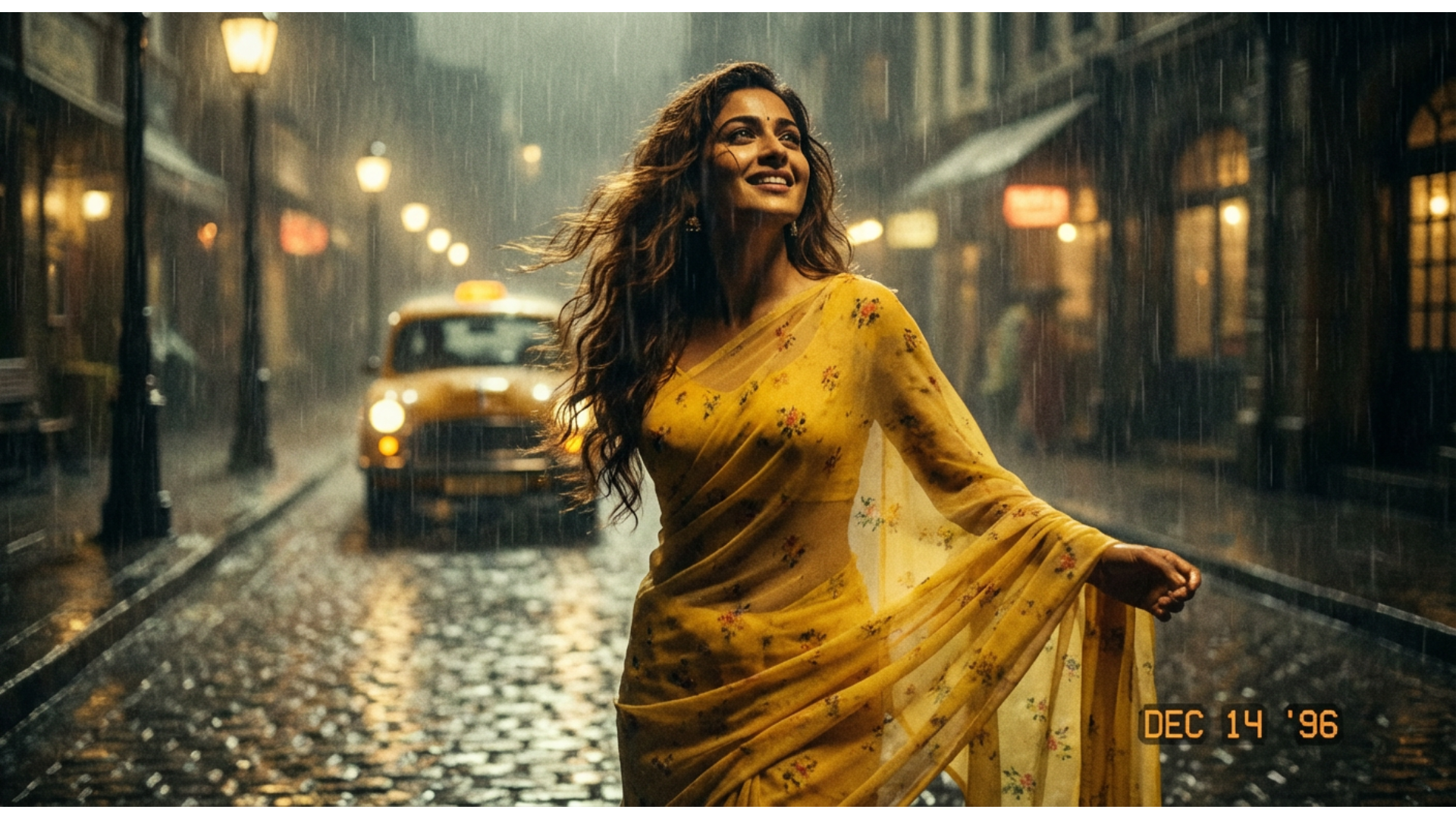
Add Custom Text to Girl in Saree Photo and Video
Make your saree edit instantly post-ready. Add elegant titles, festival greetings, or trendy captions—and if you’re making a reel, generate subtitles automatically so your message lands even with sound off. This pairs perfectly with Gemini AI saree prompts and prompt for gemini ai girl in traditional saree results.
- Title Presets & Motion Text – Create captions that match the saree vibe.
- Auto Captions – Generate subtitles fast for Reels and Shorts.
- Stickers & Text Styling – Add festive elements and fine-tune font, outline, shadow, and animation.
FAQs About Girl in Saree Photo
How to Create a Girl in Saree Photo with an AI Generator
Get a realistic saree portrait for TikTok, Instagram, or WhatsApp in about a minute. Follow these steps to generate your image, then download it or refine it in Filmora for a polished, post-ready look.
Step 1 Open an AI Image Generator

Step 2 Paste a Saree Prompt & Customize

Step 3 Generate, Pick a Favorite & Share

-
1:Open an AI Image Generator
Open your preferred AI photo tool, start a new project, and tap on "AI Image" to access saree photo features.Start a new image and get ready to paste your saree prompt. -
2:Paste a Saree Prompt & Customize
Choose the saree style, enter "girl in saree photo" or your desired description, and click "Generate" to create your image.Add details like saree fabric, color, jewelry, lighting, and a location. Upload a selfie for better consistency. -
3:Generate, Download, and Share
Preview the image, download it to your device, or upload to TikTok, Instagram, WhatsApp, or use as your DP instantly.Pick the best variation, download it, and post—or enhance it in Filmora with captions and effects.
More Than Just Girl in Saree Photo Generator
Filmora does more than generate a girl in saree photo. Create other outfit transformations, turn still images into trending short videos, and polish your results with pro editing tools—all in one place.








