
Big Laugh Templates & Examples
Browse popular big laugh AI effects and hilarious laughing baby templates to elevate your content
Loading more big laugh templates...
 Category:
 Duration:
 Aspect Ratio:
Everything You Need to Create Hilarious Videos
A well-timed comedy beat can transform a dull clip into viral gold. Filmora gives you a vast library of big laugh templates with built-in effects that drop straight into your timeline. Whether you need a massive guffaw, a subtle giggle, or a completely unhinged reaction, these templates make audience engagement inevitable.
Whether you're creating a meme, opening a comedy vlog, or adding a scene reaction to a short film, Filmora's big laugh AI tools give you the control to match any humorous style perfectly.
Generate Instant Joy with Big Laugh AI Tools
Generate Instant Joy with Big Laugh AI Tools
Stop spending time trying to manually sync comedy sound effects and visual shakes. Filmora's big laugh templates cover every common humorous use case. Use Filmora's advanced features and Filmora image-to-video capabilities to animate still photos into roaring laughter. Each template comes pre-animated with perfect comic timing so your visual punchlines land exactly when they should.
- Instant Comedy Application - Drag any big laugh template onto the timeline for immediate humor.
- Dynamic AI Synergetics - Every template includes synchronized audio bursts and screen shakes—no extra setup required.
- Multi-Platform Framing - Comedy templates perfectly sized for TikTok, Reels, Shorts, and standard widescreen content.
Craft Hilarious Reactions with the AI Image Generator
Craft Hilarious Reactions with the AI Image Generator
Take your humor to the next level with Filmora's built-in AI Image Generator. Instead of treating external tools as competitors, Filmora integrates the absolute best engines directly into your workflow. Choose from incredibly powerful models like ChatGPT/DALL-E 3, as well as Nano Banana 2 and Nano Banana Pro, to generate completely unique, comical images and AI stickers that perfectly match your big laugh templates.
- 🤖 Unmatched Model Flexibility - Select between DALL-E 3, Nano Banana 2, or Nano Banana Pro for the perfect comedic art style.
- 🎭 Expressive AI Stickers - Create custom laughing emojis and reaction stickers directly inside the editor.
- ✨ Seamless Integration - Generate bizarre, funny visuals and instantly drop them into your big laugh AI effects.
- 🎨 Total Creative Freedom - Tweak prompts endlessly until you get the exact punchline graphic you imagined.
Viral Laughing Baby Presets for Maximum Engagement

Viral Laughing Baby Presets for Maximum Engagement
Nothing boosts viewer retention faster than pure, unadulterated joy. Adding a laughing baby reaction or a sudden burst of big laugh AI effects is absolutely effortless. Filmora provides specific, highly viral presets designed to inject infectious giggles right at the climax of your clip, transforming a simple video into an engaging masterpiece.
- Heartwarming Baby Audio - Apply crystal-clear laughing baby audio tracks directly synced to visual cues.
- Auto-Pacing AI - Let Filmora's AI suggest the perfect moment to drop a big laugh template based on audio peaks.
- Meme-Ready Graphics - Layer hilarious text and comic-book-style "HA HA" graphics automatically.
- One-Click Viral Export - Output your side-splitting creations at the correct resolution for all short-form platforms.
Frequently Asked Questions About Big Laugh Templates
How to Add Big Laugh Templates in Filmora
Inject humor into your social videos with professional comedy effects in just three simple steps. Follow this guide to add, customize, and animate your big laugh effects for maximum impact.
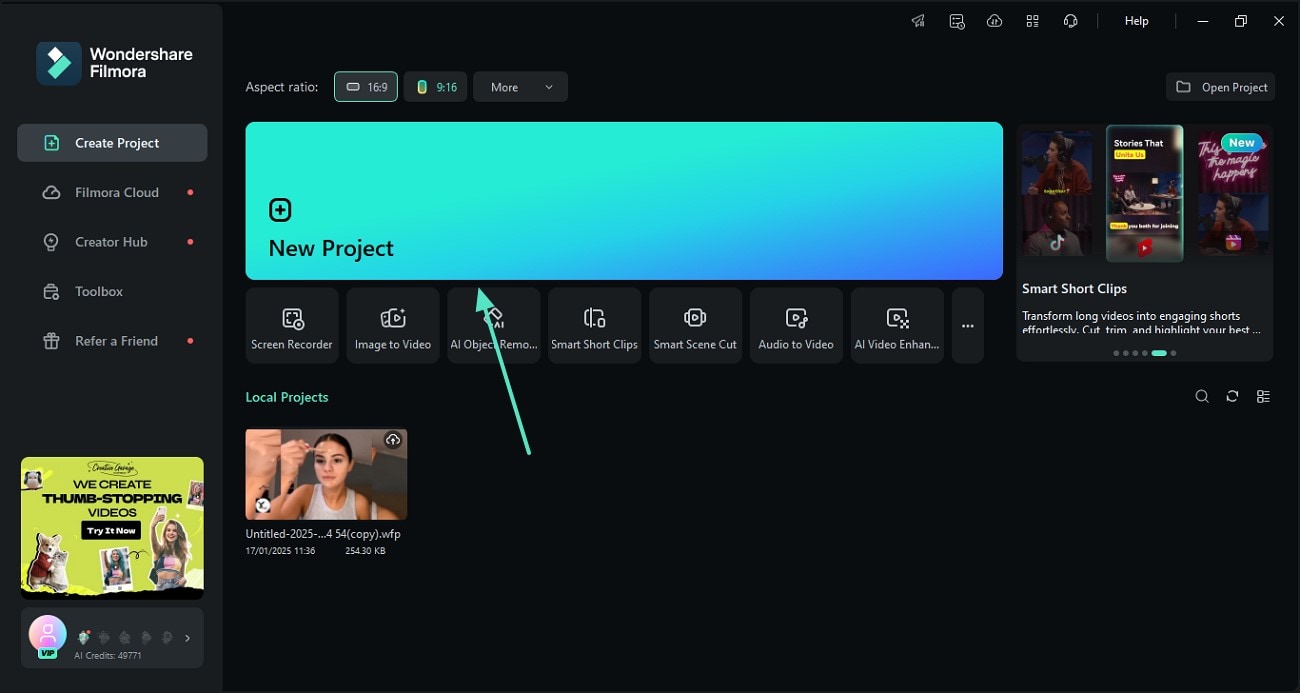
Step 1 Select Your Big Laugh Template
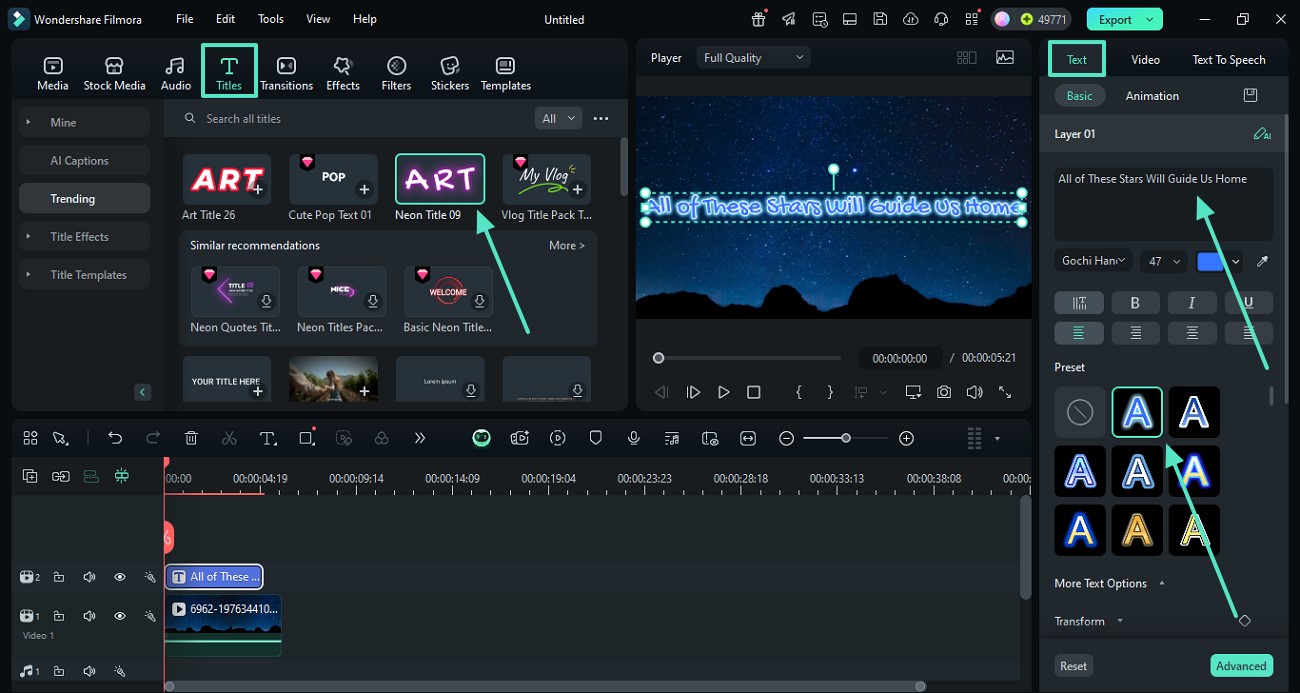
Step 2 Customize the Big Laugh AI Effects
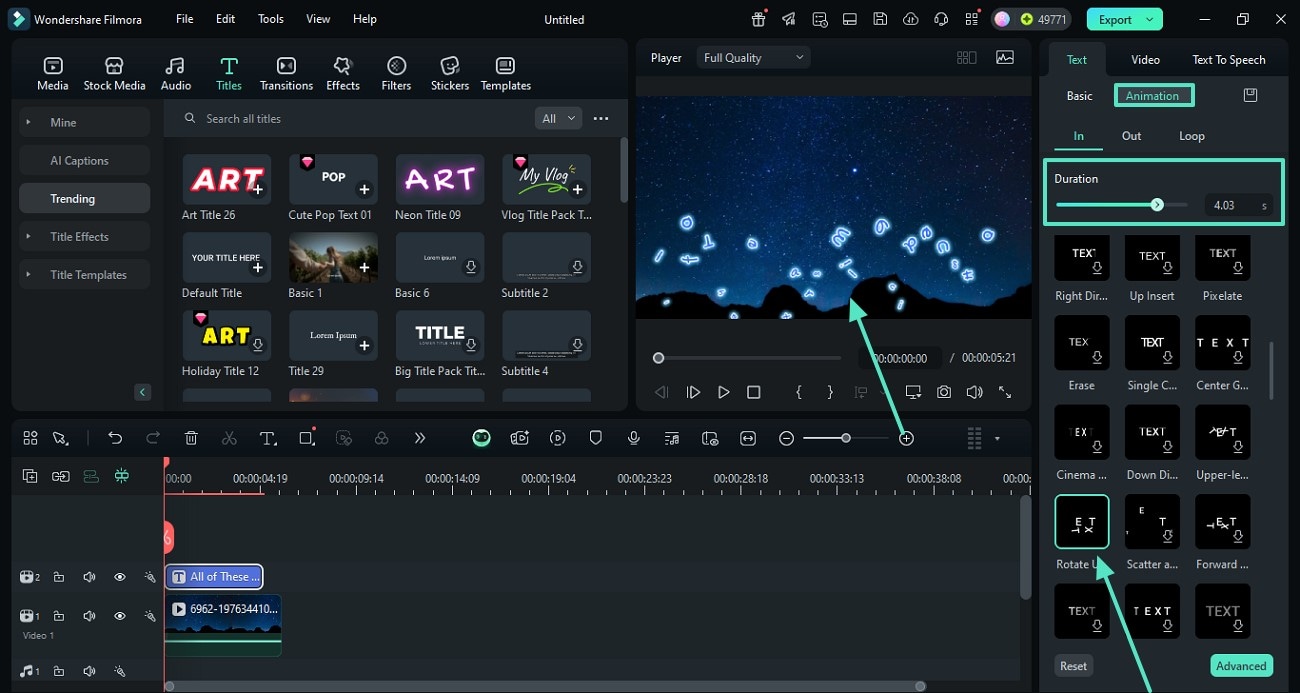
Step 3 Export Your Hilarious Masterpiece
-
1: Select Your Big Laugh Template
Open Filmora and navigate to the "Templates" tab. Browse the comedy category to find a big laugh template that matches your video vibe, then drag and drop it onto your timeline above your video clip. -
2: Customize the Big Laugh AI Effects
Double-click the template clip in the timeline to open the editing panel. Here you can adjust the big laugh AI timing, swap out AI-generated stickers, and tweak the visual zoom to sync perfectly with your audio. -
3: Export Your Hilarious Masterpiece
Preview your video to ensure the comedic timing hits perfectly and the laughs are loud. Click "Export" and select your preferred aspect ratio to save your video, ready for upload to TikTok or Reels.
More Than Just a Comedy Effect
Filmora goes beyond simple overlays. You can enhance your big laugh templates with dynamic text animations, hilarious sound effects, and vibrant color grading that amplify the comedic timing. Expand your creative possibilities by combining our advanced AI tools with a vast library of creative assets. Whether you're crafting a funny vlog, a meme compilation, or adding a laughing baby reaction to your latest short, everything you need to create viral, engaging content is fully integrated into one seamless editing workspace.








