
Muscle Transformation Examples & Guides
Explore trending body muscle effect templates and powerful editing guides.
Loading more muscle transformation templates...
 Category:
 Duration:
 Aspect Ratio:
How to Add a Muscle Transformation Effect in Filmora
Enhance your fitness videos with a super strong arm or a full body transformation in just three simple steps. Follow this guide to add, customize, and animate your muscular man edits for maximum impact! 💪✨
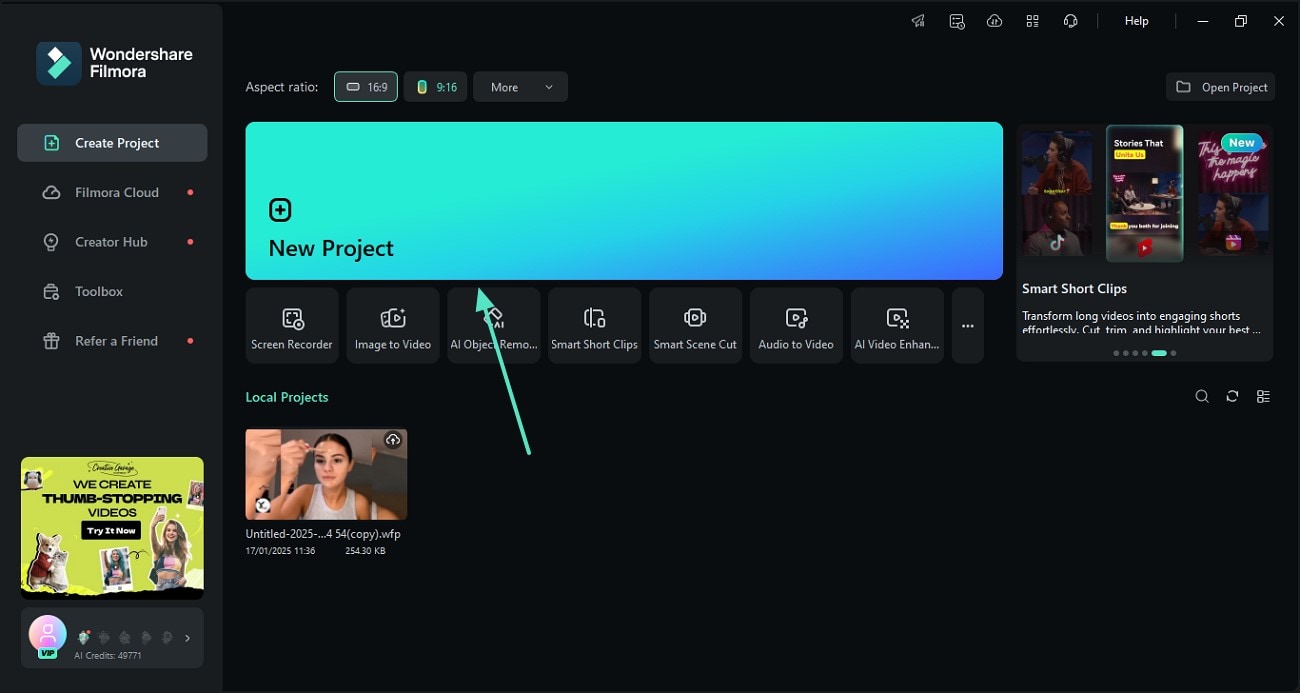
Step 1 Select Your Muscle Template
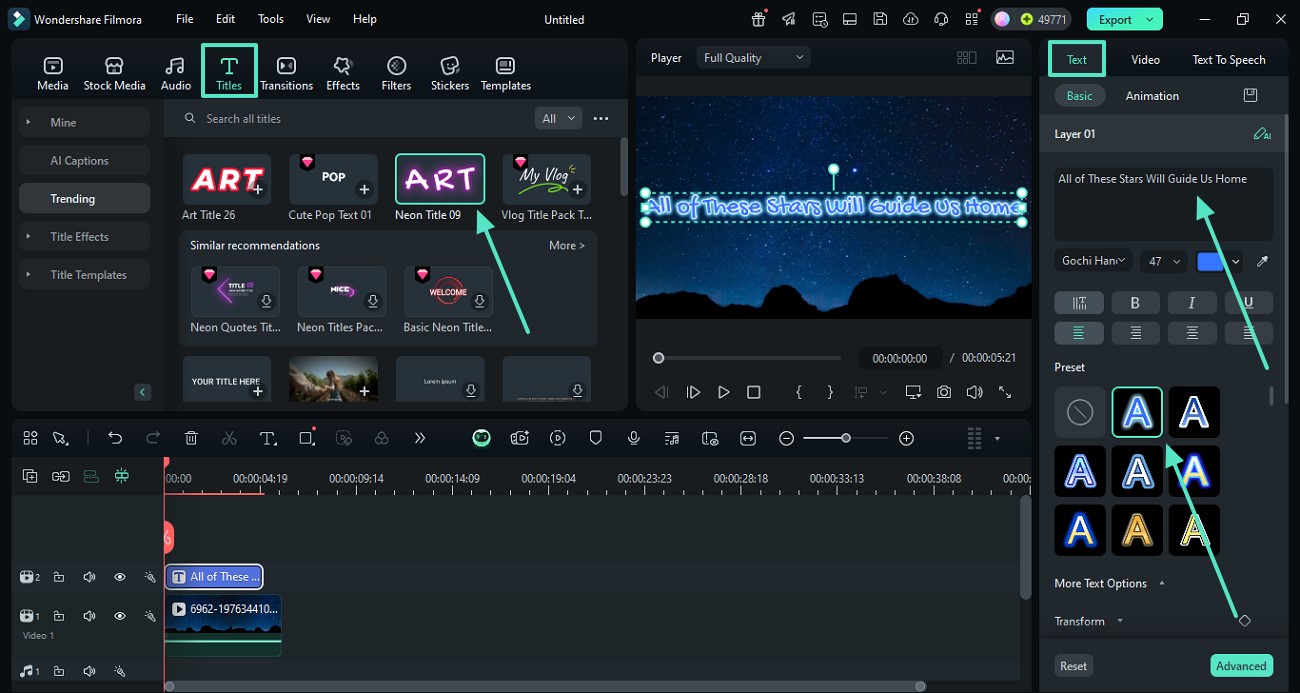
Step 2 Customize Your Muscle Maker Effect
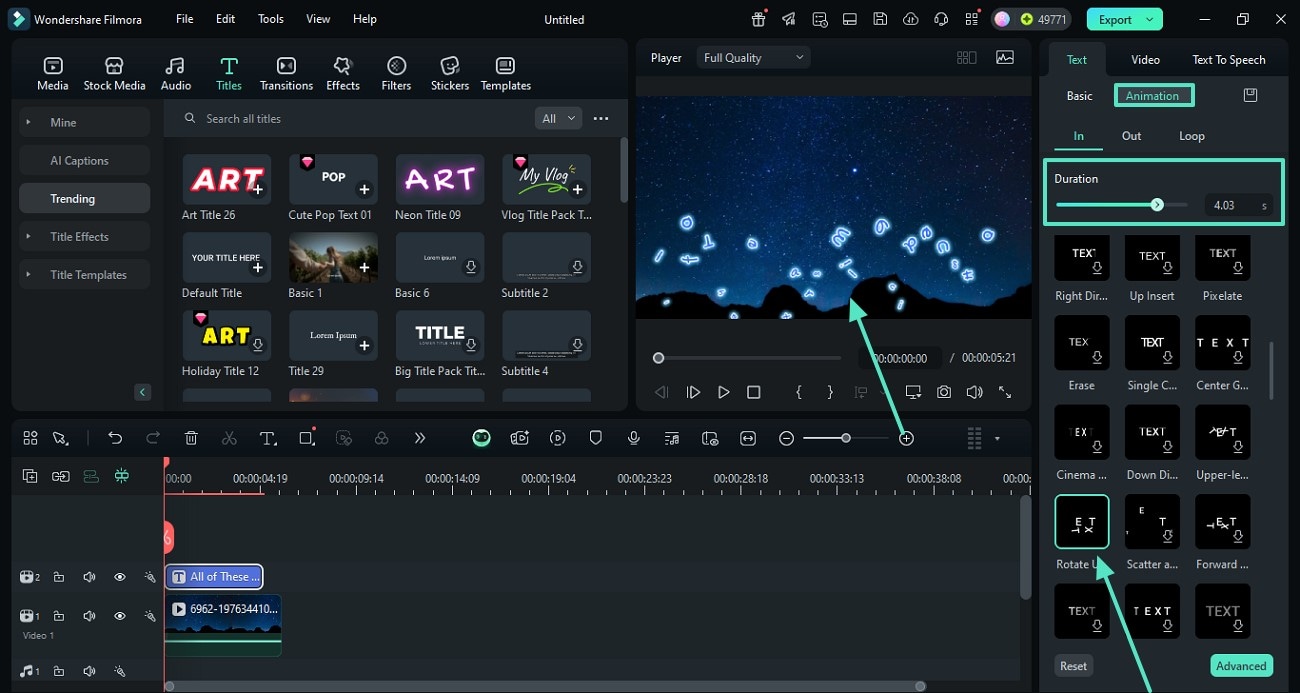
Step 3 Export Your Muscular Body Video
-
1: Select Your Muscle Template
Open Filmora and navigate to the template tab. Browse the library to find a muscle video template that matches your vibe, then drag and drop it onto your timeline above your video clip to start your muscle transformation. -
2: Customize Your Muscle Maker Effect
Double-click the clip to open the editing panel. Here you can adjust the muscle enhancement intensity, change colors, and sync the body transformation effect with your audio. -
3: Export Your Muscular Body Video
Preview your video to ensure the muscular arms look realistic and the power pose hits perfectly. Click export to save your video, ready for social media.
Everything You Need for a Perfect Muscle Transformation
A well-timed muscle transformation can turn a simple clip into a viral sensation. Filmora provides you with a robust muscle video template library, making it easy to create a strong body illusion. From a realistic muscle enhancement to a funny muscle effect, our tools handle the heavy lifting. 💪
Generate Realistic Muscular Arms Instantly
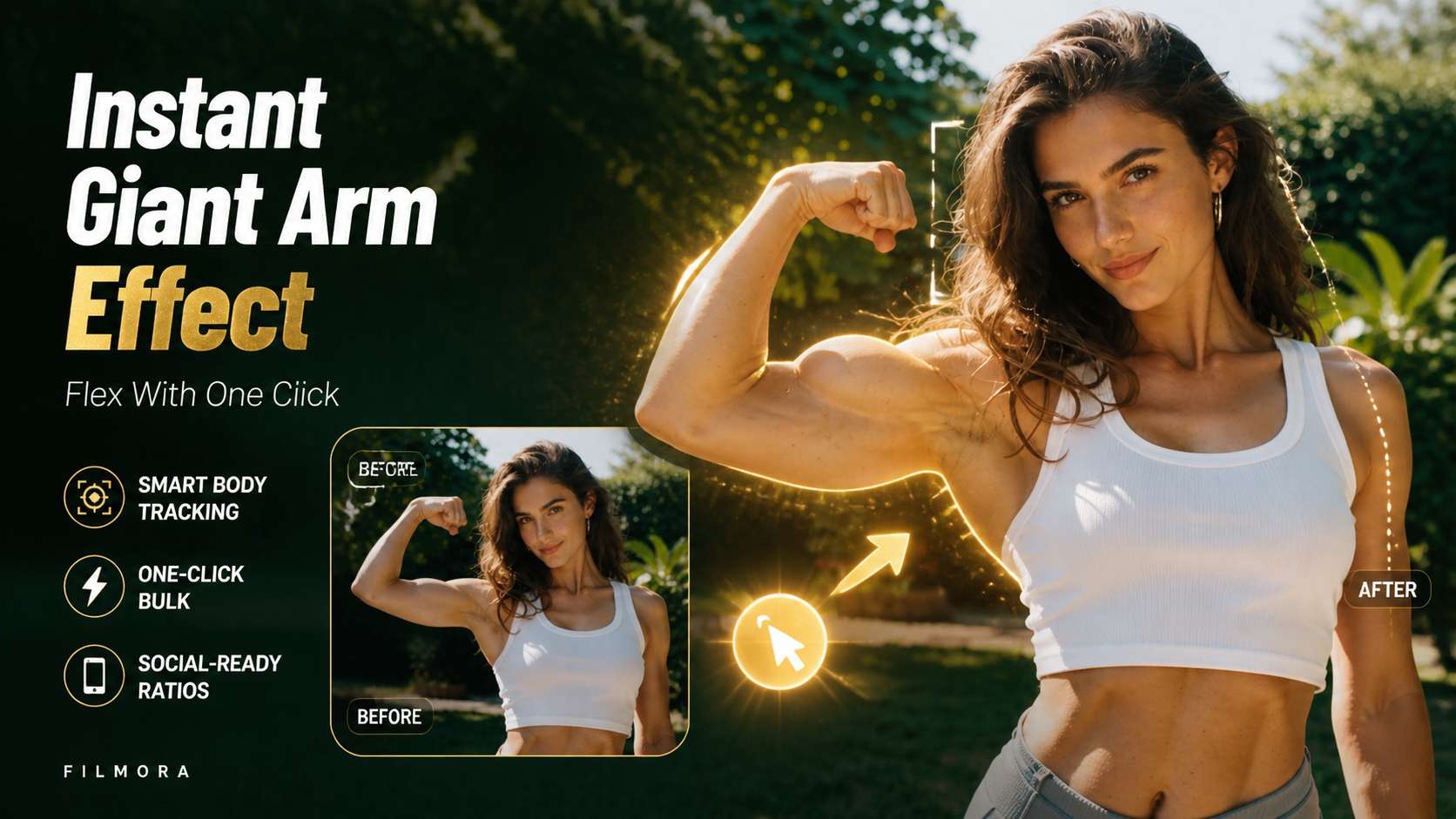
Generate Realistic Muscular Arms Instantly
Say goodbye to complex manual masking. Filmora's AI Image Generator integrates advanced models like GPT Image 2, alongside Nano Banana 2 and Nano Banana Pro, giving you diverse options to generate a muscular man or a giant arm effect. Just type your prompt and let the muscle maker do the rest.
- Instant Muscle Enhancement - Apply body transformation effects seamlessly to any subject.
- Custom Power Poses - Use AI to generate an exaggerated muscle effect or a super strong arm.
- Versatile Styles - Switch between a realistic strong body and a funny muscle effect for comedy skits.
Seamless Body Transformation Edits
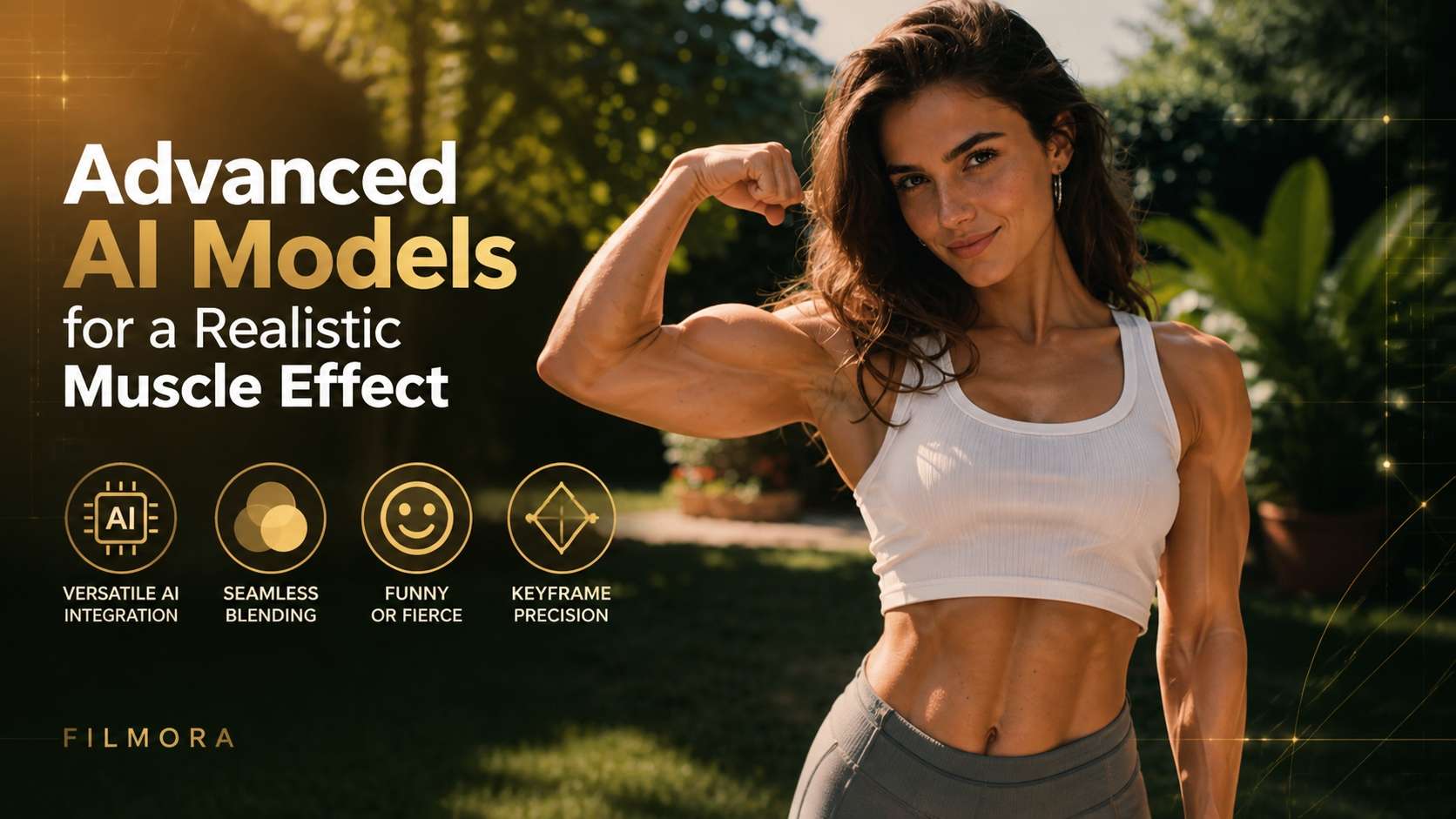
Seamless Body Transformation Edits
Transition from skinny to a muscular body effortlessly. Filmora's timeline tools allow you to sync your muscle transformation effect perfectly with the beat. Enhance the visual impact with dynamic zooming, shaking, and precise color grading to make the muscle growth effect look cinematic.
- 🎬 Beat-Synced Animation - Match your body transformation to high-energy audio tracks.
- 💥 Impactful Effects - Add camera shake and motion blur to emphasize the power pose.
- 🎨 Cinematic Grading - Enhance shadows and highlights to make the body muscle effect pop.
From Prompt to Viral Muscular Body Video
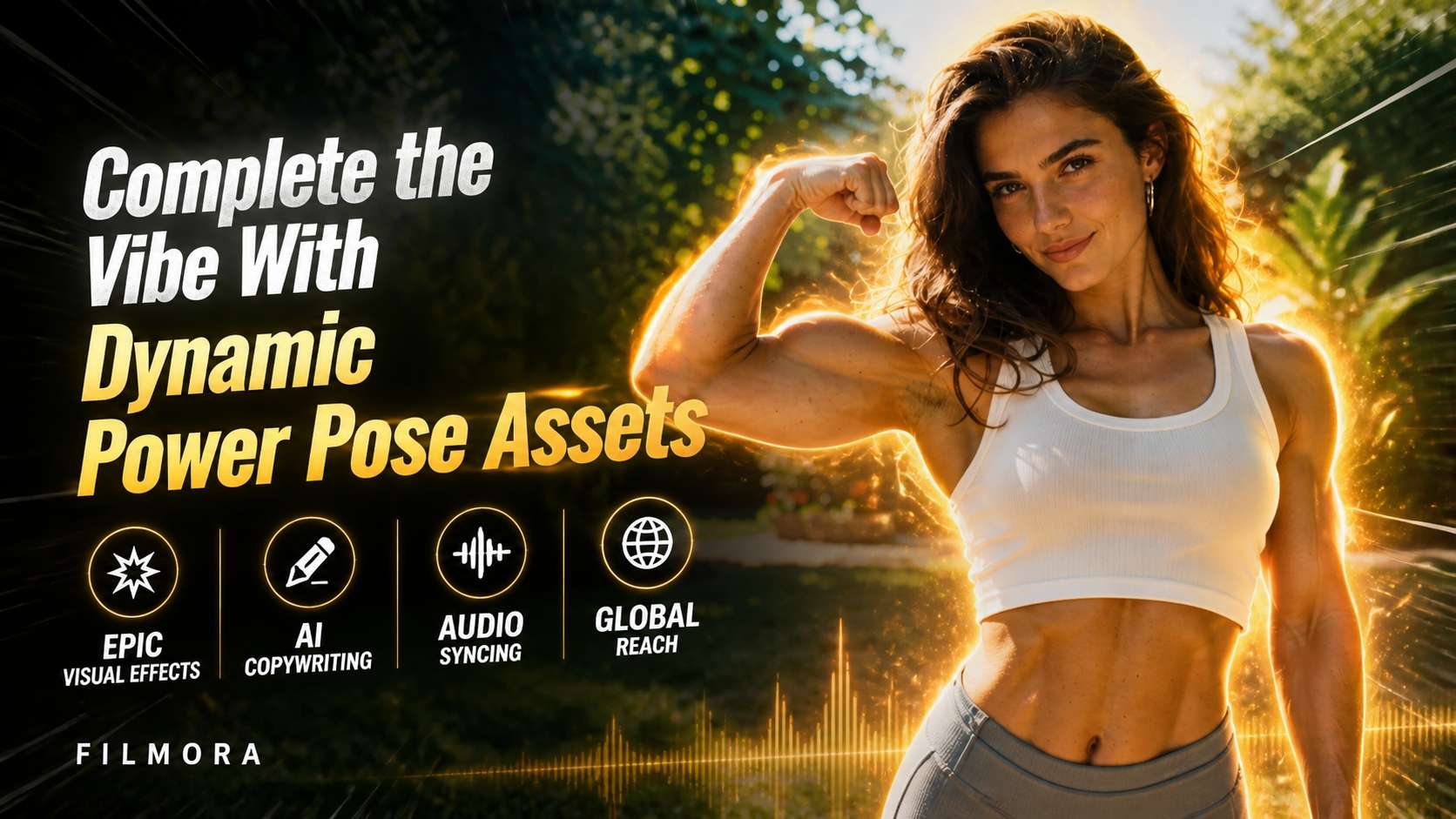
From Prompt to Viral Muscular Body Video
Transform static ideas into dynamic motion using the Filmora image-to-video feature. Create your initial strong body concept, animate it, and overlay a muscle template with built-in AI Stickers and AI Copywriting. Everything you need to craft an epic muscle enhancement video is built right in.
- 🚀 Image to Motion - Turn your static muscular man generated images into engaging video clips.
- 🪄 AI Stickers & Overlays - Add sweat, glowing energy, or comic-style text to your giant arm effect.
- 📱 Social Ready Export - Instantly format your exaggerated muscle effect for TikTok, Reels, or Shorts.
Frequently Asked Questions About Muscle Transformation
Beyond Basic Body Transformation Edits
Filmora goes beyond just a simple muscle maker. You can layer dynamic energy overlays to emphasize your power pose, add cinematic lighting that highlights every contour of a muscular body, and apply intense color grades that make your muscle growth effect truly epic. Whether you're building a serious fitness montage, a funny muscle effect skit, or a heroic body transformation, everything you need to craft your complete visual identity is available in one streamlined editing workspace.








