
Cortis Dance Examples & Guides
Explore popular Cortis dance challenge applications and editing tutorials
Loading more Cortis dance examples...
 Category:
 Duration:
 Aspect Ratio:
Everything You Need to Edit the Ultimate Cortis Dance
A well-executed Cortis dance can turn a simple clip into a viral sensation. Filmora gives you an expansive library of AI-driven tools and creative assets that drop straight into your timeline.
Whether you are showcasing your best K-pop dance moves or joining the latest Acai trend, Filmora offers unparalleled flexibility to make your choreography shine on social media.
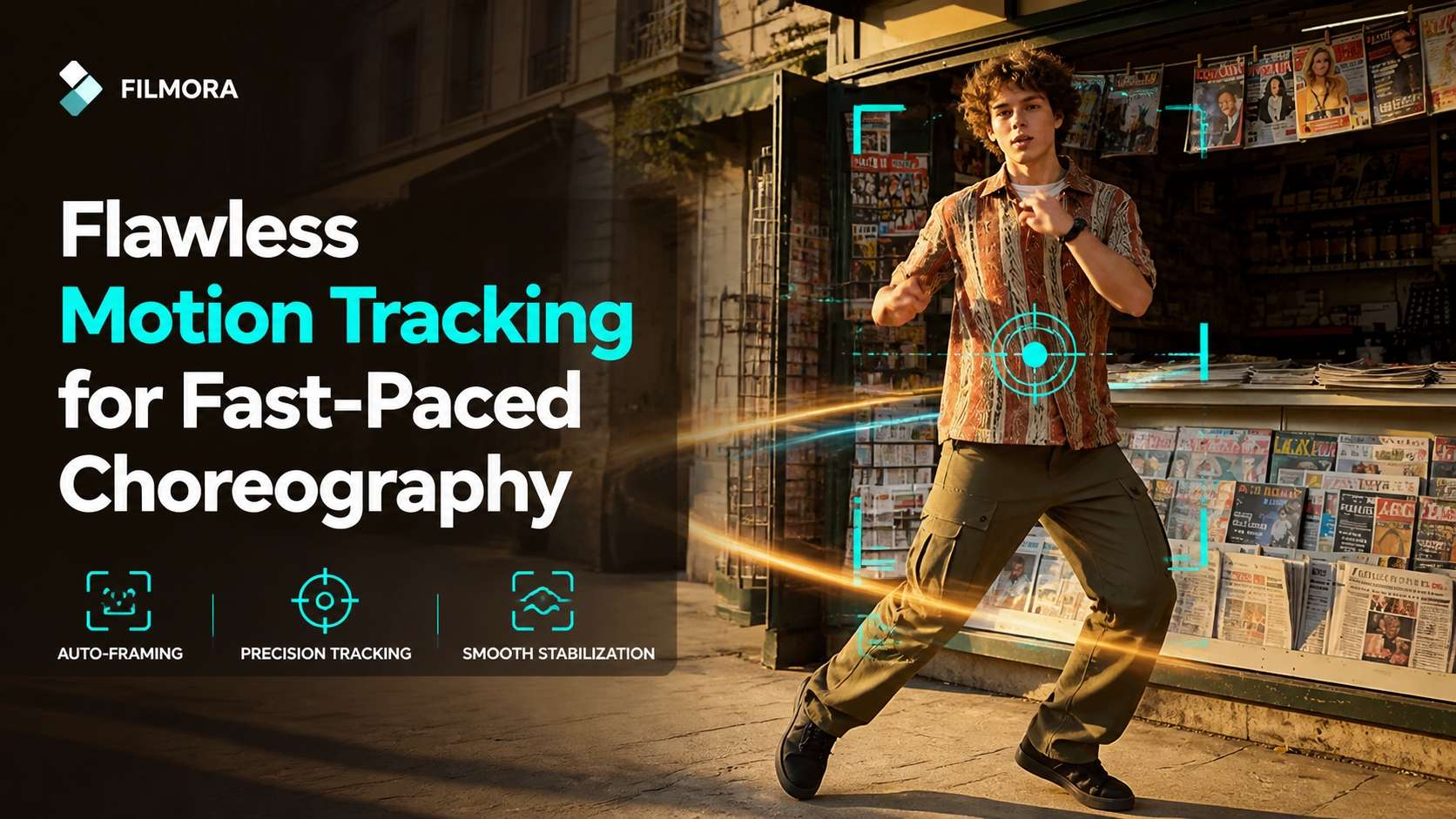
Flawless Motion Tracking for Fast-Paced Choreography
Flawless Motion Tracking for Fast-Paced Choreography
Keep the spotlight entirely on your moves. Filmora's intelligent tracking follows every step of the Cortis dance challenge, ensuring your subject never leaves the frame. It's the perfect solution for dynamic K-pop dance routines where sharp, sudden movements make traditional editing difficult.
- 🕺 Auto-Framing - Automatically crops and follows the dancer to keep them perfectly centered.
- 🎯 Precision Tracking - Seamlessly attach dynamic text or AI stickers to specific choreography steps.
- ⚡ Smooth Stabilization - Eliminate distracting camera shake to give your routine a professional music-video finish.
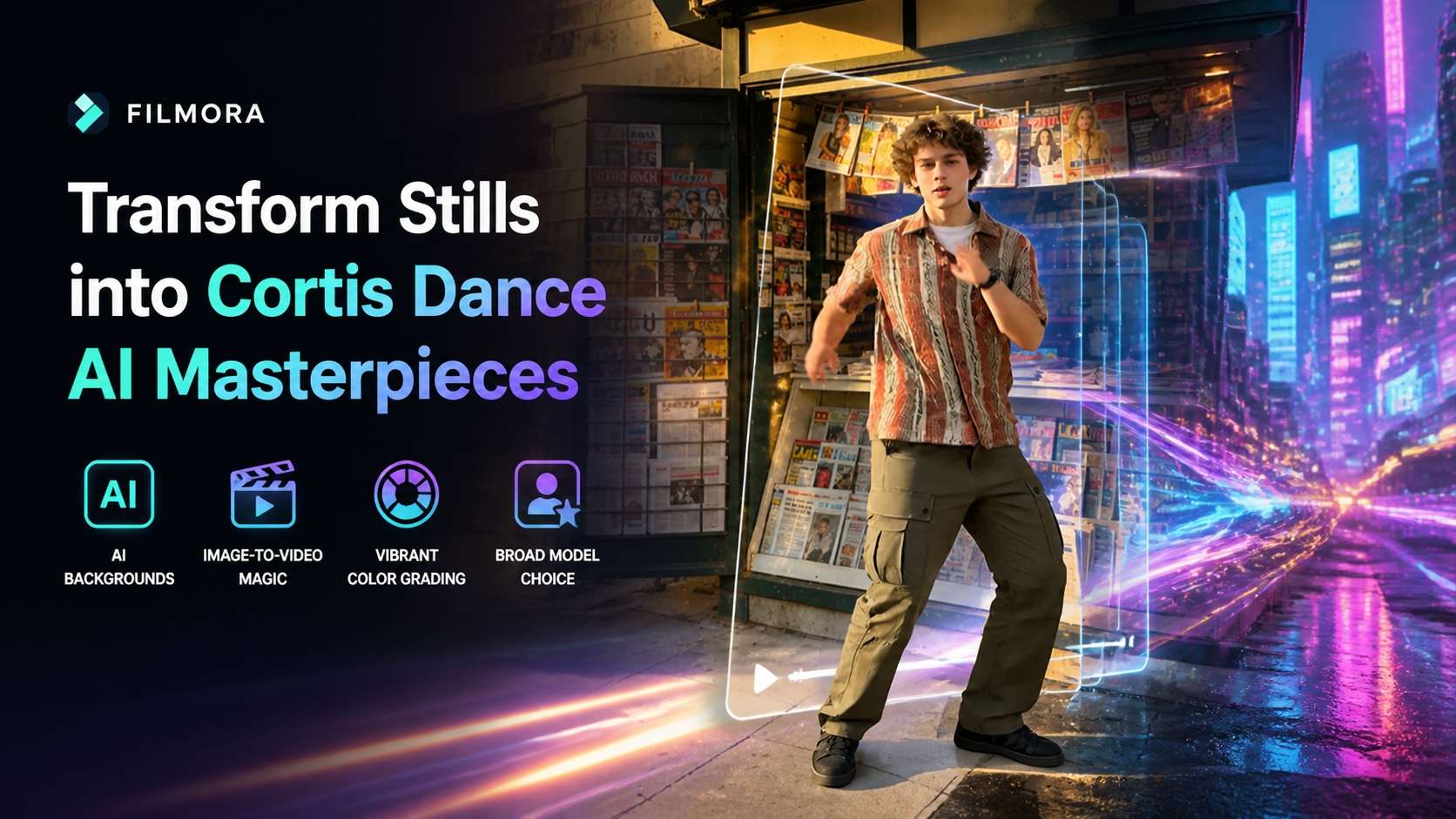
Transform Stills into Cortis Dance AI Masterpieces
Transform Stills into Cortis Dance AI Masterpieces
Leverage cutting-edge models right inside Filmora to elevate your visuals. Use the Filmora image-to-video tool to animate a static pose, or generate stunning neon backdrops with the AI Image Generator. Powered by versatile models like GPT Image 2, Nano Banana 2, and Nano Banana Pro, you can easily make your Redred dance visually striking.
- 🌌 AI Backgrounds - Transport your K-pop dance to futuristic cyber cities with just a text prompt.
- 🖼️ Image-to-Video Magic - Make photos groove to the rhythm with advanced AI generation.
- 🎭 Vibrant Color Grading - Enhance the visual vibe of your routine with one-click cinematic filters.
- 🤖 Broad Model Choice - Choose between GPT Image 2 and Nano Banana variations for ultimate stylistic control.
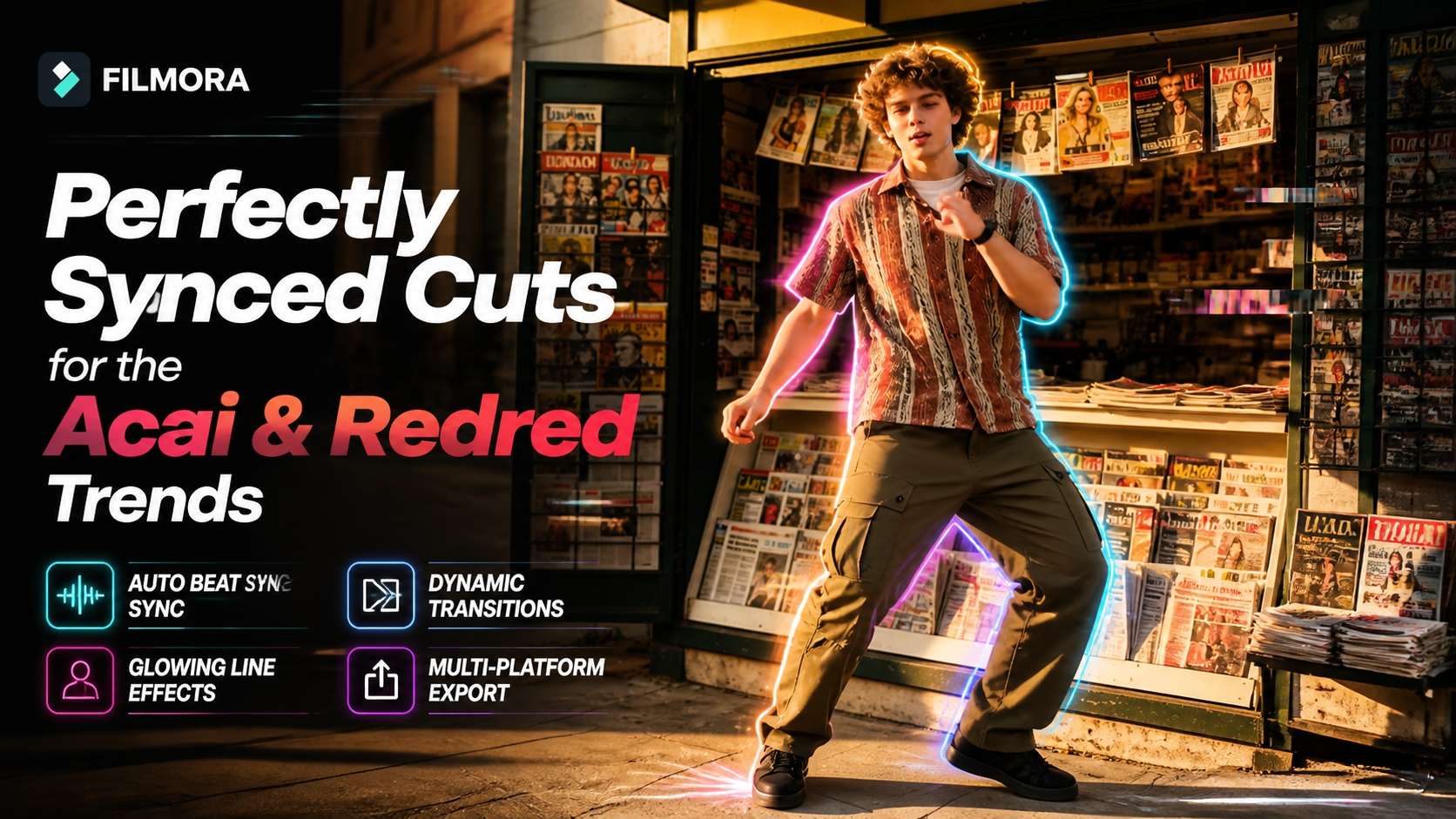
Perfectly Synced Cuts for the Acai & Redred Trends
Perfectly Synced Cuts for the Acai & Redred Trends
A viral dance video relies heavily on rhythm. Filmora's Auto Beat Sync automatically aligns your clips with the intense drops of the Cortis dance, saving you hours of manual timeline trimming. Emphasize every pop and lock by overlaying dazzling glitch effects or AI-generated neon lines that perfectly map to your K-pop dance routine.
- 🎵 Auto Beat Sync - Automatically matches video transitions and cuts to the rhythm of your audio track.
- ✨ Glowing Line Effects - Draw dynamic, neon paths around the dancer's silhouette for extra flair.
- 🔥 Dynamic Transitions - Move smoothly and energetically from one Cortis move to the next.
- 📤 Multi-Platform Export - Quickly adjust aspect ratios to ensure your challenge looks perfect on TikTok and Reels.
Frequently Asked Questions About the Cortis Dance Challenge
How to Edit a Viral Cortis Dance Challenge in Filmora
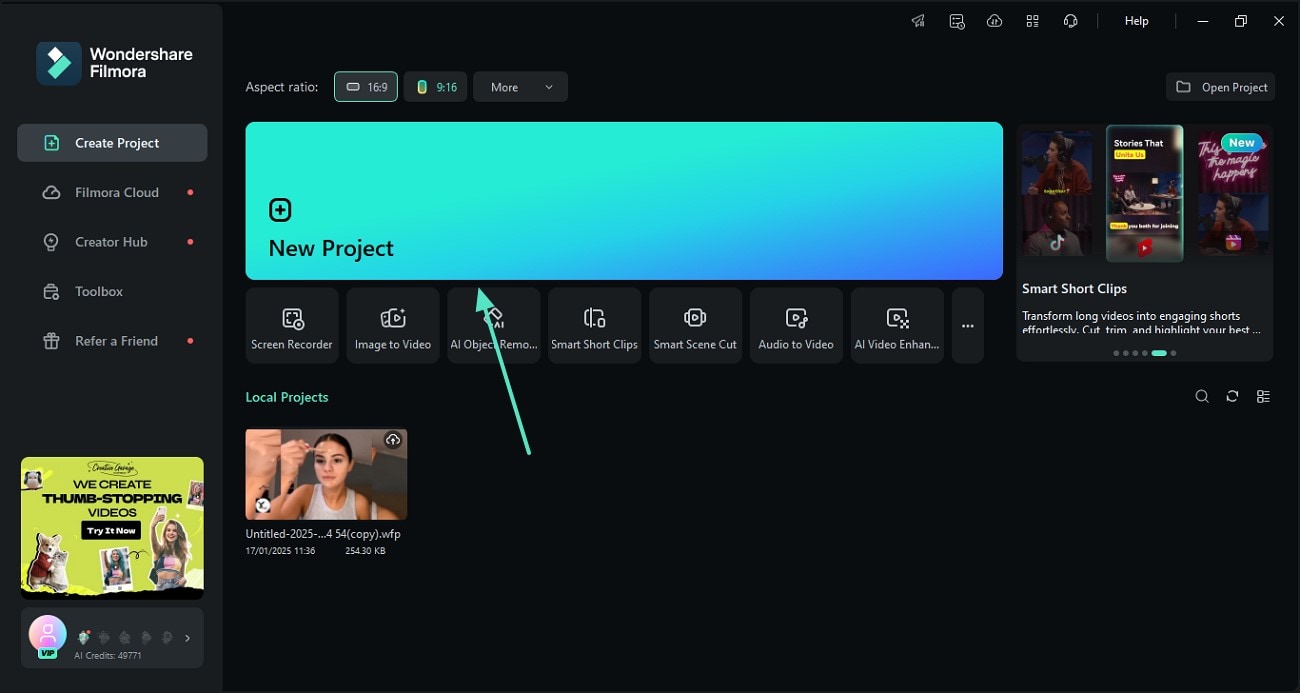
Elevate your social media presence by mastering the Cortis dance. Follow this simple guide to cut your K-pop dance footage, apply Cortis dance AI effects, and make your Redred dance or Acai routine stand out on every feed. ✨
Step 1 Import Your K-Pop Dance Footage
Step 2 Apply Cortis Dance AI Effects
Step 3 Export Your Viral Cortis Routine
-
1: Import Your K-Pop Dance Footage
Open Filmora and import the clips of your Cortis dance challenge. Drag your energetic Acai or K-pop dance routine onto the timeline and use the Auto Beat Sync tool to instantly align your video with the audio track. -
2: Apply Cortis Dance AI Effects
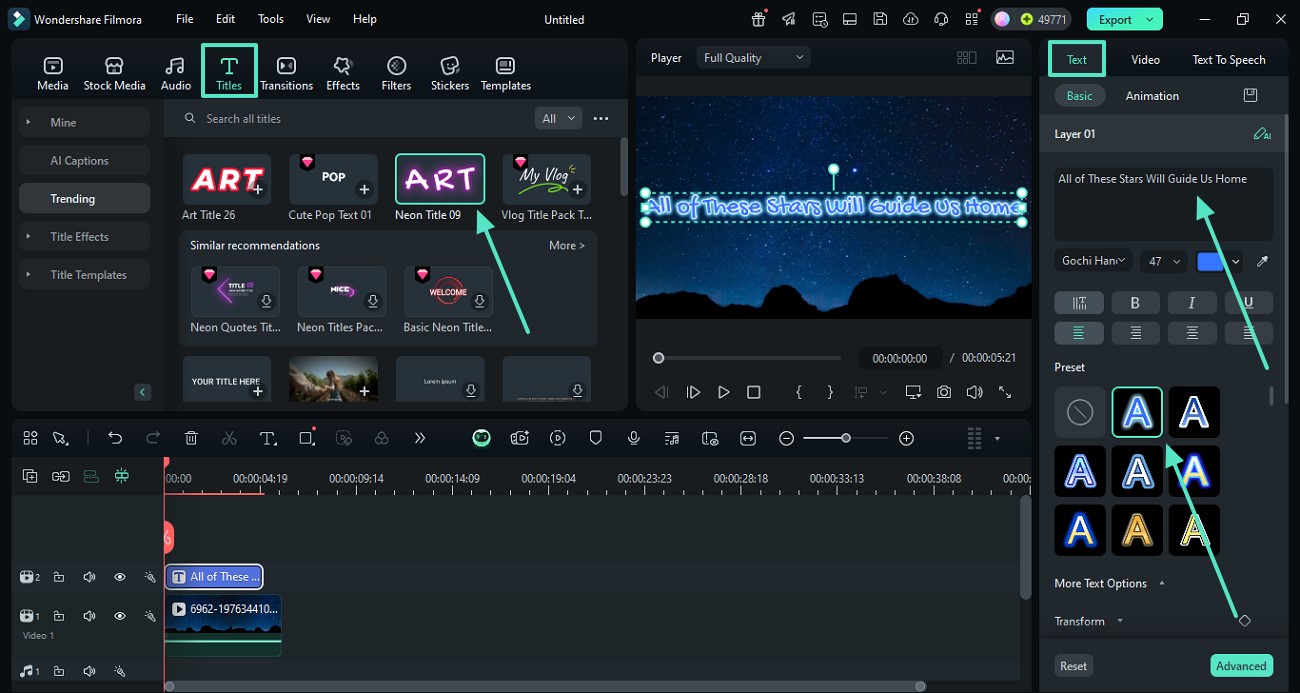
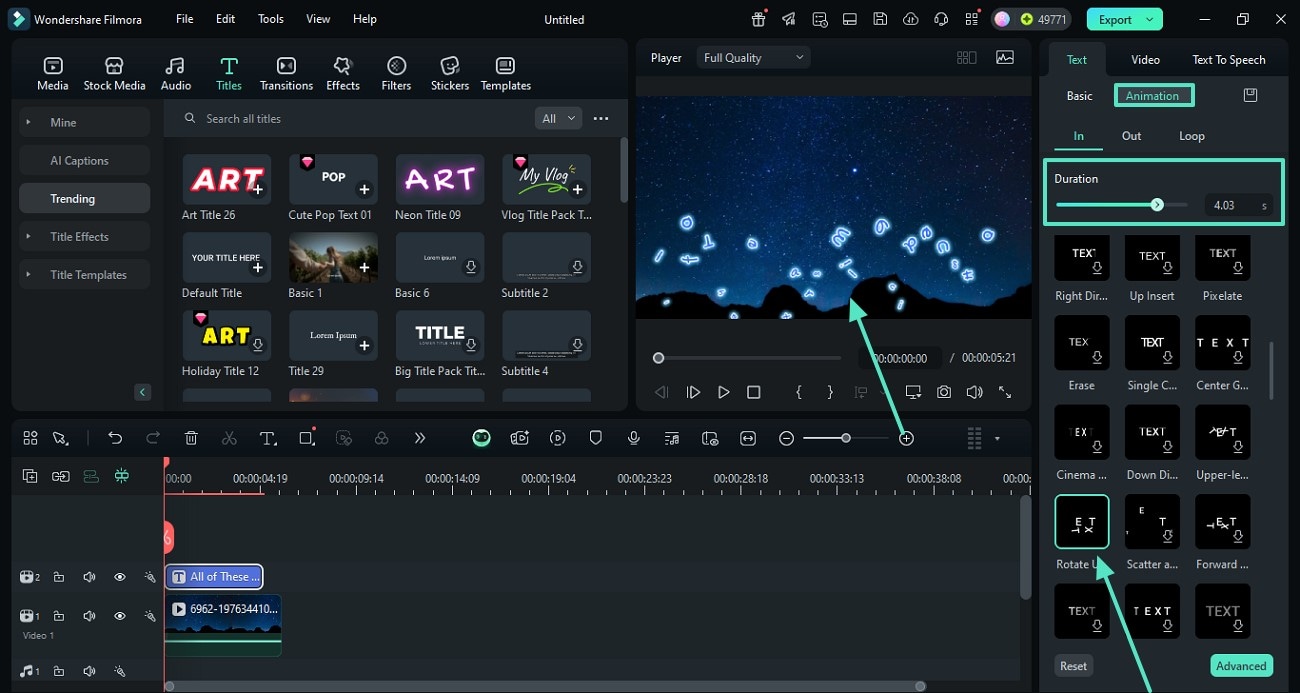
Enhance your moves by navigating to the AI Tools section. Use the AI Image Generator to create stunning backgrounds, or add dynamic neon effects that trace the intricate movements of your Redred dance in real-time. -
3: Export Your Viral Cortis Routine
Review your Cortis dance video to ensure the transitions and AI enhancements are perfectly synced. Click "Export", choose a 9:16 aspect ratio, and share your masterpiece directly to TikTok or Instagram Reels! 🚀
More Than Just Dance Editing
Filmora goes far beyond simple trims and cuts for your Cortis dance challenge. You can layer intricate visual effects to amplify the energy of your K-pop dance, utilize cutting-edge Cortis dance AI to transform environments, and create mesmerizing motion graphics that perfectly complement the viral Redred dance and Acai trends. Whether you are aiming for a futuristic cyber aesthetic or a vibrant pop-star stage, Filmora equips you with the complete toolkit to craft a show-stopping visual experience.








